White BG remover: Remove white backgrounds instantly
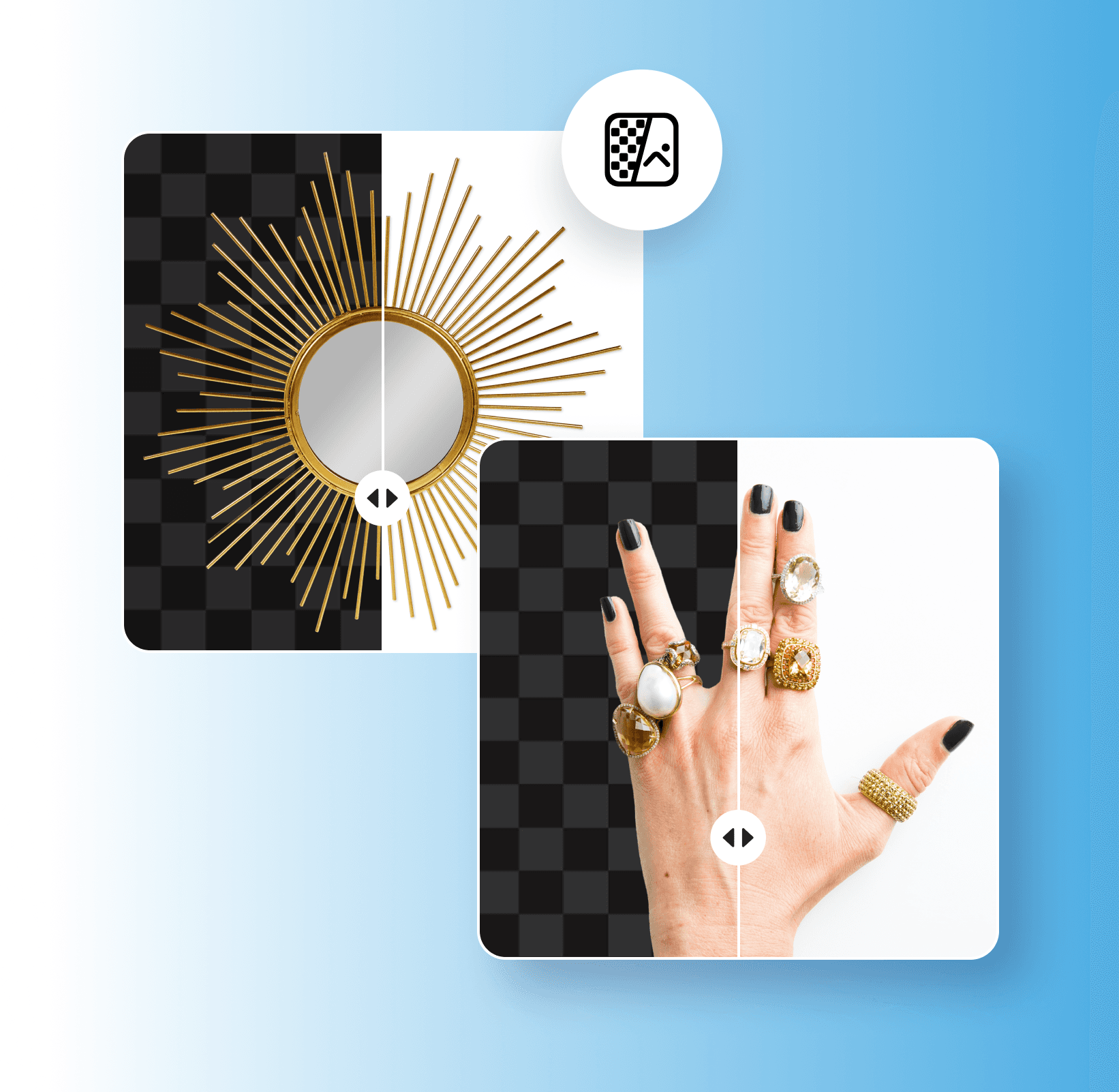
Remove white backgrounds in seconds to give your images a fresh new look. Use Picsart’s white BG remover to automatically remove white backgrounds from images.
Why use white background removal?
How to remove a white background
Automatically remove white backgrounds
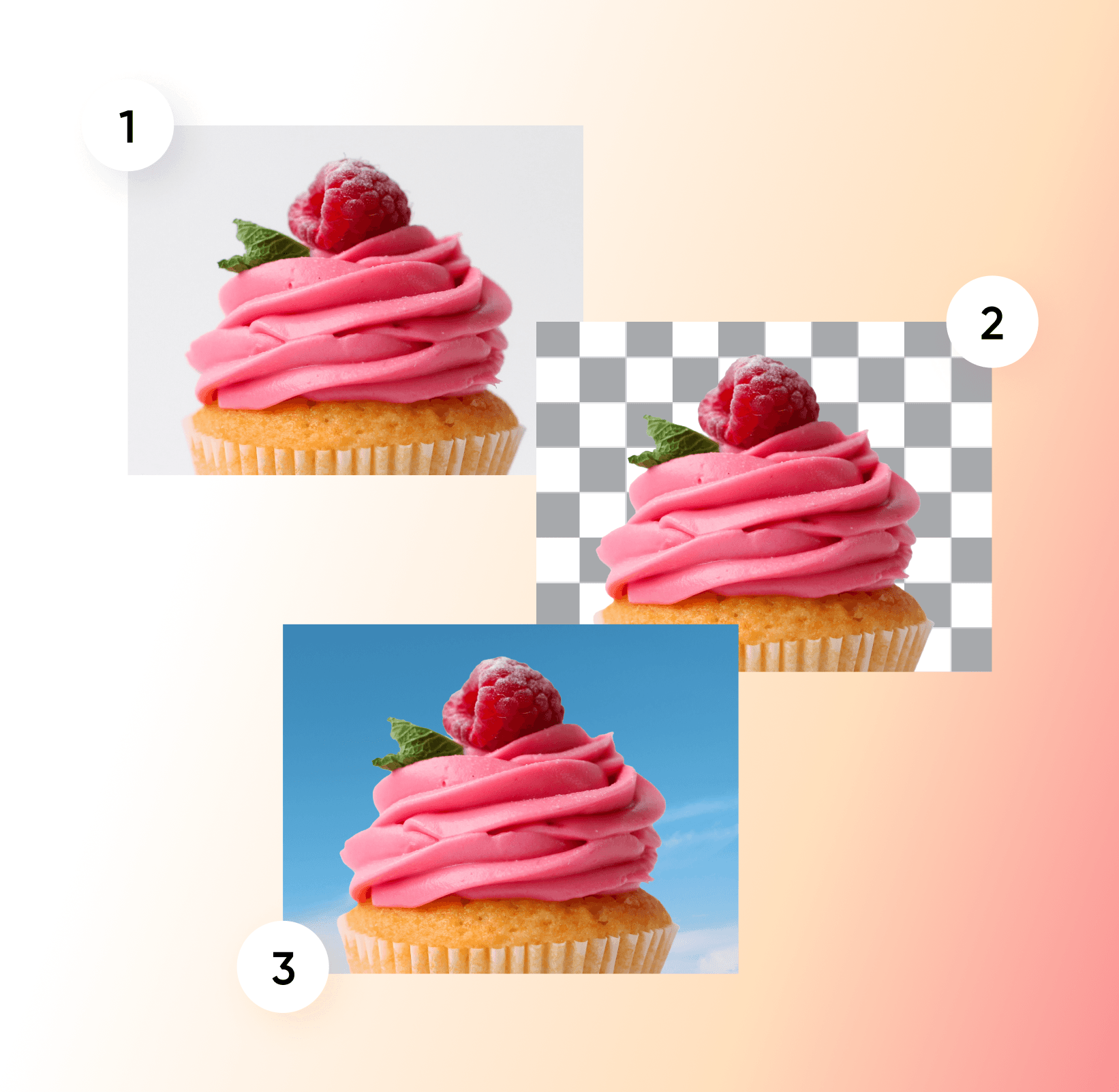
Removing white backgrounds from images can be time-consuming, especially if you don’t have the right editing skills. With Picsart’s Background Remover, it’s easier than ever to remove plain white backgrounds to give your pictures a brand-new look. All you have to do is upload your image, and AI will automatically remove your white background in just a few seconds. From there, you can add a clean transparent background or choose a custom background for your image.
- Reuse the subject without a white box
Transform your designs with a white background remover
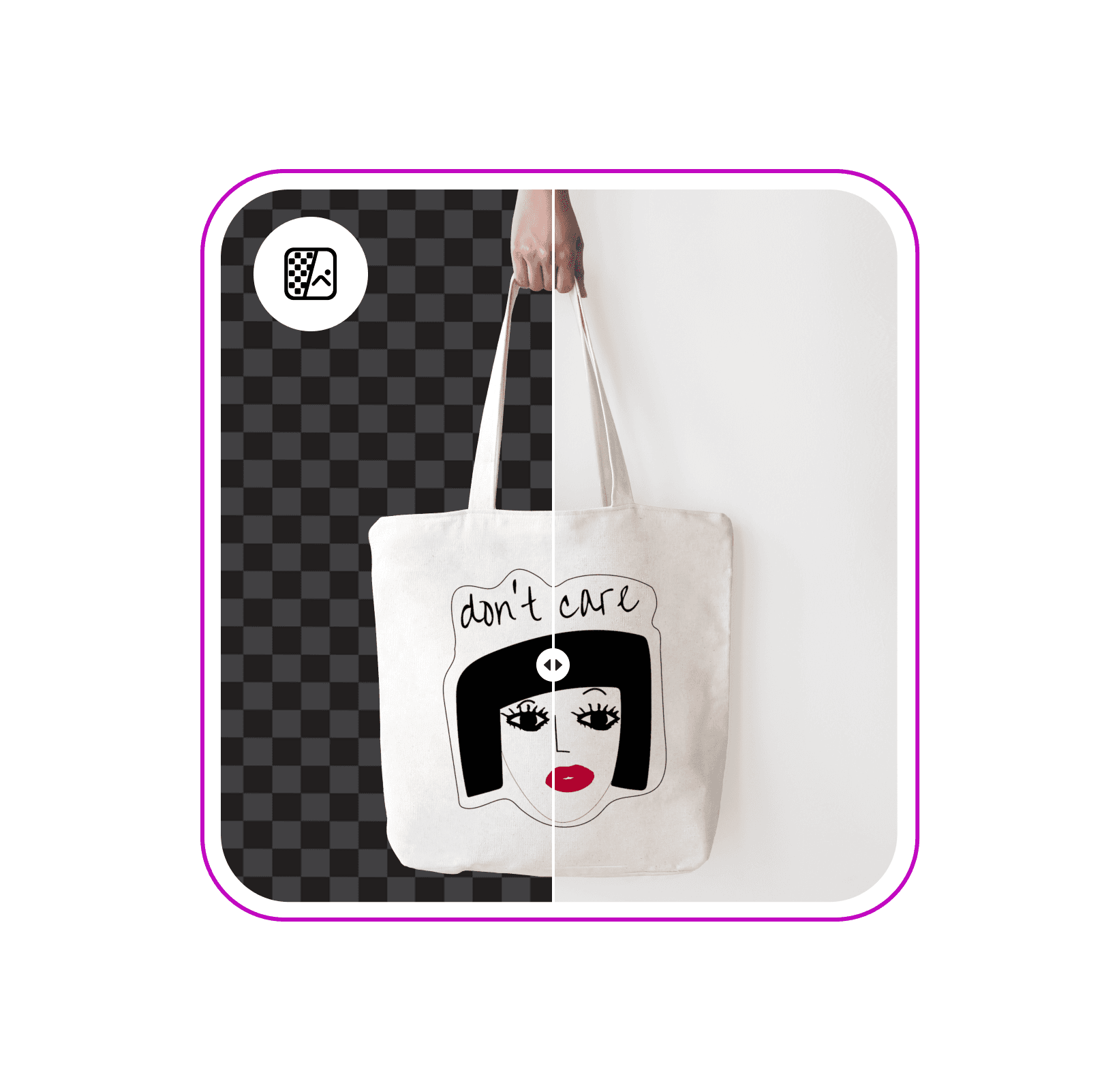
Reuse illustrations without a white box
Remove the white canvas around an illustration so you can place the graphic on a new design. Start with the original artwork shown here, then save the cutout as a transparent PNG or choose another background.

Create transparent backgrounds for any platform
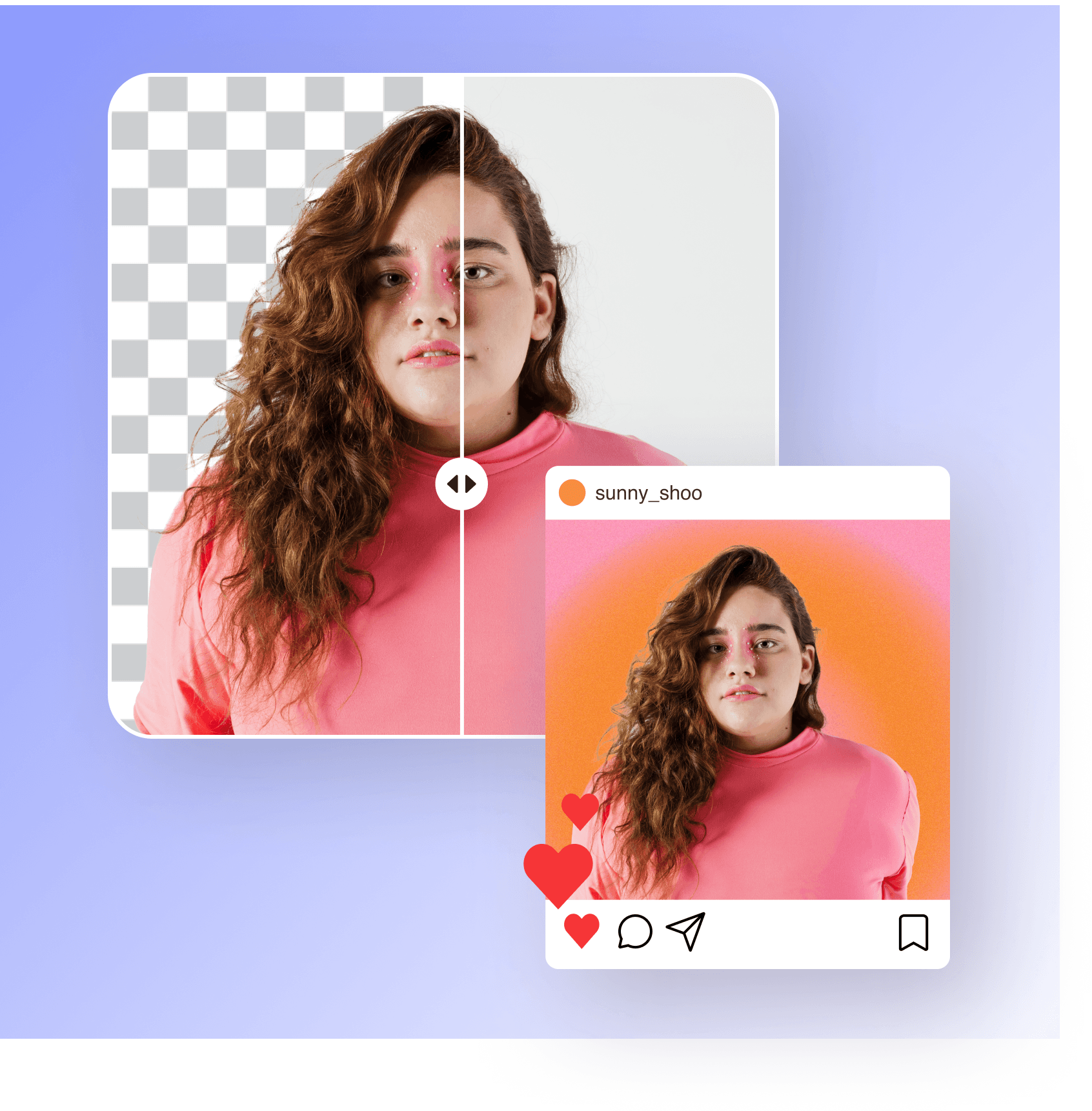
Tired of boring white backgrounds? Picsart’s white background remover uses advanced AI to automatically separate the subjects from your background with high precision. Once you’ve removed the background from your portrait, product picture, or brand logo, you can create a transparent background for versatile sharing across any platform. Plus, you won’t have to worry about losing any image quality when removing the background from your image.
Easily change white backgrounds to anything
With Picsart’s AI-powered white background remover, you can easily change the background to refresh your images with a new look. From Picsart’s vast library of patterns, illustrated and static background colors to pictures from your own library, you can add any background to your edit. In just a few seconds, you can effortlessly swap out boring plain white backgrounds with high-quality, attention-grabbing backgrounds.
- Choose a new setting for your cutout

Enhance photos with AI-generated backgrounds
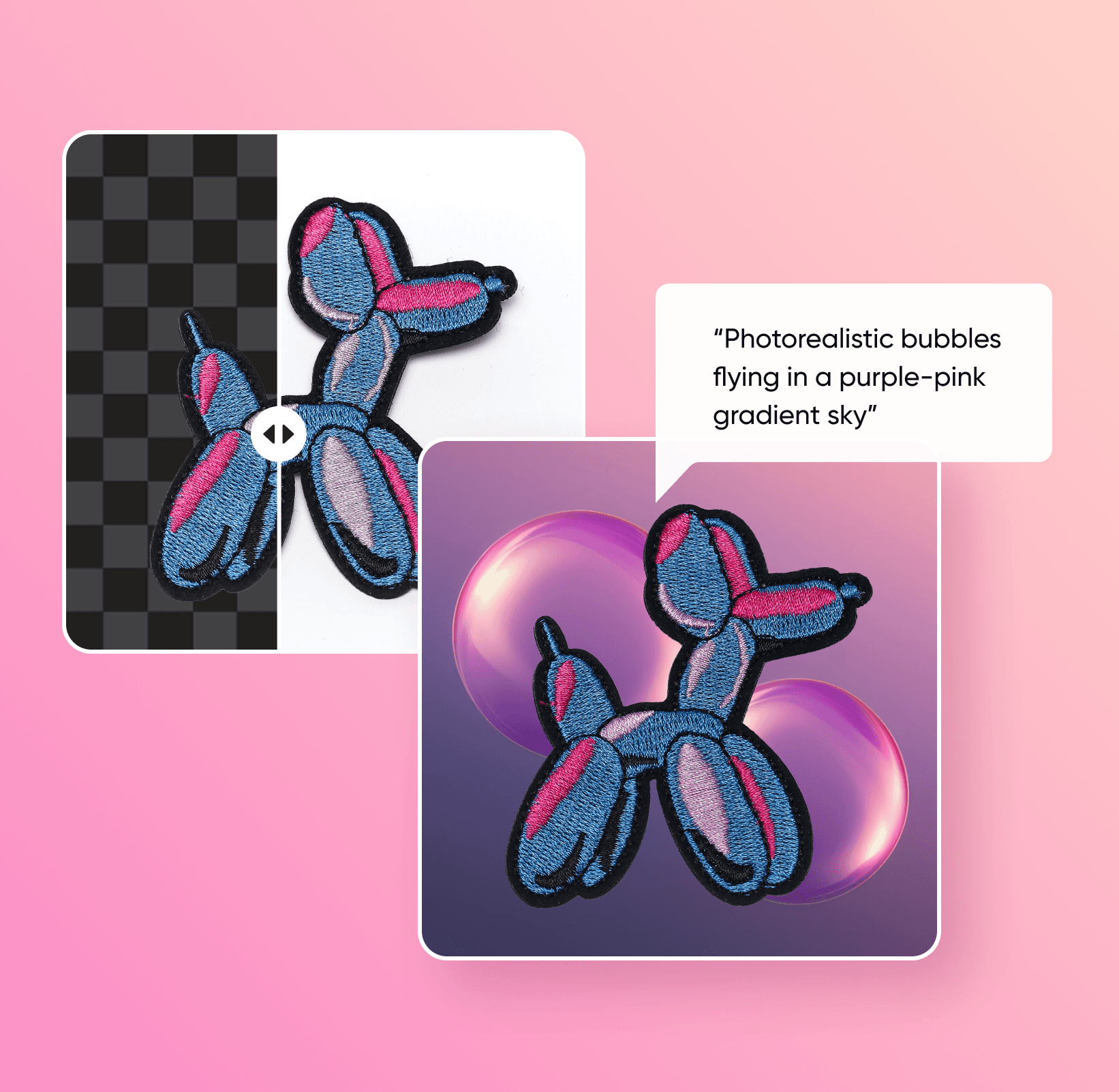
Want to transform your images with extraordinary new backgrounds? Whether you’re editing product shots or brand logos, take a different approach to design with Picsart’s AI background generator. Simply enter a text prompt describing your desired background, choose the right style, and let AI build a backdrop that matches your creative vision. After you remove white backgrounds from images, you can easily add an AI-generated background for a fresh look.
Customize backgrounds in seconds
When you’re finished swapping out your image’s background with the white background remover, it’s time to add the finishing touches to your design. Take advantage of Picsart’s AI photo editing tools to enhance your pictures with sharper finishes, trendy filters, AI-generated art, and more. Even if you’re new to editing, Picsart has everything you need to turn your artistic vision into a reality without spending hours on editing.

Understand background edits
Learn how to remove, replace, and clean up backgrounds.





Create white-background product shots with AI image models
Use image models to clean up cutouts, product photos, and marketplace-ready visuals.
White background remover FAQ
Picsart’s white BG remover tool instantly removes white backgrounds from photos using AI.
Clean up visuals for polished creator content
Pro
Most popularAI tools for everyday creative work.
Ultra
Most powerfulHeavy AI usage for creators & teams.
Enterprise
Custom AI solutions for large organizations.
- Volume discounts on credit rate
- On-demand top-ups
Explore related editing tools
Try out other Background Remover tools and use cases. Elevate your photos with more AI editing tools


