How to generate custom backgrounds from text descriptions

What you'll learn
What is AI background generation?
Common use cases
Generate your background step by step
STEP 1: Open the AI background generator
- On web: Go to picsart.com/ai-background → Start with or without uploading an image
- On mobile: Open Picsart → AI Tools → AI Background
STEP 2: Describe your background
Write a text prompt describing what you want to create:
- Studio settings: Marble surface with soft diffused lighting, botanical props
- Nature scenes: Golden hour beach, misty forest, desert sunset with warm tones
- Urban environments: City rooftop at dusk, brick wall with street lights, modern cafe interior
- Abstract backgrounds: Gradient bokeh, geometric patterns, colorful paint swirls
- Seasonal themes: Autumn leaves, winter snow, spring flowers, summer bright colors
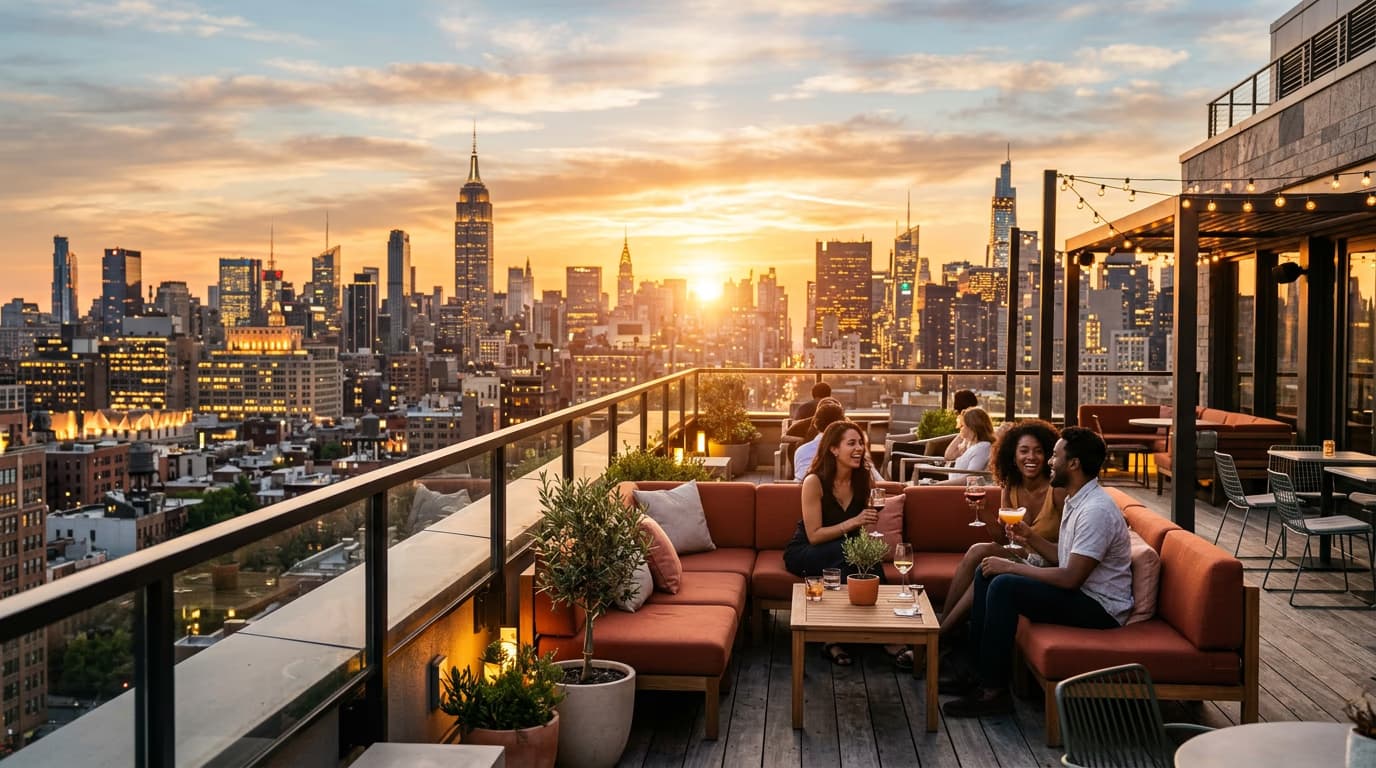
STEP 3: Generate your background
Click Generate and wait a few seconds. The AI creates a unique background matching your description with proper lighting, colors, and atmosphere.
STEP 4: Refine and save
Check that the generated background matches your vision: Not quite right? Edit your prompt with more specific details about lighting, colors, or composition, then generate again. Each generation creates a unique result.
- Verify the lighting direction and intensity match your needs
- Check that colors align with your brand or creative direction
- Confirm the atmosphere and mood feel right for your project
Tips for best results
💡 Include lighting in your prompt
Specify time of day and light quality. "Soft morning light from window" or "dramatic sunset backlight" gives the AI clear direction for creating proper shadows and highlights.
💡 Name specific colors
Instead of "colorful," use "warm terracotta and sage green" or "cool blues and grays." Specific color names help the AI match your brand palette or creative vision.
💡 Add atmosphere descriptors
Words like "moody," "bright," "minimalist," or "luxurious" guide the overall feel. These help the AI understand whether you want clean and simple or rich and detailed.
💡 Generate multiple variations
The same prompt creates different results each time. Generate 3-5 backgrounds and pick your favorite rather than trying to write the perfect prompt on the first try.
Frequently asked questions

Ready to create backgrounds?
Generate any scene you can imagine with AI-powered background creation.
Start generating backgrounds