AI Image
AI Video
Library
Solutions
Community
MCP & CLI
Pricing
  1. Home
  2. Crop Image

Free image cropper: Easily crop images online

Cropping images can take time and effort, but it doesn’t have to. Effortlessly crop images online with Picart’s free image cropper for stunning, quality visuals.
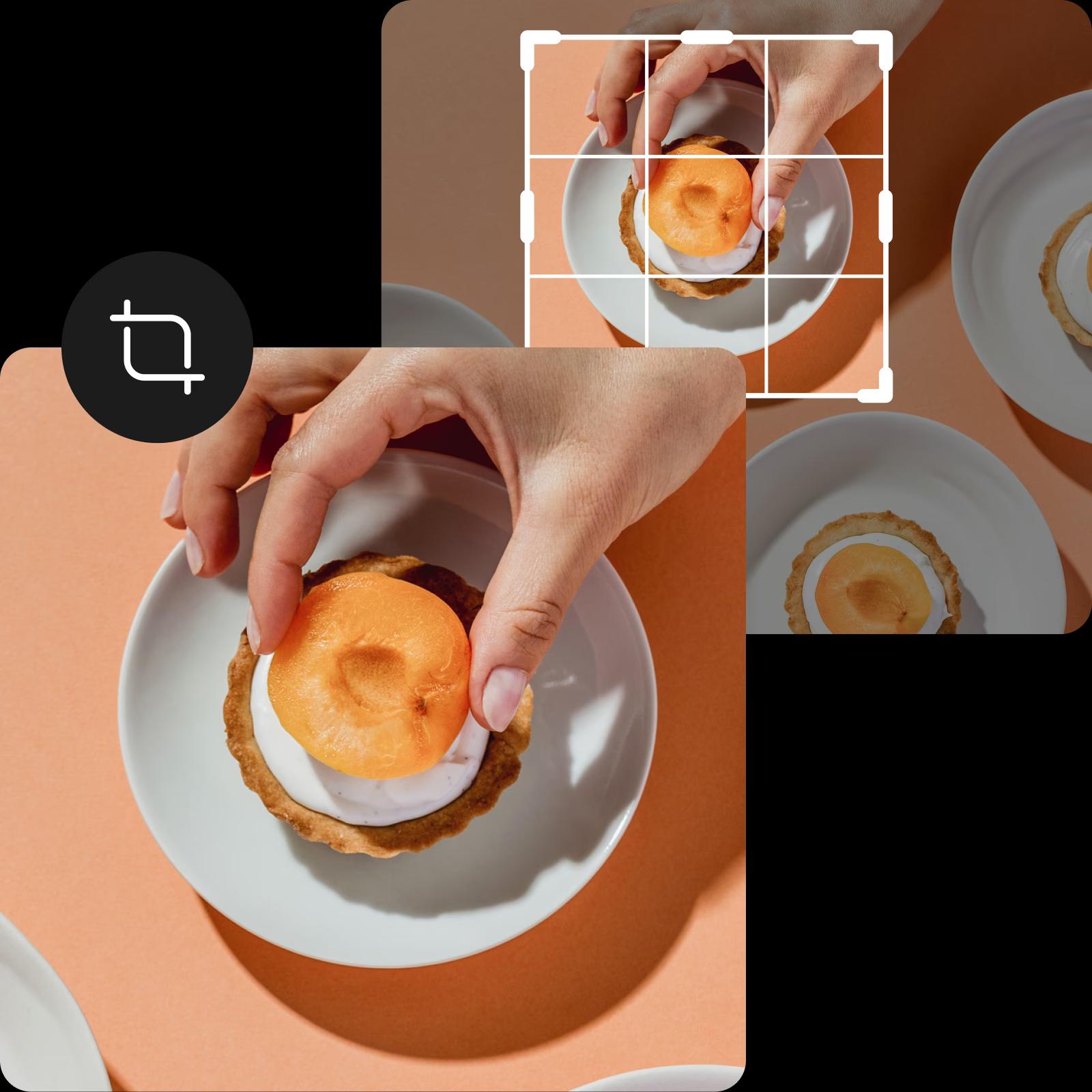
Picsart image cropper
free icon

Free photo cropping

Save time, money, and peace of mind with Picsart’s free image cropper.

high quality icon

Zero quality loss

Instantly crop images without sacrificing your photo quality.

easy cropping icon

Beginner-friendly cropping

Easily crop photos online with an easy-to-use cropping tool.

How to crop images online

1

Upload photo

Upload your photo to start cropping.

2

Adjust crop

3

Apply changes

4

Download image

Upload, crop, and download images in an instant

Searching for an efficient way to edit your photos? Look no further than Picsart’s online photo cropper. From Facebook covers and Pinterest posts to YouTube banners, it’s easier than ever to crop images online, even if you’re not an editing pro. Just choose from our extensive templates or adjust the box to meet your creative needs. It’s that simple!
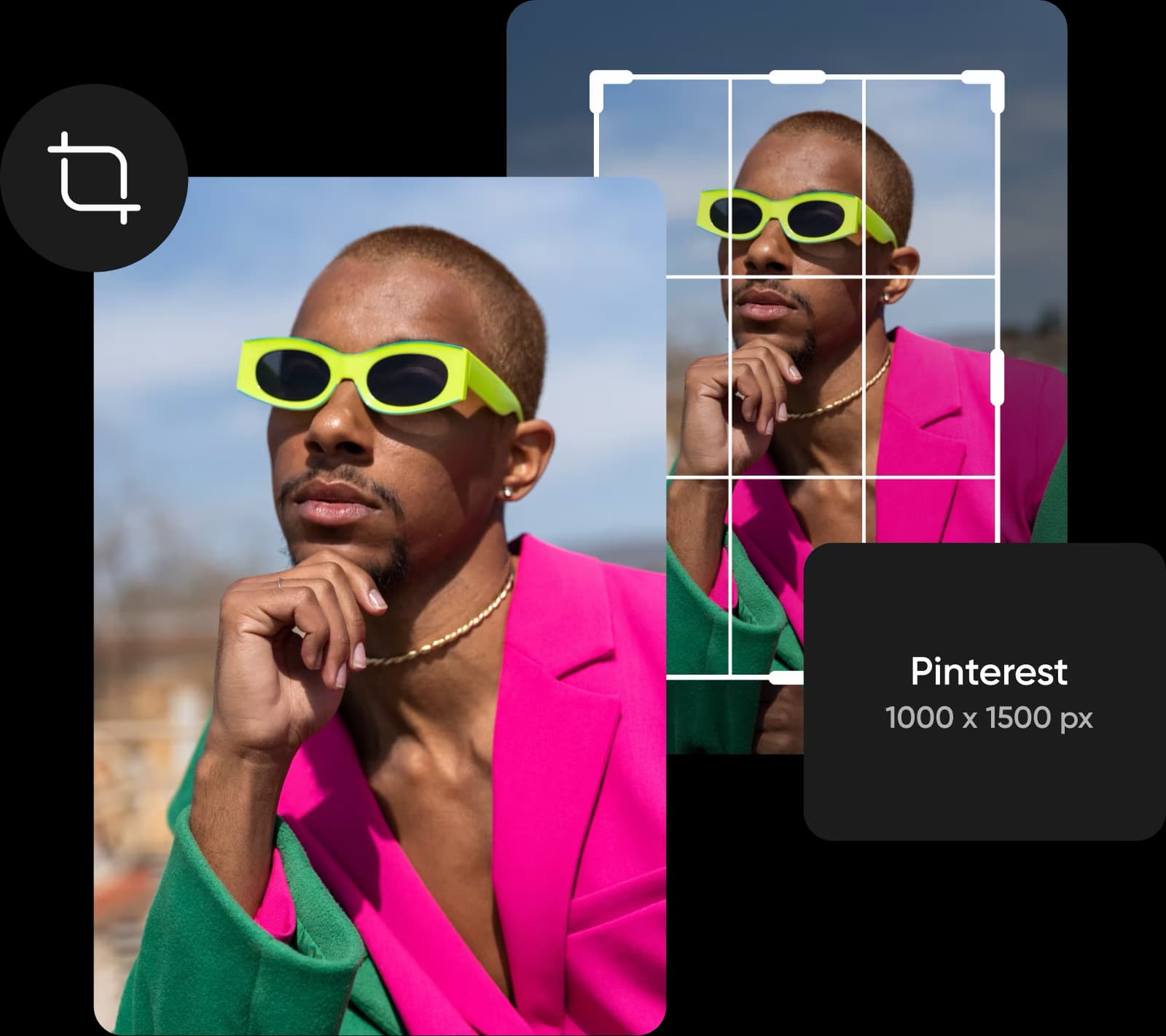
The easiest way to crop images online

Easily crop the unwanted parts of your image

We’ve all been there before: You snapped a nearly perfect shot, but you need to remove some parts from your image before you share it with the world. Picsart’s free image cropper offers an effortless solution to remove unwanted portions from your image, so you can master the art of composition and refresh your photos with a new perspective. Simply drag the corners of the crop box to create a brand-new composition for your photo in seconds.
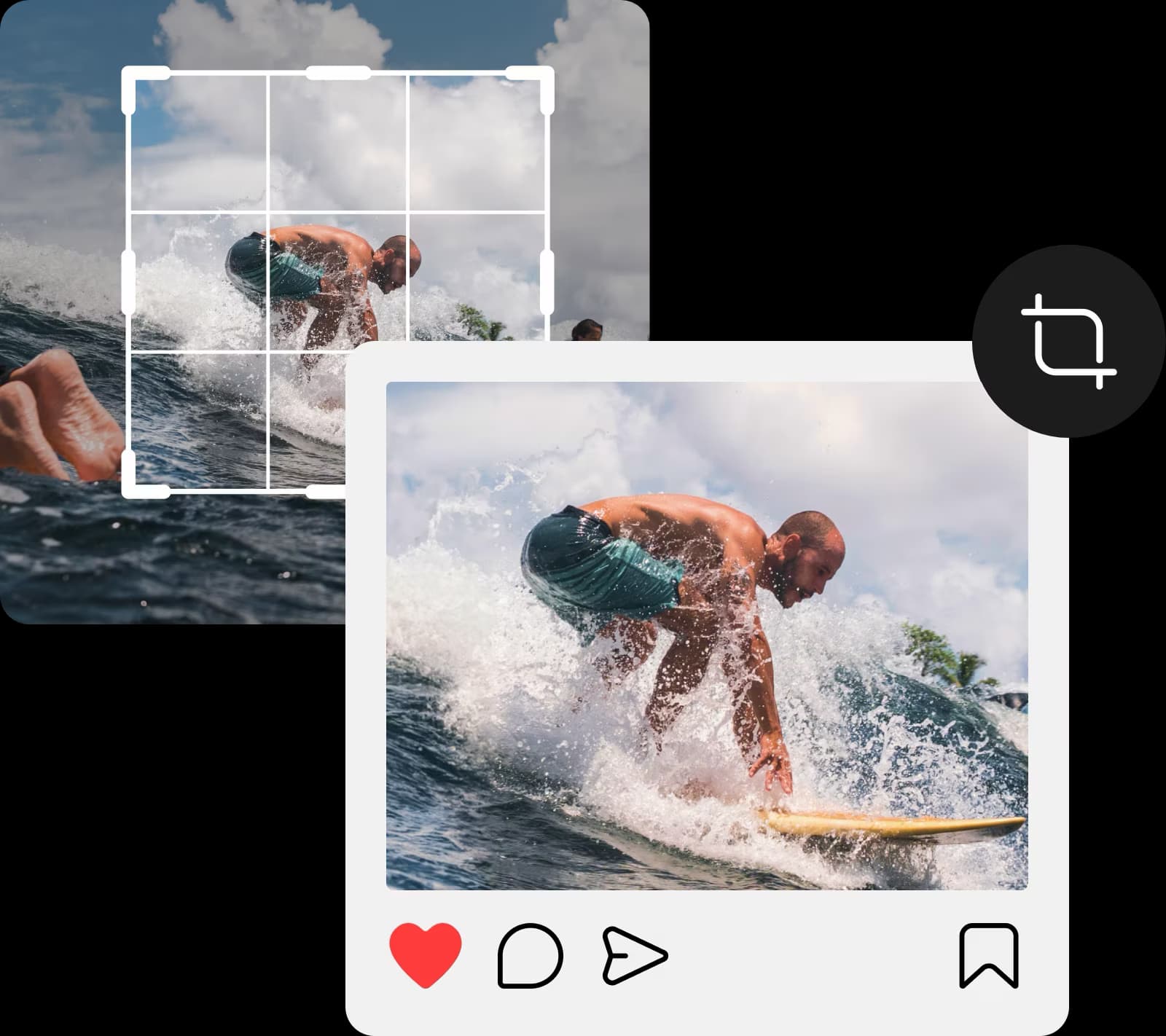
Easily remove the unwanted parts of your image

Your go-to image cropper for social media

Most of us don’t have the time to waste on complex editing tools. That’s why Picsart’s easy-to-use photo cropper is the perfect option for all of your cropping needs. With convenient pre-made templates for Instagram, Facebook, and other popular social platforms, it’s the easiest way to use one image for all your social channels without worrying about platform-specific dimensions. And when you’re done, why not add a sticker or two for some extra flair?

Your go-to image cropper for social media

Place your perfectly cropped images in templates

Tap into Picsart’s vast collection of predesigned templates to create captivating content with your cropped images. Looking to create an Instagram post to promote the new menu of your restaurant? There’s a template for that. What about an infographic for your online course? There’s a template for that and many others too! The best thing is that it’s all built into the same interface, so you don’t need to switch between tools.
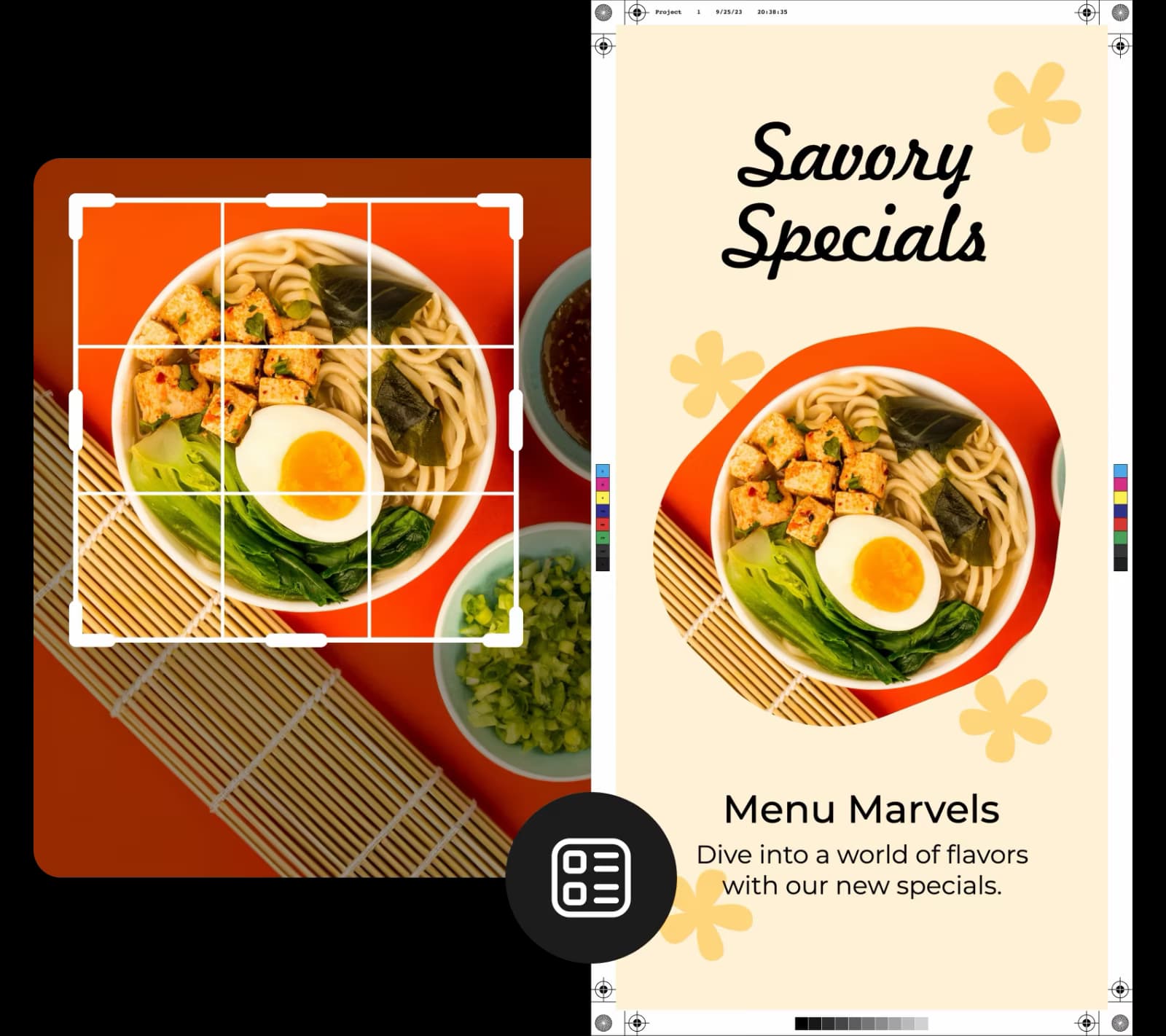
Effortlessly crop images for the perfect composition

From close-up product shots to fun selfies, you’ll probably have to crop your image at some point during the editing process. The good news? With Picsart’s image cropper, all you have to do is upload your photo, choose a pre-made template, or go freeform. Then, play with the placement until you’re happy with the result. Want to give your picture a fresh new look? Use the background changer or background remover for a stunning finish.
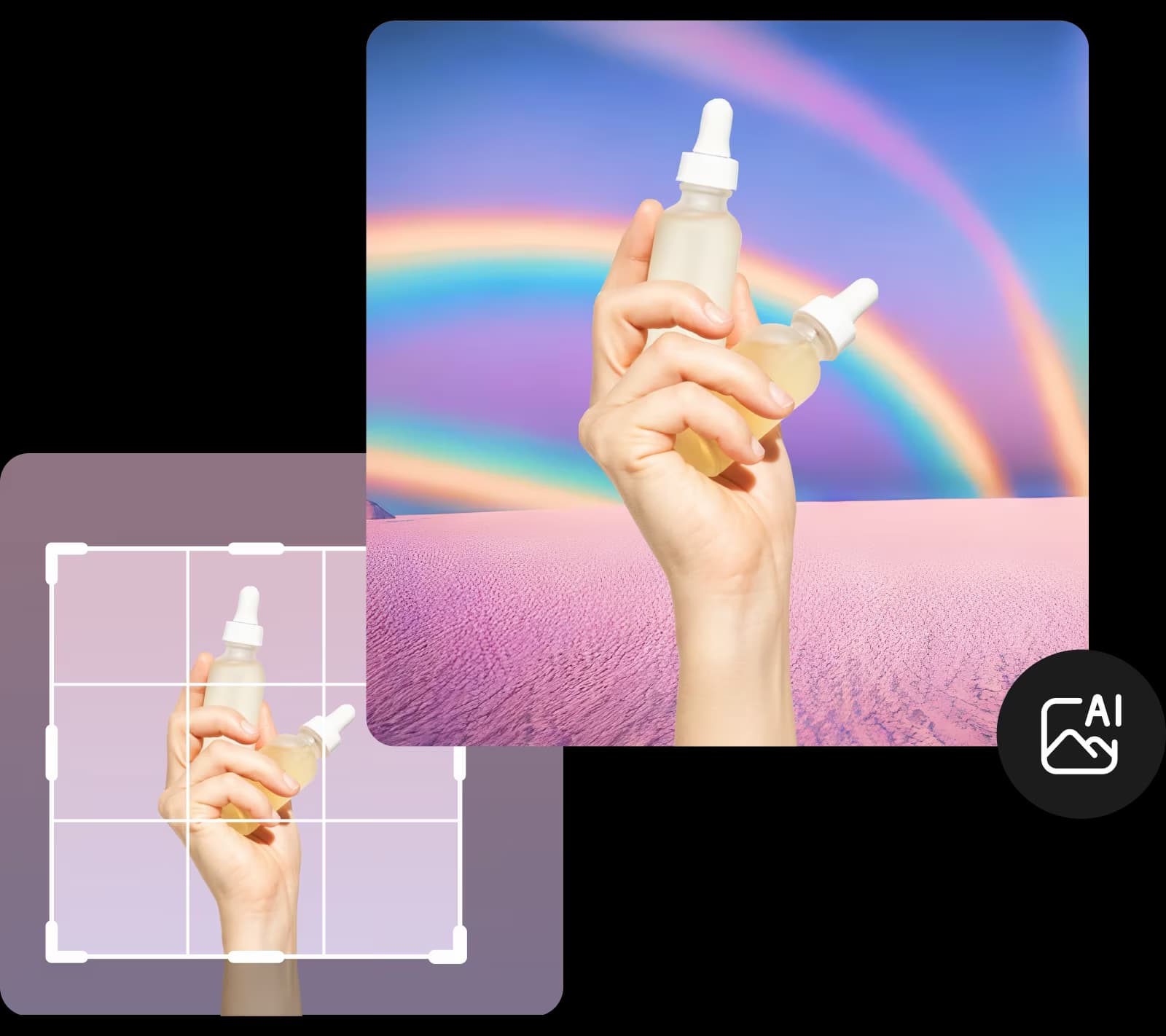
Effortlessly crop images for the perfect composition

Crop images online without sacrificing quality

From social media posts to beautiful landscape photos, image quality matters. Fortunately, when you crop images with Picsart, you won’t have to worry about losing any image quality. This way, you can crop with confidence, cutting images down to whatever size you need without affecting the shot’s original quality. And if you need to enhance image quality, tap into the image upscale tool for a quick fix.
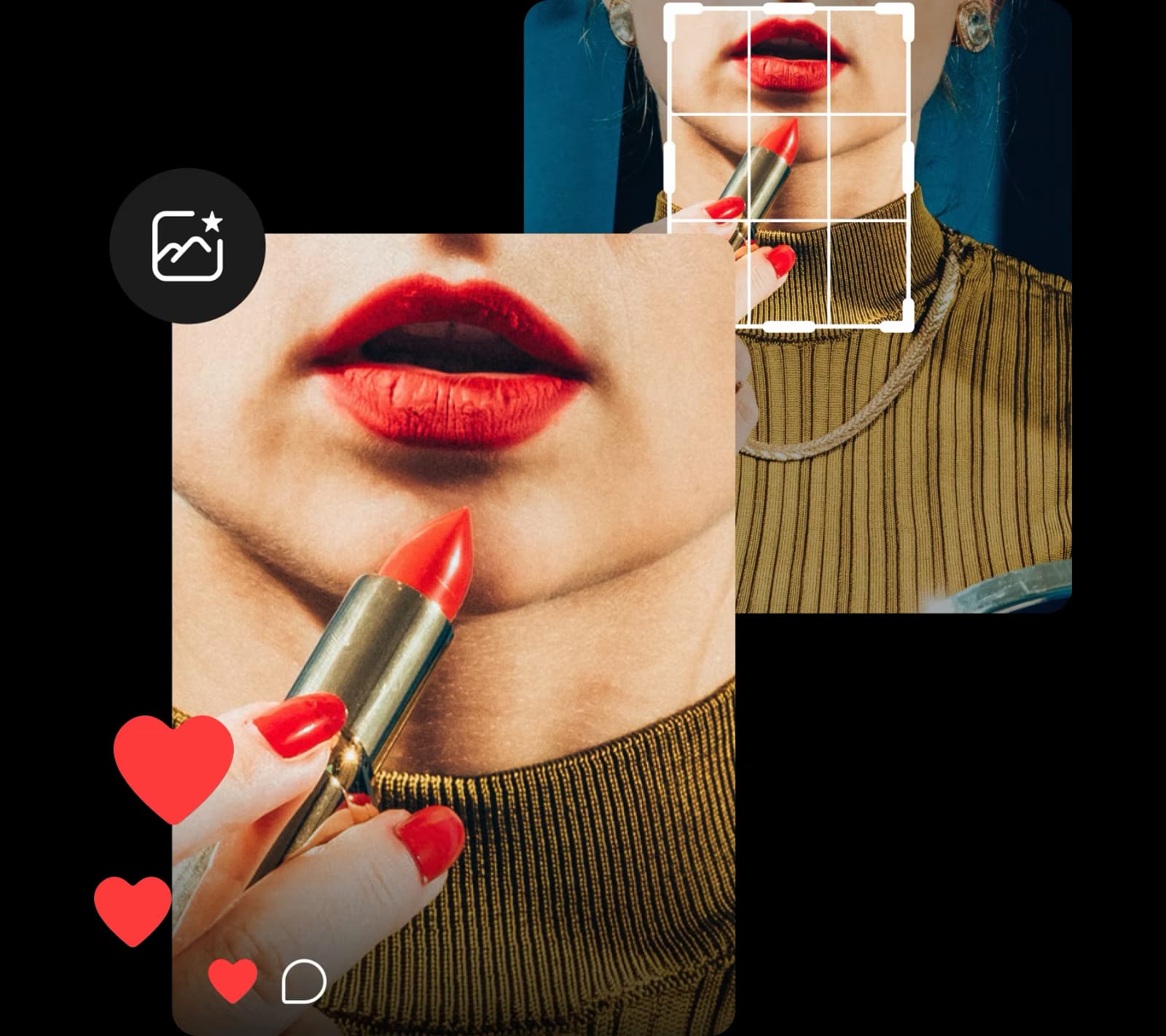
Crop images online without sacrificing quality

Fastest and easiest collection of basic editing tools

After you crop photos to your preferred sizes, it’s time to add the finishing touches. Easily rotate photos for head-turning social media posts, or resize photos online to meet all of your creative needs. From there, tap into Picsart’s easy-to-use photo editor to enhance your images with dynamic filters, trendy stickers, and more — no editing skills needed.
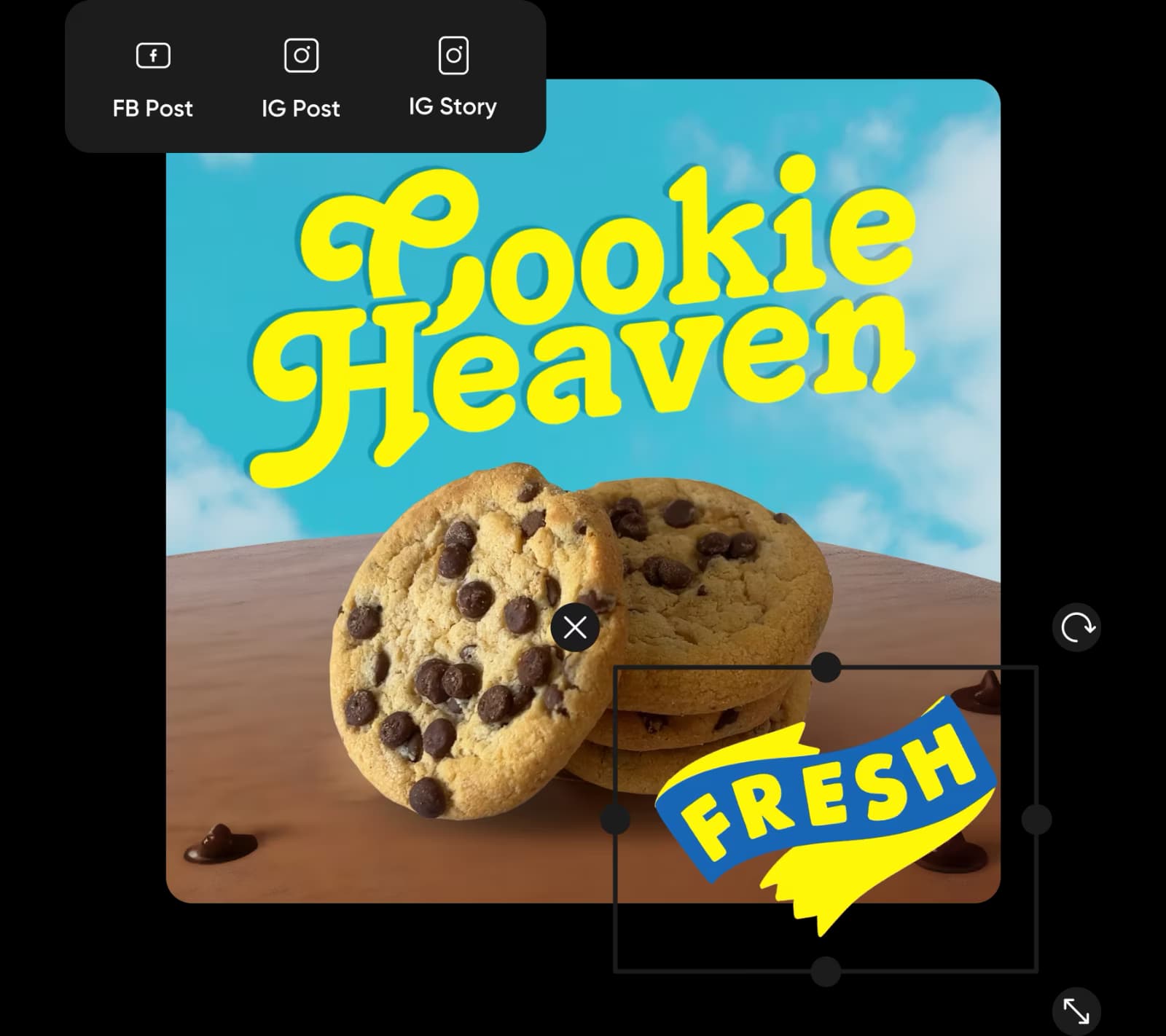
Fastest and easiest collection of basic editing tools

The easiest way to crop images online

Effortlessly crop images online for free and without having to sign up. Enjoy unlimited crops, an easy-to-use interface that lives inside a browser tab, and a suite of built-in photo editing tools. 

Crop Image FAQ

Yes, it is! The Picsart Image Cropper is completely free. You can upload one of your photos, crop it, and save it in just a few seconds.

 Picsart’s image cropper supports JPG, PNG, and JPEG formats. 

When you crop photos using the free Picsart Crop Tool, there’s no quality degradation in your final design.

Of course! Using the Picsart suite of design tools to add and customize new elements to your photo design is so much fun.


Elevate your photos with next-level editing tools

ai image enhancer

AI enhance

Automatically increase your photo’s resolution for high-quality images.

all in one photo editor

Photo editor

Upgrade your pictures with trendy filters, stickers, and more.

remove object

Remove object from photo

Reclaim control of your pictures with the power of AI.

Photo effects

Supercharge your creativity with eye-catching effects.

ai photo editor

AI photo editor

Enhance your visuals with AI-powered editing tools.

clean up pictures

Cleanup pictures

Effortlessly remove unwanted people, text, objects, and more.

As Seen in

  • boredpanda
  • COSMOPOLITAN
  • UPROXX
  • yahoo! news

Explore these relevant image editing tools

Resize your imagesBatch crop multiple photosRemove image backgroundsEdit photos onlineEnhance photo qualityCrop for InstagramCreate photo collagesTry the image stretcherCrop video contentBatch edit photosTry quick image toolsFlip or rotate images

Get the free app

Download on the App StoreGET IT ON Google PlayGet it from Microsoft
Pinterest
AICPA SOC

Explore

  • AI Image Generator
  • AI Video Generator
  • AI Playground
  • AI Image Models
  • AI Video Models
  • AI Photo Editor
  • Templates
  • Design Tools

Solutions

  • For Enterprise
  • For Developers
  • For Google Drive
  • For specific Industries
  • Quicktools
  • AI Avatar
  • Pricing

Company

  • Support
  • Careers
  • About us
  • Earn with Picsart
  • Blog
  • Press Center
Terms of UsePrivacy PolicyDo Not SellInternet-Based AdvertisingCommunity GuidelinesDMCASecurity PolicyAccessibility
© 2026 PicsArt, Inc.

Create crop image with AI image models

Use image models to transform crop image into polished visuals, design ideas, and ready-to-edit assets.

GPT Image 2New
Next-gen GPT image model with arbitrary output dimensions and multi-image input.Reference inputImage generationSee model
Nano Banana 2New
Fast 4K generation with accurate text and search-grounded accuracy.4KFast generationImage generationSee model
Nano Banana ProNew
Top-tier 4K images with precise multilingual text rendering.4KPro qualityImage generationSee model
Flux 2 FlexNew
Adaptable generation across varied visual styles at 2K.Image generationSee model
Seedream 5.0 Lite
Speedy 3K output with negative prompt and dual-image input support.Reference inputFast generationImage generationSee model
Kling 3.0 Image
Cinematic visuals with up to 4K resolution and 10 reference images.Reference input4KCinematicSee model
Kling O1 Image
O1-architecture image generation with multi-reference support.Reference inputCinematicImage generationSee model
Kling V2 New Image
Latest V2 image generation with optional restyle via image reference.Reference inputCinematicImage generationSee model
Hunyuan V3
Infographic-friendly generation with readable text and cfg control.Image generationSee model
Luma UNI-1
Luma UNI-1 — agentic image generation and editing with up to 9 reference images.Reference inputCinematicImage generationSee model
Luma UNI-1 Max
Luma UNI-1 Max — higher-quality UNI-1 variant with the same multi-reference editing controls.Reference inputCinematicImage generationSee model
Seedream 4.5
Detailed 4K renders with clean in-image text and dual-image input.Reference input4KImage generationSee model
GPT Image 2New
Next-gen GPT image model with arbitrary output dimensions and multi-image input.Reference inputImage generationSee model
Nano Banana 2New
Fast 4K generation with accurate text and search-grounded accuracy.4KFast generationImage generationSee model
Nano Banana ProNew
Top-tier 4K images with precise multilingual text rendering.4KPro qualityImage generationSee model
Flux 2 FlexNew
Adaptable generation across varied visual styles at 2K.Image generationSee model
Seedream 5.0 Lite
Speedy 3K output with negative prompt and dual-image input support.Reference inputFast generationImage generationSee model
Kling 3.0 Image
Cinematic visuals with up to 4K resolution and 10 reference images.Reference input4KCinematicSee model
Kling O1 Image
O1-architecture image generation with multi-reference support.Reference inputCinematicImage generationSee model
Kling V2 New Image
Latest V2 image generation with optional restyle via image reference.Reference inputCinematicImage generationSee model
Hunyuan V3
Infographic-friendly generation with readable text and cfg control.Image generationSee model
Luma UNI-1
Luma UNI-1 — agentic image generation and editing with up to 9 reference images.Reference inputCinematicImage generationSee model
Luma UNI-1 Max
Luma UNI-1 Max — higher-quality UNI-1 variant with the same multi-reference editing controls.Reference inputCinematicImage generationSee model
Seedream 4.5
Detailed 4K renders with clean in-image text and dual-image input.Reference input4KImage generationSee model
GPT Image 2New
Next-gen GPT image model with arbitrary output dimensions and multi-image input.Reference inputImage generationSee model
Nano Banana 2New
Fast 4K generation with accurate text and search-grounded accuracy.4KFast generationImage generationSee model
Nano Banana ProNew
Top-tier 4K images with precise multilingual text rendering.4KPro qualityImage generationSee model
Flux 2 FlexNew
Adaptable generation across varied visual styles at 2K.Image generationSee model
Seedream 5.0 Lite
Speedy 3K output with negative prompt and dual-image input support.Reference inputFast generationImage generationSee model
Kling 3.0 Image
Cinematic visuals with up to 4K resolution and 10 reference images.Reference input4KCinematicSee model
Kling O1 Image
O1-architecture image generation with multi-reference support.Reference inputCinematicImage generationSee model
Kling V2 New Image
Latest V2 image generation with optional restyle via image reference.Reference inputCinematicImage generationSee model
Hunyuan V3
Infographic-friendly generation with readable text and cfg control.Image generationSee model
Luma UNI-1
Luma UNI-1 — agentic image generation and editing with up to 9 reference images.Reference inputCinematicImage generationSee model
Luma UNI-1 Max
Luma UNI-1 Max — higher-quality UNI-1 variant with the same multi-reference editing controls.Reference inputCinematicImage generationSee model
Seedream 4.5
Detailed 4K renders with clean in-image text and dual-image input.Reference input4KImage generationSee model
GPT Image 2New
Next-gen GPT image model with arbitrary output dimensions and multi-image input.Reference inputImage generationSee model
Nano Banana 2New
Fast 4K generation with accurate text and search-grounded accuracy.4KFast generationImage generationSee model
Nano Banana ProNew
Top-tier 4K images with precise multilingual text rendering.4KPro qualityImage generationSee model
Flux 2 FlexNew
Adaptable generation across varied visual styles at 2K.Image generationSee model
Seedream 5.0 Lite
Speedy 3K output with negative prompt and dual-image input support.Reference inputFast generationImage generationSee model
Kling 3.0 Image
Cinematic visuals with up to 4K resolution and 10 reference images.Reference input4KCinematicSee model
Kling O1 Image
O1-architecture image generation with multi-reference support.Reference inputCinematicImage generationSee model
Kling V2 New Image
Latest V2 image generation with optional restyle via image reference.Reference inputCinematicImage generationSee model
Hunyuan V3
Infographic-friendly generation with readable text and cfg control.Image generationSee model
Luma UNI-1
Luma UNI-1 — agentic image generation and editing with up to 9 reference images.Reference inputCinematicImage generationSee model
Luma UNI-1 Max
Luma UNI-1 Max — higher-quality UNI-1 variant with the same multi-reference editing controls.Reference inputCinematicImage generationSee model
Seedream 4.5
Detailed 4K renders with clean in-image text and dual-image input.Reference input4KImage generationSee model
GPT Image 2New
Next-gen GPT image model with arbitrary output dimensions and multi-image input.Reference inputImage generationSee model
Nano Banana 2New
Fast 4K generation with accurate text and search-grounded accuracy.4KFast generationImage generationSee model
Nano Banana ProNew
Top-tier 4K images with precise multilingual text rendering.4KPro qualityImage generationSee model
Flux 2 FlexNew
Adaptable generation across varied visual styles at 2K.Image generationSee model
Seedream 5.0 Lite
Speedy 3K output with negative prompt and dual-image input support.Reference inputFast generationImage generationSee model
Kling 3.0 Image
Cinematic visuals with up to 4K resolution and 10 reference images.Reference input4KCinematicSee model
Kling O1 Image
O1-architecture image generation with multi-reference support.Reference inputCinematicImage generationSee model
Kling V2 New Image
Latest V2 image generation with optional restyle via image reference.Reference inputCinematicImage generationSee model
Hunyuan V3
Infographic-friendly generation with readable text and cfg control.Image generationSee model
Luma UNI-1
Luma UNI-1 — agentic image generation and editing with up to 9 reference images.Reference inputCinematicImage generationSee model
Luma UNI-1 Max
Luma UNI-1 Max — higher-quality UNI-1 variant with the same multi-reference editing controls.Reference inputCinematicImage generationSee model
Seedream 4.5
Detailed 4K renders with clean in-image text and dual-image input.Reference input4KImage generationSee model
GPT Image 2New
Next-gen GPT image model with arbitrary output dimensions and multi-image input.Reference inputImage generationSee model
Nano Banana 2New
Fast 4K generation with accurate text and search-grounded accuracy.4KFast generationImage generationSee model
Nano Banana ProNew
Top-tier 4K images with precise multilingual text rendering.4KPro qualityImage generationSee model
Flux 2 FlexNew
Adaptable generation across varied visual styles at 2K.Image generationSee model
Seedream 5.0 Lite
Speedy 3K output with negative prompt and dual-image input support.Reference inputFast generationImage generationSee model
Kling 3.0 Image
Cinematic visuals with up to 4K resolution and 10 reference images.Reference input4KCinematicSee model
Kling O1 Image
O1-architecture image generation with multi-reference support.Reference inputCinematicImage generationSee model
Kling V2 New Image
Latest V2 image generation with optional restyle via image reference.Reference inputCinematicImage generationSee model
Hunyuan V3
Infographic-friendly generation with readable text and cfg control.Image generationSee model
Luma UNI-1
Luma UNI-1 — agentic image generation and editing with up to 9 reference images.Reference inputCinematicImage generationSee model
Luma UNI-1 Max
Luma UNI-1 Max — higher-quality UNI-1 variant with the same multi-reference editing controls.Reference inputCinematicImage generationSee model
Seedream 4.5
Detailed 4K renders with clean in-image text and dual-image input.Reference input4KImage generationSee model