Rotate images online
Fix a sideways picture or give a photo a different angle. Upload your image to the editor, rotate the selected photo, and check the framing before you save it.

Get the photo orientation right
How to rotate an image
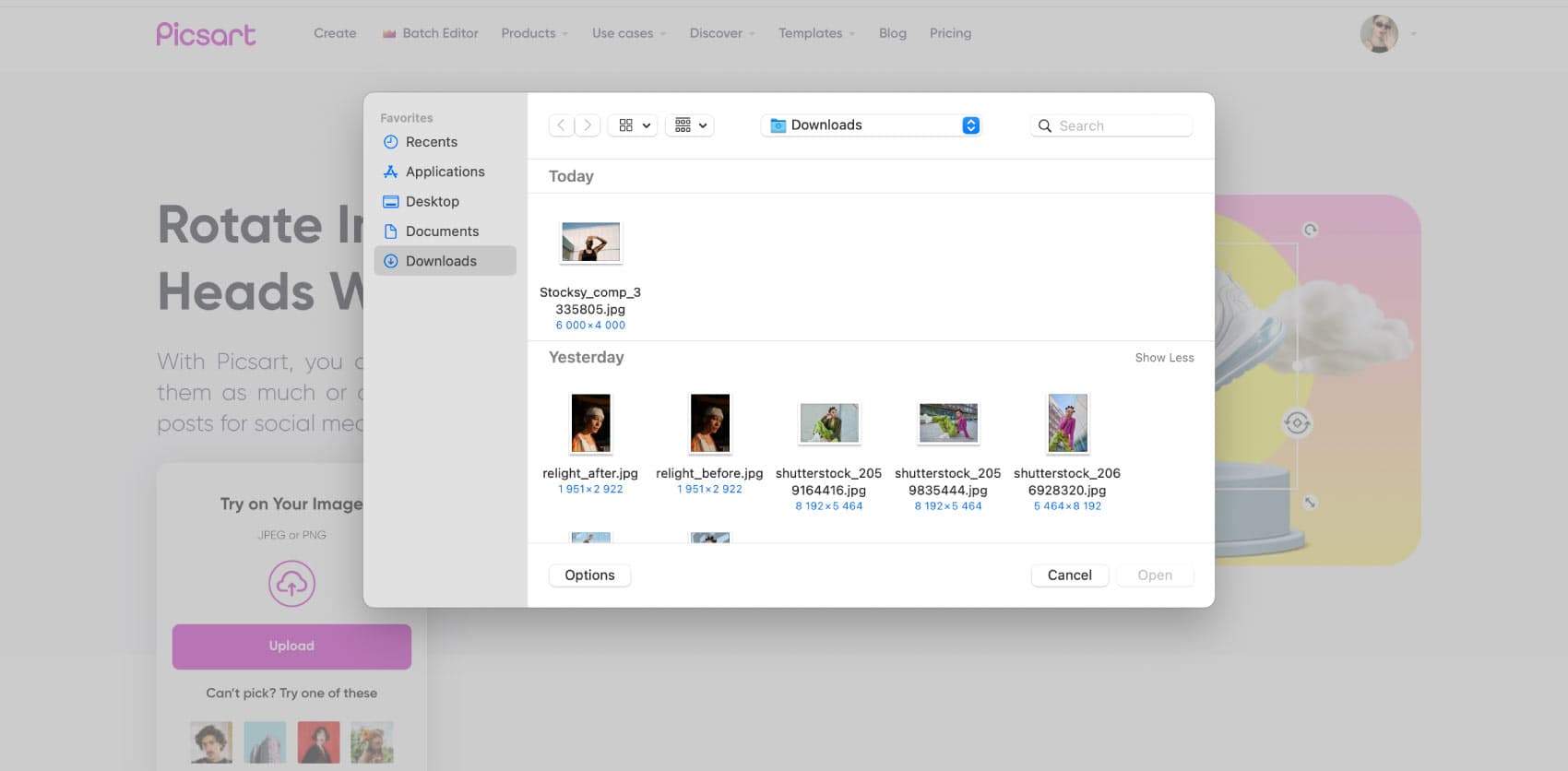
Straighten the picture around a useful reference
A small rotation can make a sloping horizon or tilted product photo easier to read. Choose a reference line in the picture, such as a table edge or building, and compare it with the frame as you rotate. Check the whole image after adjusting the angle. Straightening can expose empty corners, so leave room for a crop instead of placing important details right against the edge.
- Use a horizon or edge to guide the angle
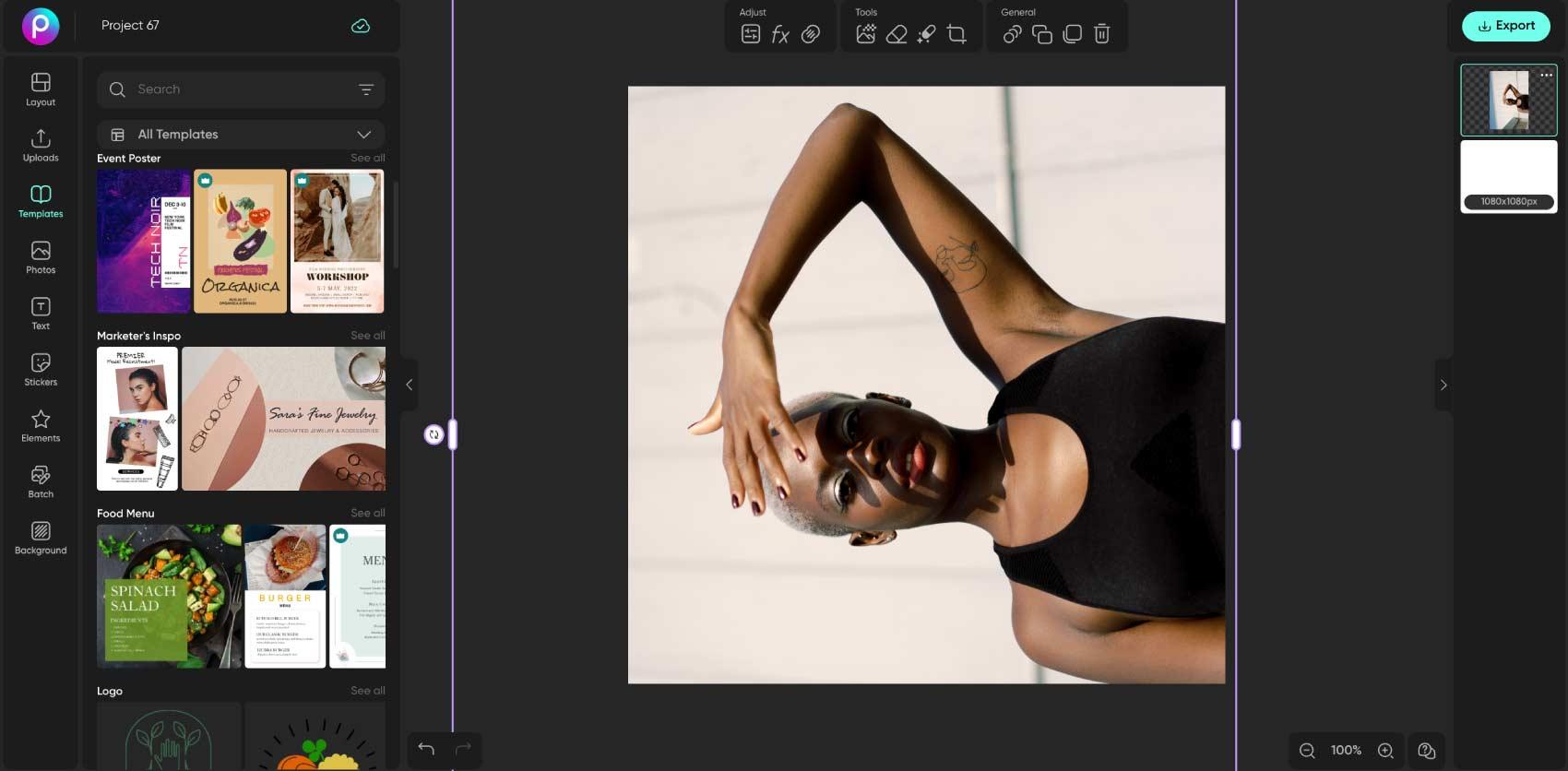
Rotate, flip, and crop solve different problems
Rotating turns a photo around its center. Flipping mirrors it from side to side or top to bottom. Cropping removes part of the visible frame. Use Flip Image for a mirrored view or Crop Image to change the framing. Choose the edit that matches the problem, then review text and logos so they still read the way you intend.
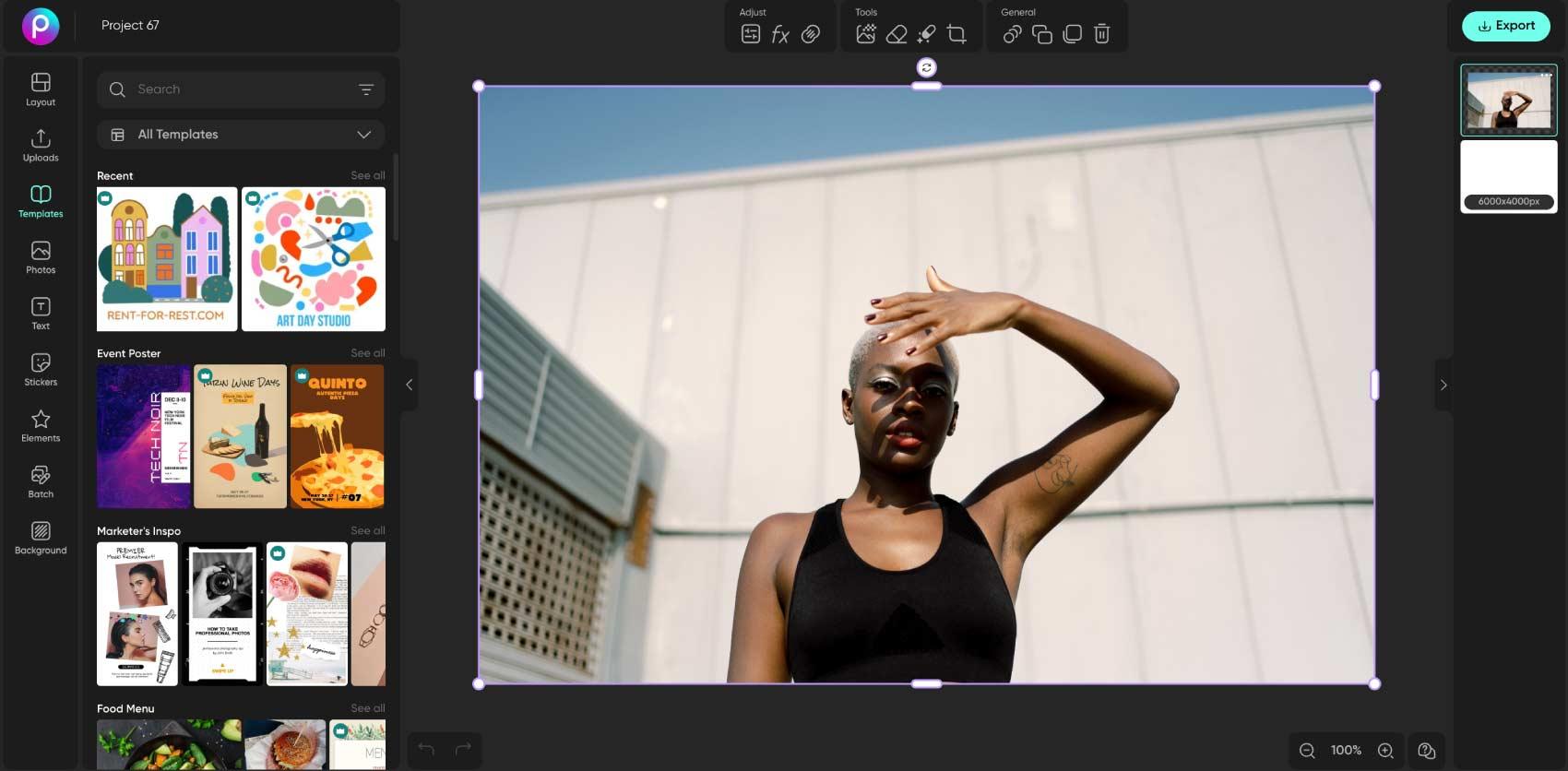
Give a photo a deliberate creative angle
Rotation can also be a design choice. Tilt a product, frame a portrait diagonally, or make space for a caption beside the subject. Keep the angle consistent with the rest of the layout and check that nothing important is cut off. After rotating, you can resize the finished image or continue with text and stickers in the photo editor.
- Give the composition an intentional tilt
Review a collection one image at a time
A set of photos can need consistent orientation, especially when you are preparing a product gallery or portfolio. Check which images need a turn before editing and compare the final framing across the set. Explore Batch Photo Editor for available bulk workflows, and confirm that the required operation is supported before adding the whole collection.
Rotate images FAQ
Upload the image to Picsart, select it on the canvas, and use its rotation control. Review the frame, then export the edited picture.
Edit photos for polished creator content
Compare plans for the editing tools and features you want to use.
Pro
Most popularAI tools for everyday creative work.
Ultra
Most powerfulHeavy AI usage for creators & teams.
Enterprise
Custom AI solutions for large organizations.
- Volume discounts on credit rate
- On-demand top-ups