Add black backgrounds to photos instantly
Tap into Picsart’s black background photo editing tool to add dark backdrops to photos online and make an impact.

Tool rating
Give Picsart a try to see for yourself why it’s the go-to editing tool of millions of users.




How to use the black background photo editing tool
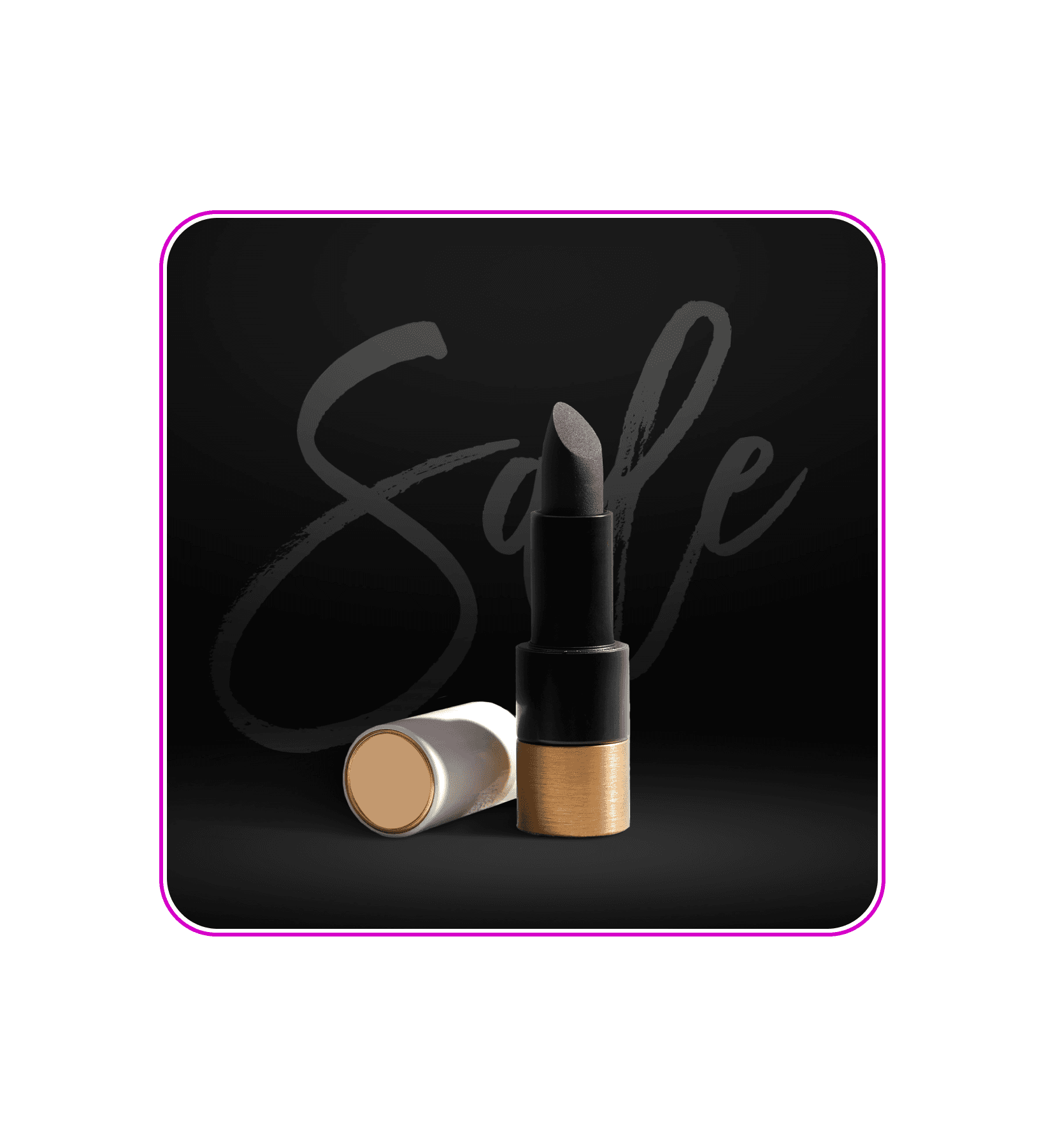
Effortlessly add black backgrounds to photos
With Picsart’s black background photo editing tool, adding a dark backdrop as never been easier. You can tap into the magic of contrast and enhance the depth of your images, drawing focus to details, colors, and contours like never before. To change a photo’s background to black, simply remove the background with the background remover tool and replace the background with a black background, with options ranging from textures and patterns to solid black.

Change photo backgrounds to black with laser accuracy
From professional portraits to marketing materials, Picsart’s background remover provides high-quality results every time. When you’re done erasing the backdrop, change PNG colors with precision to master the art of black background editing. Modify hues effortlessly without any defects or remnants of your previous background, maintaining the organic quality of your image. And if your original photo lacks clarity, you can rely on Picsart to unblur images and restore your image quality in just a few seconds.
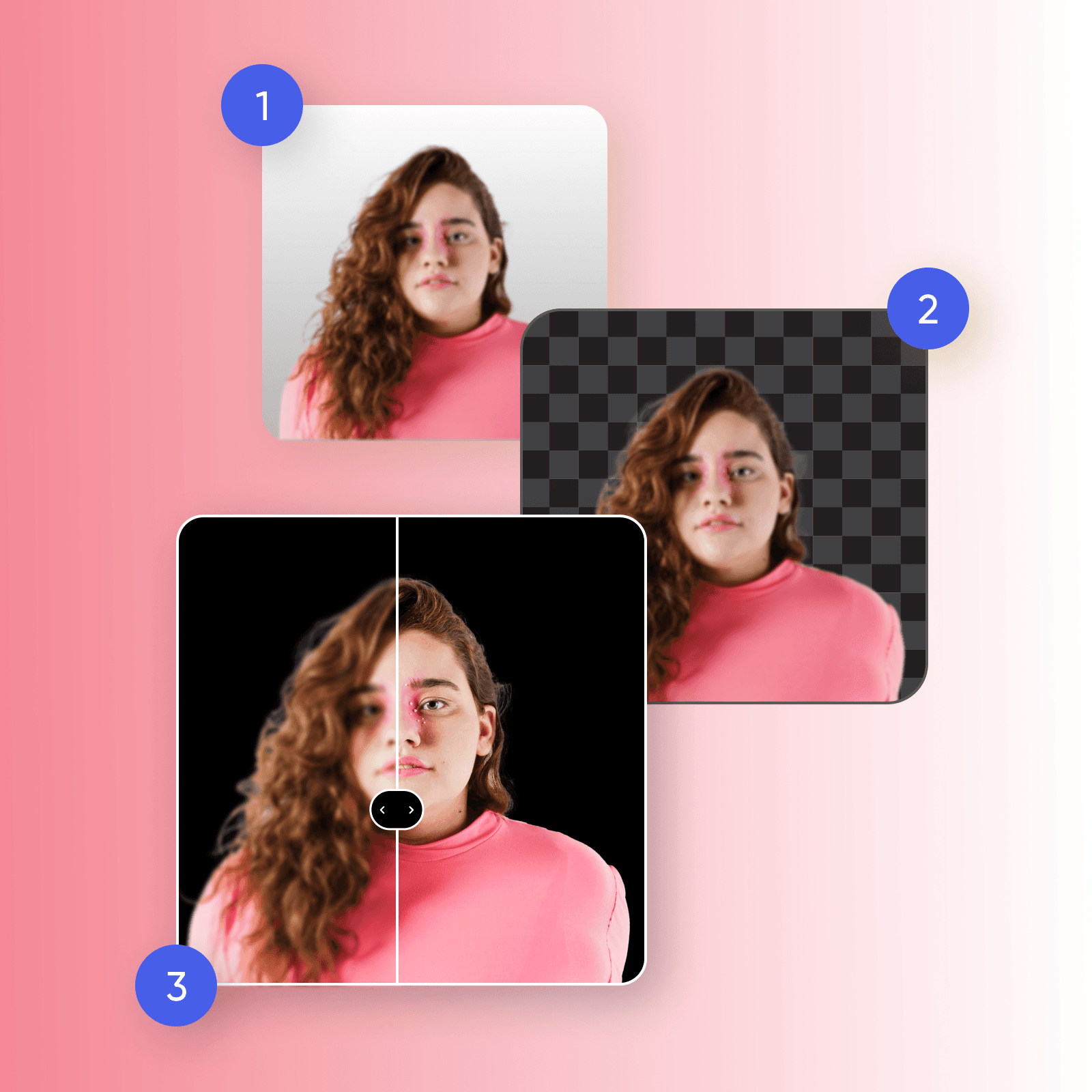
Explore sleek dark backgrounds for editing
Adding a black background to your photos can revolutionize your brand's visuals, from eCommerce product photography to social media marketing. Immerse your products in sophistication with a sleek black background that brings focus to the fine details. With a black background editor at your fingertips, you can unify your product catalog — all while creating a dramatic and captivating backdrop for your brand's messages, promotions, and product announcements.
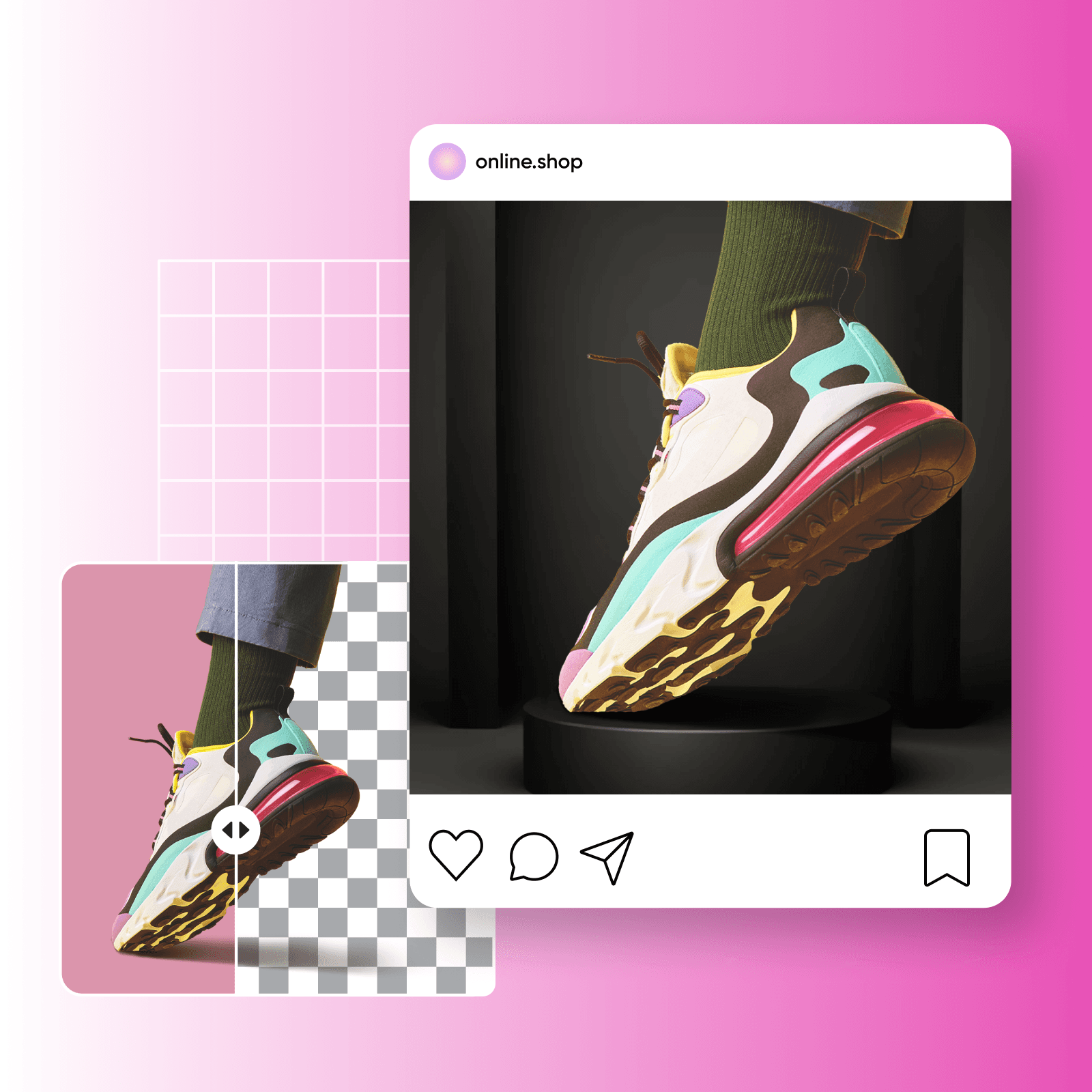
Send right messages with black background
Want to capture your audience’s attention and leave a lasting impression? Create a striking impression with headshots by changing the background color, adding depth while emphasizing your subject's features. Looking to convey your brand image? Try elevating your product's perception with black background photo editing to signify luxury and exclusivity, instantly positioning your offerings as premium. Black backgrounds in packaging help establish a high-end identity, captivating consumers and setting your products apart.
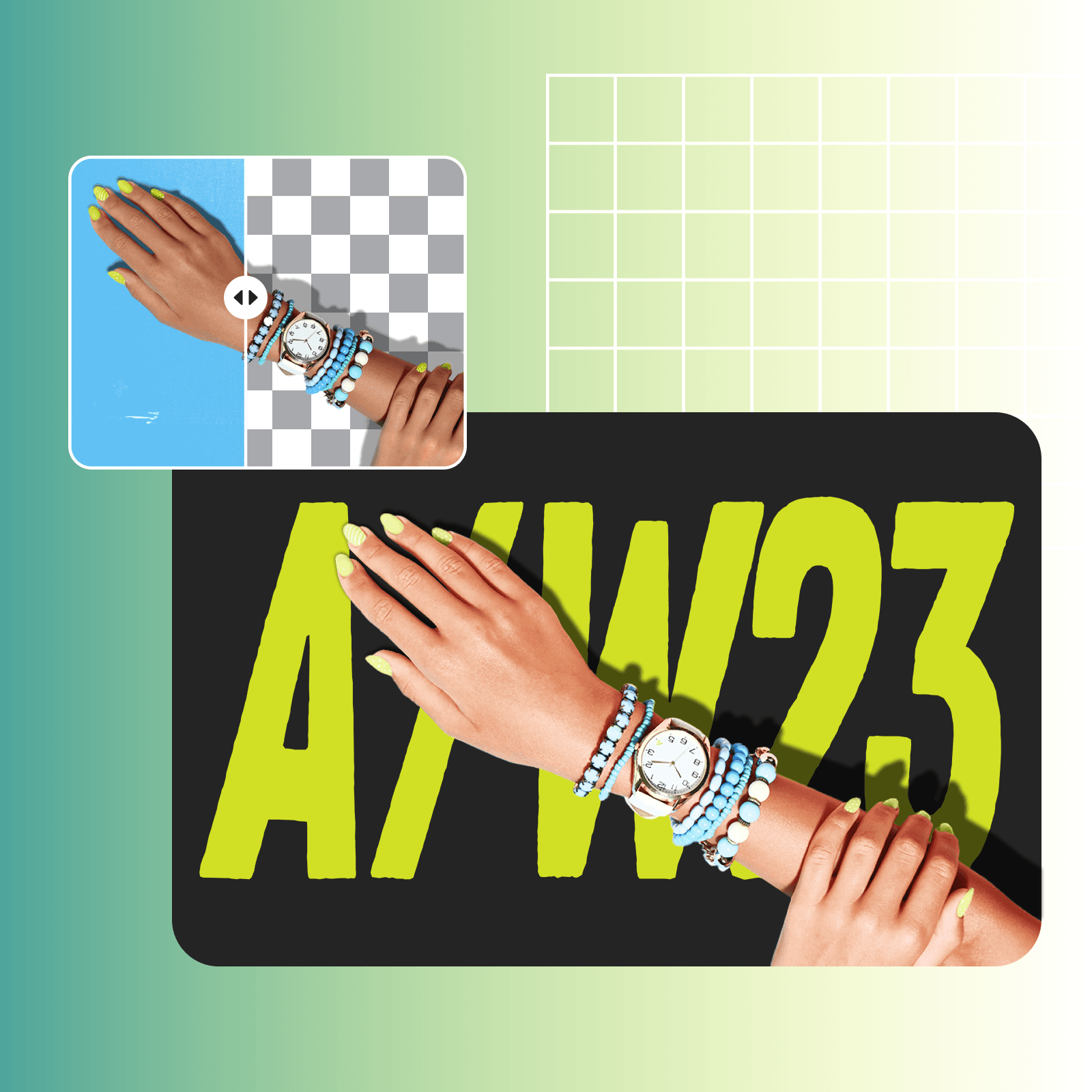
Go beyond black background photo editing
Once you’ve discovered the potential of black background photo editing, it’s time to take the next step with state-of-the-art AI photo editing tools. With Picsart’s AI background generator, you can stand out and create truly unique and custom-generated backgrounds tailored to your specific needs. Want to go beyond static black backgrounds? Scroll through Picsart’s extensive library of dark and black backgrounds to add a personalized touch to black photo editing.

Why should you change photo backgrounds to black?
Black backgrounds boost the contrast within an image, highlighting the finer details. At the same time, the juxtaposition of a subject against a dark backdrop creates a striking contrast, making it a powerful technique in visual storytelling.
Create black-background photos with AI image models
Use image models to transform backgrounds, product shots, and cutouts into polished visuals.
Black background photo editing FAQs
Black background photo editing involves editing an image to replace its original background with a black backdrop. This includes removing the existing background and replacing it with a solid black or dark background, which helps enhance the overall visual impact of the image.
Generate background changes for creator-ready projects
Pro
Most popularAI tools for everyday creative work.
Ultra
Most powerfulHeavy AI usage for creators & teams.
Enterprise
Custom AI solutions for large organizations.
- Volume discounts on credit rate
- On-demand top-ups


