Make images black and white with B&W filters
Explore Picsart’s high-quality black and white filters to effortlessly reinvent your pictures without sacrificing quality in the process.

Create black and white filter with AI image models
Use image models to transform photos with styles, effects, and ready-to-edit visual directions.
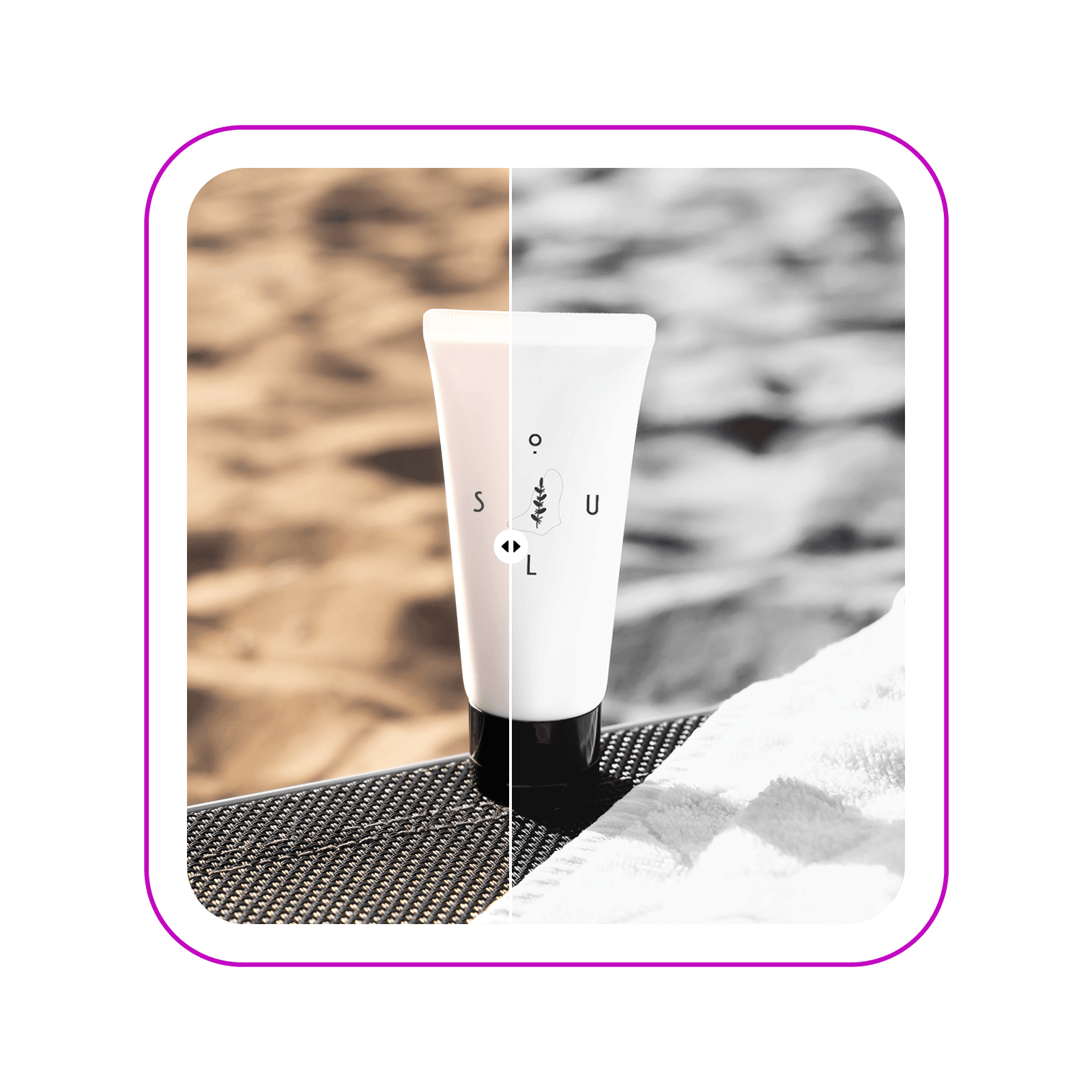
Create timeless photos with black and white filters
Transform your visuals in an instant with Picsart’s selection of black and white filters. Select from over a dozen of B&W filters to achieve the exact look you’re after. Turn everyday photos into professional frame-worthy memories or elevate your marketing visuals with elegant B&W collaterals.

Explore a selection of B&W filters
Whether you want to replicate vintage, film, or digital black-and-white effects, Picsart has it all. Explore a selection of more than a dozen black and white filters and customize each filter’s intensity to your liking. Experiment with blend modes to tweak the look further.

Elevate marketing visuals with the black and white editor
Reinvent the look of your promotional visuals with the black and white converter. Create studio-level distraction-free visuals in an instant. Apply B&W filters on your product photography to get that sophisticated look in your campaigns and effortlessly keep it consistent across other campaigns with Picsart’s easy-to-use photo editor.

Craft timeless monochrome memories
Whether you’re making photos black and white for a uniform social media feed, capturing landscapes, or everyday moments, Picsart helps ensure your memories are preserved in high quality. Even if the original is a bit blurry the built-in AI unblur tool is here to save the day and ensure a crisp-looking final result.

Go beyond B&W filters with Picsart’s photo editor
Explore Picsart’s full suite of photo editing tools to keep finessing your newly black and white photos. Use the AI photo editor to make basic to pro-level edits such as cropping, applying cartoon effects, or even expanding your images. Each tool is designed to refine your photos for any purpose, whether it's a personal project or a professional portfolio.

Create a black-and-white edit
Master the art of making images black and white and so much more with Picsart’s photo effects. Tap into a wide selection of filters of varying categories and an all-inclusive suite of photo editing tools packaged inside one easy-to-use interface.
Black and white filter FAQ
Follow these steps to make a picture black and white using Picsart.
- Open Picsart and upload the photo you want to edit.
- Select the image in the editor then use the Effects button to open filters.
- Choose B&W from the side menu to see the black and white filters.
- Select the filter again to adjust the intensity to your liking.
- Keep customizing with other built-in photo editing tools or use the Export button download.
As Seen in


Edit photos for polished creator content
Pro
Most popularAI tools for everyday creative work.
Ultra
Most powerfulHeavy AI usage for creators & teams.
Enterprise
Custom AI solutions for large organizations.
- Volume discounts on credit rate
- On-demand top-ups


