Remove color from images like magic
Instantly cut background color from images and videos for free with Picsart’s online image color remover.
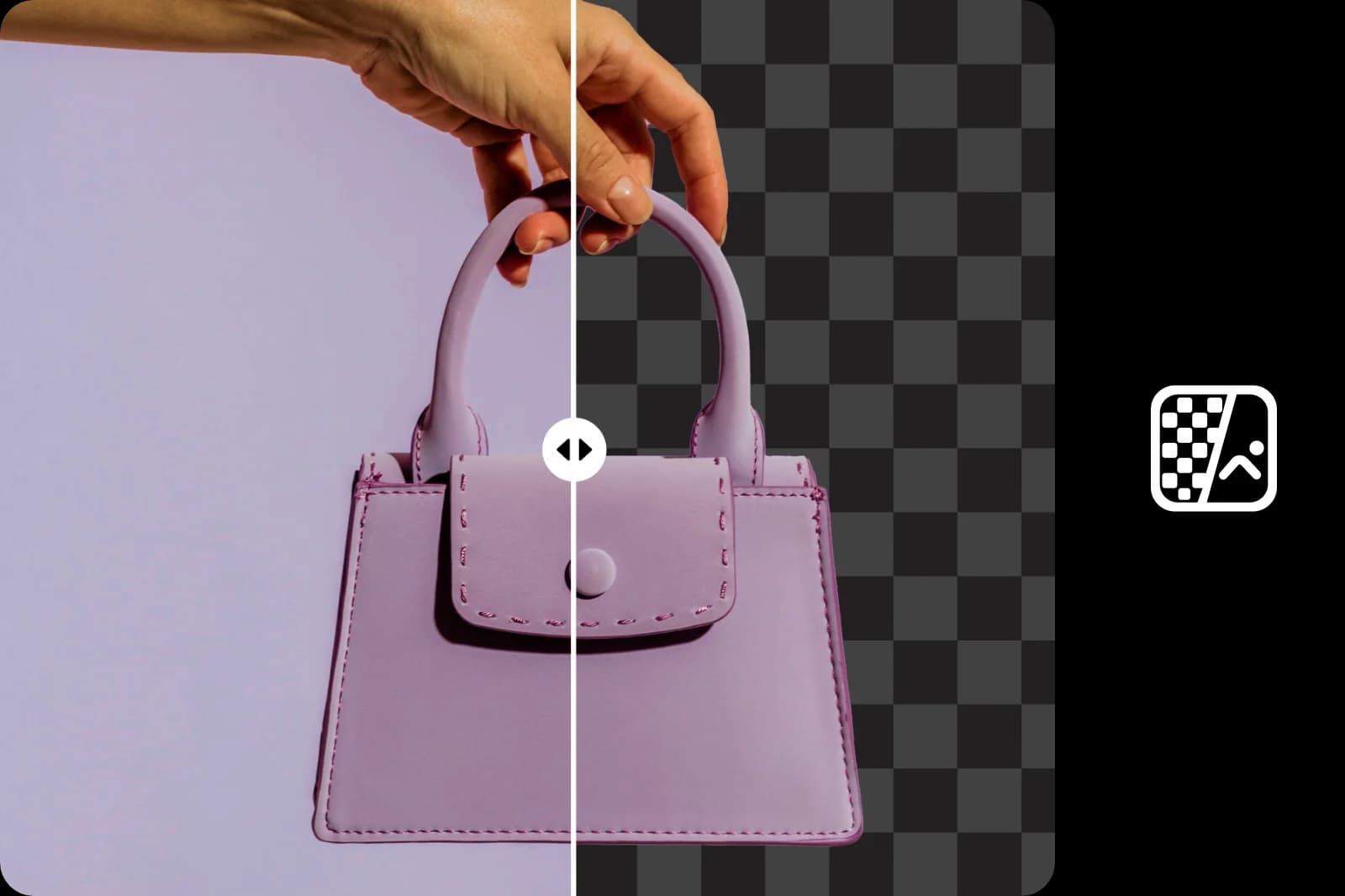
Why use background color removal?
How to remove background color from images
Easily erase backgrounds of any color
Use Picsart’s innovative, AI-driven background remover tool online for free to remove color from images and create a seamless, transparent background. Leave it up to AI to automatically remove unwanted colors without any effort. And, while you’re at it, change background colors without switching to a different tab.
- Reuse your subject without its backdrop

Remove color from any image
Whether you want to delete a green screen to showcase your product, cut out white to create a professional look, or remove a boring black background in your presentation, Picsart’s image color remover is your best friend. Remove specific colors from images and get a totally clean background after just a couple of clicks.
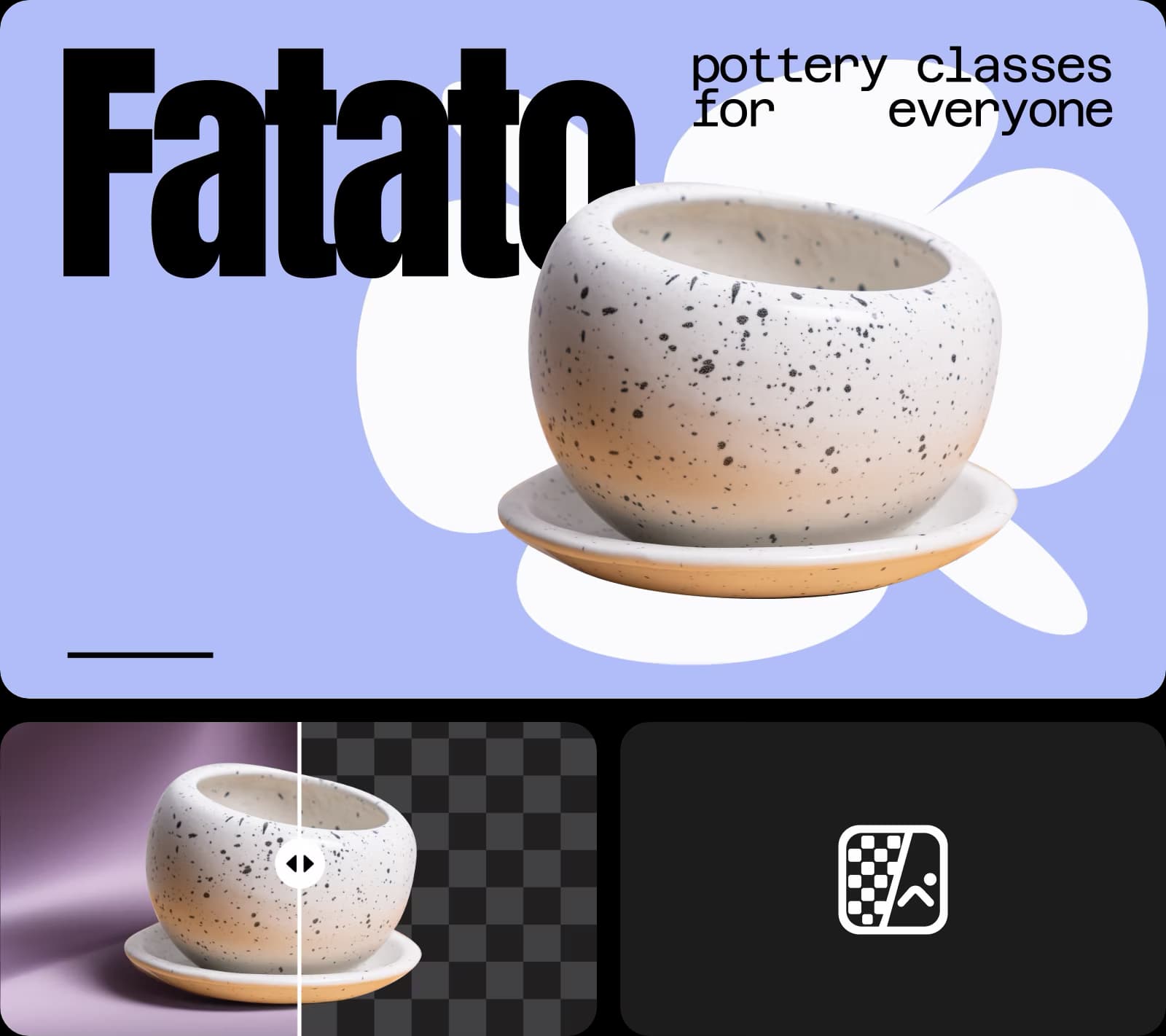
Elevate your visuals with ease
Remove specific colors from images to create content that stands out. Whether you want to create a striking collage or a consistent social media profile, Picsart gives you complete control. Use the object remover to pinpoint the colors you want to cut, delete unwanted text in seconds, and easily take people out of your designs.

Elevate professional content with the image color remover
No matter which industry you work in, Picsart’s color remover from image tool can transform your content. Use Picsart’s green screen removal to make video editing, photography, and film production faster. Create cleaner product photos, improve your company’s headshots, and up your marketing game.
- Prepare a cutout for your next layout
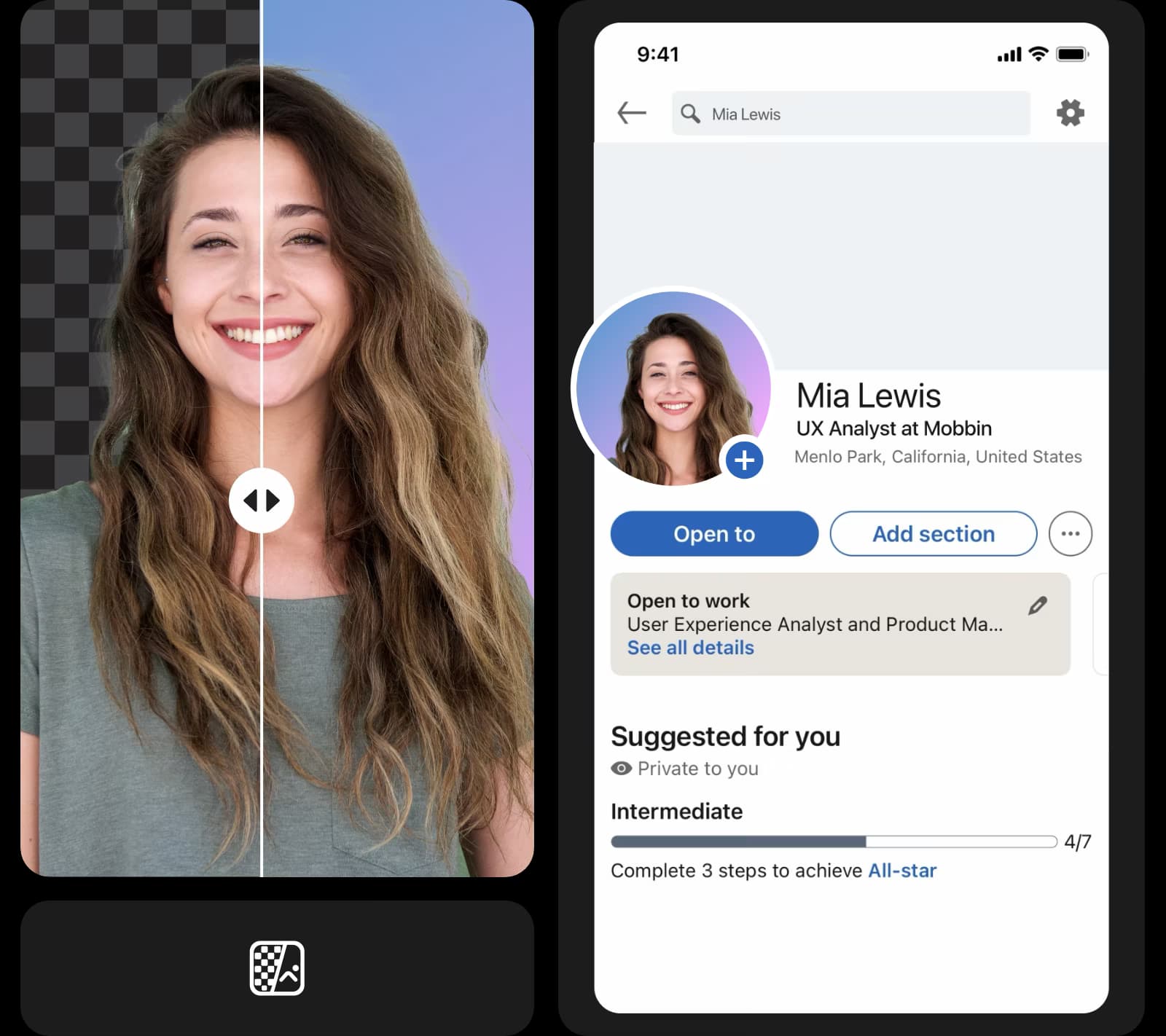
Take your images further with ready-to-go templates
Take your visuals to the next level by pairing your color-removed images with Picsart’s customizable templates.


Try the background color remover now
You don’t have to be a professional designer to remove a color from an image. Picsart’s free, fast, and easy-to-use online tool does it for you automatically. Cut any shade, change colors easily, and use Picsart’s photo editing tools to perfect your vision.
All the features you need in one convenient interface
Transform your images into professional designs with powerful editing tools that make creation quick and effortless.
Create remove color from image with AI image models
Use image models to transform backgrounds, product shots, and cutouts into polished visuals.
Image color remover FAQ
You can remove background color from your images in seconds with Picsart’s easy, online tool. Simply upload your photo and let AI do its thing!
Clean up visuals for polished creator content
Pro
Most popularAI tools for everyday creative work.
Ultra
Most powerfulHeavy AI usage for creators & teams.
Enterprise
Custom AI solutions for large organizations.
- Volume discounts on credit rate
- On-demand top-ups
Beyond just a Background Color Remover


