How to make a short film with AI using Picsart Storyline
What you'll learn
What is Picsart Storyline?
Common use cases
Create your short film step by step
STEP 1: Open Picsart Storyline
- On web: Go to picsart.com/ai-story-generator → Click "Create a story"
- On mobile: Open Picsart → "+" → AI tools → Storyline
STEP 2: Build your story foundation
Choose your starting point:
- Write from scratch: Enter your story idea as a text prompt (e.g., "A curious robot discovers music for the first time")
- Start with a character: Use Picsart Persona to create your main character first, then build the story around them
- Generate a script: Let the AI create a complete story outline with scenes and dialogue
- Set story parameters: Choose length (short, medium, long), tone (funny, serious, educational), and target audience
STEP 3: Generate scenes and voiceover
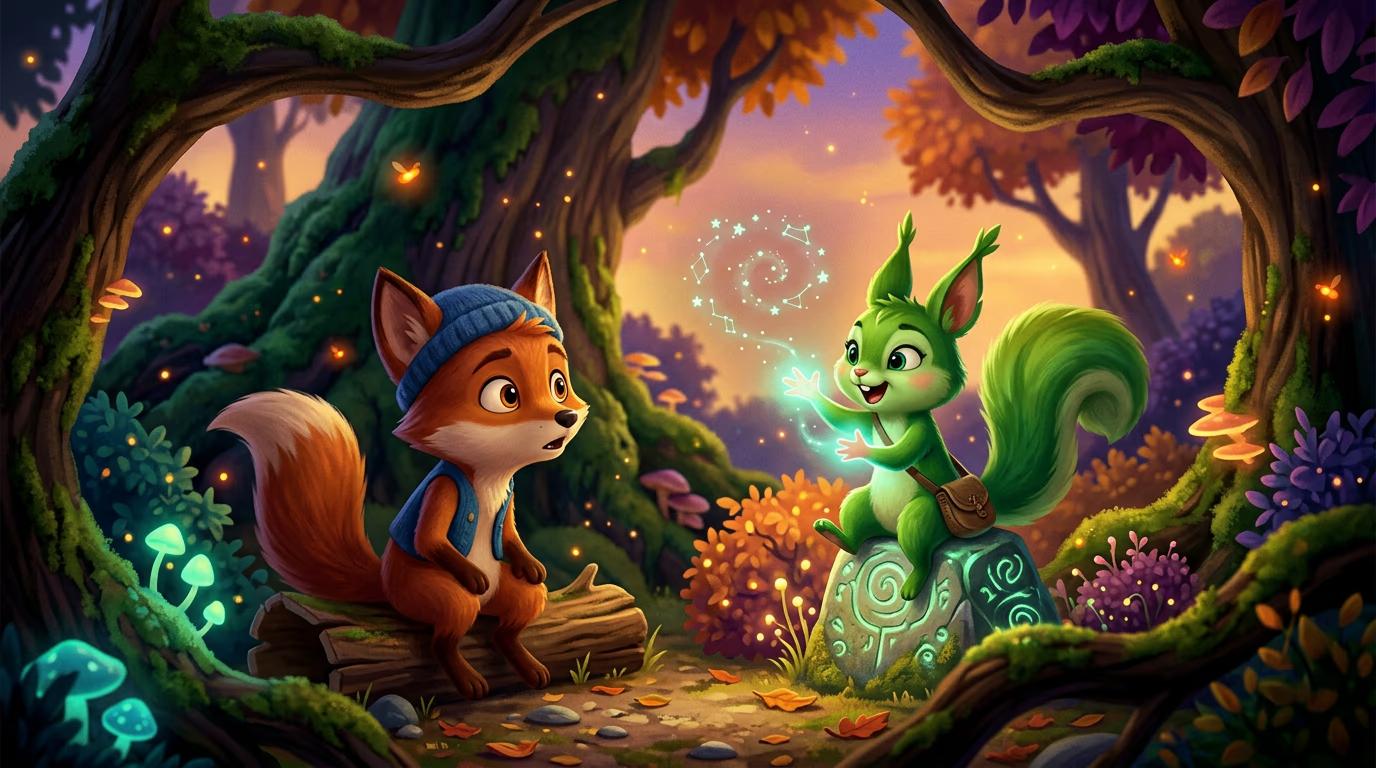
Click "Generate" and wait while the AI creates your film. Storyline will write the full script, generate animated scenes that match each story beat, create consistent character designs across all frames, and add AI voiceover narration. This takes 2-3 minutes depending on story length.
STEP 4: Review and export your film
Watch your generated film and check quality: Not happy with specific scenes? Regenerate individual frames, adjust the script and generate again, or manually edit problem scenes with Picsart's video tools.
- Verify characters look the same across all scenes
- Check that scene transitions flow smoothly and tell a coherent story
- Listen to voiceover pacing and clarity
Tips for best results
💡 Be specific with your initial prompt
Include character descriptions, setting details, and the core conflict or message of your story. "A shy fox learns to speak up at forest council meetings" works better than "a story about a fox."
💡 Start with character consistency
If you create a main character using Picsart Persona first, Storyline will keep that exact character design throughout all scenes. This gives you more control over the visual style.
💡 Keep early films short
Start with 4-6 scene stories (30-60 seconds) to learn how the tool works. You can always expand to longer formats once you understand how scenes connect.
💡 Review the generated script before scenes
Most tools let you see the script first. If the story beats don't work, regenerate the script before committing to full scene generation. This saves time.
Video export specifications
Frequently asked questions

Ready to direct your first film?
Turn your story ideas into animated short films with consistent characters and automated production.
Create your story