
Compare GPT Image 1.5 vs Flux 2 Pro for AI images
OpenAI's GPT Image 1.5 and Flux 2 Pro by Black Forest Labs perform nearly identically on quality benchmarks (Elo 1,264 vs 1,265), but excel in different areas. GPT Image 1.5 leads in text rendering and instruction accuracy, while Flux 2 Pro stands out for speed, higher resolution, and photorealistic depth. Compare both side by side in Picsart AI Image Generator.
Create model comparisons with AI image models
Use image models to compare creative outputs, style options, and model strengths before choosing a workflow.
Feature comparison overview
Compare GPT Image 1.5 vs Flux 2 Pro side by side to understand how they differ in text rendering, speed, resolution, and creative flexibility.
Explore GPT Image 1.5 and Flux 2 Pro capabilities
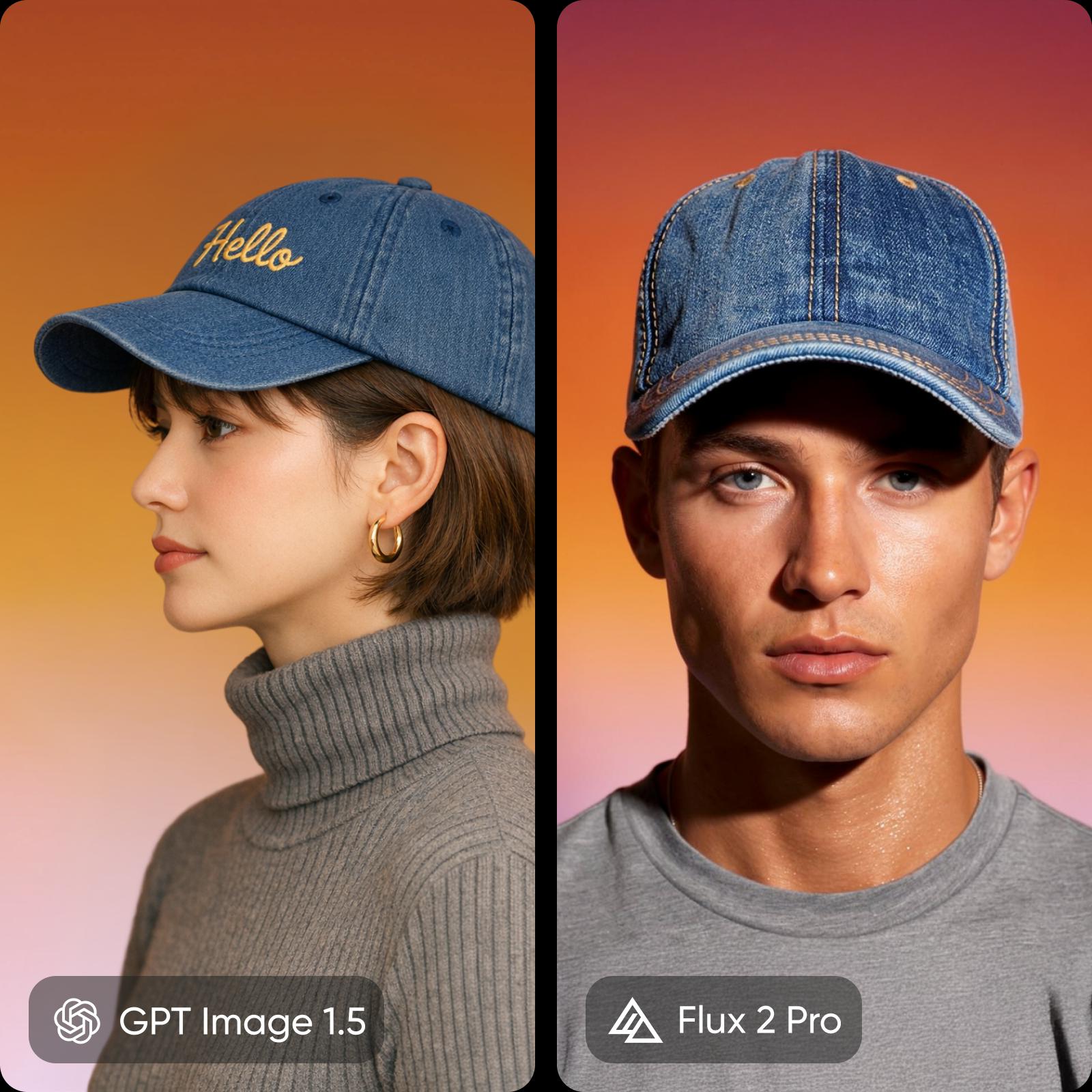
GPT Image 1.5 focuses on precision. It excels at accurate text rendering and following complex prompts, making it a strong fit for structured designs and branded content. Flux 2 Pro focuses on speed and visual quality. It generates images quickly with higher resolution, delivering more realistic lighting, textures, and detail for creative workflows.

Break down accuracy and cinematic quality
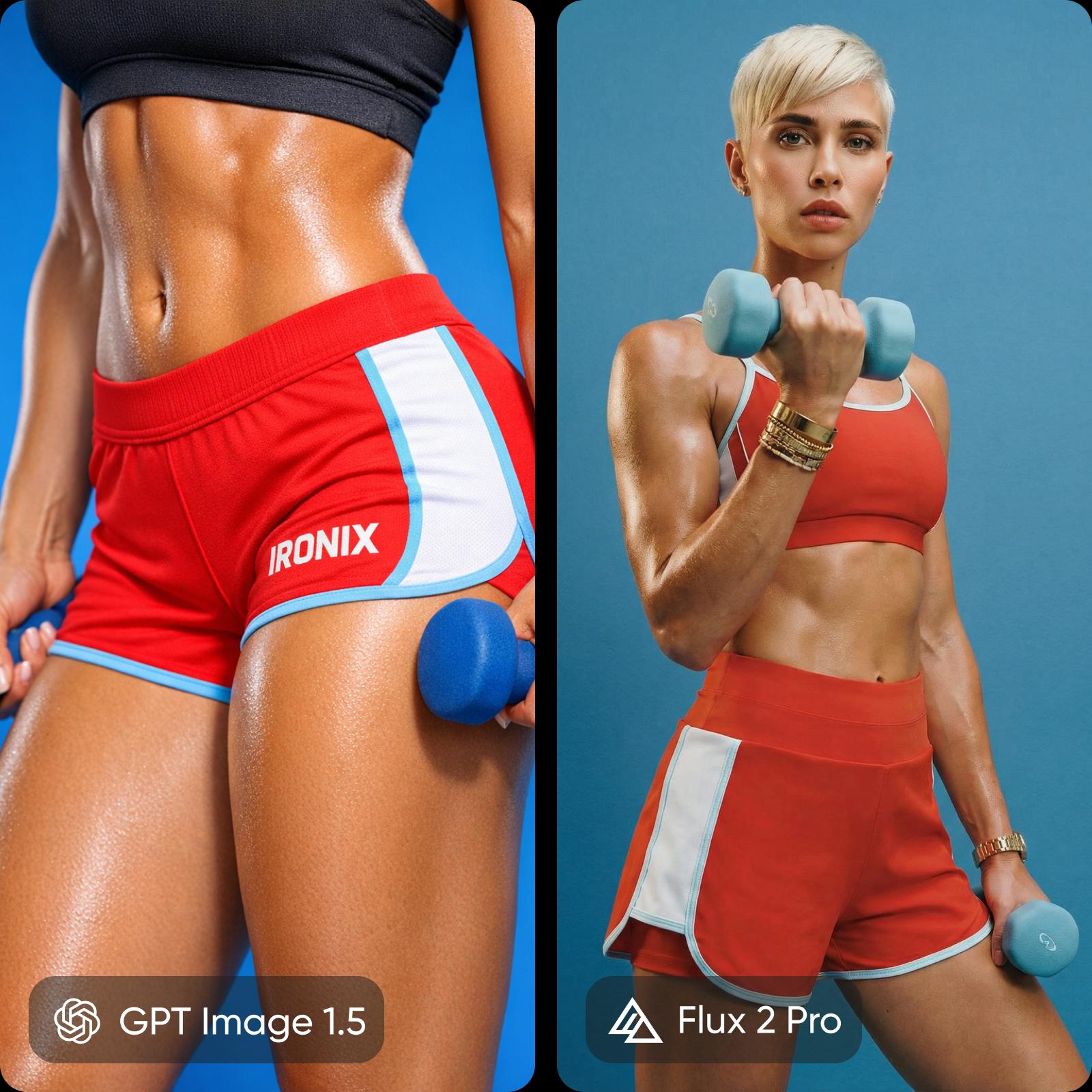
These models perform nearly the same on benchmarks, but differ in output style. GPT Image 1.5 focuses on precision, delivering highly accurate text, clean layouts, and reliable prompt adherence - ideal for branded and text-heavy designs. Flux 2 Pro focuses on visual depth, producing more realistic lighting, textures, and higher-resolution images with a more artistic feel. The choice comes down to intent. GPT Image 1.5 is better for structured, text-driven content, while Flux 2 Pro is better for cinematic visuals and high-resolution creative work.
Understand speed, pricing, and access
Speed creates a clear advantage for Flux 2 Pro. It generates images in seconds, making it ideal for rapid iteration and bulk production, while GPT Image 1.5 takes longer but delivers more controlled results. Pricing depends on usage. GPT Image offers lower-cost options at basic quality, while Flux becomes more cost-effective at higher resolutions. Flux also supports open-weight models and fine-tuning, while GPT Image is closed but tightly integrated with ChatGPT for conversational editing.

Choose the right model for your use case
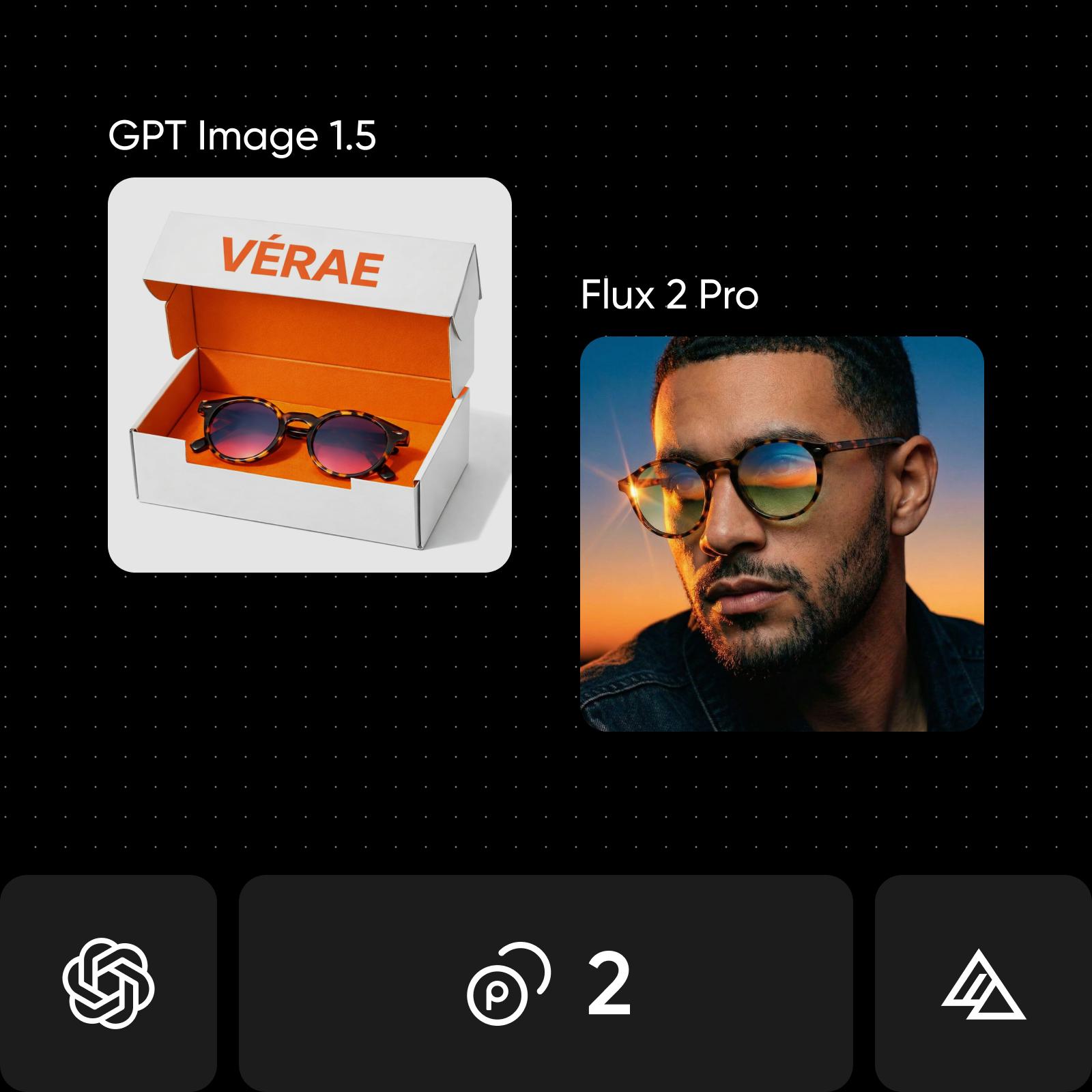
Choose GPT Image 1.5 when accuracy matters, especially for designs with text like labels, packaging, and brand assets. It's a strong fit for structured workflows and projects where following instructions precisely is critical, including conversational editing through ChatGPT. Choose Flux 2 Pro when visual quality and speed take priority. It works best for photorealistic images, high-resolution outputs, and creative work like concept art or editorial visuals, especially when generating images at scale or using custom styles.
Find your fit: GPT Image 1.5 or Flux 2 Pro
If you are aiming for precise text rendering, strong prompt control, and reliable results, GPT Image 1.5 is the better fit, especially for brand assets, product images with labels, and text-heavy designs. If you need speed, higher resolution, and more photorealistic visuals, Flux 2 Pro is a stronger choice for creative work, editorial imagery, and large-scale production. If you want flexibility, use Picsart to access both models and choose the best one for each project.
Understand image model choices
Learn how to compare image models and choose an output.


GPT Image 1.5 vs Flux 2 Pro FAQ
They perform very closely overall, but serve different needs. GPT Image 1.5 stands out for text rendering and precise instruction following, while Flux 2 Pro is stronger in speed, resolution, and photorealistic detail.
Compare AI image models for creative projects
Pro
Most popularAI tools for everyday creative work.
Ultra
Most powerfulHeavy AI usage for creators & teams.
Enterprise
Custom AI solutions for large organizations.
- Volume discounts on credit rate
- On-demand top-ups