Compare Nano Banana 2 vs Flux 2 Pro for AI image generation
Nano Banana 2 (Google DeepMind) and Flux 2 Pro (Black Forest Labs) take different approaches to AI image generation. Nano Banana 2 focuses on accuracy, instruction following, and reliable text rendering, while Flux 2 Pro stands out with cinematic visuals and painterly realism. Try both side by side in Picsart.
Feature comparison overview
Compare Nano Banana 2 vs Flux 2 Pro side by side to understand how they differ in accuracy, speed, creativity, and overall workflow.
| Feature | Nano Banana 2 | Flux 2 Pro |
|---|---|---|
| Developer | Nano Banana 2Google DeepMind | Flux 2 ProBlack Forest Labs |
| Base model | Nano Banana 2Gemini 3.1 Flash Image | Flux 2 Pro32B parameter flow model |
| Max resolution | Nano Banana 2Up to 4K with flexible aspect ratios | Flux 2 ProUp to 4 megapixels |
| Generation speed | Nano Banana 24-15 sec (1K), up to 56 sec (4K) | Flux 2 ProUnder 10 sec for 2K |
| Text rendering | Nano Banana 2Highly accurate, fewer errors | Flux 2 ProGood but less consistent |
| Character consistency | Nano Banana 2Structured workflows (up to 5 characters) | Flux 2 ProUp to 10 reference images |
| Prompt adherence | Nano Banana 2Excellent, logic-first | Flux 2 ProGood, more interpretive |
| Photorealism | Nano Banana 2Clean, precise, product-ready | Flux 2 ProCinematic, atmospheric |
| World knowledge | Nano Banana 2Google Search integration | Flux 2 ProNot available |
| Open source | Nano Banana 2No | Flux 2 ProYes (Flux Dev, Schnell) |
| Pricing | Nano Banana 2~40% cheaper than pro-tier models | Flux 2 Pro$0.03 per megapixel |
| Best for | Nano Banana 2Product, branding, accuracy | Flux 2 ProConcept art, creative visuals |
Nano Banana 2 vs Flux 2 Pro: model overview
Nano Banana 2 and Flux 2 Pro take different approaches to image generation. Nano Banana 2, part of Google's Gemini Flash Image family, focuses on accuracy - handling complex prompts, rendering text clearly, and maintaining consistent characters across scenes. Flux 2 Pro, developed by Black Forest Labs, focuses on visual style. It produces cinematic, atmospheric images with strong artistic detail and supports multiple references for creative flexibility.
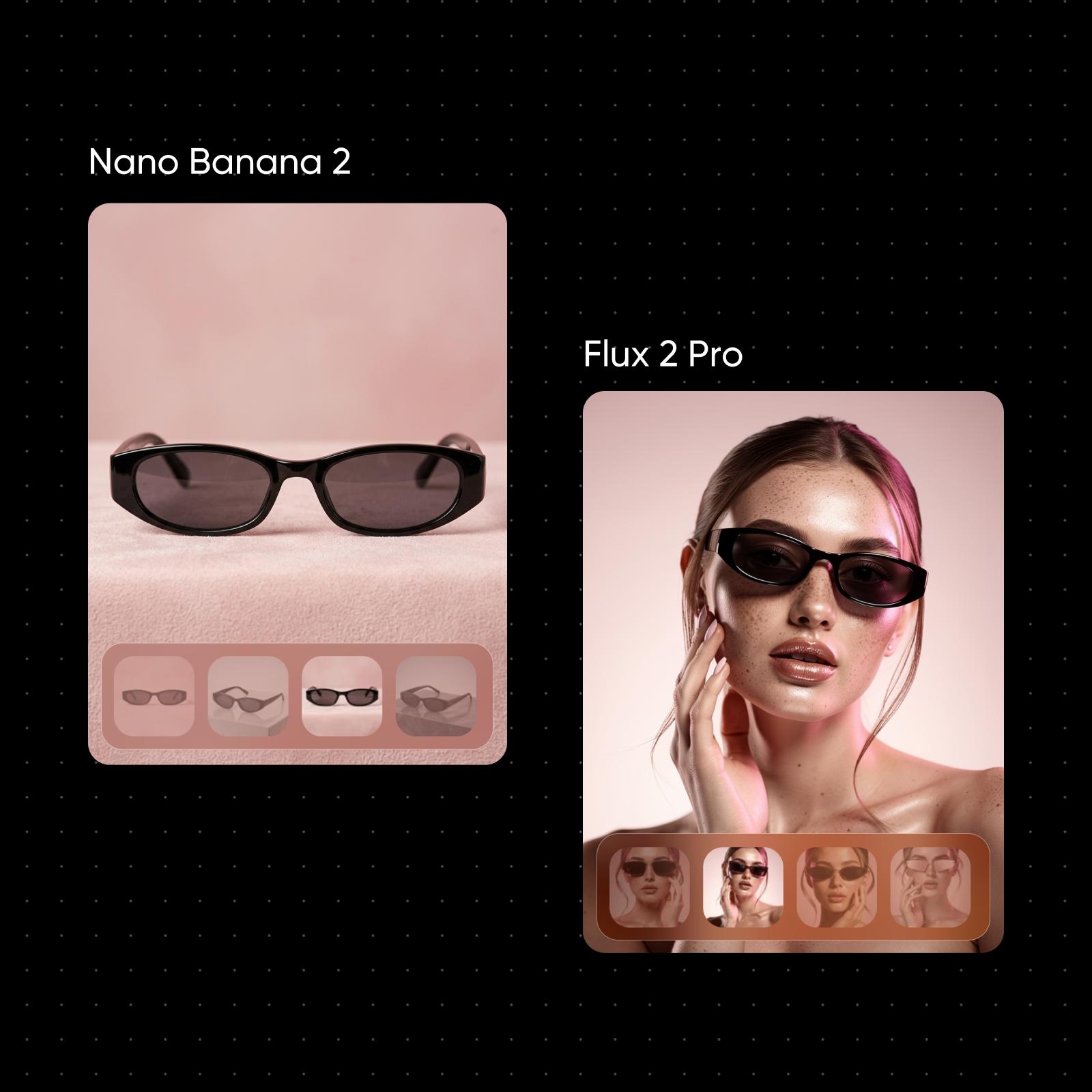
Image quality comparison: logic vs aesthetics
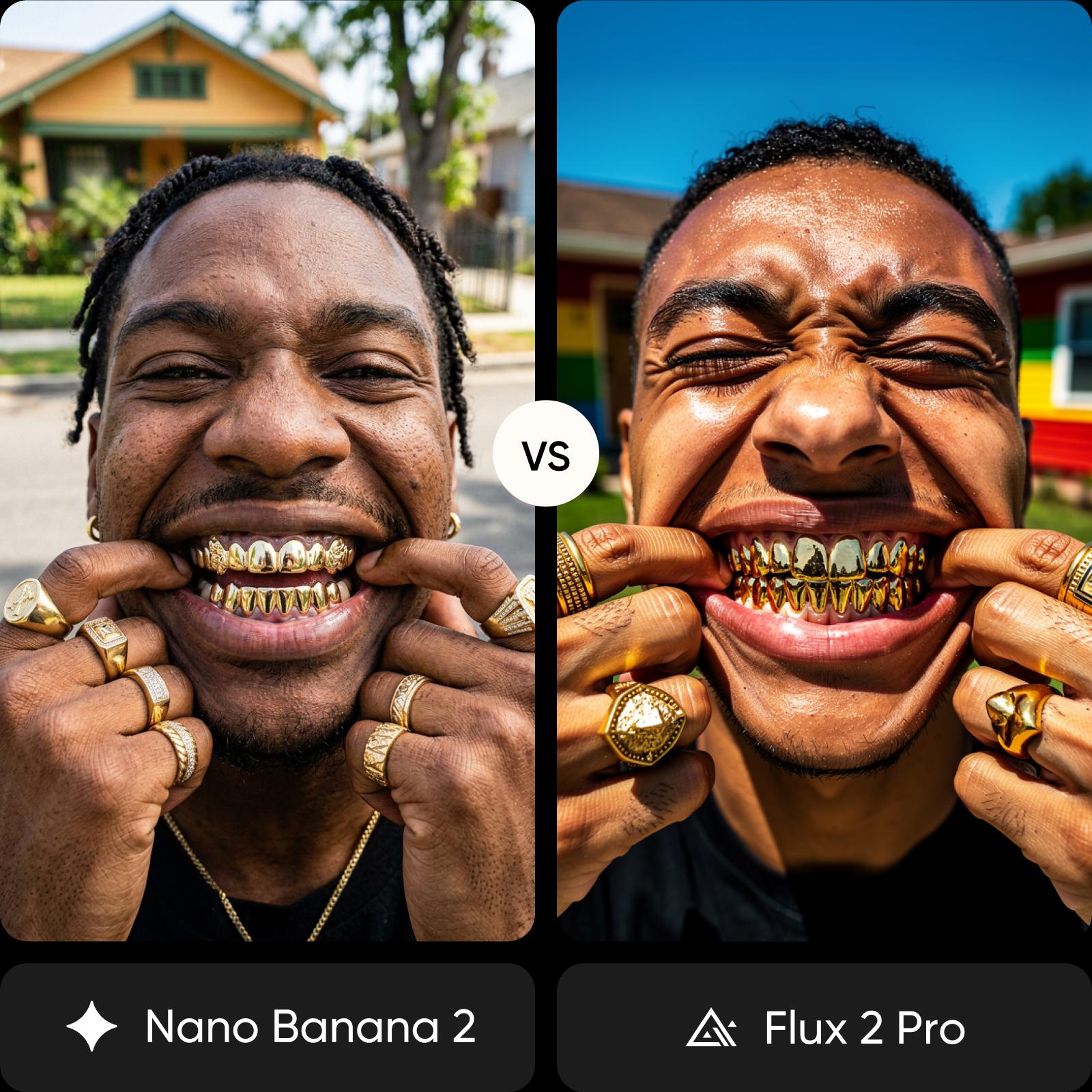
The difference comes down to accuracy versus visual style. Nano Banana 2 focuses on precision, producing clean images with reliable text, accurate layouts, and strong prompt adherence - ideal for product shots and structured designs. Flux 2 Pro leans into aesthetics, creating richer visuals with cinematic lighting, natural textures, and more artistic interpretation. Choose Nano Banana 2 for accuracy, and Flux 2 Pro for visual impact.
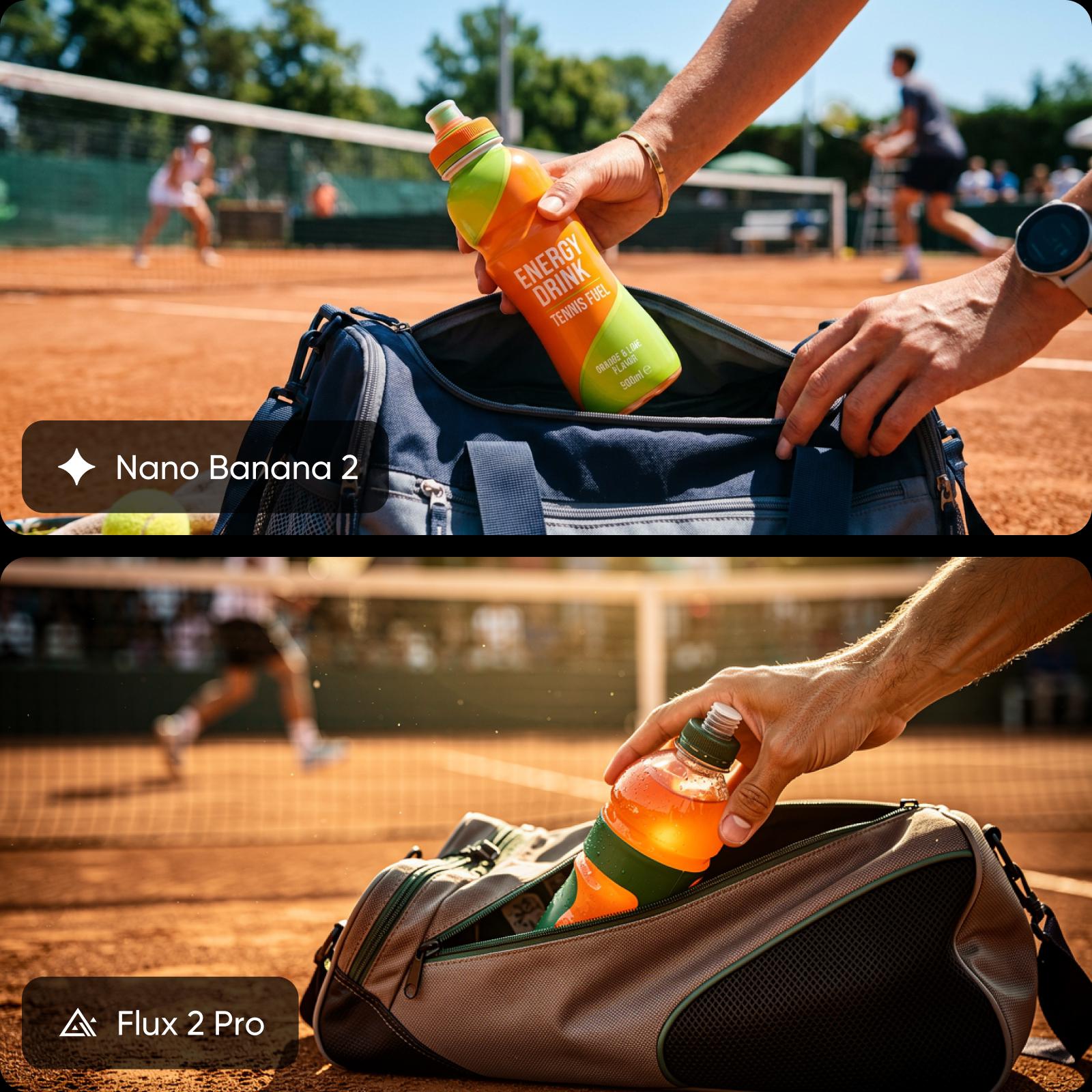
Nano Banana vs Flux: explore speed, pricing, and access
Speed and cost shape how each model fits your workflow. Flux 2 Pro is faster, generating high-quality images in under 10 seconds, which makes it ideal for rapid iteration. Nano Banana 2 takes longer at higher resolutions but offers more predictable results. It's also more cost-efficient overall, with lower API pricing. Both models are available on Picsart, so you can use them without managing separate tools or subscriptions.
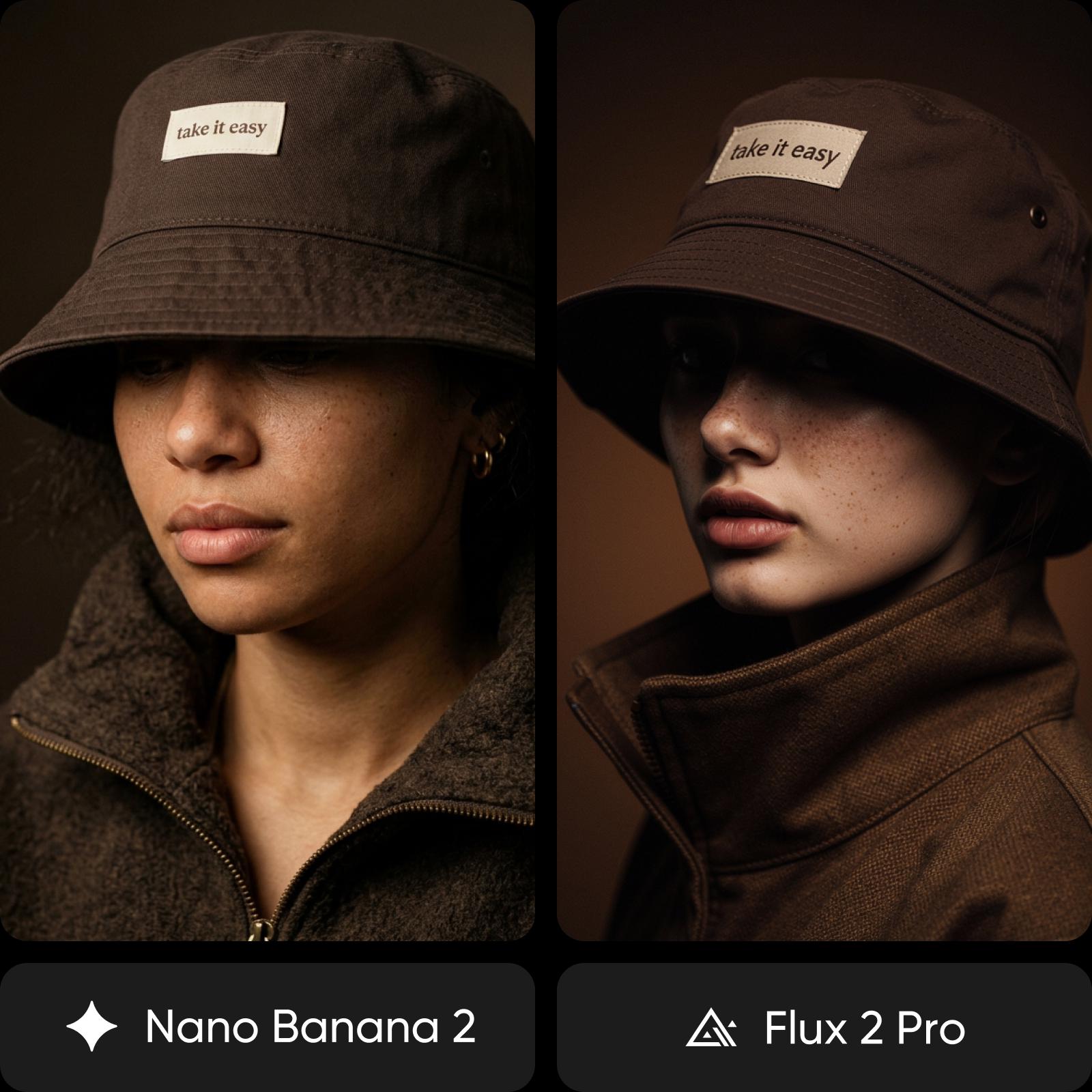
Compare use cases: Nano Banana 2 vs Flux 2 Pro
Choose Nano Banana 2 when accuracy matters - whether you're creating product images with clear labels, building brand assets, or working with layouts that require precise text and consistent characters. It's a strong fit for structured workflows where following instructions closely is critical. Choose Flux 2 Pro when visual impact takes priority. It works best for concept art, cinematic or editorial visuals, and social content that relies on atmosphere, lighting, and creative interpretation rather than strict accuracy.
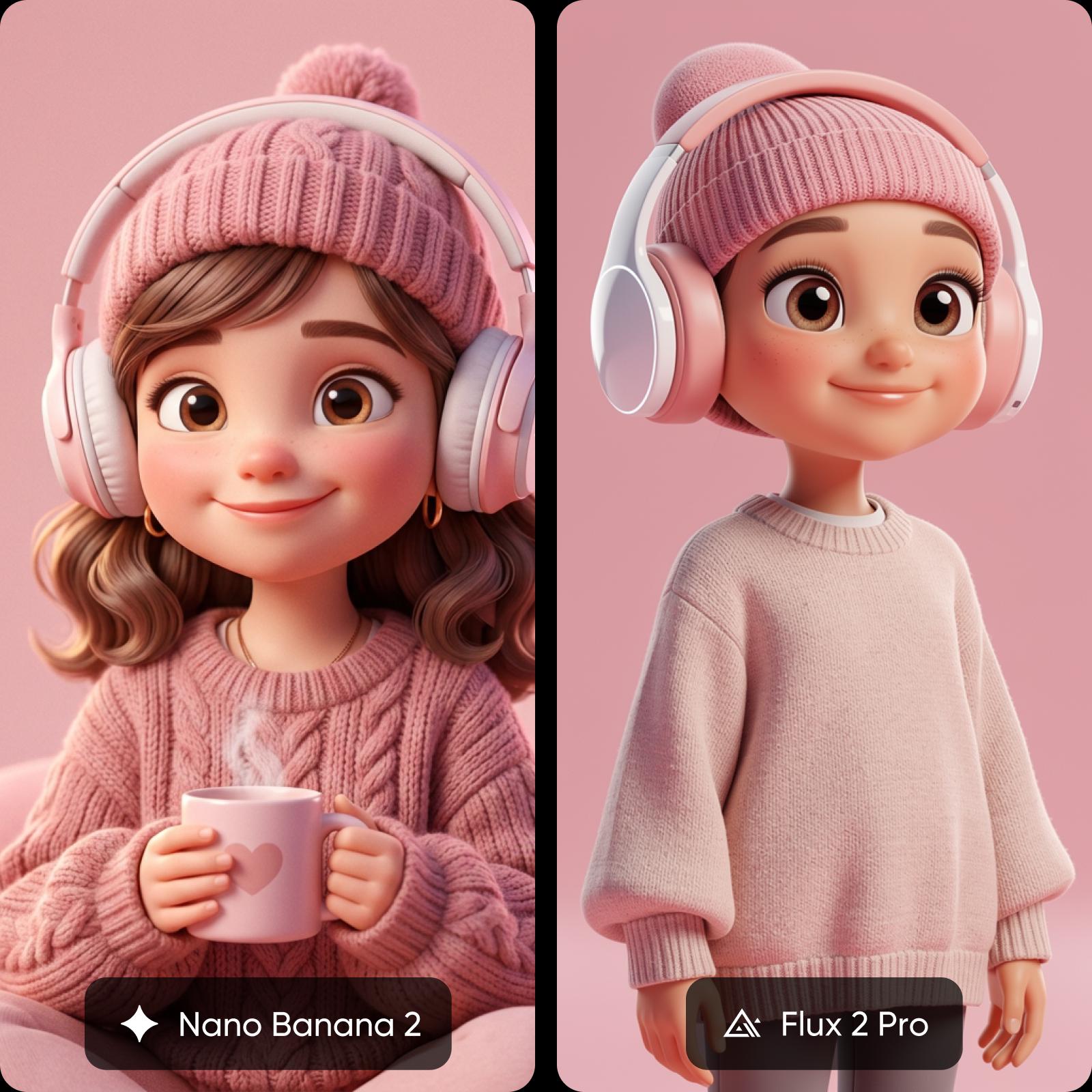
Find your fit: Nano Banana 2 or Flux 2 Pro
If you are aiming for accuracy, clean outputs, and reliable text rendering, Nano Banana 2 is the better fit, especially for product images, branding, and structured commercial work. If your focus is visual impact, cinematic quality, and creative expression, Flux 2 Pro is a stronger choice for concept art, editorial visuals, and social content. If you want flexibility, use Picsart to access both (and many more) models in one place and switch based on your project needs.
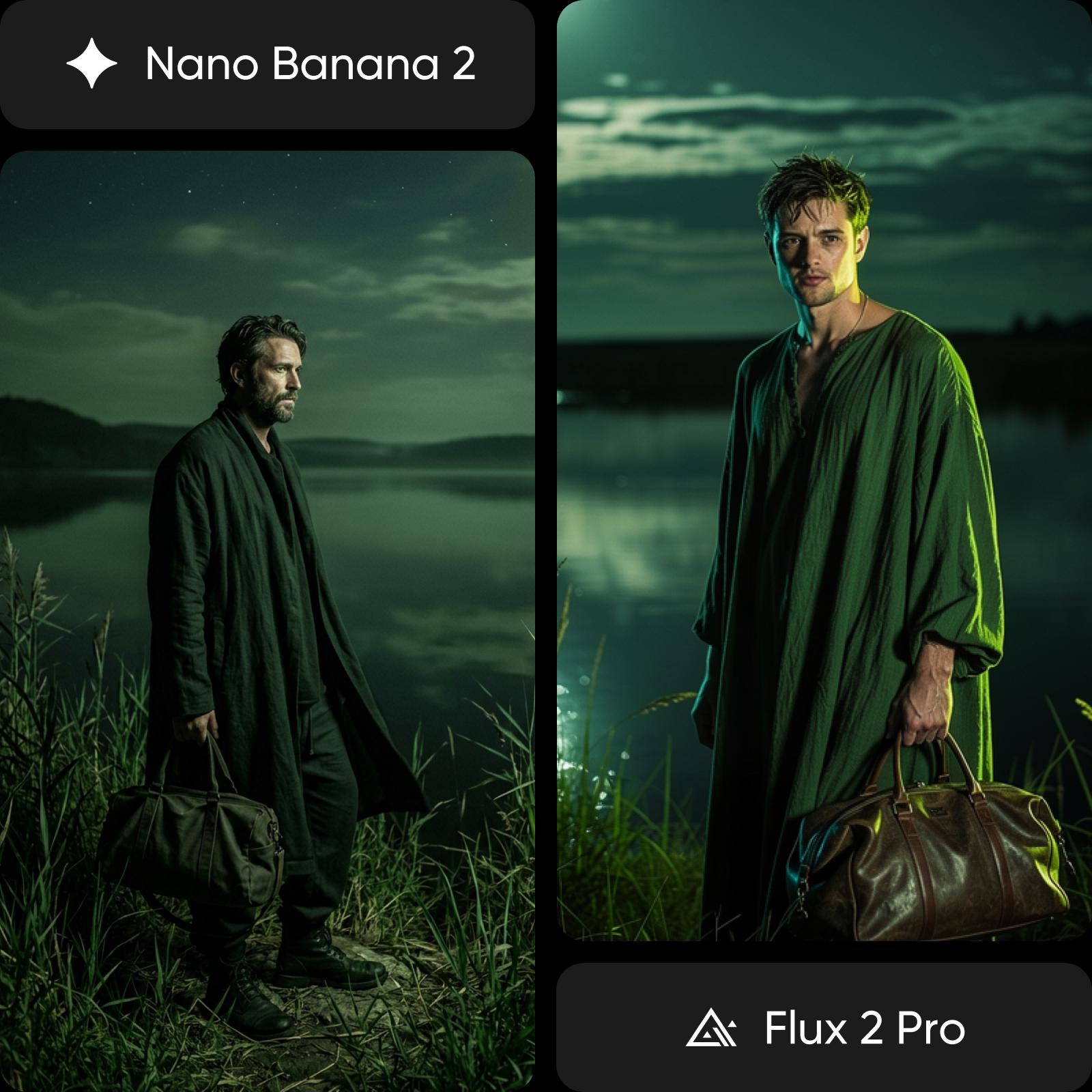
Understand image model choices
Learn how to compare image models and choose an output.