Seedance 2.0 vs Kling 3.0: control or cinematic quality?
ByteDance's Seedance 2.0 and Kuaishou's Kling 3.0 are two of the most advanced AI video models in 2026. Seedance 2.0 stands out with multimodal control, supporting up to 12 reference inputs in a single workflow. Kling 3.0 delivers native 4K video at up to 60fps with advanced physics simulation. Compare both side by side in Picsart AI Playground.
- Test the same prompt on both models
Feature comparison overview
Compare Seedance 2.0 vs Kling 3.0 side by side to understand how they differ in resolution, speed, control, and overall video generation workflow.
Breakdown of Seedance 2.0 and Kling 3.0 models
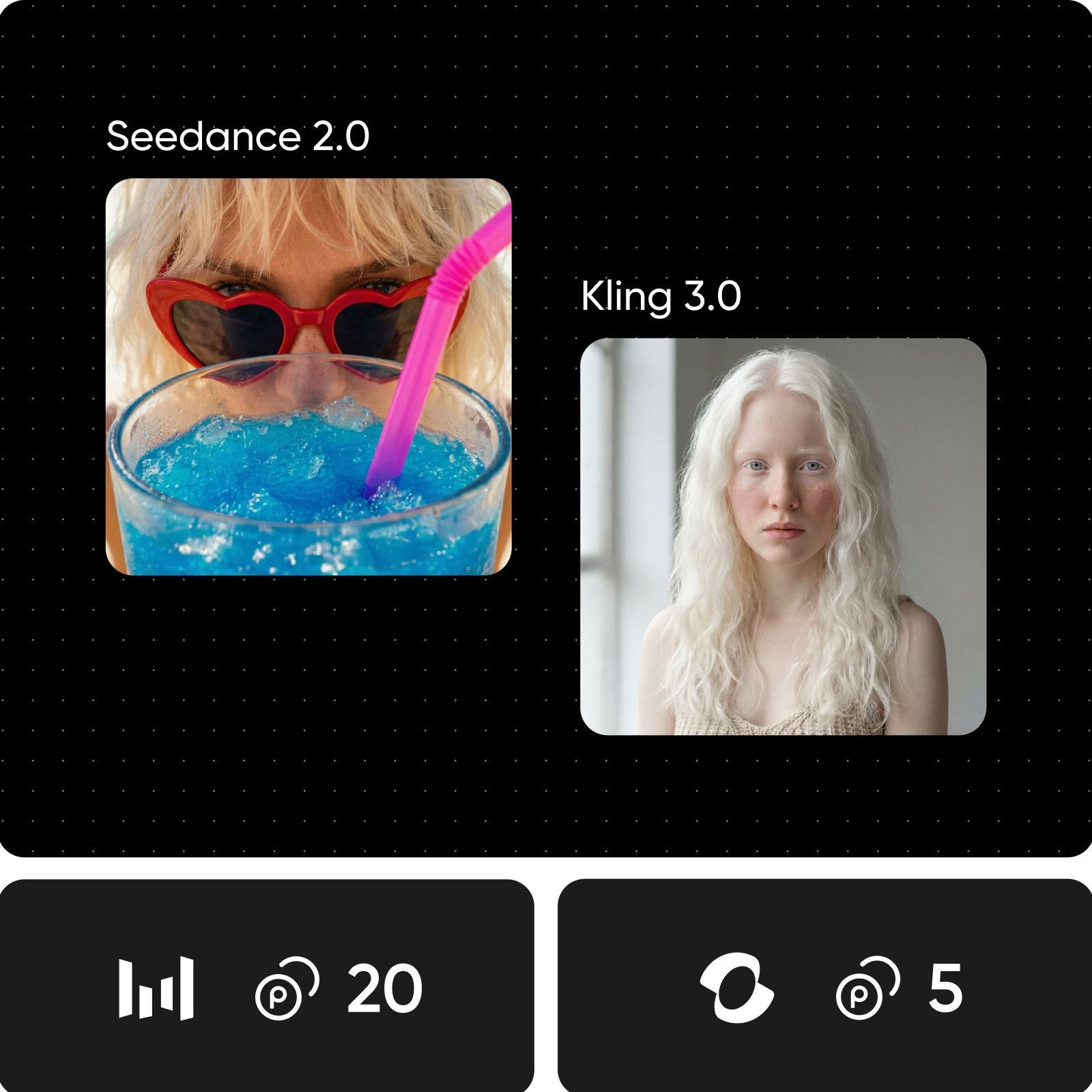
Seedance 2.0 focuses on control, letting you combine text, images, video, and audio inputs - up to 12 references, while generating layered audio in a single pass. It's faster and well-suited for ads and high-volume content. Kling 3.0 focuses on quality, delivering 4K video at up to 60fps with realistic motion, multi-shot scenes, and built-in audio with lip sync. It's designed for more cinematic, polished output.
Compare video quality, audio, and realism
Resolution is the main difference. Kling 3.0 delivers 4K video at up to 60fps, making it better for cinematic output, while Seedance 2.0 runs at 2K but generates much faster for social and ad content. Audio also differs - Seedance creates fully layered sound in one pass, while Kling focuses on accurate lip sync and character-driven audio. For motion and physics, both are strong, but Kling has the edge in realism.
Explore creative control, speed, and pricing
Control and speed define the difference. Seedance 2.0 supports up to 12 inputs - text, images, video, and audio - giving you more precise control, and generates clips much faster for quick iteration. Kling 3.0 offers fewer input options and slower generation, but focuses on higher-quality output. Both models are available on Picsart without separate subscriptions.
Choose the right model for your use case
Choose Seedance 2.0 when you need speed and control, especially for e-commerce videos, ads, and projects that combine multiple inputs like visuals, motion, and audio. It's a strong fit for high-volume content and fast production workflows. Choose Kling 3.0 when quality is the priority, with 4K output, multi-scene storytelling, and more realistic motion. It works best for cinematic content, product demos, and character-driven videos.
Match your workflow with the right model
If you are aiming for speed, control, and precise direction, Seedance 2.0 is the better fit, especially for ads, social content, and projects that combine multiple inputs with integrated audio. If you need cinematic quality, 4K output, and more realistic motion, Kling 3.0 is a stronger choice for polished, high-impact videos. If you want both, use Picsart to switch between models and choose the best one for each project.
Understand video model choices
Learn how to compare video models, motion, and outputs.



Seedance 2.0 vs Kling 3.0 FAQ
It depends on your priorities. Seedance 2.0 is better for speed, multimodal control, and integrated audio-video generation. Kling 3.0 stands out for 4K quality, realistic physics, and multi-scene storytelling.
Compare AI video models for creative content
Pro
Most popularAI tools for everyday creative work.
Ultra
Most powerfulHeavy AI usage for creators & teams.
Enterprise
Custom AI solutions for large organizations.
- Volume discounts on credit rate
- On-demand top-ups