Compare DALL-E 3 vs Midjourney for AI image generation
DALL-E 3 and Midjourney represent two leading approaches to AI image generation. DALL-E 3 focuses on prompt accuracy, text rendering, and ease of use, while Midjourney is known for artistic quality and cinematic visuals. This DALL-E vs Midjourney comparison helps you choose the right model for your workflow.
The generation action on this comparison currently opens GPT Image 2 in Picsart. Check the selected model before generating.
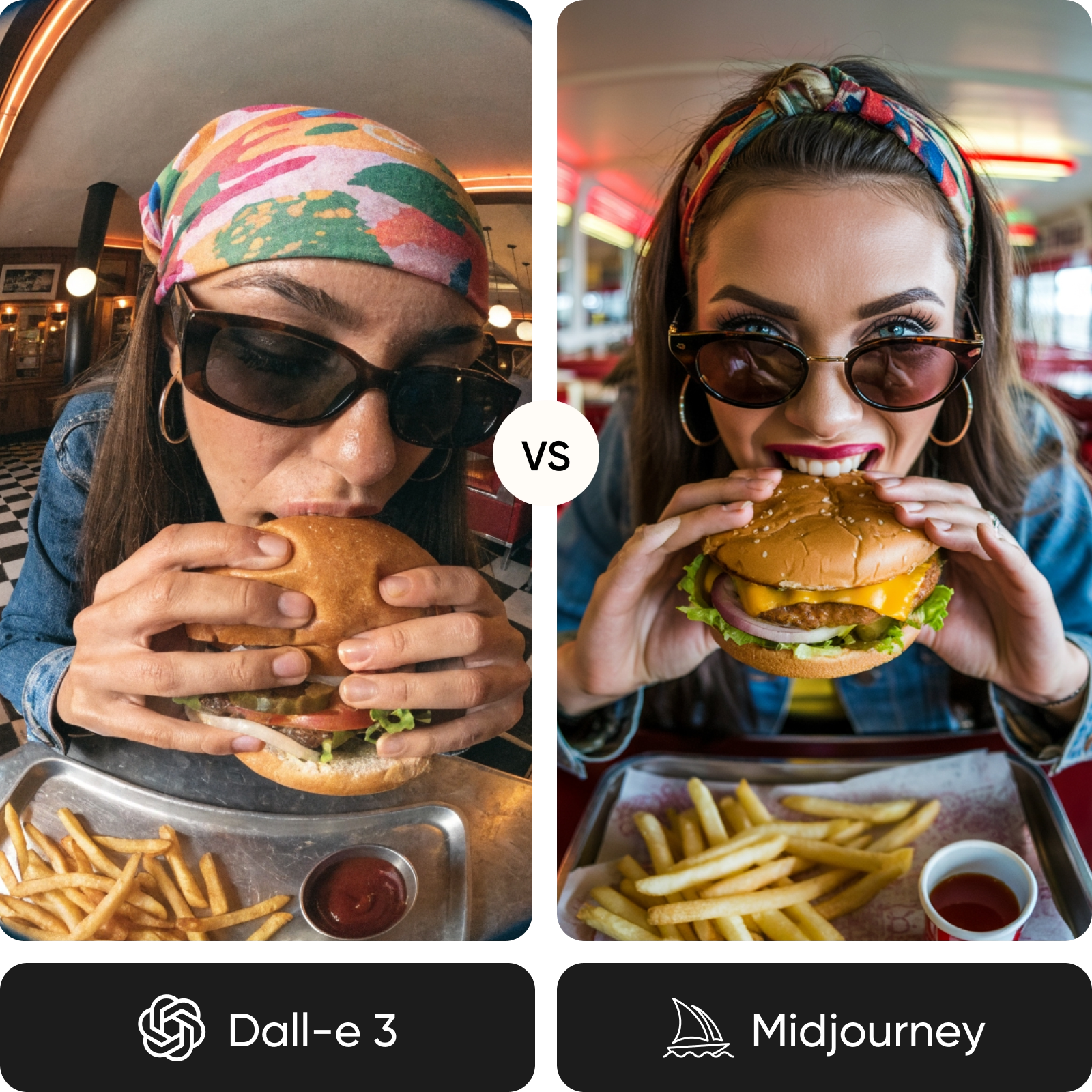
Feature comparison overview
Compare DALL-E 3 vs Midjourney side by side to understand how they differ in image quality, text rendering, creative control, and workflow.
| Feature | DALL-E 3 | Midjourney |
|---|---|---|
| Developer | DALL-E 3OpenAI | MidjourneyMidjourney |
| Max resolution | DALL-E 31024x1024 (variants supported) | MidjourneyUp to 2048x2048 |
| Text rendering | DALL-E 3Industry-leading accuracy | MidjourneyImproved but inconsistent |
| Prompt adherence | DALL-E 3Excellent (ChatGPT-assisted) | MidjourneyGood (requires prompt skill) |
| Photorealism | DALL-E 3Strong | MidjourneyBest-in-class |
| Style consistency | DALL-E 3Stable within sessions | MidjourneyHighly consistent with style refs |
| Editing tools | DALL-E 3Inpainting, outpainting, chat-based edits | MidjourneyRemix, vary, pan, zoom |
| Workflow | DALL-E 3Chat-based, intuitive | MidjourneyDiscord and web interface |
| Personalization | DALL-E 3Not available | MidjourneyBuilt-in personalization |
| API access | DALL-E 3Yes | MidjourneyLimited / closed |
| Pricing | DALL-E 3Free + pay-per-use | MidjourneySubscription-based |
| Best for | DALL-E 3Text-heavy designs, beginners | MidjourneyArtistic visuals, pro creatives |
Get familiar with DALL-E 3 and Midjourney
DALL-E 3 focuses on clarity and control. It interprets prompts through ChatGPT, making it easy to generate accurate images with text and structured layouts. Midjourney focuses on visual storytelling, producing highly stylized images with strong composition, lighting, and artistic depth.
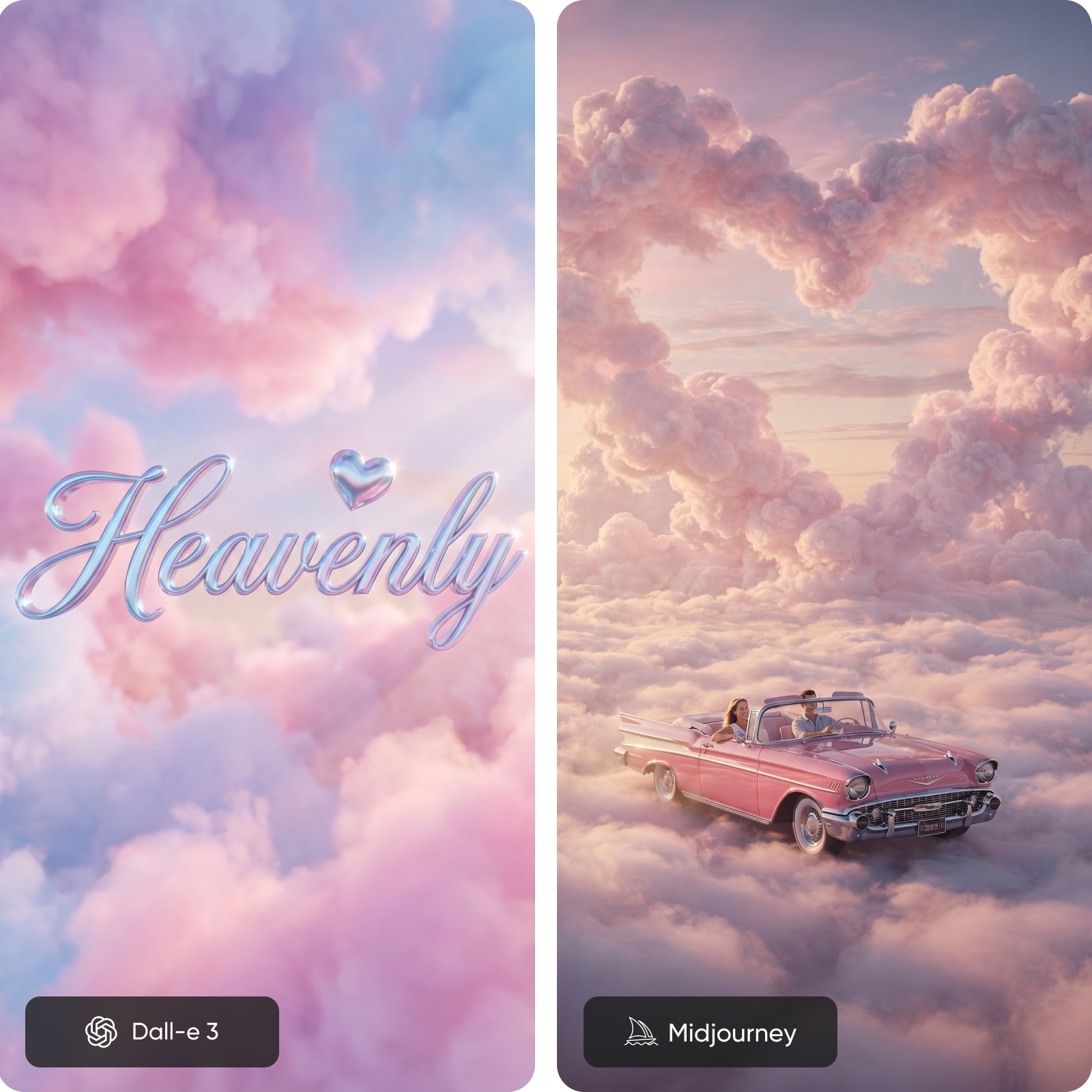
Explore image quality: prompt precision vs aesthetic mastery
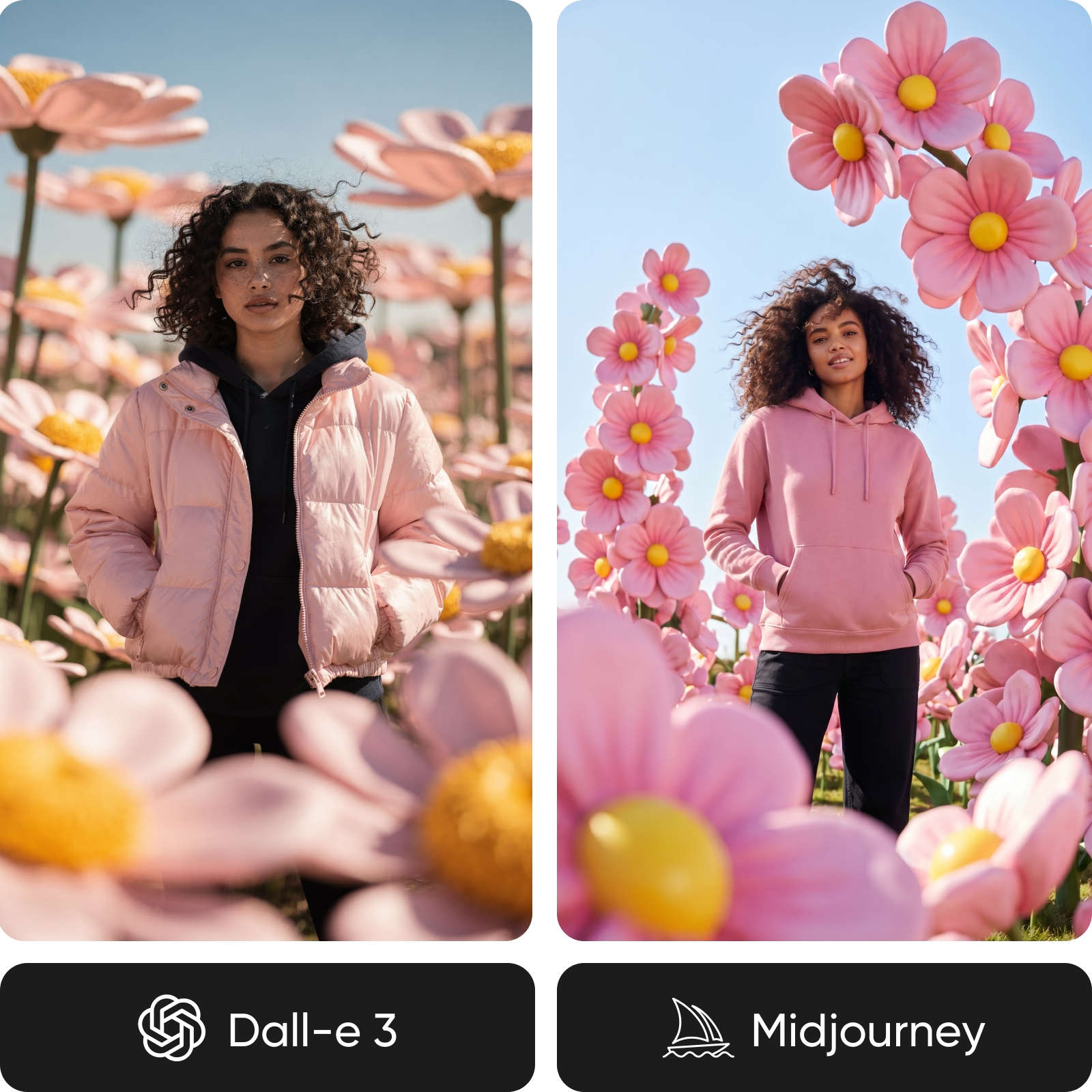
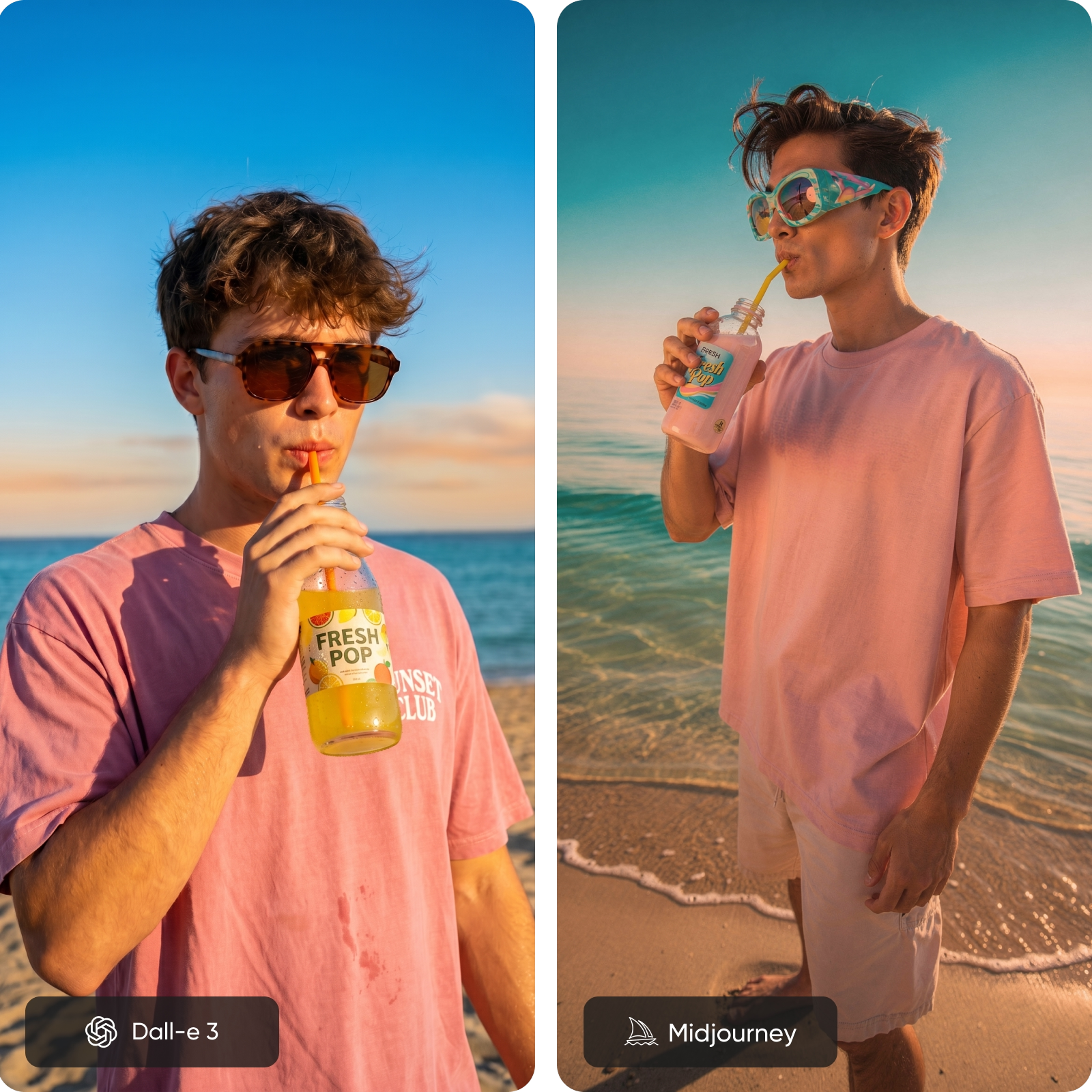
The difference comes down to output style. In this DALL-E vs Midjourney comparison, DALL-E 3 produces clean, accurate visuals with strong text rendering, making it ideal for marketing and design work. Midjourney delivers more cinematic images with richer textures and lighting, making it the stronger choice for artistic and editorial content.
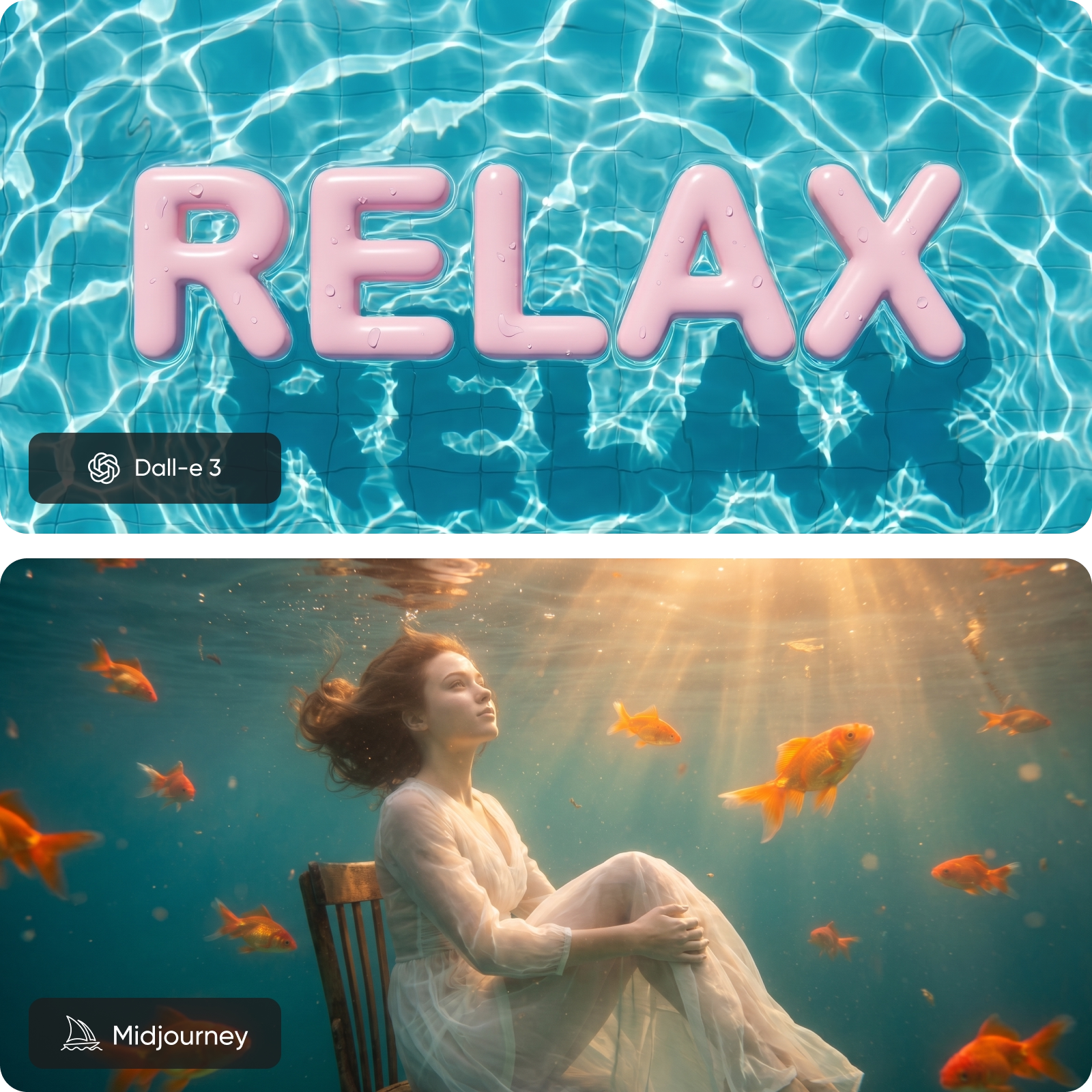
Understand workflow and creative control differences
Creative workflows differ significantly. DALL-E 3 simplifies creation with conversational prompting and iterative edits, allowing you to refine results through natural language. Midjourney offers deeper creative control with style references, remix tools, and personalization, rewarding users who invest in prompt crafting.
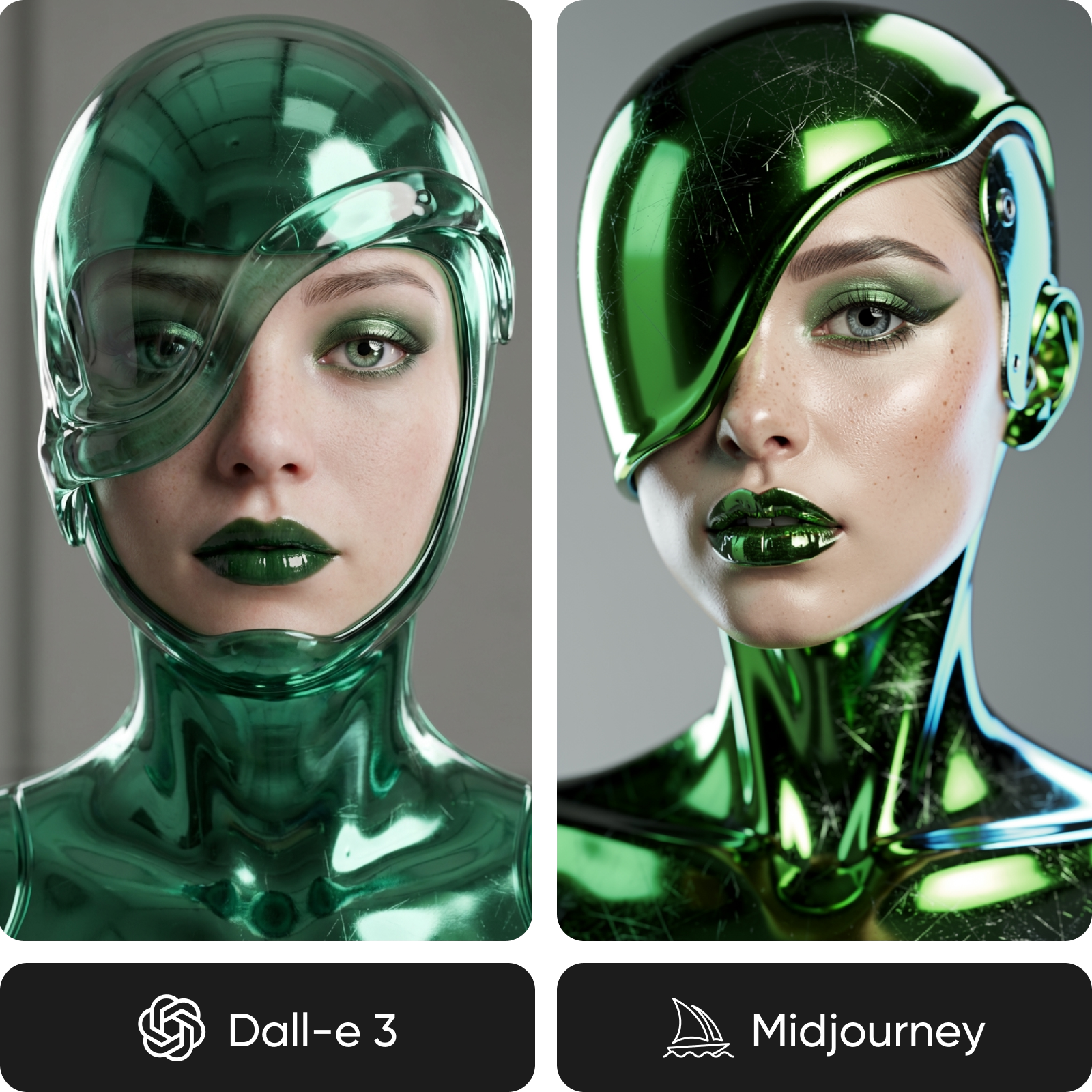
Review speed, pricing, and access
Speed and pricing depend on usage. DALL-E 3 offers predictable generation and flexible pay-per-use pricing, making it accessible for casual and professional users. In the broader DALL-E vs Midjourney comparison, Midjourney requires a subscription and may take longer to generate images unless using faster modes. Access also differs: DALL-E integrates widely, while Midjourney operates within its own ecosystem.
Decide between DALL-E 3 and Midjourney
If you are aiming for precise outputs with strong prompt control and text accuracy, DALL-E 3 is the better fit, especially for marketing, social media, and beginner workflows. If you want cinematic visuals with artistic depth and stylistic consistency, Midjourney is a stronger choice for creative projects. If you want both, use Picsart to compare outputs in one place.
DALL-E 3 vs Midjourney FAQ
It depends on your needs. DALL-E 3 is better for prompt accuracy and text rendering, while Midjourney is stronger in artistic quality and visual storytelling.
Compare AI image models for creative projects
Pro
Most popularAI tools for everyday creative work.
Ultra
Most powerfulHeavy AI usage for creators & teams.