Runway Gen4 Image: reference-based AI image generation
Runway Gen4 Image is a reference-based image generation model from Runway, designed to generate new images that maintain the visual identity of reference inputs. It excels at style transfer, character consistency, and creating variations that stay true to the original reference.
- Guide images with visual references

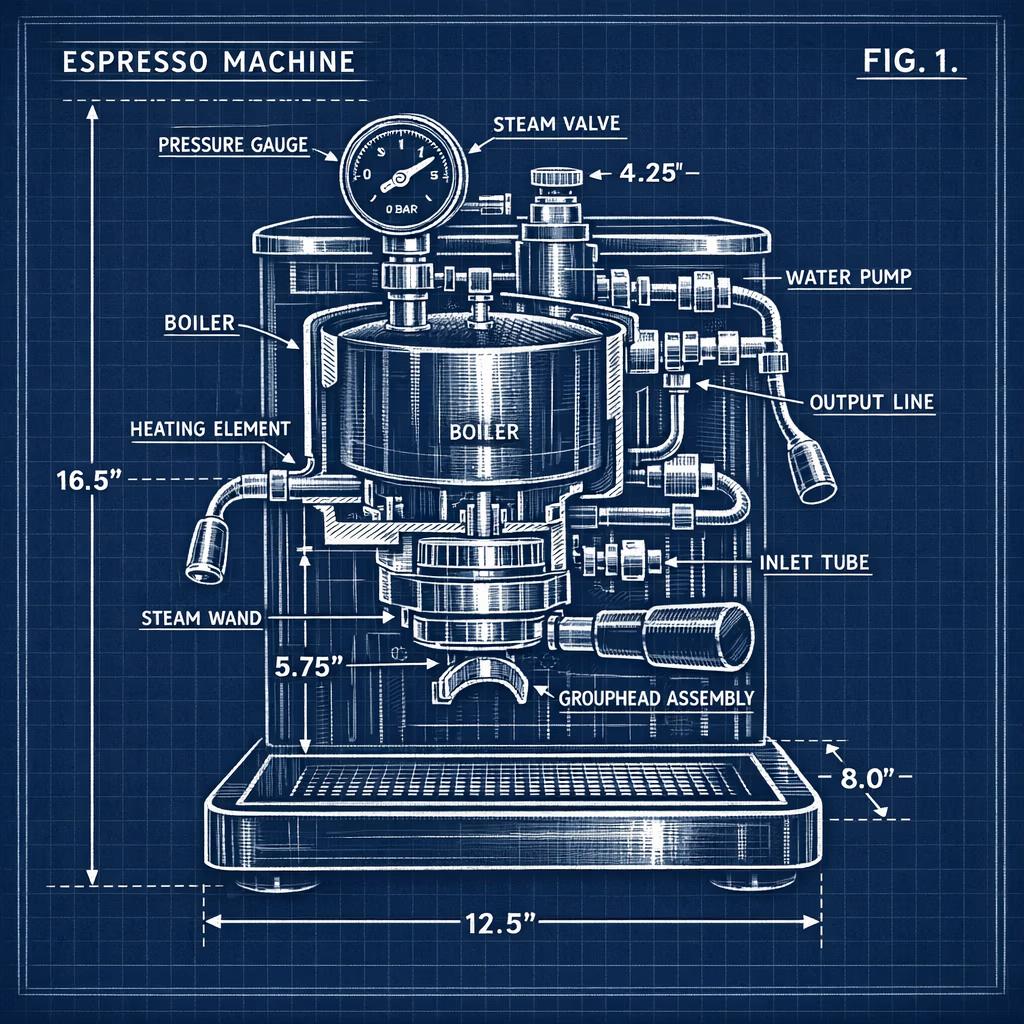
Images created with Runway Gen4 Image



What is Runway Gen4 Image?
Runway Gen4 Image is the image generation component of Runway's Gen-4 model family. It specializes in reference-based generation — creating new images that maintain the visual identity, style, and character consistency of provided reference images.
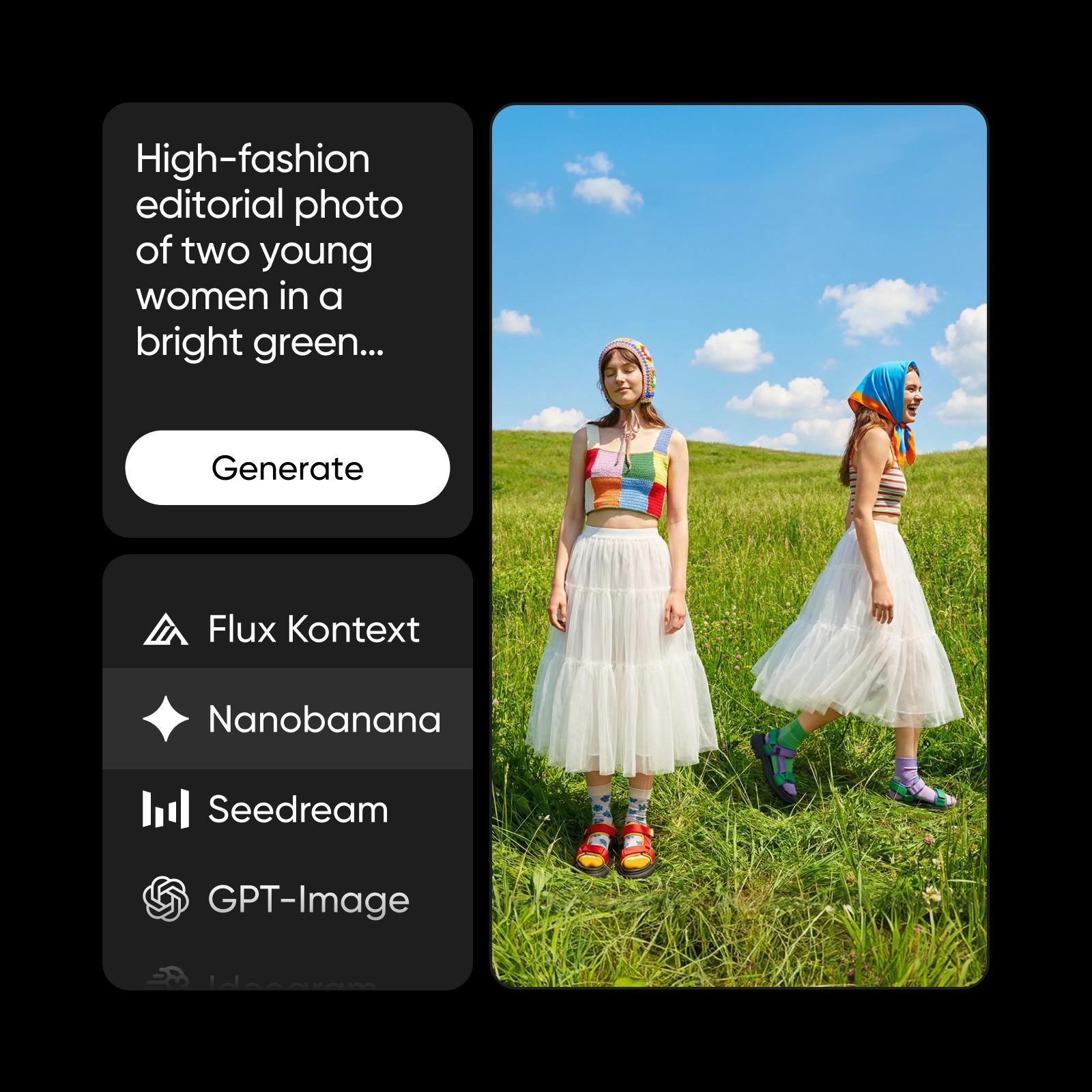
What you can create with Runway Gen4 Image
Generate realistic images from prompts
Turn detailed text descriptions into high-quality, realistic visuals with accurate lighting, textures, and compositions directly inside Picsart’s AI Image Editor.

How Runway Gen4 Image works inside Picsart
Runway Gen4 Image is integrated into Picsart's AI Image Generator and AI Playground, giving creators direct access to Runway Gen4 Image without external tools or complex API setups. Generate images, explore creative directions, and iterate on results — all from one platform.

Why creators choose Runway Gen4 Image
Creators choose Runway Gen4 Image for reference-based workflows. When you need new images that match an existing style or maintain character identity, Gen4 Image delivers consistent results that stay true to your visual reference.
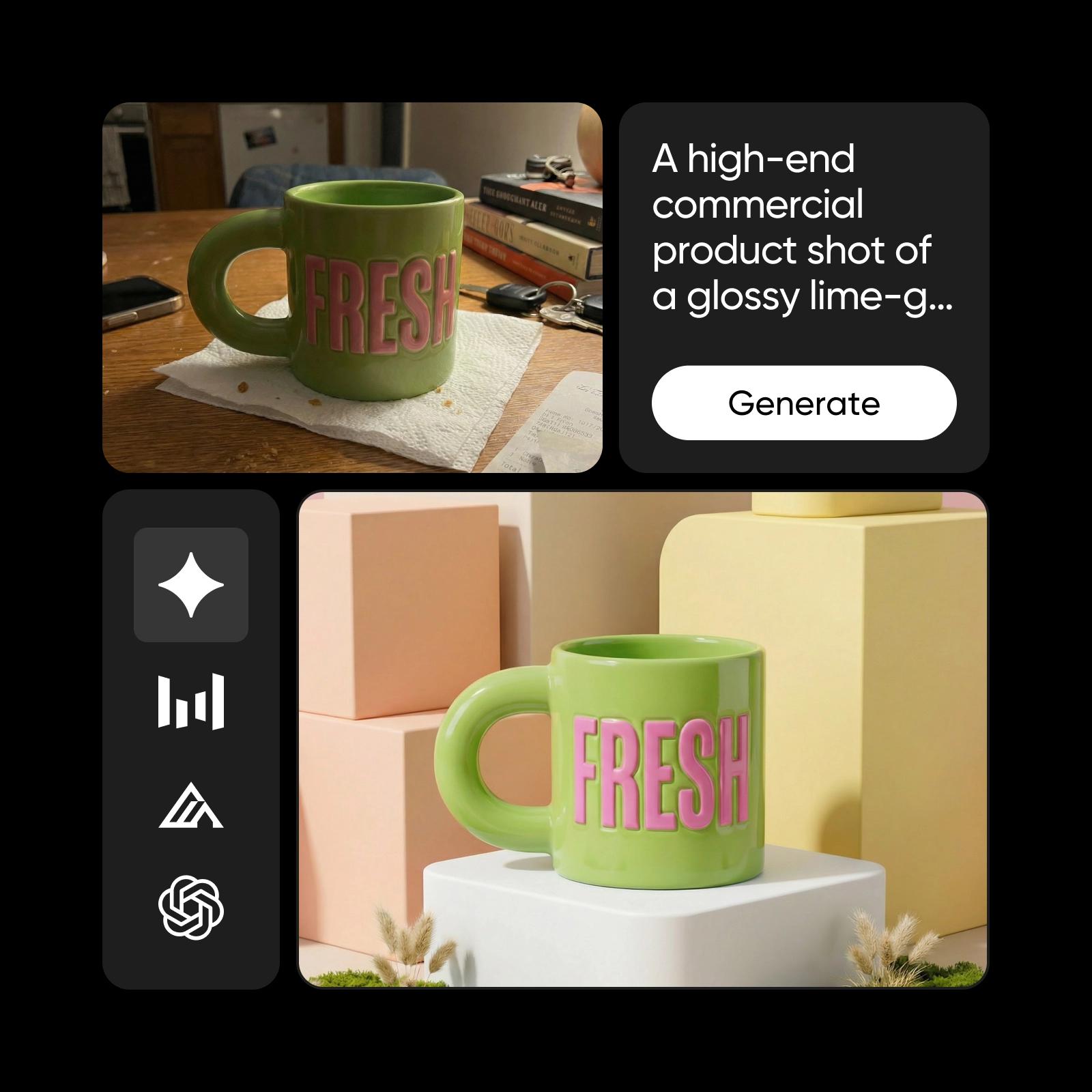
Runway Gen4 Image inside the Picsart ecosystem
Runway Gen4 Image is one of 90+ AI models powering Picsart's creative ecosystem. It works alongside other models to support image generation, visual enhancement, and content creation across the platform. This multi-model approach ensures flexibility, reliability, and consistently high-quality results for a wide range of creative needs.

Understand image model choices
Learn how to compare image models and choose an output.


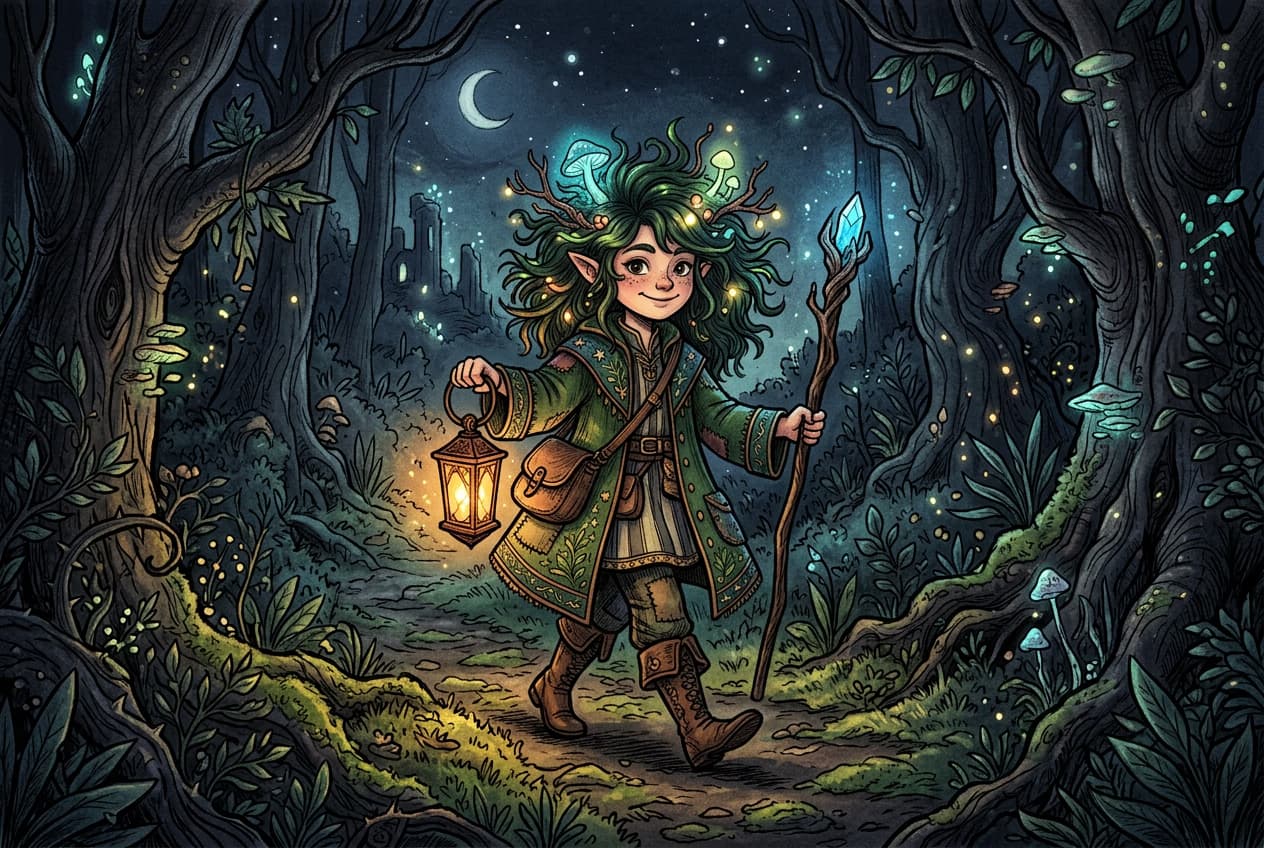

Explore more models like Runway Gen4 Image
Compare Runway Gen4 Image with other image models for campaign visuals, design assets, and creative tests.
Runway Gen4 Image FAQ
Runway Gen4 Image is OpenAI’s advanced AI image generation model. It produces realistic, detailed images from natural language prompts with strong prompt comprehension and consistent visual quality.
Generate AI visuals with Runway Gen4 Image
Pro
Most popularAI tools for everyday creative work.
Ultra
Most powerfulHeavy AI usage for creators & teams.
Enterprise
Custom AI solutions for large organizations.
- Volume discounts on credit rate
- On-demand top-ups