Create model comparisons with AI image models
Use image models to compare creative outputs, style options, and model strengths before choosing a workflow.
Compare GPT Image 1.5 vs Midjourney V7 for AI image generation
OpenAI's GPT Image 1.5 and Midjourney V7 take different approaches to AI image generation. GPT Image focuses on precision, text accuracy, and instruction control, while Midjourney is known for artistic quality and visual storytelling. This GPT Image vs Midjourney comparison helps you choose the right model for your workflow.
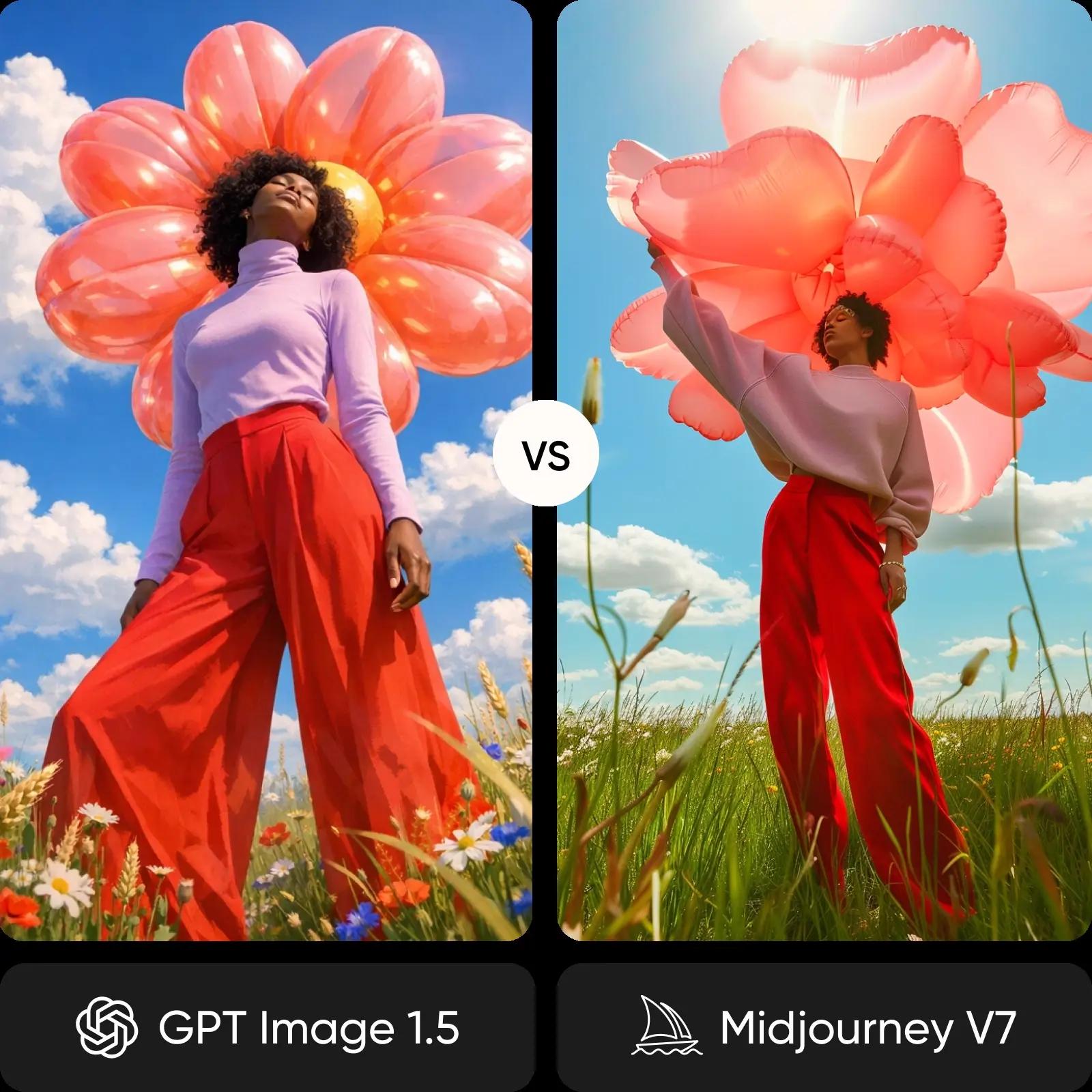
Feature comparison overview
Compare GPT Image 1.5 vs Midjourney side by side to understand how they differ in text rendering, artistic quality, speed, and creative tools.
Get familiar with GPT Image 1.5 and Midjourney
GPT Image 1.5 focuses on precision and control. It follows complex prompts closely, renders text accurately, and produces clean, structured outputs. Midjourney focuses on artistic expression, generating visually rich images with strong composition, lighting, and stylistic depth.
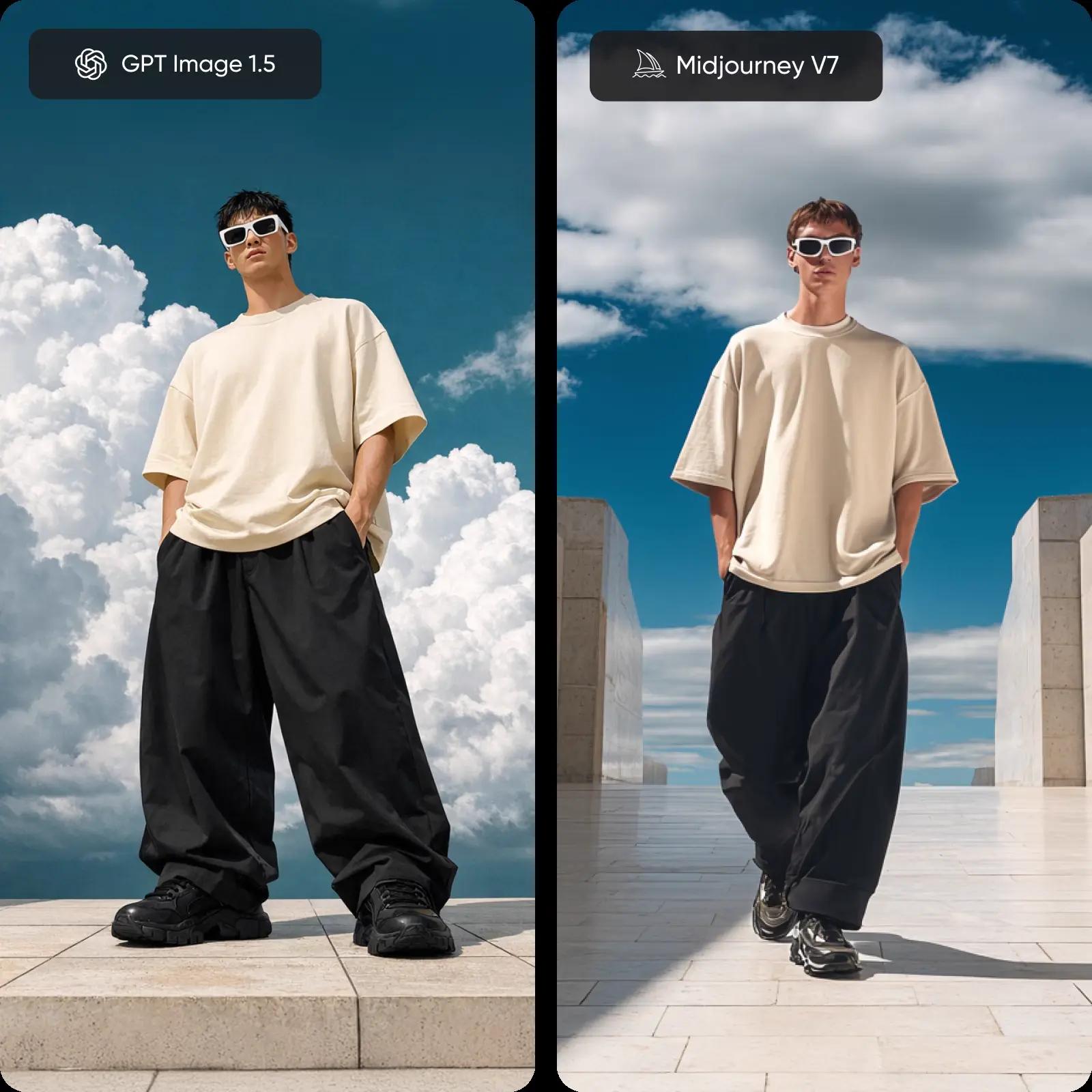
Explore image quality: precision vs artistic mastery
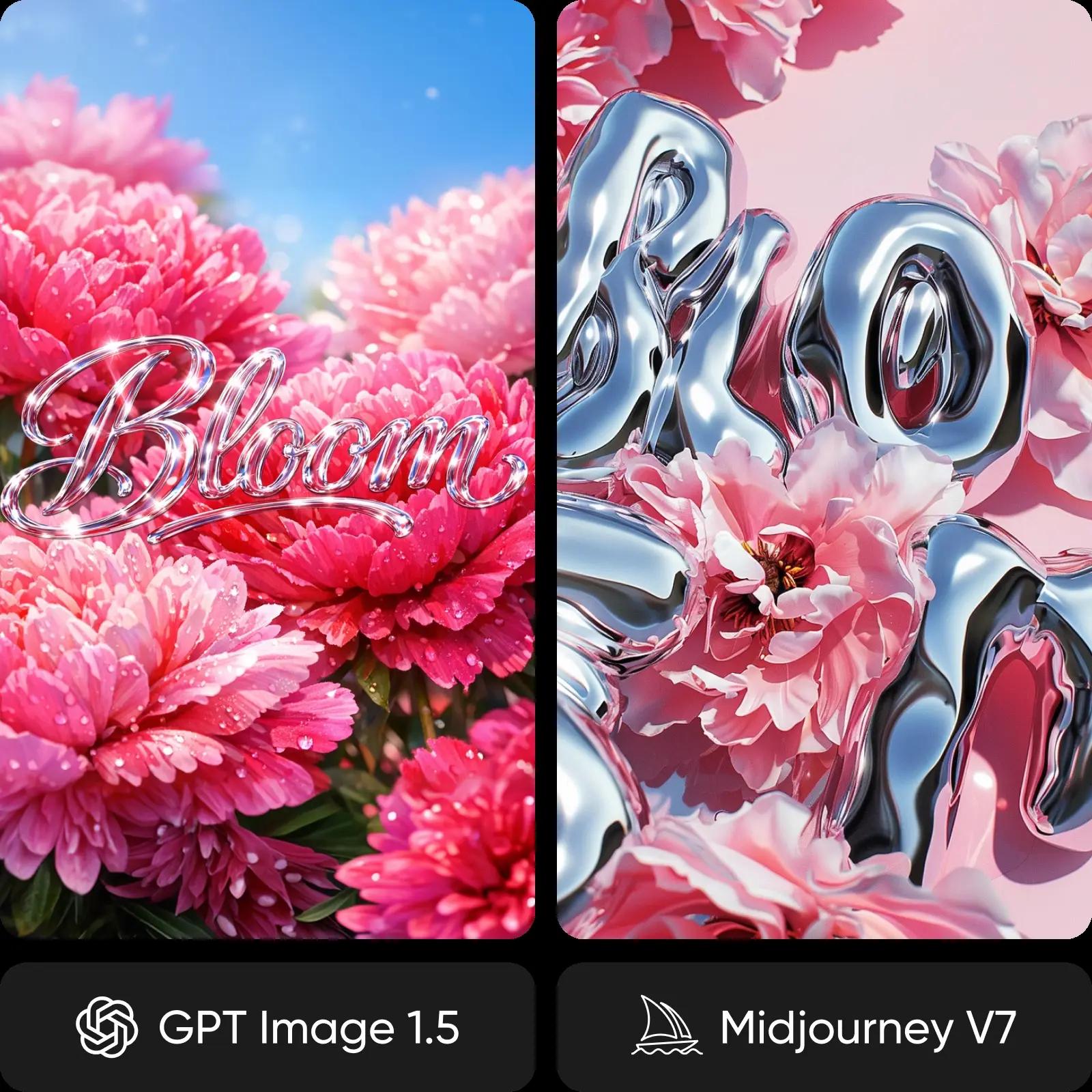
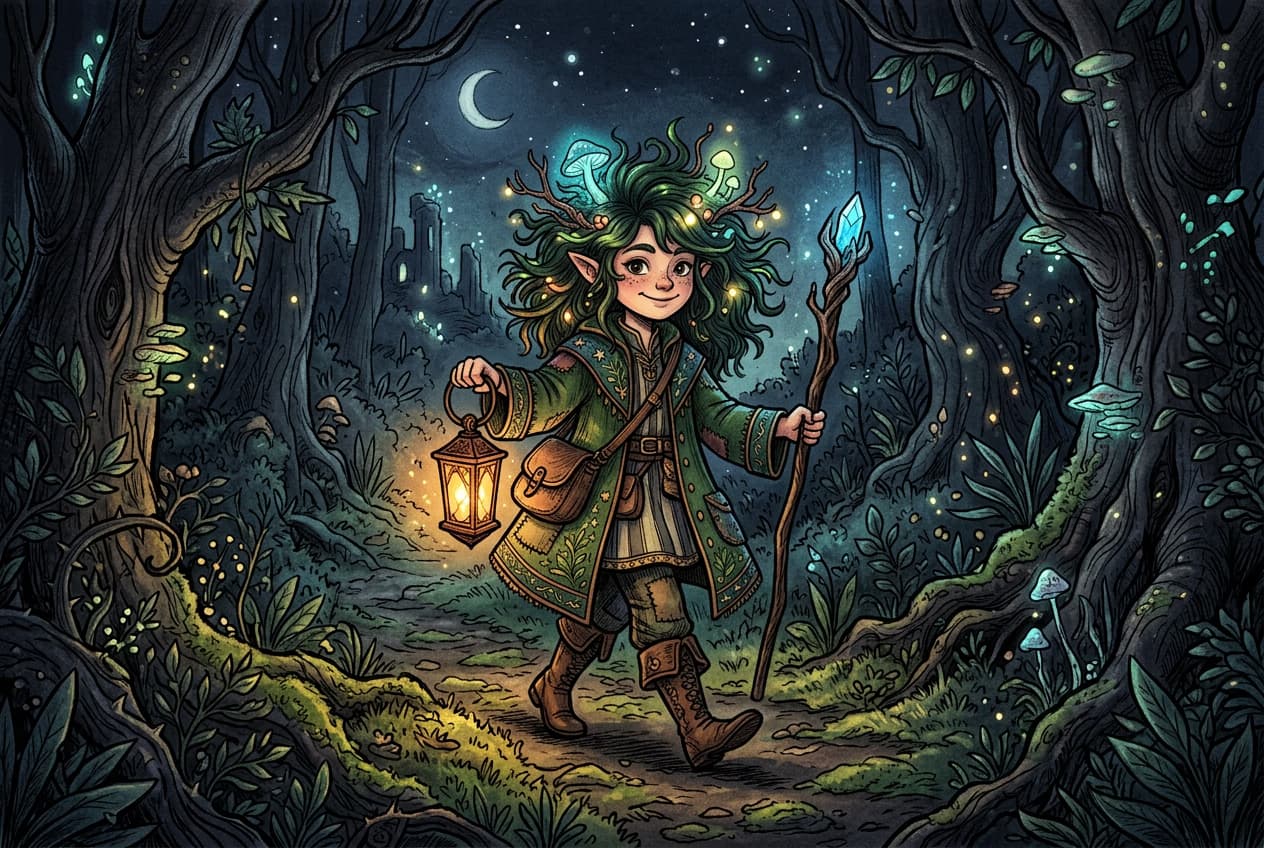
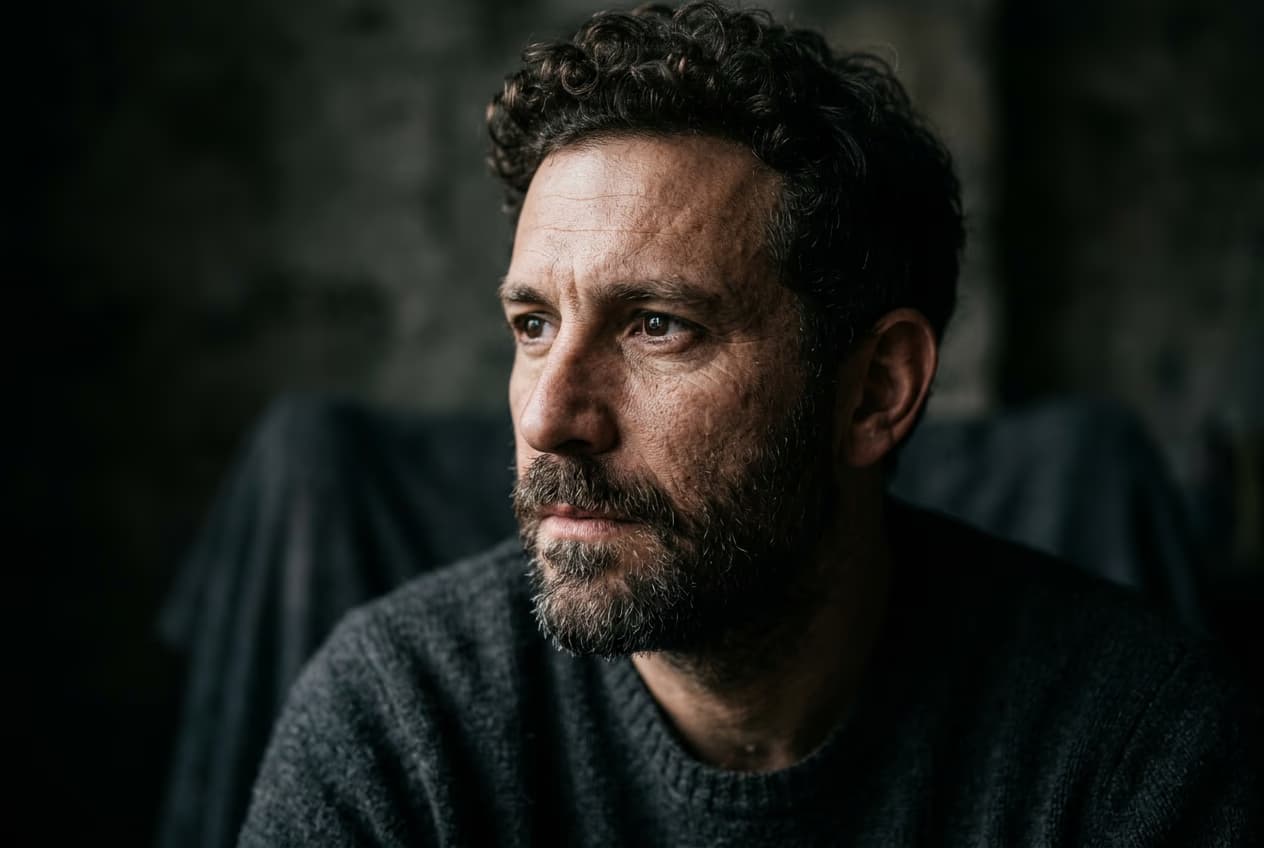
The difference comes down to intent. GPT Image 1.5 produces accurate, structured visuals with reliable text and layout control, making it ideal for commercial and brand-focused work. Midjourney V7 delivers more expressive images with cinematic lighting, rich textures, and a distinct artistic style.
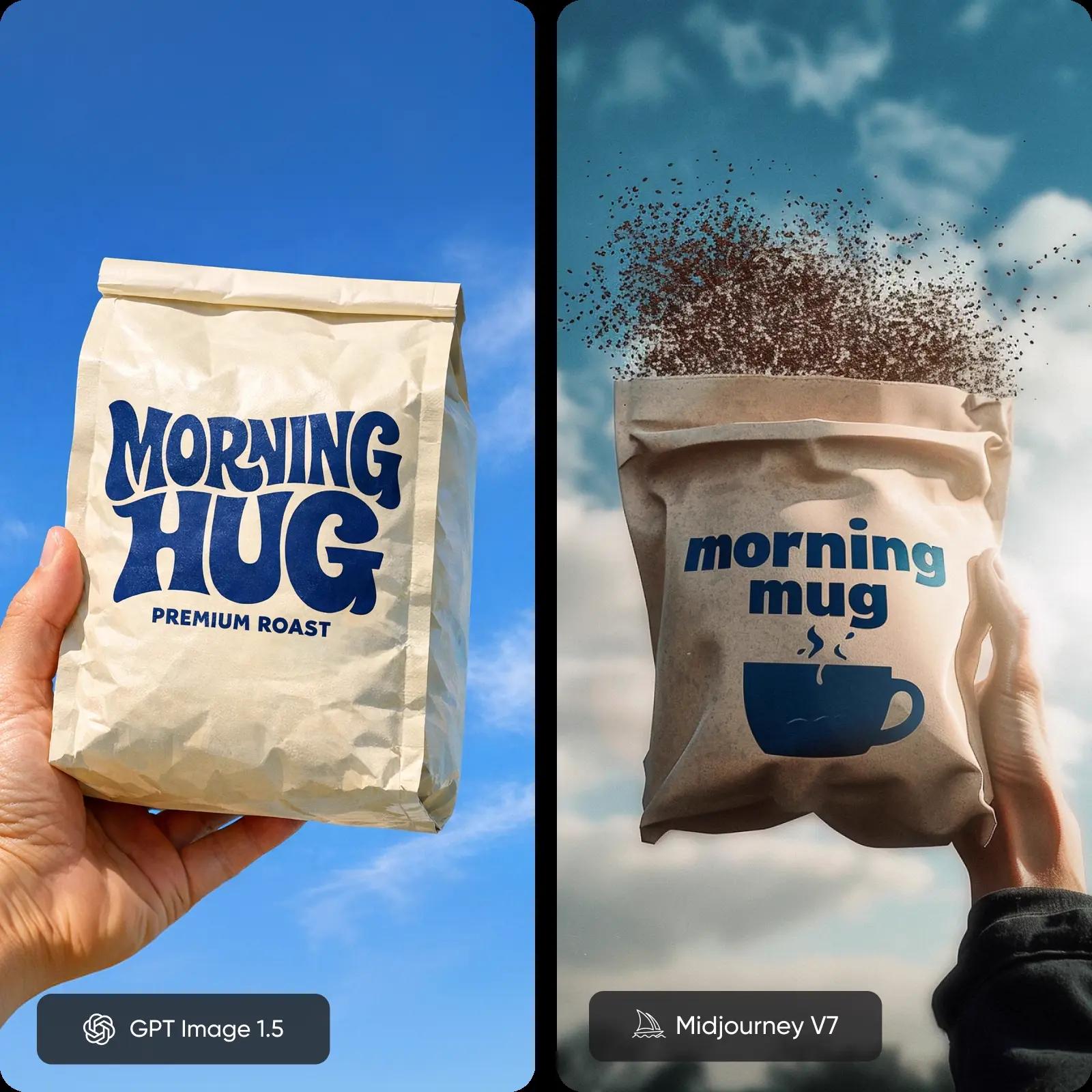
See how accuracy and artistic style differ
Creative workflows differ significantly. GPT Image 1.5 offers precise control through structured prompts and conversational editing, making it predictable and repeatable. Midjourney emphasizes exploration, with personalization, style references, and remix tools that shape outputs based on creative direction.
Review speed, pricing, and access
Speed varies depending on mode. GPT Image 1.5 delivers consistent generation times, while Midjourney can be slower unless using Draft Mode. Pricing also differs - GPT uses pay-per-image, while Midjourney requires a subscription. GPT Image offers API access, while Midjourney remains a closed platform.
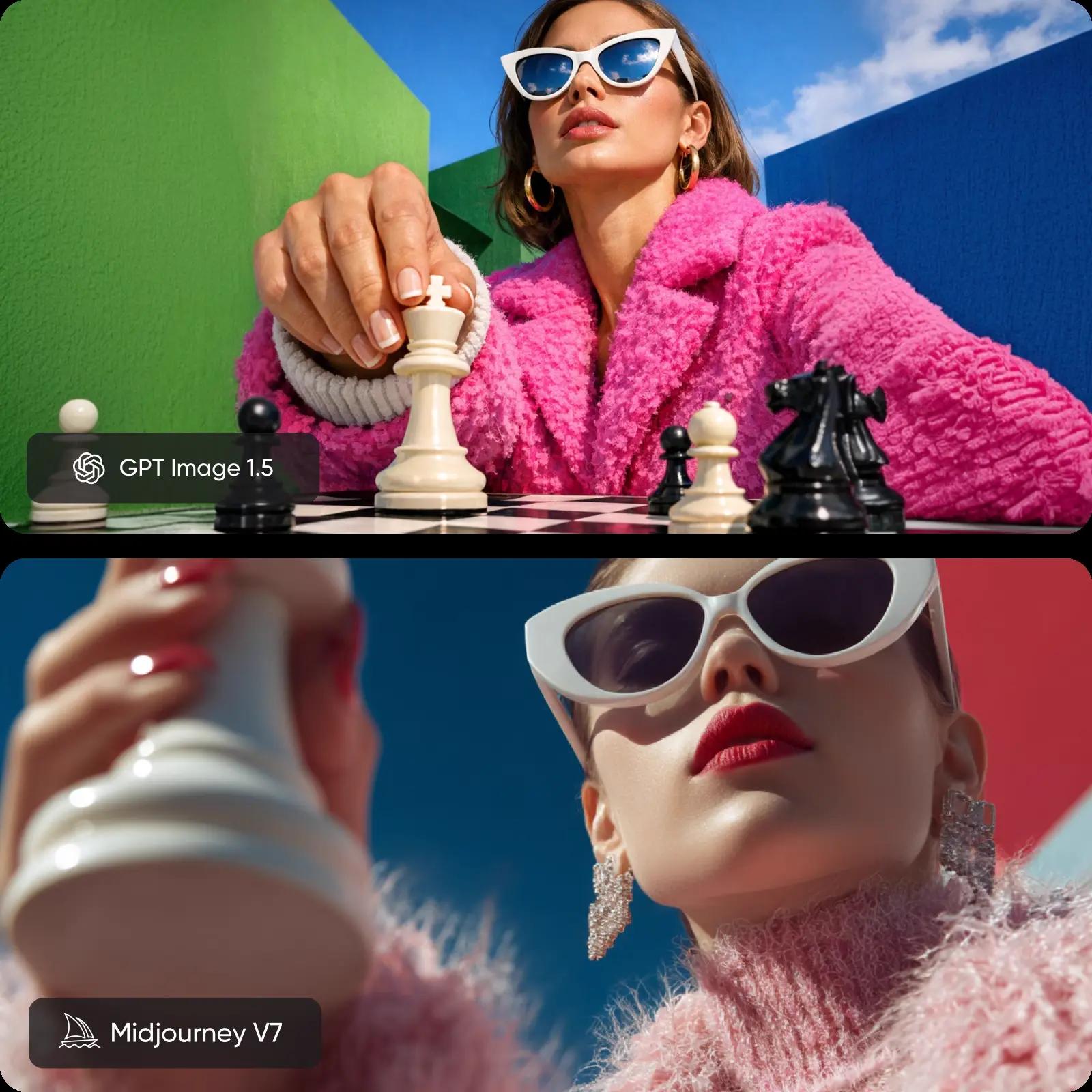
Find your fit: GPT Image 1.5 or Midjourney V7
If you are aiming for precise, repeatable outputs with strong text rendering and prompt control, GPT Image 1.5 is the better fit, especially for designs with text, brand assets, and structured layouts. If you want expressive visuals with artistic depth and creative flexibility, Midjourney V7 is a stronger choice, ideal for concept art, editorial imagery, and creative exploration. If you want both, use Picsart to compare outputs in one place.
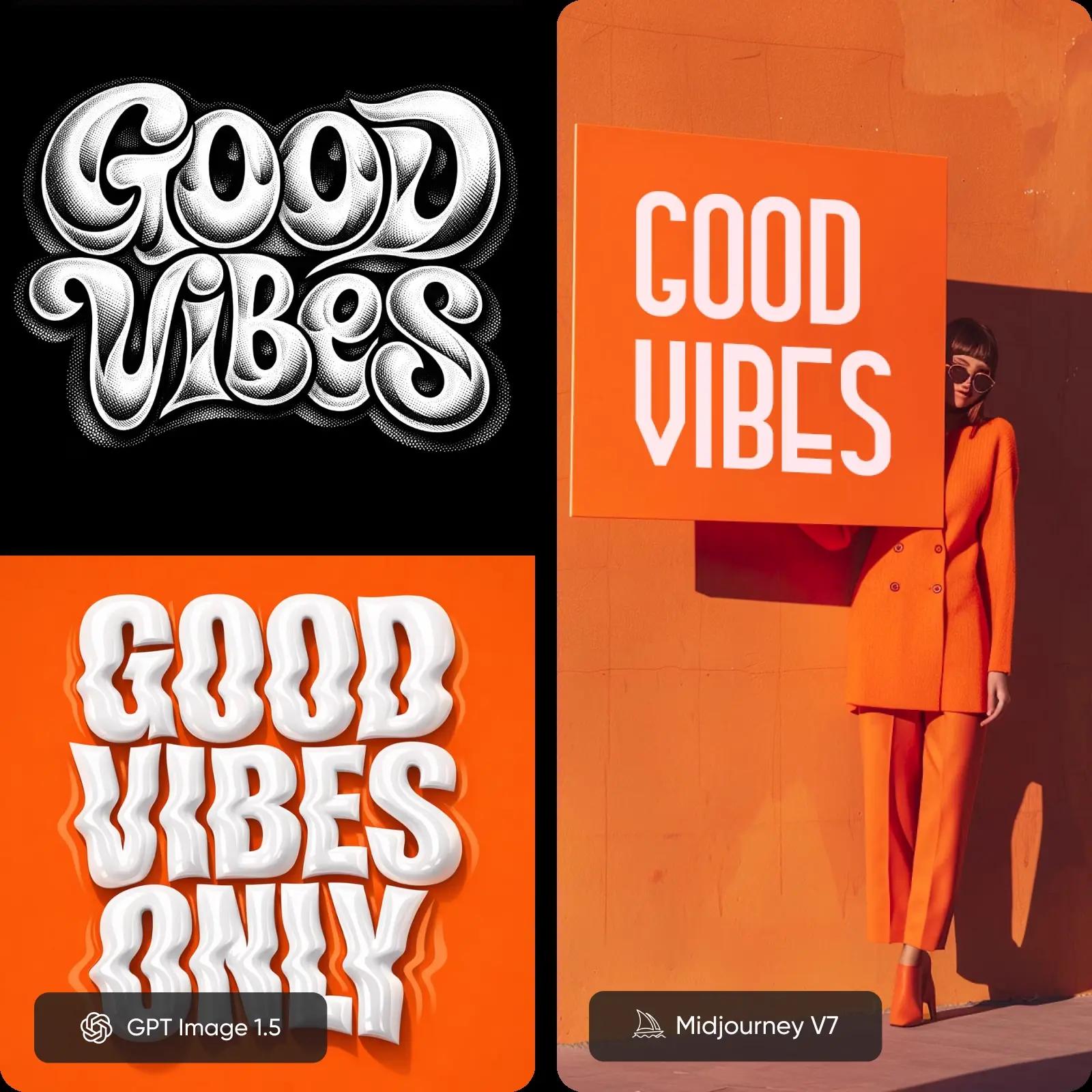
Understand image model choices
Learn how to compare image models and choose an output.
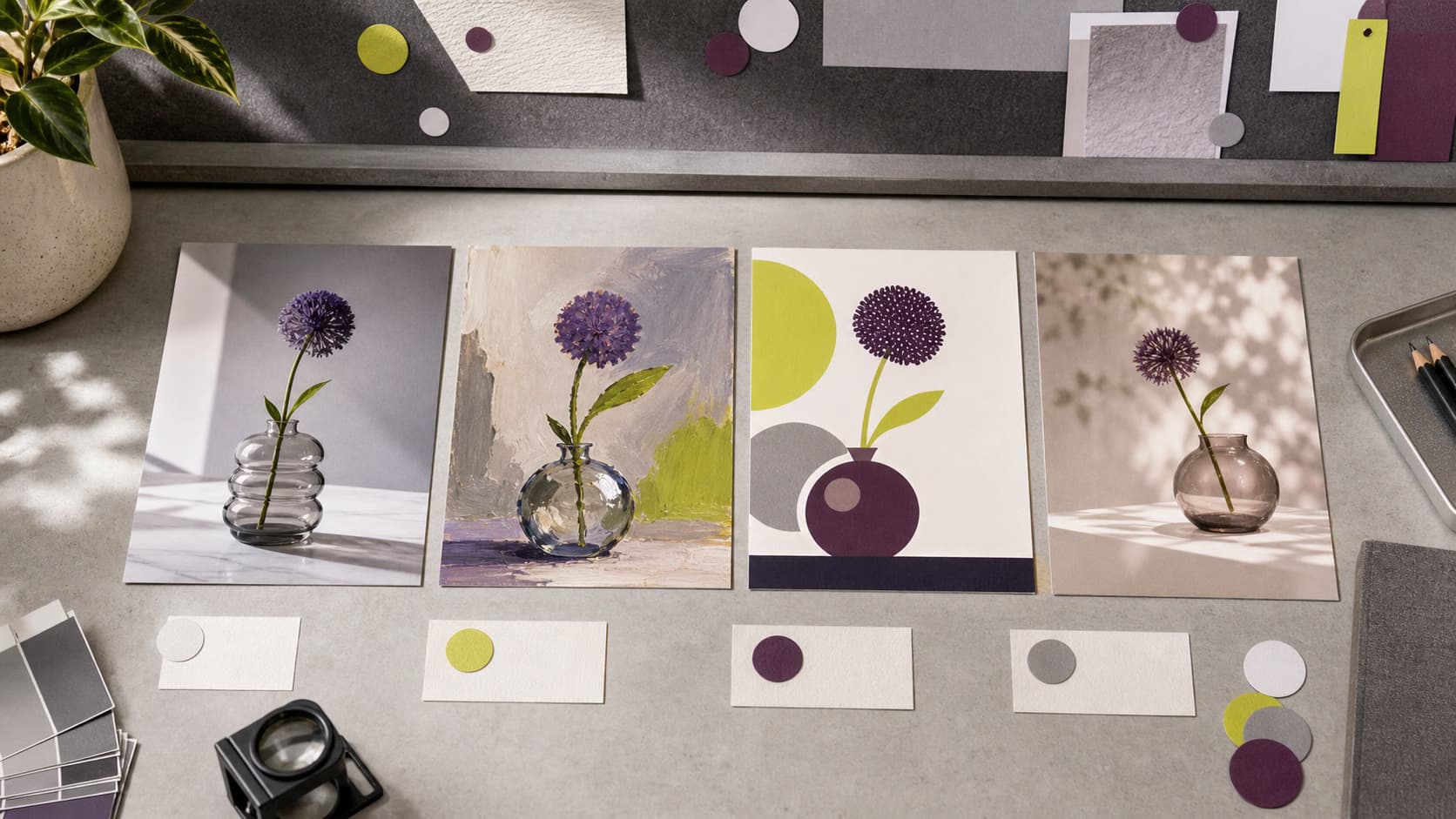
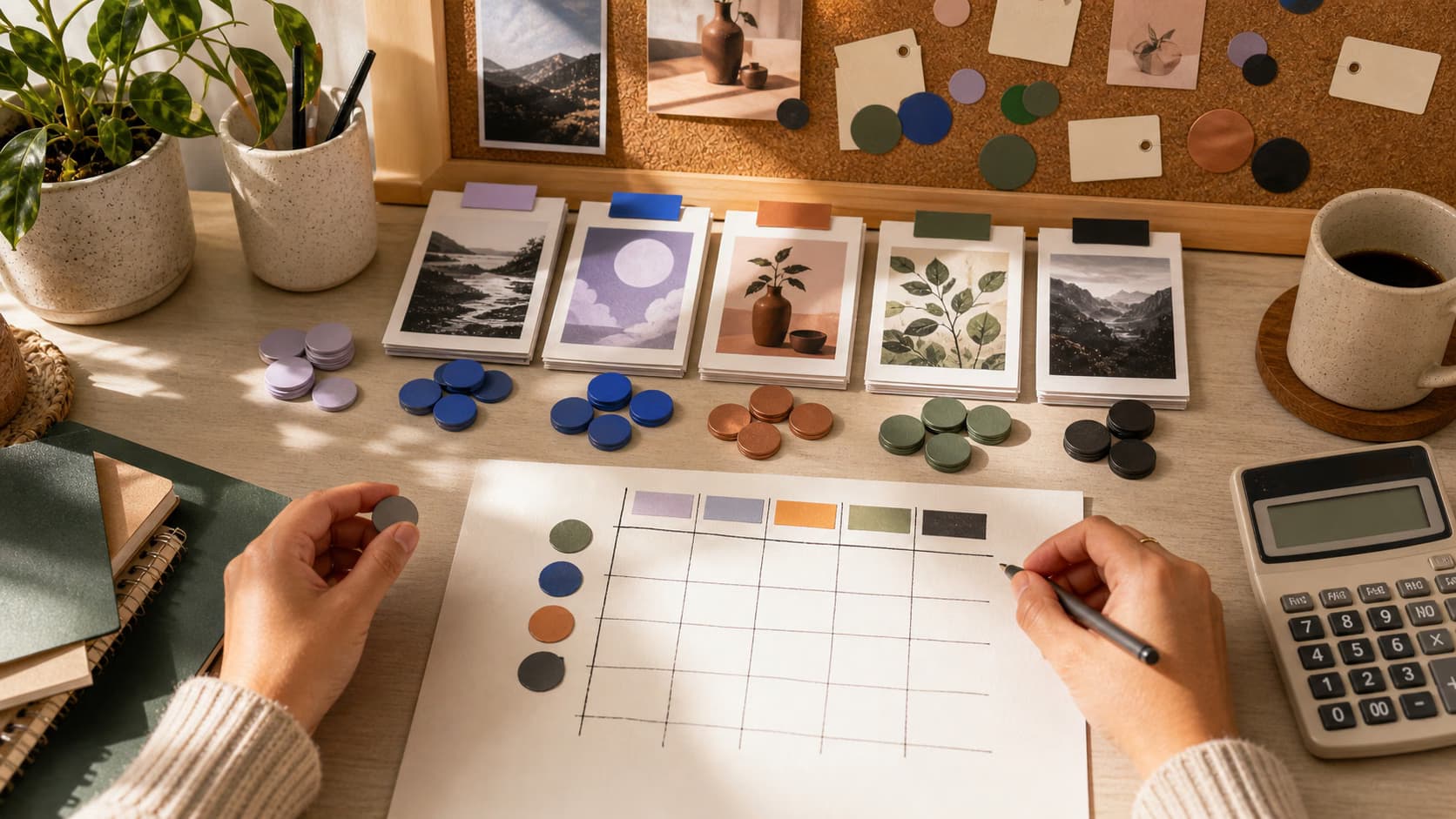
GPT Image 1.5 vs Midjourney FAQ
They excel at different things. GPT Image 1.5 is better for text accuracy and structured outputs, while Midjourney V7 is stronger in artistic quality and visual storytelling.
Compare AI image models for creative projects
Pro
Most popularAI tools for everyday creative work.
Ultra
Most powerfulHeavy AI usage for creators & teams.
Enterprise
Custom AI solutions for large organizations.
- Volume discounts on credit rate
- On-demand top-ups