Compare Ideogram 3.0 Flash vs Flux 2 Pro for AI image generation
Ideogram 3.0 Flash and Flux 2 Pro take different approaches to AI image generation. Ideogram leads in text rendering and typography, while Flux 2 Pro stands out for speed, resolution, and photorealistic depth. This Ideogram vs Flux comparison helps you choose the right model for your workflow.
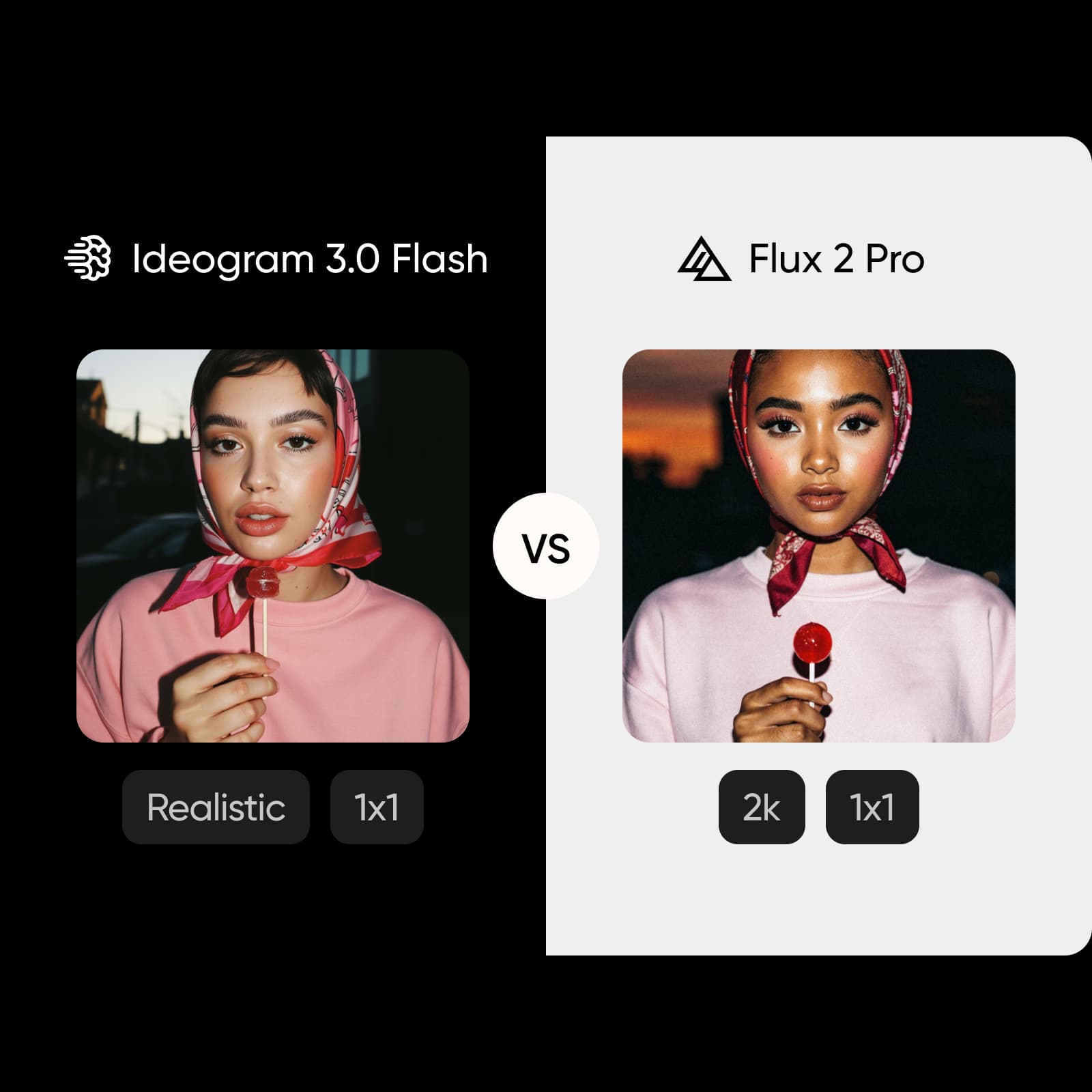
Feature comparison overview
Compare Ideogram 3.0 Flash vs Flux 2 Pro side by side to understand how they differ in text rendering, speed, resolution, and creative flexibility.
Get familiar with Ideogram 3.0 Flash and Flux 2 Pro
Ideogram 3.0 Flash focuses on typography and design. It produces clean, readable text inside images and supports structured layouts for logos, posters, and brand visuals. Flux 2 Pro focuses on realism and performance, generating high-resolution images quickly with detailed lighting and textures.
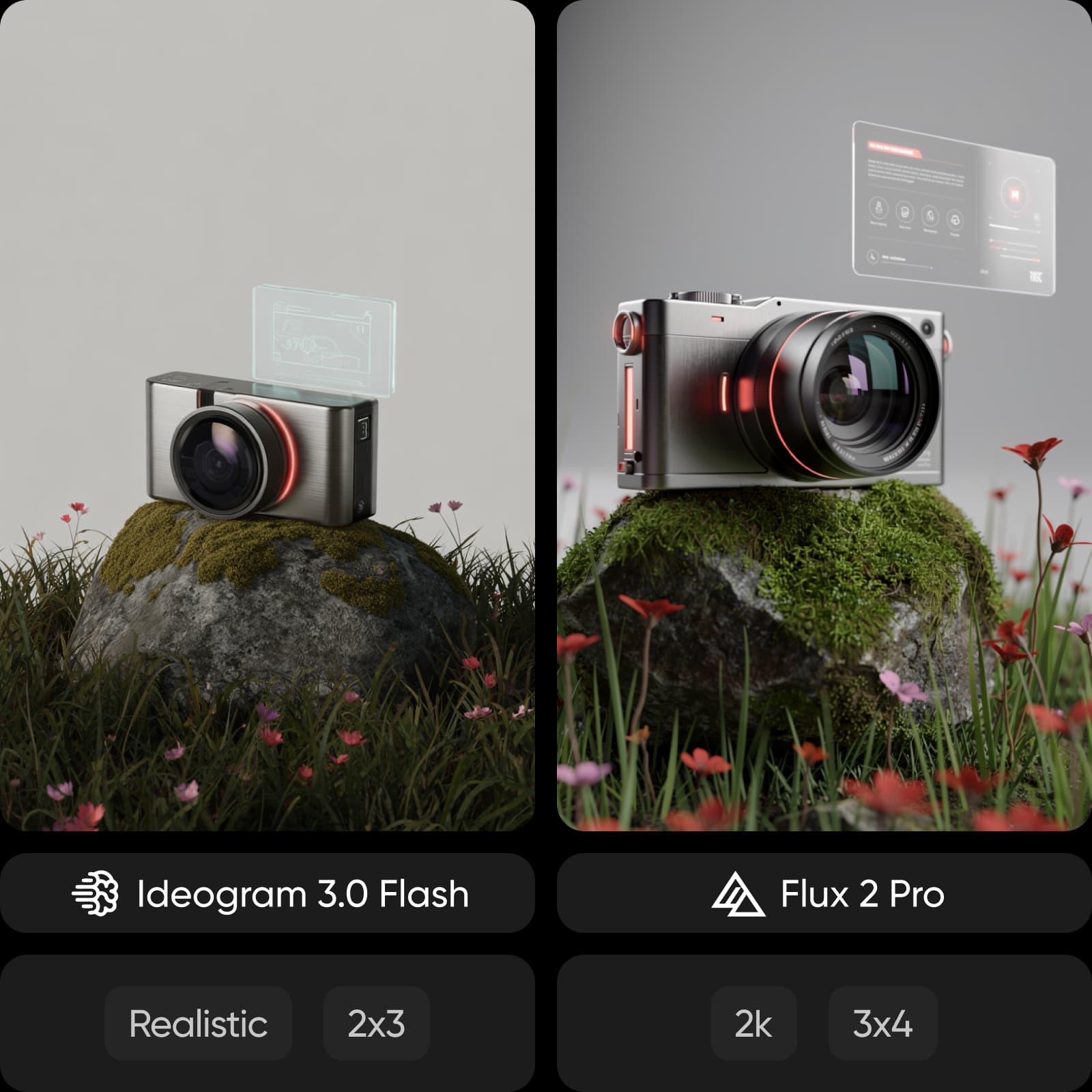
Explore image quality: typography vs photorealism
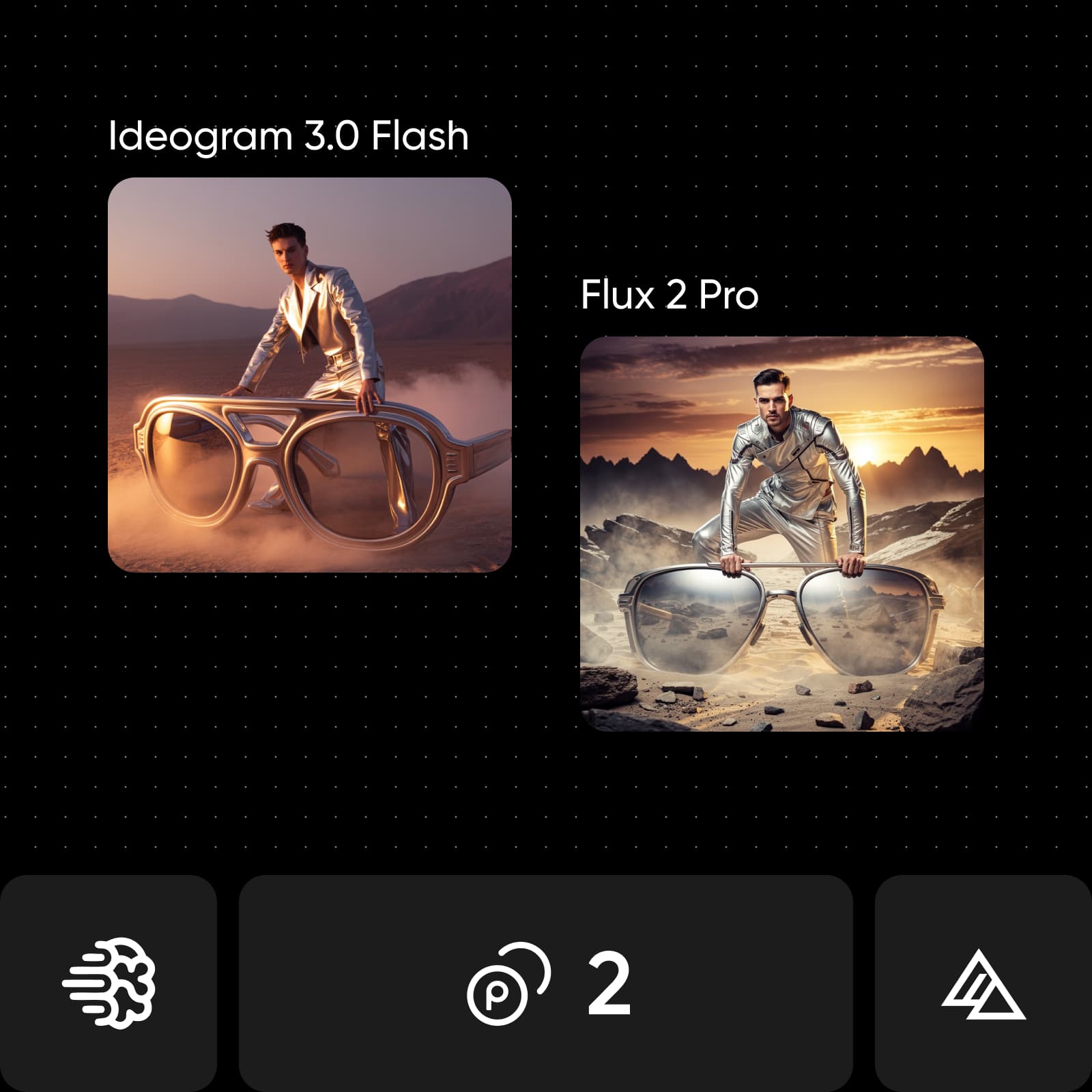
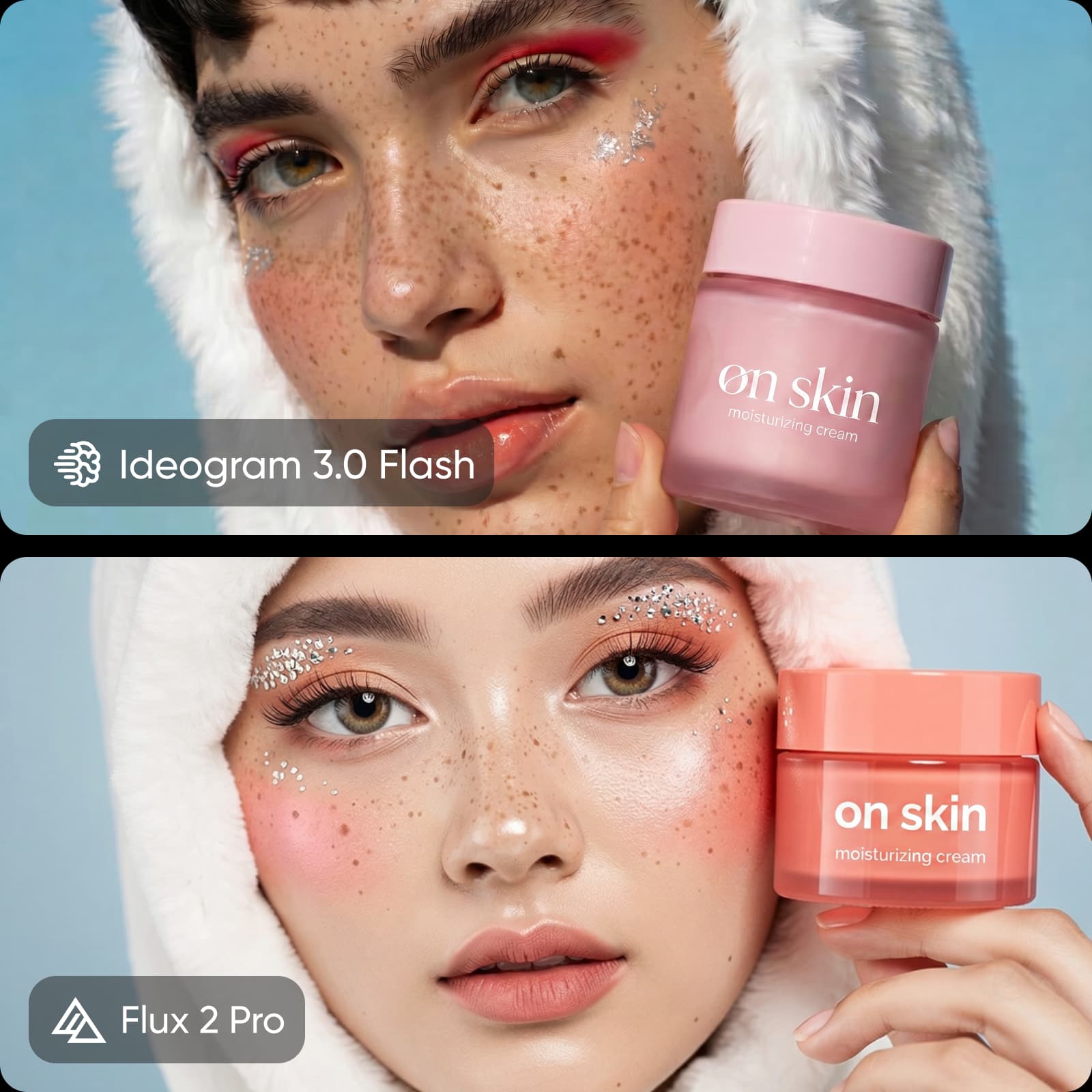
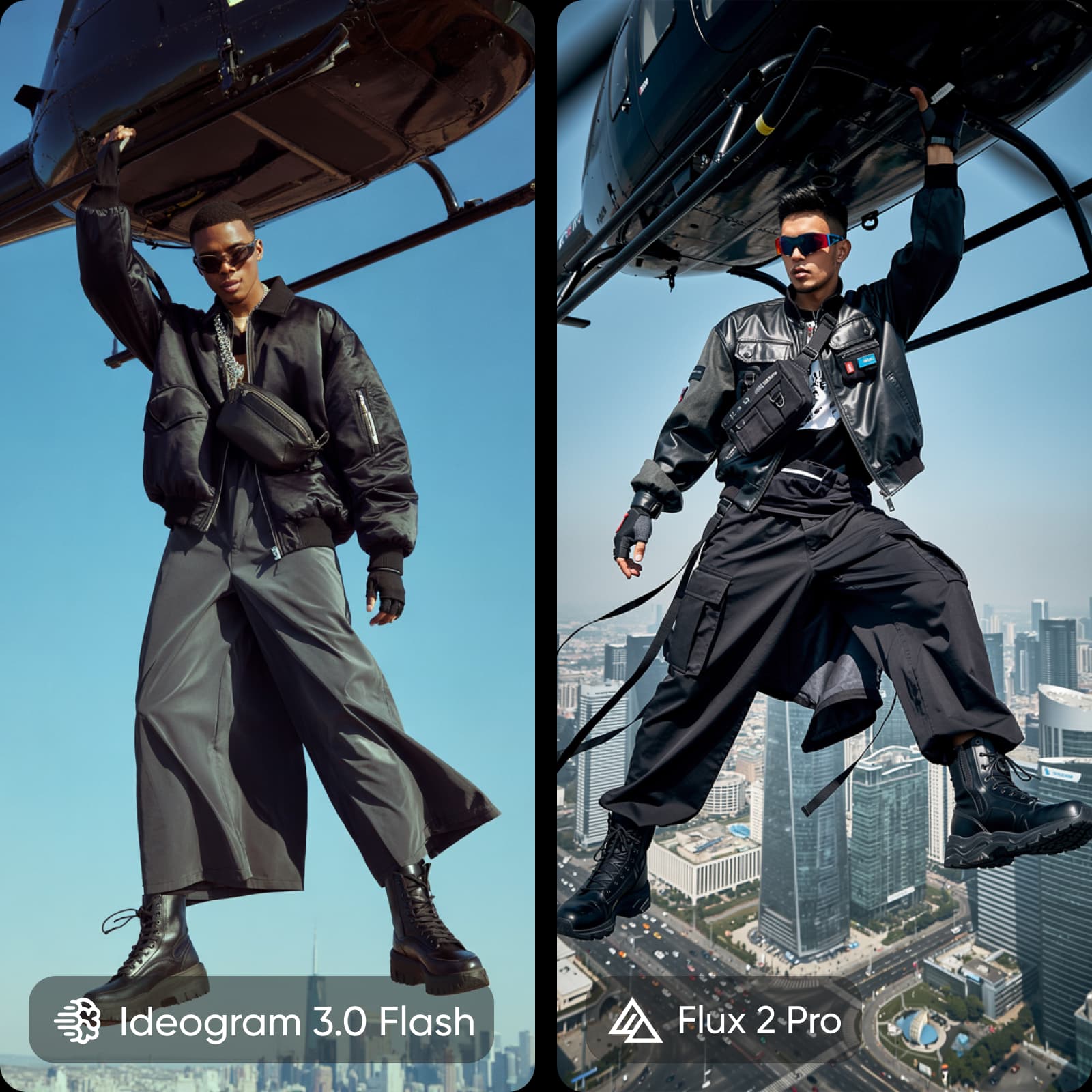
Text is the biggest difference. Ideogram produces clear, consistent typography across complex layouts, making it ideal for designs with text. Flux 2 Pro handles text reasonably well but is less reliable. For visual realism, Flux takes the lead, generating more natural lighting, skin tones, and depth, making it better for editorial and photographic content.
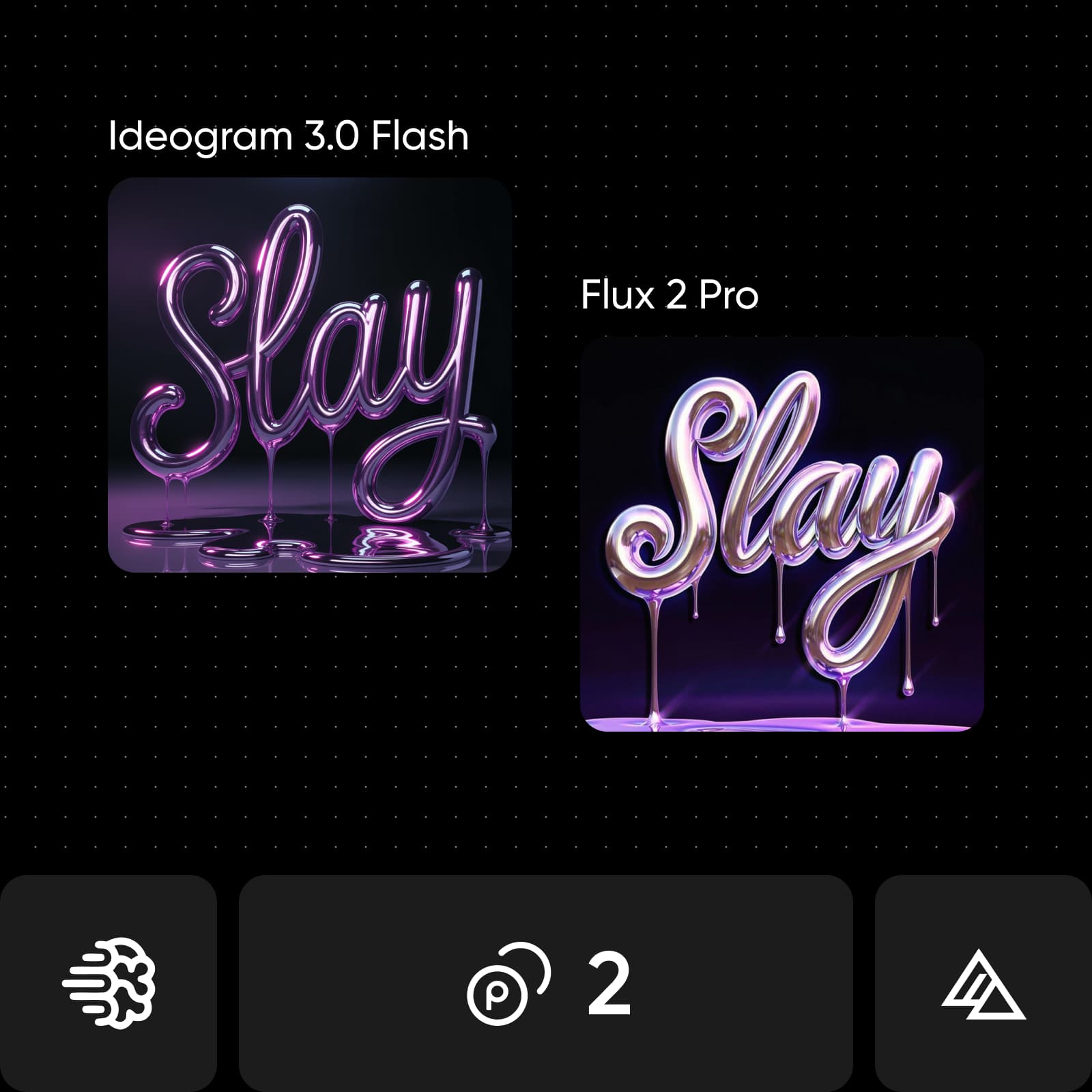
Understand creative tools and workflow differences
Creative workflows differ across models. Ideogram provides built-in style presets and structured design control, making it easy to generate consistent layouts. Flux offers more flexibility with multi-reference inputs, fine-tuning, and precise color control. Ideogram is optimized for design workflows, while Flux supports more advanced customization.
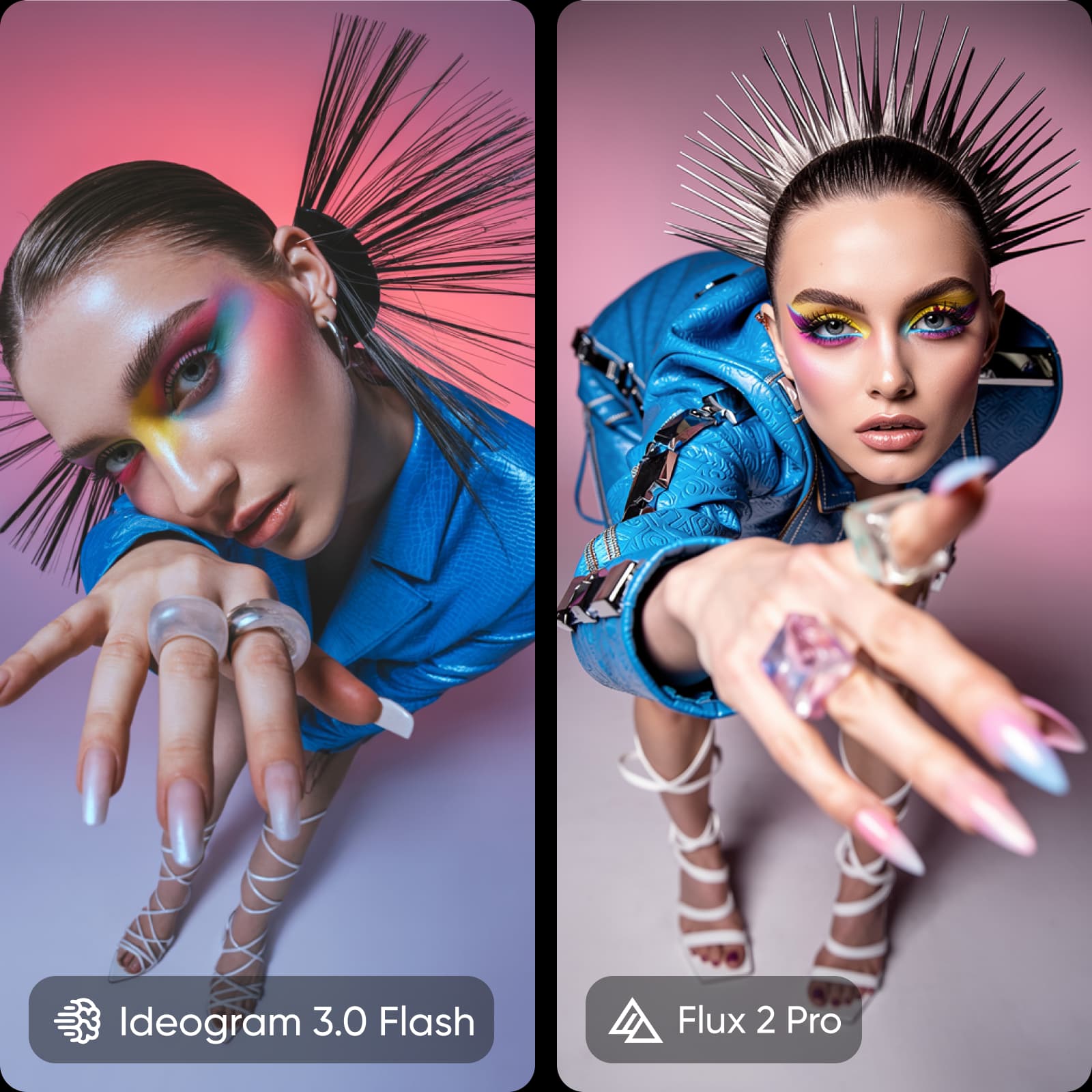
Review speed, pricing, and access
Speed favors Flux 2 Pro, generating images in seconds and supporting rapid iteration. Ideogram is slightly slower but still efficient for most workflows. Pricing depends on usage. Ideogram offers a free tier and subscription plans, while Flux uses pay-per-use pricing. Both are available on Picsart without separate subscriptions.
Choose the right model for your use case
Choose Ideogram 3.0 Flash when text matters, especially for logos, posters, packaging, and brand assets that require clear typography. Choose Flux 2 Pro when visual quality matters most, with high-resolution, photorealistic output for editorial and product imagery.
Find your fit: Ideogram 3.0 Flash or Flux 2 Pro
If you are aiming for precise typography and structured design, Ideogram 3.0 Flash is the better fit. If you need speed, higher resolution, and realistic visuals, Flux 2 Pro is a stronger choice. If you want both, use Picsart to compare outputs in one place.
Try Ideogram 3.0 Flash and Flux 2 Pro in one place
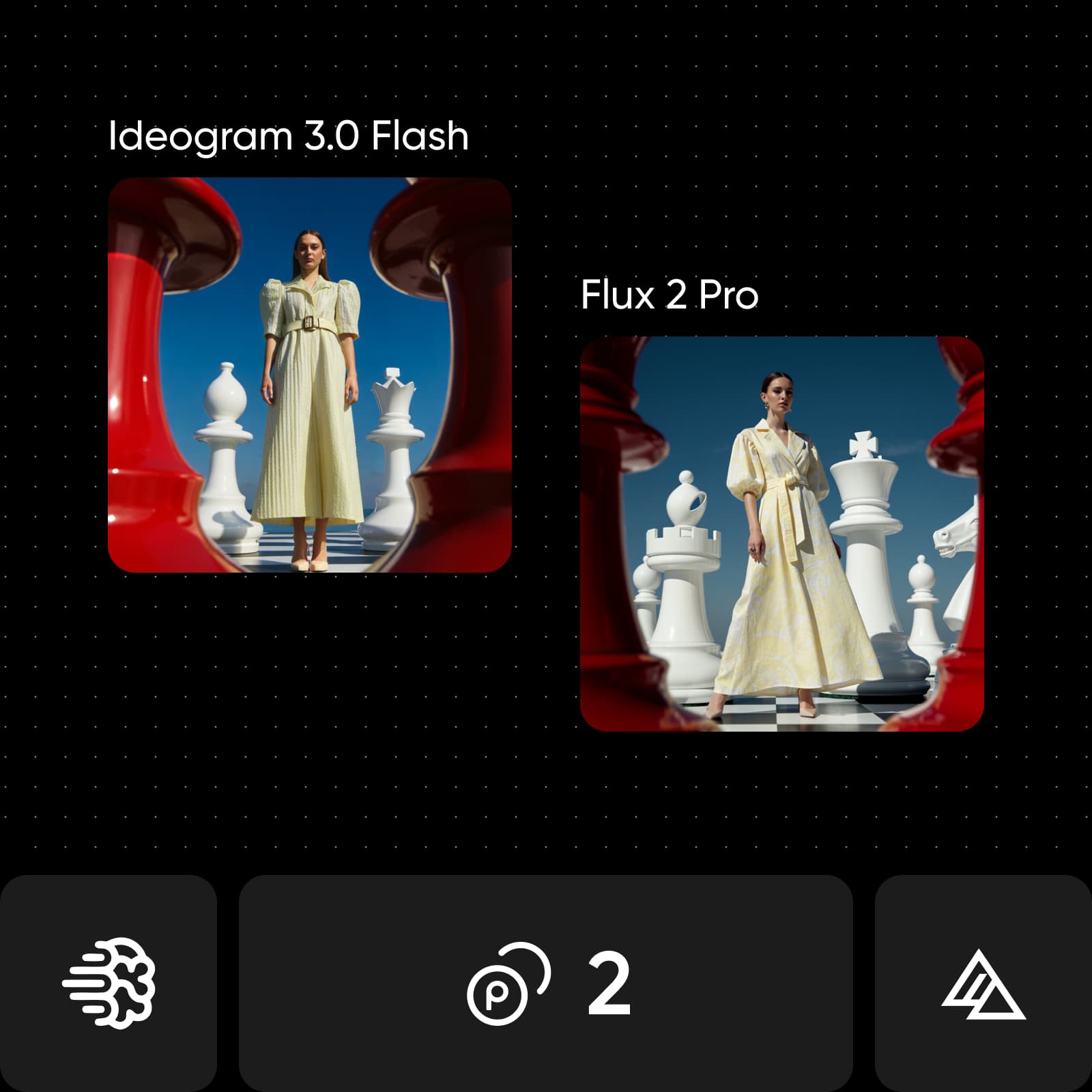
Switching between tools slows you down. With Picsart AI Playground, you can access multiple models in one place and test them using the same prompt. Compare results instantly, refine your ideas, and choose what works best for your project. You can also continue creating with the AI Video Generator for a more streamlined workflow.
Understand image model choices
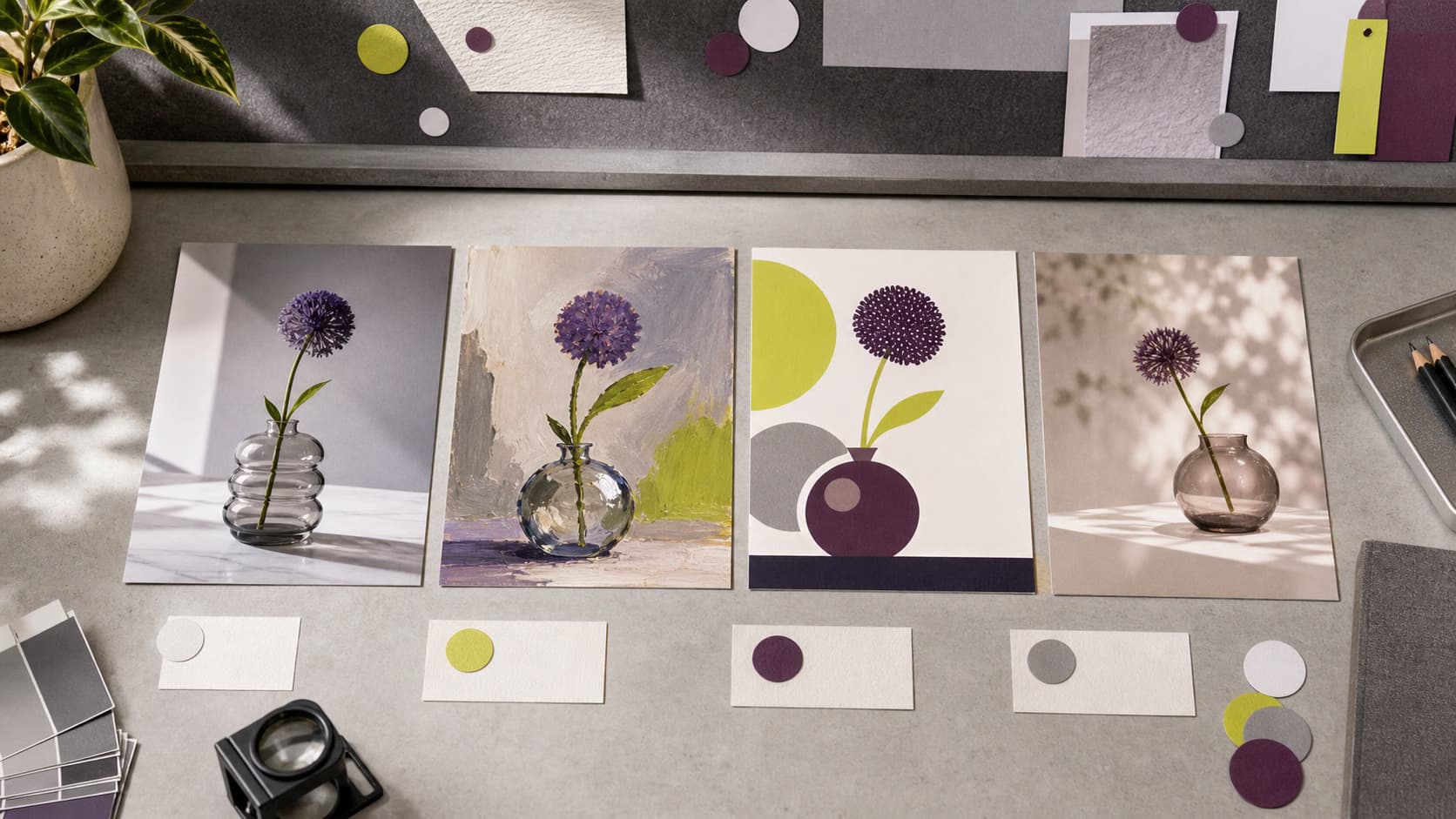
Learn how to compare image models and choose an output.



Ideogram 3.0 Flash vs Flux 2 Pro FAQ
It depends on your project. Ideogram is better for text-heavy designs, while Flux is stronger for speed, realism, and high-resolution output.
Compare AI image models for creative projects
Pro
Most popularAI tools for everyday creative work.
Ultra
Most powerfulHeavy AI usage for creators & teams.
Enterprise
Custom AI solutions for large organizations.
- Volume discounts on credit rate
- On-demand top-ups