Create a photorealistic AI influencer in 5 minutes
Build a custom AI character with unique features, style, and personality for social media content.
- Category: AI INFLUENCERS
- Reading time: 4 min
- Difficulty: Intermediate
What you'll learn
- Design a unique AI character with custom facial features and appearance
- Apply consistent styling and personality traits to your AI influencer
- Generate photorealistic images of your character in different poses and settings
- Export and refine your AI influencer for social media content
Build your AI influencer step by step
STEP 1: Open AI Influencer Studio
- On web: Go to picsart.com/ai-influencer-studio and click "Create AI influencer"
- On mobile: Open Picsart app → Browse AI tools → Select "AI Influencer Studio"
STEP 2: Design your character
Customize your AI influencer's appearance and style:
- Facial features: Choose age range, face shape, skin tone, eye color, and hair style
- Body type: Select height, build, and overall physique
- Style preferences: Pick fashion sense, typical outfits, and aesthetic vibe
- Personality traits: Add character notes to influence pose and expression in generated images
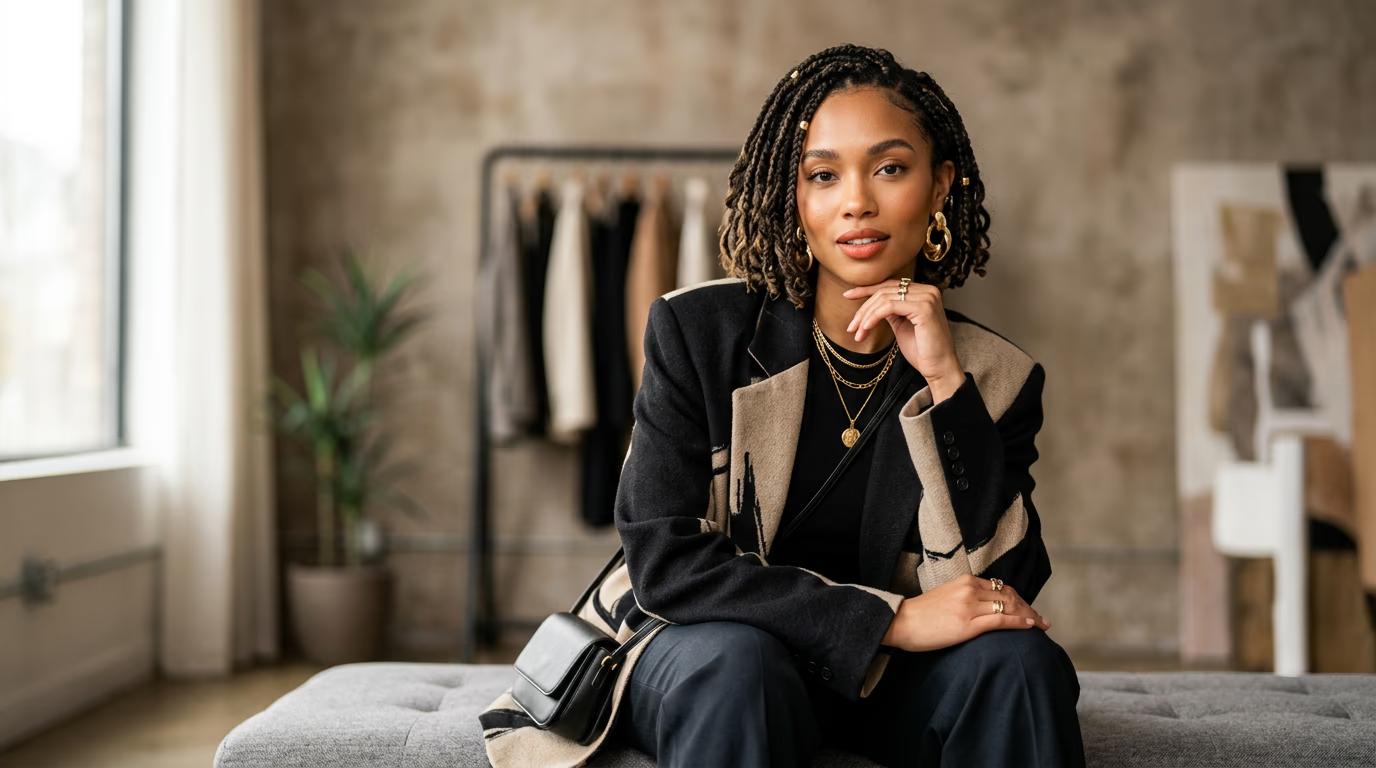
STEP 3: Generate your character
Click "Generate" and wait 10-15 seconds. The AI will create a photorealistic character based on your specifications. You'll get a base portrait that serves as the foundation for all future images of this influencer.
STEP 4: Review and save your influencer
Check that your AI influencer matches your vision: Not perfect? Adjust your settings and generate again, or use the refinement tools to tweak specific features.
- Verify facial features look natural and consistent
- Check that the style matches your intended aesthetic
- Confirm the character feels authentic and engaging
Tips for best results
Start with clear reference images
Upload reference photos that show the look you want. The AI works best when it has visual examples of facial features, styling, and aesthetic direction rather than just text descriptions.
Keep style consistent across content
Save your character settings so every generated image maintains the same appearance. Consistency makes your AI influencer feel like a real person and builds audience recognition over time.
Test different poses and settings early
Generate your character in various scenarios before committing to a content strategy. Make sure the AI can create your influencer in all the contexts you'll need.
Add personality through context, not just features
Your character's vibe comes from environments, outfits, and activities as much as facial features. Experiment with different backgrounds and situations to build a complete personality.
Frequently asked questions
- Yes, you can create unlimited AI influencers with Picsart. Each character gets saved separately so you can build a whole roster of virtual personas. Create different influencers for different brands, audiences, or content types. Switch between saved characters anytime to generate new content for each one.
