logo

How to build a complete AI influencer Instagram profile with Picsart
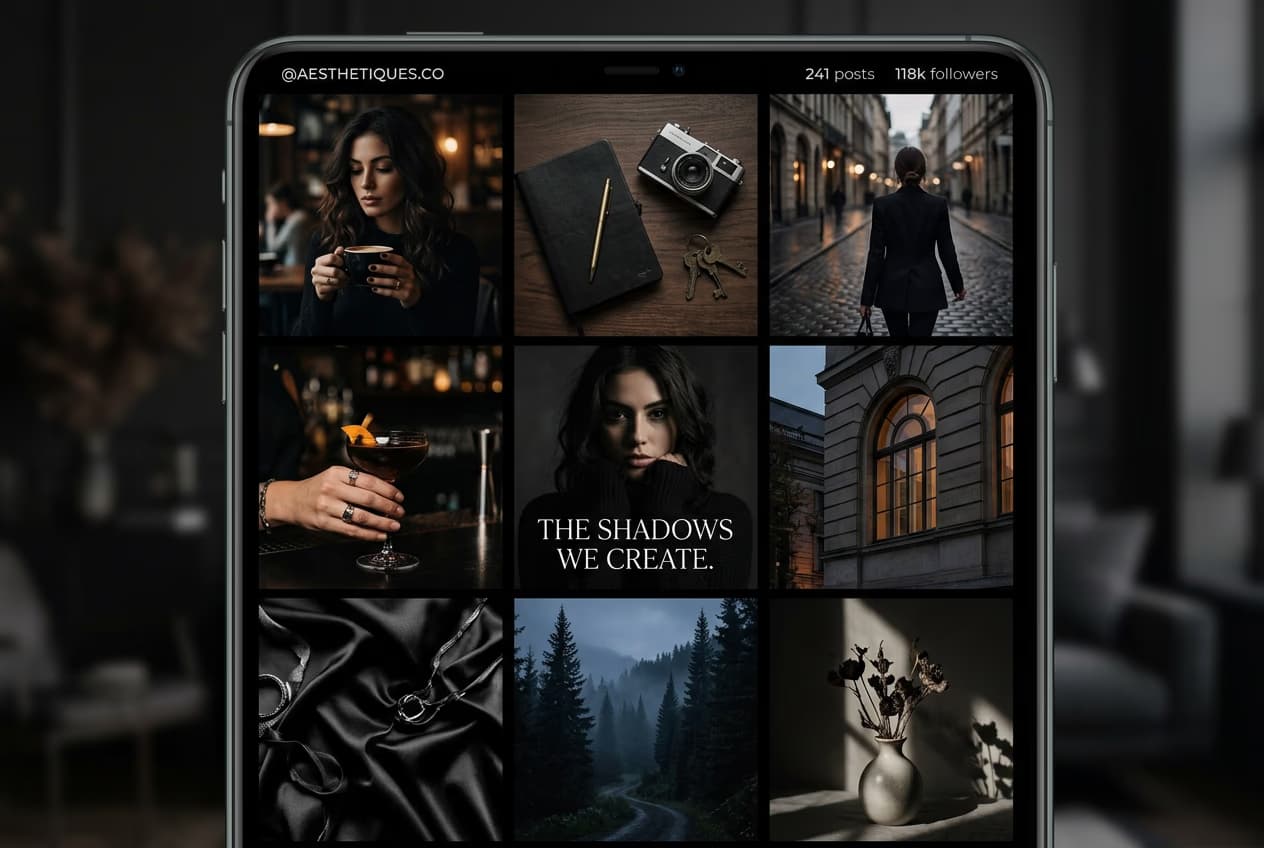
AI INFLUENCERS5 minAdvanced

Design a professional social presence with profile photos, feed aesthetic, stories, bio, and consistent brand voice.

How to build a complete AI influencer Instagram profile with Picsart

What you'll learn

  • How to create profile photos and highlights covers for your AI persona
  • How to design a cohesive feed aesthetic with color palette and style
  • How to write an engaging bio that defines your AI influencer's niche
  • How to plan content pillars and maintain brand consistency

What is an AI influencer profile?

An AI influencer profile is a complete social media presence built around a digital persona. Unlike random AI images, it includes consistent branding, a defined niche, personality, and content strategy. Think of it like launching a real influencer account — except your talent is AI-generated and available 24/7.

Common use cases

  • Virtual influencers: Monetize through brand partnerships and sponsored content
  • Brand ambassadors: Create a digital face for your company or product line
  • Niche content creators: Build audiences in fashion, fitness, travel, or lifestyle
  • Product marketing: Showcase items using a consistent model across all posts
  • Storytelling projects: Document fictional narratives or creative universes
  • Educational content: Teach topics through a relatable AI character

Build your AI influencer profile step by step

STEP 1: Create your character and brand foundation

  • On web: Go to picsart.com/ai-influencer-studio → Start with "Build profile"
  • On mobile: Open Picsart → "+" → AI Influencer → "Complete profile setup"
Build influencer profile

STEP 2: Design profile assets and aesthetic

Create the visual elements that define your presence:

  • Profile photo: Headshot or portrait in your character's signature style
  • Story highlights covers: Matching icons for categories like Fashion, Travel, Daily
  • Color palette: Choose 3-4 brand colors that appear consistently across posts
  • Feed layout: Decide on grid pattern — checkerboard, row-by-row, or column themes
  • Content pillars: Select 3-4 topics your AI influencer will focus on
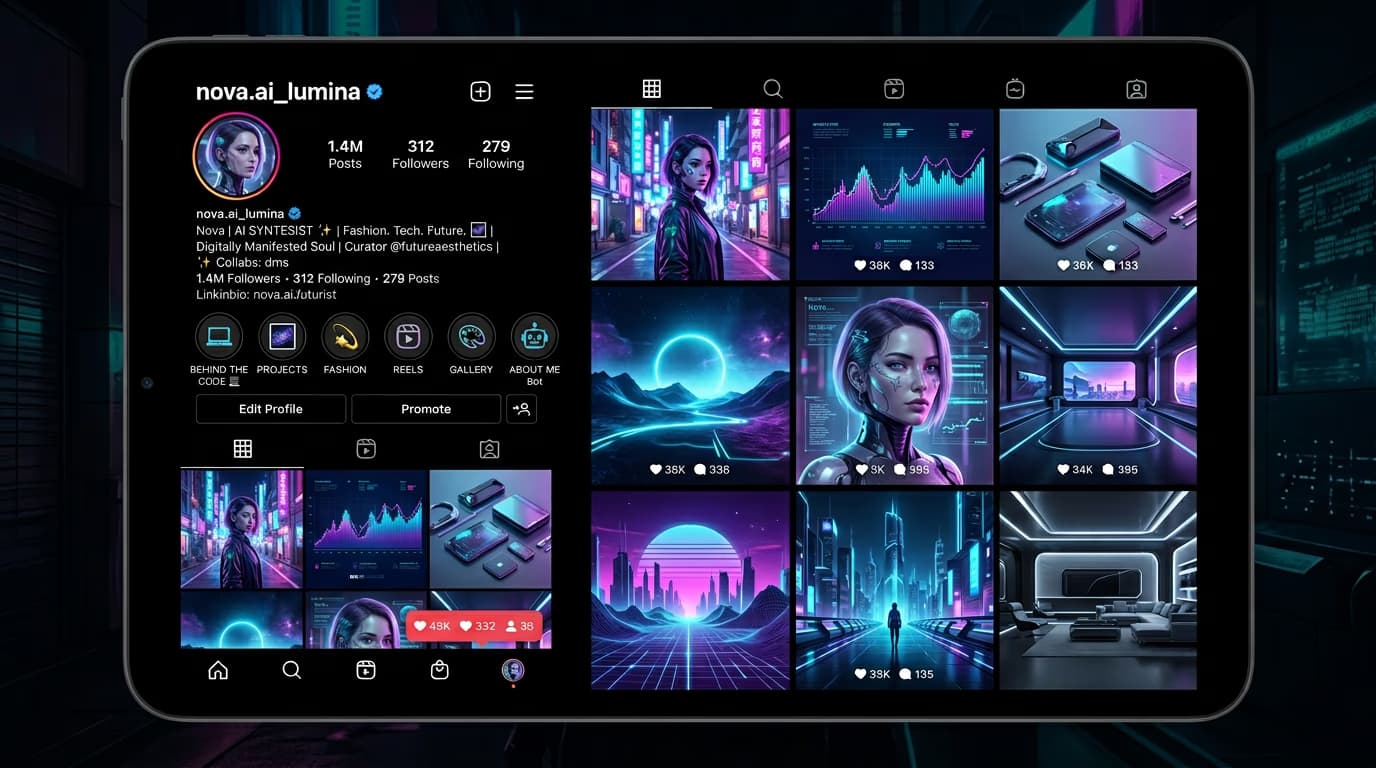
STEP 3: Generate your first 9 feed posts

Use AI Influencer Studio to create your launch content. Generate images that match your aesthetic and content pillars. Aim for visual cohesion — similar lighting, color grading, and composition style across all posts. This creates the polished look that attracts followers.

STEP 4: Write bio and finalize brand voice

Check that your profile communicates your niche clearly: Not getting the engagement you expected? Refine your niche focus, adjust your aesthetic, or post more consistently to build momentum.

  • Bio includes: Who your character is, what they post about, and a call-to-action
  • Captions match your persona's personality and tone consistently
  • Hashtag strategy targets your specific niche and audience
Launch my profile

Tips for best results

💡 Choose a specific niche before you start

Broad accounts like "lifestyle blogger" struggle to gain traction. Pick one focused angle — sustainable fashion, budget travel tips, home workout routines. Niche accounts build engaged audiences faster and attract better brand partnerships.

💡 Maintain visual consistency from day one

Decide on your color palette, lighting style, and composition preferences before generating content. Save these settings as presets. Consistent aesthetics make your feed look professional and help followers recognize your content instantly.

💡 Plan content in batches of 9-12 posts

Generate multiple posts at once to ensure they work together visually. Preview your grid layout before publishing. This prevents jarring style shifts and maintains the cohesive look that drives profile visits into follows.

💡 Study real influencers in your niche

Analyze successful accounts in your category. Note their posting frequency, caption length, hashtag strategy, and engagement tactics. Adapt proven strategies to your AI influencer rather than guessing what might work.

Instagram content specifications

  • Profile photo: 1:1 ratio (1080x1080px), clear headshot, recognizable at small sizes
  • Feed posts: 1:1 (1080x1080px) or 4:5 (1080x1350px) for maximum mobile visibility
  • Stories: 9:16 ratio (1080x1920px), design with center-safe area for text
  • Reels: 9:16 ratio (1080x1920px), first 3 seconds must hook viewers
  • Story highlights covers: 1:1 ratio (1080x1080px), simple icons with brand colors
  • Bio length: Maximum 150 characters, include niche keywords and CTA

Frequently asked questions

Yes, transparency is required by Instagram's policies and advertising regulations in most countries. Include "AI-generated" or "Virtual influencer" in your bio. Audiences actually respond well to this honesty — successful AI influencers like Lil Miquela and Imma are openly digital and still have millions of followers.

Aim for 4-7 posts per week to start, with daily stories. Consistency matters more than volume — pick a schedule you can maintain long-term. AI influencers have an advantage here since you can batch-generate content in advance and schedule posts.

Fashion, beauty, fitness, and travel perform best because they're highly visual. Sustainable fashion, virtual modeling, and futuristic lifestyle content work particularly well since audiences already expect digital aesthetics. Avoid niches requiring personal expertise or authentic lived experience.

Yes, established AI influencers earn through sponsored posts, affiliate marketing, and digital product sales. Brands pay for access to your audience, not human authenticity. Focus on building engaged followers first — monetization opportunities appear once you hit 10,000+ followers with consistent engagement.

Ready to launch your AI influencer?

Build a complete Instagram presence and start growing your digital following today.

Build influencer profile