How to create AI influencer video content with Picsart AI Video
What you'll learn
What is AI influencer video content?
Common use cases
Create AI influencer video step by step
STEP 1: Access AI video generator
- On web: Go to picsart.com/ai-influencer-studio → Select "Create video"
- On mobile: Open Picsart → AI Influencer → Your character → "Video content"
STEP 2: Define video concept and settings
Set up your video parameters:
- Video type: Static pose, subtle movement, action sequence, or transition
- Duration: 3-5 seconds per clip (combine multiple for longer videos)
- Camera movement: Static, slow zoom, pan left/right, or follow motion
- Scene description: What's happening — outfit reveal, product hold, location walk
- Platform format: 9:16 vertical for TikTok/Reels or 16:9 for YouTube Shorts
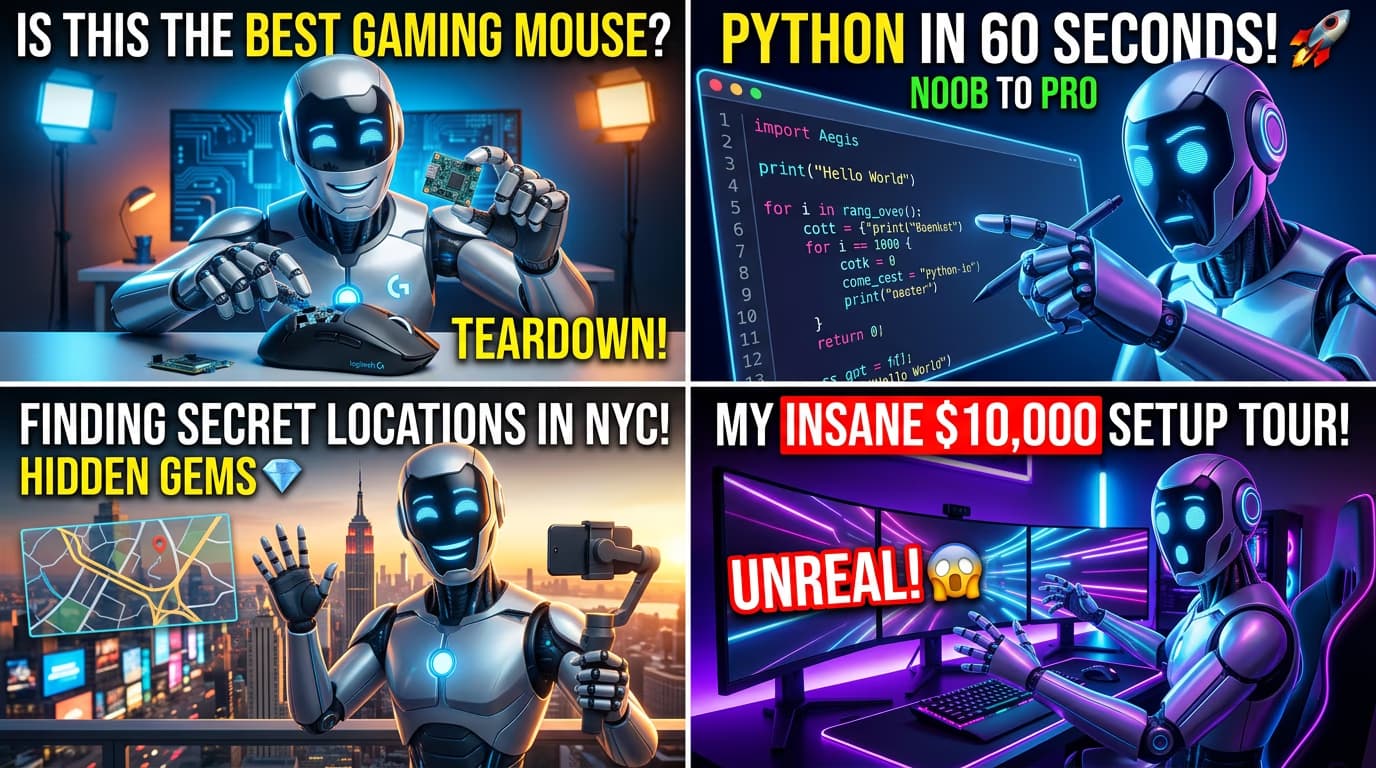
STEP 3: Generate and preview clips
Click "Generate video" and wait 30-60 seconds per clip. The AI creates your video showing your character in motion. Preview the result and check for smooth movement and consistent facial features. Generate multiple versions if needed to get the perfect take.
STEP 4: Edit and export final video
Check your video quality before posting: Not smooth enough? Try shorter clip durations or simpler movements. Complex actions are harder for AI to render consistently.
- Movement looks natural without morphing or distortion
- Character's face stays consistent throughout the clip
- Add text overlays, music, and transitions in video editor before posting
Tips for best results
💡 Start with simple movements and poses
AI video works best with subtle movements — head turns, hand gestures, slow walks. Complex actions like dancing or fast motion often result in distortion. Master simple movements first, then gradually add complexity as you learn what generates cleanly.
💡 Generate video in short 3-5 second clips
Shorter clips have more consistent character appearance and smoother motion. Create your final video by combining multiple short clips rather than generating one long sequence. This also lets you cut out any frames with artifacts or inconsistencies.
💡 Use strong visual hooks in the first second
Your opening frame determines whether viewers scroll or watch. Start with eye contact, dramatic lighting, or interesting setting. AI excels at striking static compositions — use that for your first frame, then add movement.
💡 Add music and text overlays after generation
Generate the base video with your AI character first, then enhance with editing tools. Add trending audio, text overlays, transitions, and effects using video editors. This separates character generation from content production for better results.
Platform video specifications
Frequently asked questions

Ready to create video content?
Generate engaging short-form videos and expand your AI influencer's reach across platforms.
Create AI video