Luma Ray 3.2 Reframe: AI video in any aspect ratio
Picsart’s AI Playground now runs Luma Ray 3.2 Reframe, bringing Luma Labs’ latest video model and its Reframe capability into your creative workflow. Reframe, resize, and extend any clip to a new aspect ratio while keeping Ray 3.2’s photorealistic motion, accurate lighting, and cinematic quality — so you can reshape a shot after the take instead of reshooting it.
- Adapt footage to another aspect ratio
- Keep the subject in frame
Reframe any shot, any ratio
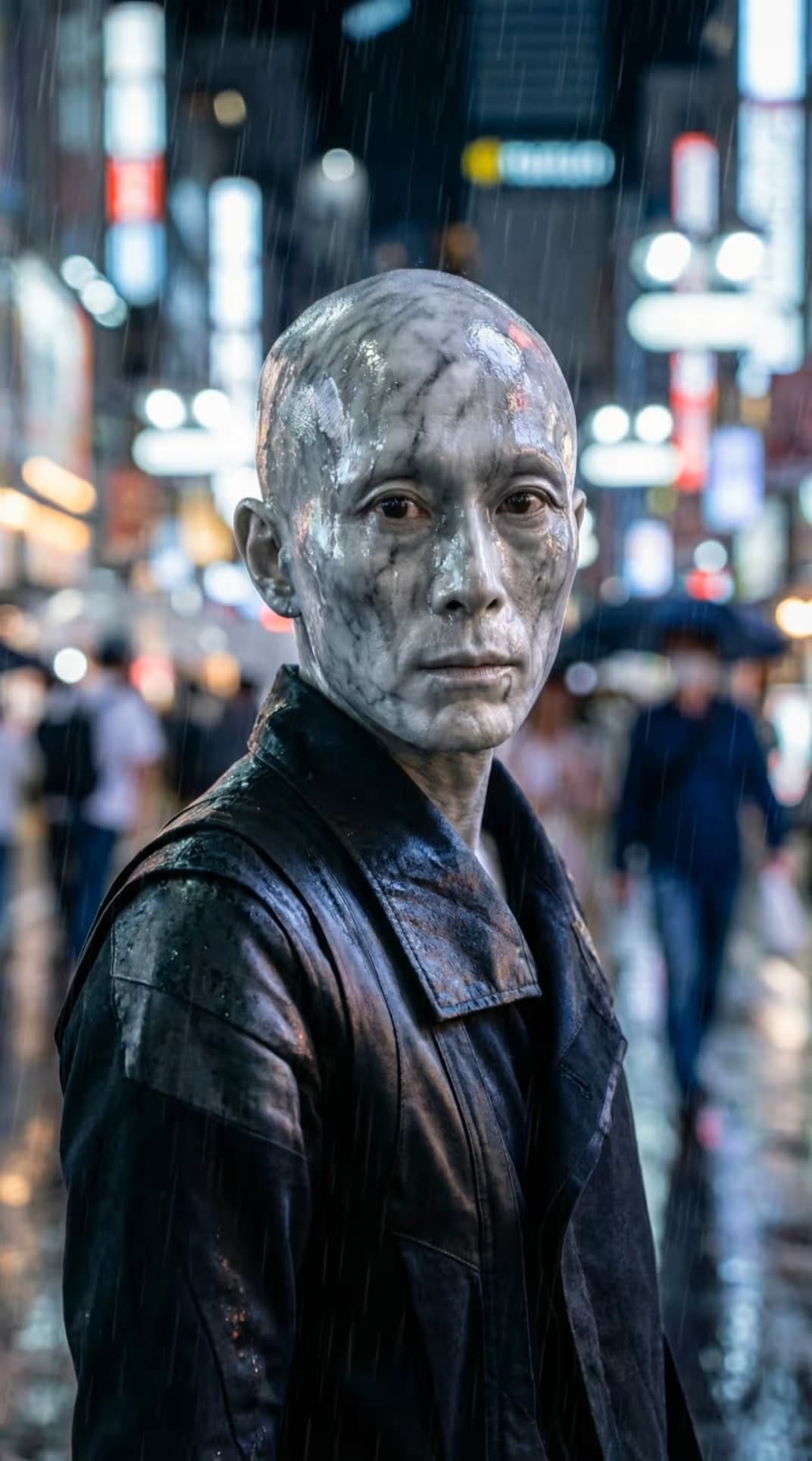



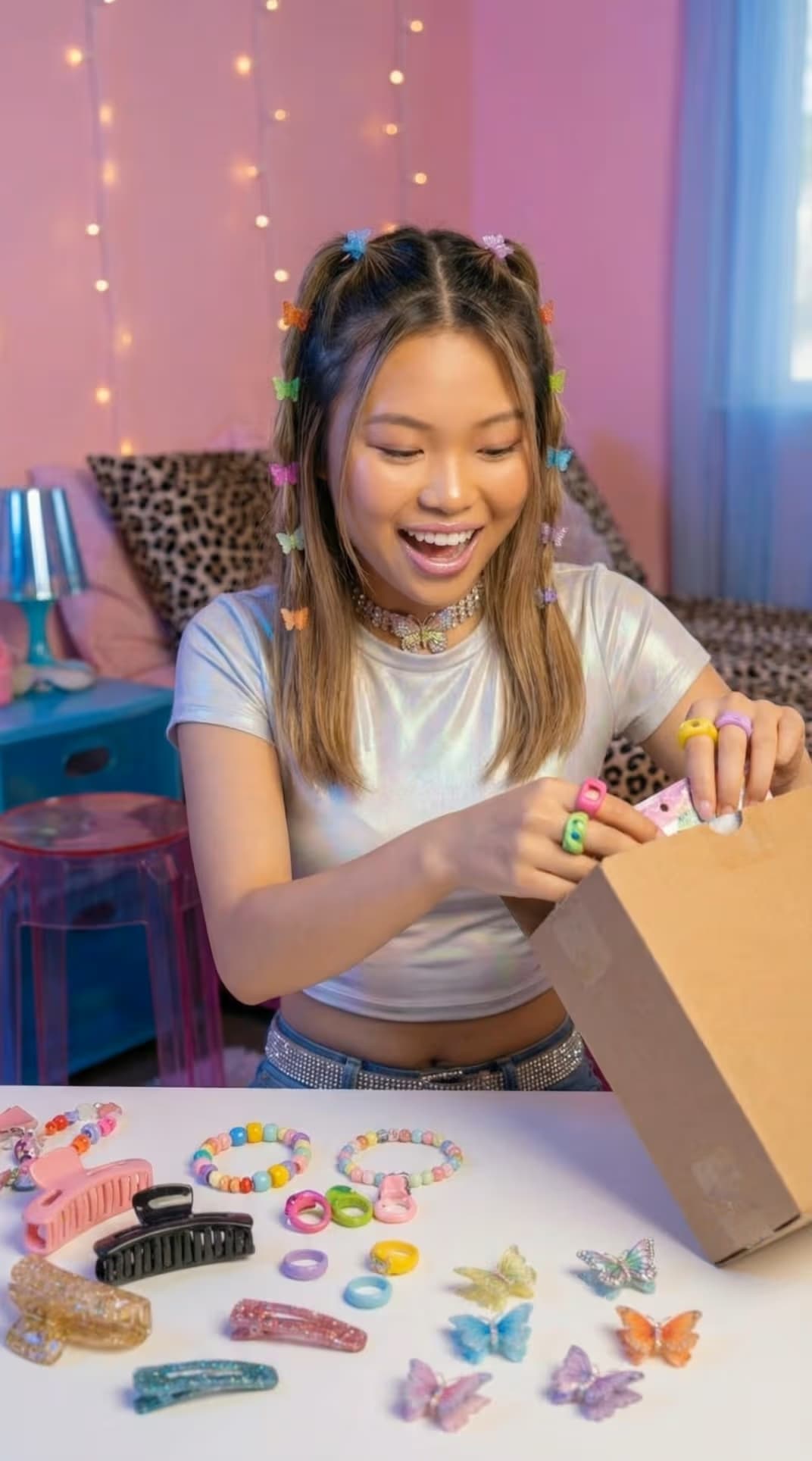





What is Luma Ray 3.2 Reframe?
Luma Ray 3.2 is Luma Labs’ latest AI video model, built for precision with frame-level multi-keyframe control and a native HDR pipeline. Reframe is its standout editing capability: it reshapes an existing shot into a new aspect ratio, intelligently filling the added space and extending the frame while preserving the original lighting and motion. The result is photorealistic video you can adapt to any format without losing cinematic quality.
Luma Ray 3.2 Reframe capabilities
Reframe adapts video across every common aspect ratio — 1:1, 4:3, 3:4, 16:9, 9:16, 21:9, and 9:21 — expanding the frame and generating new content that matches the original scene. Powered by Ray 3.2, it pairs this with frame-level multi-keyframe direction, native HDR with EXR-ready output, and up to 1080p generation. The model keeps reflections, shadows, and materials consistent as it fills new space, so reframed footage stays believable and production-ready.
What you can create with Luma Ray 3.2 Reframe
Reframe video for every platform
Turn one clip into vertical 9:16 for TikTok and Reels, 16:9 for YouTube, or 1:1 for the feed — each ratio reframed cleanly with intelligently generated edges.

How Luma Ray 3.2 Reframe works inside Picsart
Picsart integrates Luma Ray 3.2 Reframe directly into its AI Playground so you can reframe and resize video without touching the model directly. It works alongside tools like the AI Voice Generator and AI Video Editor, helping you build complete, platform-ready video projects faster.
Why creators choose Luma Ray 3.2 Reframe
Luma Ray 3.2 Reframe lets creators reshape a shot after it’s filmed instead of reshooting. They choose it for clean aspect-ratio changes, intelligent frame extension, and photorealistic fill that preserves the original lighting and physics. Integrated into Picsart’s AI Video Generator, it makes professional, platform-ready reframing accessible without complex setups or specialized equipment.
Understand video model choices
Learn how to compare video models and choose an output.



Explore more models like Luma Ray 3.2 Reframe
Compare Luma Ray 3.2 Reframe with other video models for motion, ads, and social clips.
Luma Ray 3.2 Reframe FAQ
Luma Ray 3.2 Reframe is the Reframe capability of Luma Labs’ Ray 3.2 video model, available in Picsart. It reshapes an existing video into a new aspect ratio, extends the frame, and fills the added space with photorealistic, generated content.
Generate and reframe AI video with Luma Ray 3.2 Reframe
Pro
Most popularAI tools for everyday creative work.
Ultra
Most powerfulHeavy AI usage for creators & teams.