MiniMax H3 Max Ref-to-Video: turn your references into video
This page introduces MiniMax H3 Max Ref-to-Video. The generation links on this page currently open MiniMax H3 Max in Picsart.
- Combine image, video, and audio references
- Guide scenes with your own inputs

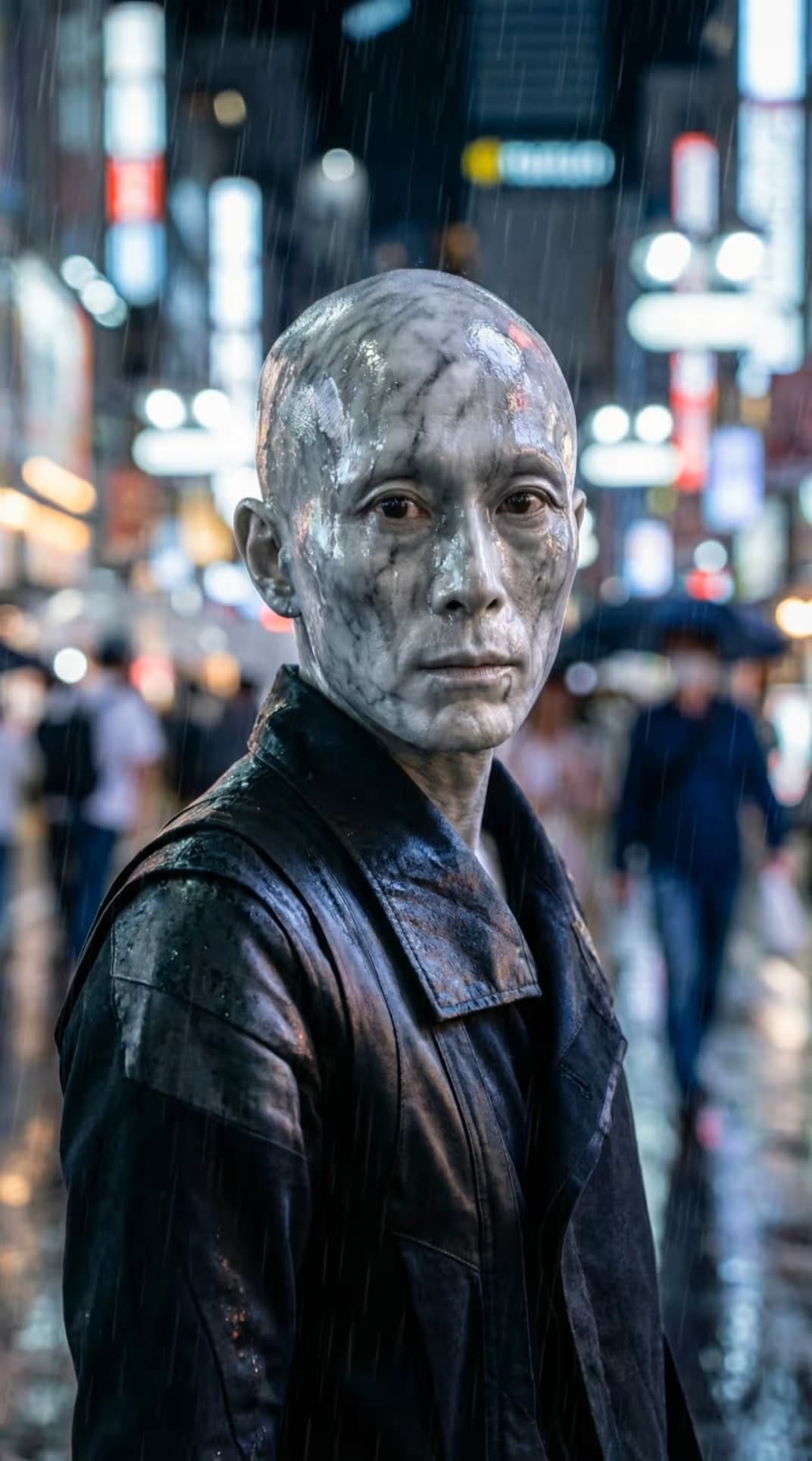
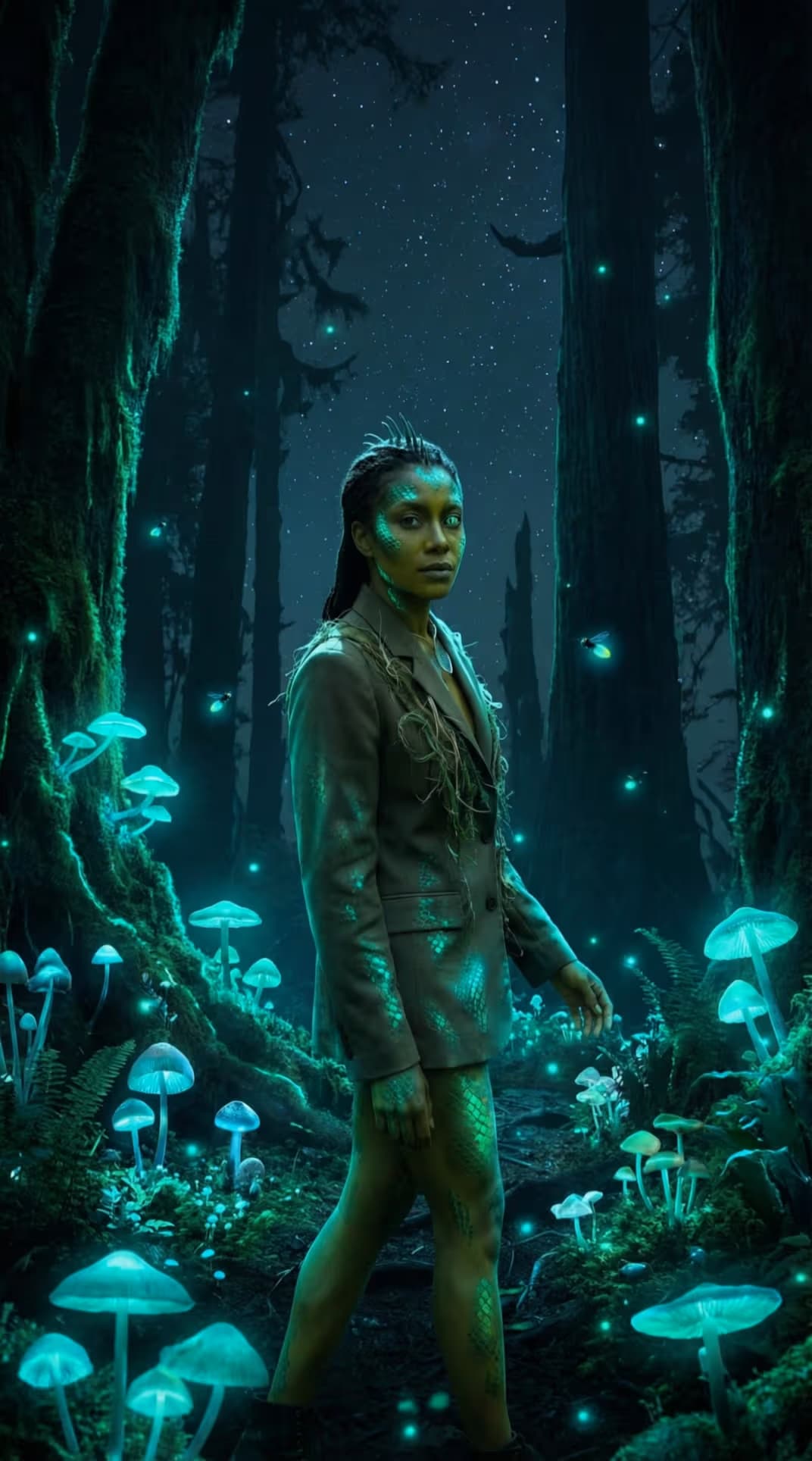
MiniMax H3 Max Ref-to-Video at a glance
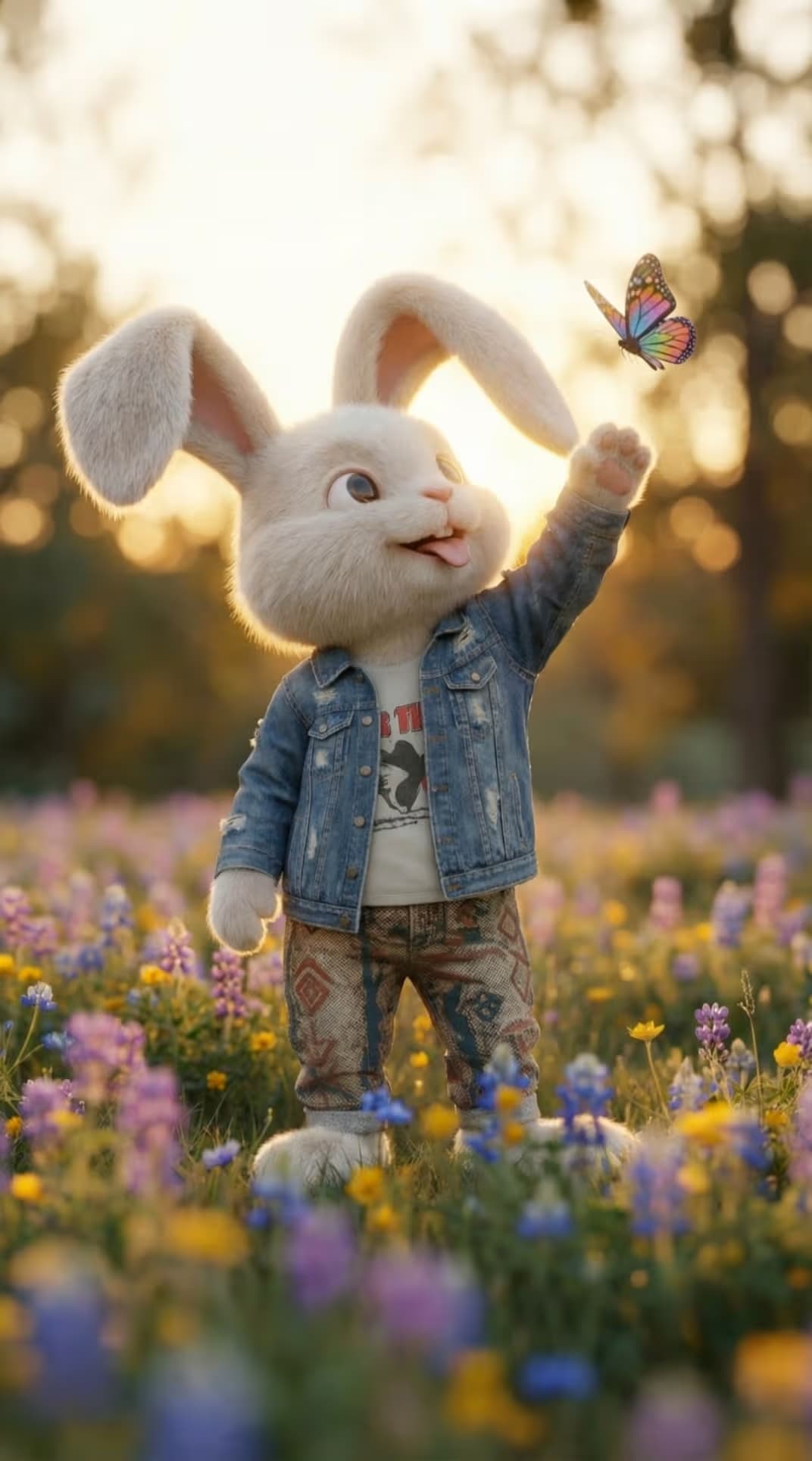
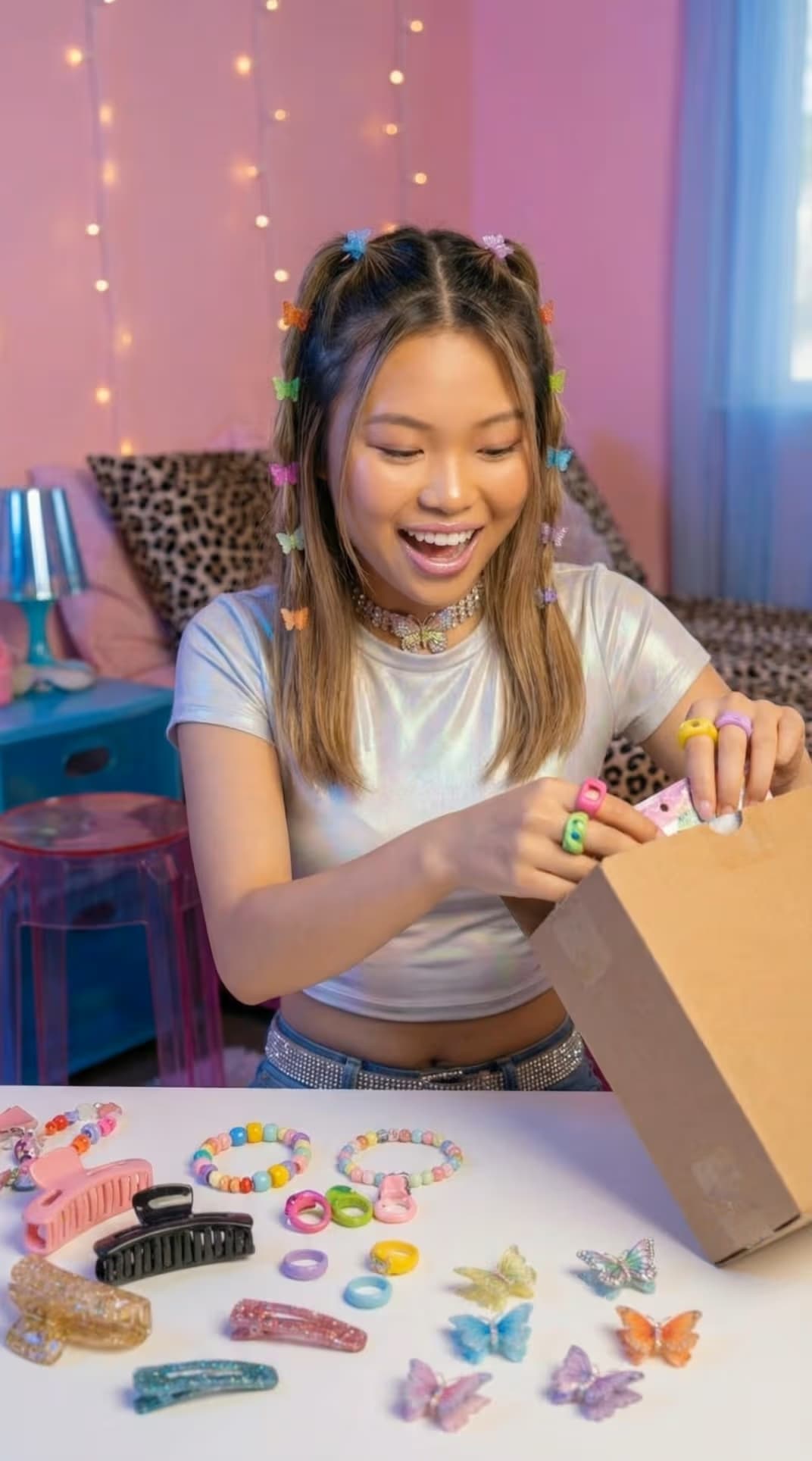
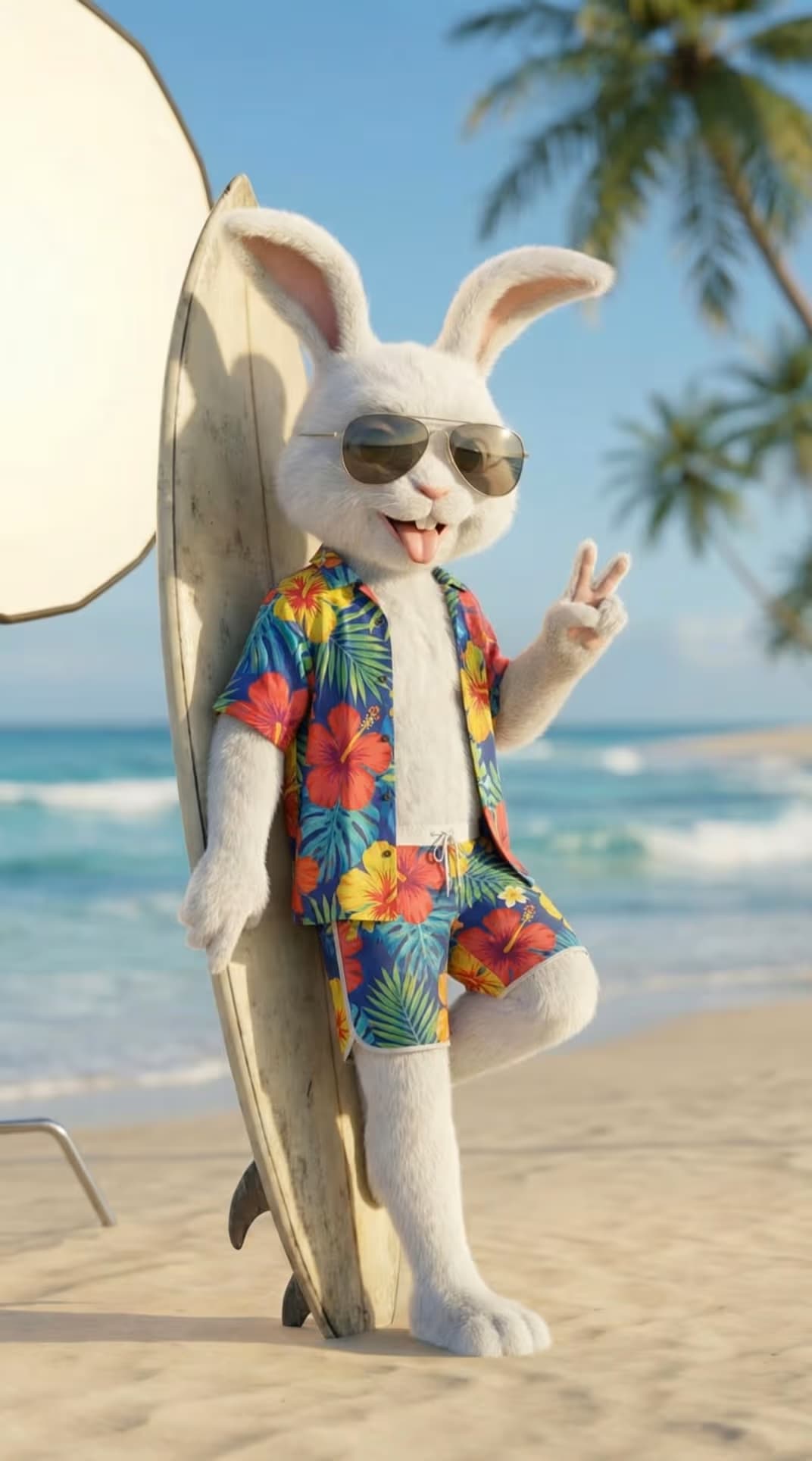
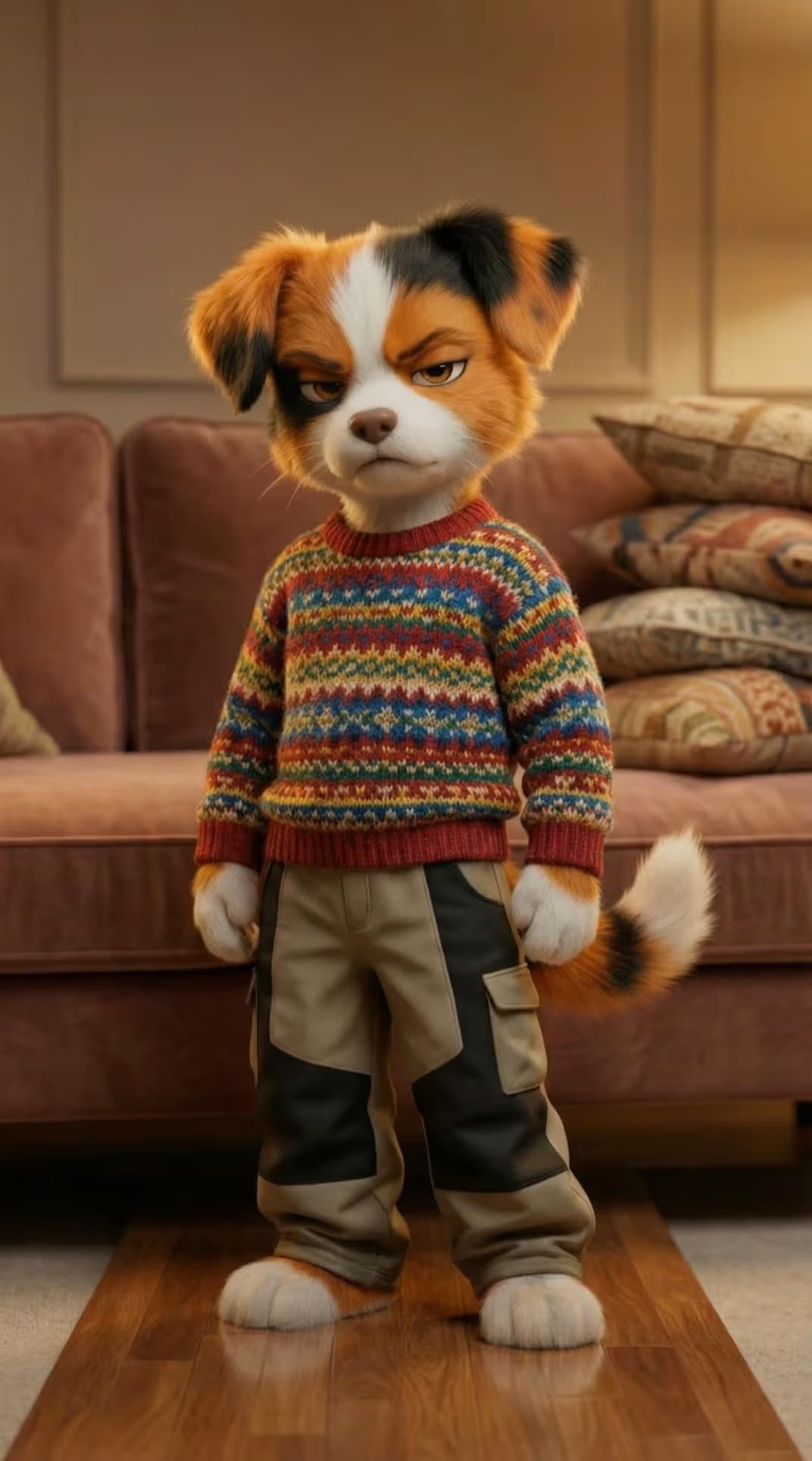
MiniMax H3 Max Ref-to-Video is the reference-driven member of the MiniMax H3 Max family. Instead of starting from a blank prompt, you feed it multiple reference images, video clips, and audio files, then describe how to use them. It generates a new clip of 5 to 15 seconds at 480p or 768p, in adaptive or fixed aspect ratios from 21:9 to 9:16 - grounding the result in the material you provide.
Reference images, clips, and audio right in your prompt
Ref-to-Video reads the references you attach in order and lets you point to them directly in the prompt - Image 1, Video 1, Audio 1, and so on. Pull a character from one image, a motion or setting from a video clip, and a voice or soundtrack from an audio file, then describe how they should come together. The model composes a single coherent video that honors each reference, so your source material shapes the shot instead of a text description alone.
What MiniMax H3 Max Ref-to-Video is great for
Character consistency across shots
Provide reference images of a character or product and keep them on-model across a new clip, driven by the references you supply.
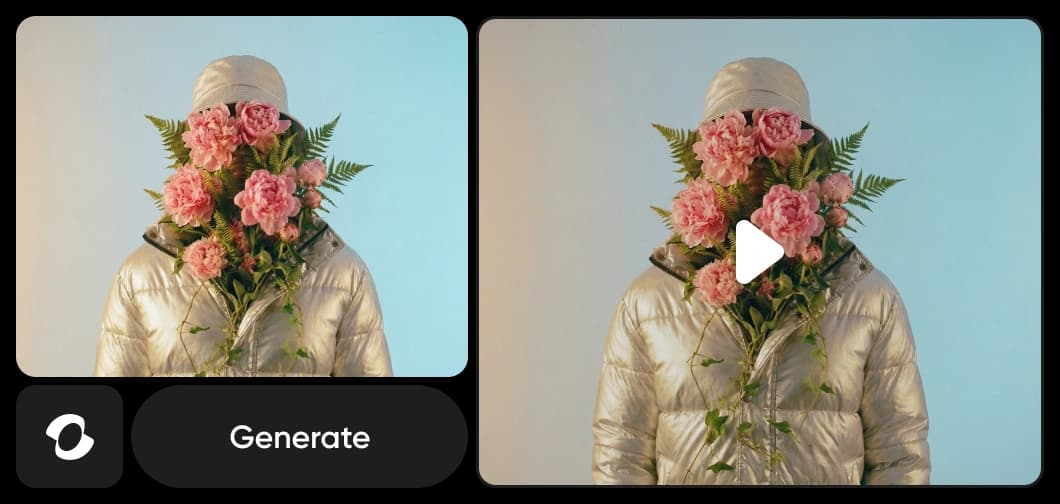
Many references in, one on-brief clip out
The generation links on this page open MiniMax H3 Max in Picsart. Describe what you want to create, check the selected model, and review the settings before generating.
Run MiniMax H3 Max Ref-to-Video inside Picsart
The generation links on this page open MiniMax H3 Max in Picsart. Describe what you want to create, check the selected model, and review the settings before generating.
Understand video model choices
Learn how to compare video models and choose an output.



Explore more models like MiniMax H3 Max Ref-to-Video
Compare MiniMax H3 Max Ref-to-Video with other video models for reference-driven AI video.
MiniMax H3 Max Ref-to-Video AI model FAQ
MiniMax H3 Max Ref-to-Video is the reference-driven member of the MiniMax H3 Max family. It generates a new video from reference images, video clips, and audio you supply - you cite them in the prompt as Image 1, Video 1, Audio 1 - at 480p or 768p, from 5 to 15 seconds.
Generate AI video with MiniMax H3 Max Ref-to-Video
Pro
Most popularAI tools for everyday creative work.
Ultra
Most powerfulHeavy AI usage for creators & teams.
Enterprise
Custom AI solutions for large organizations.
- Volume discounts on credit rate
- On-demand top-ups