WAN 2.6: explore AI video generation
This page introduces WAN 2.6. The generation links on this page currently open Wan 2.7 in Picsart.
- Turn scene ideas into video
- Choose a format for your clip
From WAN 2.6 to today’s Wan model
WAN 2.6 is a video generation model. This page’s creation buttons now select Wan 2.7, the model its production link opens, so the landing page and the tool agree.

Choose the length and resolution
Wan 2.7 offers 5-, 10-, or 15-second clips at 720p or 1080p in Picsart. Pick the settings that fit the video you want to create.
- Select the duration before generating
Ways to create with Wan 2.7
Guide the video with your prompt
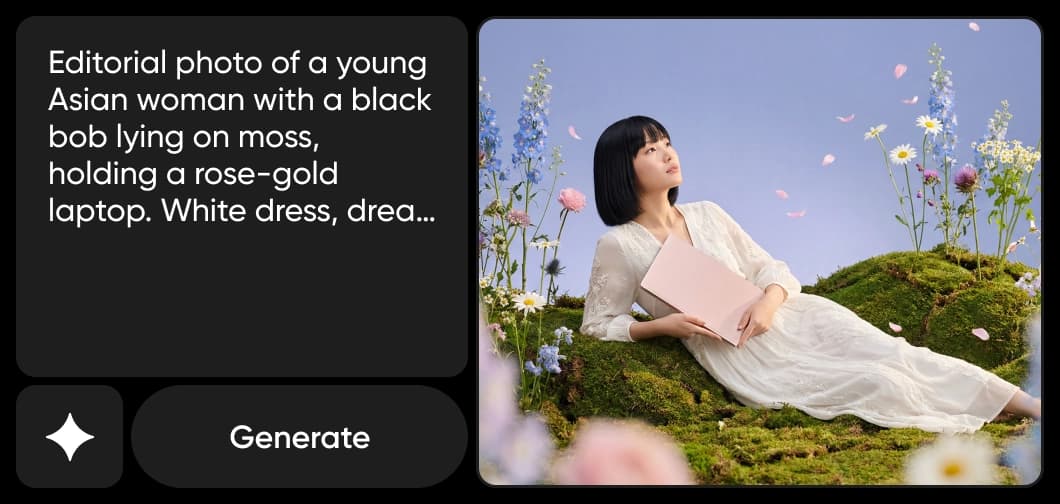
Describe the subject, setting, and action. Wan 2.7 also offers prompt enhancement, an optional start frame, and audio input in its text-to-video workflow.
- Guide the opening with a start frame

Create with Wan inside Picsart
Open AI Playground with Wan 2.7 already selected. Generate your clip, then use Picsart’s video tools to continue your project.

Explore AI video models
Learn how to compare video models and choose a workflow.



Explore more video models
Compare video generation models for your next clip.
WAN 2.6 FAQ
WAN 2.6 is part of Alibaba’s Wan video generation model family.
Create video with Wan on Picsart
Pro
Most popularAI tools for everyday creative work.
Ultra
Most powerfulHeavy AI usage for creators & teams.