Kling 2.6: AI video generation with native audio
Kling 2.6 is a mature AI video model, and Kling's first to generate native audio. It produces the picture and its sound together in a single pass, so a clip comes out finished - voice, effects, and ambience already in place, with no silent render and no separate audio step to bolt on afterwards.
- Generate video with sound
- Skip a separate audio pass


The first Kling model with native audio
Kling V2.6 is a mature Kling video model, and the first to generate native audio alongside the picture. In a single pass it produces human voice - speaking, dialogue, narration, singing, and rap - plus action sound effects and environmental ambience, all matched to the on-screen motion and lip shapes, with voice support for English and Chinese. It tightly aligns sound to visual motion for a natural feel, delivers cleaner, richer audio close to real-world mixing, and reads complex prompts and storylines so the result stays cohesive. Direct the shot with Motion Control, and render in Standard for fast HD drafts or Pro for Full HD final output.
Scenes that arrive with their own sound
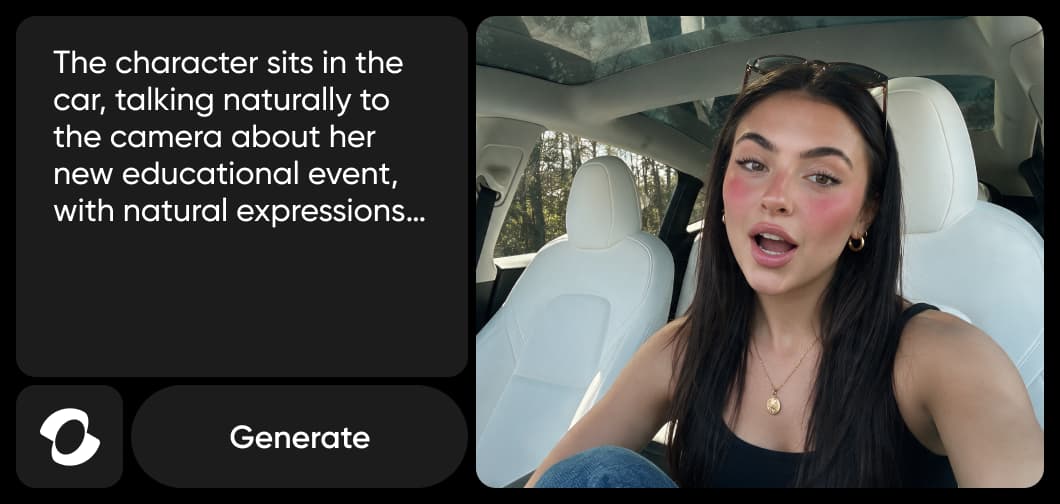
Solo monologue
A single speaker delivering lines straight to camera, with natural voice and matched lip movement.
Using the latest Kling models in Picsart
Generate with the latest Kling models in Picsart's AI Playground, where one prompt runs against 150+ models. Pick the newest Kling model in the model chooser to add a video step to a workflow, or use it in the AI Video Generator to make a clip from a prompt - on web, desktop, CLI, MCP, REST API, or SDK, with no third-party API keys or separate subscriptions. Set Motion Control, guidance, and your rendering mode in the settings before you generate.
Sync, sound quality, and understanding
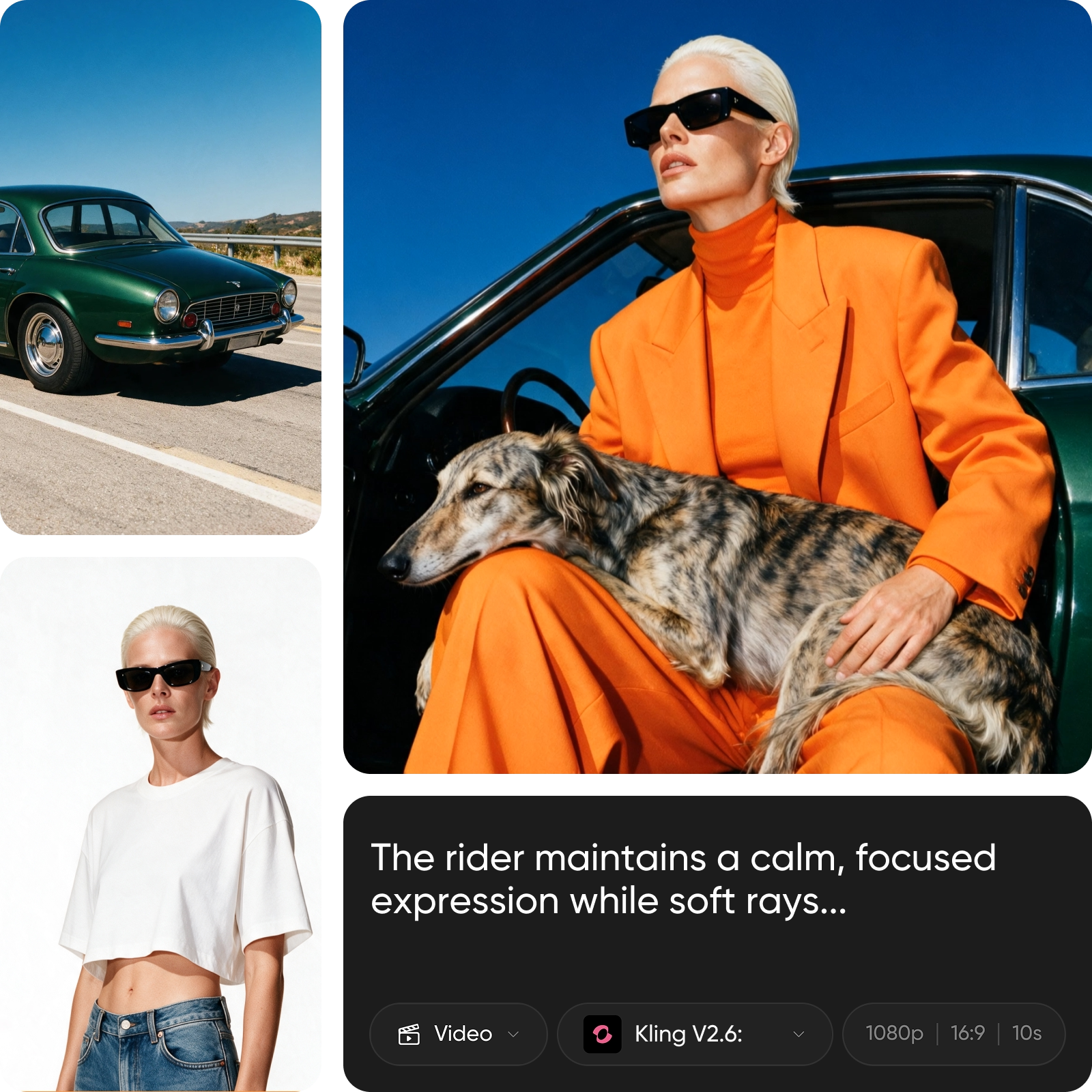
3 things set Kling V2.6 apart. The audio and the visuals stay in lockstep - speech, ambient sound, and on-screen action share the same rhythm, so nothing feels dubbed on. The sound itself is richer and cleaner, layered close to real-world mixing that holds up for professional work. And it genuinely reads the brief, following detailed prompts and intricate storylines so the result stays coherent from the first frame to the last.
- Coordinate speech and sound effects
Bring a still image to life, with a voice
Kling V2.6 does not only start from a prompt. Give it a still image, or a line of text, and it turns the picture into audio-visual content - adding motion and a matching soundtrack of voice, effects, and ambience. It is the fastest way to take an existing image and make it a rich, dynamic video that plays with sound.
- Bring a still image into motion
Understand video model choices
Learn how to compare video models and choose an output.



Explore more models like Kling 2.6
Compare Kling V2.6 with other video and audio models for motion, sound, and campaign work.
Kling 3.0 Omni Motion Control FAQ
Kling V2.6 is a mature AI video model and Kling's first with native audio - it generates the video and its synced sound in a single pass, with Motion Control and a choice of Standard or Pro rendering.
Generate AI visuals with Kling 3.0 Omni
Pro
Most popularAI tools for everyday creative work.
Ultra
Most powerfulHeavy AI usage for creators & teams.
Enterprise
Custom AI solutions for large organizations.
- Volume discounts on credit rate
- On-demand top-ups