Luma Ray 3.2: photorealistic AI video with frame-level control
Picsart’s AI Playground now runs Luma Ray 3.2, Luma Labs’ latest text- and image-to-video model. Generate photorealistic, cinematic clips up to 20 seconds at 1080p, and direct every beat with frame-level keyframe control. Ray 3.2’s native HDR pipeline keeps lighting, motion, and detail believable — so a single prompt becomes a finished, production-ready shot.
- Direct motion with keyframes
- Keep lighting and detail natural
- Build cinematic clips







What is Luma Ray 3.2?
Luma Ray 3.2 is Luma Labs’ latest AI video model, built for precision and photorealism. It turns text prompts or a reference image into cinematic clips up to 20 seconds long at 1080p, with frame-level multi-keyframe control for directing motion and pacing. A native HDR pipeline with 16-bit EXR output keeps lighting, reflections, and materials physically accurate, making Ray 3.2 a production-grade model for generating believable, high-fidelity video.
Luma Ray 3.2 capabilities
Ray 3.2 pairs photorealistic generation with real directorial control. Place keyframes across a clip to choreograph motion and timing exactly, generate from text or an image, and render up to 1080p for clips as long as 20 seconds. Its native HDR pipeline produces 16-bit EXR-ready output for color grading and compositing, while expressive performance tracking preserves skeletal posture, gestures, and facial nuance for multiple subjects at once — so complex, human scenes stay convincing frame by frame.
What you can create with Luma Ray 3.2
Cinematic shots from text
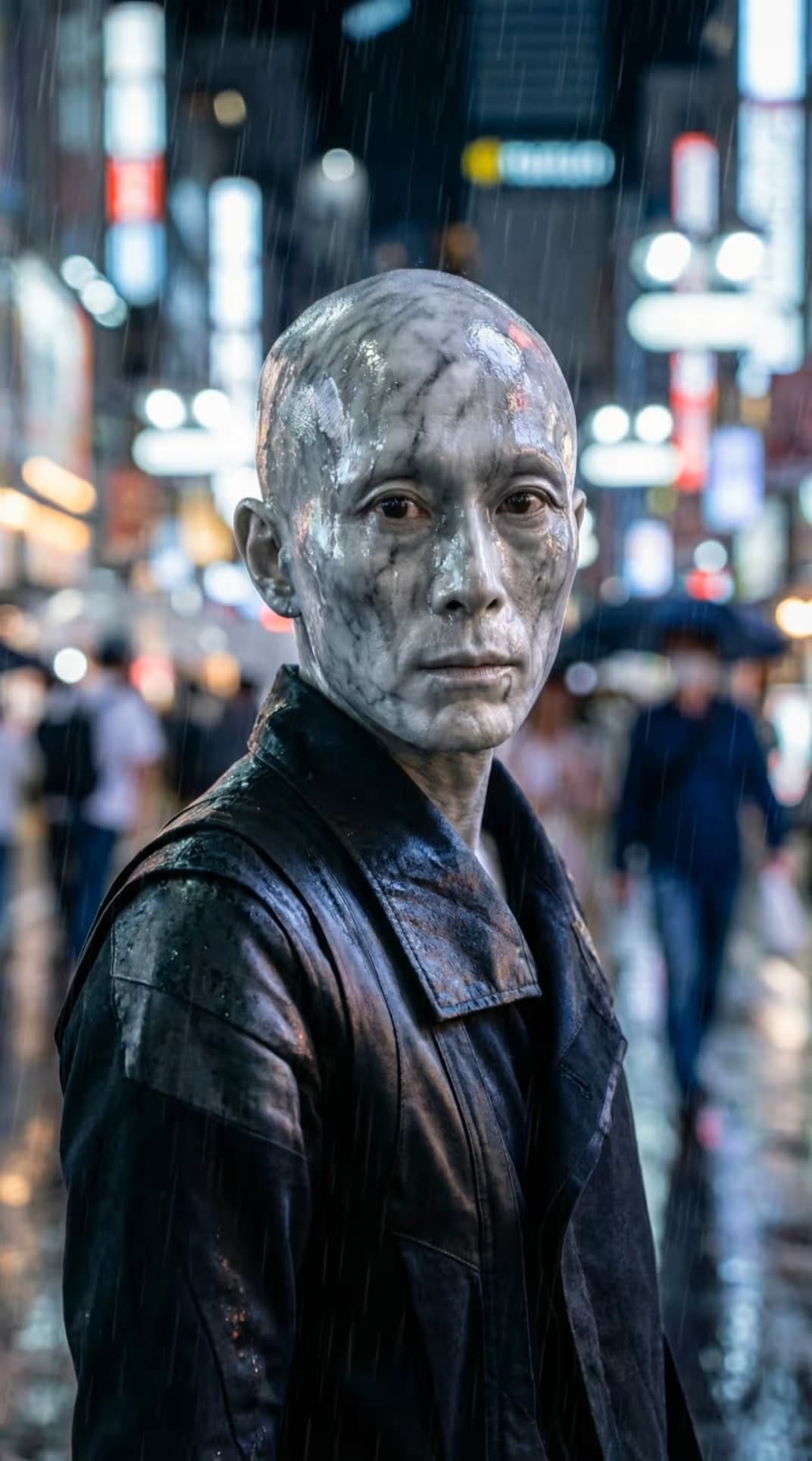
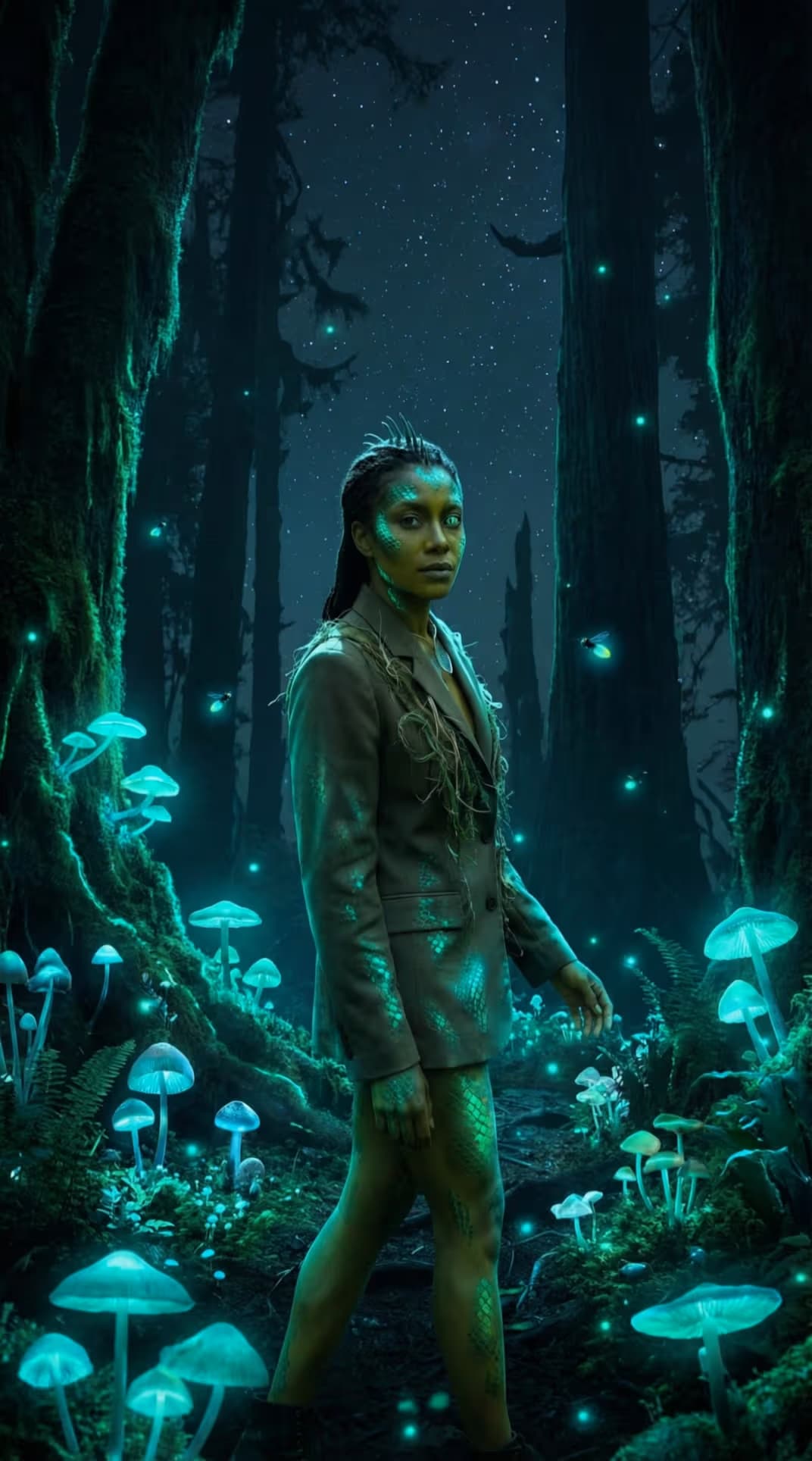
Turn a written prompt into a photorealistic, cinematic clip — complete with accurate lighting, depth, and motion — without cameras, crew, or a set.

How Luma Ray 3.2 works inside Picsart
Picsart integrates Luma Ray 3.2 directly into its AI Playground so you can generate video from text or an image without touching the model directly. It works alongside tools like the AI Voice Generator and AI Video Editor, helping you take a generated clip all the way to a finished, platform-ready project.
Why creators choose Luma Ray 3.2
Luma Ray 3.2 gives creators photorealistic quality and the control to direct it. They choose it for frame-level keyframe direction, native HDR output, and cinematic 1080p clips up to 20 seconds that hold up in real production. Integrated into Picsart’s AI Video Generator, it makes high-fidelity, directable video generation accessible without complex setups or specialized equipment.
Understand video model choices
Learn how to compare video models and choose an output.


Explore more models like Luma Ray 3.2
Compare Luma Ray 3.2 with other video models for motion, ads, and social clips.
Luma Ray 3.2 FAQ
Luma Ray 3.2 is Luma Labs’ latest AI video model, available in Picsart. It generates photorealistic, cinematic video from text prompts or a reference image, with frame-level keyframe control, native HDR, and clips up to 20 seconds at 1080p.
Generate cinematic AI video with Luma Ray 3.2
Pro
Most popularAI tools for everyday creative work.
Ultra
Most powerfulHeavy AI usage for creators & teams.
Enterprise
Custom AI solutions for large organizations.
- Volume discounts on credit rate
- On-demand top-ups