Runway Aleph 2.0
Runway Aleph 2.0 is the next generation of in-context AI video editing - built to transform real footage with simple prompts. Change camera angles, rewrite lighting, add or remove objects, and direct cinematic shots from any clip.
- Edit existing footage with prompts
- Change lighting and camera angles
- Add or remove scene elements
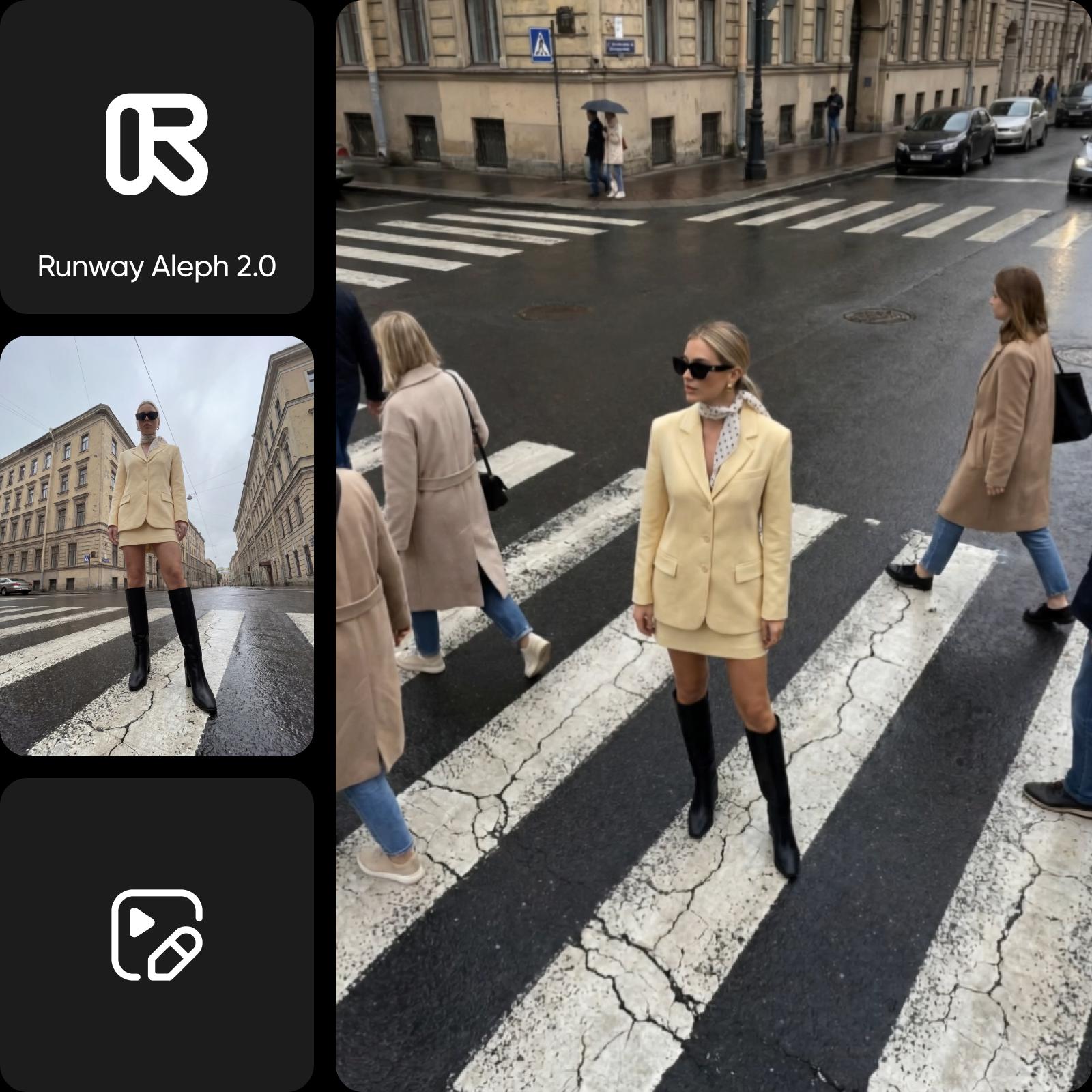


What is Runway Aleph?
Runway Aleph is an in-context AI video model - the first of its kind to truly understand existing footage and rewrite it from natural-language prompts. Instead of generating video from scratch, Runway Aleph edits real clips: it changes camera angles, transforms lighting and scenes, isolates subjects, and swaps objects, all while preserving the original look, motion, and continuity. Aleph 2.0 is the next-generation release, launching in Picsart end of May 2026.
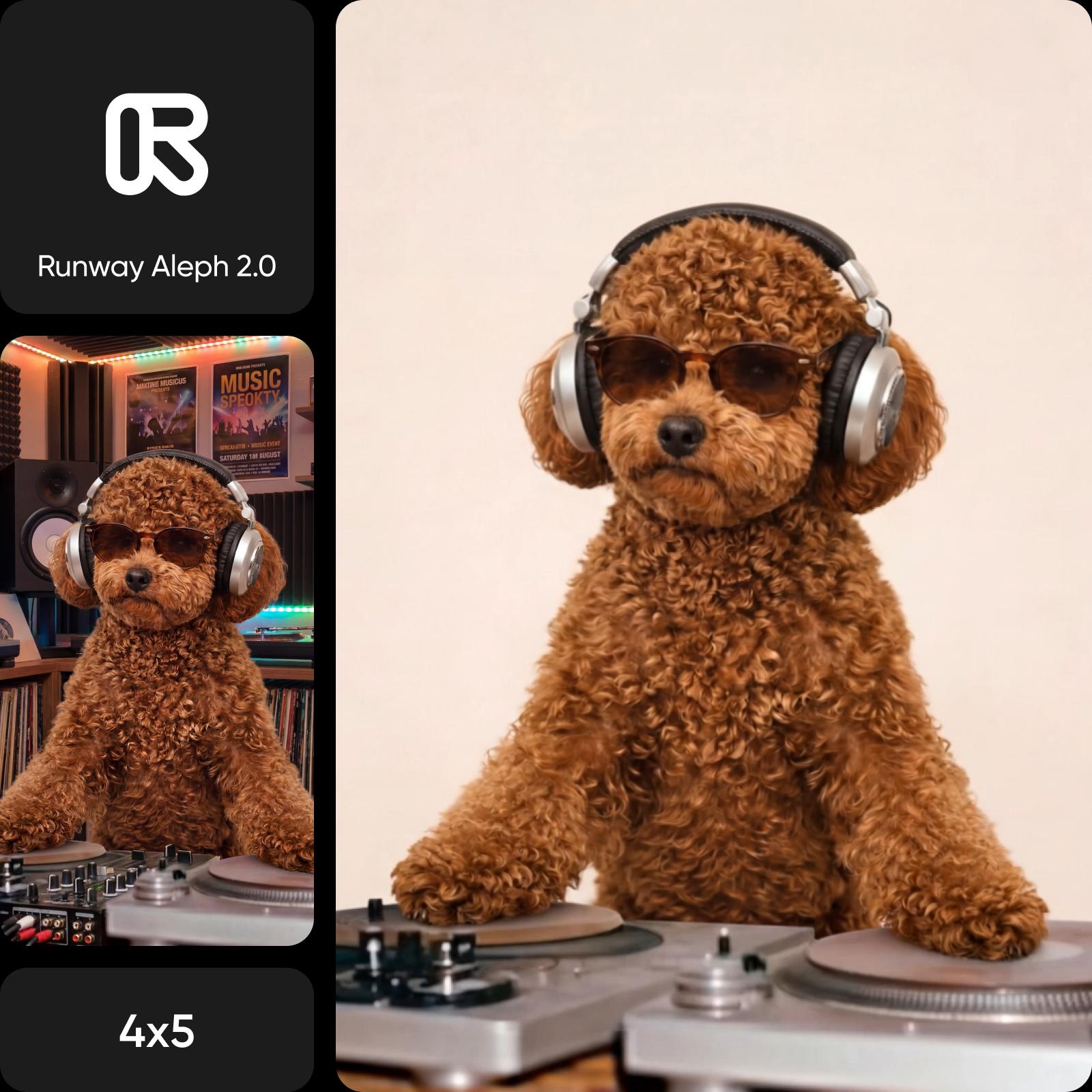
Edit real footage with Runway Aleph
Runway Aleph 2.0 turns any clip into a creative canvas. Drop in your footage, describe the change you want, and Aleph rewrites only the frames you ask for - lighting, props, people, weather, time of day, while keeping shadows, reflections, and motion consistent. It's the closest thing to a director's chair, fully powered by AI available in the Picsart AI Video Generator and AI Playground.
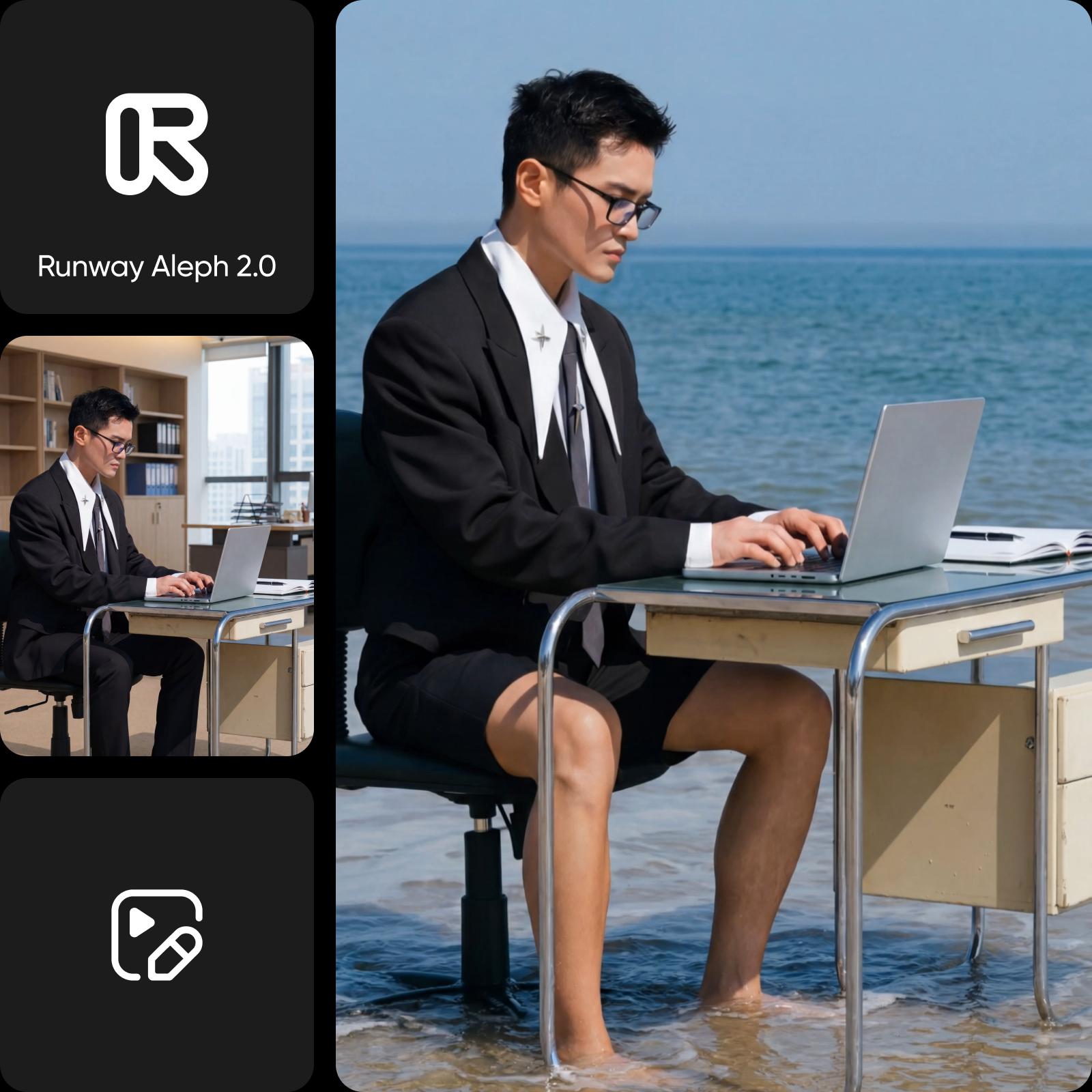
What you can do with Runway Aleph 2.0
New camera angles
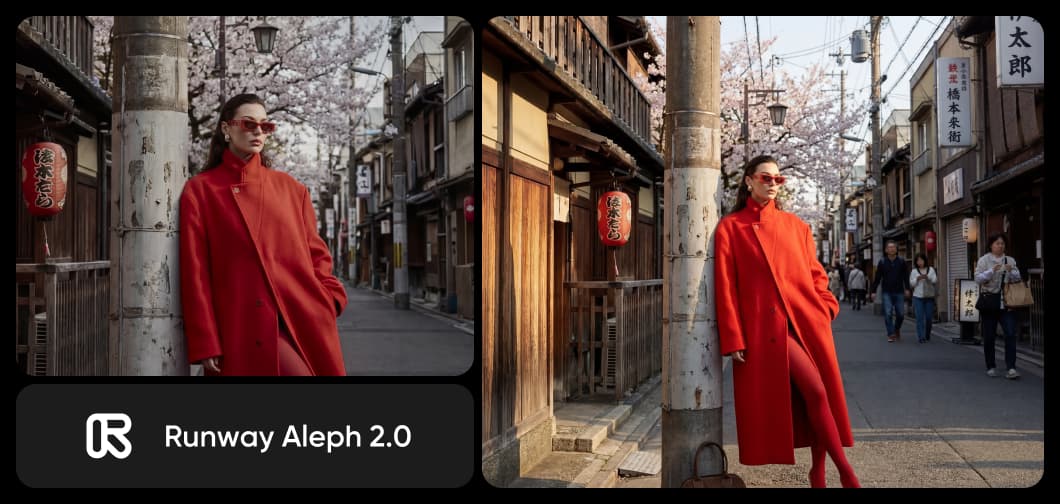
New camera angles in a single prompt
Reshoot any scene from any angle without a second take. Runway Aleph 2.0 generates cinematic perspectives: close-ups, wide masters, over-the-shoulder reverses, even drone-style sweeps, from a single descriptive prompt. The subject, lighting, and world stay locked; only the camera changes.

Transform lighting and scenes with Runway Aleph
Runway Aleph 2.0 rewrites the look of any clip - turn morning into golden hour, summer into winter, or studio into street. Lighting adjusts across the whole frame: shadows reorient, highlights warm or cool, and reflections update so the new look feels shot, not filtered.
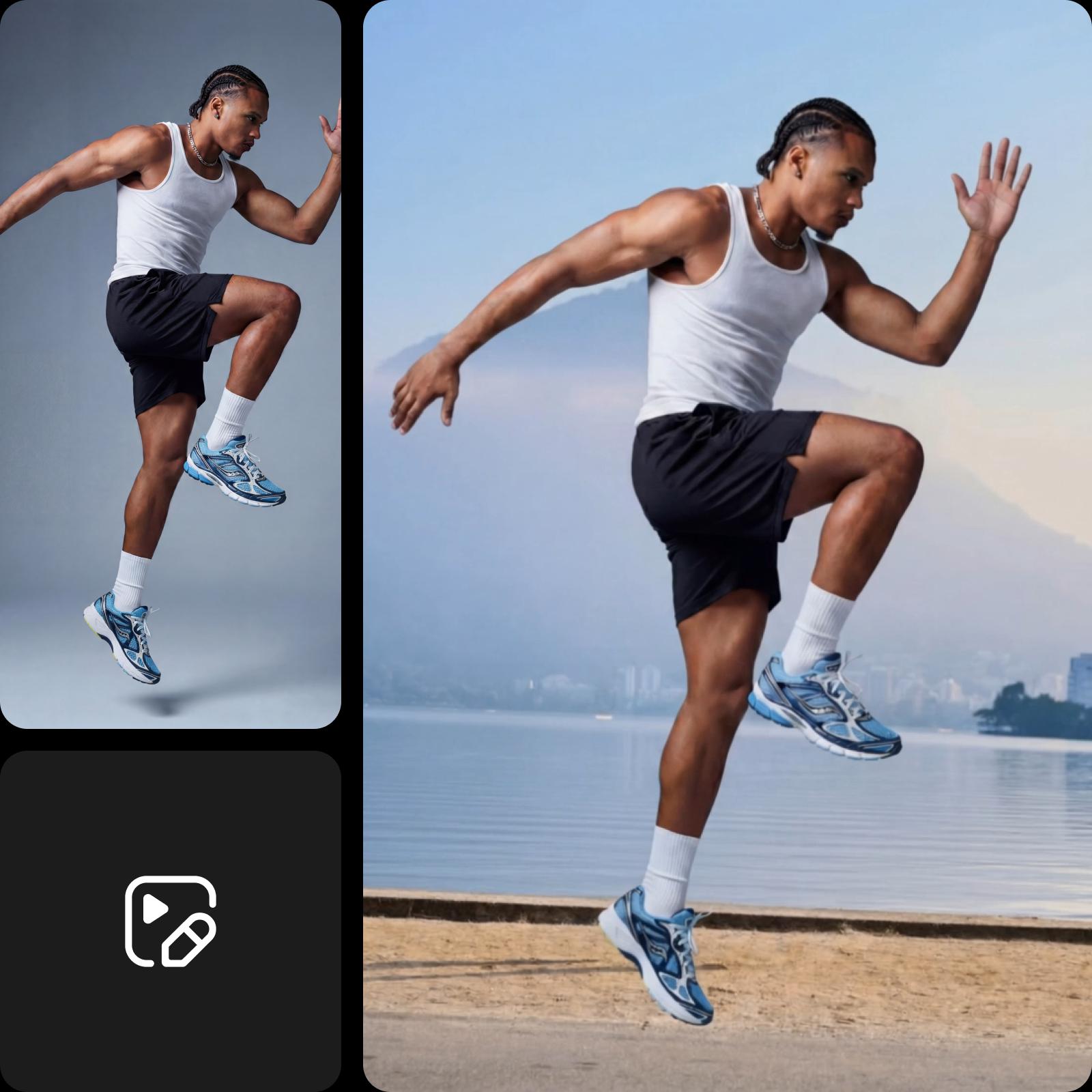
Understand video model choices
Learn how to compare video models and choose an output.

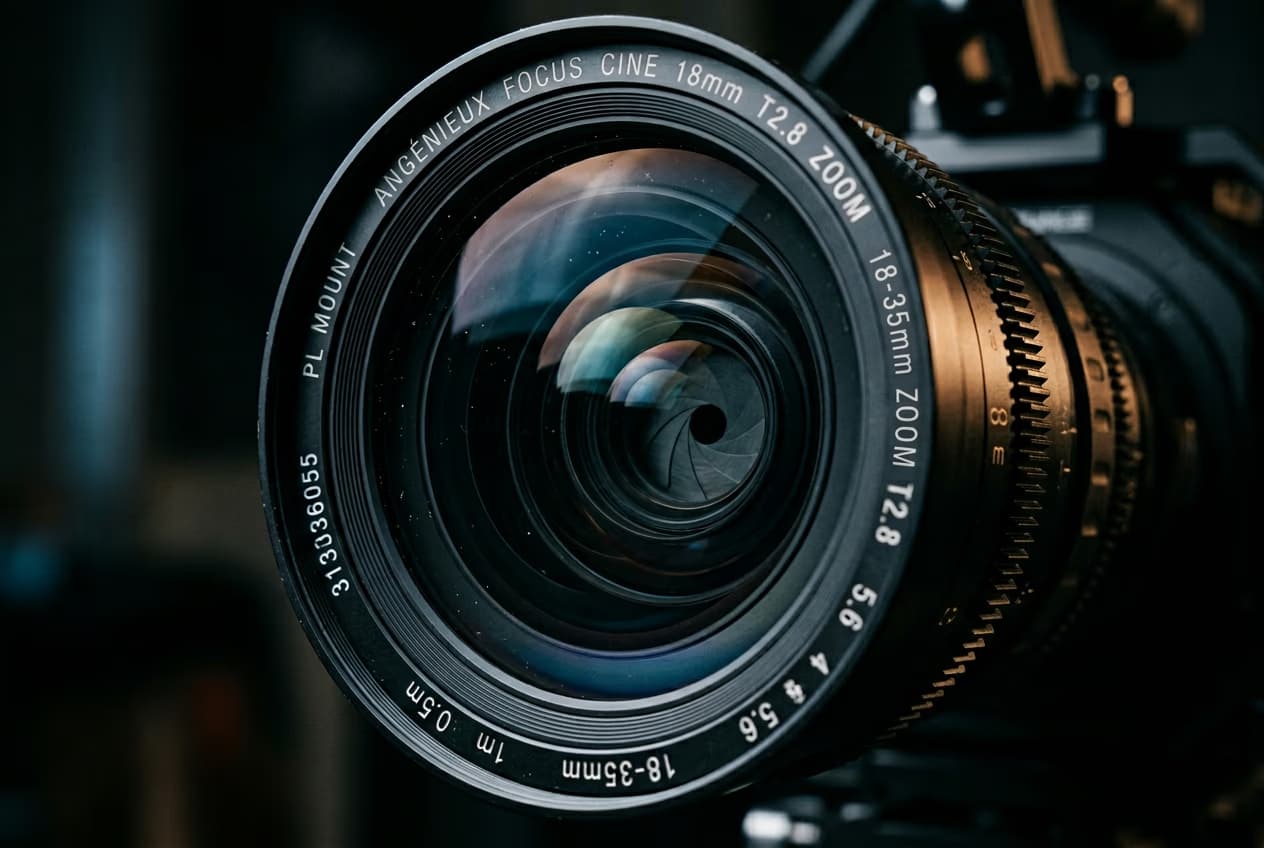

Explore more models like Runway Aleph 2.0
Compare Runway Aleph 2.0 with other video models for motion, ads, and social clips.
Runway Aleph 2.0 FAQ
Runway Aleph is an in-context AI video model that edits existing footage from natural-language prompts. Unlike text-to-video generators that create clips from scratch, Aleph rewrites real video - changing camera angles, lighting, objects, and scenes while preserving the original motion and continuity. Runway Aleph 2.0 is the next-generation release.
Generate AI visuals with Runway Aleph 2.0
Pro
Most popularAI tools for everyday creative work.
Ultra
Most powerfulHeavy AI usage for creators & teams.
Enterprise
Custom AI solutions for large organizations.
- Volume discounts on credit rate
- On-demand top-ups