MiniMax H3 Max Camera Controls: direct the camera in AI video
MiniMax H3 Max Camera Controls turns a single image into video with a camera path you program yourself. Set 2 to 12 keyframes and steer azimuth, elevation, and distance to orbit, push in, or crane over your scene - with an optional prompt, or none at all. Available now in Picsart's AI Playground.
- Direct your camera path
- Bring a still image into motion
- Guide scenes with keyframes


How MiniMax H3 Max Camera Controls works
Start from a still image and hand the model a camera trajectory instead of relying on a text prompt alone. MiniMax H3 Max Camera Controls reads 2 to 12 keyframes - each one a point in time with an azimuth, elevation, and distance - and interpolates a smooth path between them, so the shot travels exactly the way you plotted it. Add a prompt to animate the scene as well, or leave it out to keep everything still but the lens.
Plot the camera path keyframe by keyframe
Every keyframe sets three things: azimuth to swing the camera around the subject, elevation to raise or lower the angle, and distance to move closer or pull away. Chain up to 12 of them and MiniMax H3 Max Camera Controls builds the in-between motion - a slow orbit, a rising crane, a sharp punch-in - with frame-accurate timing. It's the kind of camera choreography that usually needs a rig and a dolly, driven from a single photo.
Freeze the scene, move only the camera
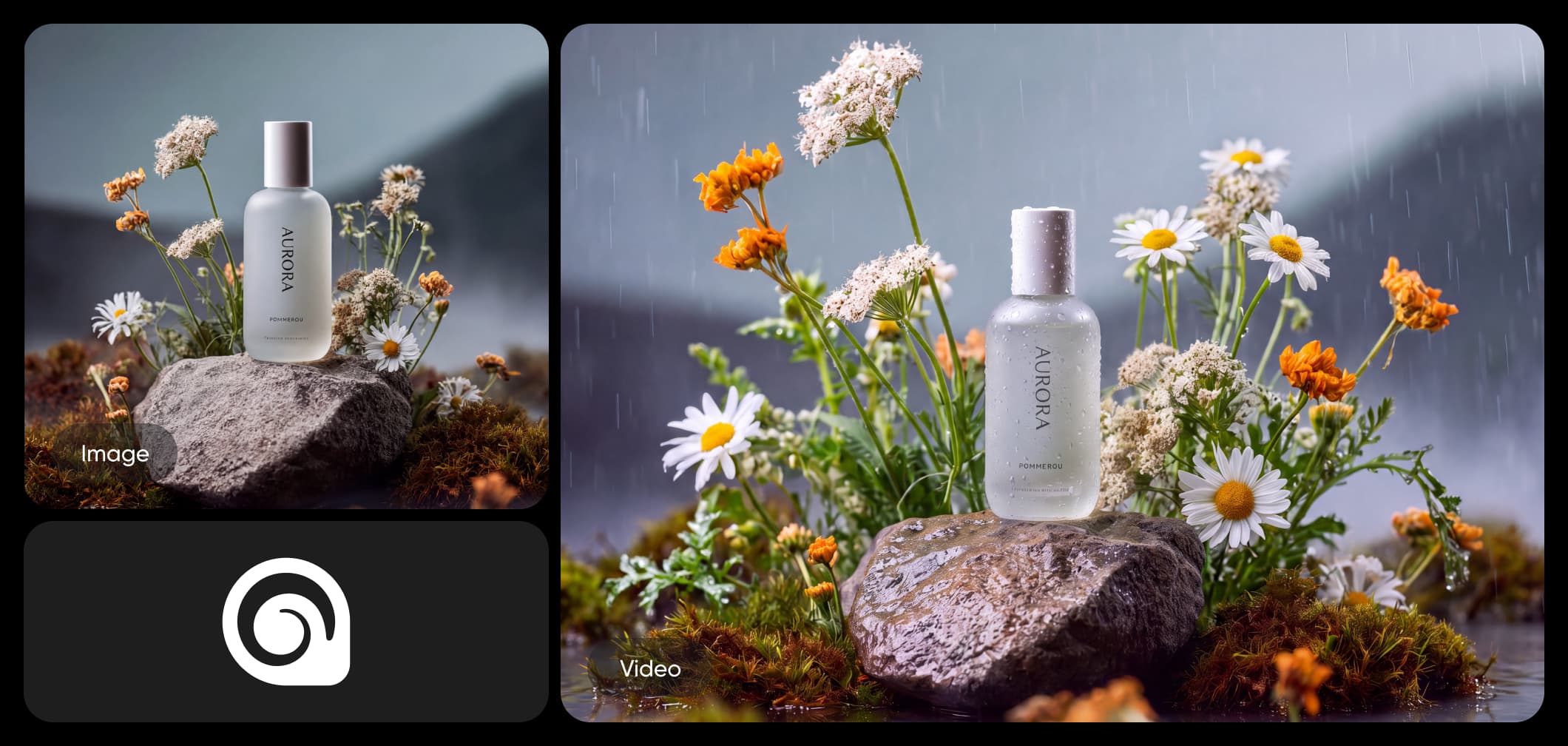
Leave the prompt blank and MiniMax H3 Max Camera Controls holds your scene perfectly still while the camera travels through it - a clean parallax glide across a product, a portrait, or a landscape with nothing else in motion. Want life in the frame too? Add a prompt and set prompt expansion to balanced or quality to decide how much the model elaborates, and drop in a seed whenever you need the exact same move again.
Where MiniMax H3 Max Camera Controls lives in Picsart
MiniMax H3 Max Camera Controls is available in Picsart's AI Playground, so you can program a camera move and compare the result against 150+ other AI models from a single workspace - no setup or model configuration required. Need a different job? MiniMax H3 Max delivers fast, top-ranked text- and image-to-video, and MiniMax H3 renders native 2K with synchronized audio. And you can reach MiniMax H3 Max Camera Controls whichever way you work: on the web, in the desktop app, or built into your own projects via CLI, MCP, REST API, and SDK.
When to reach for camera controls
Choose MiniMax H3 Max Camera Controls when the camera move is the point - product spins, architectural fly-throughs, dramatic reveals, or looping parallax shots that have to land exactly. Instead of describing motion in words and hoping, you plot it on a timeline and get a repeatable path back at 480p, 768p, or 1080p, up to 15 seconds. Inside Picsart it sits alongside 150+ models, so you can direct the shot here and switch models for the next one.
Direct any shot with MiniMax H3 Max Camera Controls
Orbit and reveal
Swing the camera around a subject with azimuth keyframes for a smooth orbit that reveals a product, character, or set from every side.
Understand video model choices
Learn how to compare video models and choose an output.



Explore more models like MiniMax H3 Max Camera Controls
Compare MiniMax H3 Max Camera Controls with other video models for motion and camera control.
MiniMax H3 Max Camera Controls AI model FAQ
MiniMax H3 Max Camera Controls is an image-to-video variant of MiniMax H3 Max that adds programmable camera motion. Starting from a single image, you set 2 to 12 keyframes that control azimuth, elevation, and distance over time, with an optional text prompt. Output is 480p, 768p, or 1080p, up to 15 seconds.
Direct AI camera moves with MiniMax H3 Max Camera Controls
Pro
Most popularAI tools for everyday creative work.
Ultra
Most powerfulHeavy AI usage for creators & teams.
Enterprise
Custom AI solutions for large organizations.
- Volume discounts on credit rate
- On-demand top-ups