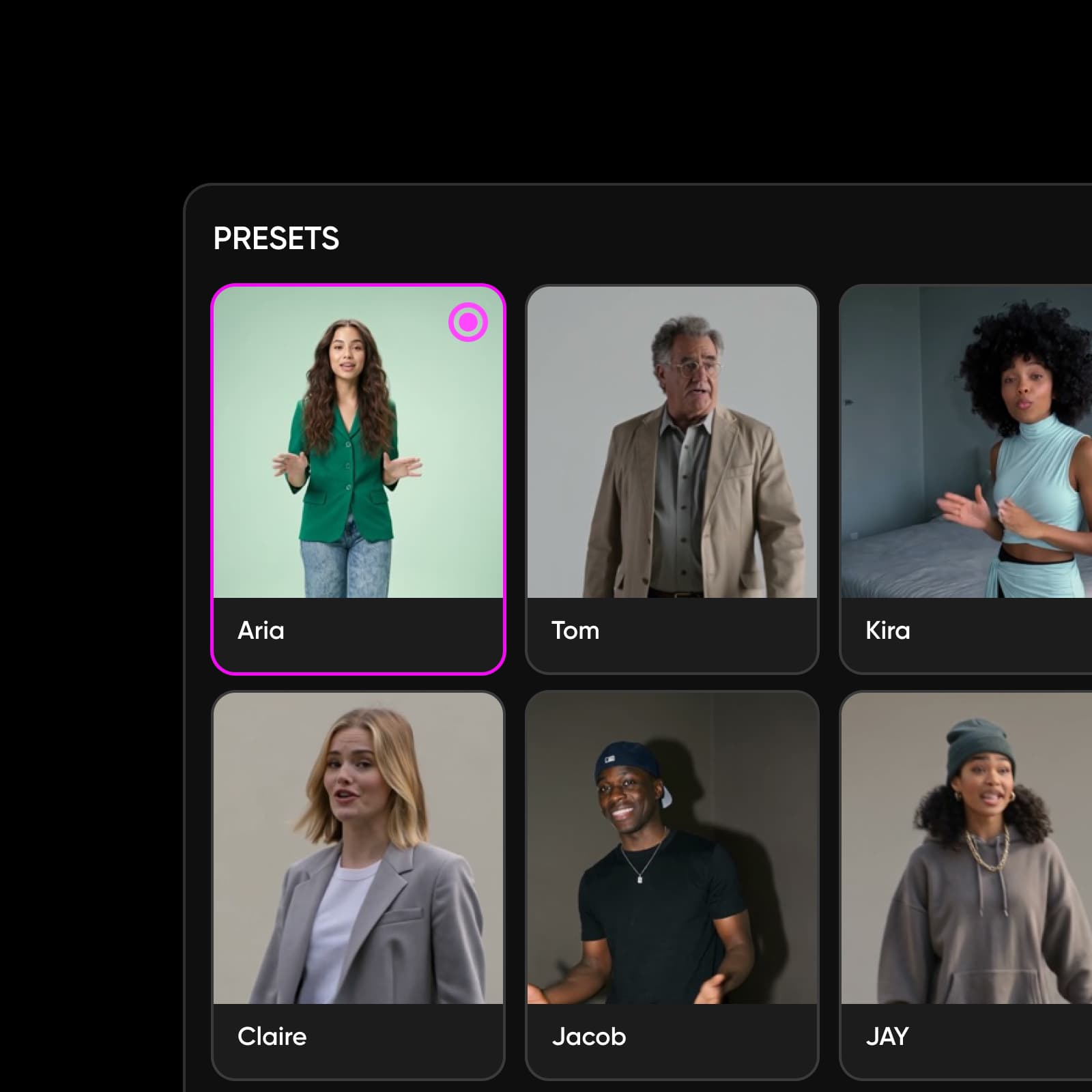
Kling 4.0: one take, up to 30 seconds
Kling 4.0 is the fourth generation of Kuaishou's Kling family and its biggest step yet: single takes from 3 to 30 seconds with native stereo audio, up to 10 keyframes to direct the action, and lifelike 1080p output with sharp on-screen text. Available now in Picsart's AI Playground.
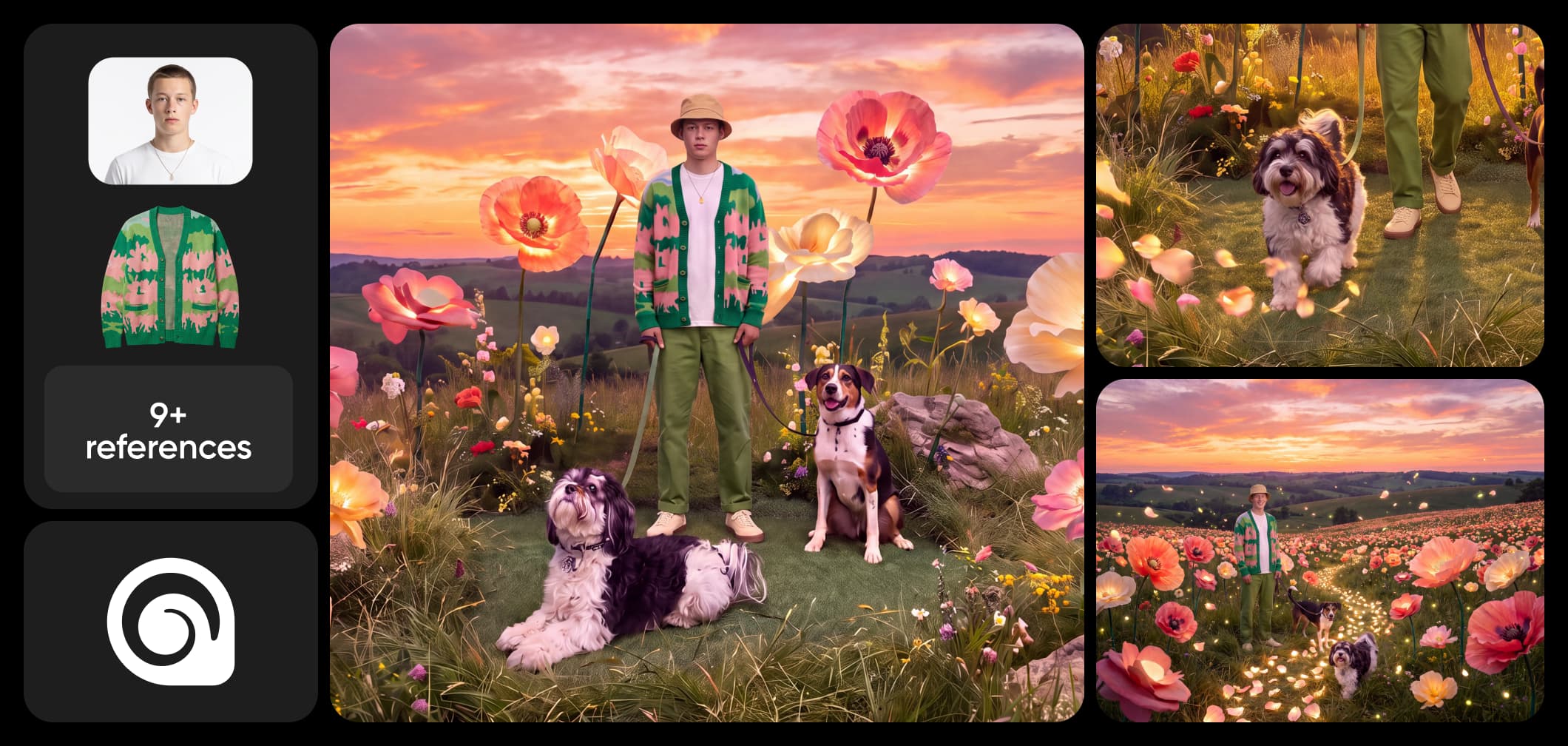
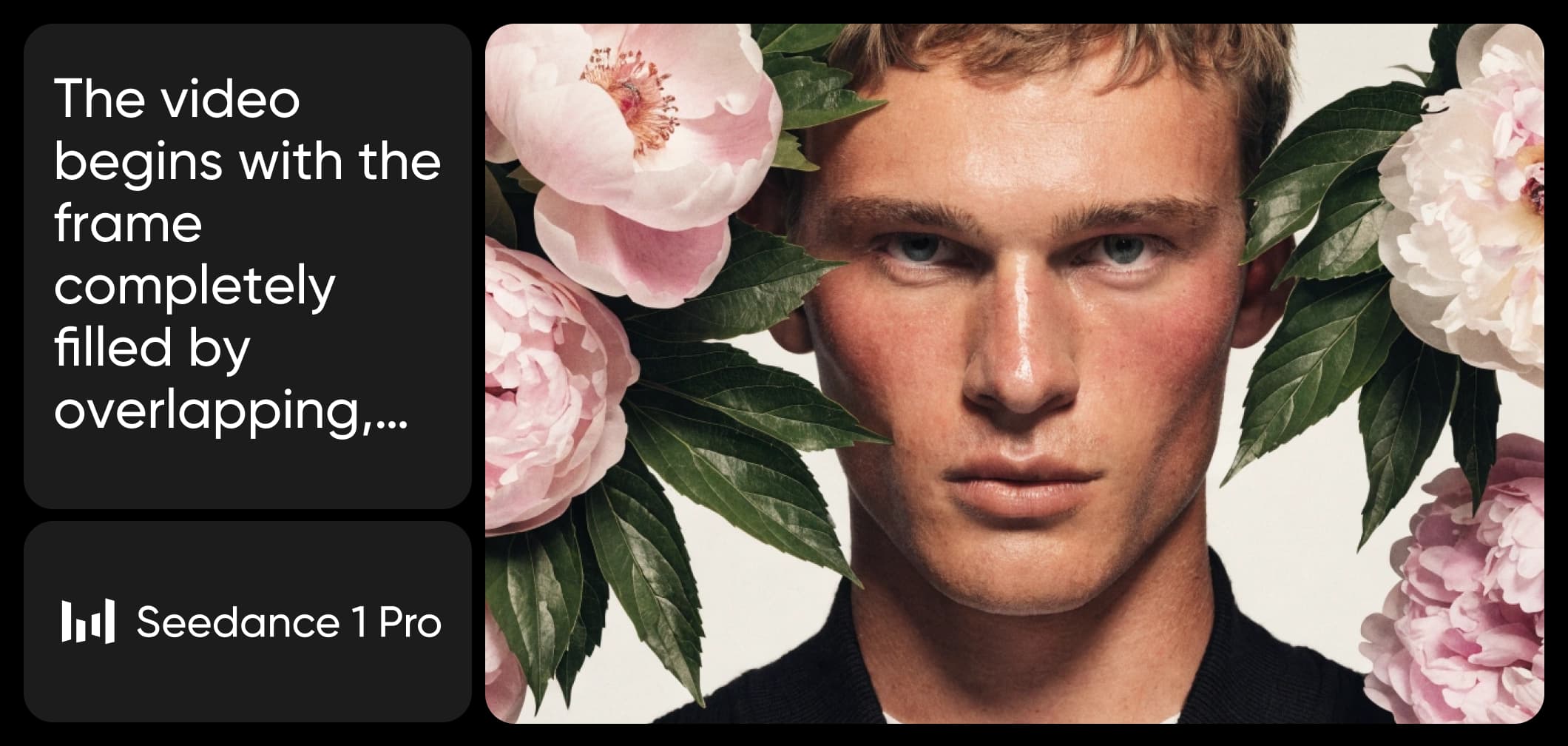
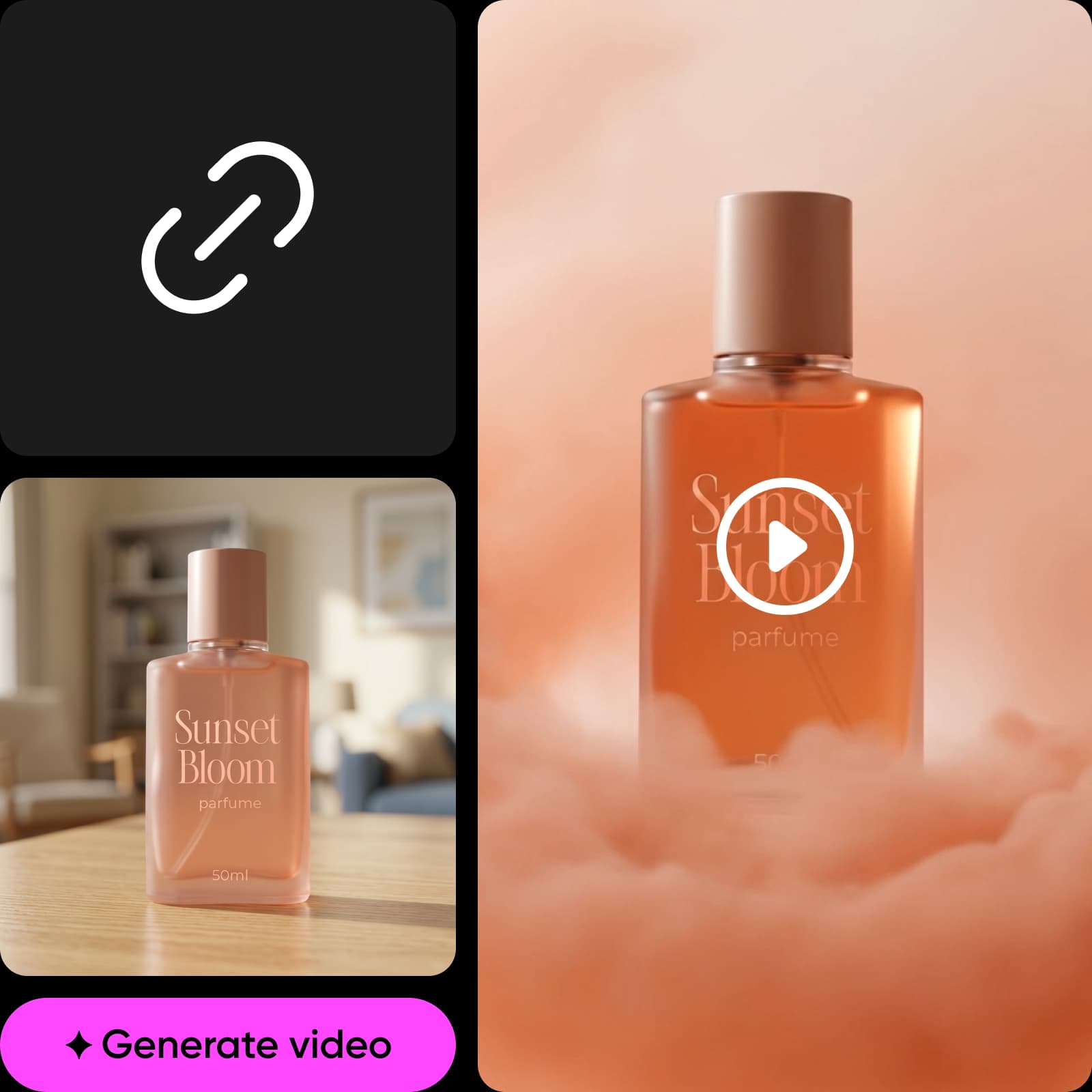
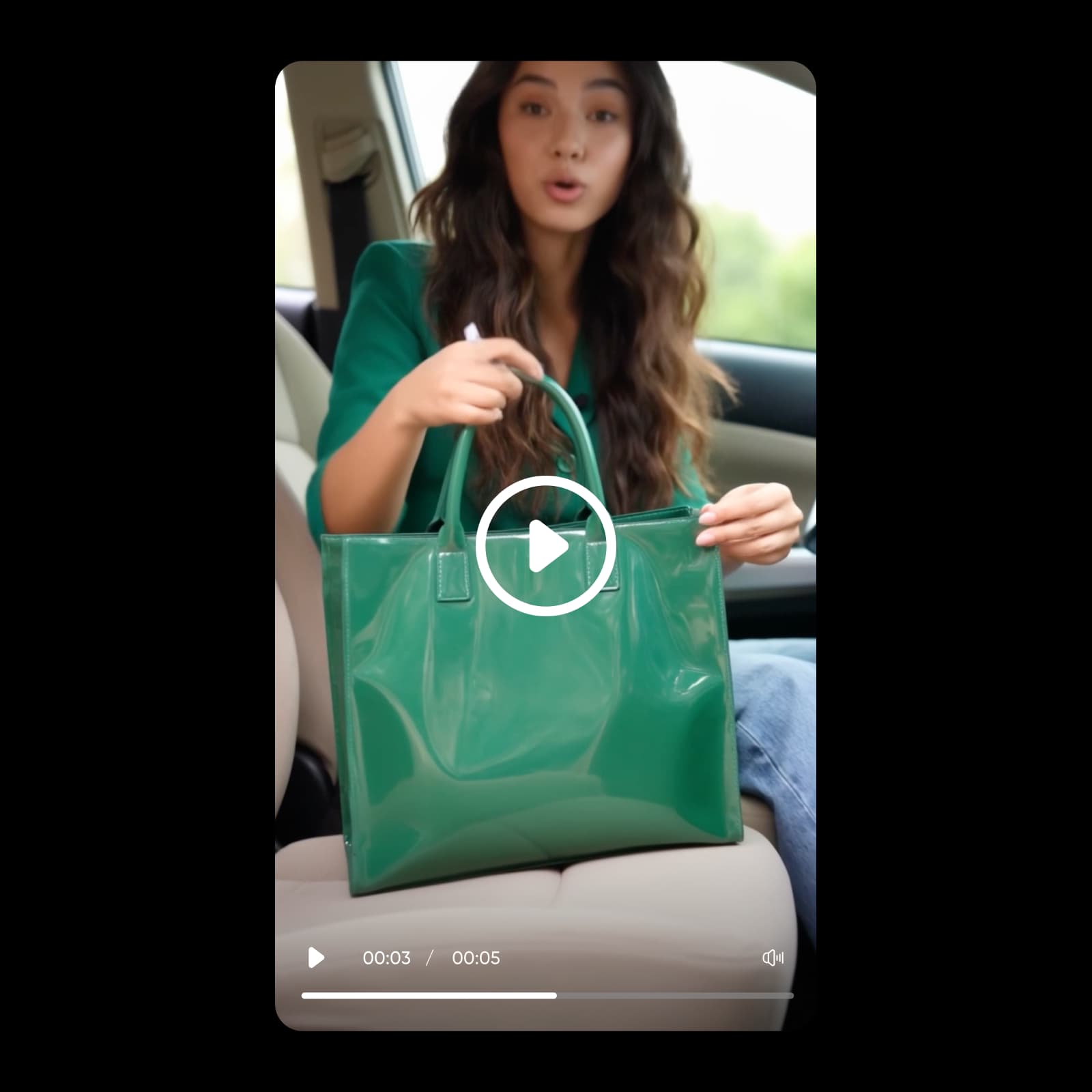
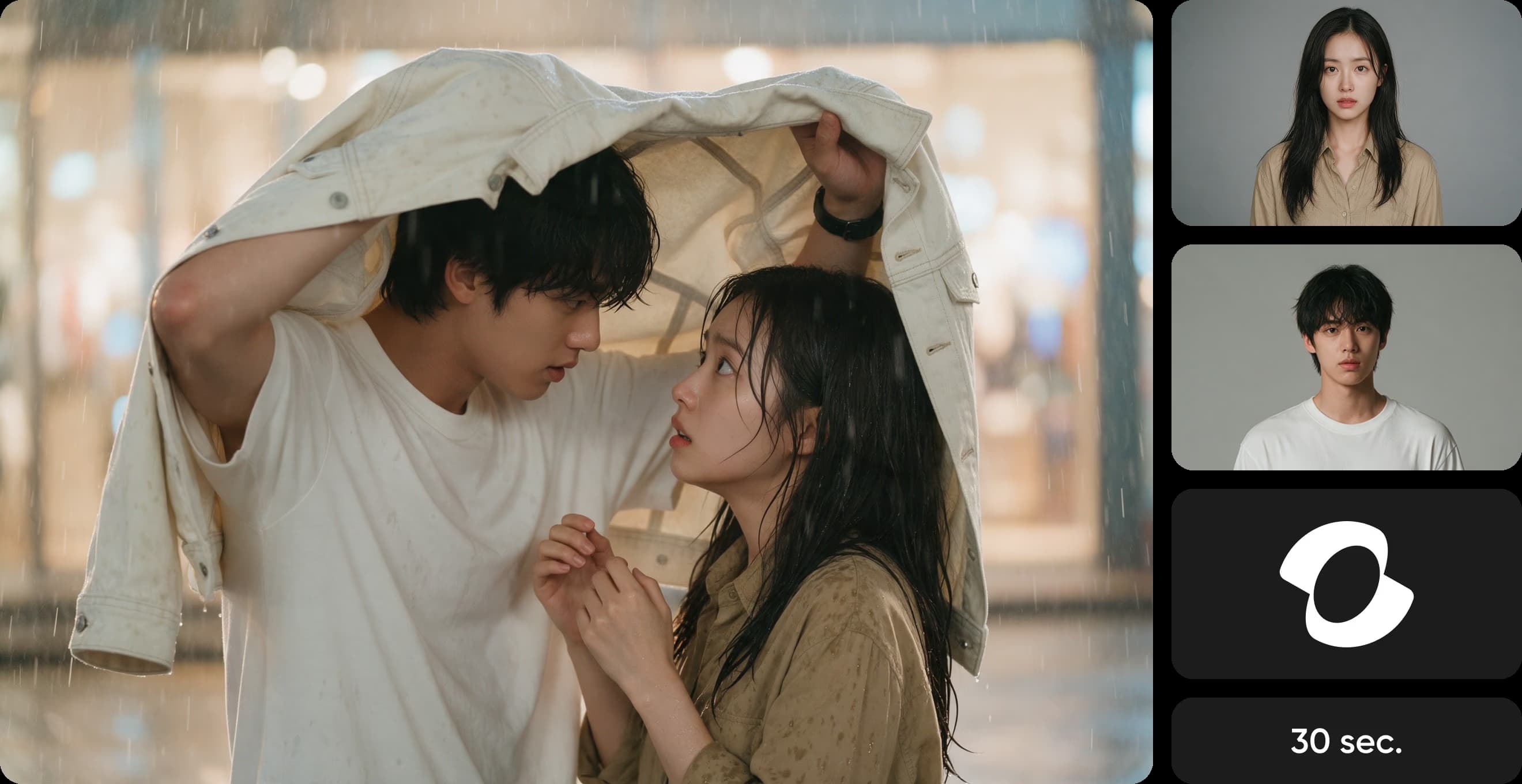
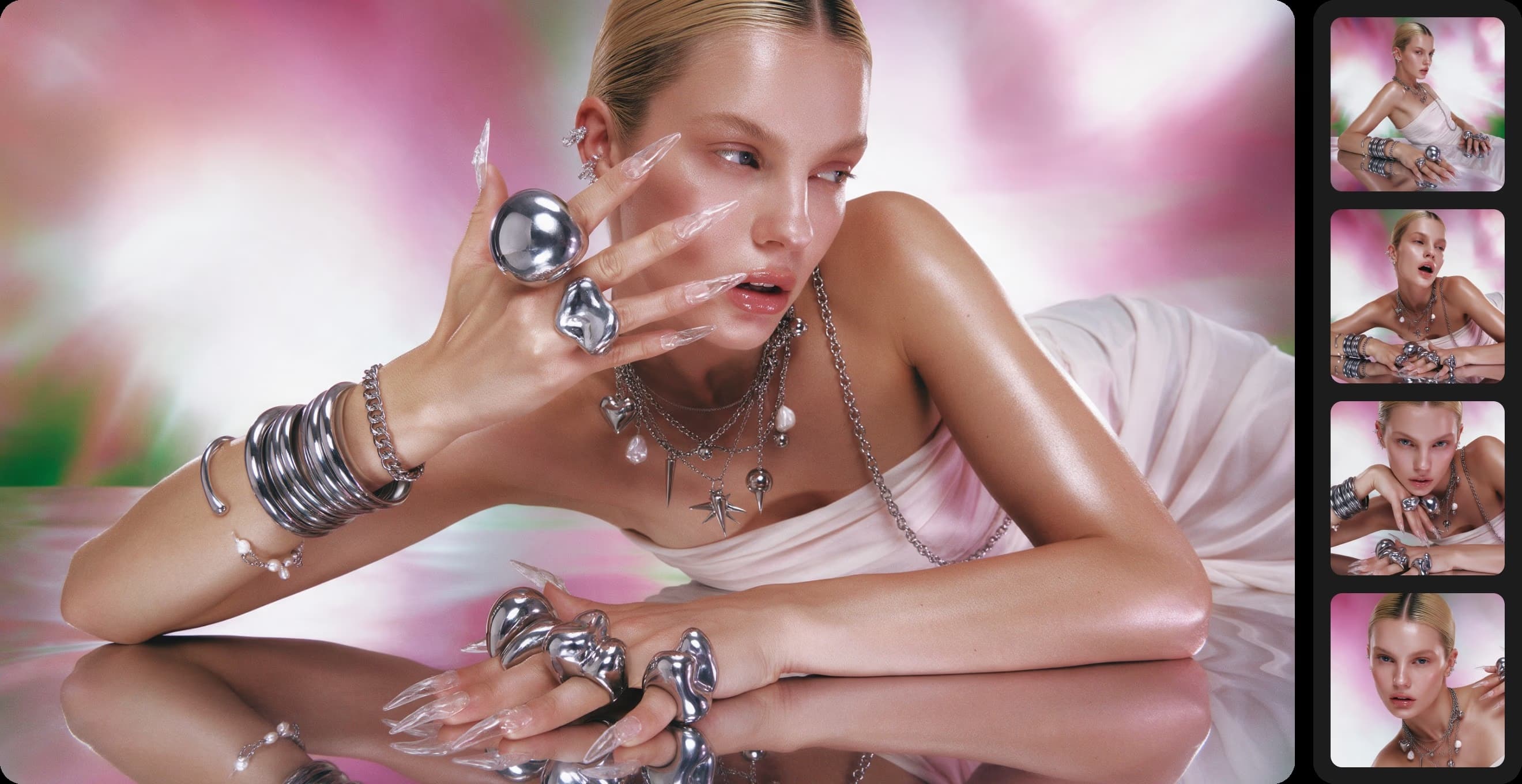
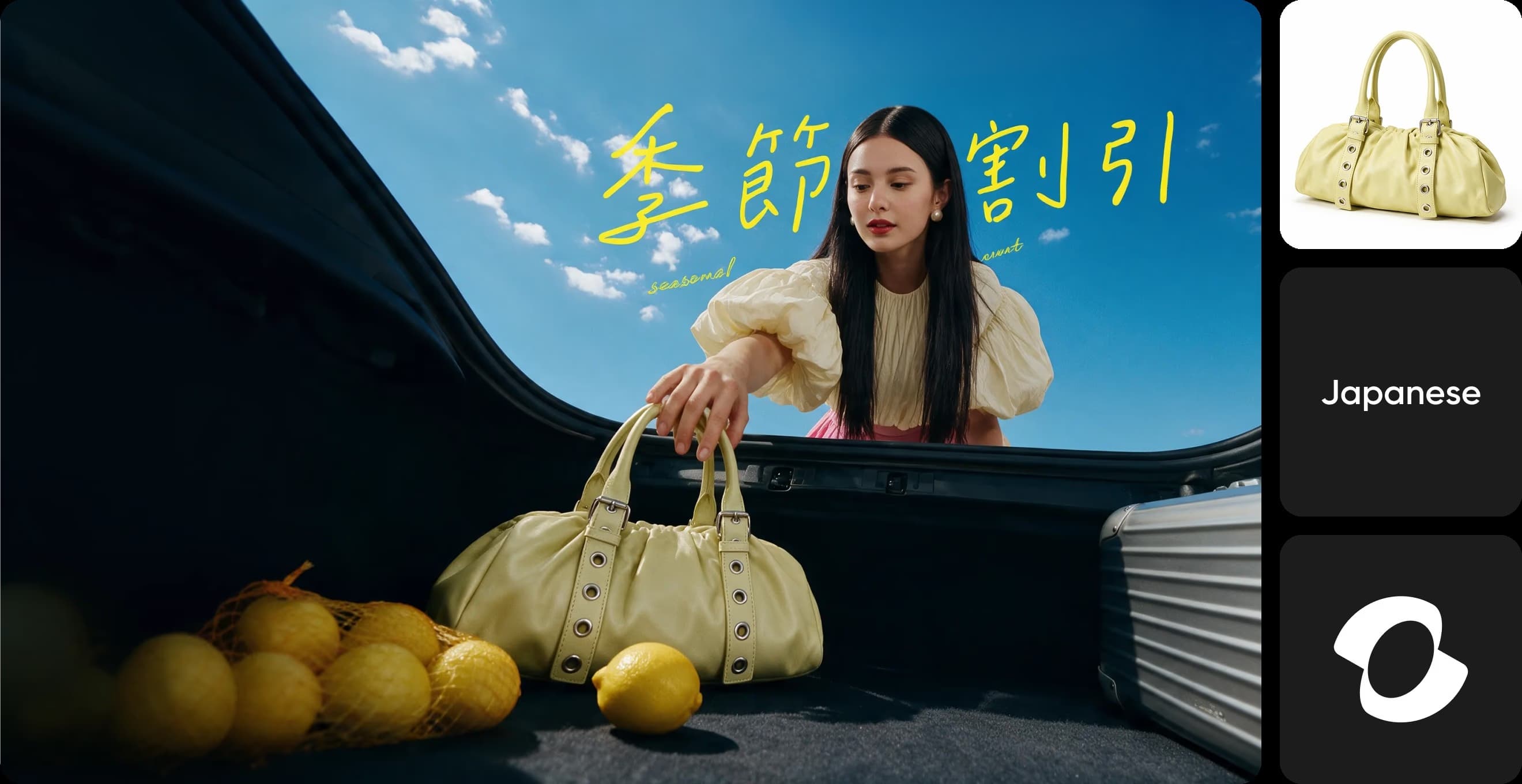
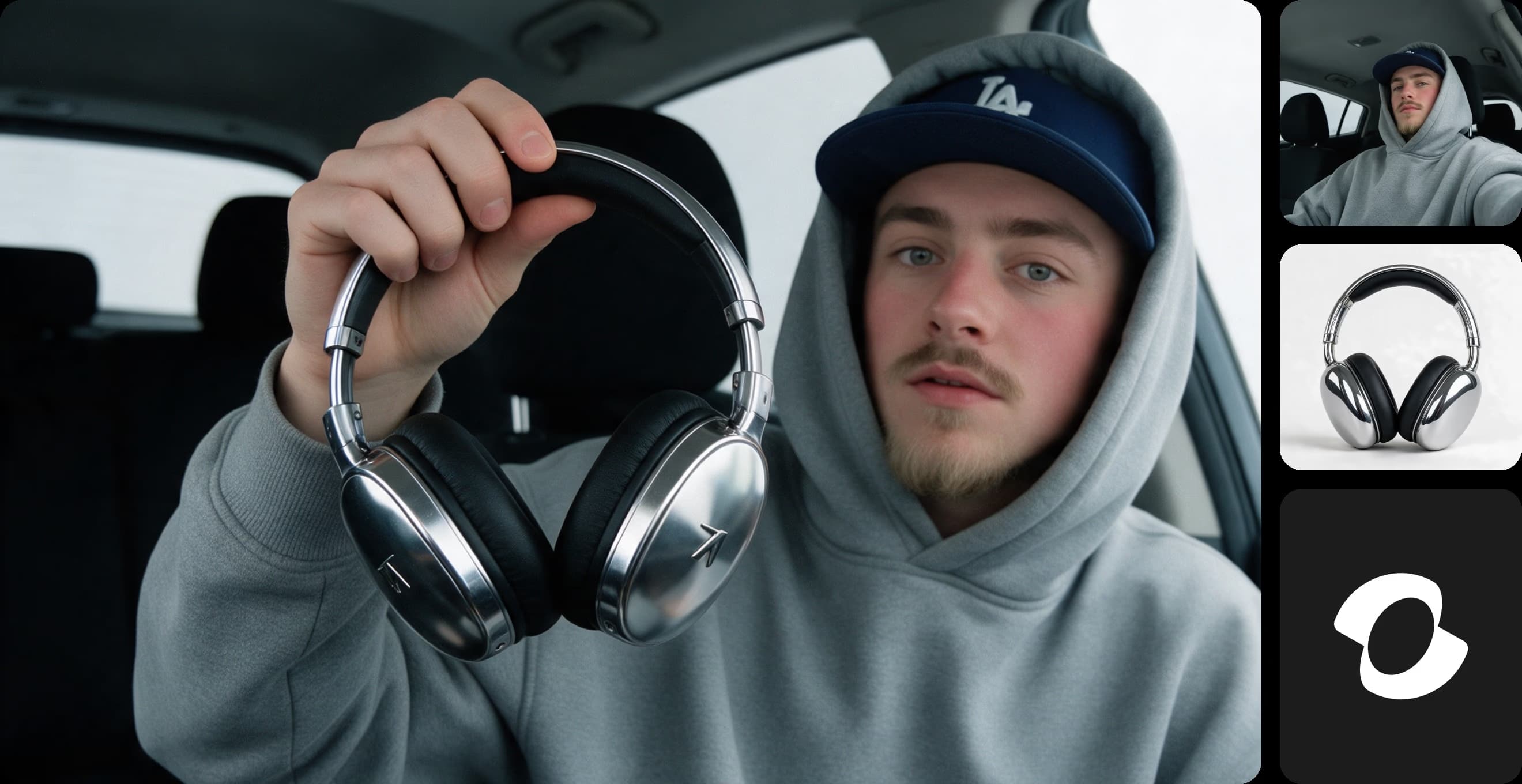
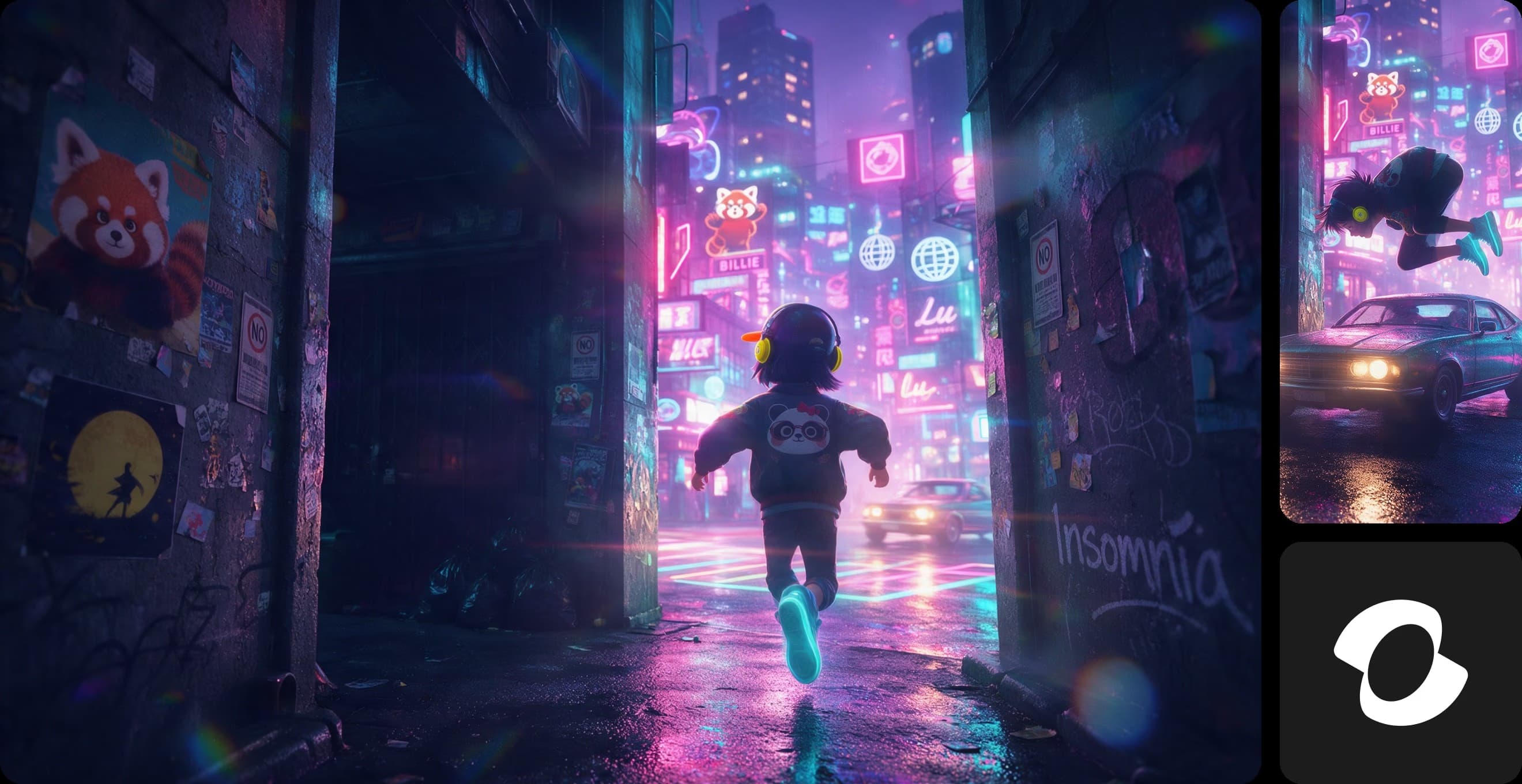
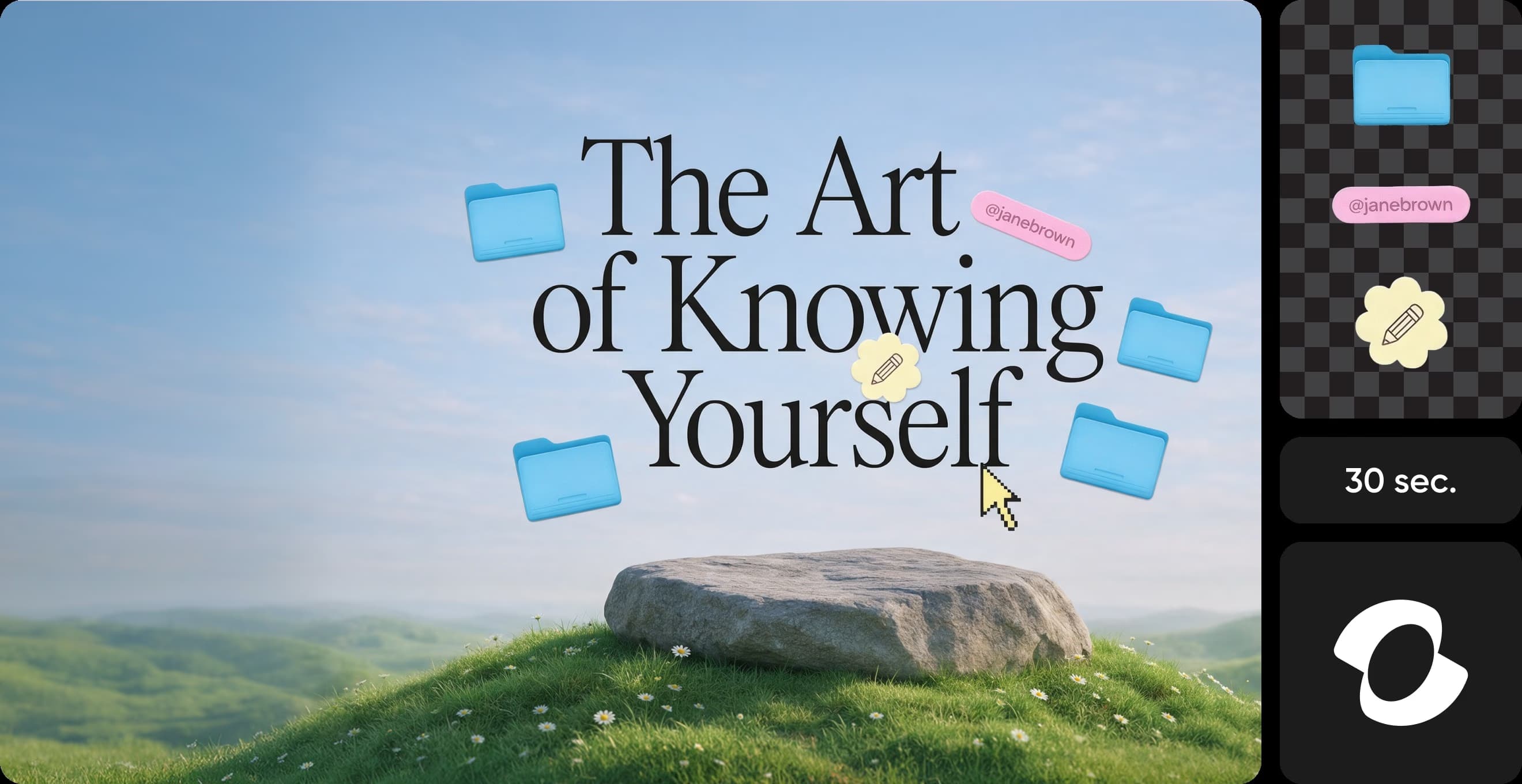
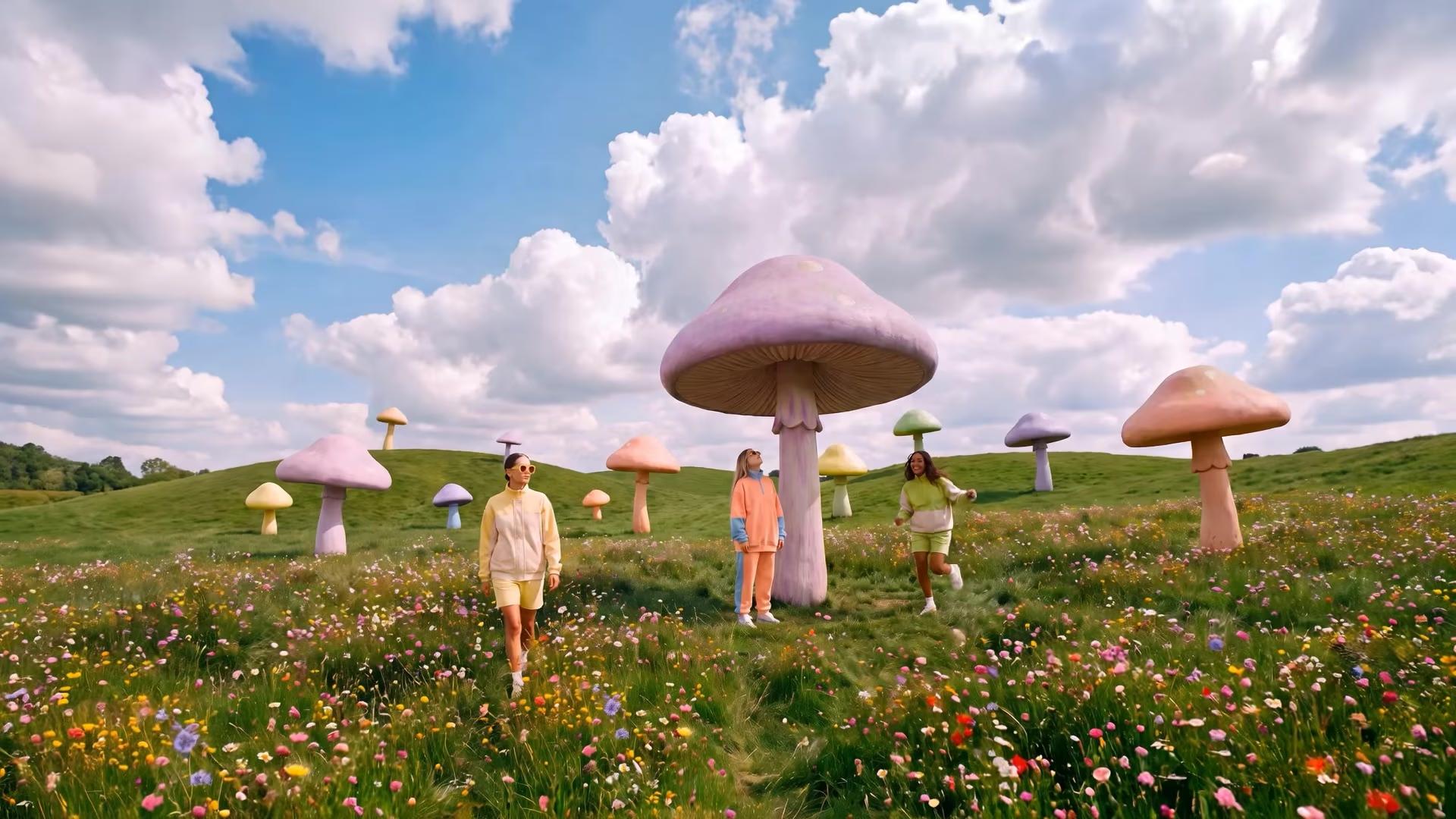
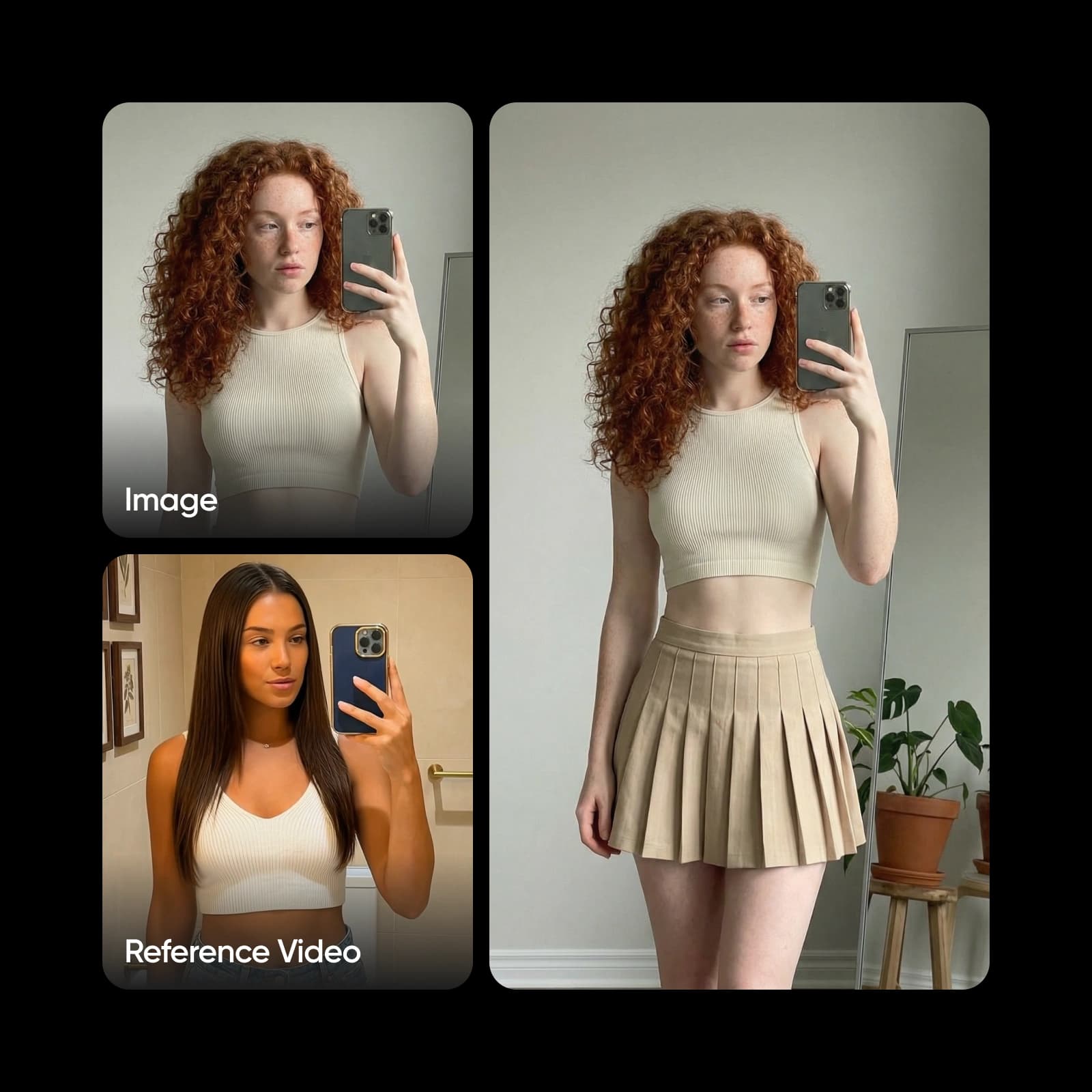
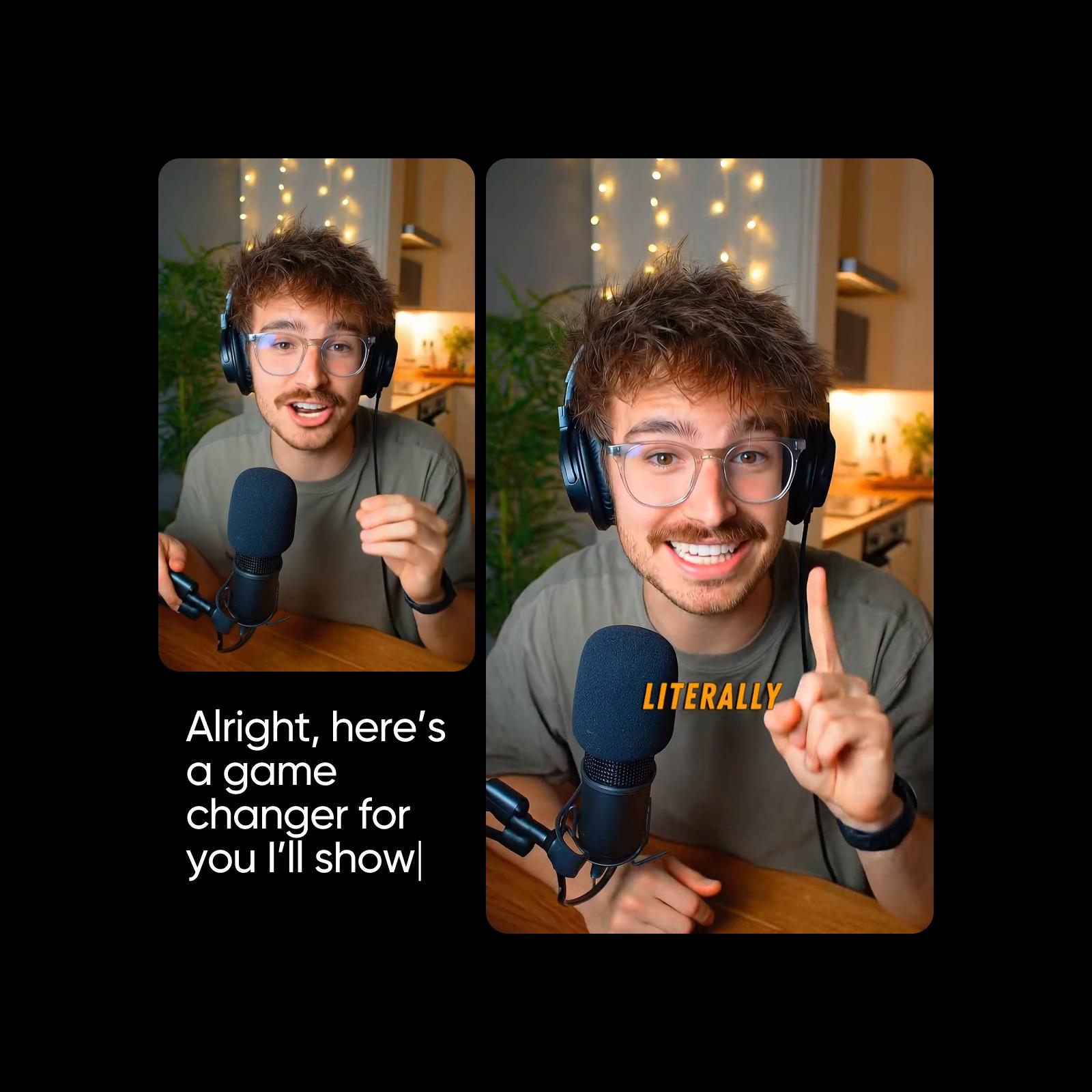
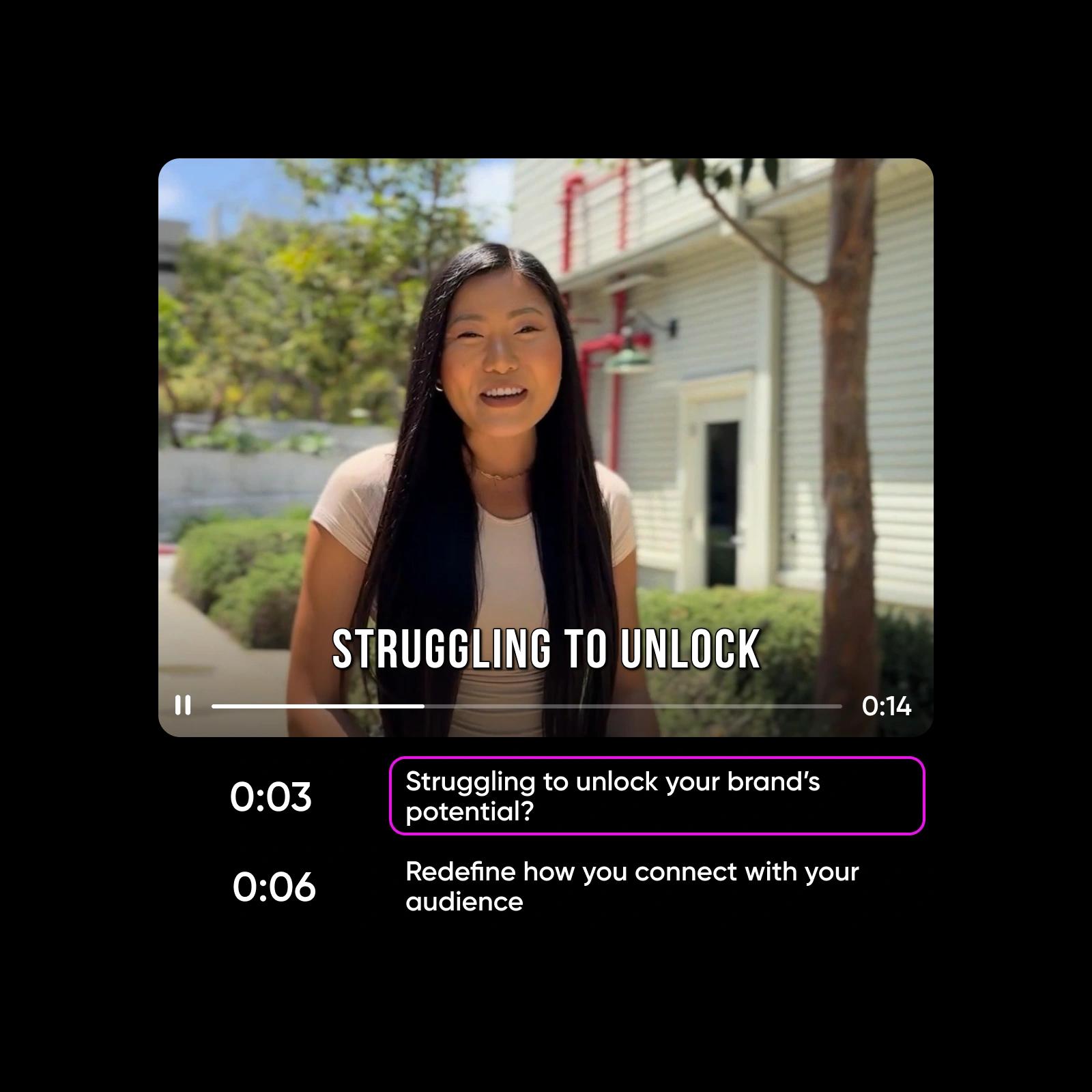
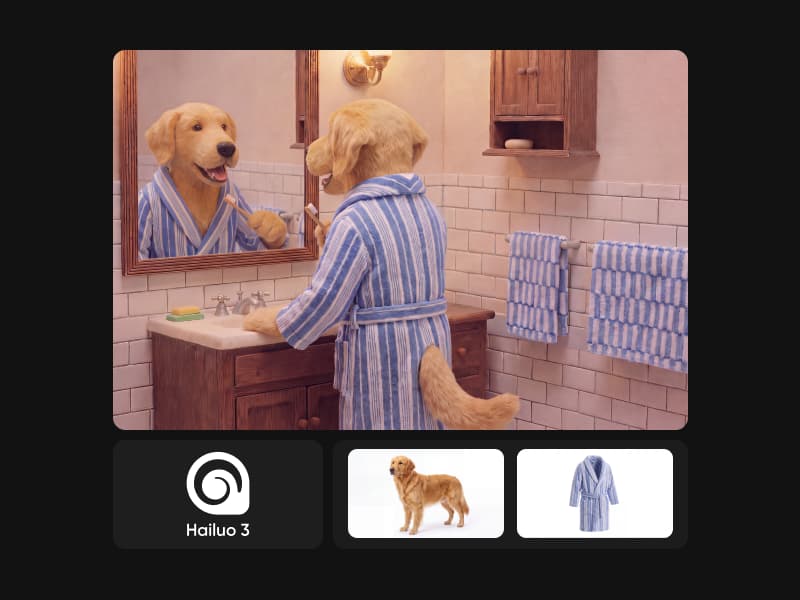
Videos made with Kling 4.0



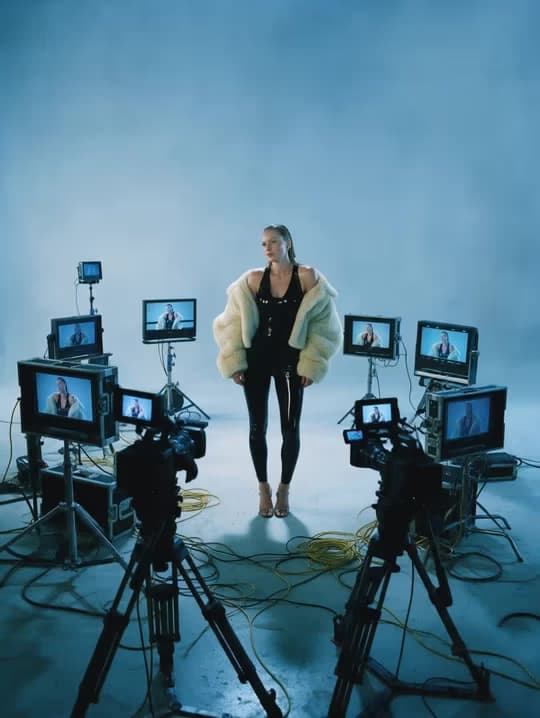

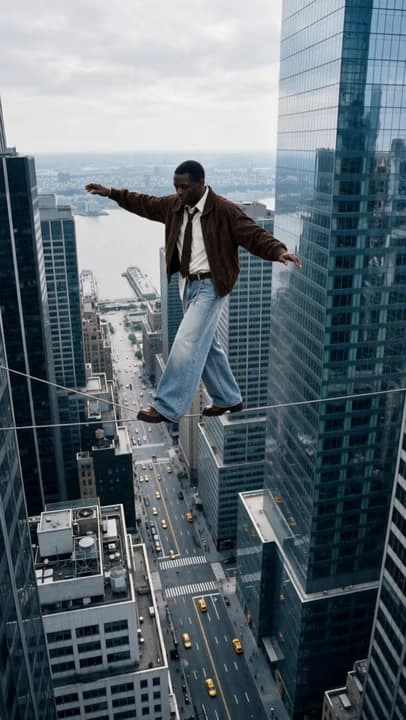
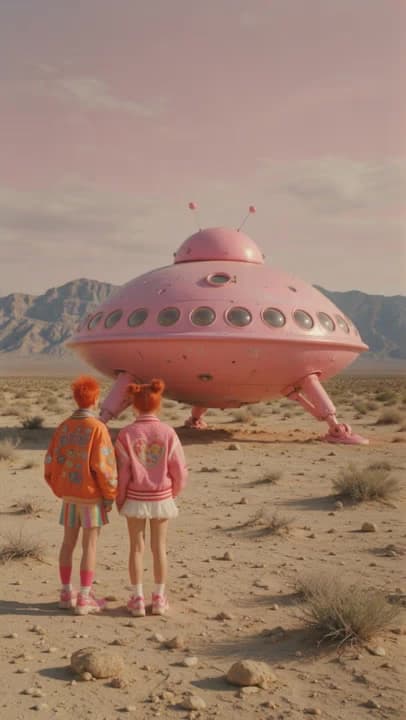
What is Kling 4.0?
Kling 4.0 is Kuaishou's next-generation multimodal video model. It generates from text, an image, or a first and last frame, holds a single continuous take anywhere from 3 to 30 seconds - double the previous ceiling - and reads prompts up to 8,000 tokens. Give it one line and it expands the idea with a director's eye; give it a detailed script and it follows it faithfully - in styles from vlogs and documentary realism to clay animation, glitch art, felt textures, and 3D cyber aesthetics.
- Text or image to video
- 3 to 30 seconds per take
- Keep editing in Picsart
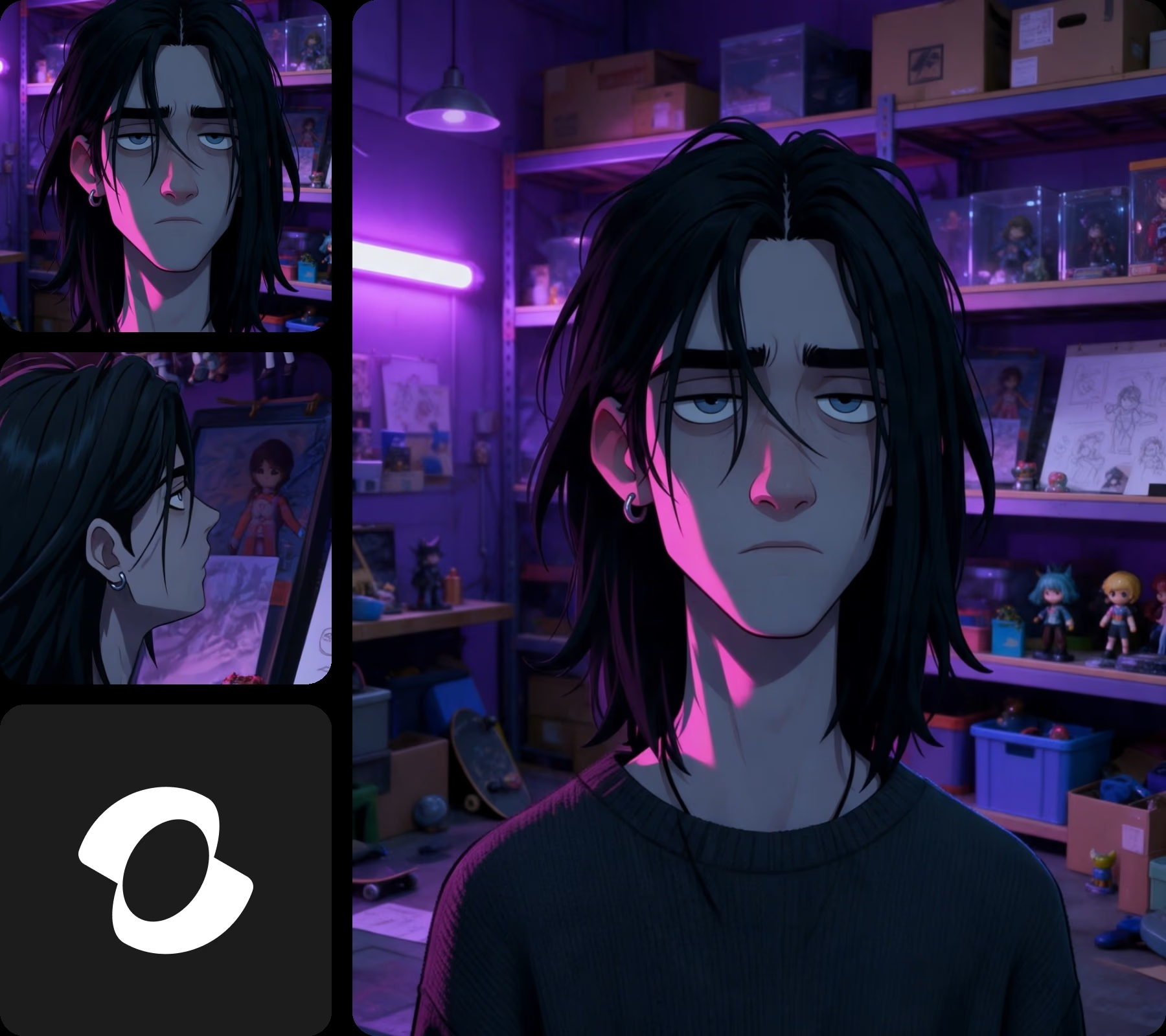
Direct the shot with up to 10 keyframes
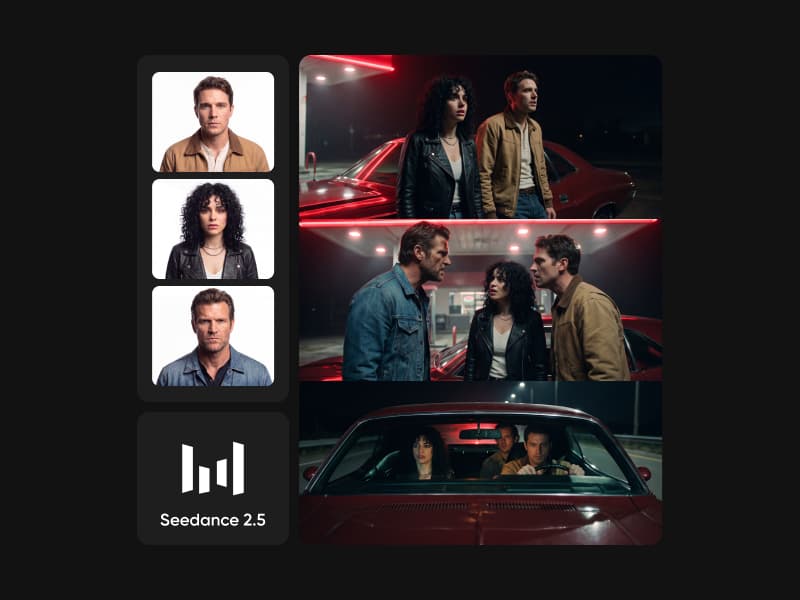
Pin the moments that matter and Kling 4.0 builds the motion between them. Two keyframes set the beginning and end, five control the turning points, ten build a full storyboard sequence - while characters, style, and scene elements stay consistent across every frame. Camera direction matured with it: push-ins, pull-outs, pans, tracking and orbit shots render stable and natural, and even high-speed action - running, chases, fast rotations - holds its structure.
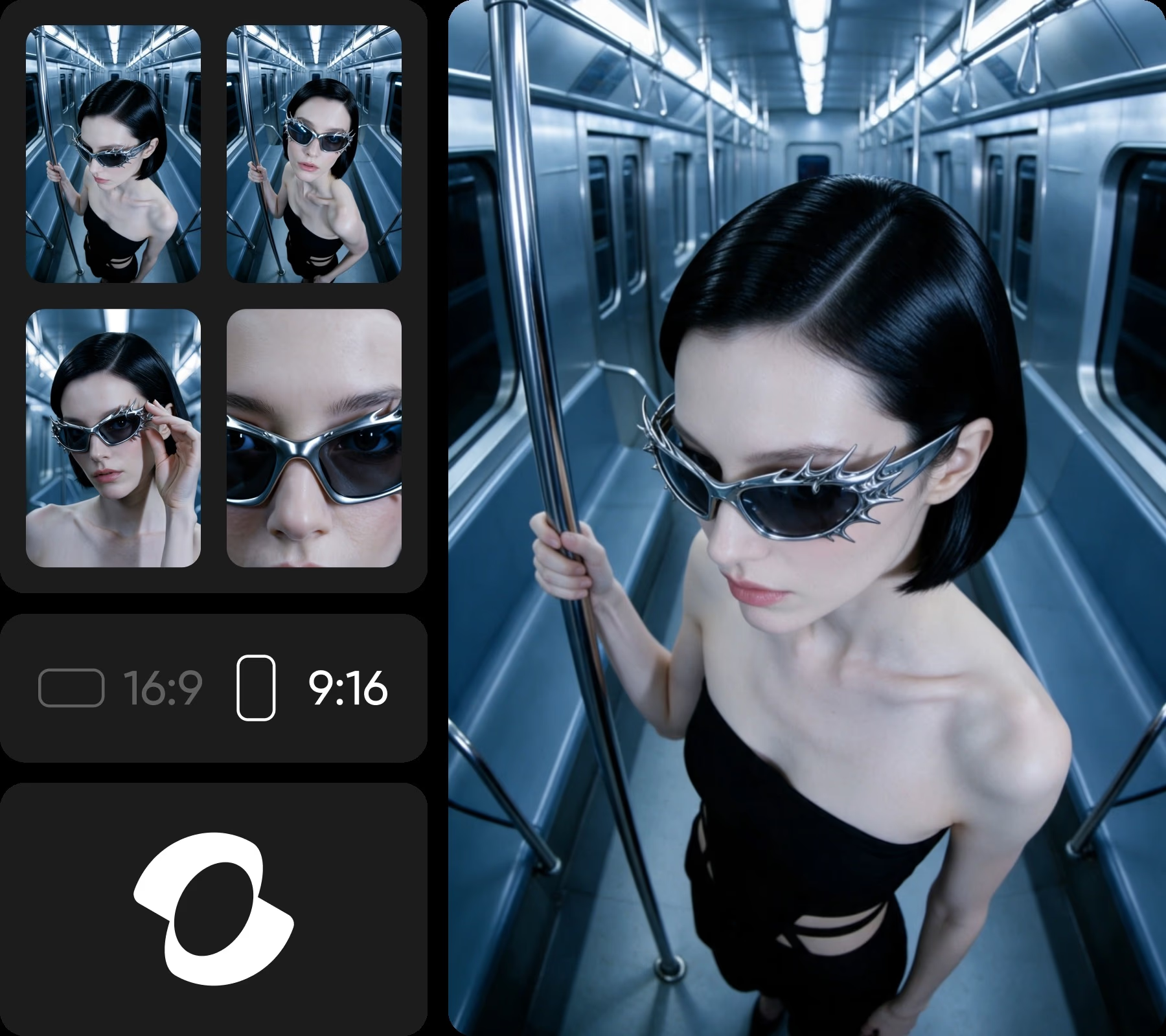
Cinema-grade picture and sound, out of the box
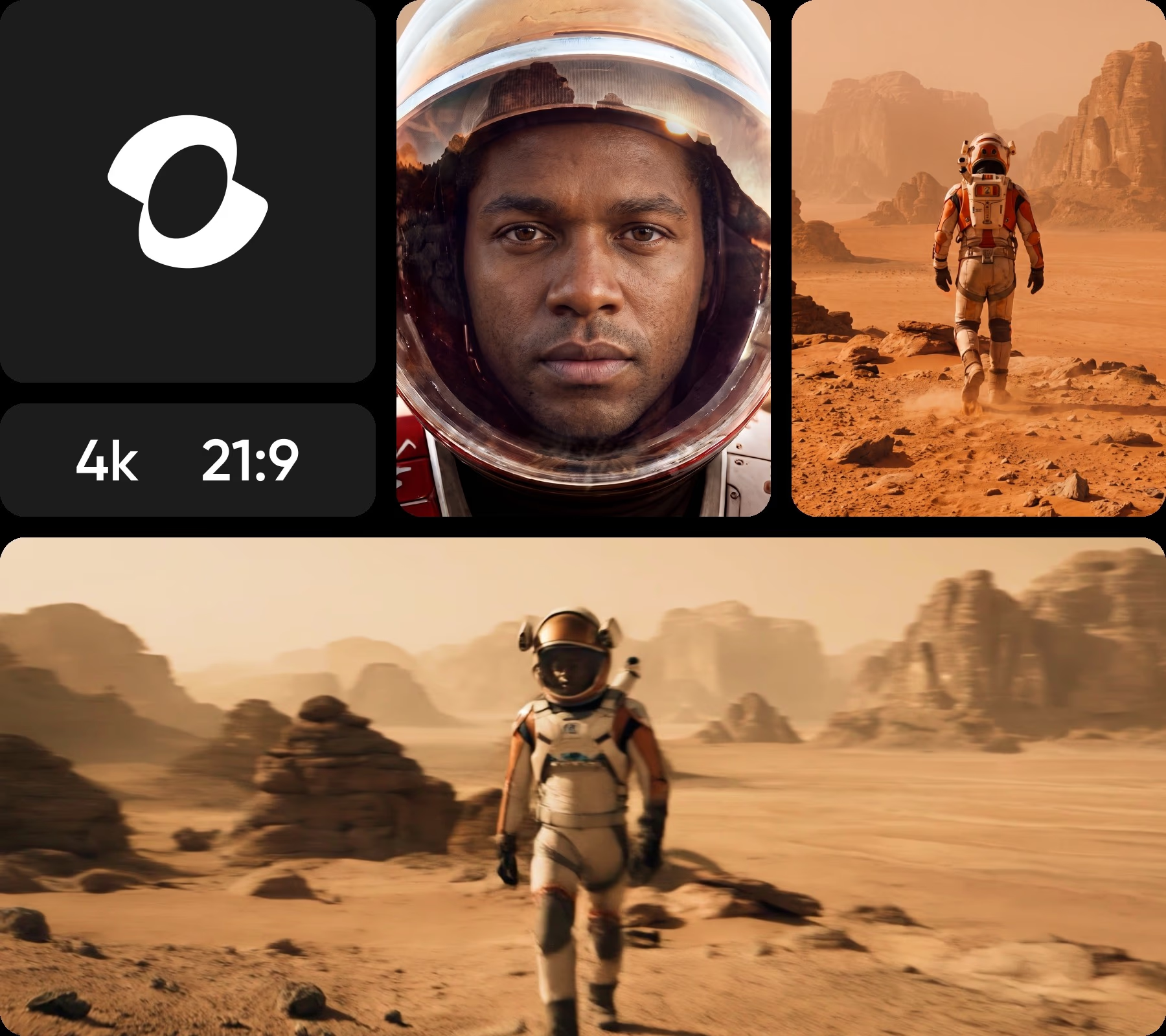
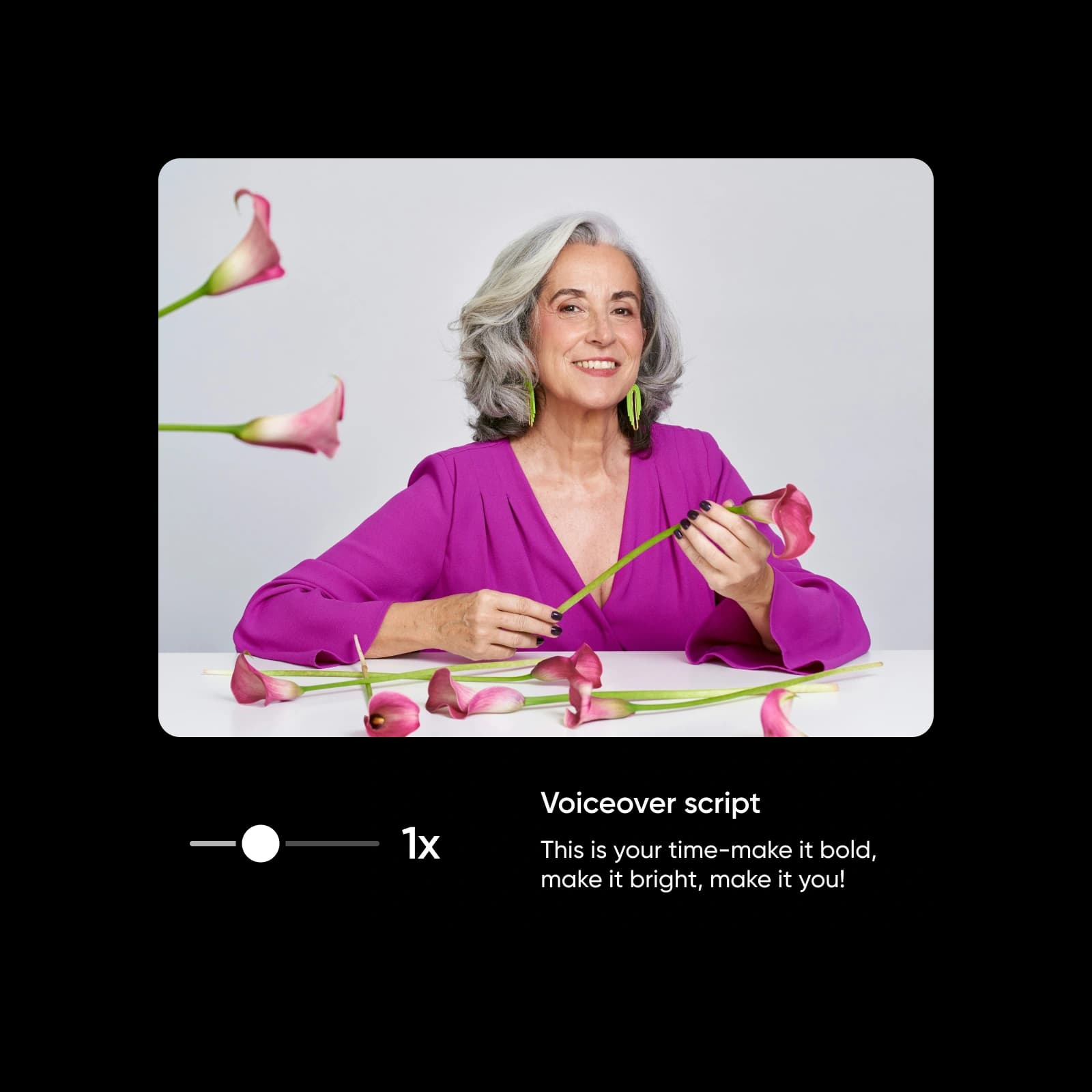
Render in 720p or 1080p across six framings, from 21:9 ultrawide for cinematic composition to 9:16 vertical, with natural lighting that holds up in backlit shots, night scenes, and neon. Every clip renders with two-channel stereo and tighter lip-sync, and characters read as genuinely expressive: facial detail, lighting, and texture feel natural, so a glance or a moment of hesitation carries the emotion on screen. On-screen text, logos, and emojis stay sharp through camera moves in nine languages.
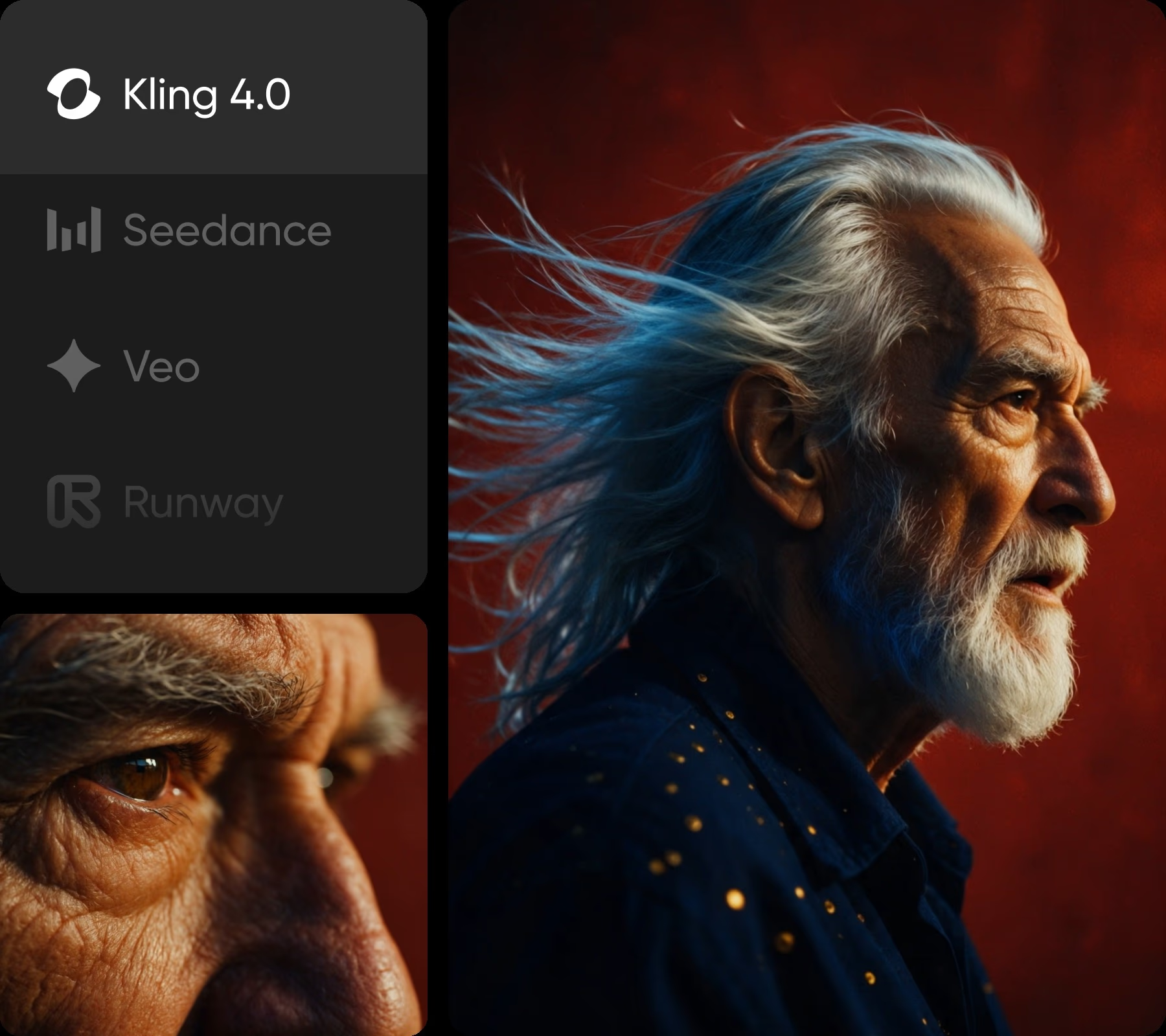
Kling 4.0 in Picsart AI Playground
Kling 4.0 lives in Picsart's AI Playground alongside 150+ other AI models, so you can generate a 30-second take and keep building on it right next to your other creative tools - no third-party API keys or separate subscriptions. Reach it whichever way you work: on the web, in the desktop app, and via CLI, MCP, REST API, and SDK, so a shot you prototype here drops straight into an automated pipeline.
How to generate video with Kling 4.0
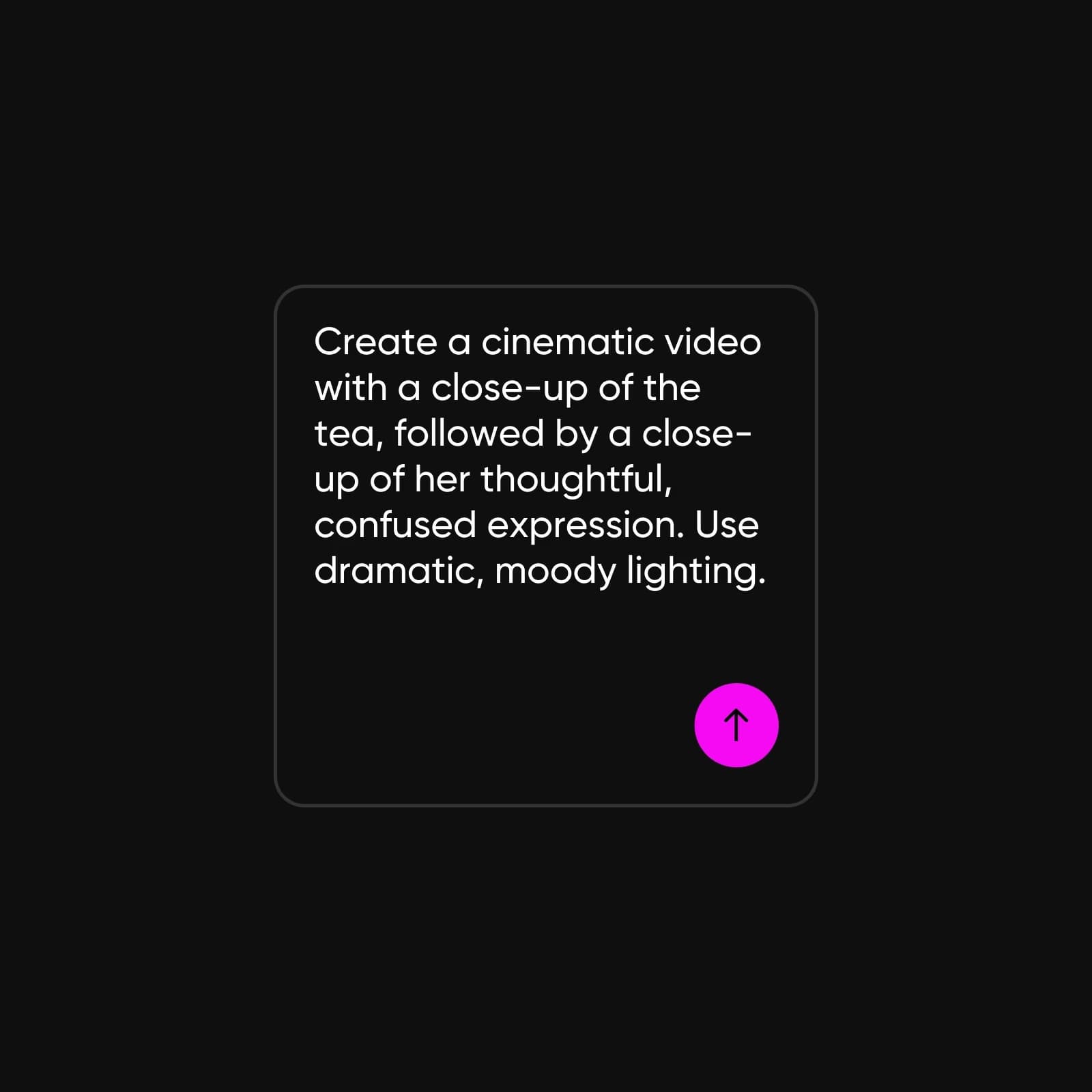
Describe the scene, set your length and format, and generate - all in Picsart.
Kling 4.0 FAQ
Answers about generating video with Kling 4.0 in Picsart.
Kling 4.0 is Kuaishou's fourth-generation multimodal video model. It generates video from text, images, or a first and last frame, with native stereo audio, keyframe control, and multilingual voices and on-screen text.
More AI video models to use
Explore other AI video models available in Picsart AI Playground.

Pricing
Generate a few takes or build a repeatable video workflow for campaigns, social, and film projects.
Pro
Most popularAI tools for everyday creative work.
Ultra
Most powerfulHeavy AI usage for creators & teams.
Read up on AI video
Guides and tutorials on making and editing AI video in Picsart.