Kling 4.0 Omni: show it what you mean
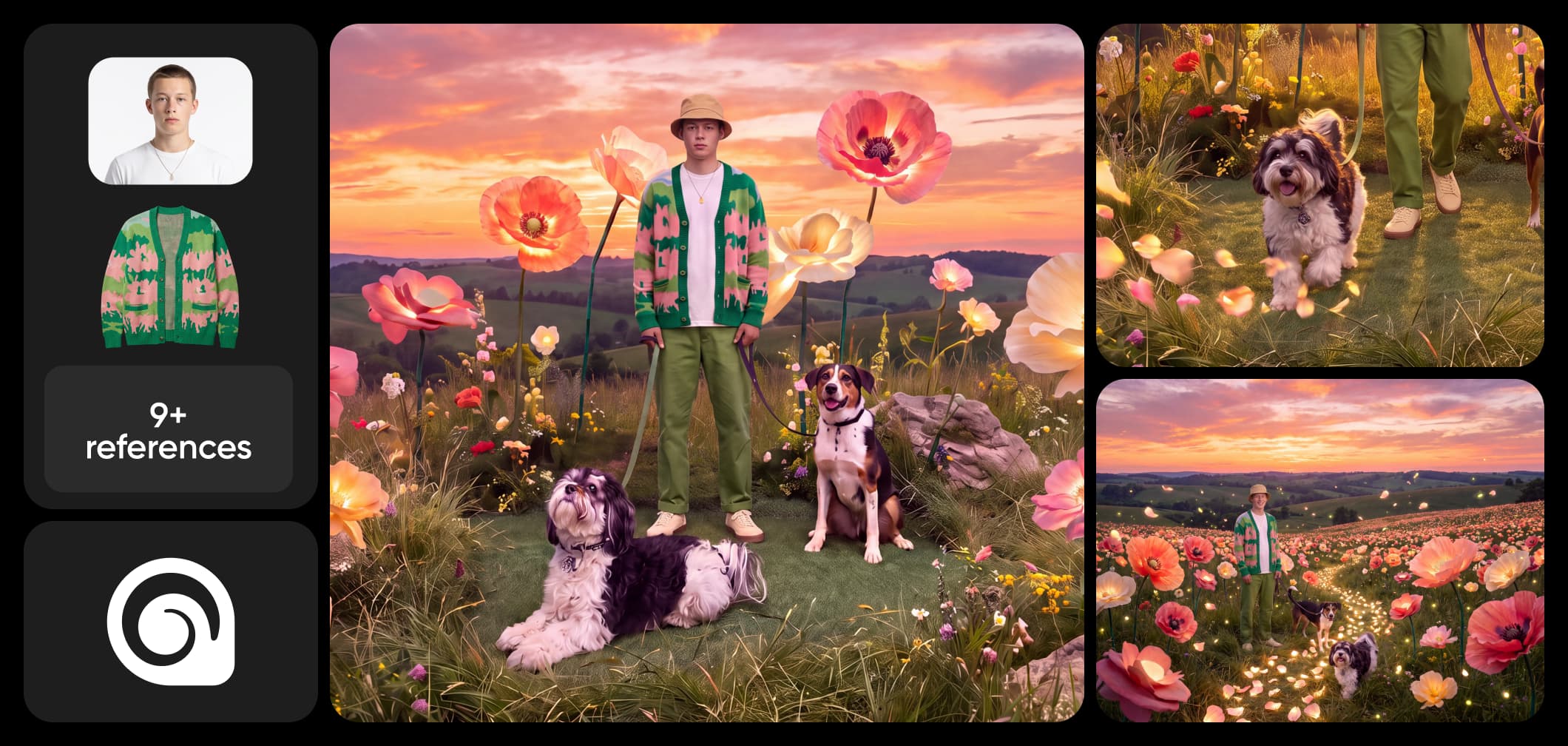
Kling 4.0 Omni is the reference-driven side of the Kling 4.0 generation. Blend up to 15 references in one brief - images, video clips, voice profiles, and saved elements - and the model keeps your people, products, and places consistent while it builds or edits the scene. Available now in Picsart's AI Playground.
Videos made with Kling 4.0 Omni


What is Kling 4.0 Omni?
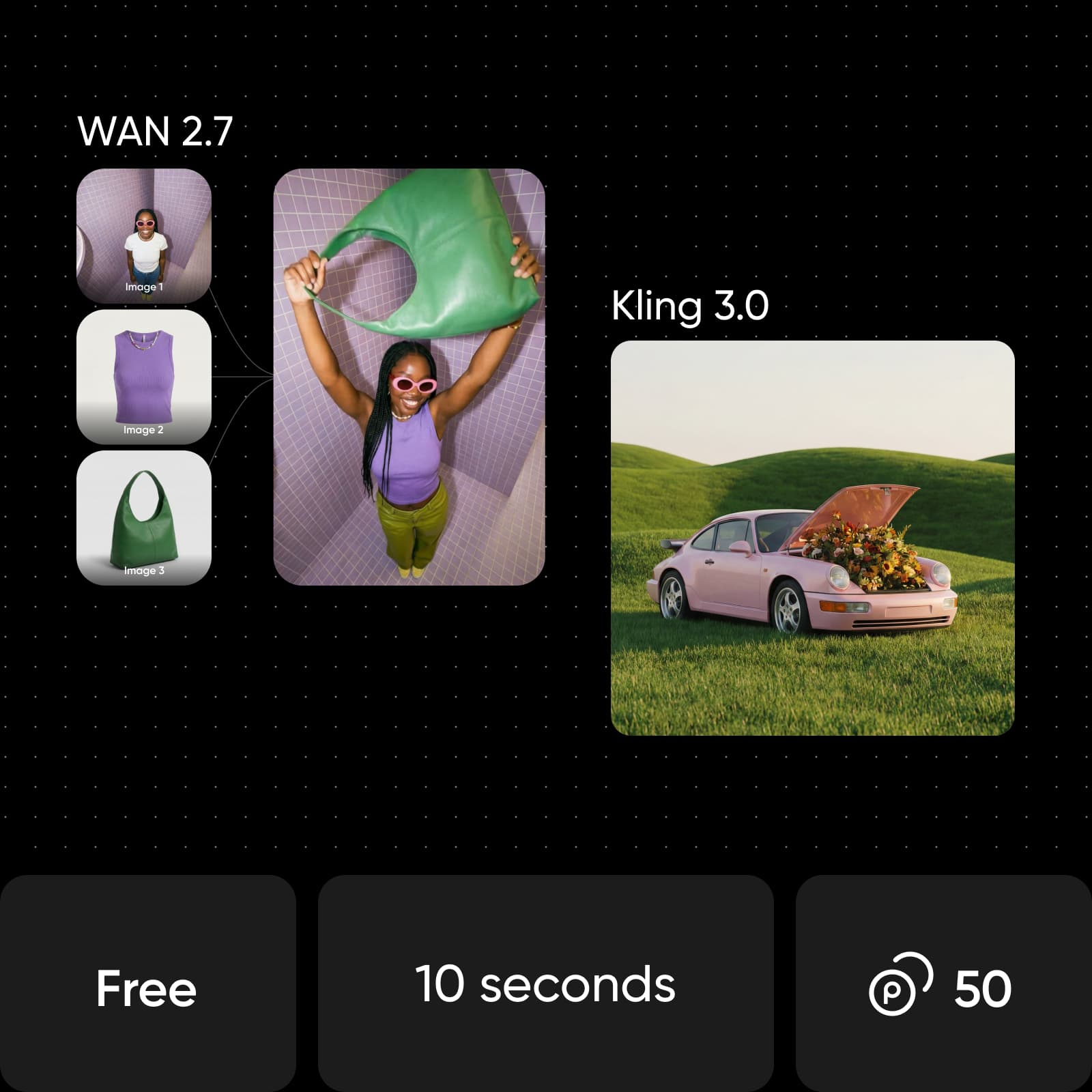
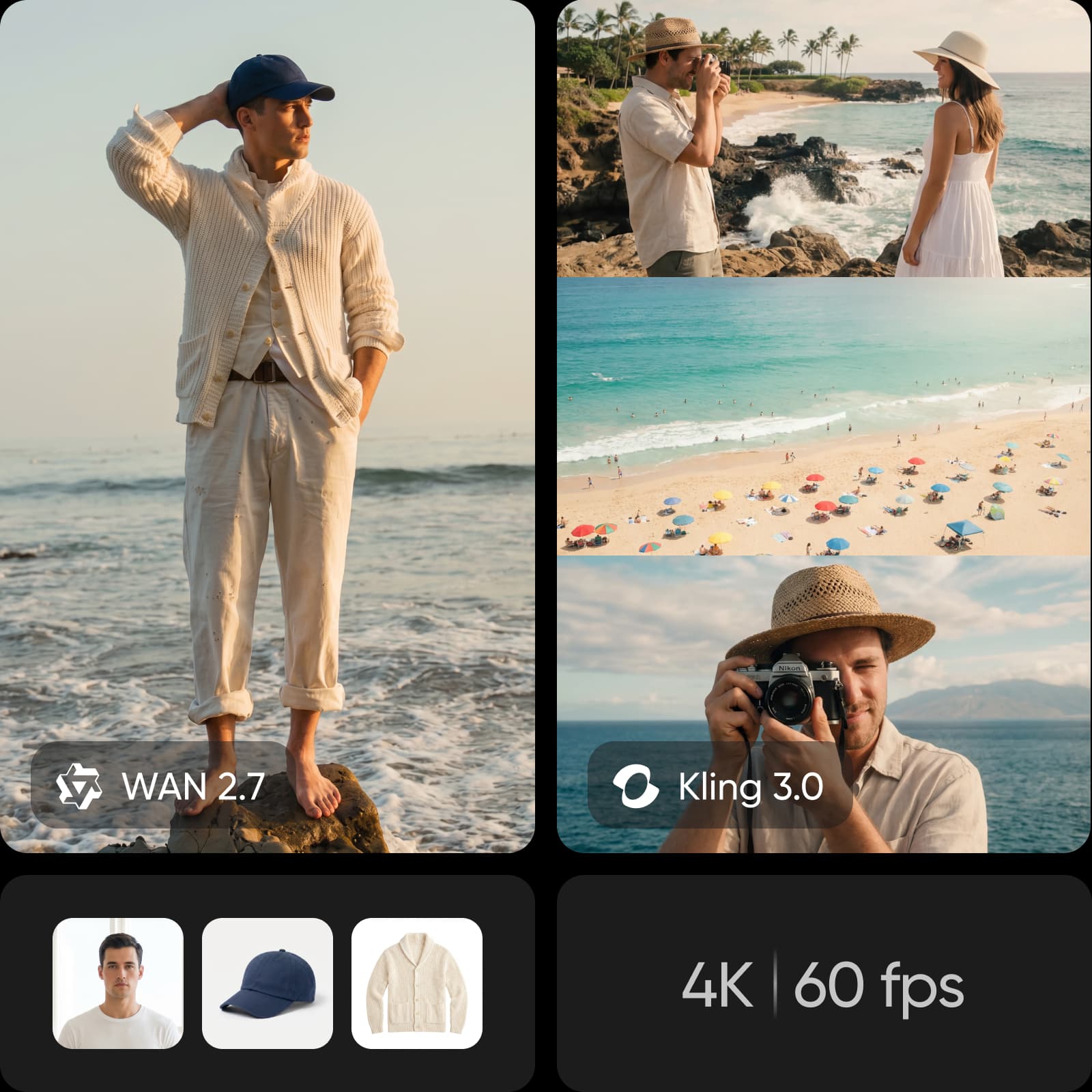
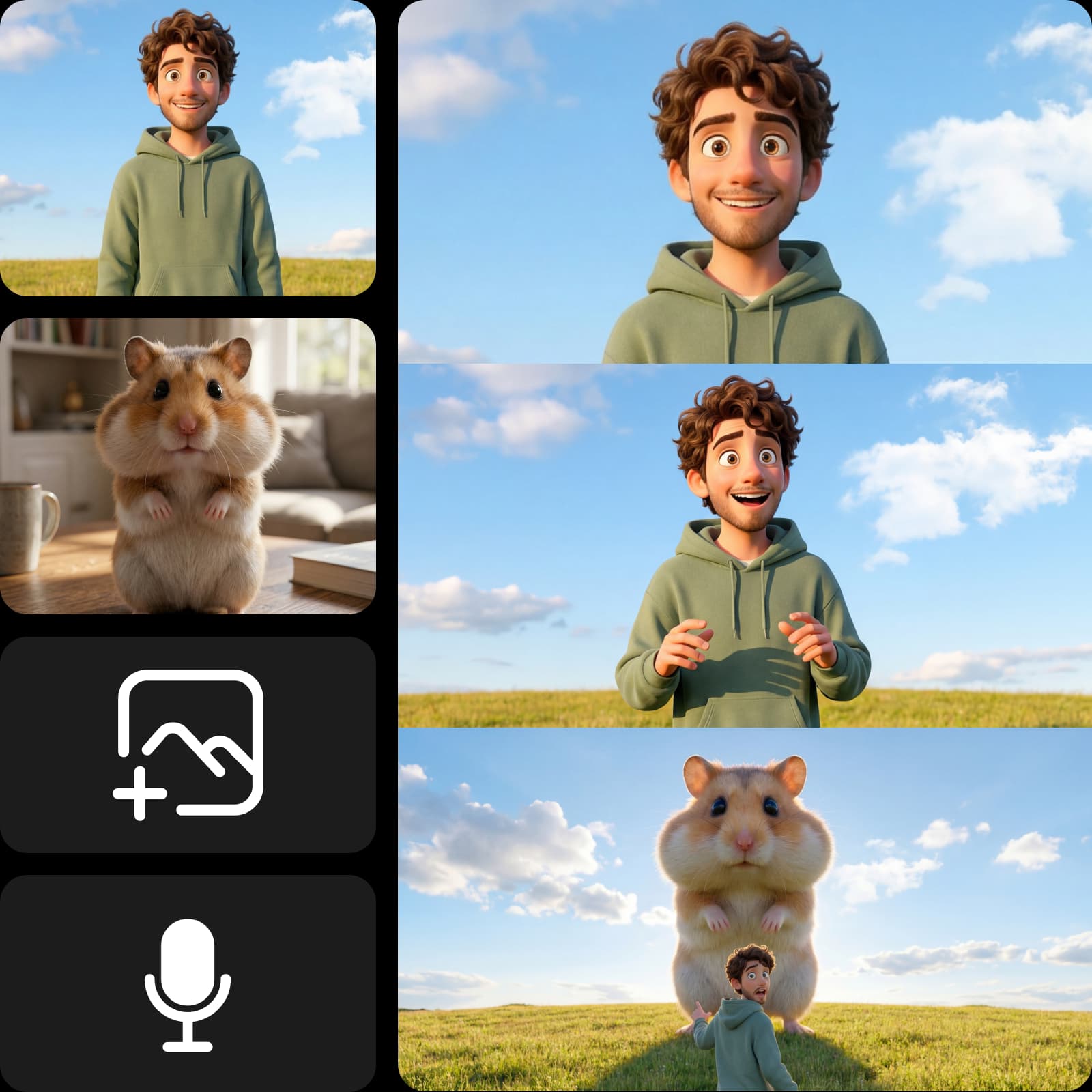
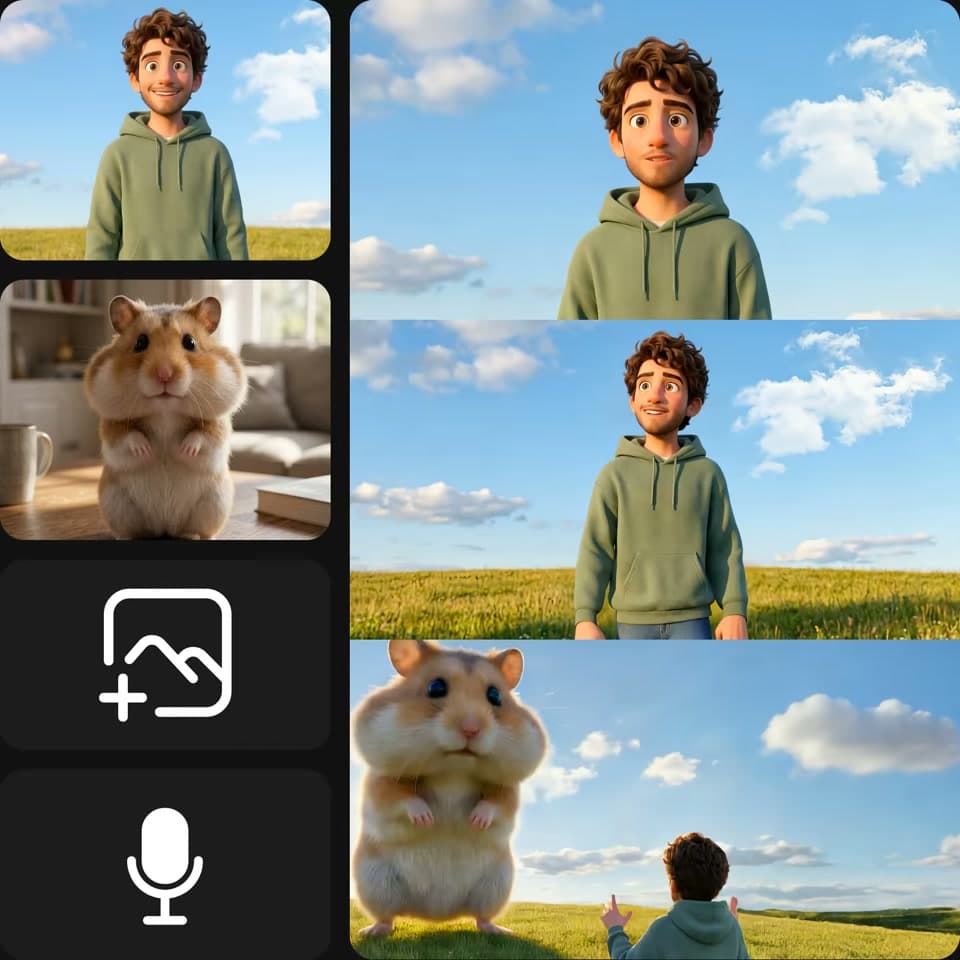
Kling 4.0 Omni is the omni-reference variant of Kuaishou's Kling 4.0, built around one idea: show the model what you mean instead of describing it. Feed it up to 15 references in a single brief - up to 10 images, 5 video clips totaling 30 seconds, 3 voice profiles, and up to 7 saved elements - and it generates new footage that keeps your people, products, and places exactly as you showed them.
- Up to 15 references
- Subjects stay consistent
- Keep editing in Picsart
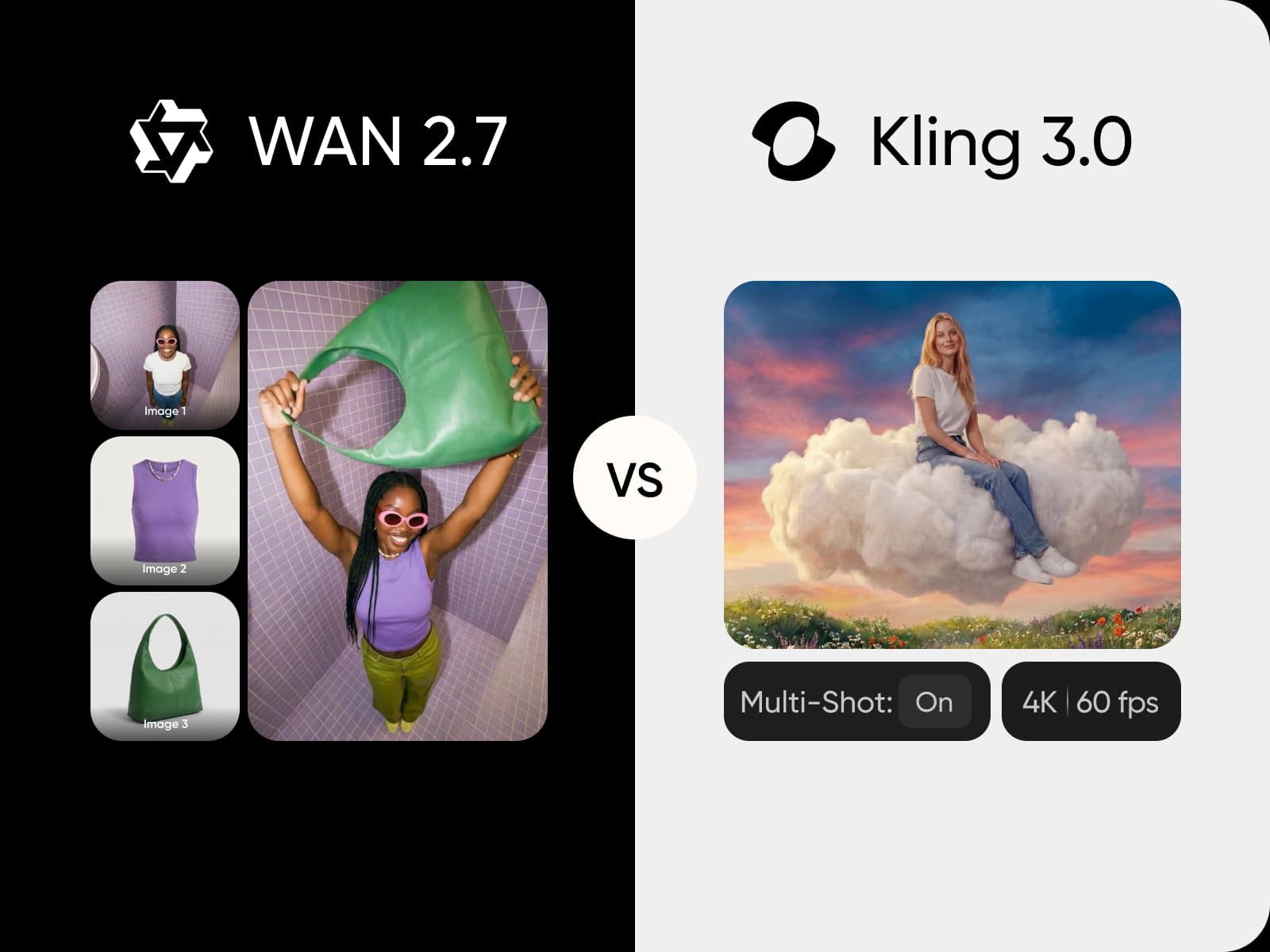
Mix images, clips, and voices in one brief
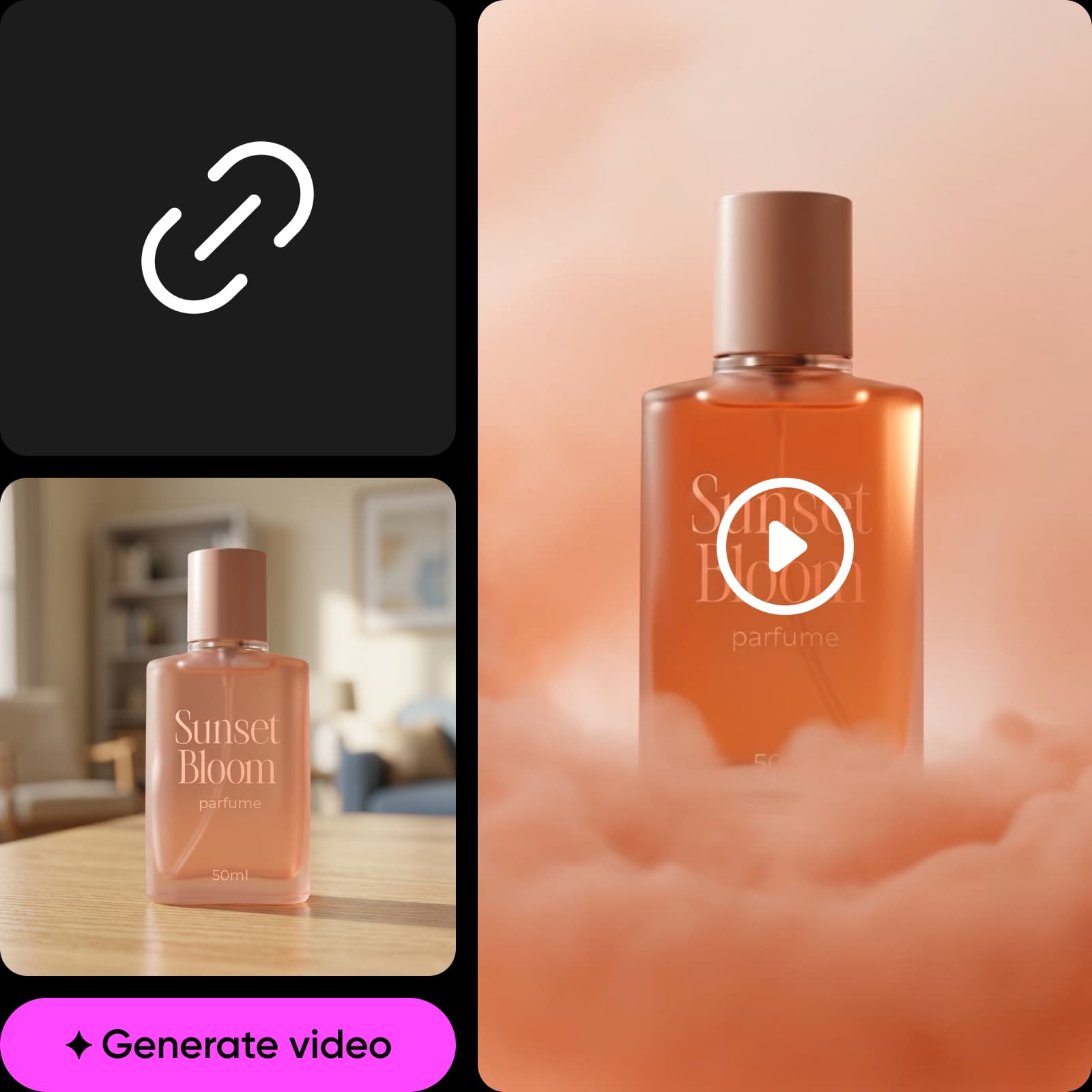
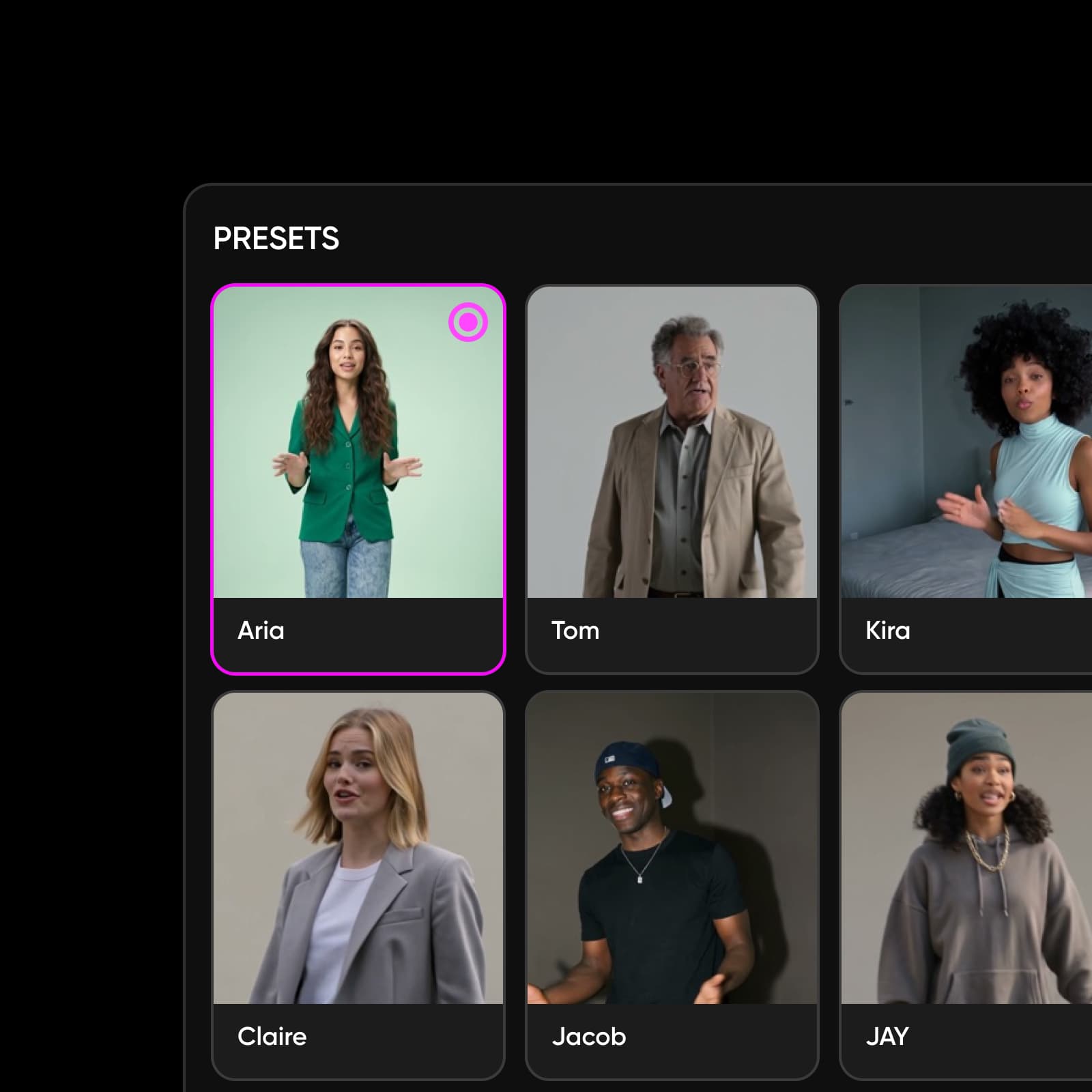
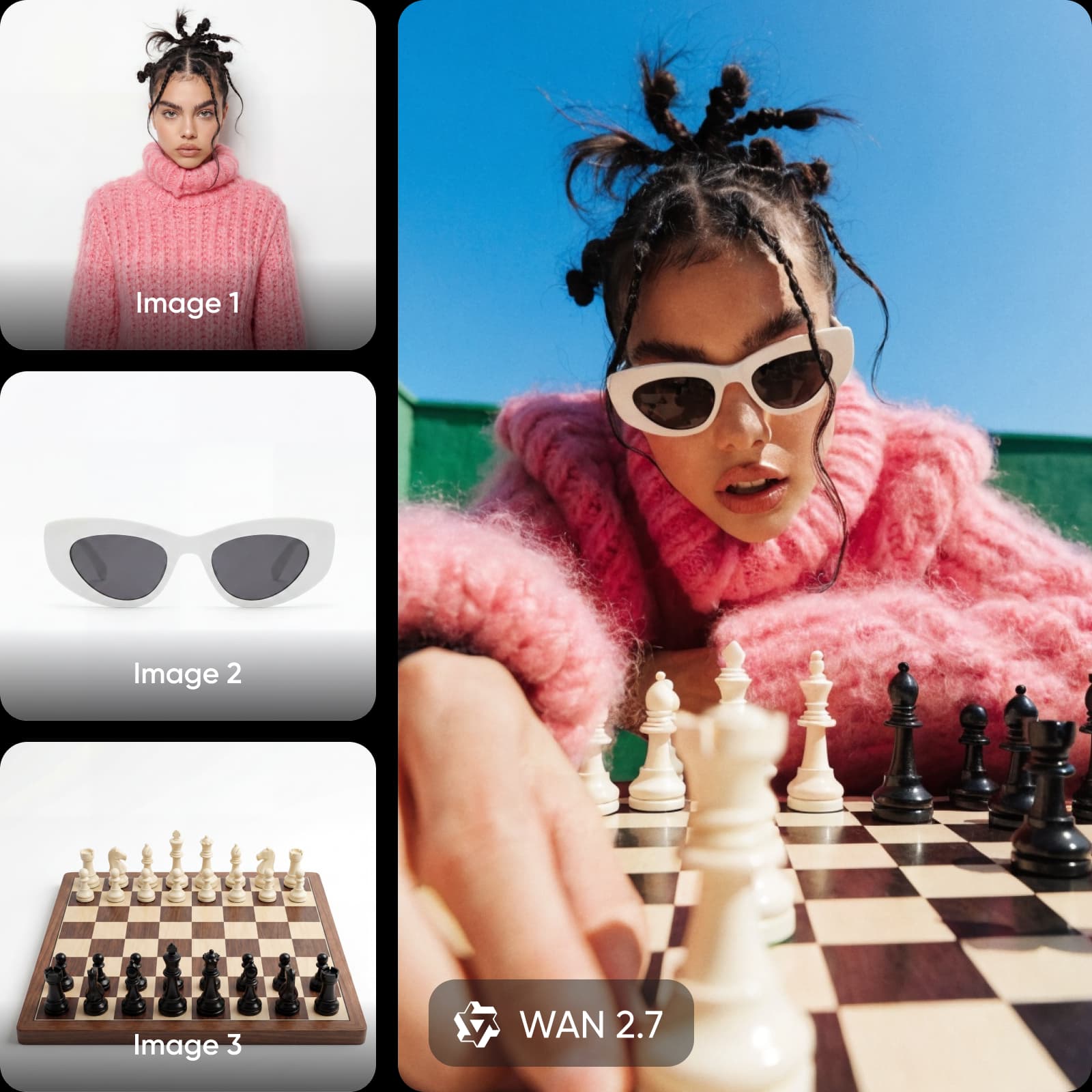
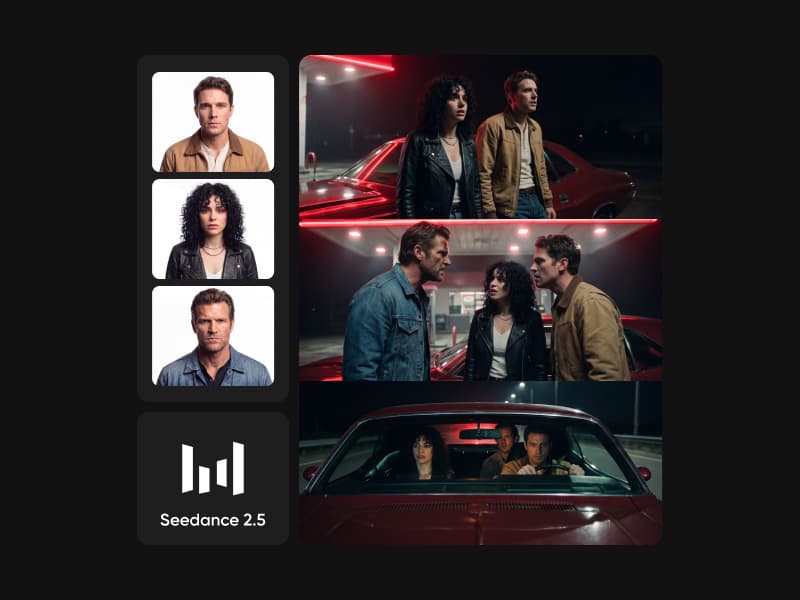
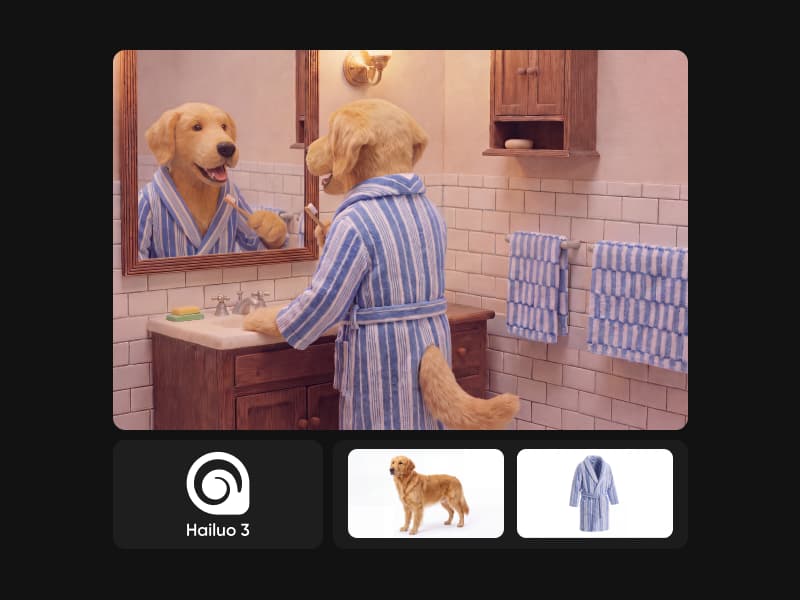
References do different jobs, and you assign them: assets are numbered as you upload - @Image1, @Video1 - and the prompt names each one's role. Images lock identity, layout, and style: subject photos, three-view turnarounds, image grids, storyboards, even wireframes. Video references hand over motion, camera movement, and pacing - white-model and depth-map videos work too, for precise control. Voice profiles, built from as little as 5 to 30 seconds of audio, keep dialogue in a voice you chose.
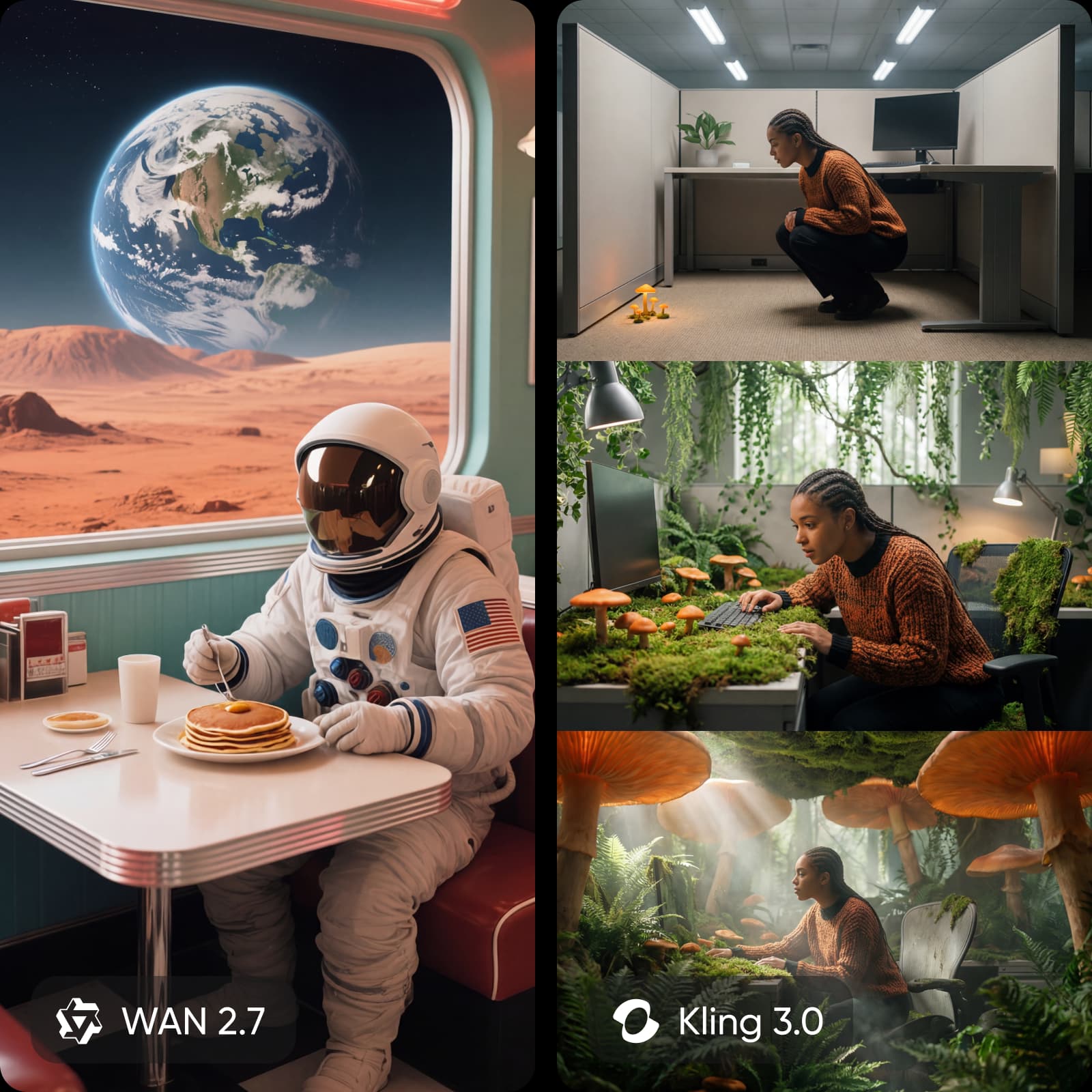
Remix and edit footage you already have
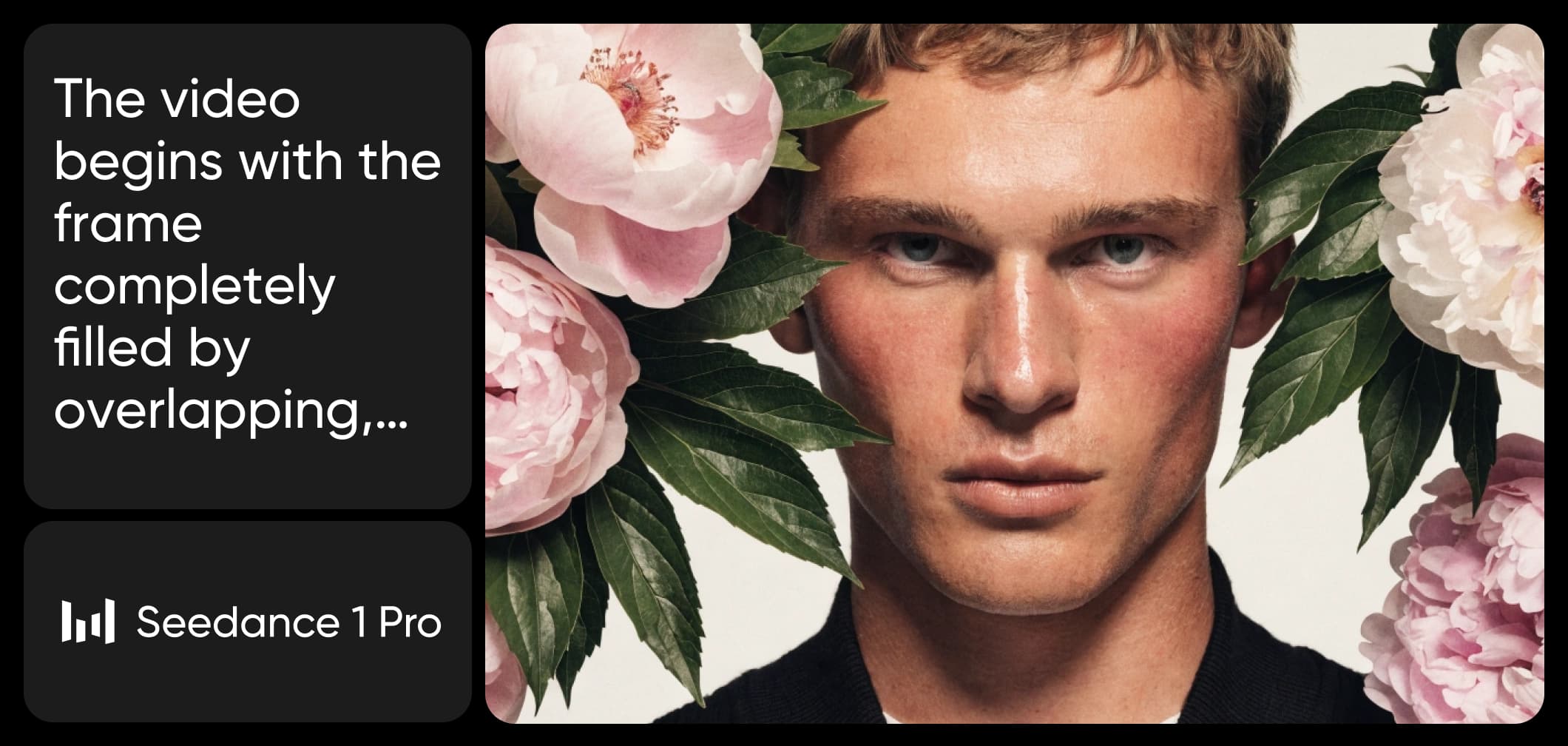
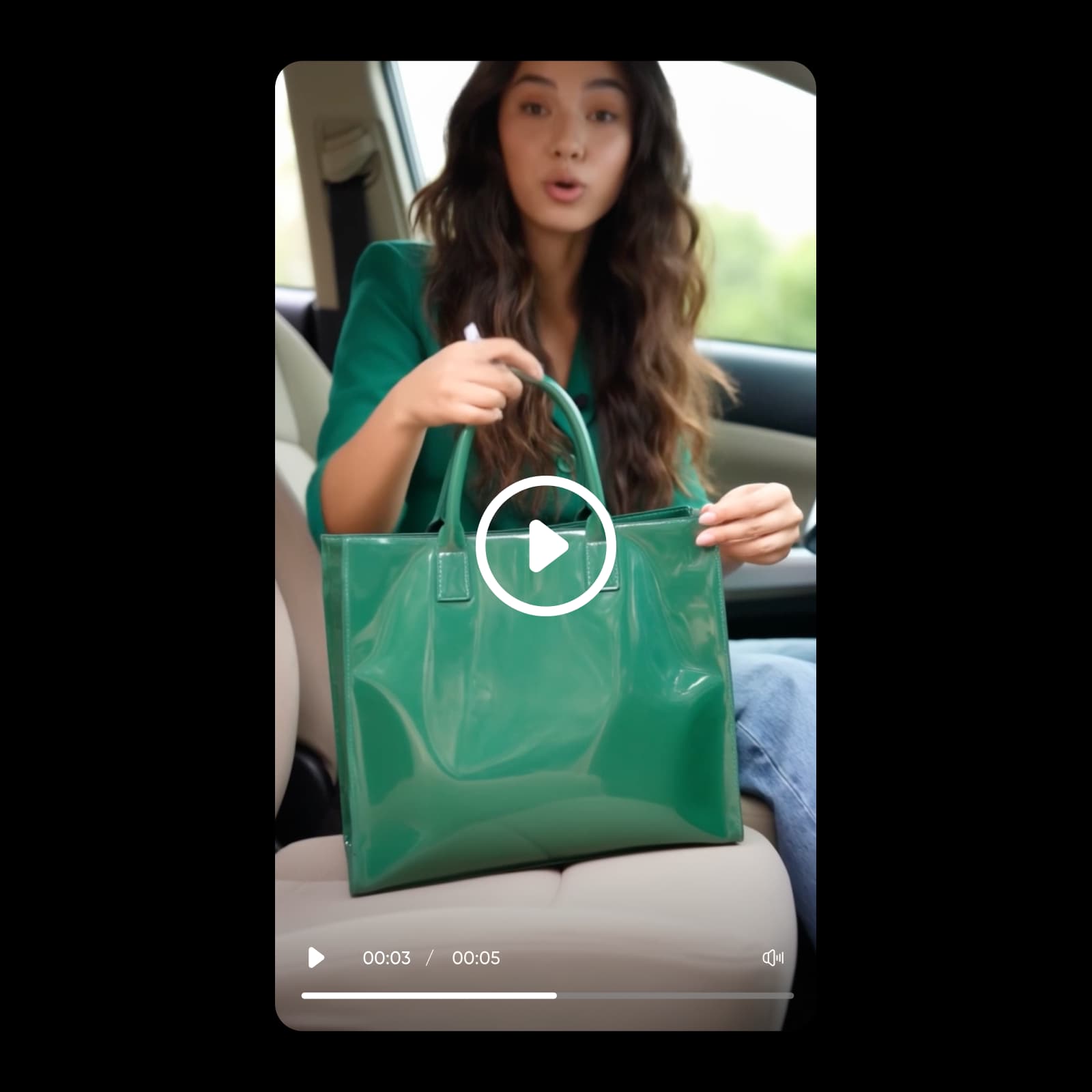
Omni also works on finished video. Feed up to 5 clips - 1 primary plus supporting references, each 3 to 30 seconds - and make targeted edits to expressions, movements, camera position, style, or background while everything else stays stable. Or treat a proven video as a creative blueprint: keep its pacing, shot structure, and expression, swap in your own products, characters, and brand, and turn one hit into a batch of new videos.
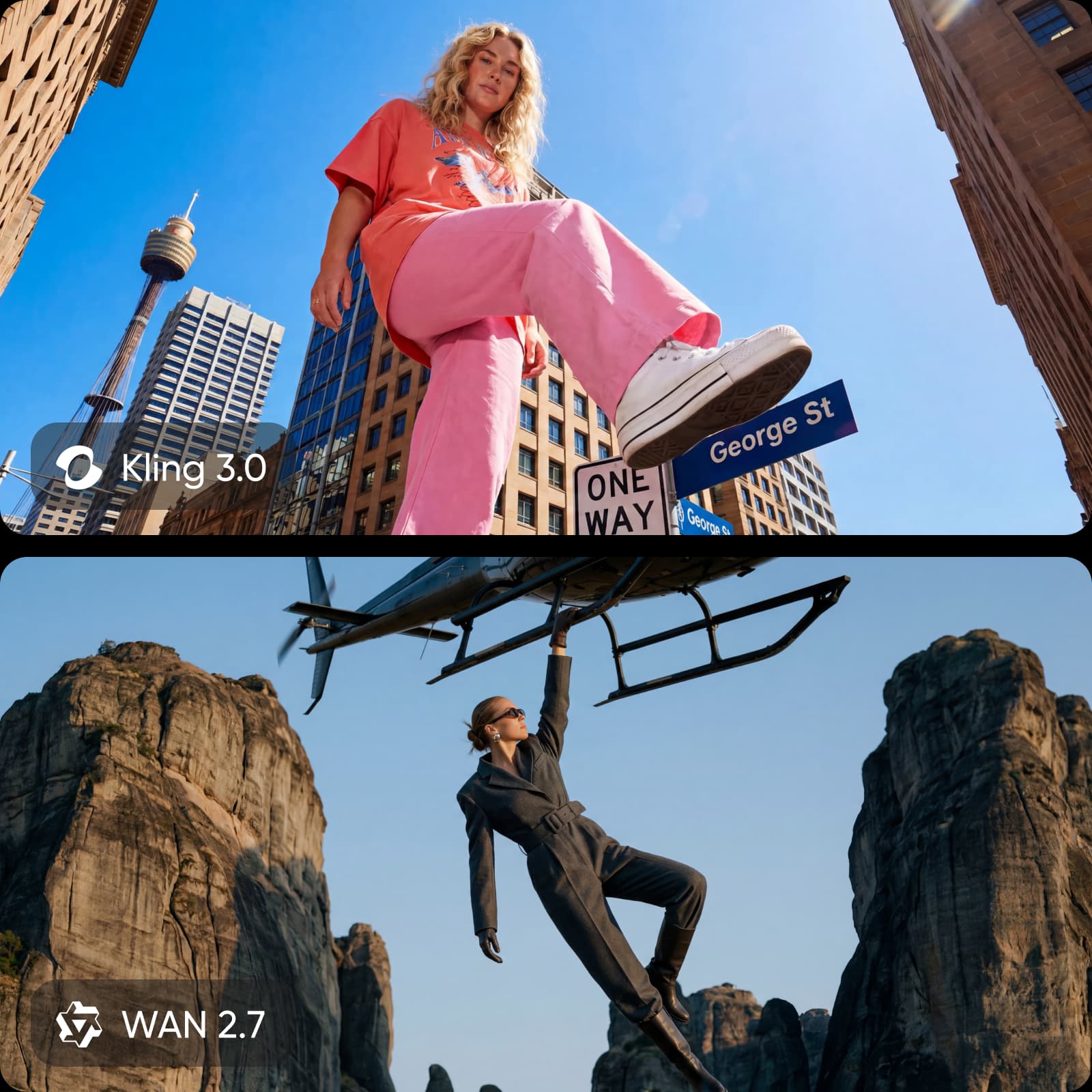
Kling 4.0 Omni in Picsart AI Playground
Kling 4.0 Omni lives in Picsart's AI Playground alongside 150+ other AI models, so you can drop in references, generate, and keep building on the result right next to your other creative tools - no third-party API keys or separate subscriptions. Reach it whichever way you work: on the web, in the desktop app, and via CLI, MCP, REST API, and SDK, so a reference setup you prototype here drops straight into an automated pipeline.
How to create with Kling 4.0 Omni
Add references, assign their roles, and generate - all in Picsart.
Kling 4.0 Omni FAQ
Answers about reference-based video with Kling 4.0 Omni in Picsart.
Kling 4.0 Omni is the reference-driven variant of Kuaishou's Kling 4.0. It generates and edits video from up to 15 combined references, keeping people, products, and places consistent across shots.
More AI video models to use
Explore other AI video models available in Picsart AI Playground.

Pricing
Try a few reference-driven generations or build a consistent-character pipeline for series and campaigns.
Pro
Most popularAI tools for everyday creative work.
Ultra
Most powerfulHeavy AI usage for creators & teams.
Read up on AI video
Guides and tutorials on making and editing AI video in Picsart.