PixVerse: cinematic AI video generation in Picsart
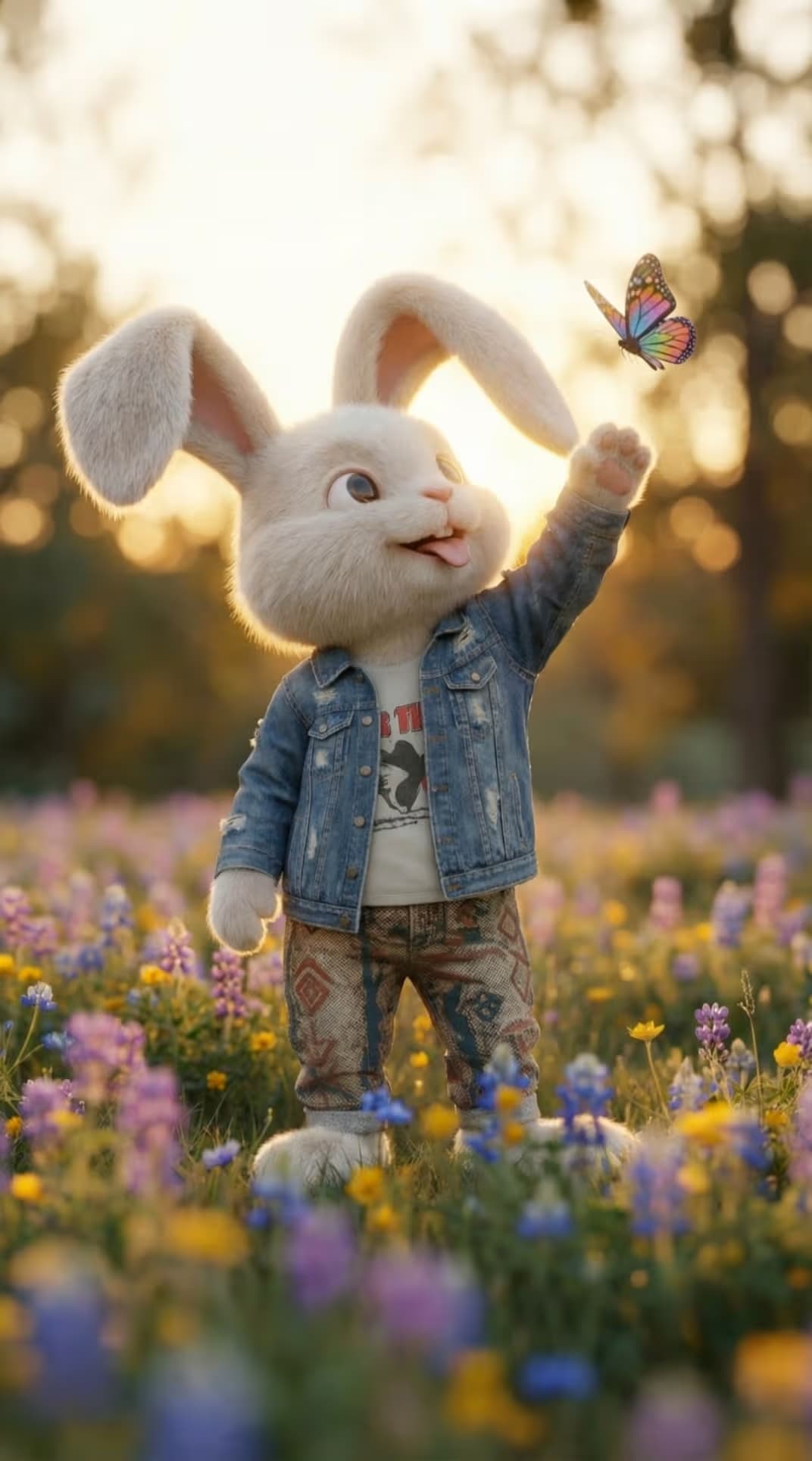
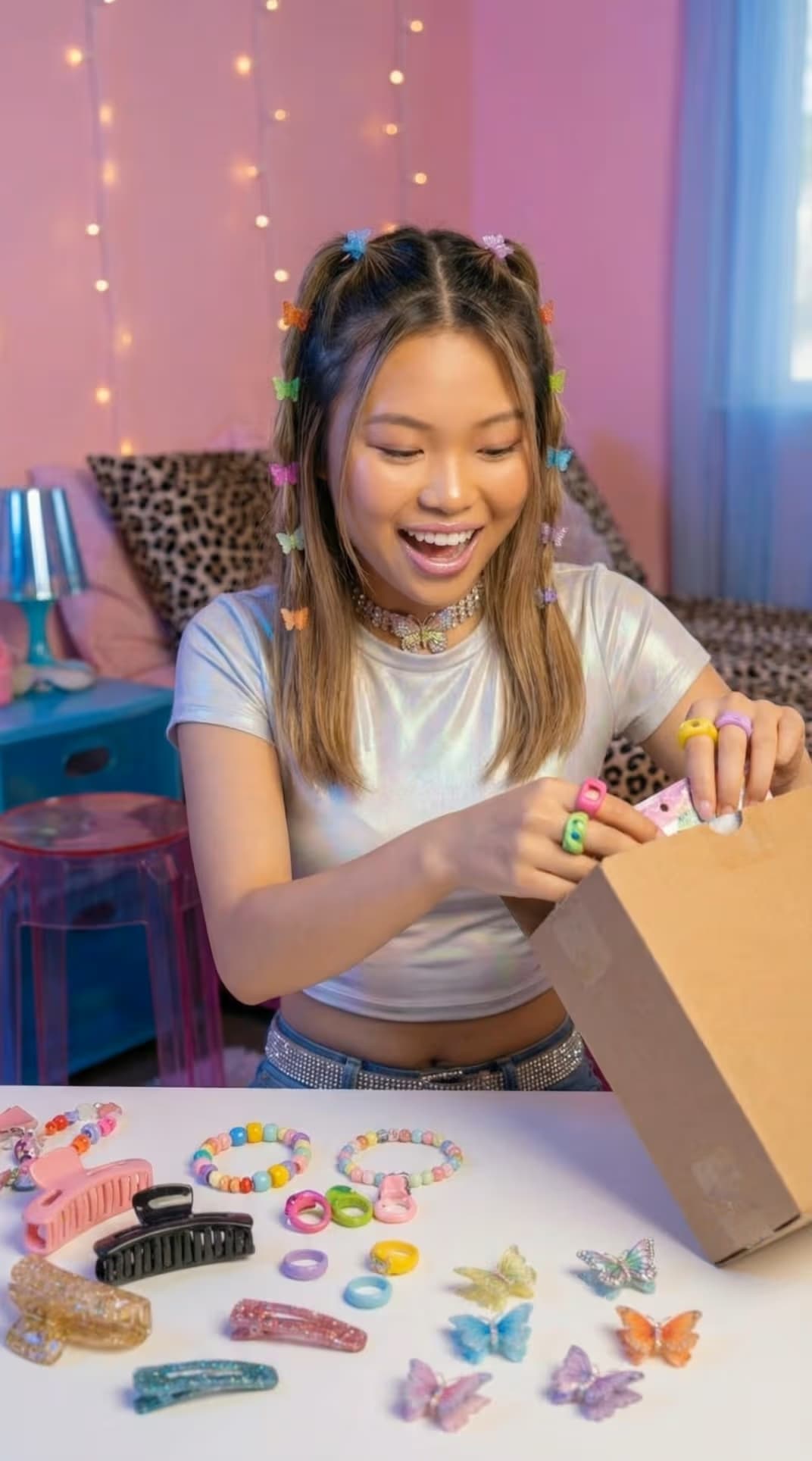
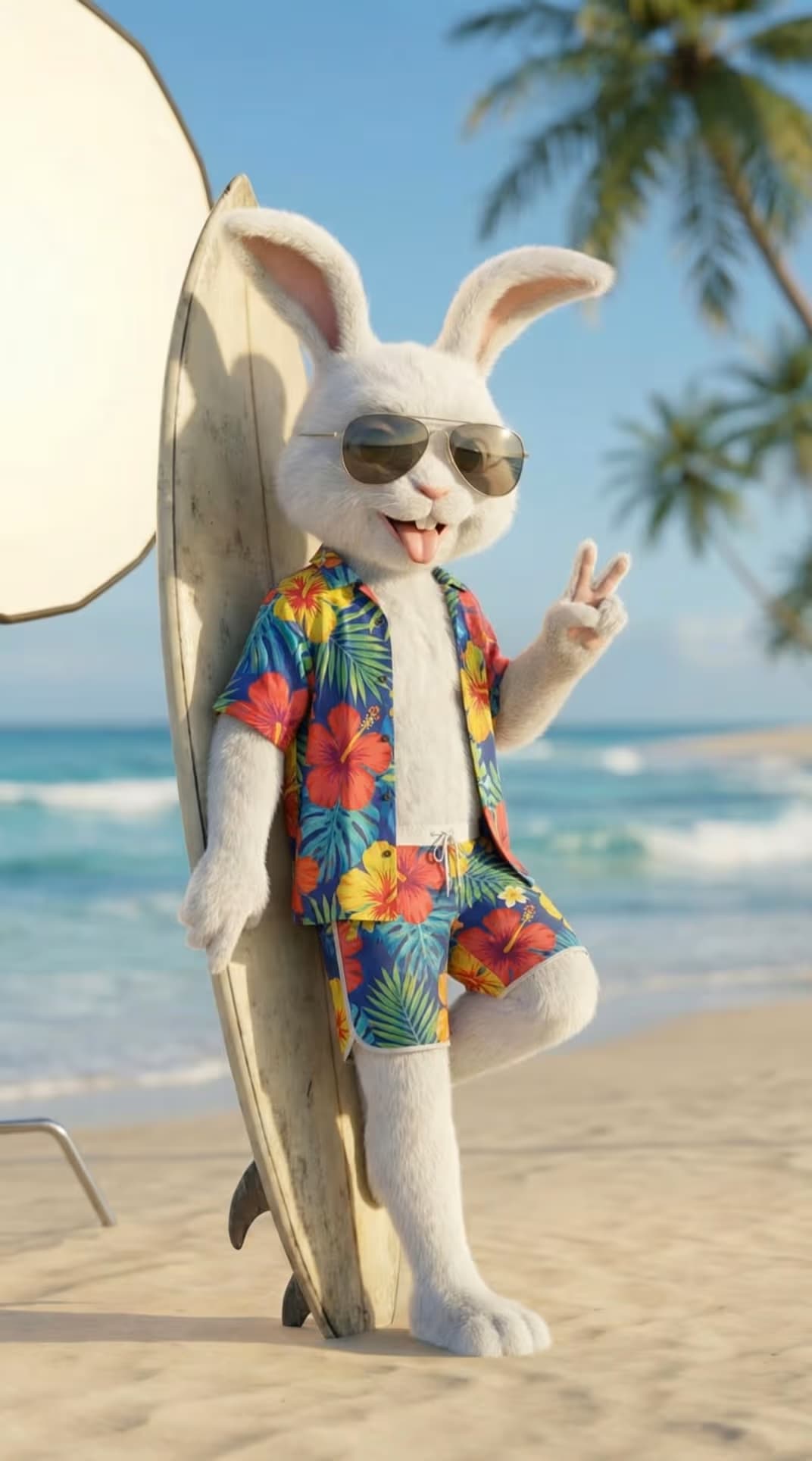
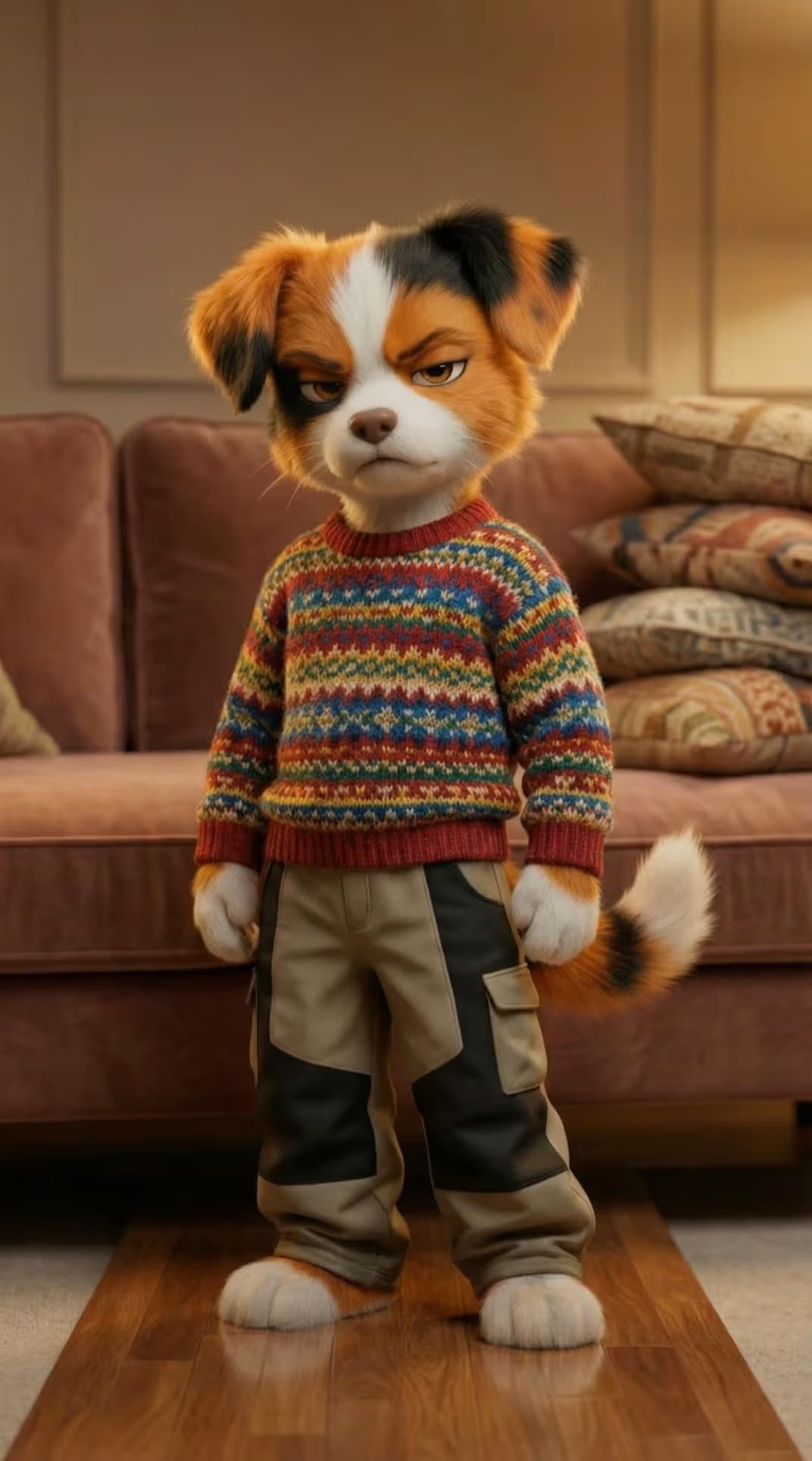
PixVerse brings cinematic, audio-synced AI video to Picsart in two versions - C1 and V6. Turn text, images, reference frames, or storyboards into polished, story-ready clips up to 15 seconds at 1080p, with pro camera control and synchronized native audio. C1 is built for film-grade action and storyboard-to-video; V6 adds multi-shot generation and even more accurate camera work. Both live in Picsart's AI Playground and AI Video Generator.
- Keep characters consistent across shots
- Direct cinematic camera movement
- Create scenes with synchronized sound
Made with PixVerse

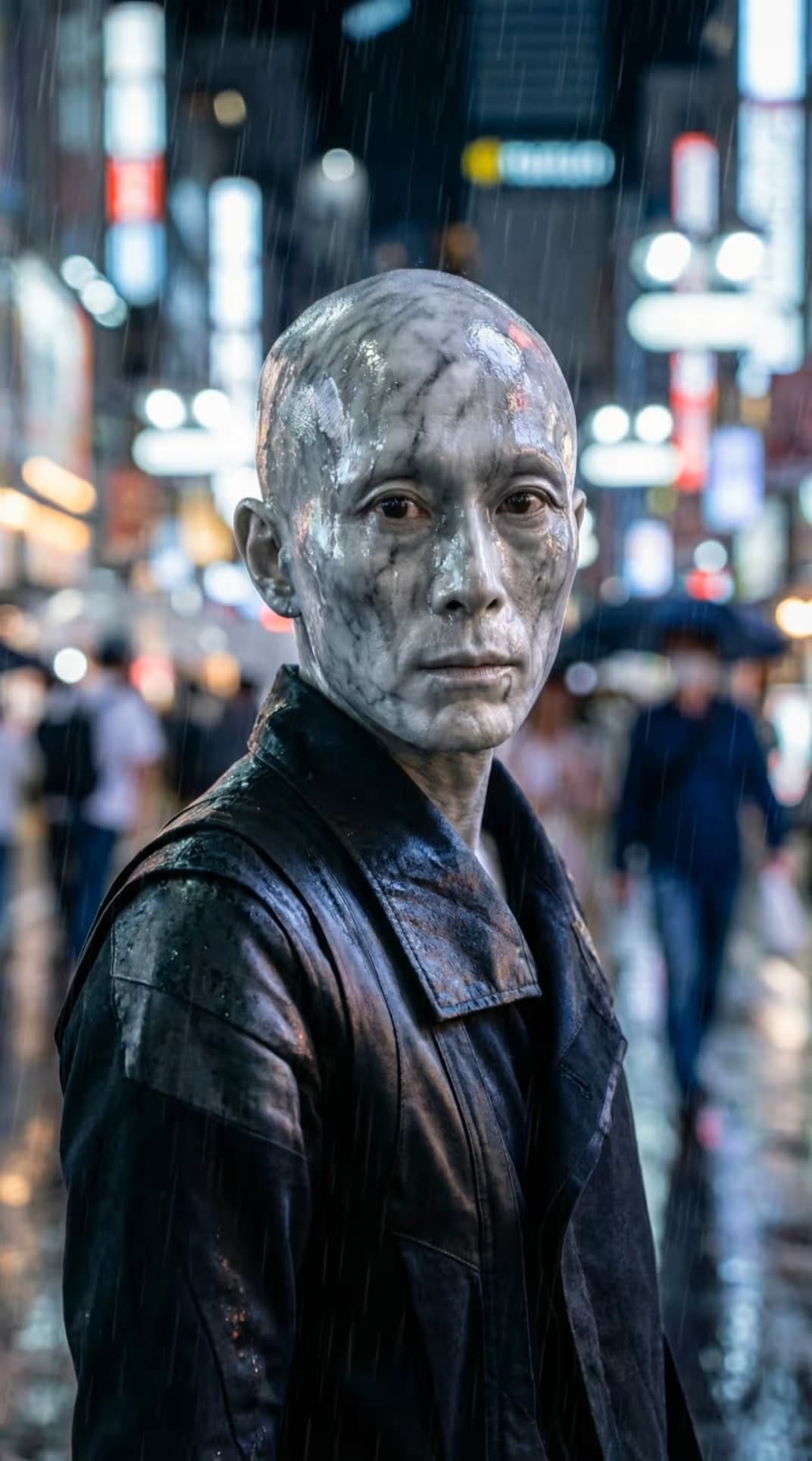
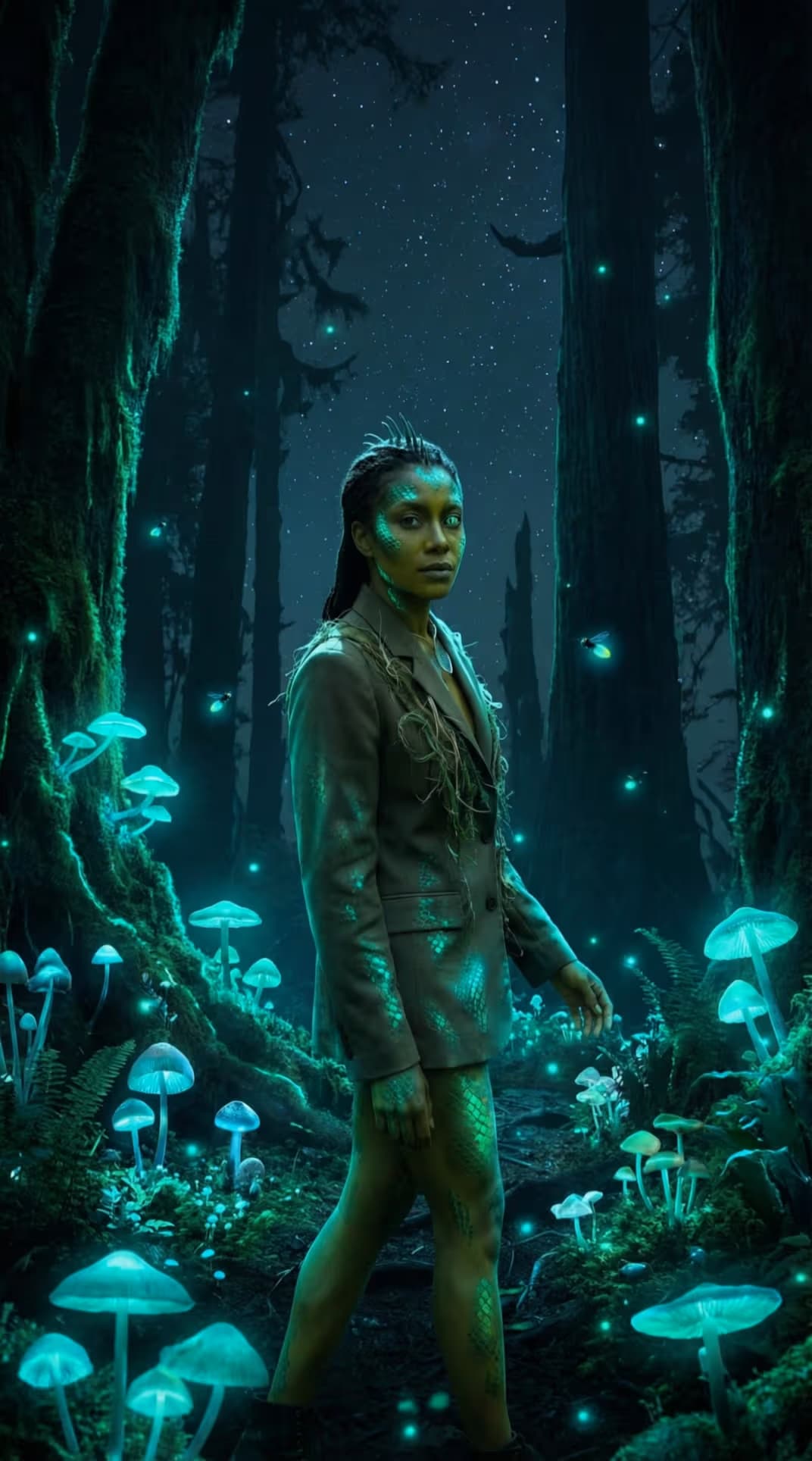
Two engines. One cinematic model.
PixVerse isn't one model with a version number - it's two purpose-built engines under one roof. C1 is tuned for high-octane action, cinematic VFX, and storyboard-to-video. V6 pushes multi-shot storytelling, pinpoint camera control, and synced native audio. Pick the engine that fits the shot; both turn text, images, and reference frames into finished, sound-ready clips up to 15 seconds at 1080p.
Cut between shots without losing the character
V6 is the newest PixVerse engine, and it thinks in scenes, not single takes. Chain multiple shots in one generation while faces, wardrobe, and emotion carry across every cut. Call the camera move - push, pull, pan, tilt, track, follow - and get synced native audio baked in. Feed it text, an image, reference frames, or start-and-end frames; one prompt lands a finished 1080p clip.
Built for fight scenes, VFX, and storyboards
C1 is the film engine. Its industrial-grade action system nails the motion most models fumble - martial arts, sword fights, acrobatics - while the cinematic VFX system adds the polish. Drop in storyboard panels and watch them become a continuous sequence, with reference images locking a character's costume and features shot to shot. Output runs 360p to 1080p, 1-15 seconds, audio optional.
What you can create with PixVerse
Cinematic videos from text
Turn a written prompt into a cinematic, 1080p clip with synchronized native audio - directing camera moves, pacing, and performance without cameras, crew, or a set.
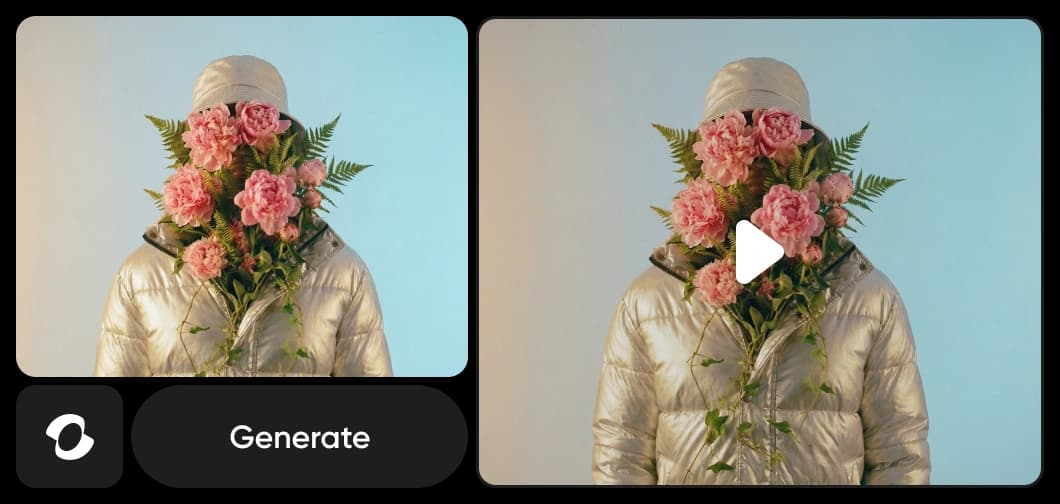
Generate on web, desktop, or your own stack
PixVerse lives inside Picsart's AI Playground and AI Video Generator, so a prompt or a single image becomes an audio-synced clip you can carry straight into a finished project - no model wrangling required. Prefer to build it in? Reach PixVerse on the web, in the desktop app, or wire it into your own pipeline via CLI, MCP, REST API, and SDK.
Cinematic output you actually control
Most AI video is a slot machine - PixVerse hands you the director's chair. Camera moves land where you point them, action stays physically believable, and characters hold their identity across scenes. Between C1's action-and-VFX engine and V6's multi-shot, audio-synced generation, one family covers everything from a fight sequence to a polished multi-shot ad - all inside Picsart, no setup required.
Understand video model choices
Learn how to compare video models and choose an output.



Explore more models like PixVerse
Compare PixVerse with other video models for cinematic motion, ads, and social clips.
PixVerse AI model FAQ
PixVerse is a cinematic AI video model available in Picsart in two versions - C1 and V6. It generates video from text, images, reference frames, or storyboards, with cinematic camera control and synchronized native audio, up to 15 seconds at 1080p.
Generate cinematic AI video with PixVerse
Pro
Most popularAI tools for everyday creative work.
Ultra
Most powerfulHeavy AI usage for creators & teams.