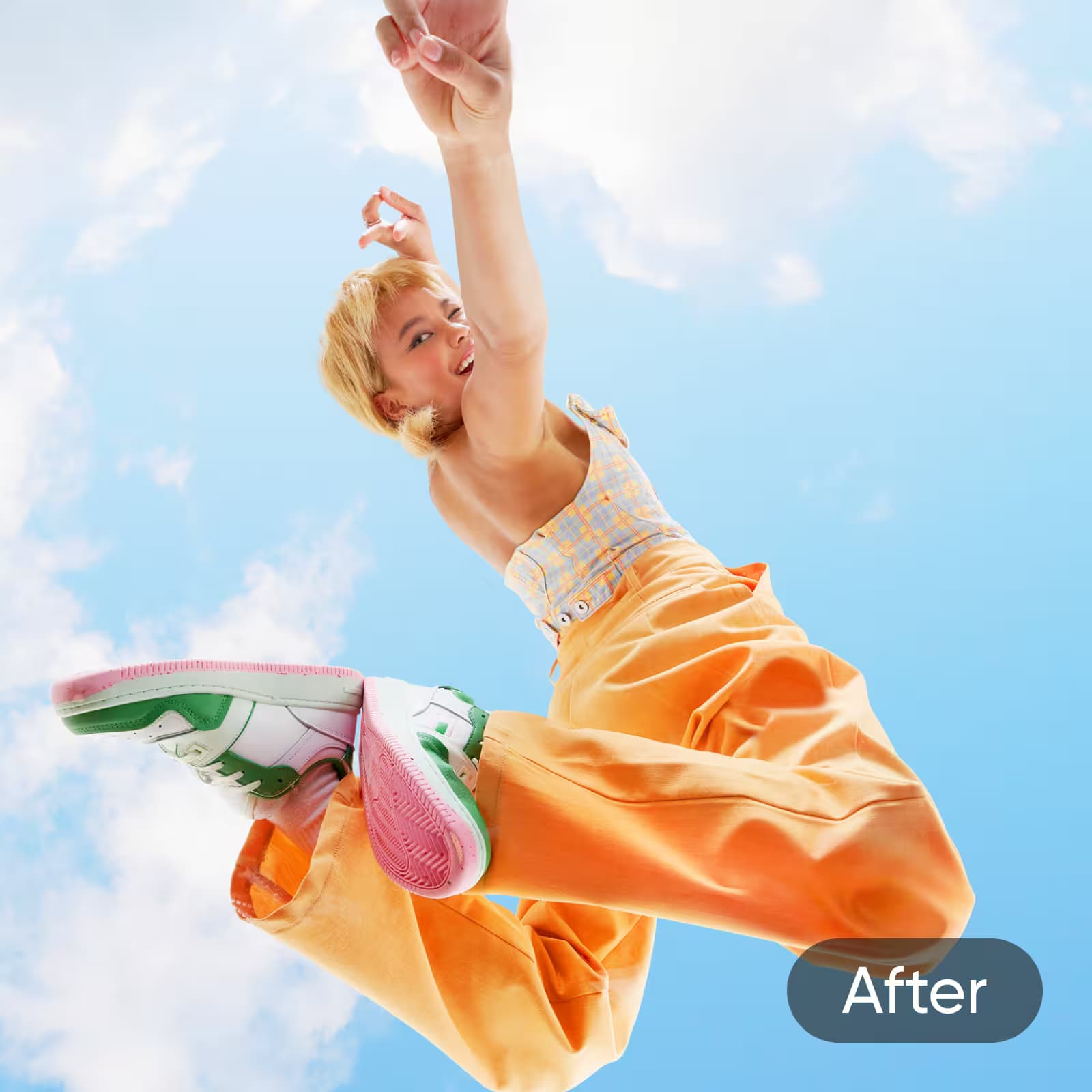

My photos look sharper right away. I uploaded a blurry vacation pic just to test things out, and the HD preview blew me away. The AI fixed the details in seconds and kept the colors looking natural. I ended up editing it right in Picsart and used it for my feed the same day.
Elena R., Travel bloggerHD Photo Converter: Convert an image to HD for free
Easily convert photo to HD in seconds. Enhance clarity and detail instantly for personal projects, social media, or professional use—making every image look sharp and high-quality.
How to convert an image to HD
Convert photos to HD in a click
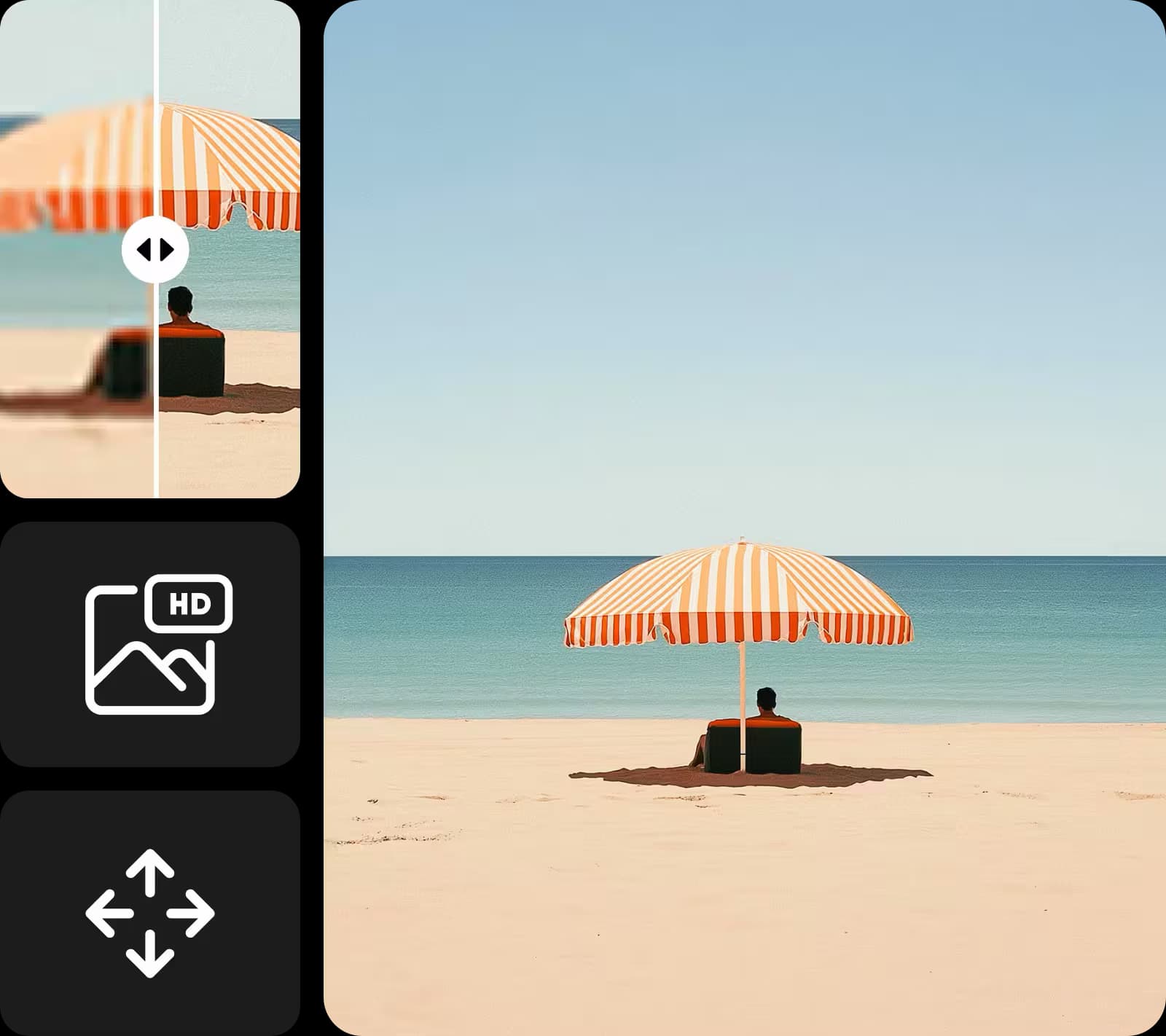
The HD Photo Converter lets you convert photos to HD with just one click. It effortlessly enhances images, boosting clarity, resolution, and sharpness without any technical expertise. Ideal for personal projects, social media, or professional use, this easy tool delivers fast, high-quality improvements to your images in seconds.
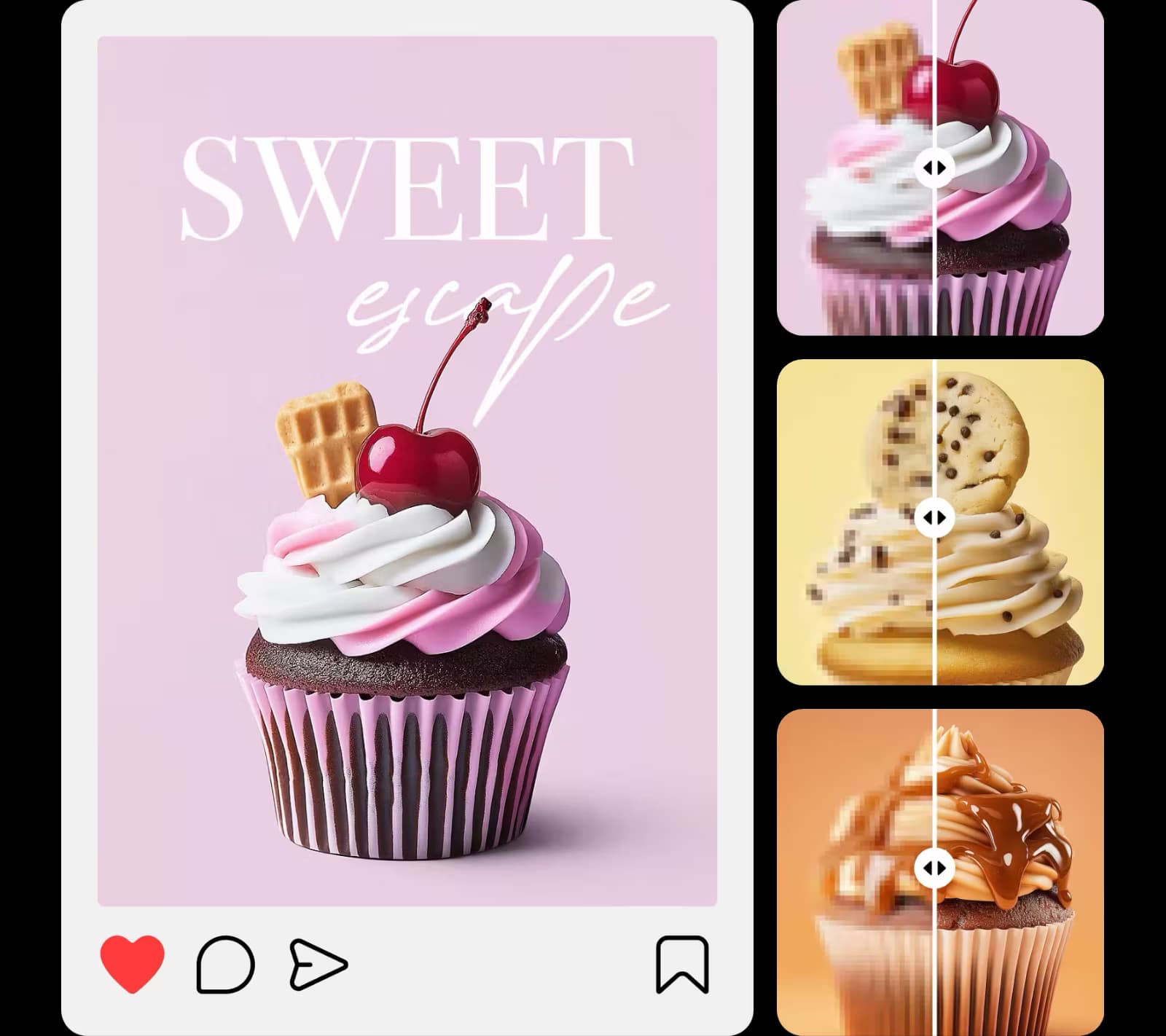
Revive your blurry photos with HD image converter
Give your blurry pictures a second life with the HD Photo Converter. It transforms low-quality or out-of-focus images into sharp, detailed photos. Using advanced algorithms, it reduces blur and enhances clarity, making it perfect for restoring old memories or improving poorly taken shots. Convert images to HD online for free and instantly revitalize your pictures.
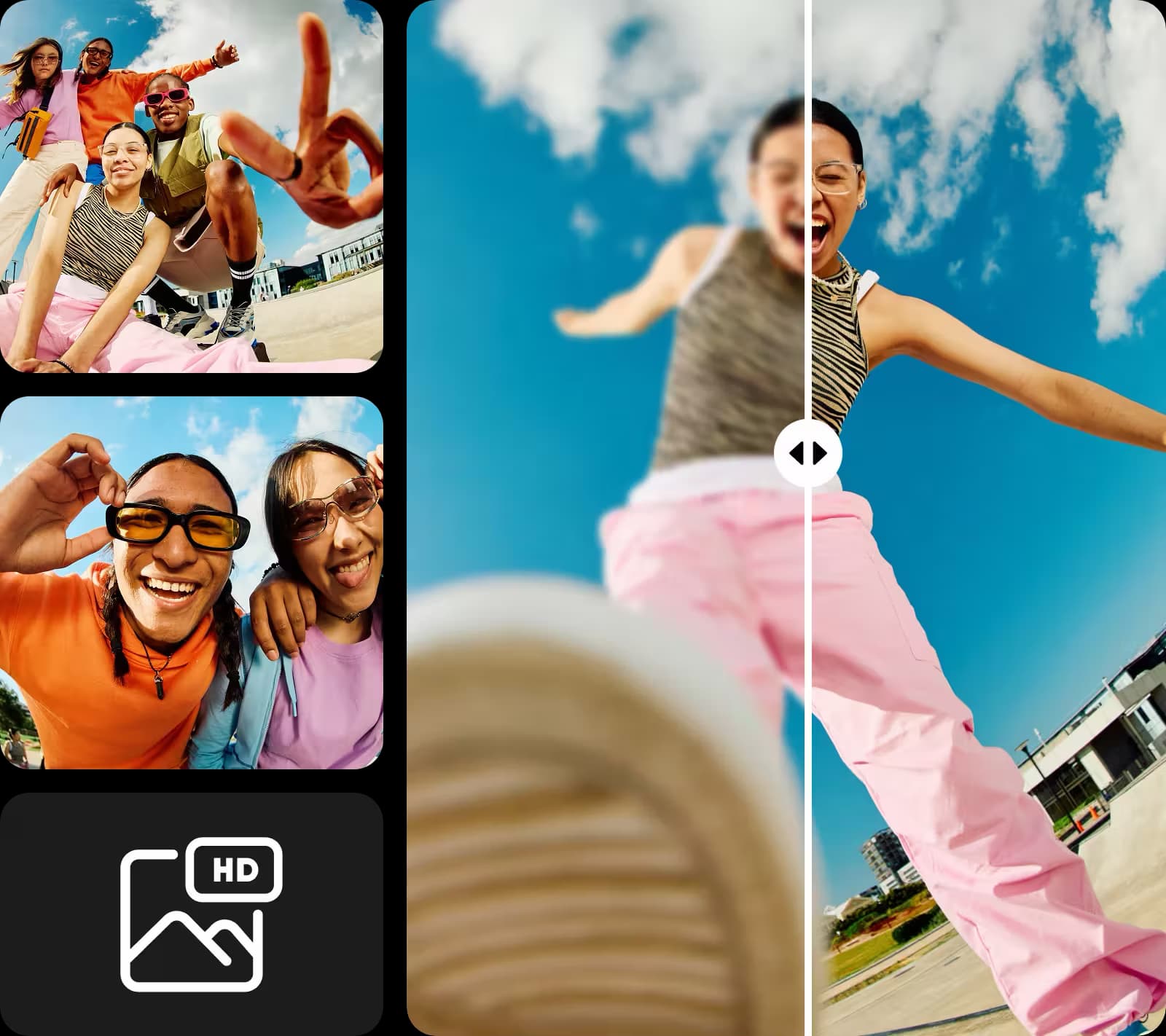
Make a picture HD for digital content
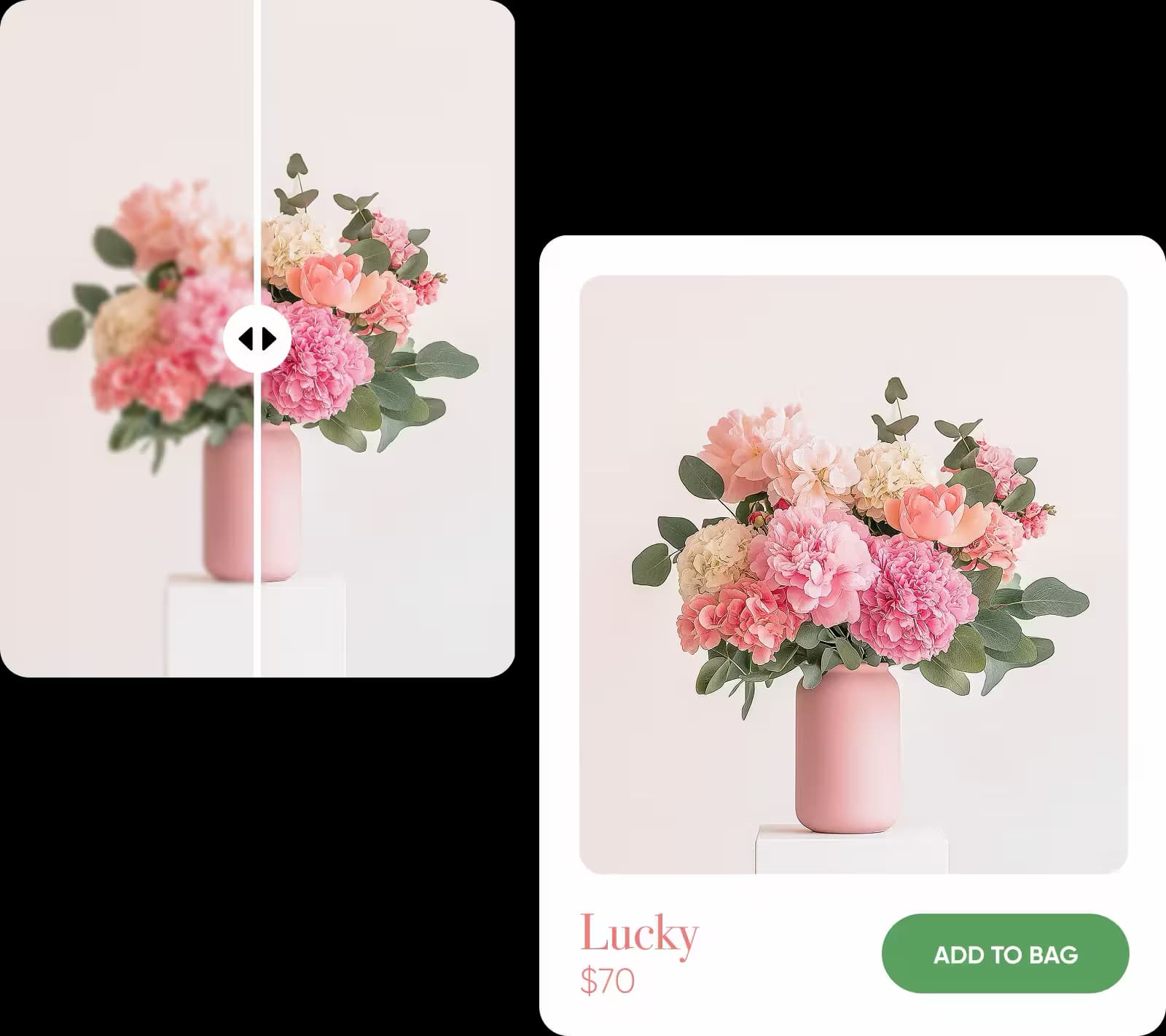
The HD image converter is perfect for any use, from marketing and social media to e-commerce. Whether you're enhancing product images, creating eye-catching posts, or improving your personal photos, this tool ensures professional-quality results. Convert pictures to HD online and boost your content with sharp, high-resolution images.
Explore more AI tools to customize your photos
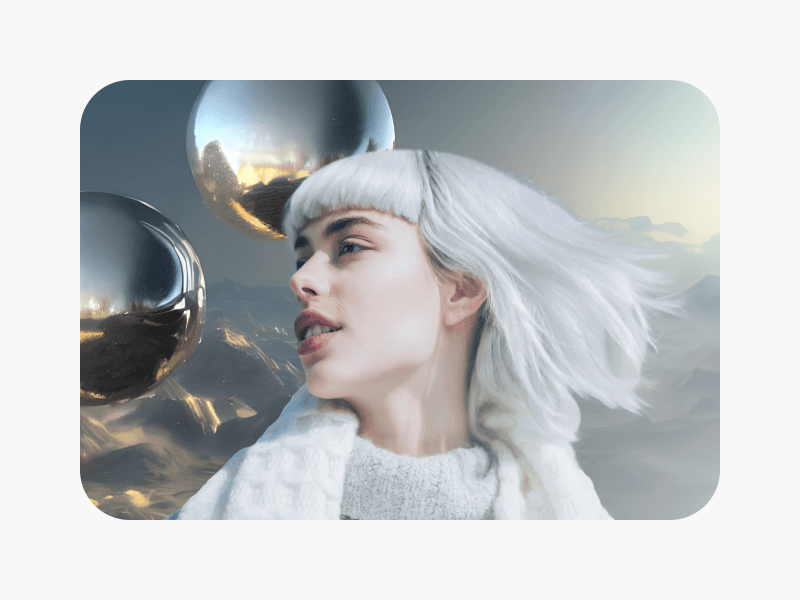
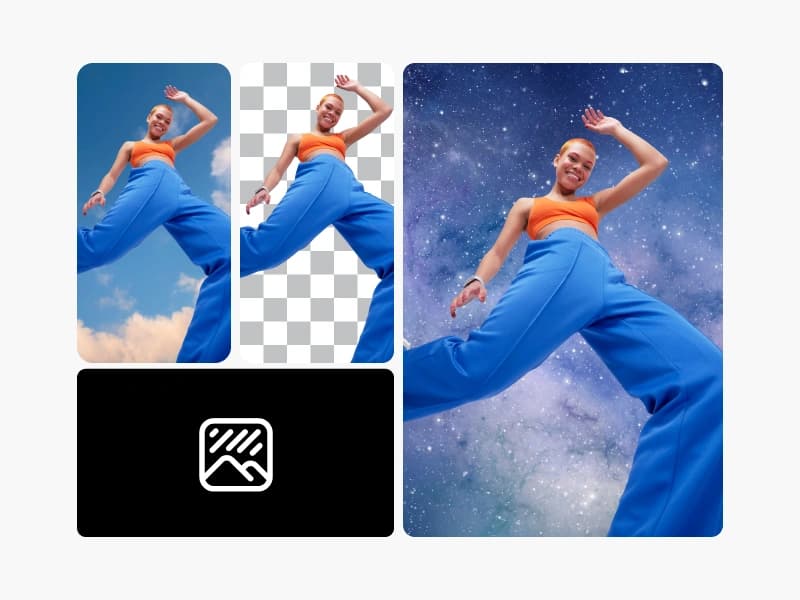
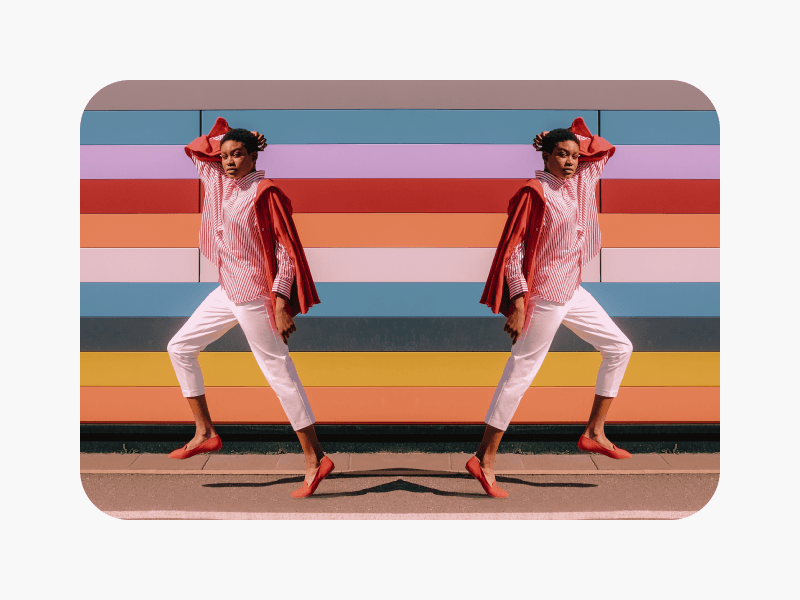
The AI HD Photo Converter is just one of many tools in an advanced set designed to customize your photos. After upgrading your images to HD, you can refine them further by retouching imperfections, adjusting lighting, or adding artistic effects. To take your edits even further, use tools like AI photo editor for advanced adjustments, or the AI image extender to enlarge photos without losing quality. Together, these AI-powered tools offer endless possibilities to improve your images for any project.
Perfect for social content. I create product shots for a small shop, and this tool has saved me so much time. The HD upgrade makes every photo look studio-ready, and the quick edit option is super handy. My posts look cleaner, brighter, and more professional.
Marcus T., Small business ownerFast, simple, and surprisingly accurate. I expected a long process, but the image converted to HD automatically as soon as I uploaded it. The result looked crisp without any weird artifacts, and downloading the final version was effortless. Easily one of my favorite Picsart tools.
Danielle K., Content creatorHD Photo Converter FAQ
The HD photo converter uses advanced AI-powered algorithms to enhance the resolution, clarity, and sharpness of your images. It works by analyzing and refining details, making photos clearer and more vibrant with just one click.
More tools to love
Convert to HD and keep improving every image
Pro
Most popularAI tools for everyday creative work.
Billed yearly
Ultra
Most powerfulHeavy AI usage for creators & teams.
Billed yearly, per seat
Enterprise
Custom AI solutions for large organizations.
Custom credit volume
- Volume discounts on credit rate
- On-demand top-ups
Custom
Contact for pricing