Free AI face generator: Generate faces online
Effortlessly create realistic human faces with AI. Enter a detailed text prompt into the AI face generator to instantly generate faces for marketing, social media, and more. Try now with a limited amount of free generations.
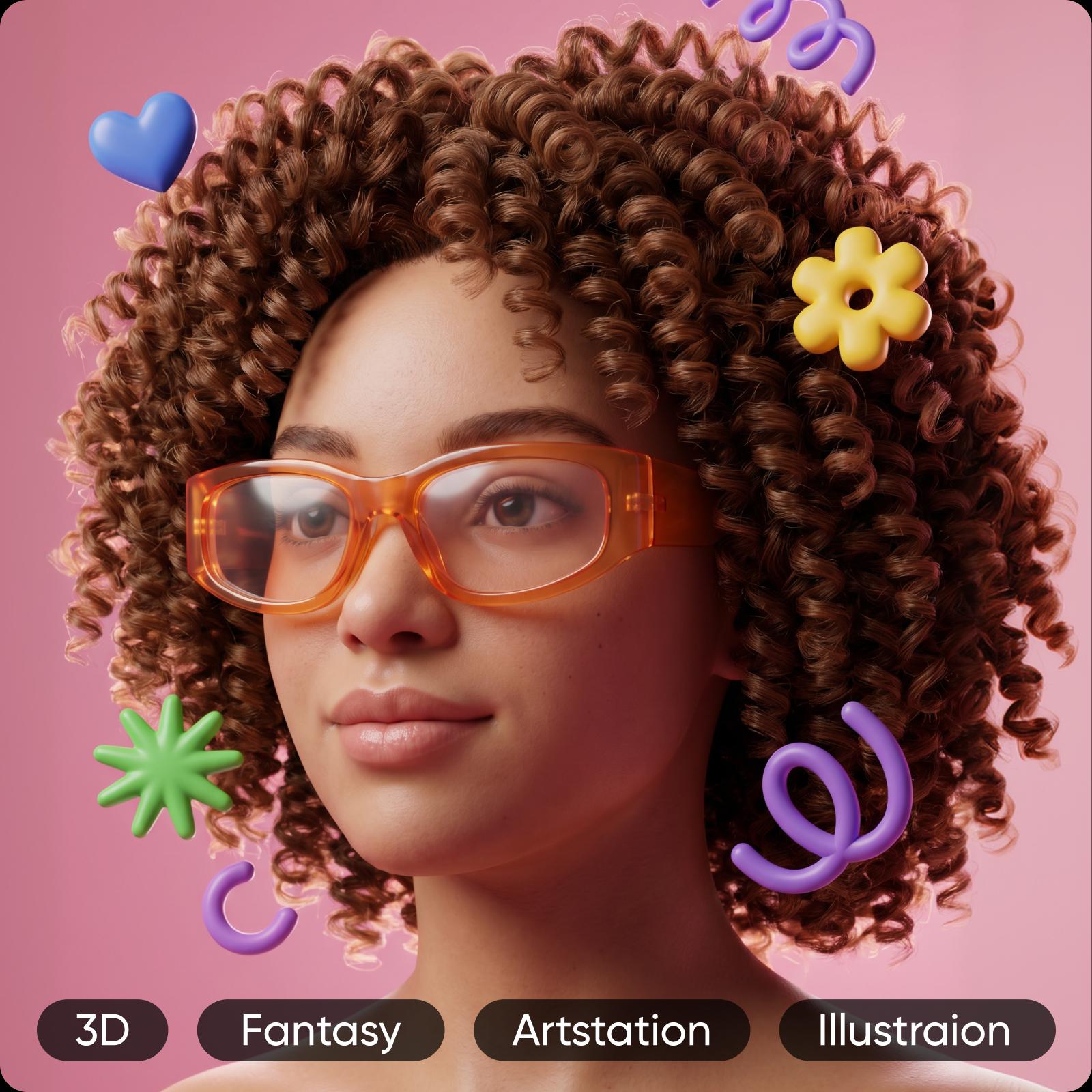


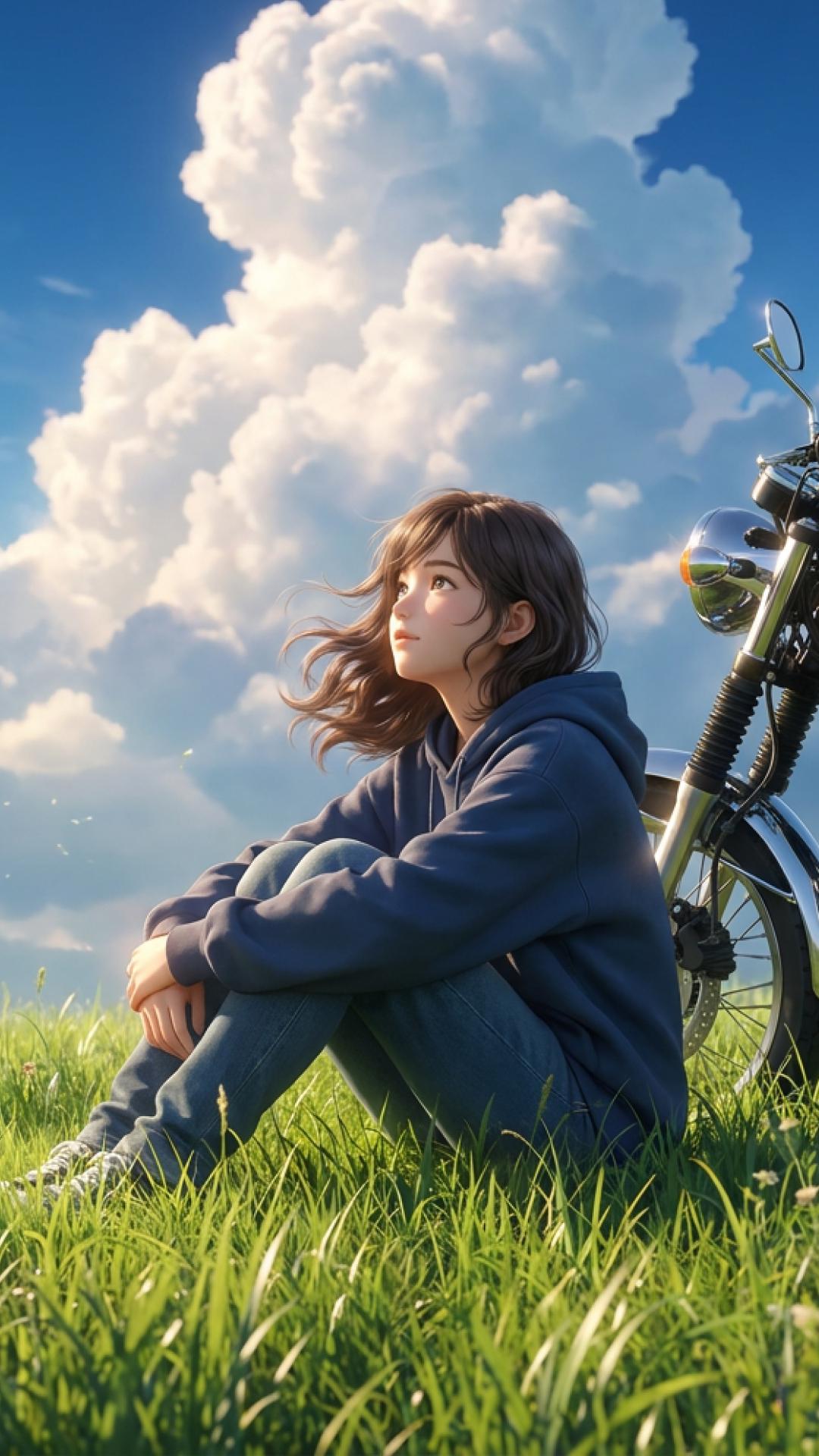
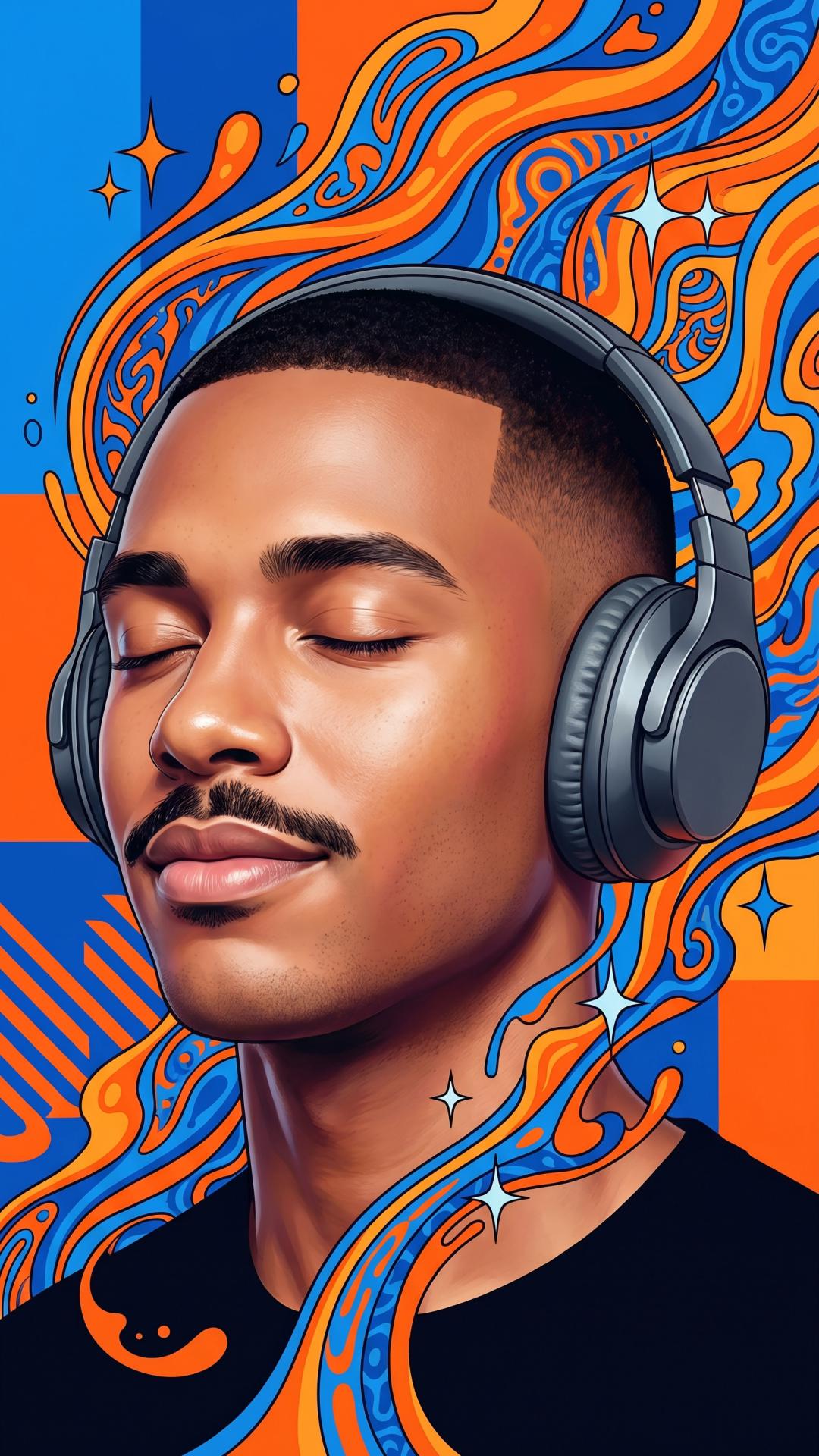

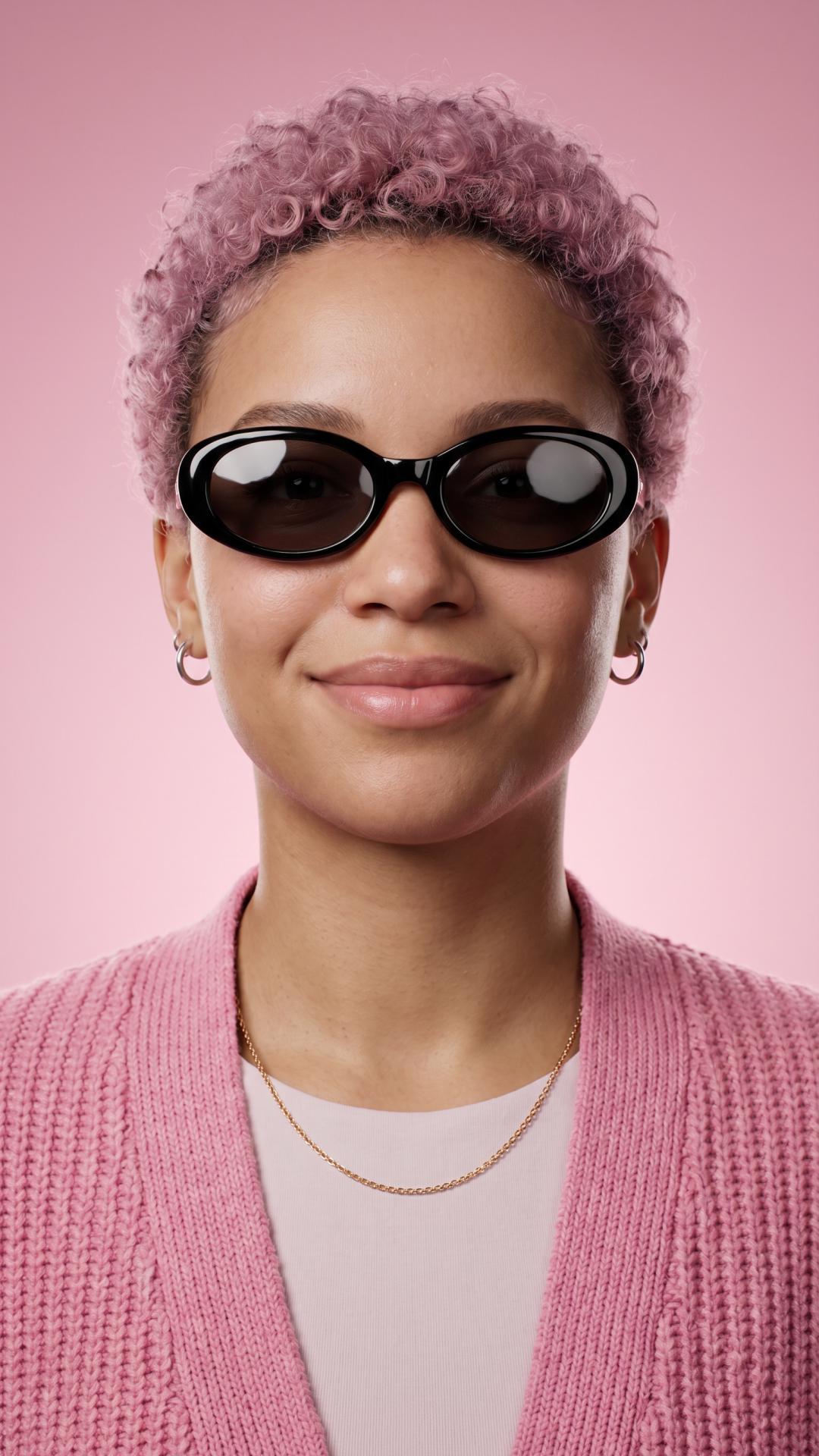
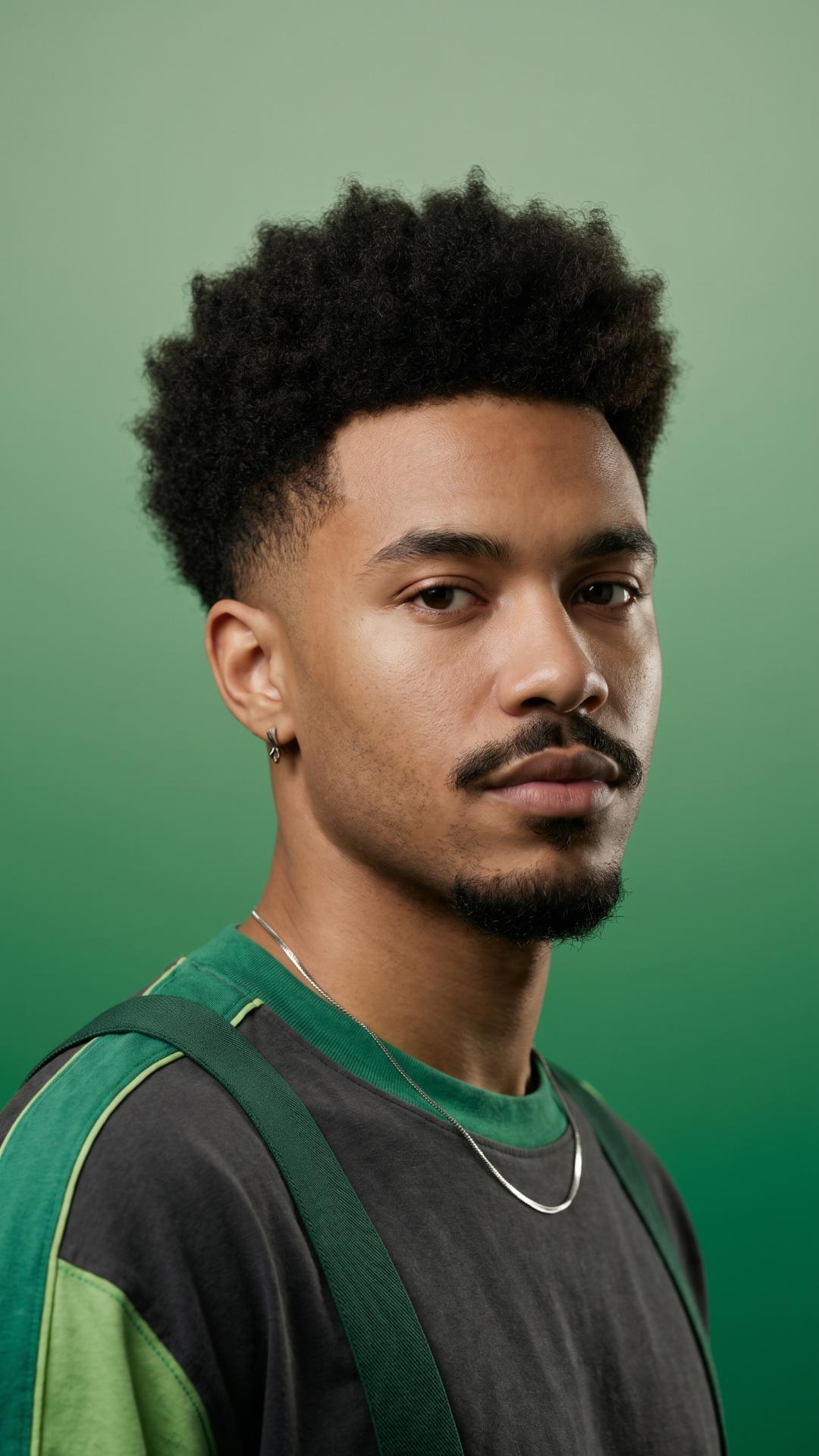
How to use Picsart’s AI face generator
How to
Open the tool
Open the AI Image Generator tool.
Create realistic faces with an AI face maker
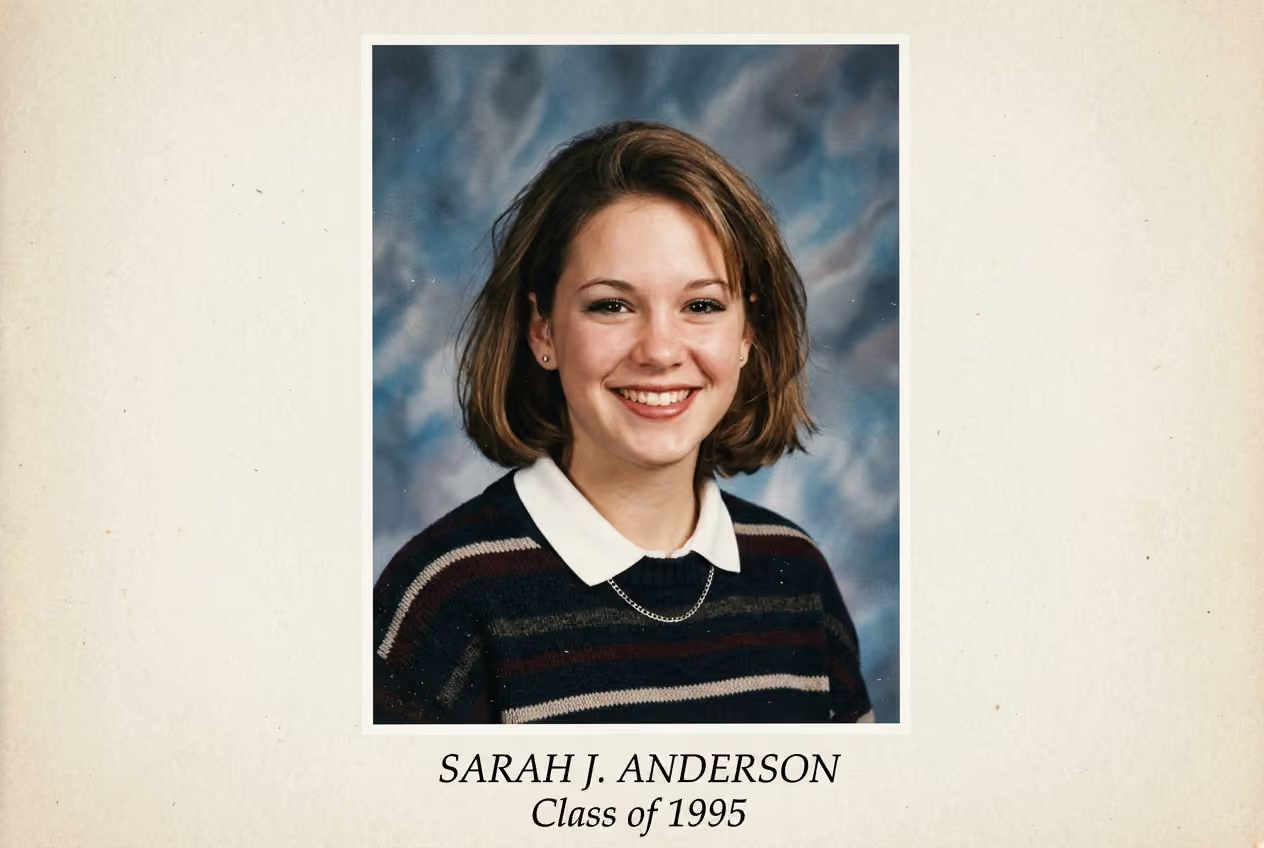
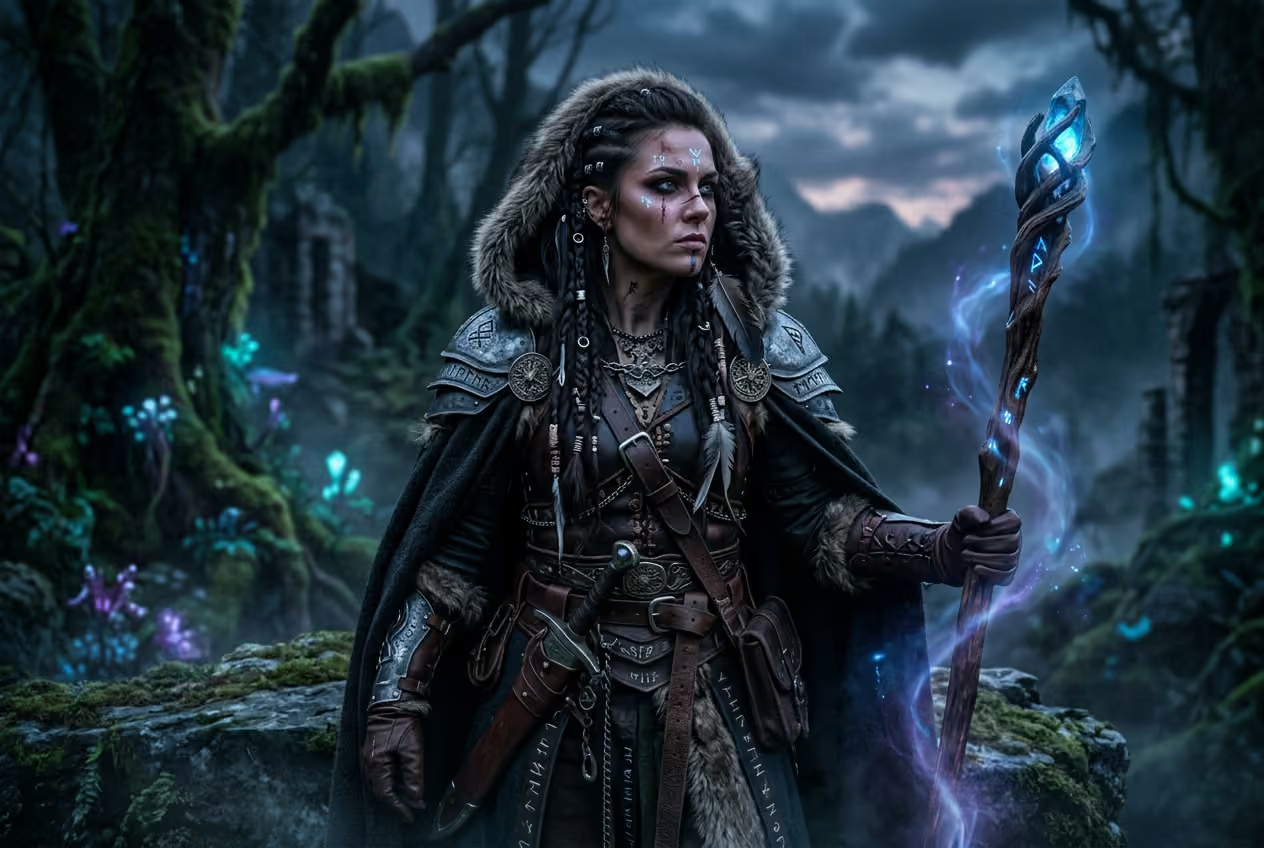
Create unique faces in seconds with an AI Face Generator built for real creative work. Just describe the face you imagine – details, mood, style, and watch it take shape instantly. From avatars and profile pictures to characters and marketing visuals, you get realistic or stylized results without photoshoots or design skills.

Generate faces for any creative goal
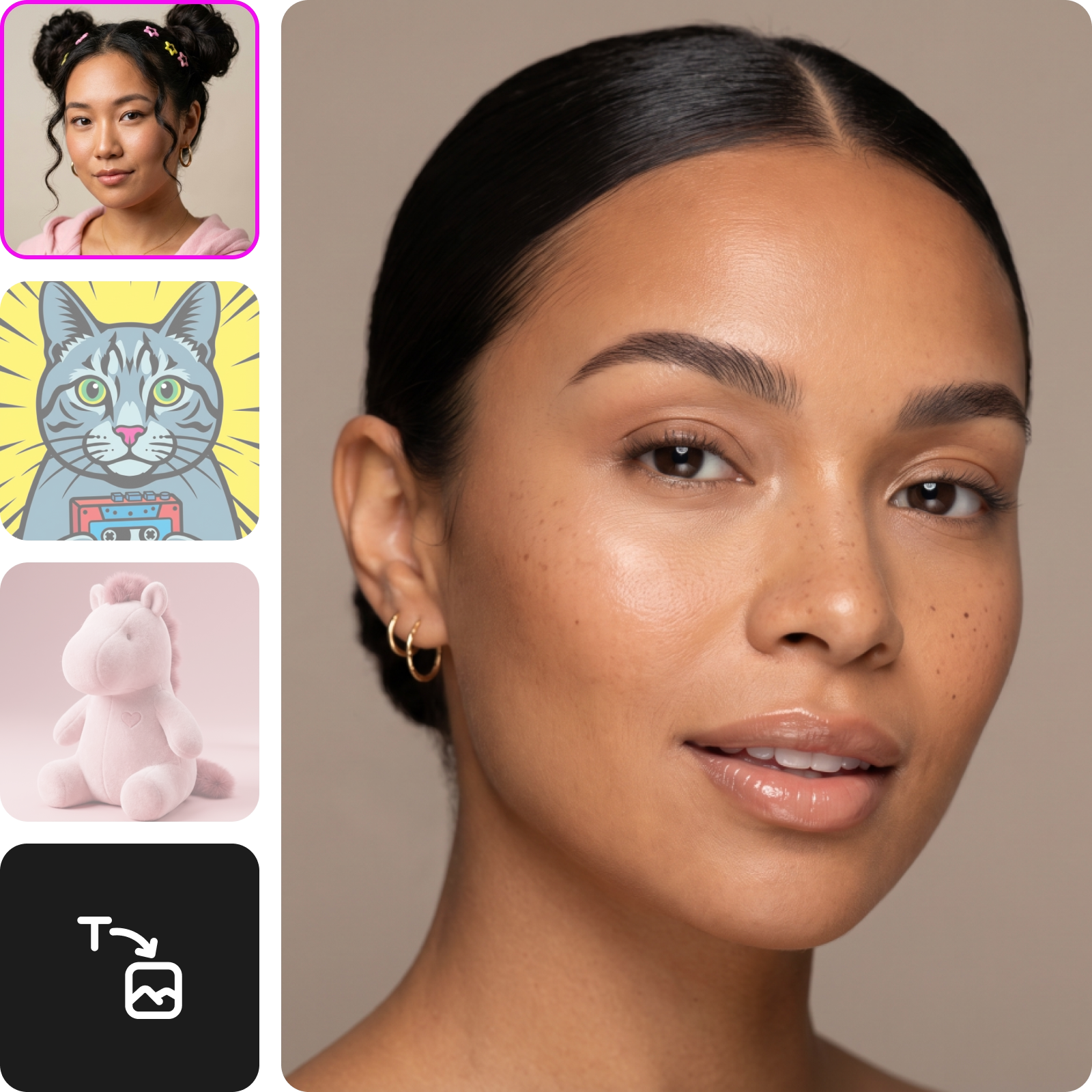
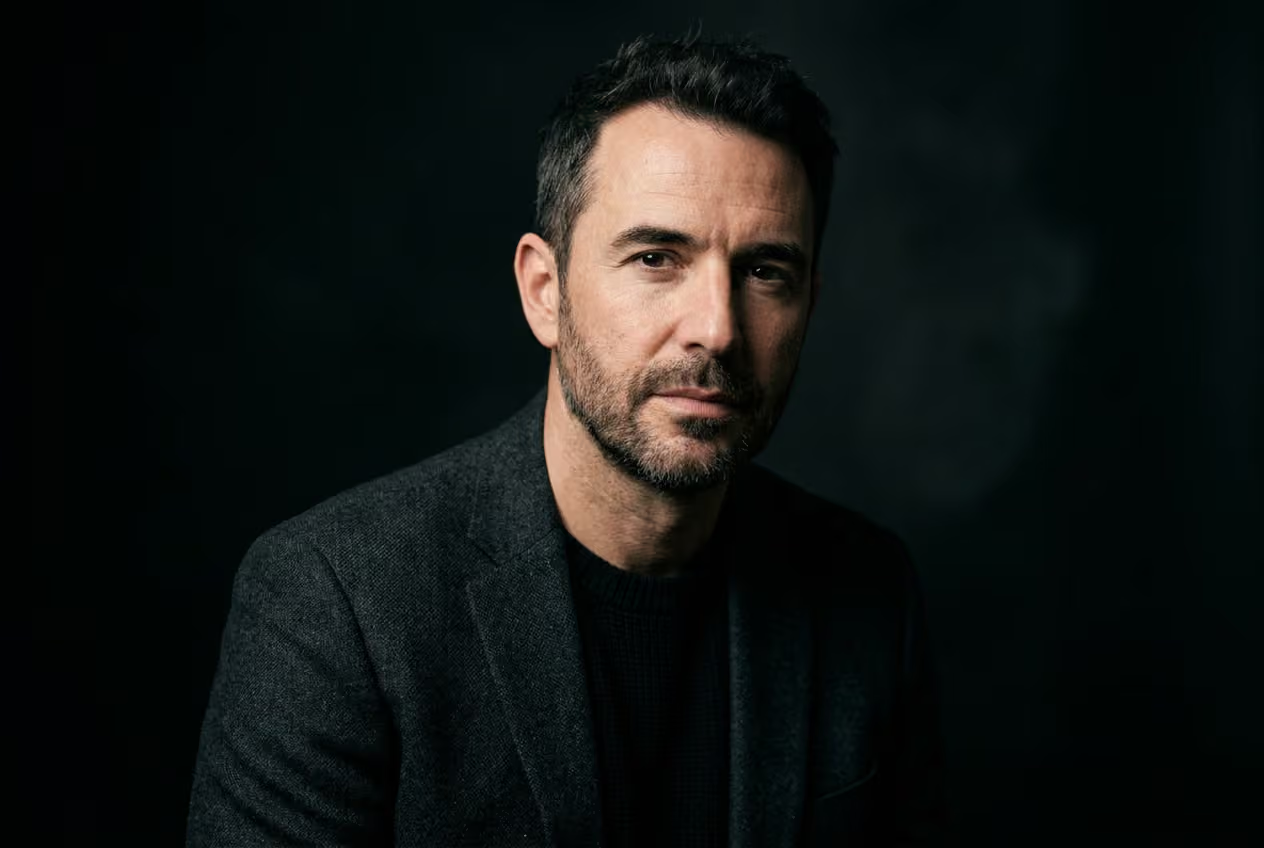
Create professional headshots
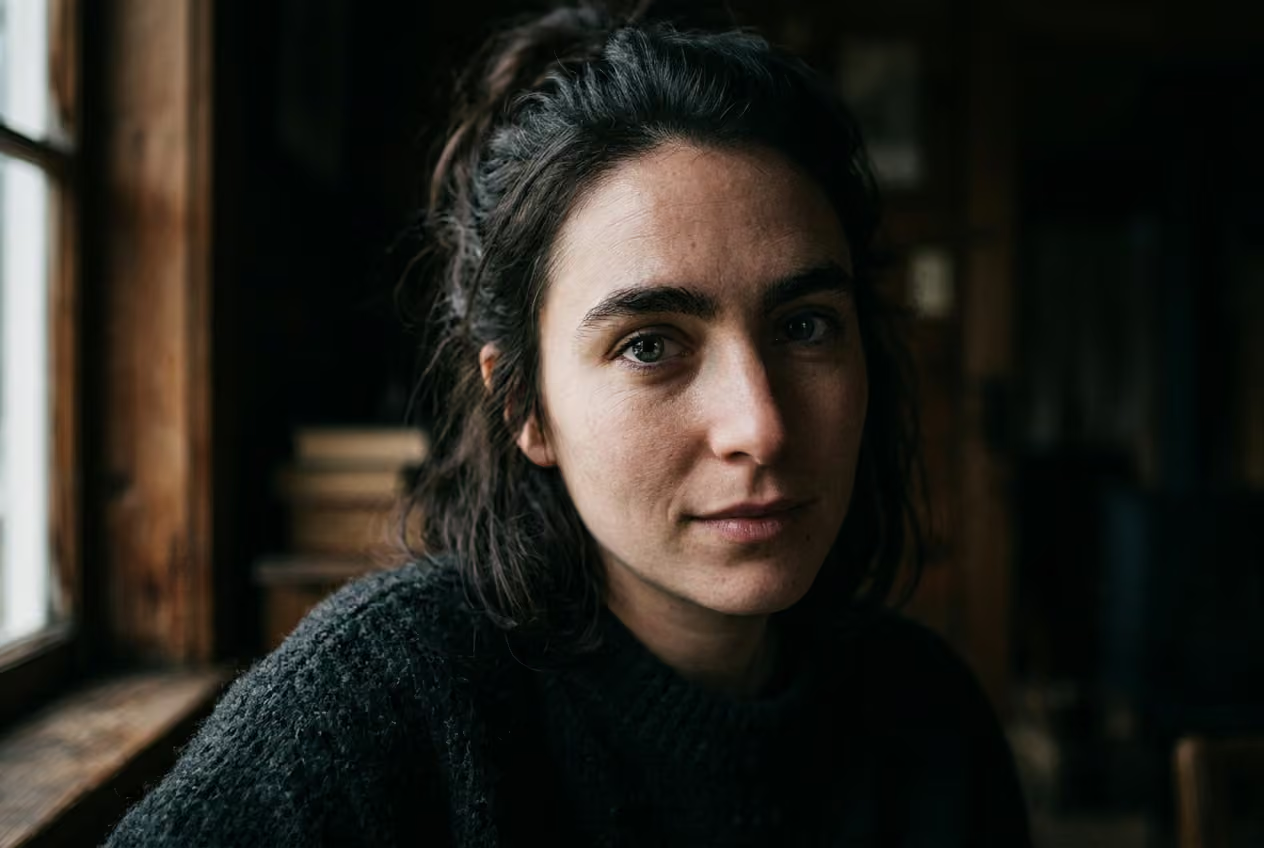
Generate polished portraits for LinkedIn, team pages, speaker bios, or author profiles. Use photorealistic styles, clean backgrounds, and studio-like lighting to get consistent, high-quality results – no camera or setup required.
Explore different styles with the AI Face Generator
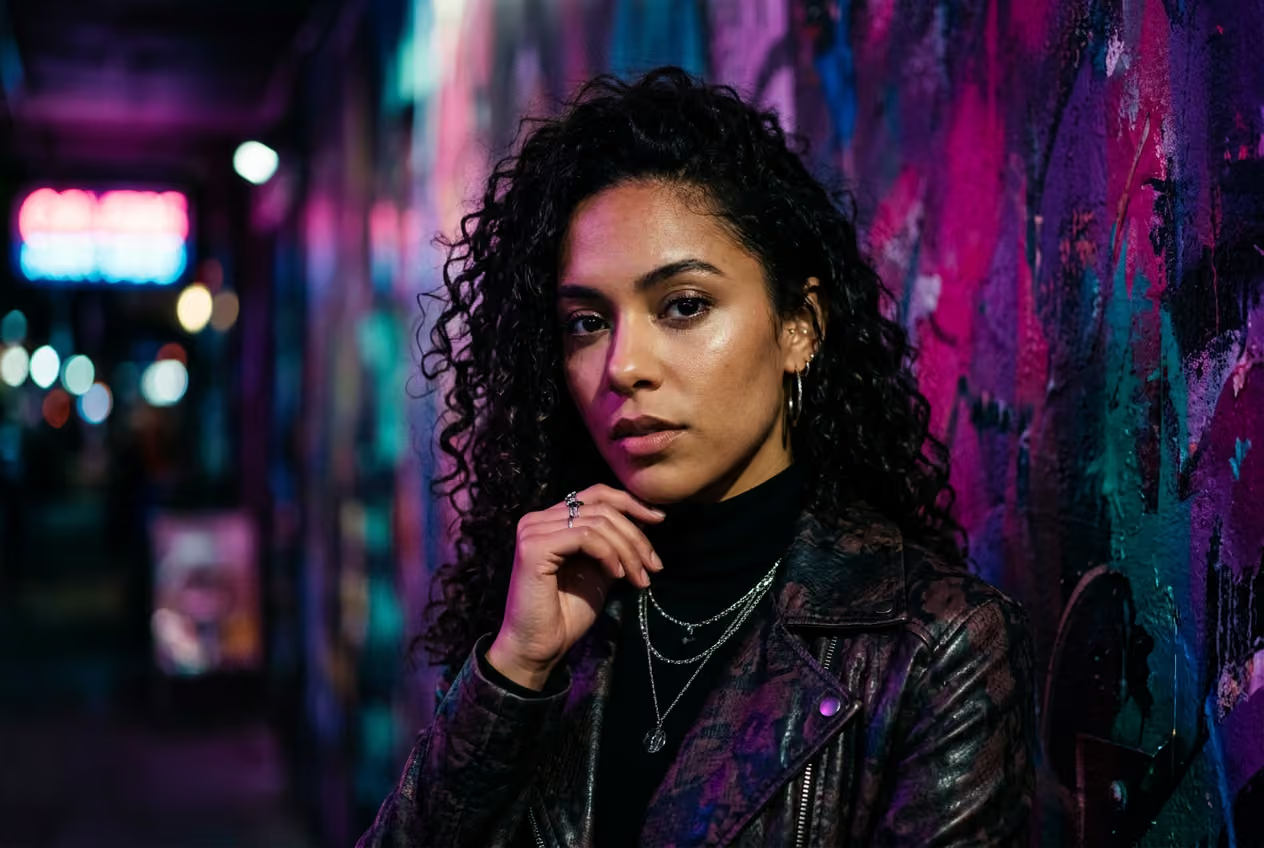
Use the same prompt and explore completely different results with each style you choose. Go from photorealistic portraits to anime, cyberpunk, 3D clay render, oil painting, sketch, or Studio Ghibli in seconds. Each style reshapes the face in its own way, turning one idea into many creative directions.

Generate faces with 30 AI models
Choose the model that fits your goal and get better face results every time. Use Imagen or Flux for photorealistic portraits, Seedream or Recraft for stylized looks, and Ideogram or GPT Image for precise text rendering. Switch between options to refine your output or explore more with the AI Image Generator tool.

More ways to create faces
Create realistic AI faces from text with customizable styles, multiple variations, and high-resolution downloads.
Explore creative AI effects


Learn avatar creation basics
Learn how to create clearer portraits and profile images.
AI Face Generator FAQ
Type a text prompt describing the face you want, and the AI generates it in seconds. You can choose styles, adjust details, and even switch between AI models to get different results based on your creative goal.
Generate avatars for creator-ready projects
Pro
Most popularAI tools for everyday creative work.
Ultra
Most powerfulHeavy AI usage for creators & teams.
Enterprise
Custom AI solutions for large organizations.
- Volume discounts on credit rate
- On-demand top-ups
Discover more AI tools
See how AI tools can be your creative assistant and help you turn concepts into completed projects.


