Cartoon character maker: Create your own cartoon character with AI
The Picsart cartoon character creator turns a description or reference image into your own cartoon character online. Generate it with Flux 2 Max or another model.
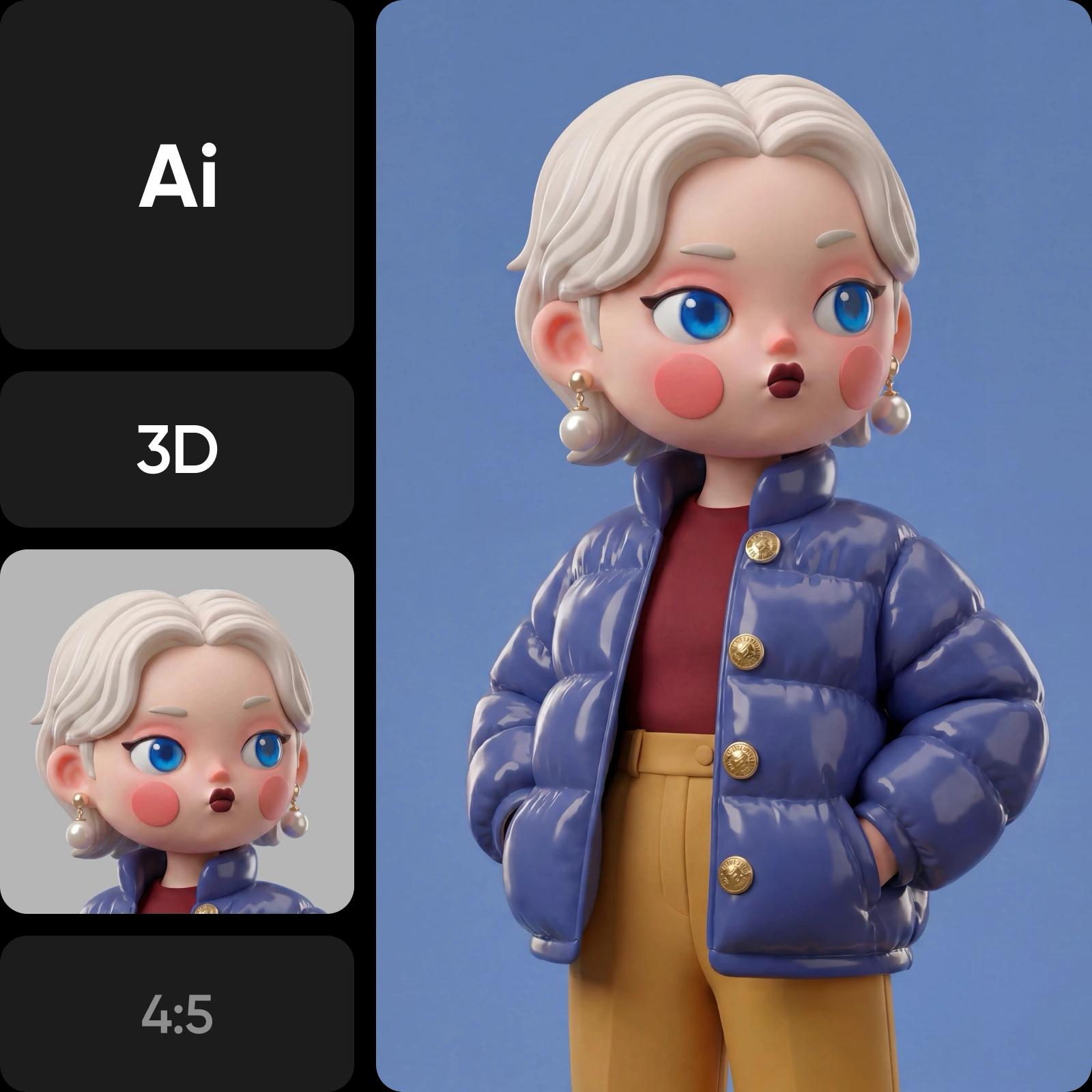
Browse the newest AI image models
How to make a cartoon character with AI
Here is how to make your own cartoon character in four steps in the Picsart AI Playground.
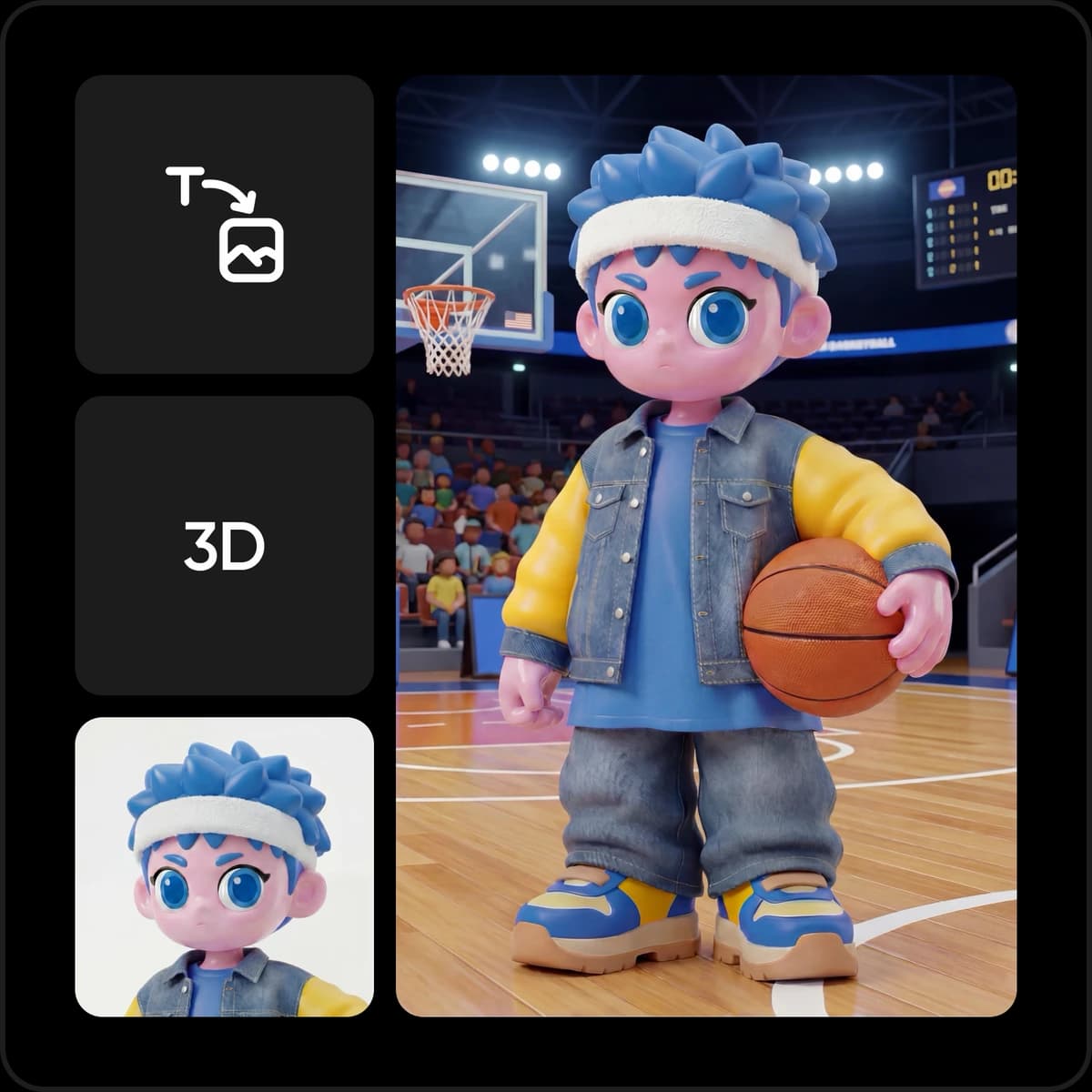
Design your own cartoon character sheet with poses and expressions
A finished cartoon character design needs more than one picture. Ask for a front, side and back view in one image, then an expression set: happy, angry, sleepy, surprised. For this job, switch to Nano Banana Pro, which keeps recurring characters recognizable across visual styles, so the same hero still reads as one design in a turnaround or an expression grid. You get a character sheet to hand to an illustrator, an animator or a print shop, and a clean reference for every image that follows.
- Front, side and back views
- Expression sets in one image
- A reference for every next image
Keep your cartoon character consistent in every image
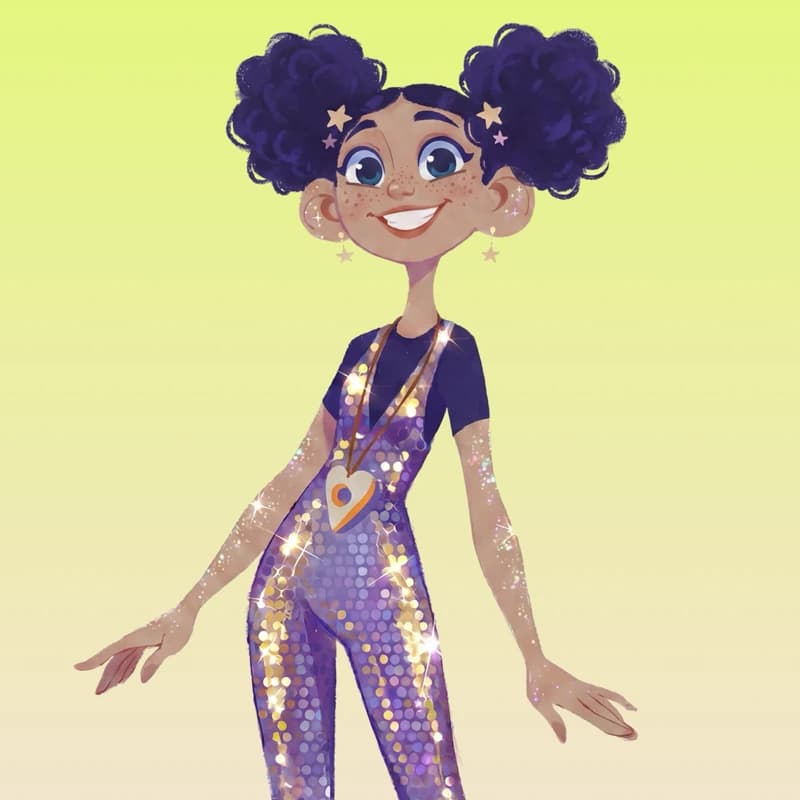
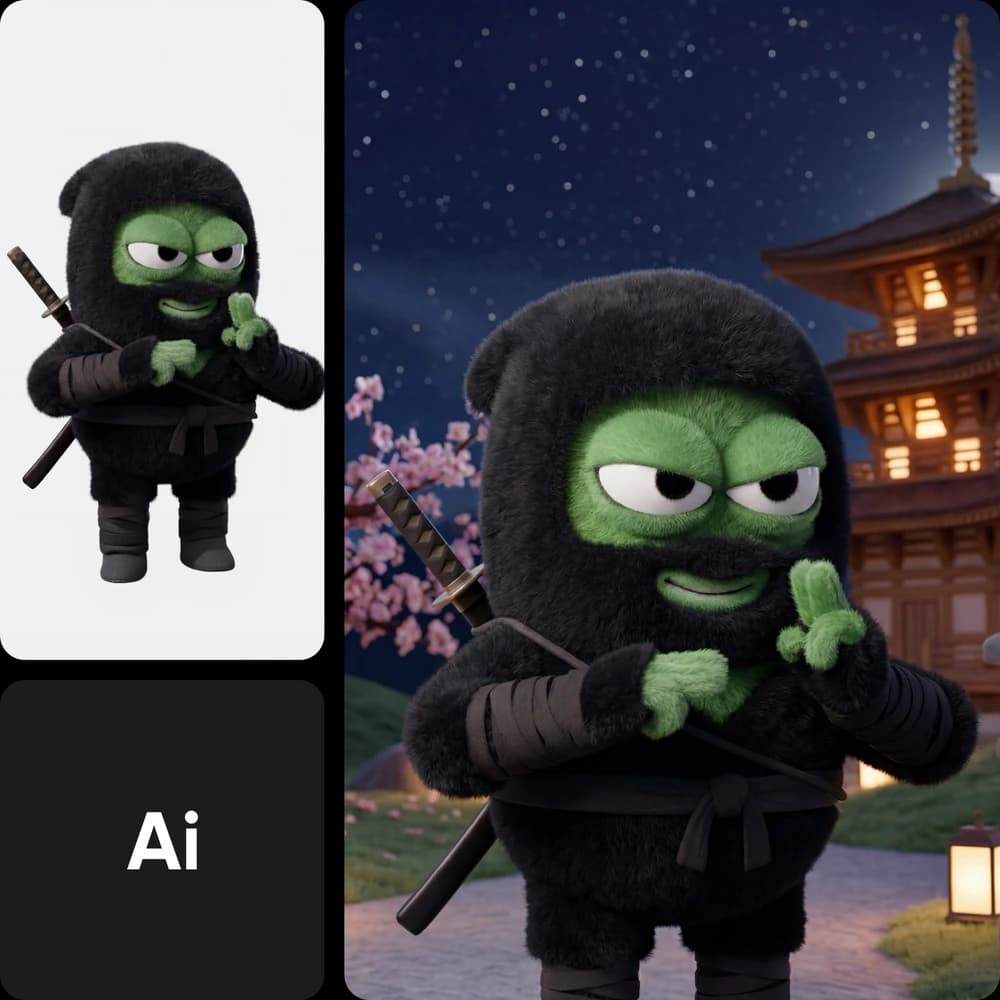
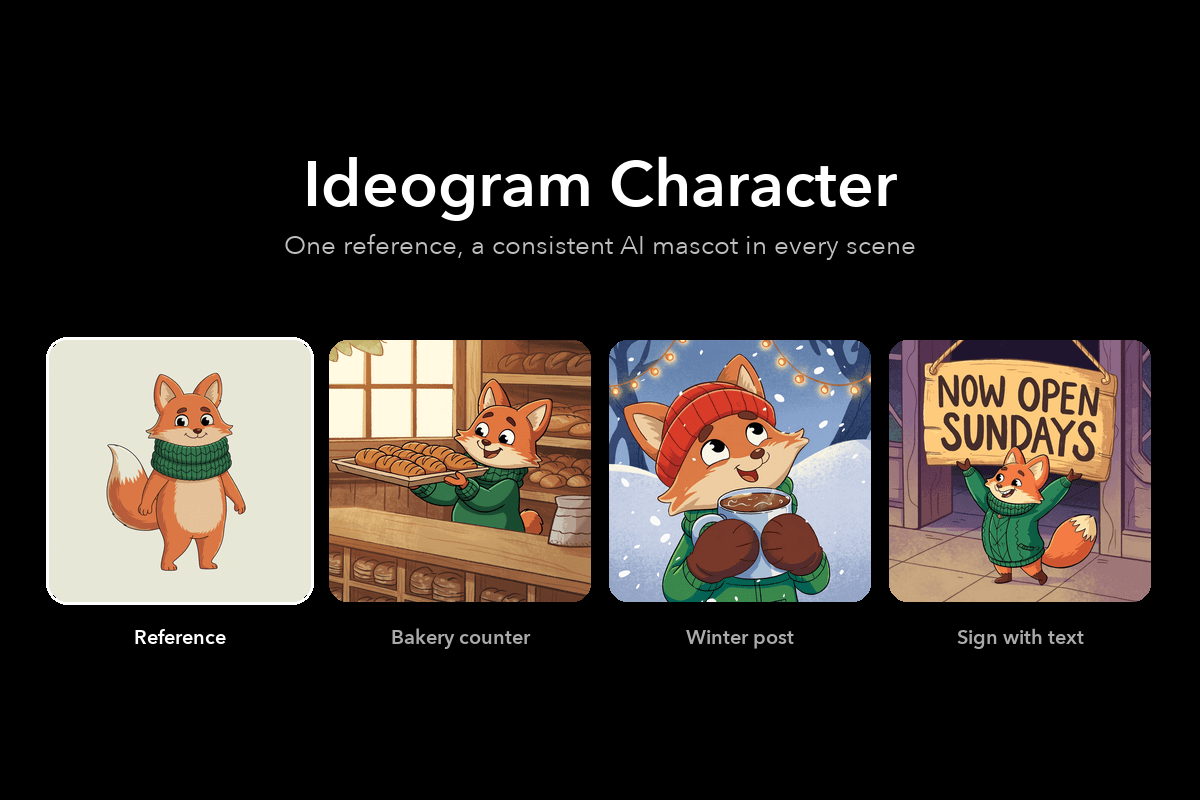
Most image models invent a fresh face every time you generate, so split the job. Create your character with Flux 2 Max, then give that image to Ideogram Character, the consistent character AI model in the AI Playground. It holds the face, hair, clothing and proportions while you change the scene, pose, lighting and background through the prompt. Need a whole cast? Nano Banana 2 keeps up to five characters consistent in one scene, so your hero, sidekick and villain share the frame and still look like themselves.
- One reference image to start
- Same face, hair and outfit
- Up to five characters per scene
Fix one detail without redrawing your cartoon character
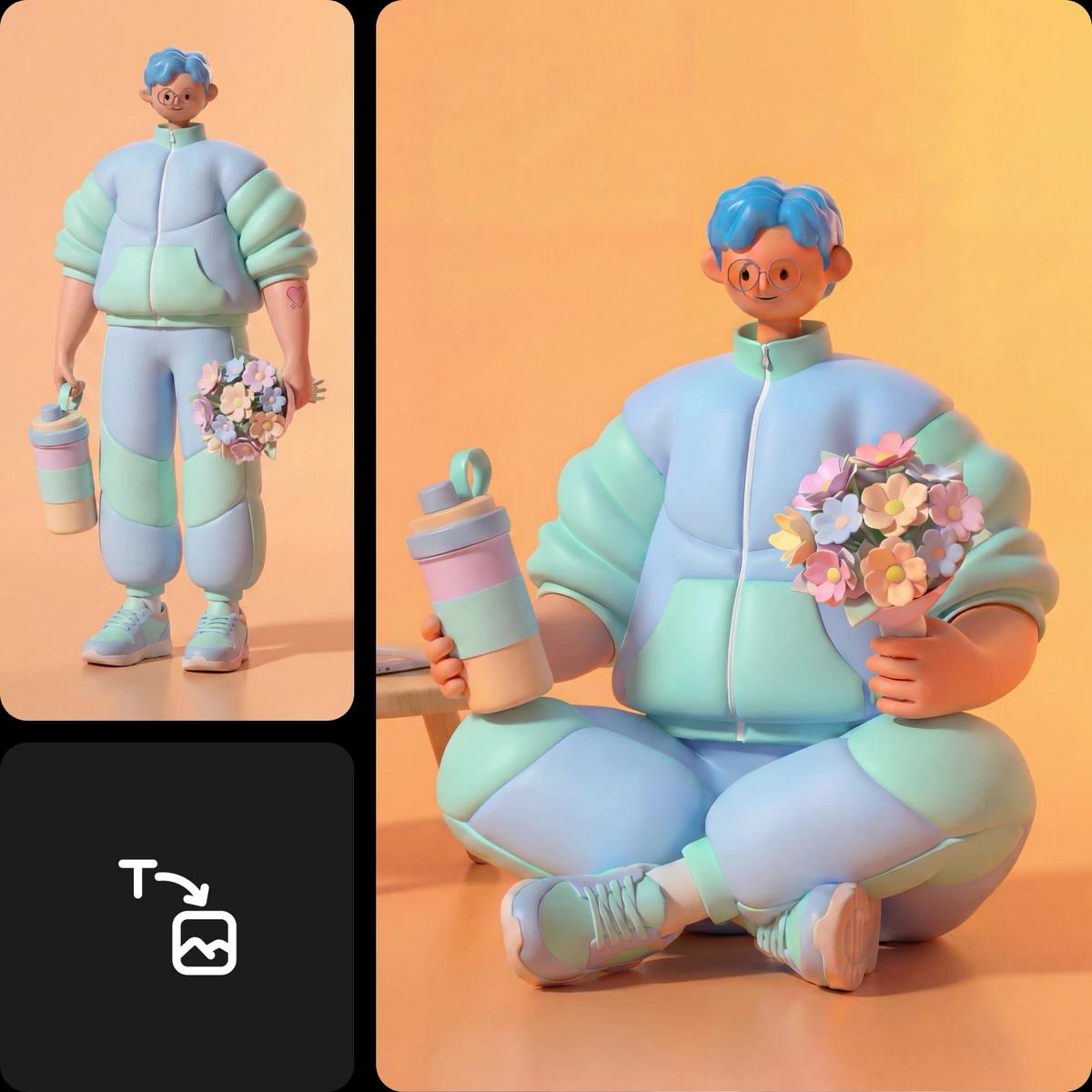
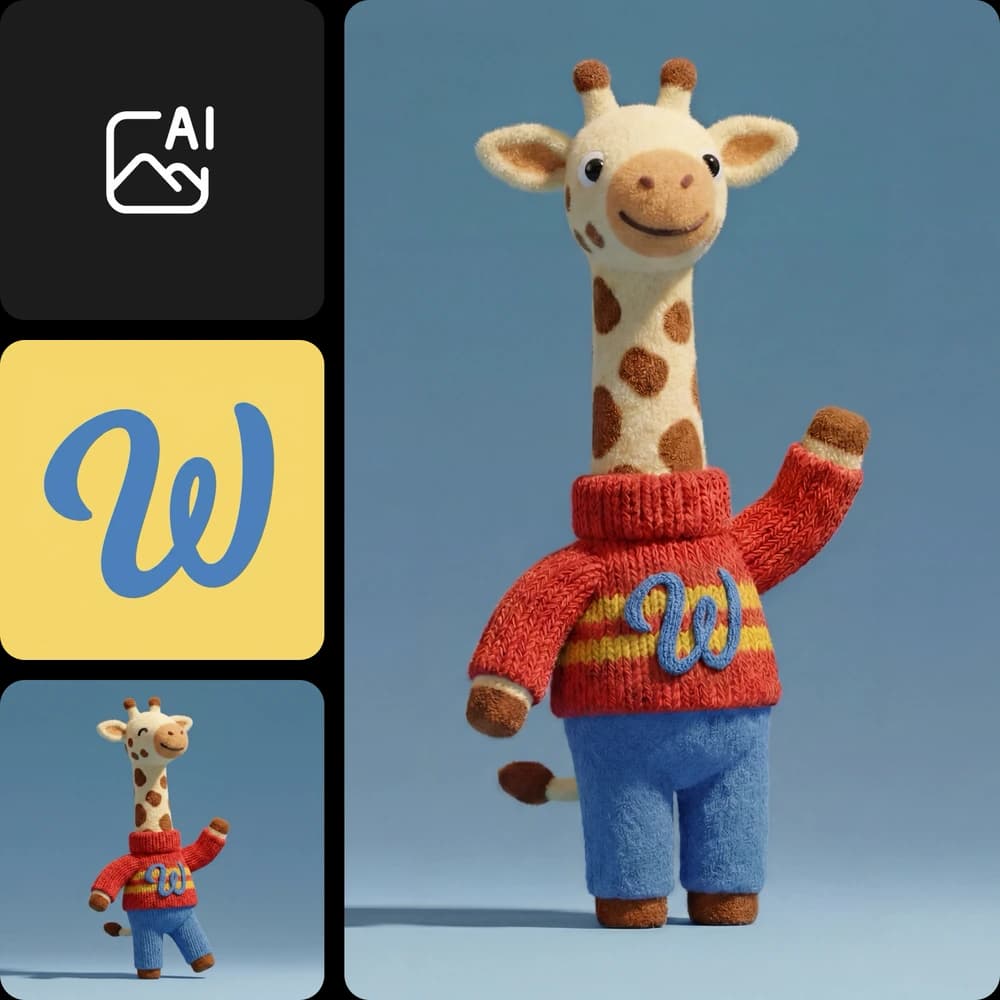
Almost right is the most common result in character design: the face is perfect but the hands are off, or the shirt logo is wrong. Ideogram 4.5 lets you mask the exact area you want to change and describe the fix, and it leaves the rest of the image pixel-intact. Swap the hat, recolor the jacket or rewrite the text on a badge, one edit at a time, without the character drifting away from the version you already approved.
- Mask the exact area to change
- The rest stays pixel-intact
- Readable text on badges and shirts
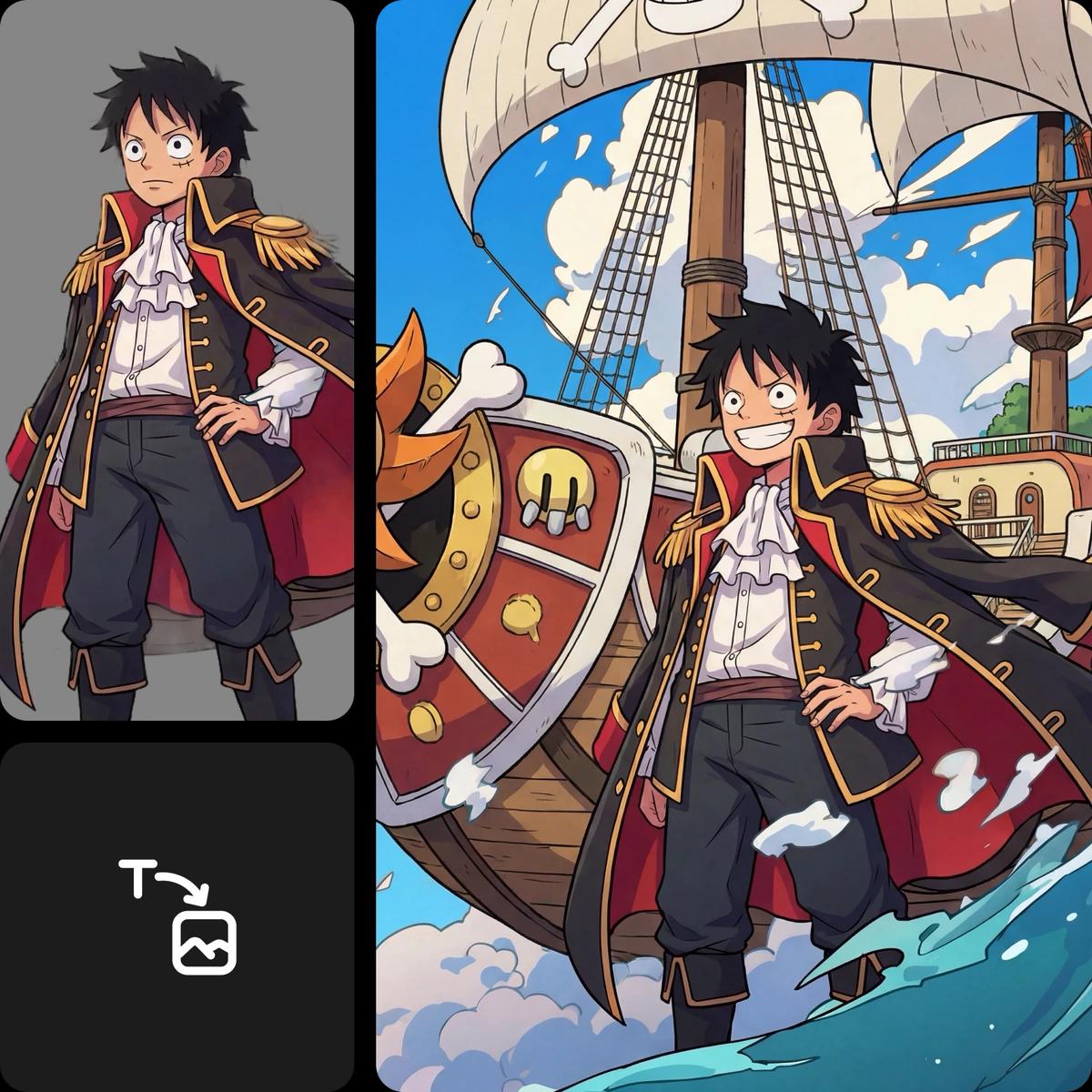
Place your cartoon character in a full scene
A character comes alive in a world. Flux 3 Image lets you compose a scene element by element: draw a box for the character, another for the sidekick, the props and the sign, describe what goes in each, and the model renders every element inside its box. It combines up to 10 reference images into one result, so your character, a background photo and a style example share the frame. Native 2K and 4K output keeps faces and small text sharp for posters and prints.
- Bounding boxes for each element
- Up to 10 reference images
- Native 2K and 4K for print
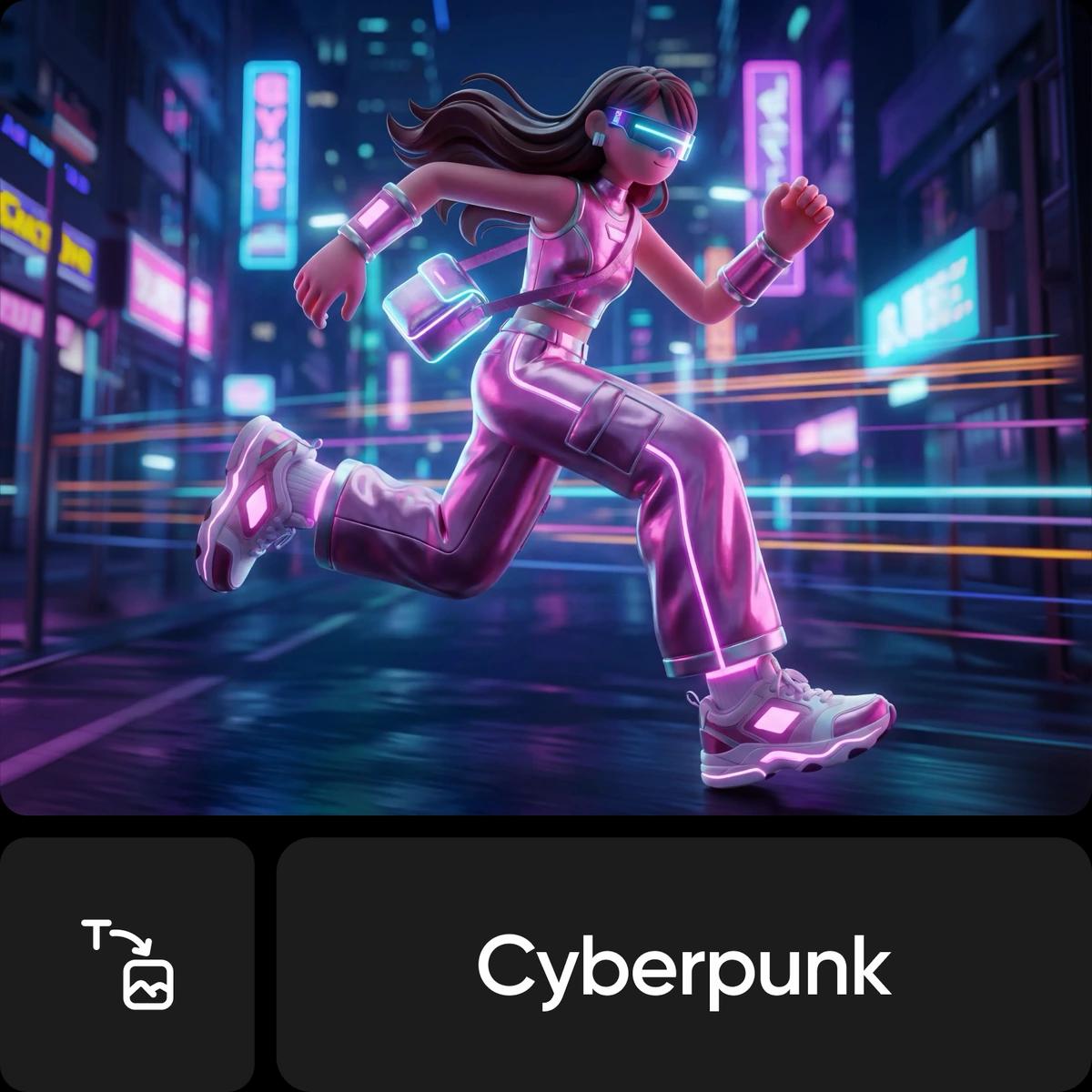
Take your cartoon character beyond one image
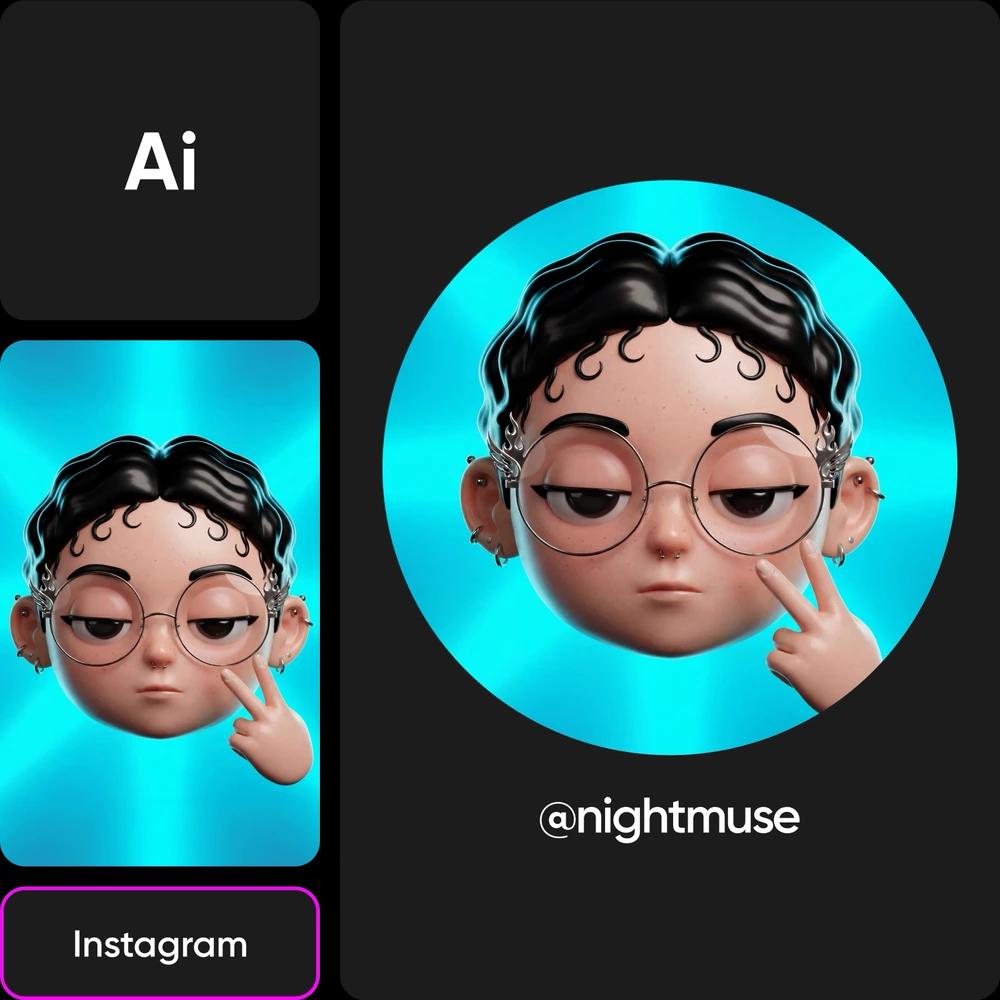
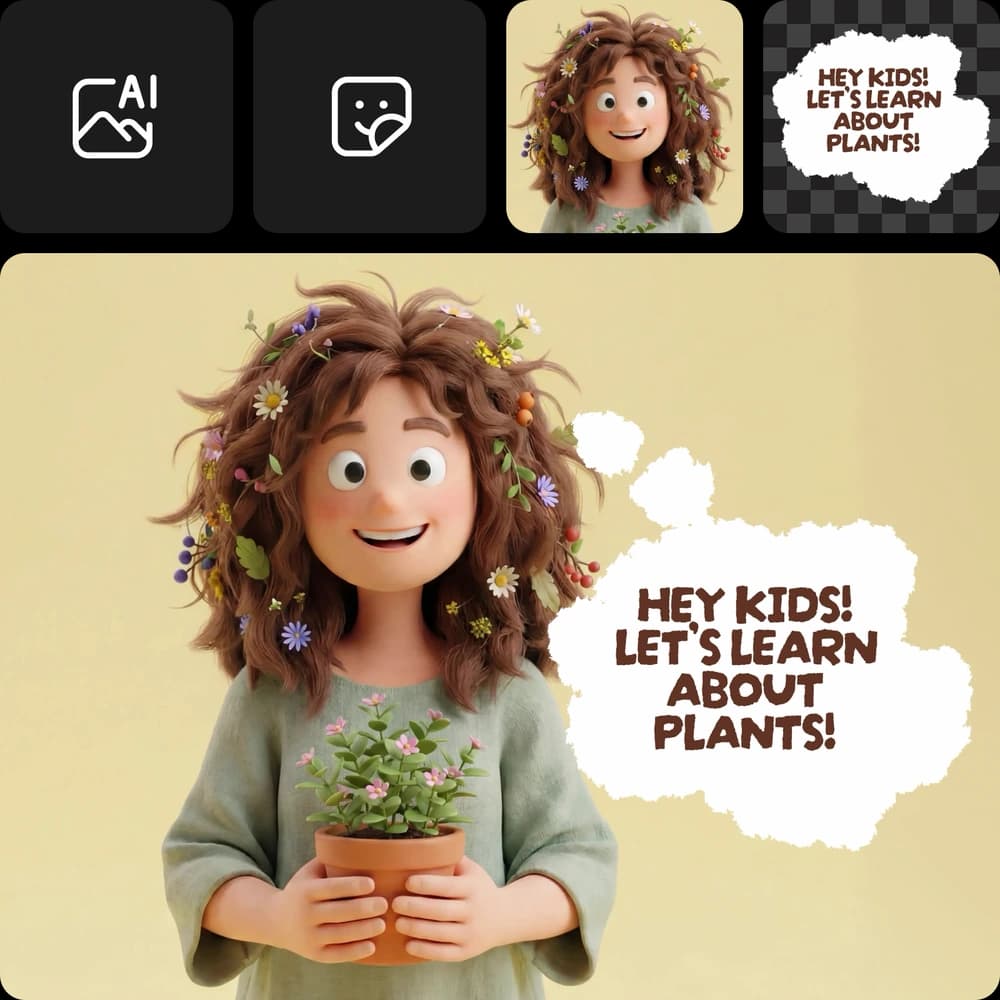
Once you make your own cartoon character, put it to work. Remove the background with the Background Remover to keep only the character as a transparent PNG, then drop it onto stickers, slides, thumbnails, packaging or a website header. Want it to move? Open the AI video generator, add your character sheet as the reference and animate the character into a short clip that keeps its look. One design becomes a sticker pack, a profile picture and a moving mascot.
- Transparent PNG cutout
- Stickers, slides, thumbnails and merch
- Animate it from the character sheet
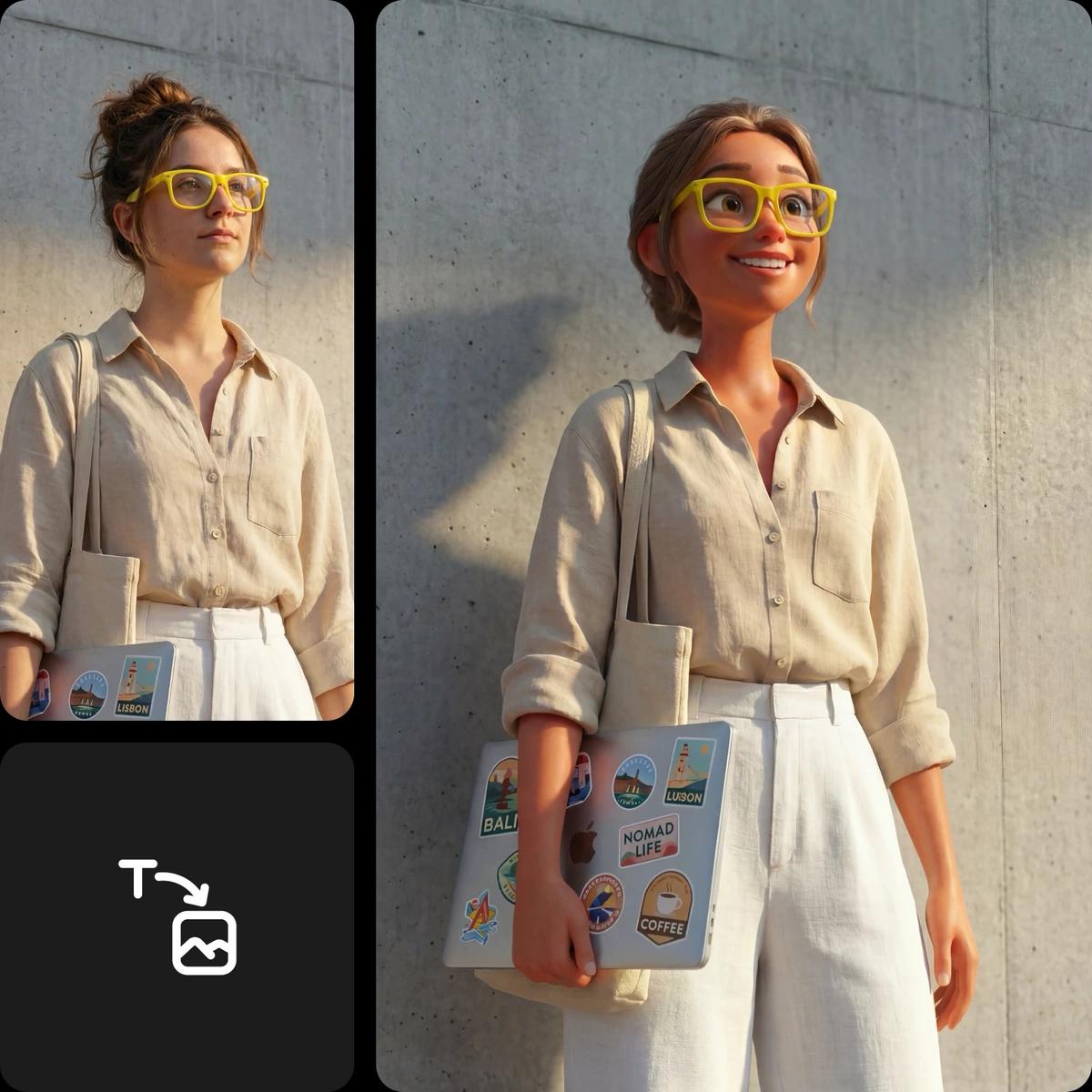
Try AI cartoon effects


Create with Picsart's cartoon character generator
From one idea to a cartoon character you can use anywhere.
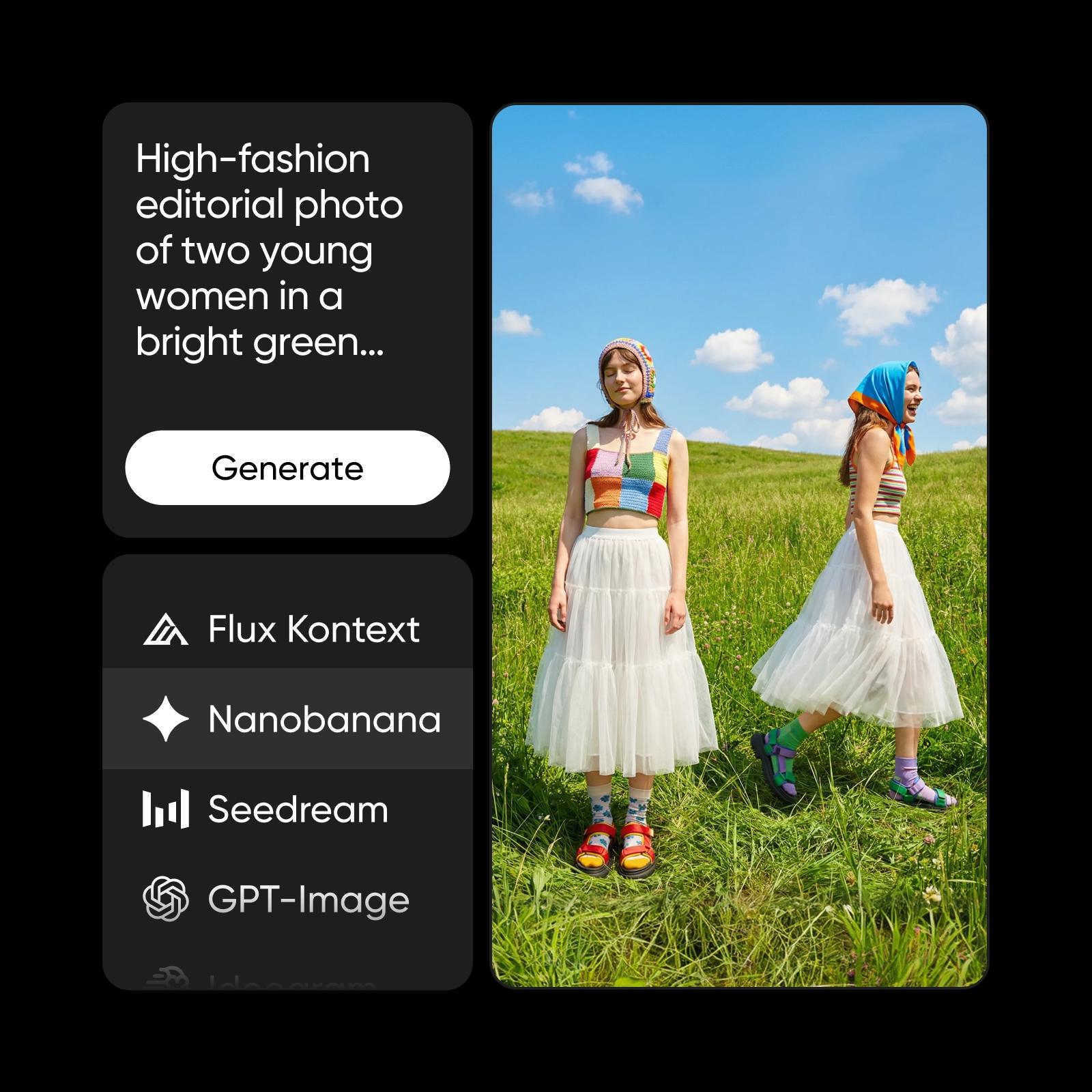
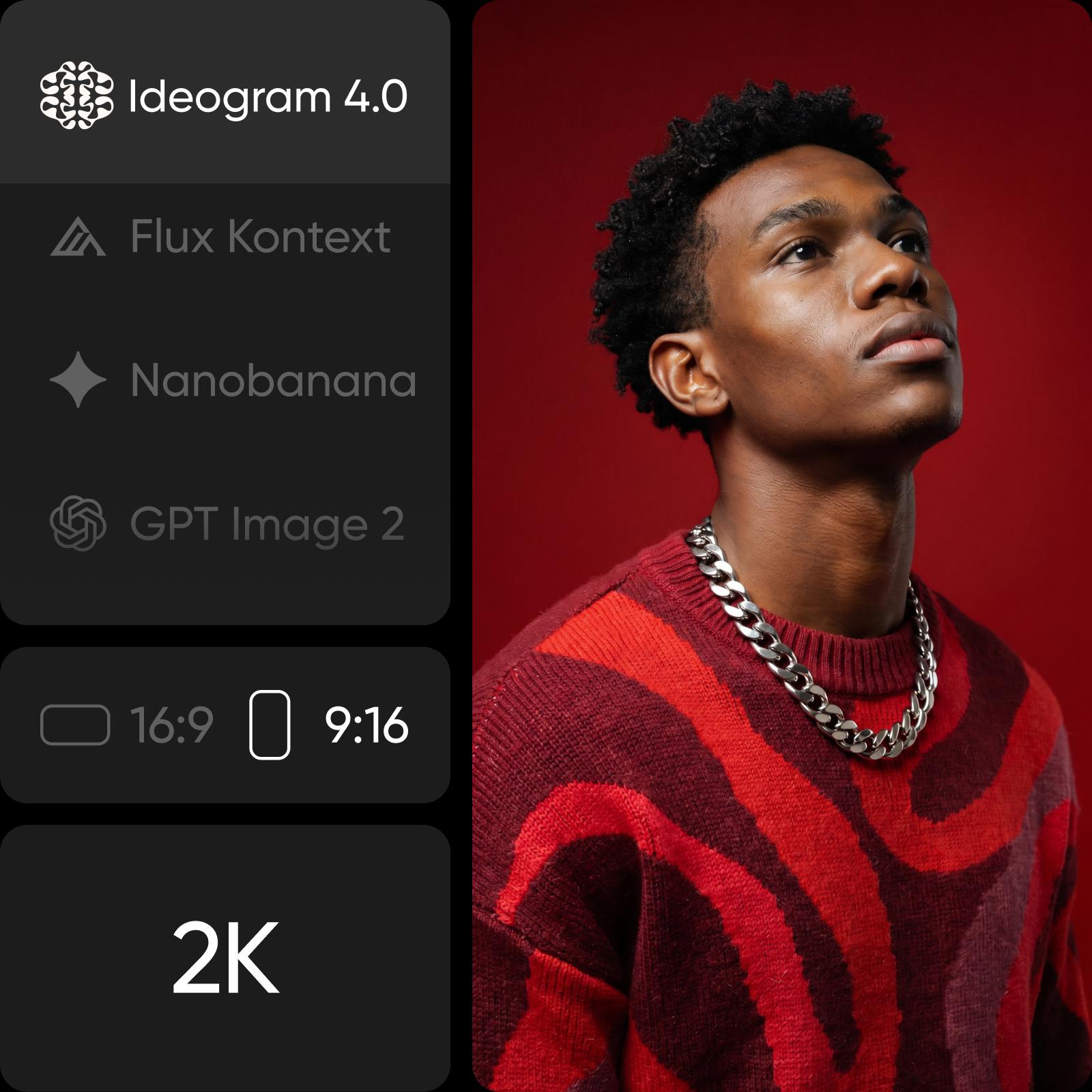
Pick the model for your cartoon character
Start with Flux 2 Max, then switch models for a specific job.
Use your cartoon characters in real projects
Learn more about creating characters
Guides for characters, prompts and stories.
Rated Excellent by Picsart creators
See what people say about Picsart on Trustpilot.
Cartoon character maker FAQ
Picsart's cartoon character maker runs on credits, so you pay only for what you generate. Each model shows its credit cost before you run it, Pro and Ultra plans include monthly credits, and add-on credits never expire. Check the Pricing page for current plans.
Generate characters for every creative story
Pro
Most popularAI tools for everyday creative work.
Ultra
Most powerfulHeavy AI usage for creators & teams.
More tools for characters
Animate, cartoonize or build a whole cast.