Nano Banana 2.1: generate and edit images in one conversation
Google's newest Nano Banana image model, from the Gemini 3 series. Generate images up to 4K from a prompt, edit your own pictures with a doodle, and keep refining across a whole conversation — right inside Picsart.
- Refine images through a conversation
- Guide edits with a doodle
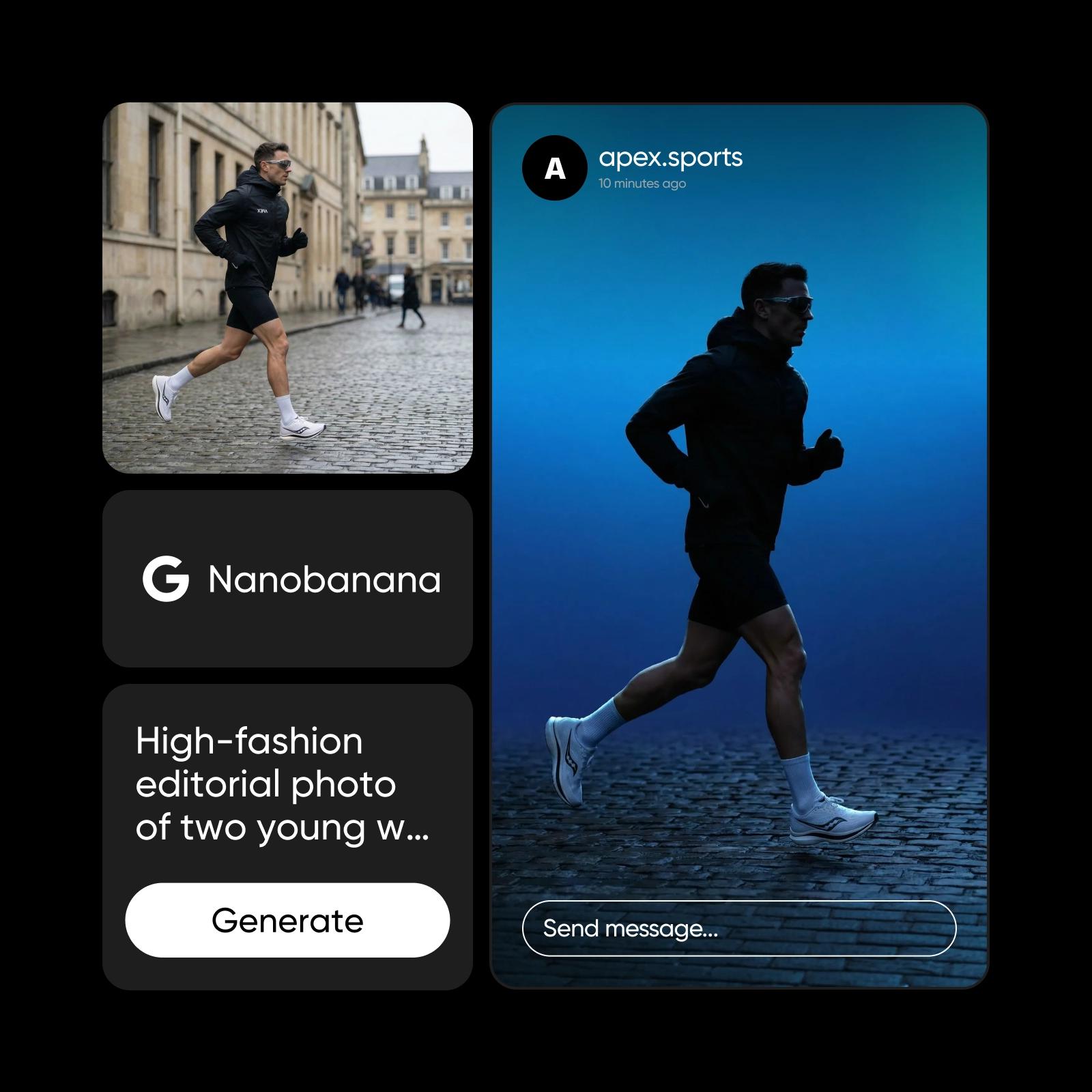
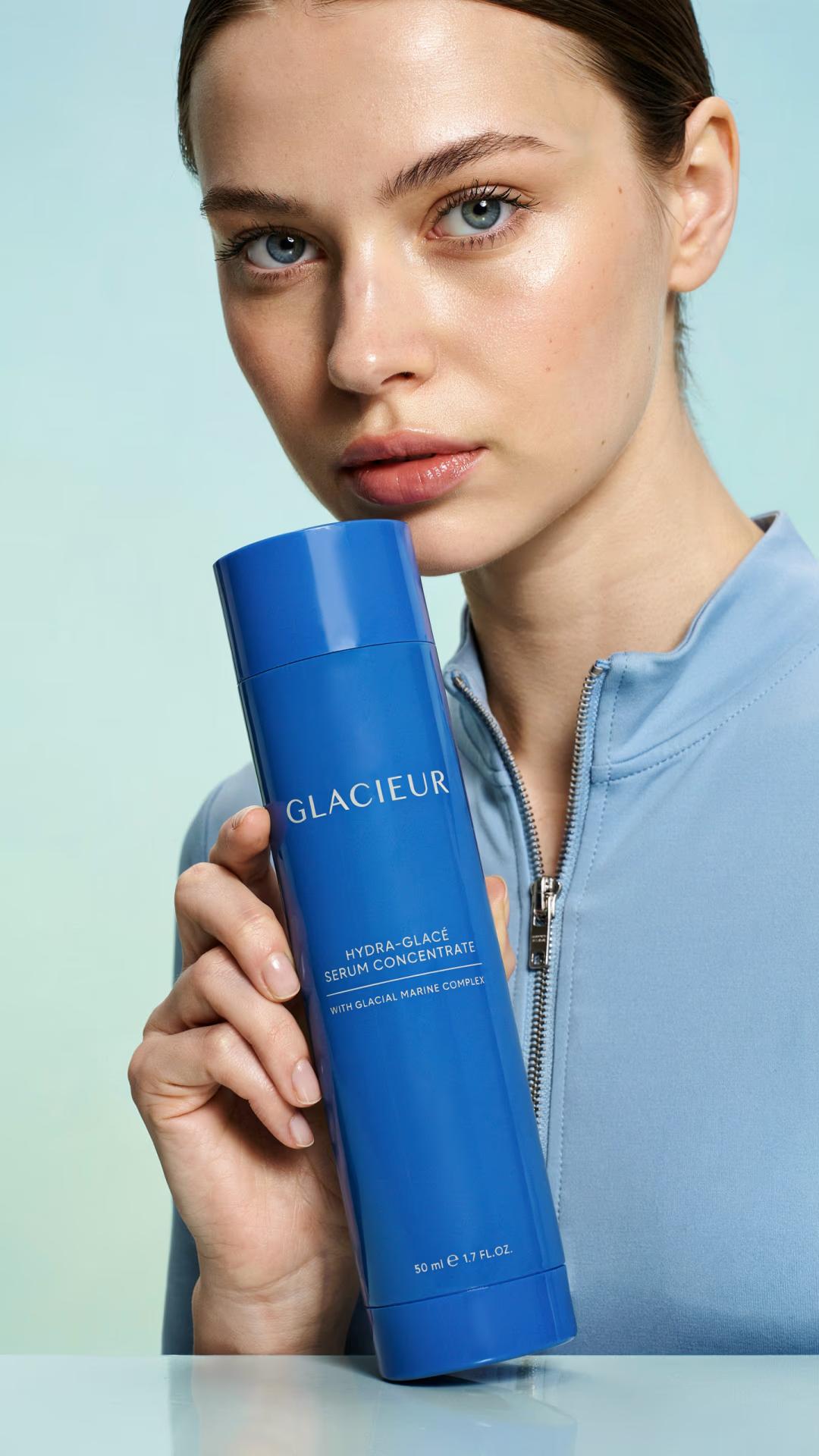
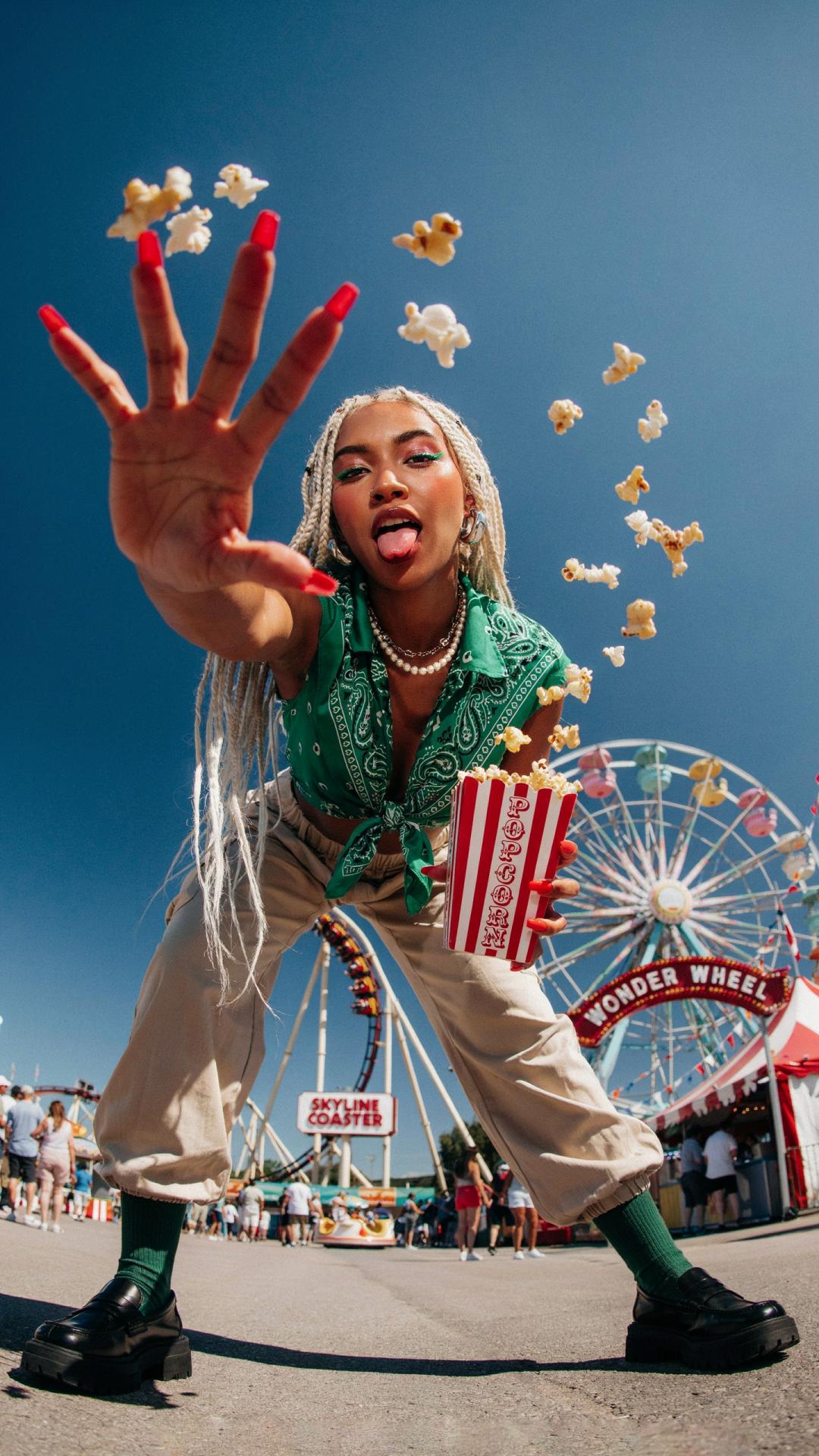
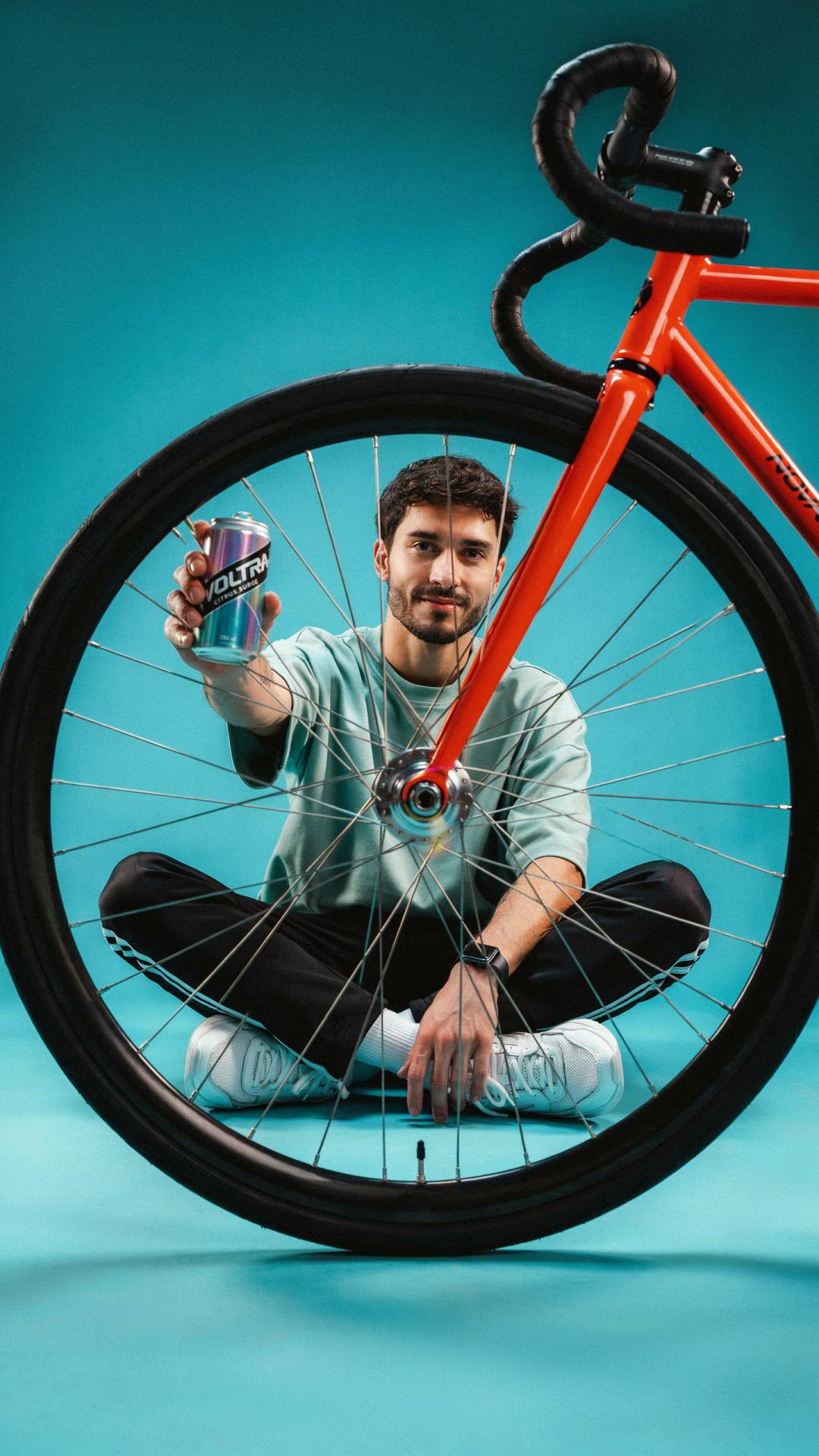
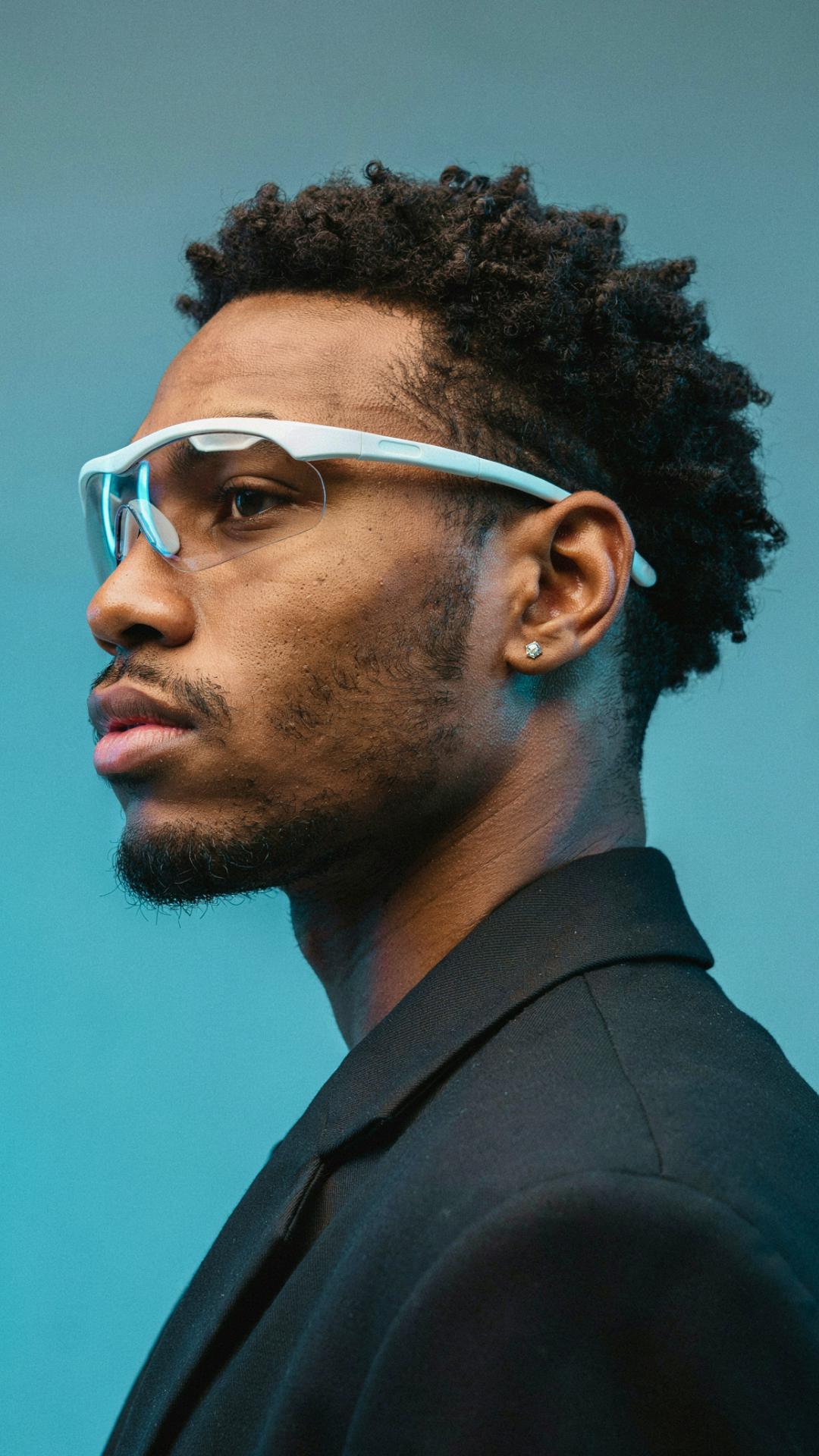
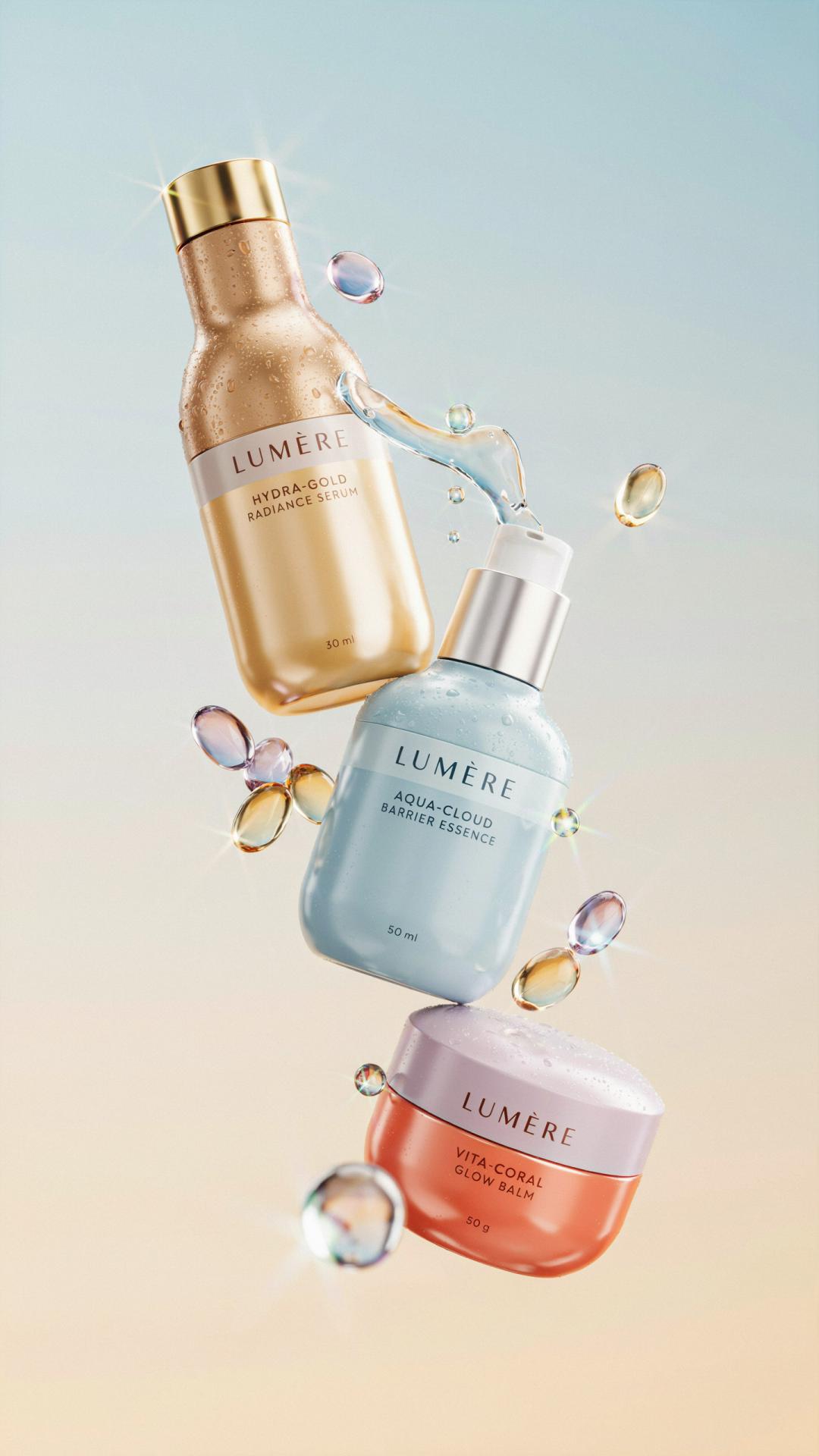
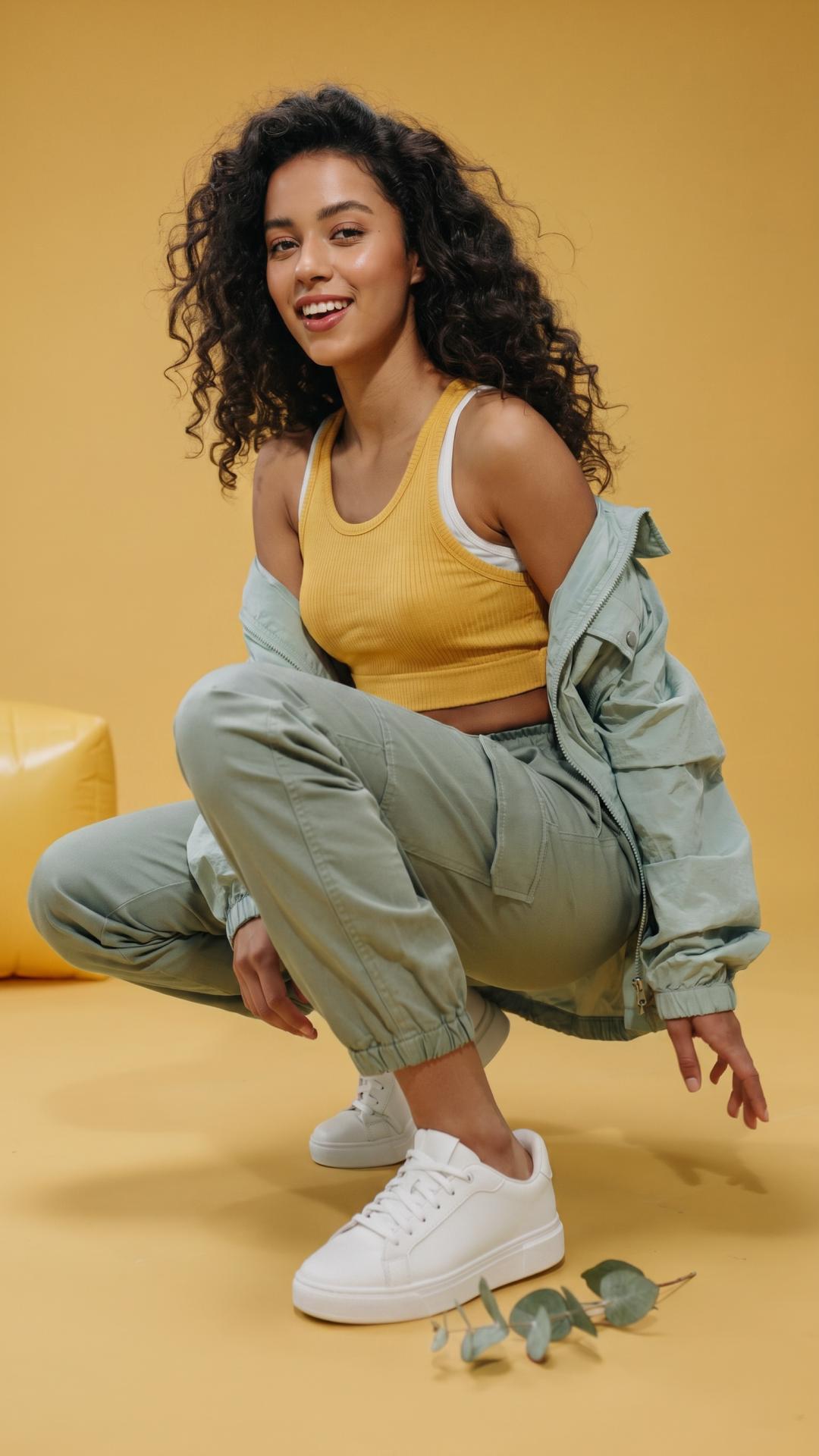
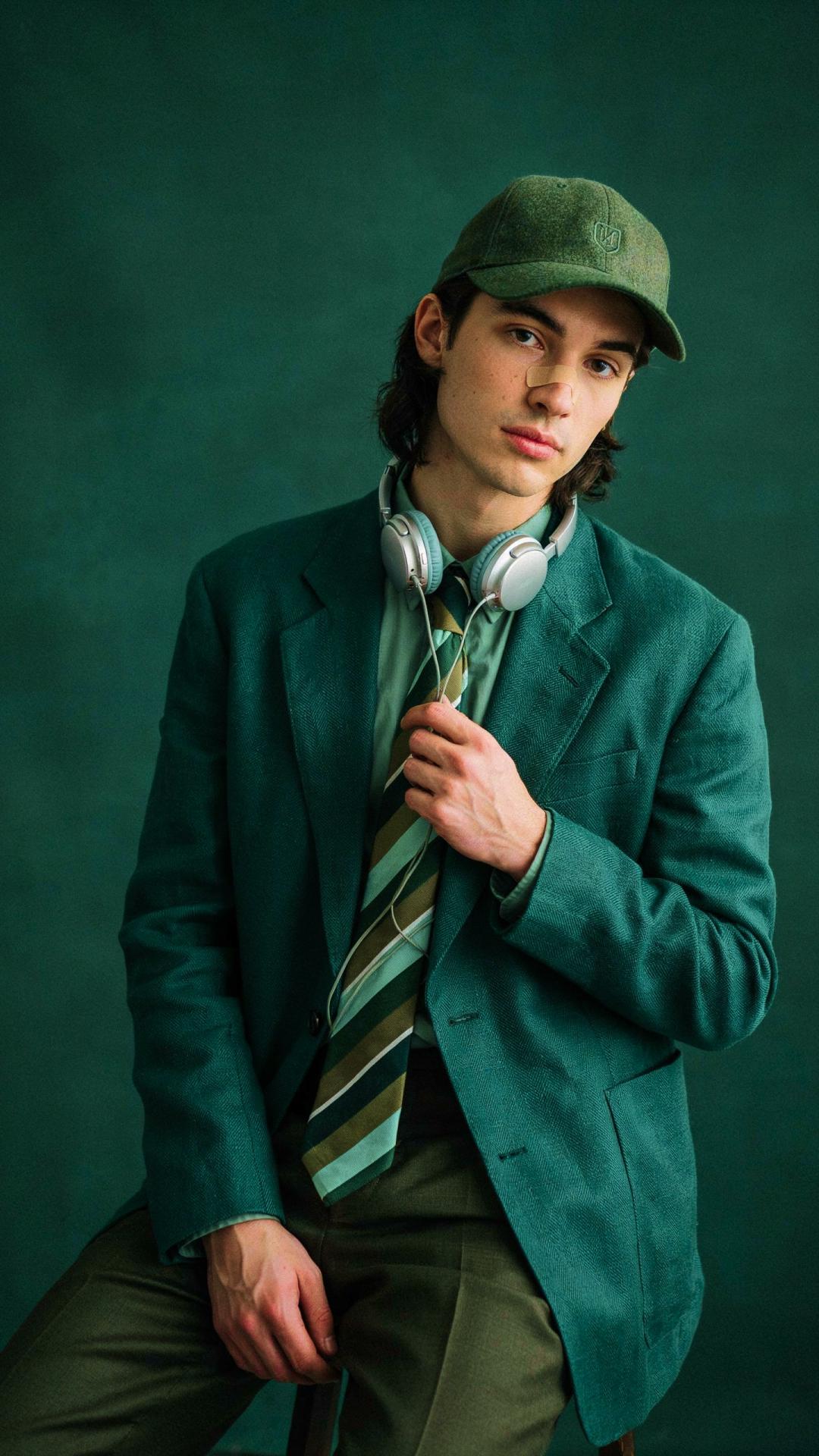
What is Nano Banana 2.1?
Nano Banana 2.1 is Google's newest Nano Banana image model, part of the Gemini 3 series of natively multimodal models and built on Gemini 3.6 Flash. Give it text, images, or both — with a context window of up to 1M tokens — and it generates images and text together in one response. It launched in October 2026 as the latest step in the Nano Banana line.
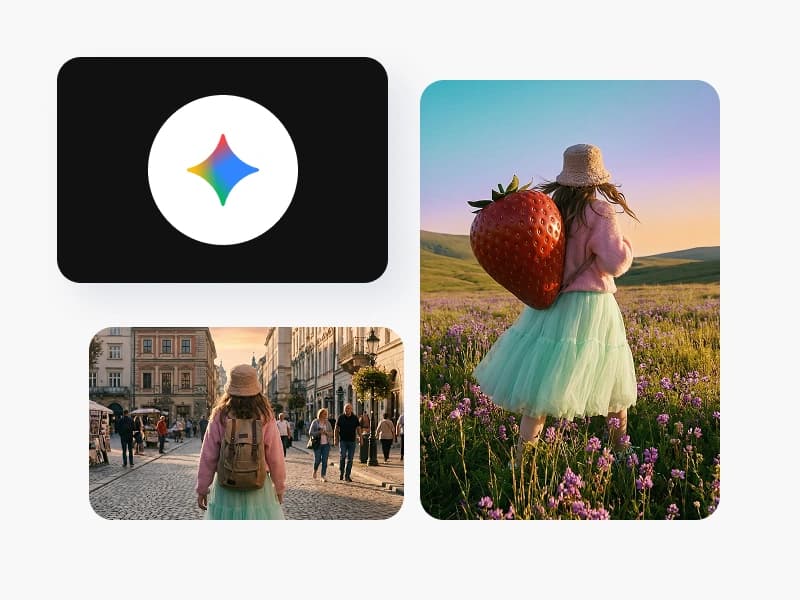
Generate in 1K, 2K, and 4K across 15 aspect ratios
Pick the output that fits the placement: 1K, 2K, or full 4K resolution, in 15 aspect ratios from square 1:1 through cinematic 21:9 to ultra-tall 9:21 — including banner formats like 8:1 and 1:8. Text renders inside the image in multiple languages, and generations draw on world knowledge, so posters, infographics, and educational visuals come out factually grounded.

Edit anything: objects, styles, characters - even with a doodle
Nano Banana 2.1 edits as well as it generates. Swap objects, change environments, restyle a whole image, or edit a character while keeping them recognizable. Ink-based editing means you can doodle directly on the picture to mark exactly what should change — no mask tools, no settings hunt. The rest of the image stays as you shot it.

Combine images and refine across a whole conversation
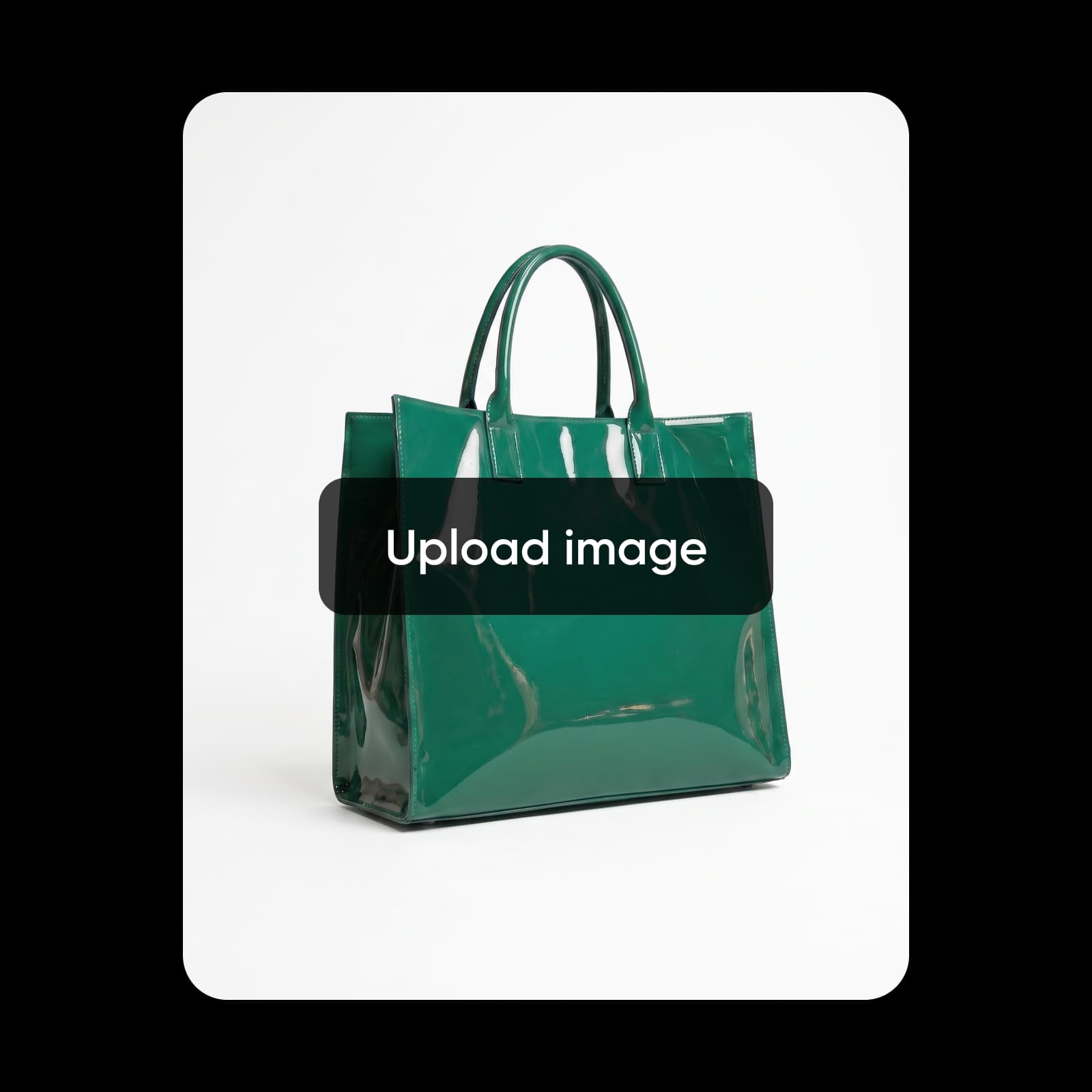
Bring several images into one result: recontextualize multiple products into a single scene, or keep several characters consistent in the same frame. And because Nano Banana 2.1 is built for multi-turn work, you refine in conversation — ask for a change, see the result, ask again — instead of restarting from a fresh prompt each time.

Nano Banana 2.1 in Picsart AI Playground
Nano Banana 2.1 lives in Picsart AI Playground alongside 100+ models, so you can generate and edit images right next to your other creative tools and keep polishing the result in Picsart. Reach the same model wherever you work — on the web, in the desktop app, and through the CLI, MCP, REST API, and SDK — so an image you prototype in AI Playground drops straight into an automated pipeline.
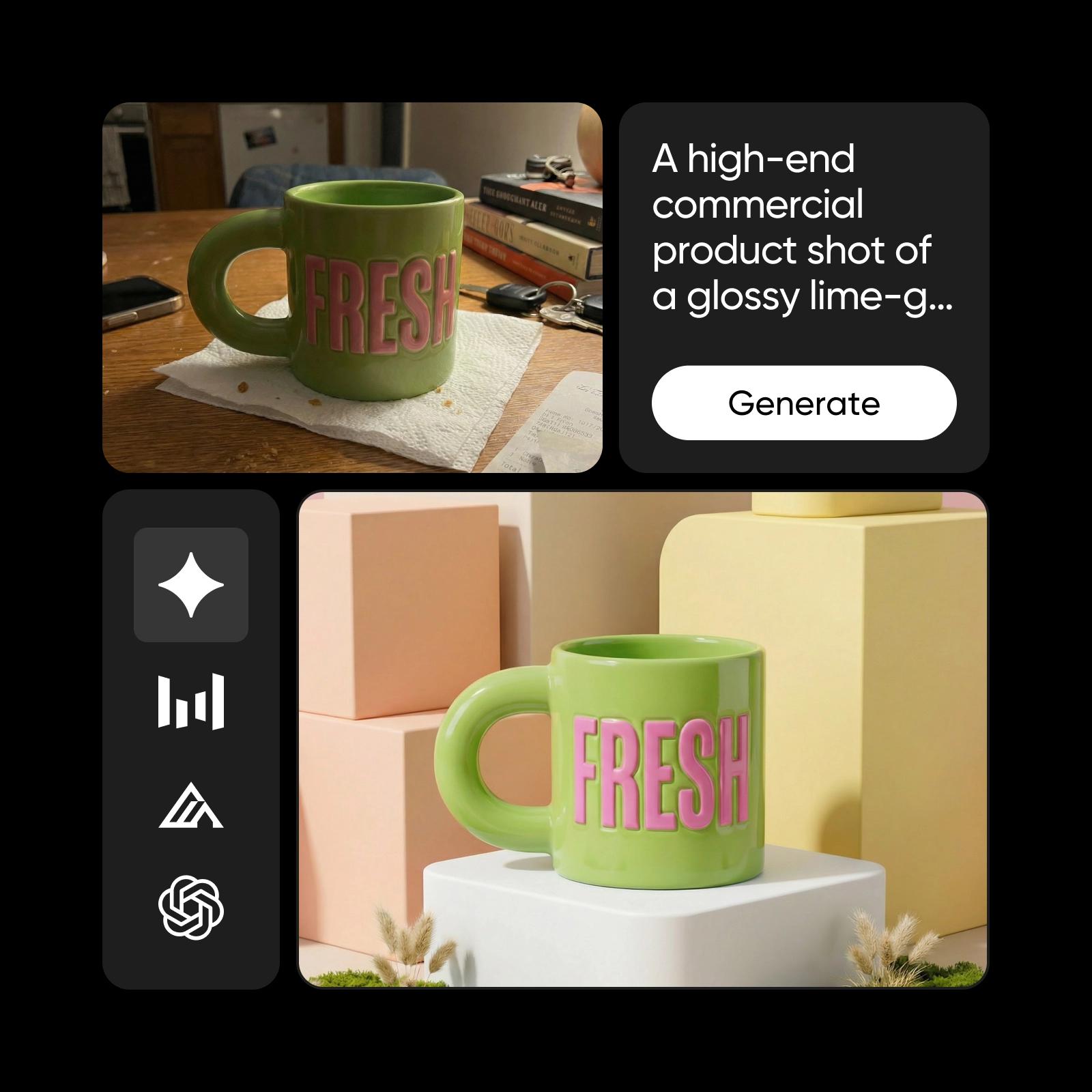
What you can make with Nano Banana 2.1
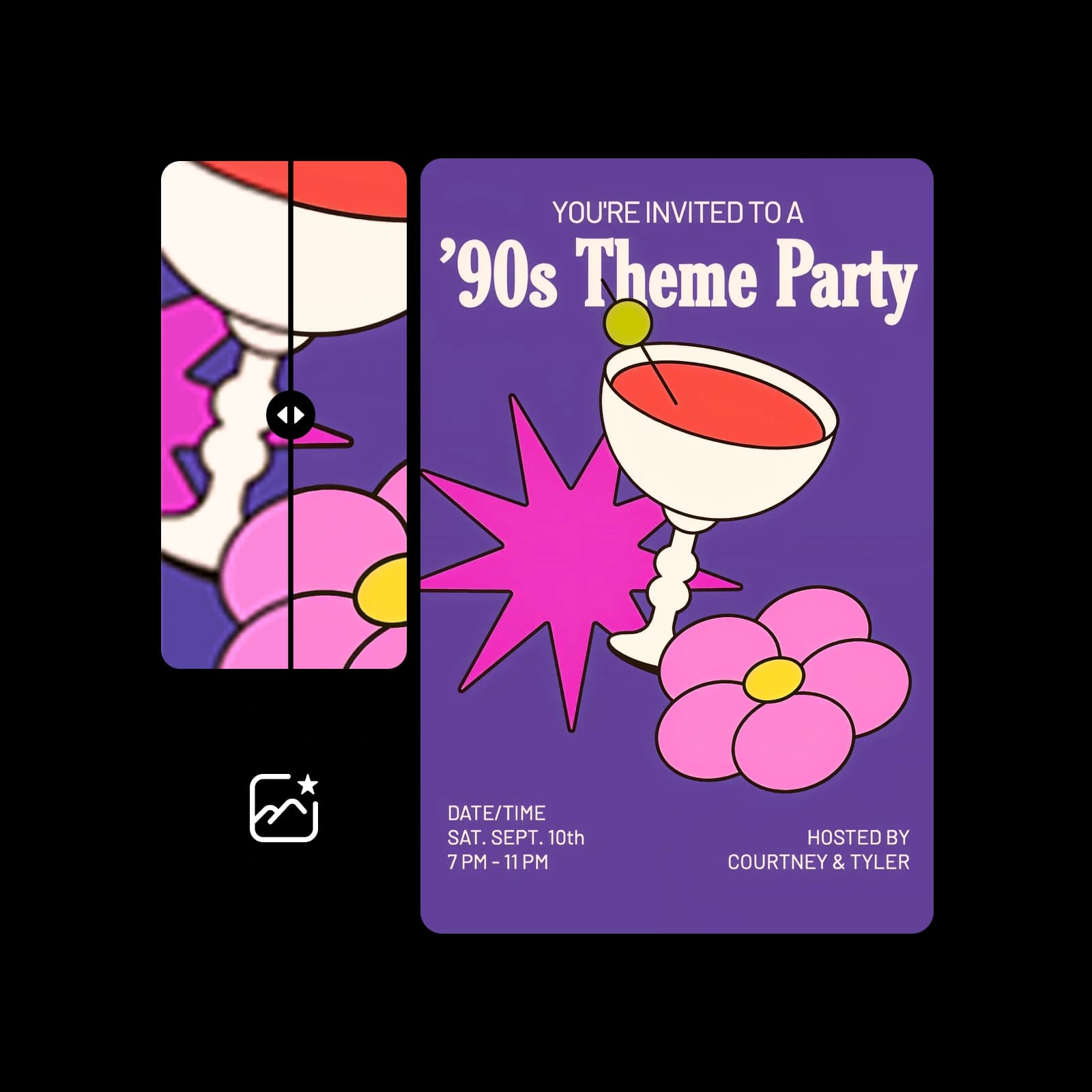
Posters and visual design with real text
How to create with Nano Banana 2.1
Write a prompt, add images to edit or combine, refine in conversation, and finish in Picsart.
Nano Banana 2.1 FAQ
Answers about generating and editing images with Nano Banana 2.1 in Picsart.
Nano Banana 2.1 is Google's newest Nano Banana image model, part of the Gemini 3 series and built on Gemini 3.6 Flash. It generates and edits images from text and image input, with a context window of up to 1M tokens, and returns images and text in one response.
More AI image models to use
Explore other AI image models available in Picsart AI Playground.

Pricing
Try a few generations or build a repeatable image workflow for campaigns, listings, and social.
Pro
Most popularAI tools for everyday creative work.
Ultra
Most powerfulHeavy AI usage for creators & teams.
Read up on AI image generation
Guides and tutorials on generating and editing images with AI in Picsart.