Blur faces in video, automatically
Real faces, blurred with Picsart
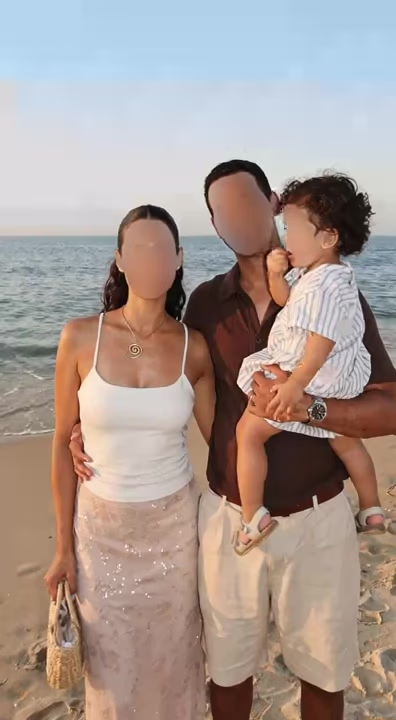
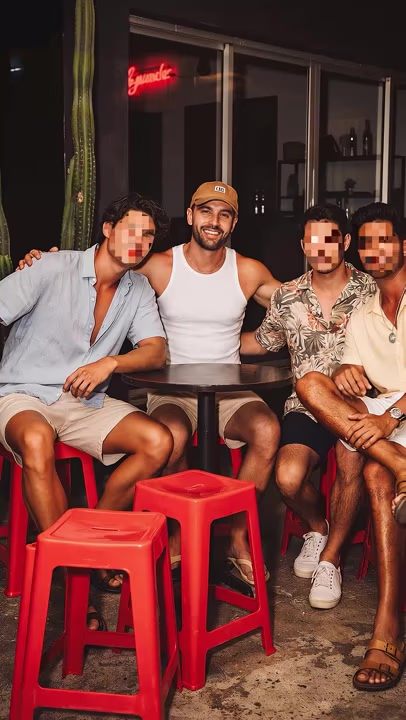
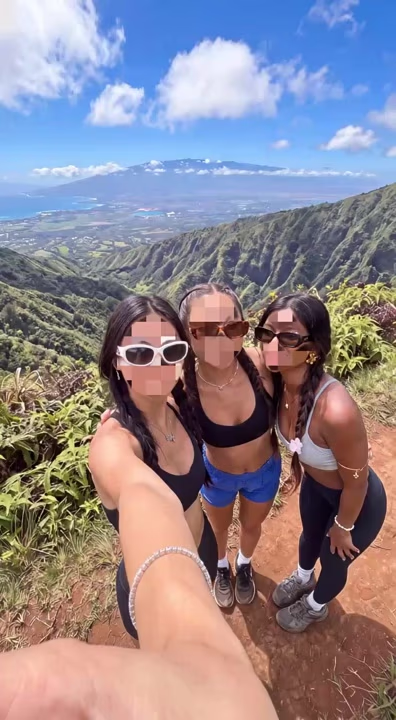
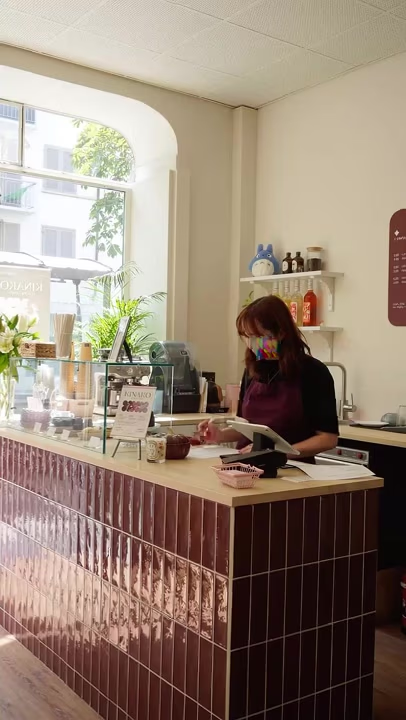
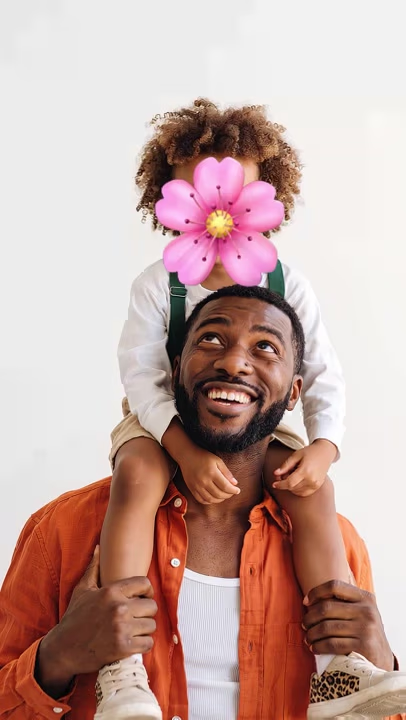
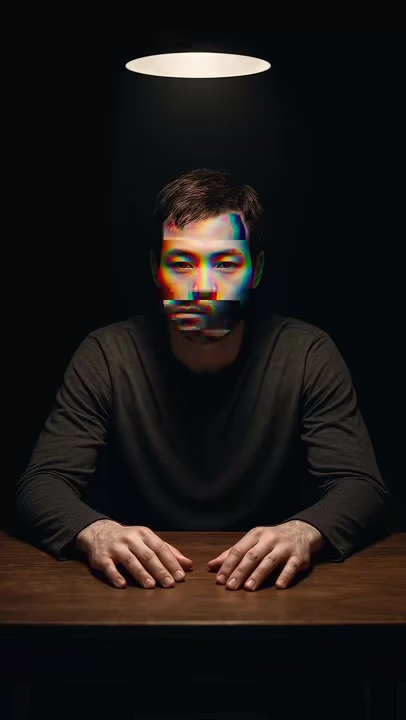
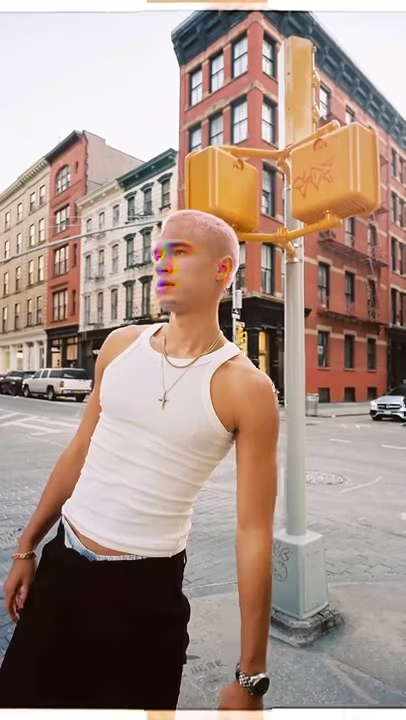
How it works

Every face found and blurred, automatically
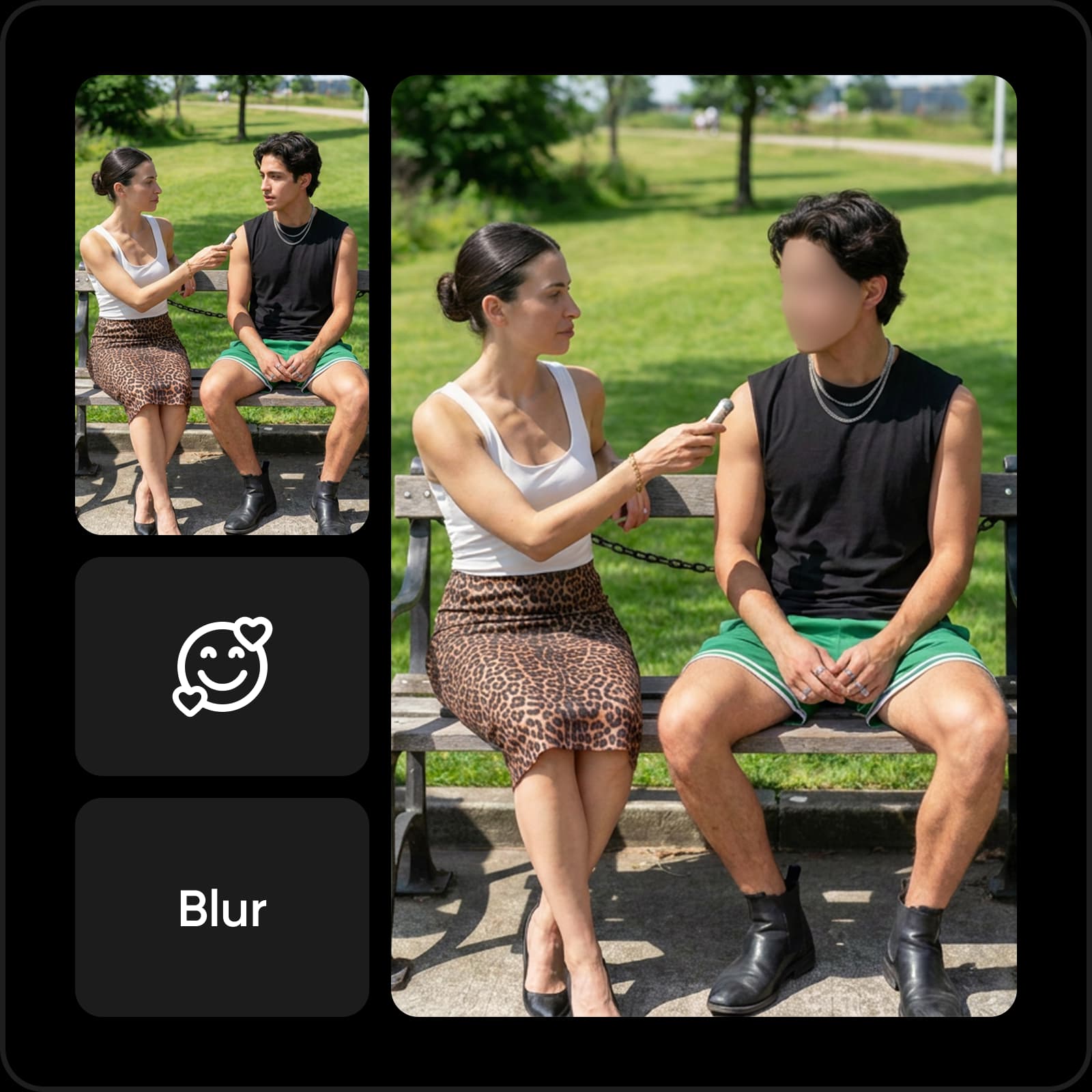
Protect identities without hiding faces frame by frame. Picsart automatically detects faces in your footage and applies a blur that follows them as they move across the frame. Whether you need to hide one person or several, you can anonymize your video in just a few clicks, keeping the editing process simple.
Protect privacy, keep every face anonymous
Keep identities private when sharing footage online or with a wider audience. Blur faces in video to conceal bystanders, minors, interview participants, or anyone who hasn’t agreed to appear. It’s a simple way to anonymize street footage, interviews, event videos, and user-submitted clips while keeping the rest of your video visible.
Blur, pixelate, or mosaic - your call
Choose how you want to hide faces and sensitive details in your video. Apply a smooth blur, pixelated effect, or mosaic depending on the level of coverage and look you need. Adjust the intensity to make the effect subtle or more pronounced while keeping the rest of your footage clear and easy to watch.
Blur faces, plates, screens - anything that moves
Keep more than identities out of view when your footage includes sensitive details. Blur a section of video to hide license plates, screens, tattoos, logos, or other areas you don’t want visible. Apply the effect to your chosen region and keep it covered as it moves across the frame. Once your footage is protected, keep editing — merge videos into one seamless clip or add more effects in Video Studio.
Blur faces in video online, free - no downloads
Protect identities without downloading editing software or learning complicated workflows. With Picsart, you can blur faces in video online free, right from your browser, whether you’re on desktop or mobile. Apply the effect, preview your anonymized footage, and export a clean video with no watermark, ready to share. Need another quick edit? You can also reverse a video in the same Video Studio.
Ways to blur faces in video
Street interviews and vox pops
Blur faces in video FAQ
Upload your video to Picsart and let the tool automatically detect faces, or select the area you want to hide. Choose a blur style and intensity, preview the result, then export your anonymized video.
Generate videos for every creative idea
Pro
Most popularAI tools for everyday creative work.
Ultra
Most powerfulHeavy AI usage for creators & teams.
Enterprise
Custom AI solutions for large organizations.
- Volume discounts on credit rate
- On-demand top-ups
More video tools to explore from video studio
Reverse video
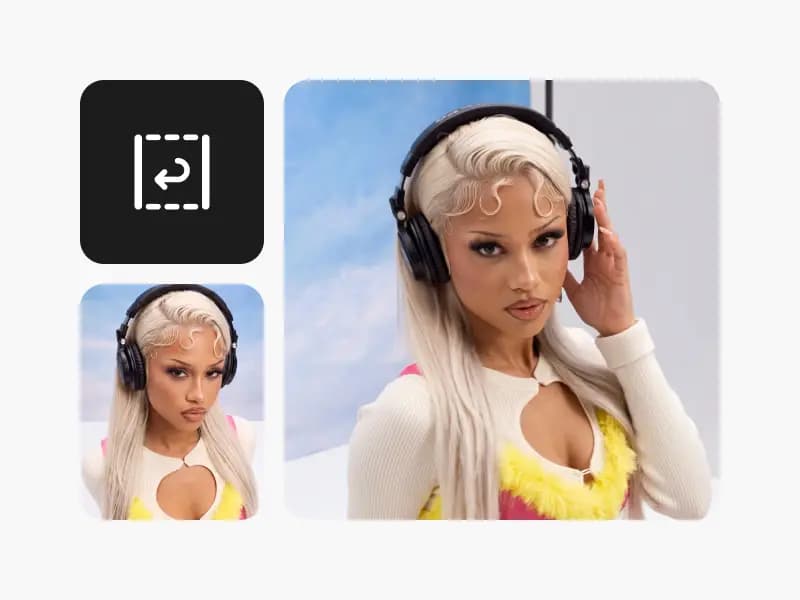
Turn any clip into a smooth rewind with Picsart's free online Video Reverser.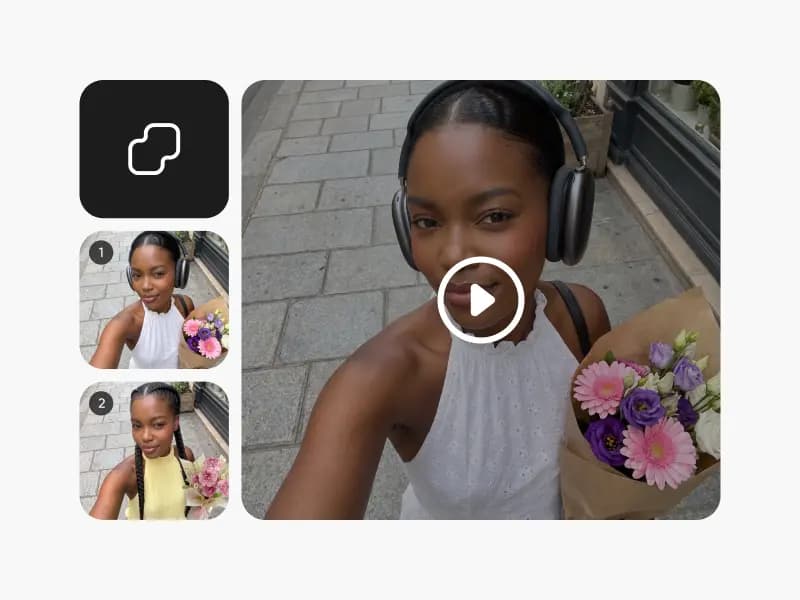
Merge videos
Merge videos online for free. Combine multiple clips into one seamless video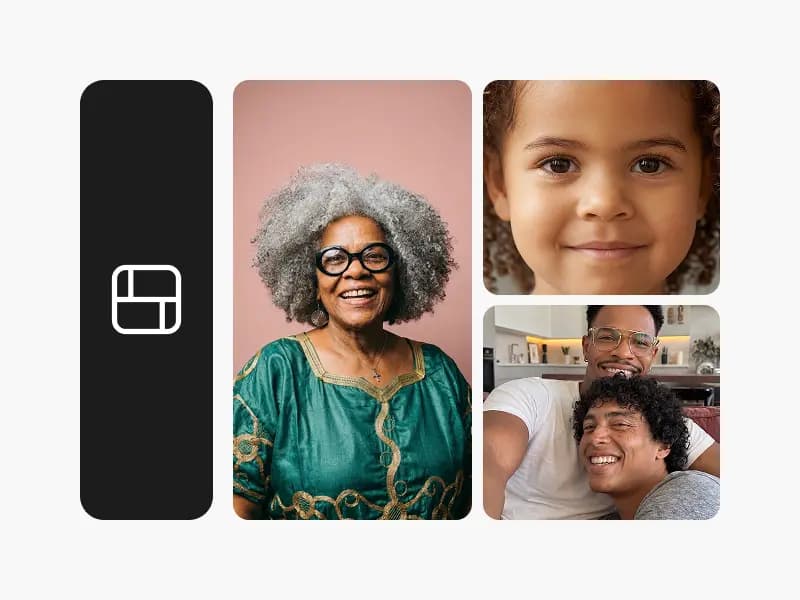
Video collage
Make a video collage online for free. Put multiple videos side by side in grid and split-screen layouts.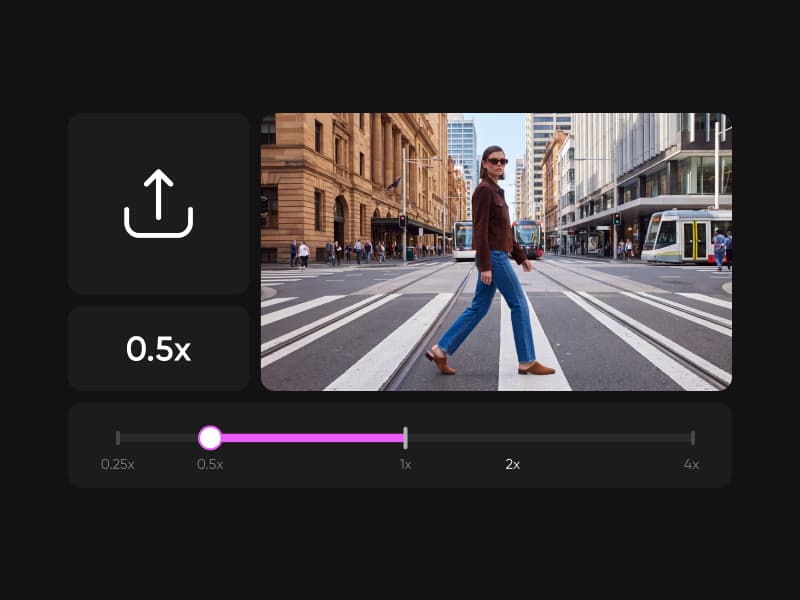
Video speed
Speed up video or slow it down online for free. Change video speed from 0.25x to 4x, create smooth slow motion, and export.