Video collage maker
Video collages made with Picsart
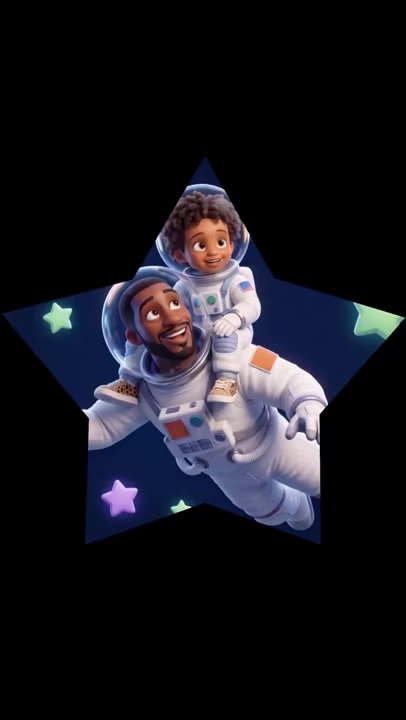
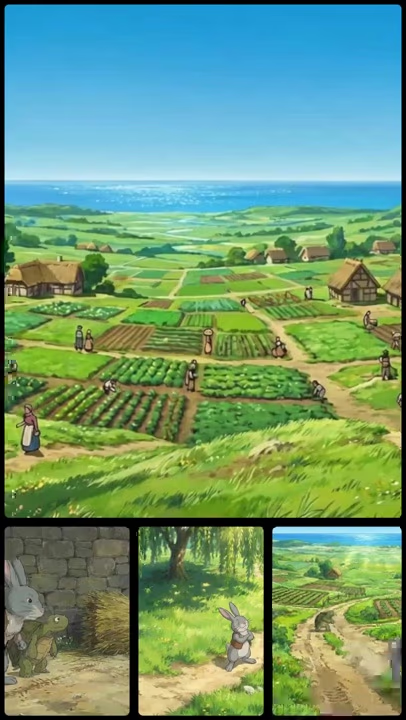
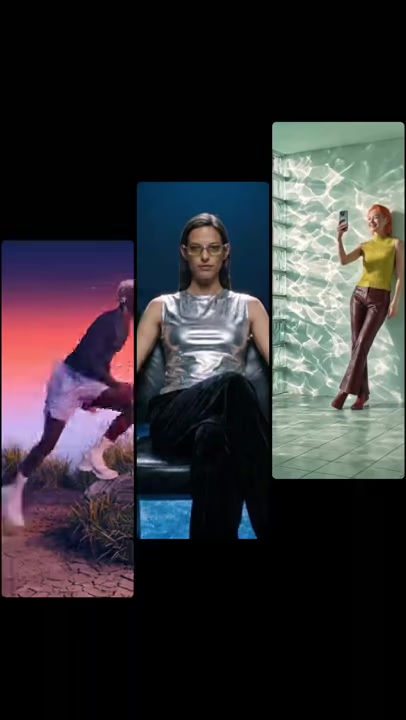
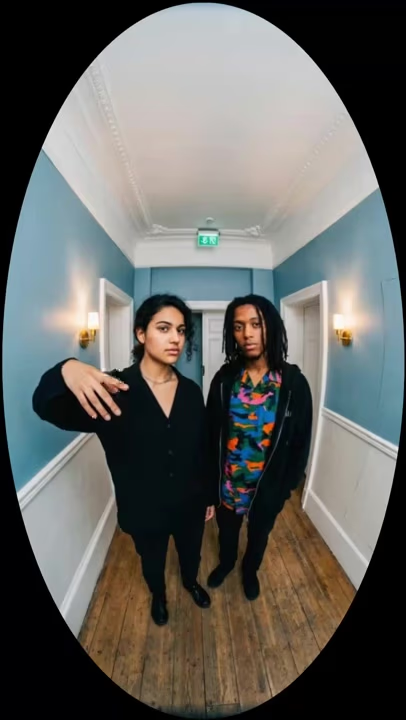
How it works
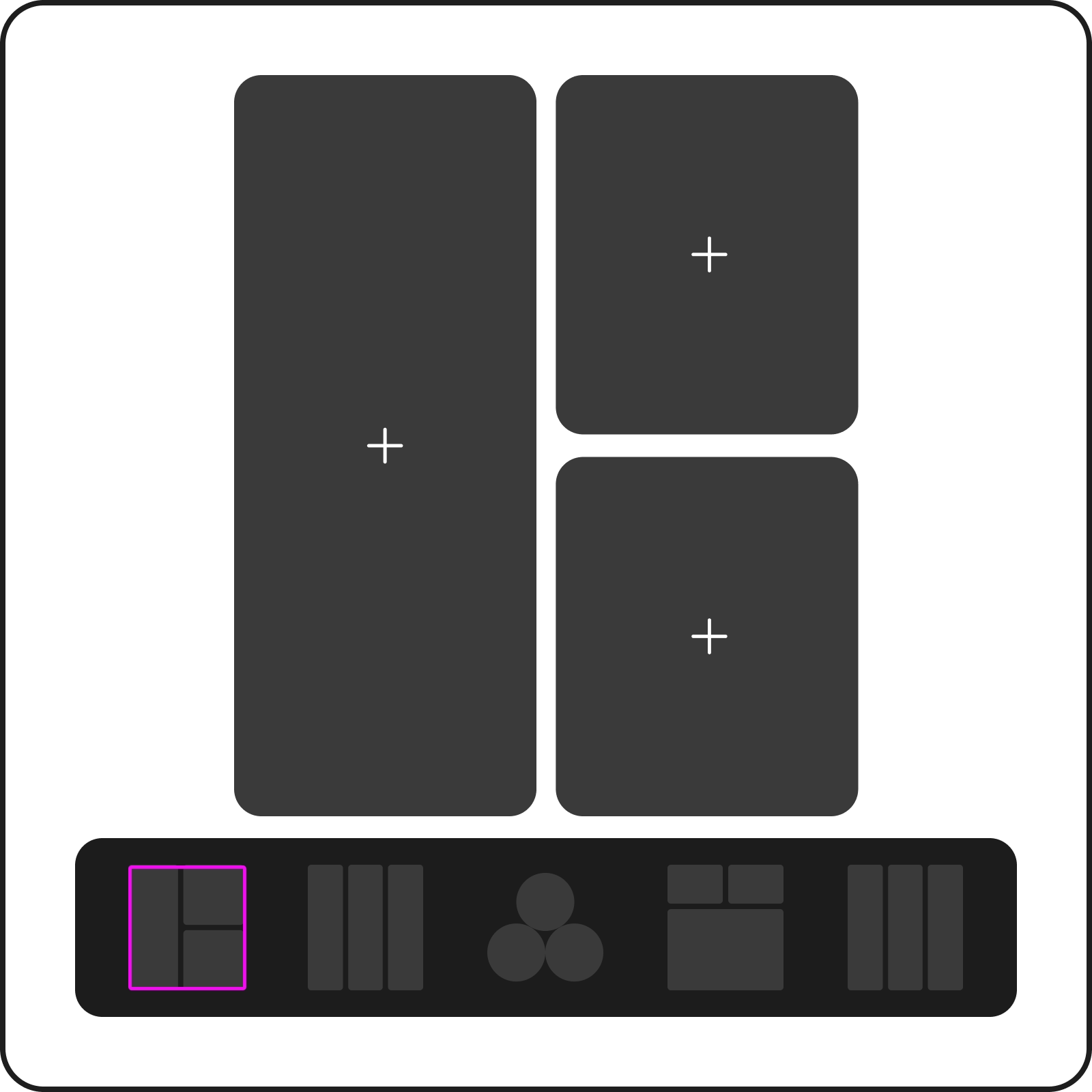
Create a video collage with multiple clips
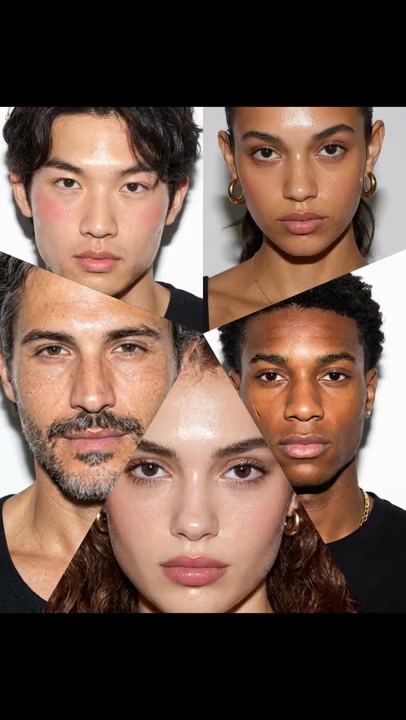
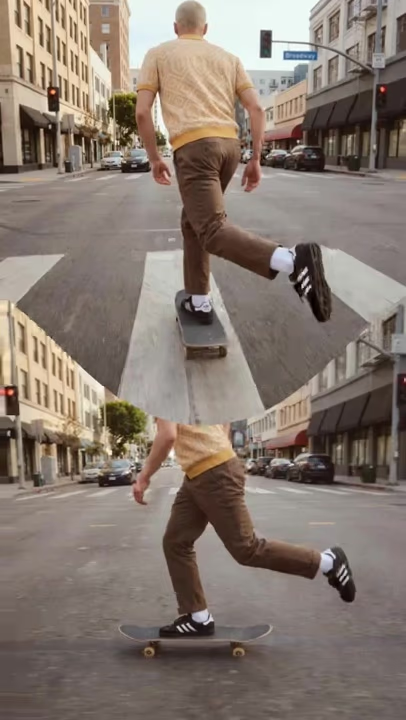
Bring several moments into one frame and let them play side by side at the same time. Add a different video to each cell, adjust each clip to fit your layout, and create dynamic reaction videos, before-and-after comparisons, highlight grids, or multi-angle edits without switching between separate projects. Prefer one continuous cut instead? You can merge videos into a single sequence.
Choose from grid and split-screen layouts
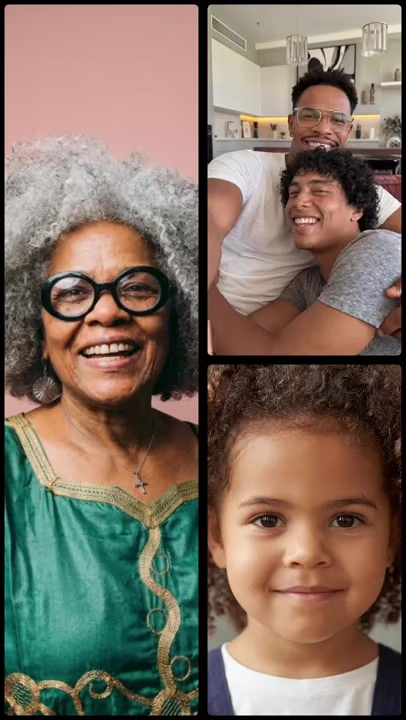
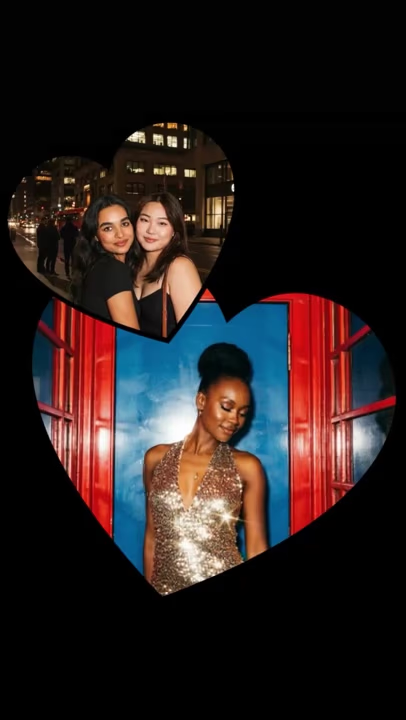
Find the right frame for every story with flexible video collage layouts. Place clips in a clean grid, show two moments side by side with a split-screen, or use picture-in-picture to keep one scene in focus. Pick a layout that fits your footage and brings every clip together naturally. You can even speed up or slow down a clip so the whole layout stays in rhythm.
Combine videos and photos in one collage
Mix moving footage and still images in the same frame to tell more of your story at once. Pair videos with favorite photos, product shots, or snapshots, then arrange everything in a layout that feels balanced. Create one dynamic video collage without turning your images into separate clips first. For a playful accent, reverse a clip and drop it into the grid alongside the rest.
Add music and fine-tune every clip
Give every part of your video collage the right timing and sound. Trim individual clips to highlight the best moments, adjust their timing, and sync the action to the beat. Add music across the entire collage to tie everything together and create an edit that feels smooth from start to finish.
Export video collages for Instagram, TikTok, and more
Get your video collage ready for any feed, Story, or post. Choose a square, vertical, or landscape aspect ratio to fit Instagram, TikTok, and other social platforms. Once everything looks right, export your finished collage in high quality with no watermark, ready to share wherever your audience is. Need to keep someone private? Blur faces in your footage before you export.
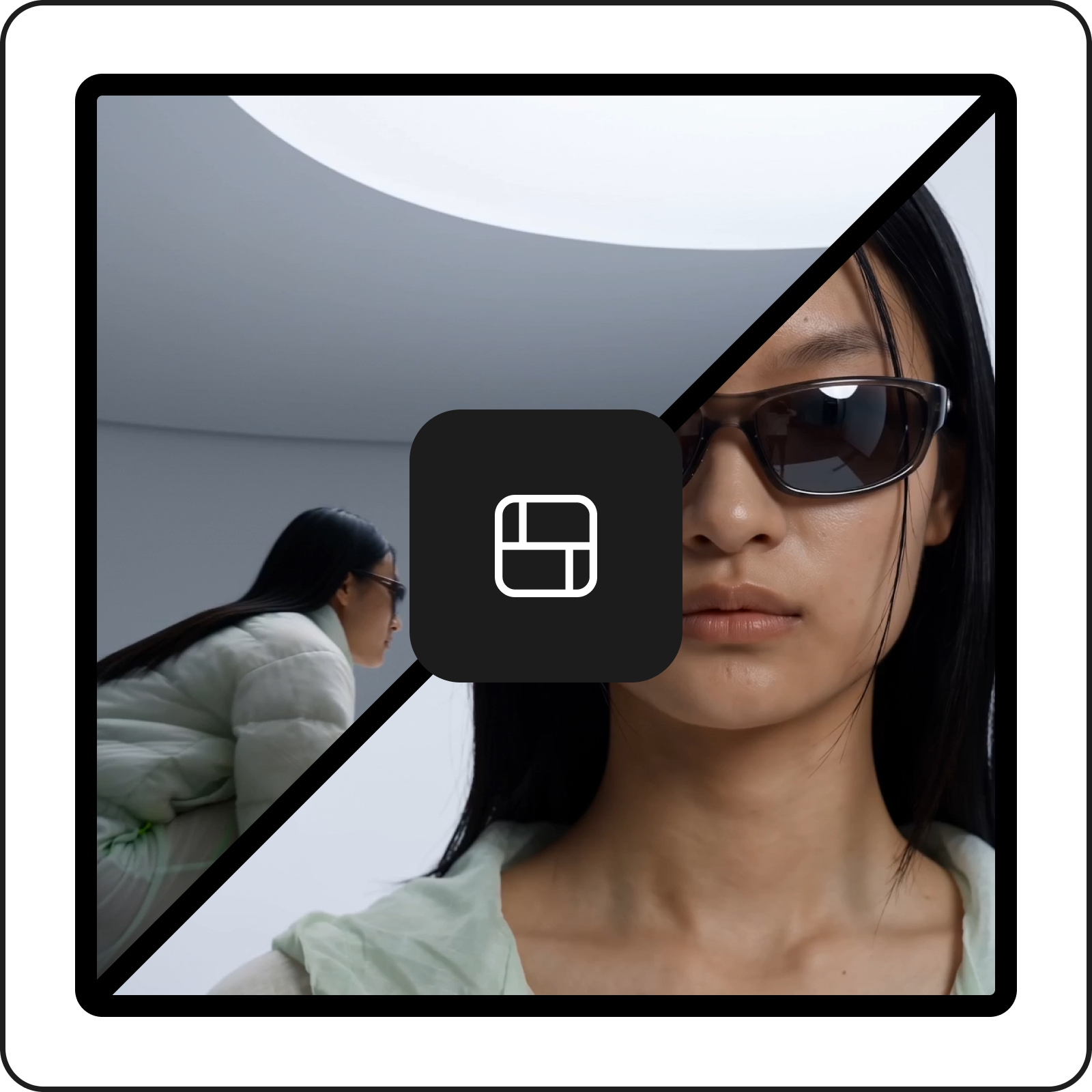
Discover ways to make a video collage
Reaction and duet videos
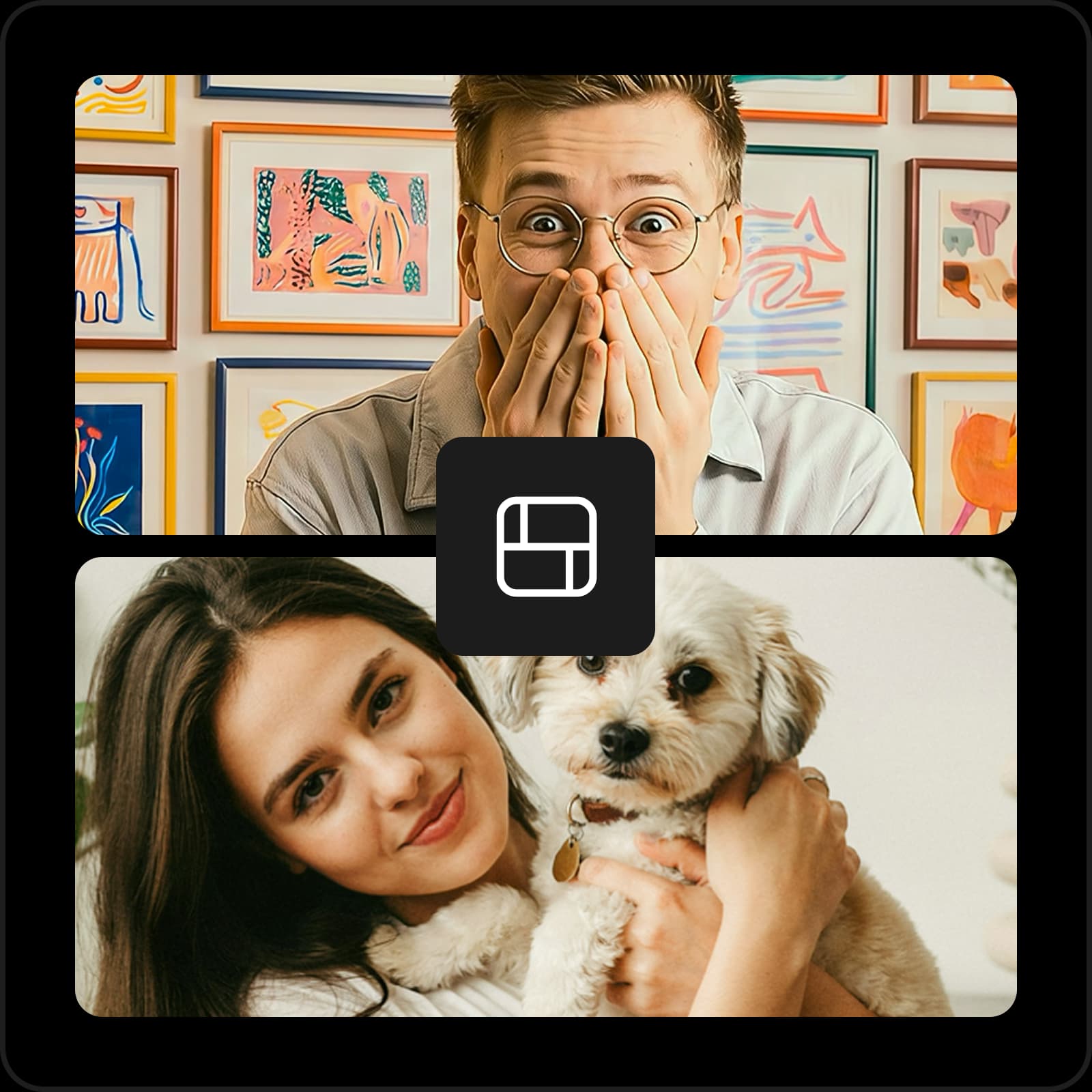
Video collage maker FAQ
A video collage combines multiple video clips, and optionally photos, in a single frame. The clips can play at the same time in grid, split-screen, or picture-in-picture layouts.
Generate videos for every creative idea
Pro
Most popularAI tools for everyday creative work.
Ultra
Most powerfulHeavy AI usage for creators & teams.
Enterprise
Custom AI solutions for large organizations.
- Volume discounts on credit rate
- On-demand top-ups
More video tools to explore from video studio
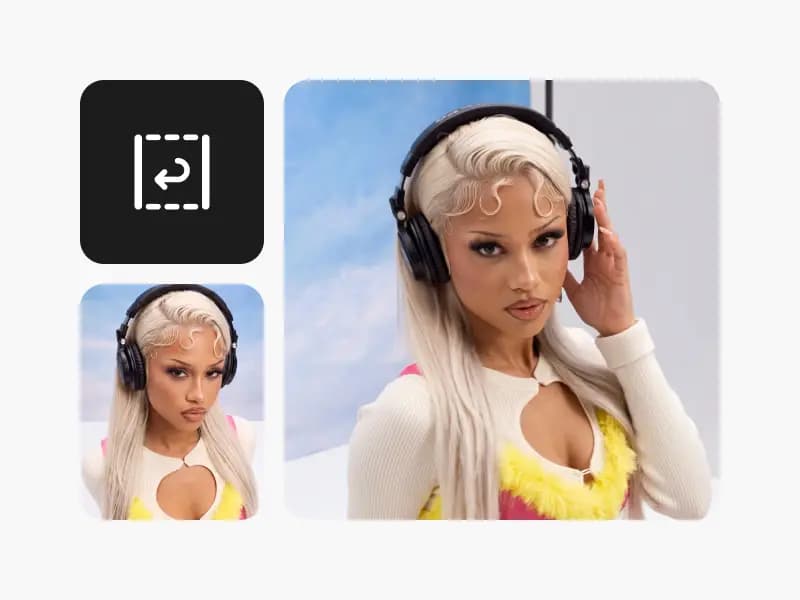
Reverse video
Turn any clip into a smooth rewind with Picsart's free online Video Reverser.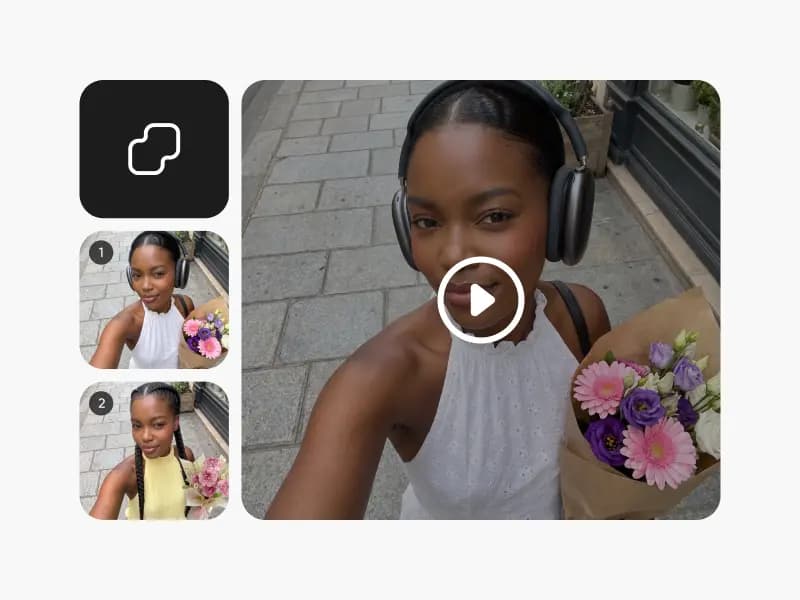
Merge videos
Merge videos online for free. Combine multiple clips into one seamless video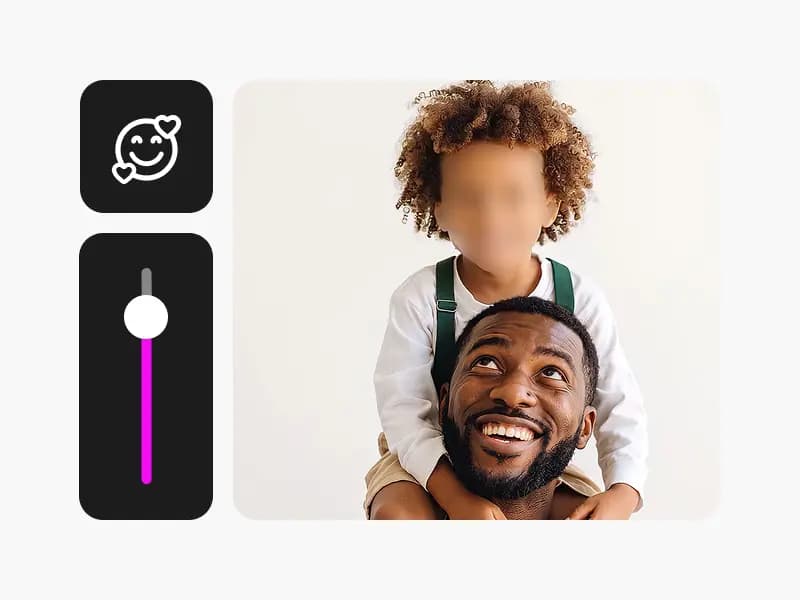
Face blur in video
Blur faces in video online for free. Automatically detect and blur faces to protect privacy.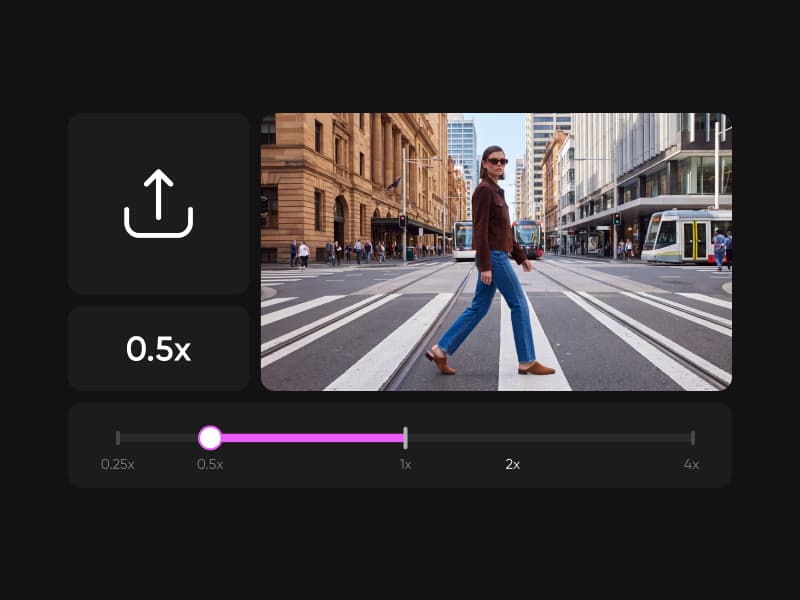
Video speed
Speed up video or slow it down online for free. Change video speed from 0.25x to 4x, create smooth slow motion, and export.