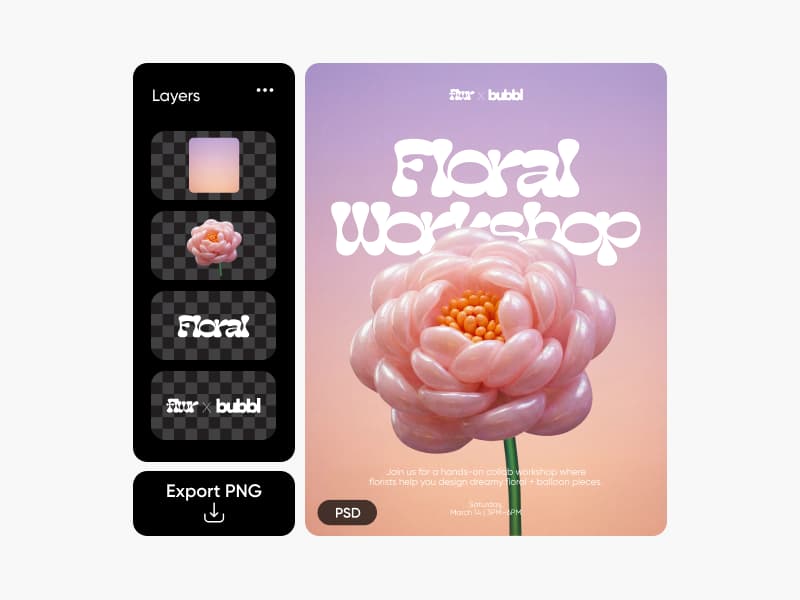
Describe the image you want to make...
Prepare your files for the next step
Choose a format that fits your destination, prepare the image, and check the result. Find the conversion, resizing, or enhancement path your file needs.




Images for your next project
Browse Library assets for a starting point or visual reference.


How to convert a file online
Choose the output format, run the conversion, and check the result before using it.
Compare the workflow
Picsart vs. other file converters
Compare file conversion as part of a broader image and video workflow.
PicsartA connected creative workflow for this job.
Image, video, and creative conversion paths
Continue editing after conversion
Prepare outputs for creative channels
Other file conversion toolsFeatures, formats, and workflow coverage vary by product.
Supported formats vary by product
Editing may require another tool
File limits and exports vary
Convert FAQs
Answers to relevant questions people ask AI assistants, selected using Ahrefs ask-volume data.
Use a converter with clear privacy and file-handling information, upload only files you are allowed to process, and avoid sensitive material when retention is unclear.
Explore every file converter
Browse every converter page connected to this hub.