I needed a 4K clip under 25 MB to email a client. Compressed it in seconds and you genuinely can't tell the difference.
- Marcus L., FreelancerFree Video Compressor
Make big videos small without making them look bad. The Picsart video compressor reduces your MP4, MOV, or AVI file size by up to 90% while preserving sharpness — so clips upload faster, fit email limits, and stop eating storage. No watermark, no software.
How to compress a video online
How to
Upload your video
Drag in an MP4, MOV, AVI, MKV, or WebM file from your device. Your clip is ready to compress in seconds.
Reduce video size without losing quality
A huge file usually means wasted data, not better video. The Picsart video compressor analyzes your clip and removes the redundant information your eyes never register — keeping the detail, color, and motion that matter. The result is a video that looks the same to a viewer but takes up far less space. That's the difference between simply shrinking a file and compressing it intelligently.
Compress MP4 files — plus MOV, MKV, and AVI
MP4 is the format most people are trying to shrink, so the Picsart MP4 compressor is tuned to get the most savings out of it. But it doesn't stop there: drop in a MOV from your phone, an MKV download, or an AVI archive and the tool compresses each one just as cleanly. One compressor handles your whole library.
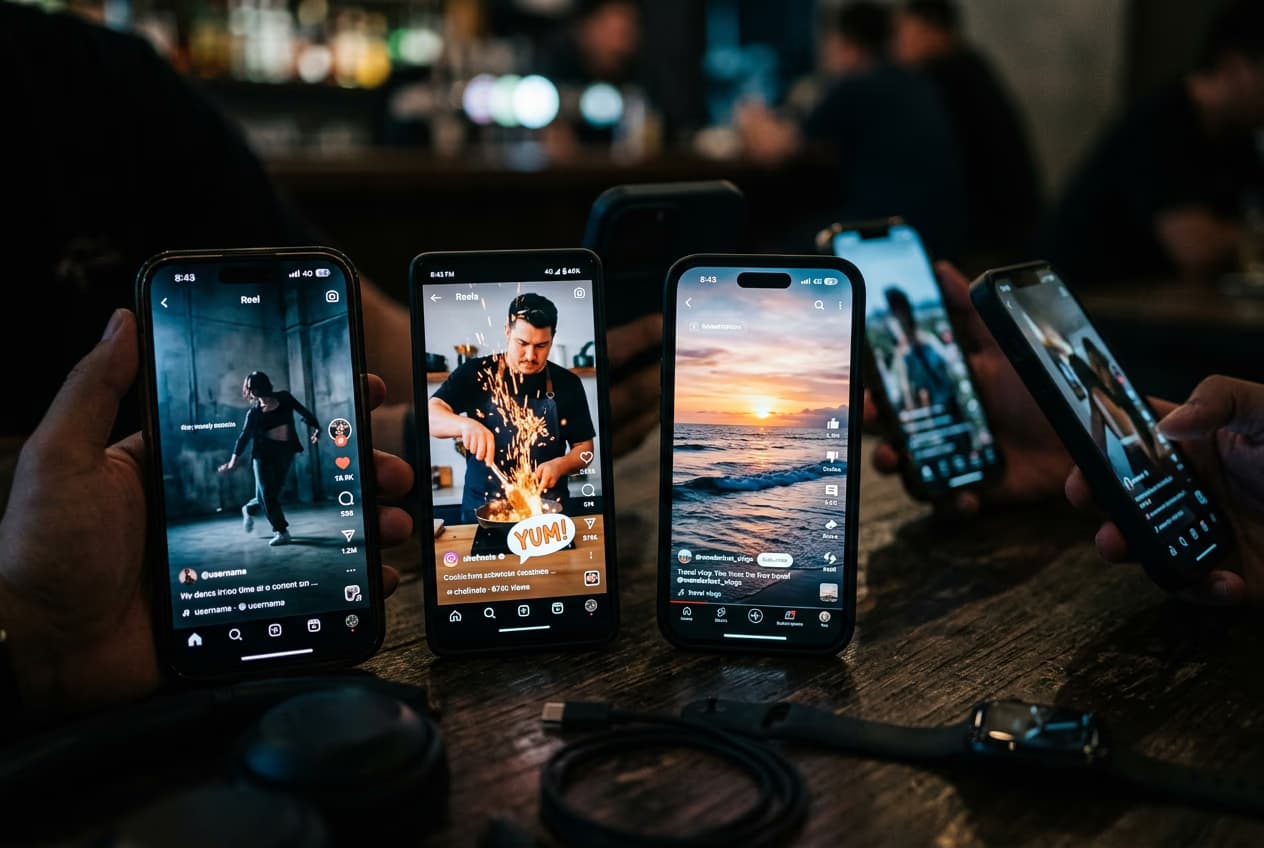
Hit the size limit for email, web, and social
Every platform has its own ceiling — Gmail caps attachments at 25 MB, Discord at 8 MB for free users, and a slow site loads faster with lighter video. Instead of guessing, set the size you need and let Picsart compress to it. Your video arrives small enough to go through on the first try.
Compress, then finish your video in Picsart
Compression is often the last step before sharing — so why switch tools to do it? Inside Picsart you can trim a clip, add subtitles, drop in music, then compress the final cut with the Video Editor. Your footage goes from edit to export-ready without ever leaving the tab.
What users say
Our website videos load way faster now. The quality loss is invisible and there's no watermark.
- Elena K., Web DesignerFinally got my gameplay clips under Discord's limit without them looking blocky. So easy.
- Tom B., Content CreatorLearn video editing basics
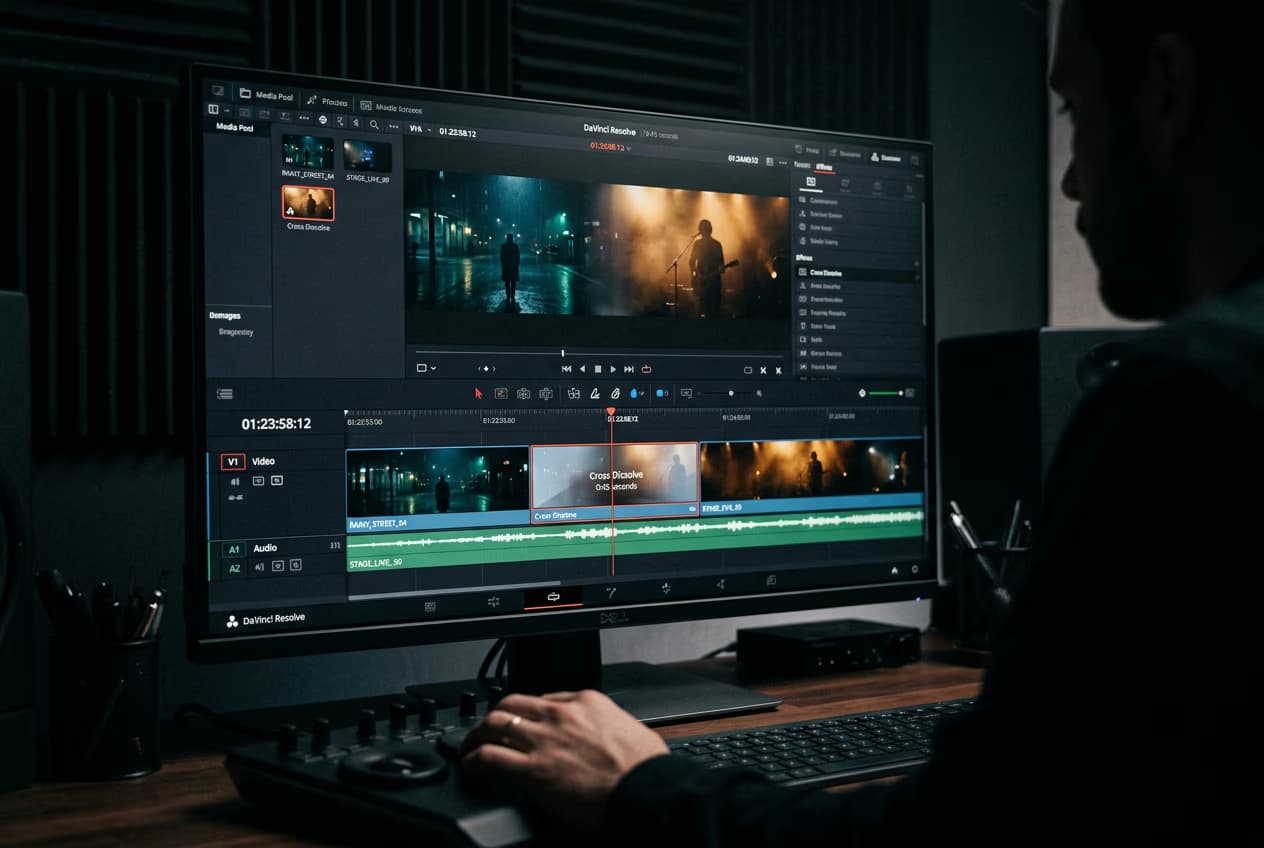
Learn how to make cleaner edits to clips.




Video Trimmer FAQ
A video compressor reduces the file size of a video so it takes up less storage and uploads or sends faster. Picsart compresses your video in the browser while keeping its visual quality.

Video to MP3Extract clean audio from any video and export as MP3.

Video TrimmerShorten video clips to the perfect length in a few clicks.

Resize VideoChange video dimensions for any platform or aspect ratio.

Video EditorTrim, cut, and finish your videos in one place.