How to apply AI video filters and effects in Picsart
What you'll learn
What are AI video filters?
Common use cases
Apply filters to your video step by step
STEP 1: Upload your video
- On web: Go to picsart.com/ai-video-filters → Click "Transform videos with AI" → Upload your video
- On mobile: Open Picsart → "+" → Video → Choose clip → Tap "Effects" icon
STEP 2: Choose your filter
Browse the filter categories or describe what you want:
- Preset filters: Tap any filter to preview it instantly on your video
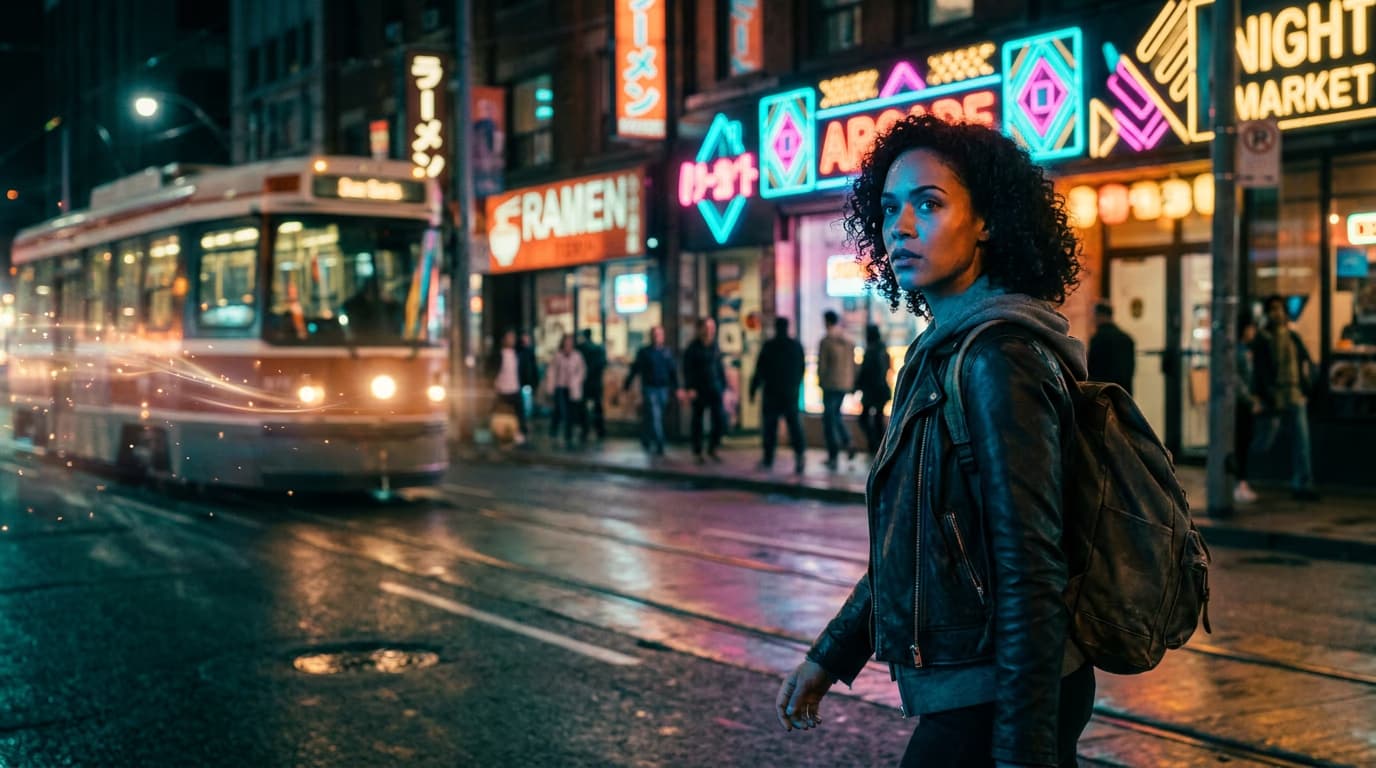
- AI prompt: Type a description like "warm sunset tones" or "cyberpunk neon"
- Style transfer: Apply artistic styles like oil painting or anime
- Mood filters: Select emotional tones like dramatic, dreamy, or vintage
- Intensity slider: Adjust how strong the effect appears (0-100%)
STEP 3: Generate filtered video
Click "Apply" and wait while the AI processes your video. Processing time depends on video length — typically 10-30 seconds. The AI analyzes each frame and applies the filter consistently throughout, maintaining smooth motion and transitions.
STEP 4: Review and adjust
Play through the filtered video to check: Not the look you wanted? Try a different filter or adjust the intensity slider. You can also layer multiple filters for unique combinations.
- Filter applies consistently across all frames without flickering
- Important details remain visible and not overshadowed by effects
- Colors match the mood or brand aesthetic you're aiming for
Tips for best results
💡 Match filters to lighting
Warm filters work best on footage shot in natural light. Cool or neon filters shine on night scenes or urban environments. Consider your original lighting when choosing effects.
💡 Keep it subtle
Start with 50-70% intensity rather than maxing out filters. Subtle effects often look more professional than heavy-handed transformations that overwhelm your content.
💡 Test on a short clip first
Before processing a long video, apply filters to a 5-10 second test clip. This lets you preview results quickly and choose the perfect effect before committing processing time.
💡 Combine with manual adjustments
After applying AI filters, fine-tune brightness, contrast, or saturation manually for perfect results. AI gets you 90% there — small tweaks finish the job.
Frequently asked questions

Ready to transform?
Give your videos instant cinematic style with AI-powered filters.
Apply filters now