Free Video to GIF Converter
Trim clips, adjust FPS, control playback speed, and compress file size in just a few clicks. This Video to GIF Converter works entirely in your browser, so your files stay private and secure while you quickly convert video to GIF or turn MP4 to GIF with no watermark or signup required.
Convert, trim, compress - all in your browser







Keeps your videos private
Your video stays on your device. Convert video to GIF or turn MP4 to GIF directly in your browser with no uploads or tracking.

Gives you full control
Adjust frame rate, speed, and resolution with ease. Trim, compress, and preview your GIF before converting for a clean final result.

Lets you use it for free
Create GIFs with no watermark or signup. Use this free GIF maker to convert MP4 to GIF or make a GIF anytime.
How to convert video to GIF
Drop your video
Drag and drop your video file, paste it, or browse to upload. Supports MP4, MOV, AVI, MKV, and WebM up to 200MB.
Trim the clip
Adjust settings
Convert
Download your GIF
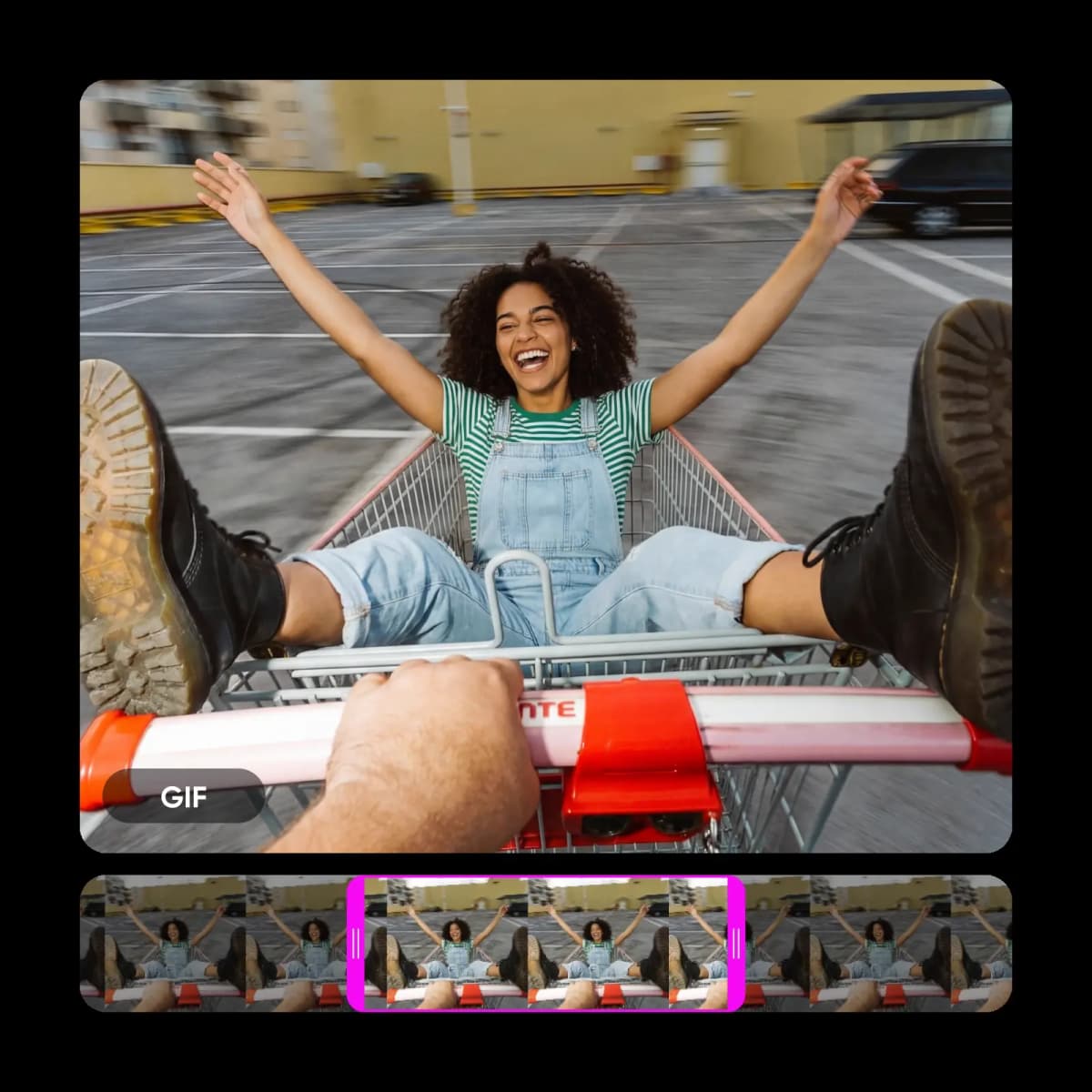
Convert MP4 to GIF without uploading to a server
Drop your MP4 file into this browser-based Video to GIF Converter and start right away. The entire process runs locally on your device, so your video stays private from start to finish. Convert video to GIF in seconds with no uploads or delays, then fine-tune your clip using the Crop Video tool to get the perfect frame before exporting.
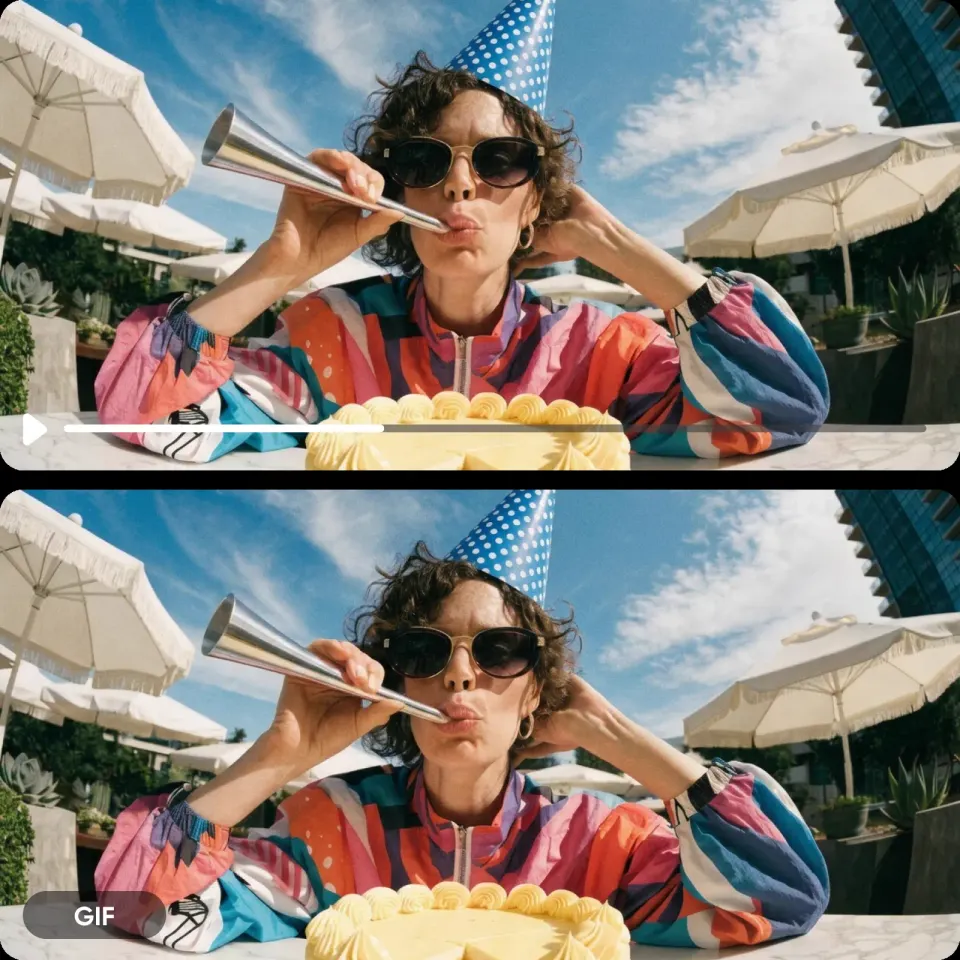
Turn video into GIF and trim the perfect moment
Not every second belongs in your GIF. Choose the exact start and end points, then adjust speed to match the moment. This Video to GIF Converter helps you create smooth, looping GIFs with no awkward cuts, and you can enhance your clip beforehand using the Video Enhancer for sharper, cleaner results.
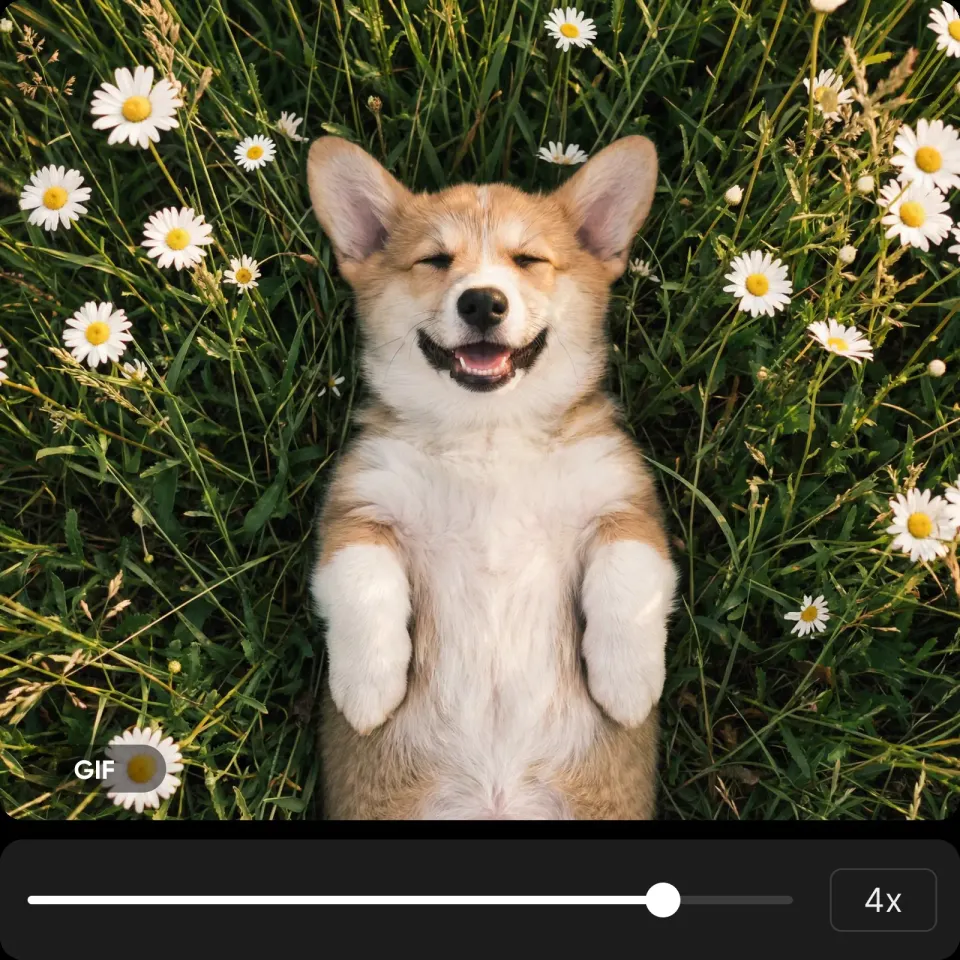
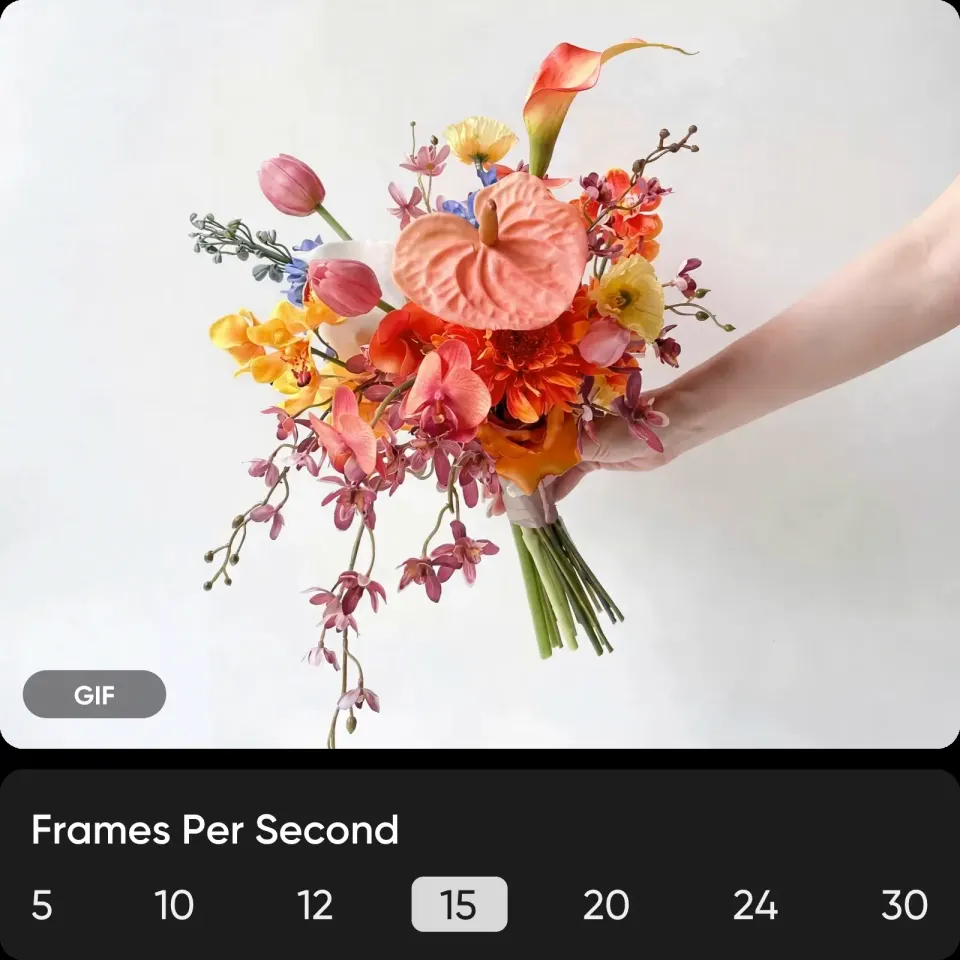
Control GIF quality and file size
GIFs can get large quickly. This GIF maker gives you precise control over frame rate, resolution, and compression so you can balance quality and size with ease. Preview before exporting and optimize for any platform, or explore more creative options with the AI GIF Generator to generate new visuals instantly.
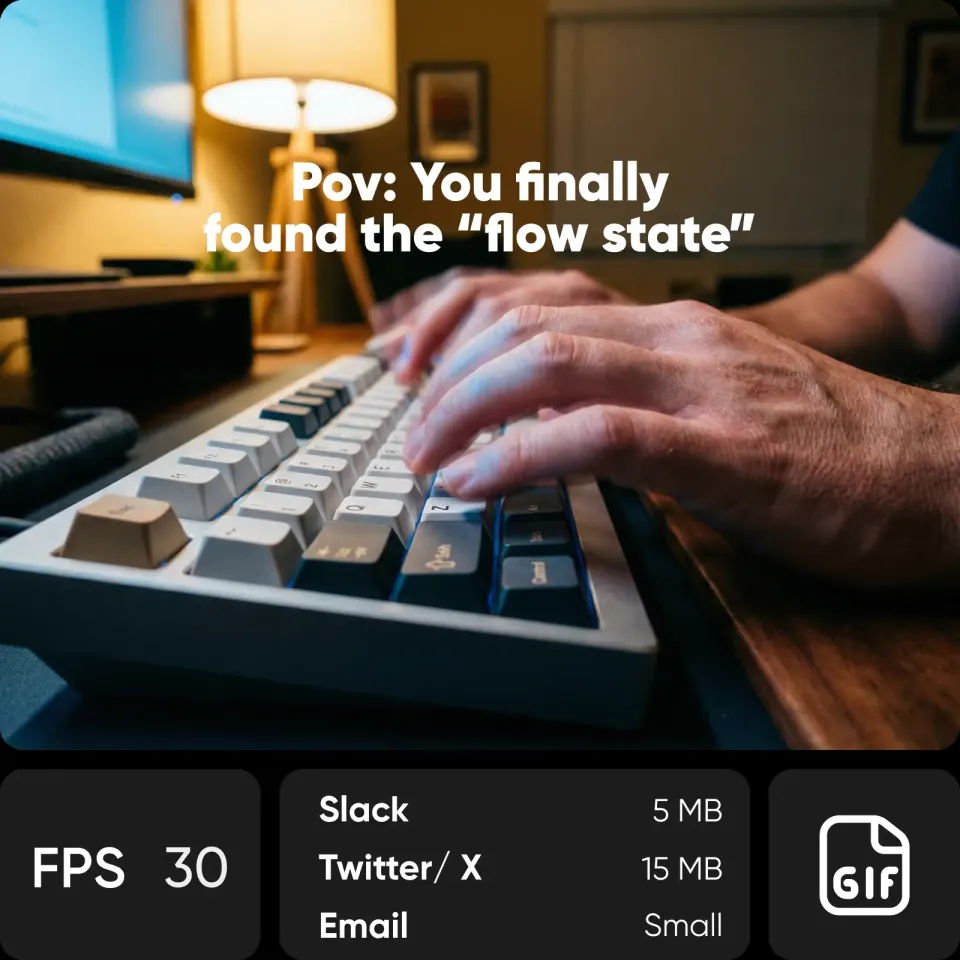
Compress GIFs and reduce file size for free
Got a GIF that's too large? Drop it in and reduce file size in seconds with Picsart's GIF compressor. Adjust colors, resolution, and compression to fit platform limits like Slack or email without losing quality. Use the same controls to convert video to GIF or optimize existing files with consistent results every time.
Use video to GIF on any device without installing
Convert video to GIF on desktop or mobile right from your browser. No downloads, plugins, or accounts needed. This Video to GIF converter works seamlessly across devices, so you can create, trim, and compress GIFs anytime, whether you're at your desk or on the go.
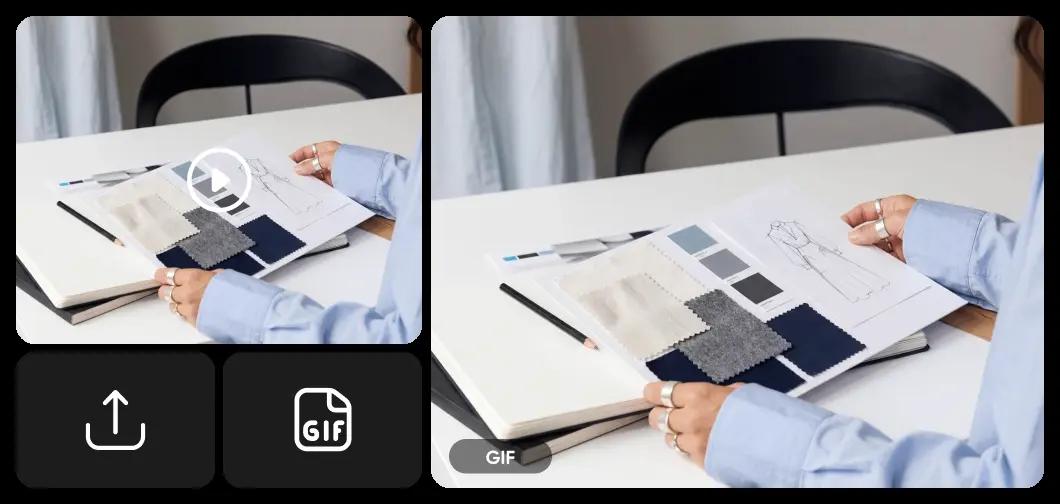
What you can create with the Video to GIF Converter
Everything in Picsart's video to GIF converter
Everything you need to open, edit, and export PSD files as high-quality JPG images - online, fast, and without Photoshop.
Multi-format support
MP4, MOV, AVI, MKV, WebM — convert any major video format to GIF.
Client-side processing
Runs in your browser via FFmpeg WebAssembly — your video never leaves your device.
Trim and clip
Set exact start and end points to capture the right moment.
FPS control
Adjust frame rate from 5 to 30 FPS for the right balance of smoothness and file size.
Playback speed
Speed up (4x) or slow down (0.25x) your GIF.
Compression presets
Light (200 colors), Medium (128), or Heavy (64) — reduce file size with one click.
File size preview
See the estimated output size before converting.
GIF compression
Drop in an existing GIF to compress it with the same controls.
200MB file support
Handle longer and higher-resolution source videos than most tools.
No watermark, no signup
Export clean GIFs with no branding — no account required.
Drag and drop upload
Drag and drop, paste, or browse — flexible upload options for any workflow.
Desktop and mobile
Works in any modern browser on desktop or phone — no app install needed.
Video to GIF Converter FAQ
Open Picsart's free video to GIF converter, drag and drop your video file, adjust the trim, FPS, resolution, and compression settings, then hit convert. The GIF processes directly in your browser and downloads to your device - no signup required.
Yes. All processing runs locally in your browser via FFmpeg WebAssembly. Your video never leaves your device - no server uploads, no data collection.
Yes. No watermarks, no account required, no paywalls. Convert as many MP4 files to GIFs as you want, completely free.
The Video to GIF Converter supports MP4, WebM, MOV, AVI, and MKV - up to 200MB per file.
Use the compression presets (Light, Medium, Heavy), lower the output resolution, reduce the FPS, or trim the clip shorter. Picsart's file size preview shows the estimated output before you convert.
Yes. Drop an existing GIF into the tool and use the same compression controls - color reduction, resolution, and FPS adjustment - to make the GIF smaller.
10–15 FPS works for most GIFs and keeps file sizes manageable. Use 5–10 FPS for simple animations. 24–30 FPS gives smoother motion but creates larger files.
Yes. Picsart's Video to GIF Converter runs in any modern mobile browser - no app install needed. Same features, same privacy, same free access as on desktop.
Discover more AI tools
Turn ideas into completed projects with the speed of light by utilizing AI superpowers.




Turn videos into GIFs and create more shareable content
Pro
Most popularAI tools for everyday creative work.
Ultra
Most powerfulHeavy AI usage for creators & teams.
Enterprise
Custom AI solutions for large organizations.
- Volume discounts on credit rate
- On-demand top-ups