PSD to PNG: convert Photoshop files to PNG online
Convert PSD to PNG online in seconds with Picsart’s free PSD to PNG Converter that transforms Photoshop files into high-quality PNG images - no software installation needed.
How to Convert PSD to PNG
How to
Upload your PSD file
Upload your PSD file to Picsart and open it instantly in the browser.
What is PSD to PNG conversion?
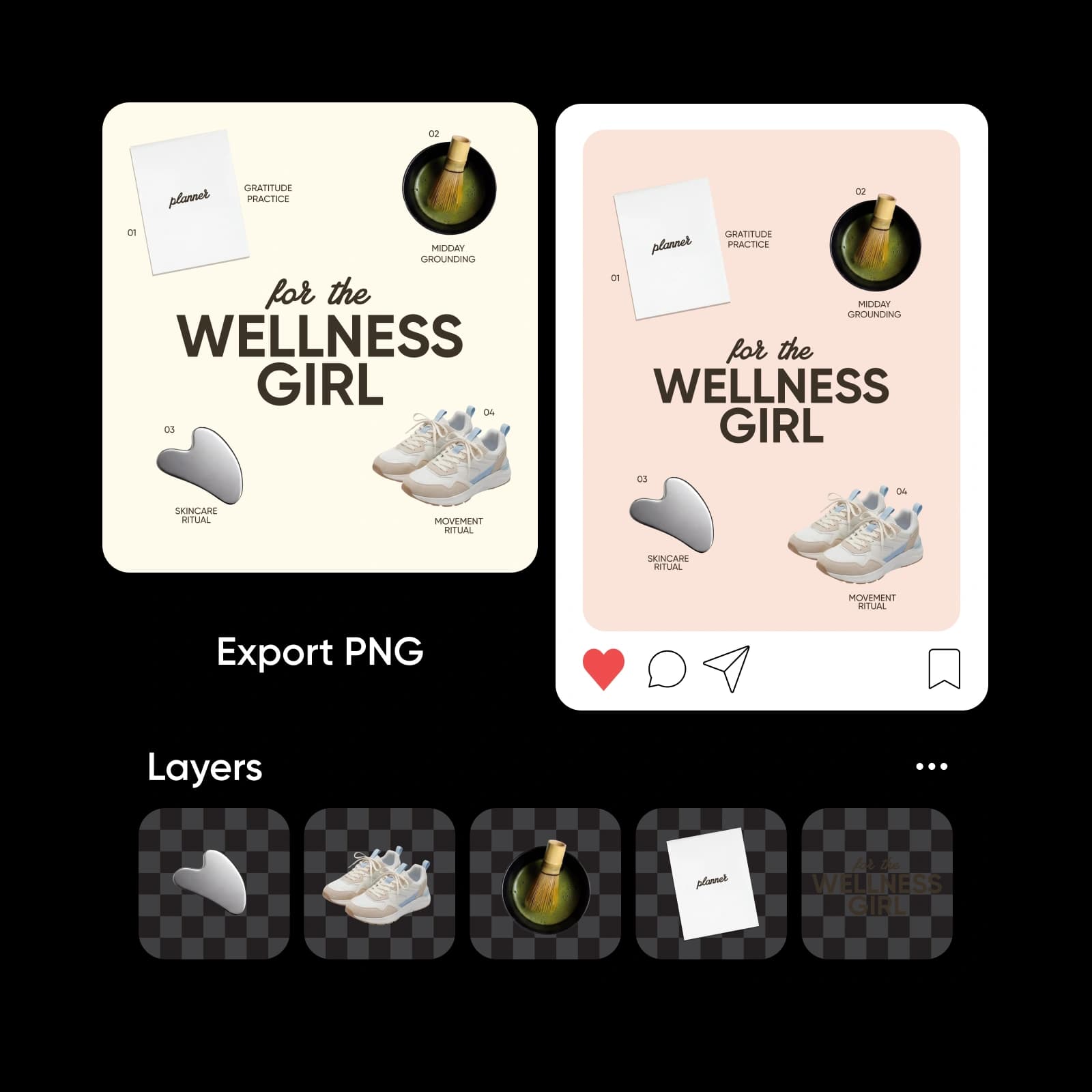
PSD to PNG conversion transforms a layered Photoshop design file into a shareable image format. A PSD file stores layers, effects, and editable elements, while PNG supports transparency and wider compatibility. When you convert PSD to PNG, you make your design easier to upload, share, and use across websites, social platforms, and presentations.
Why convert a PSD file to PNG?
Converting a PSD file to PNG makes your design easier to share and publish online. You can export PSD as PNG to upload images to websites, send files without Photoshop, and preserve transparent backgrounds. When you convert Photoshop file formats to PNG, you ensure better compatibility across platforms. If you need a smaller format for photos, you can try Picsart’s PSD to JPG Converter.
Convert PSD to PNG online and polish before download
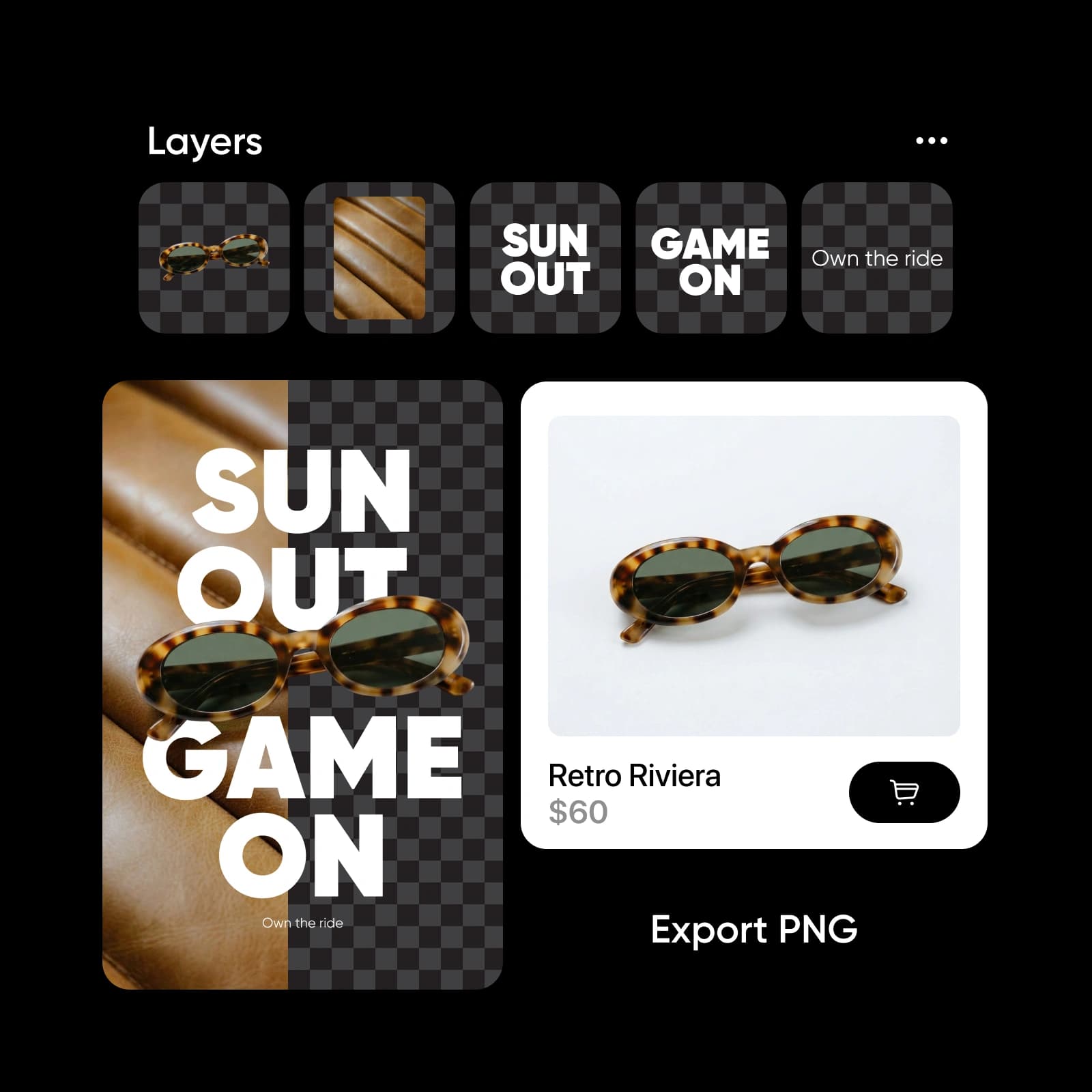
Convert PSD to PNG online directly from your browser without installing software. You don’t need Adobe Photoshop to save a PSD as PNG - just upload and export in seconds. Need to adjust dimensions? Use the Image Resizer. Want cleaner framing? Try Image Cropper. Add headlines with Text Editor or refine tones using the Color Changer before downloading.
Use your converted PSD anywhere
Presentations
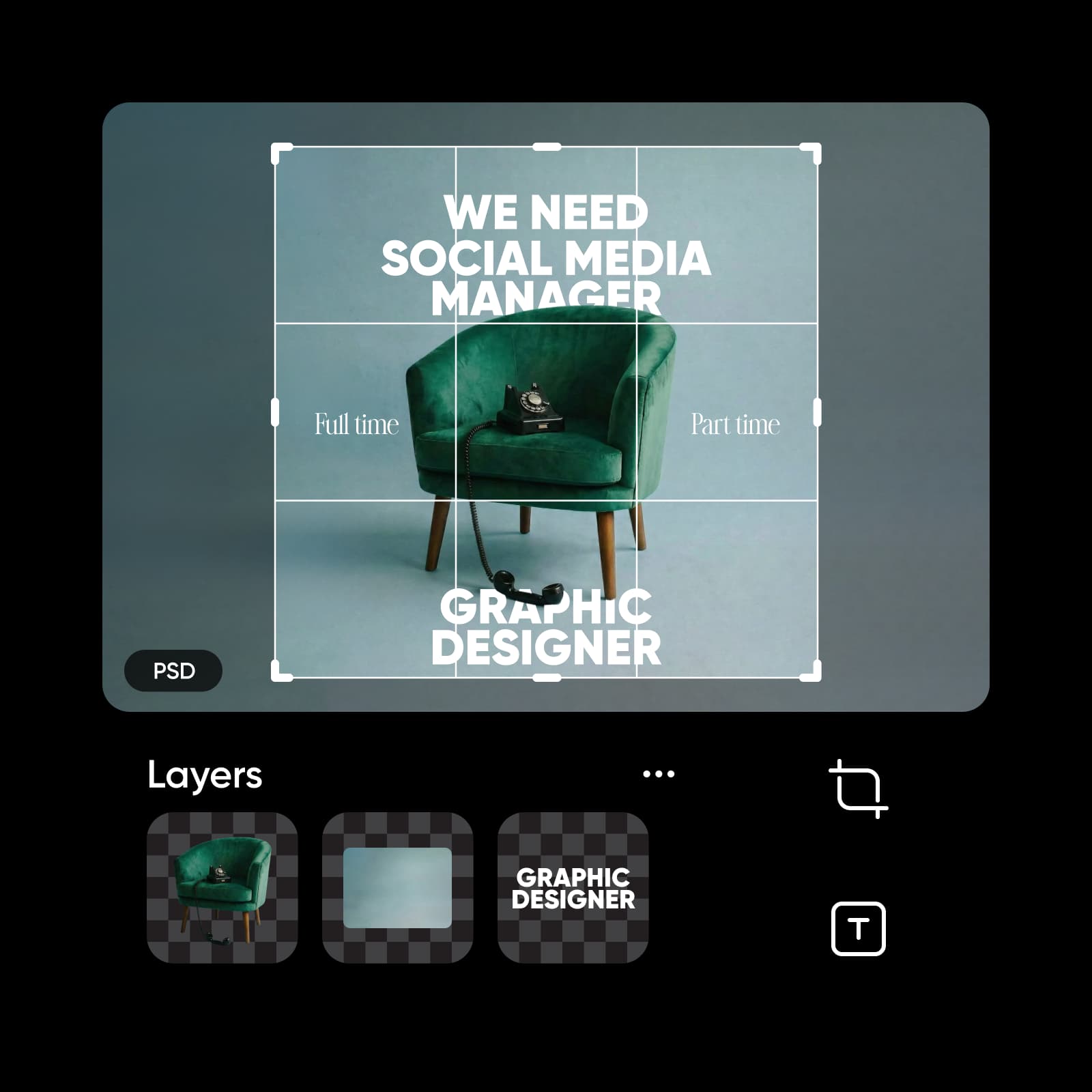
Convert PSD to PNG to display polished visuals in slides without requiring Photoshop on every device.
All the essentials for PSD to PNG conversion
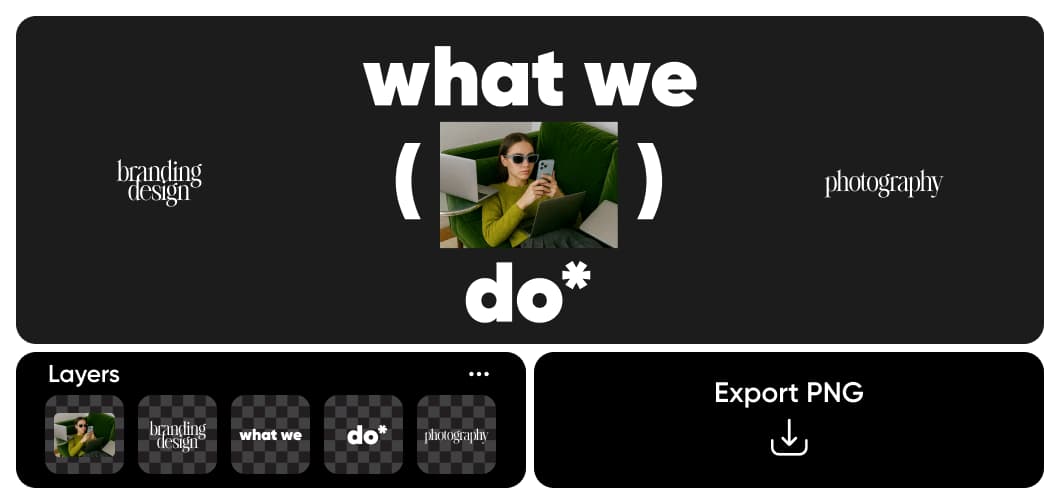
Everything you need to turn Photoshop files into clean, web-ready PNG images - online, fast, and without Adobe software.
PSD to PNG FAQ
Upload your PSD file to Picsart, preview or edit layers if needed, then choose Export and select PNG. The PSD to PNG converter works directly in your browser, allowing you to download a high-quality PNG image in seconds.
Turn PSD files into transparent creative assets
Pro
Most popularAI tools for everyday creative work.
Ultra
Most powerfulHeavy AI usage for creators & teams.
Enterprise
Custom AI solutions for large organizations.
- Volume discounts on credit rate
- On-demand top-ups


