Free online Image Enlarger
Make any photo bigger and sharper with AI. Picsart’s free online Image Enlarger lets you enlarge photos without blur or distortion - all in one click.
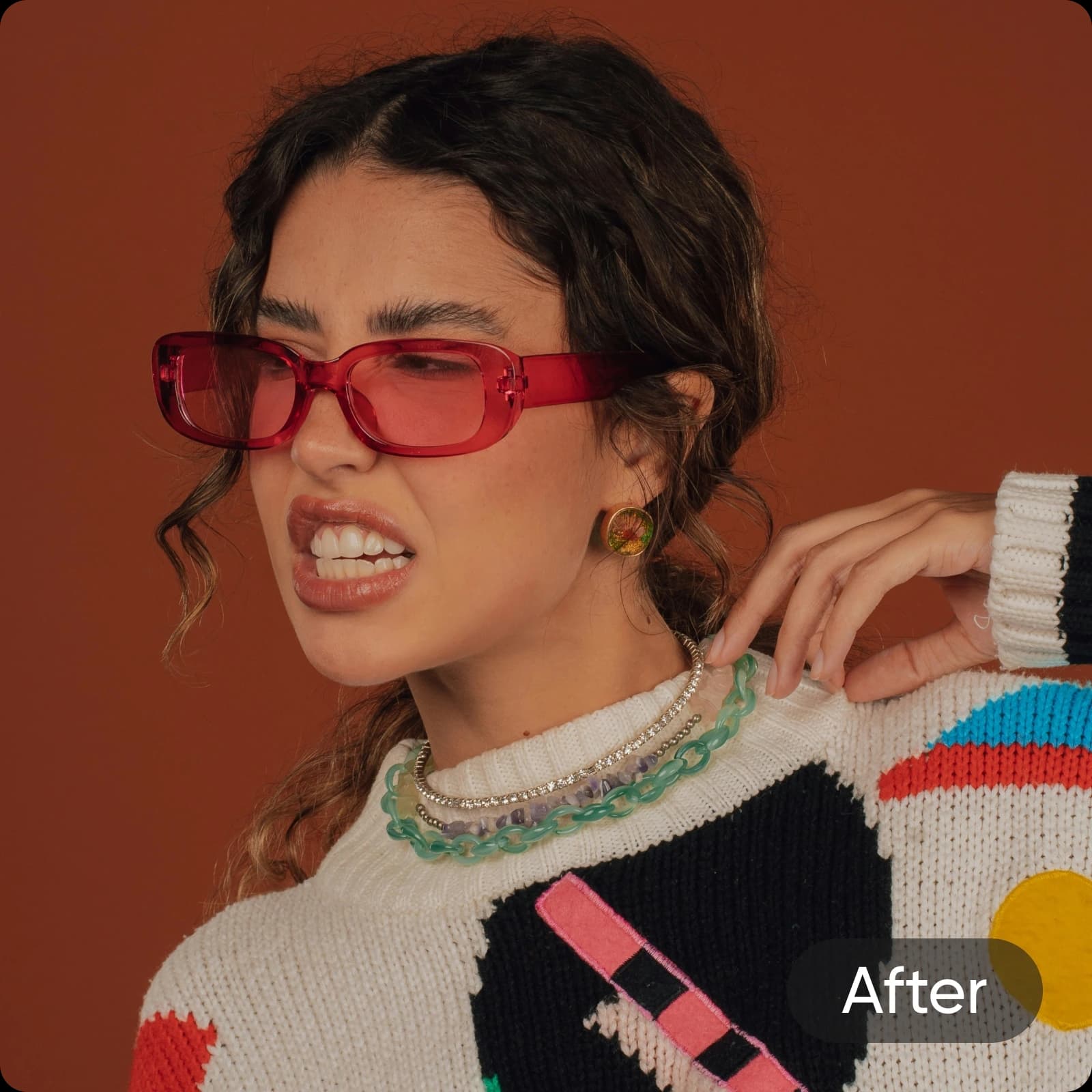
Create image enlarger with AI image models
Use image models to transform image enlarger into polished visuals, design ideas, and ready-to-edit assets.
How to enlarge images
Next-gen Image Enlarger
Picsart’s Image Enlarger uses advanced AI to enlarge photos without blur or distortion. It’s the most reliable way to make images bigger online while keeping every pixel sharp. If you want to enhance your images even further, try the AI Image Enhancer.
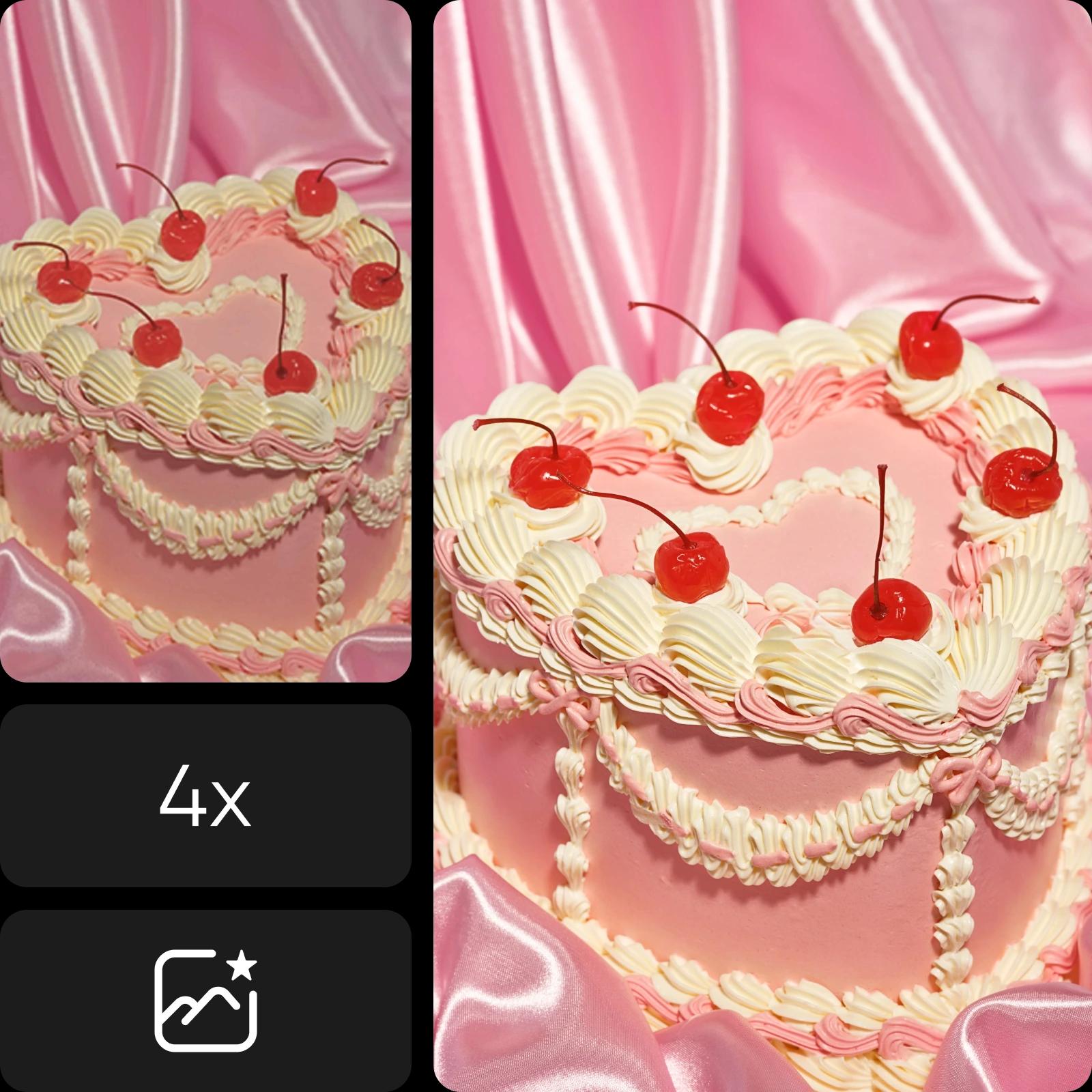
Smart Image Enlarger for every need
E-commerce product photos
Showcase your products in sharp detail with enlarged images that look professional and store-ready.
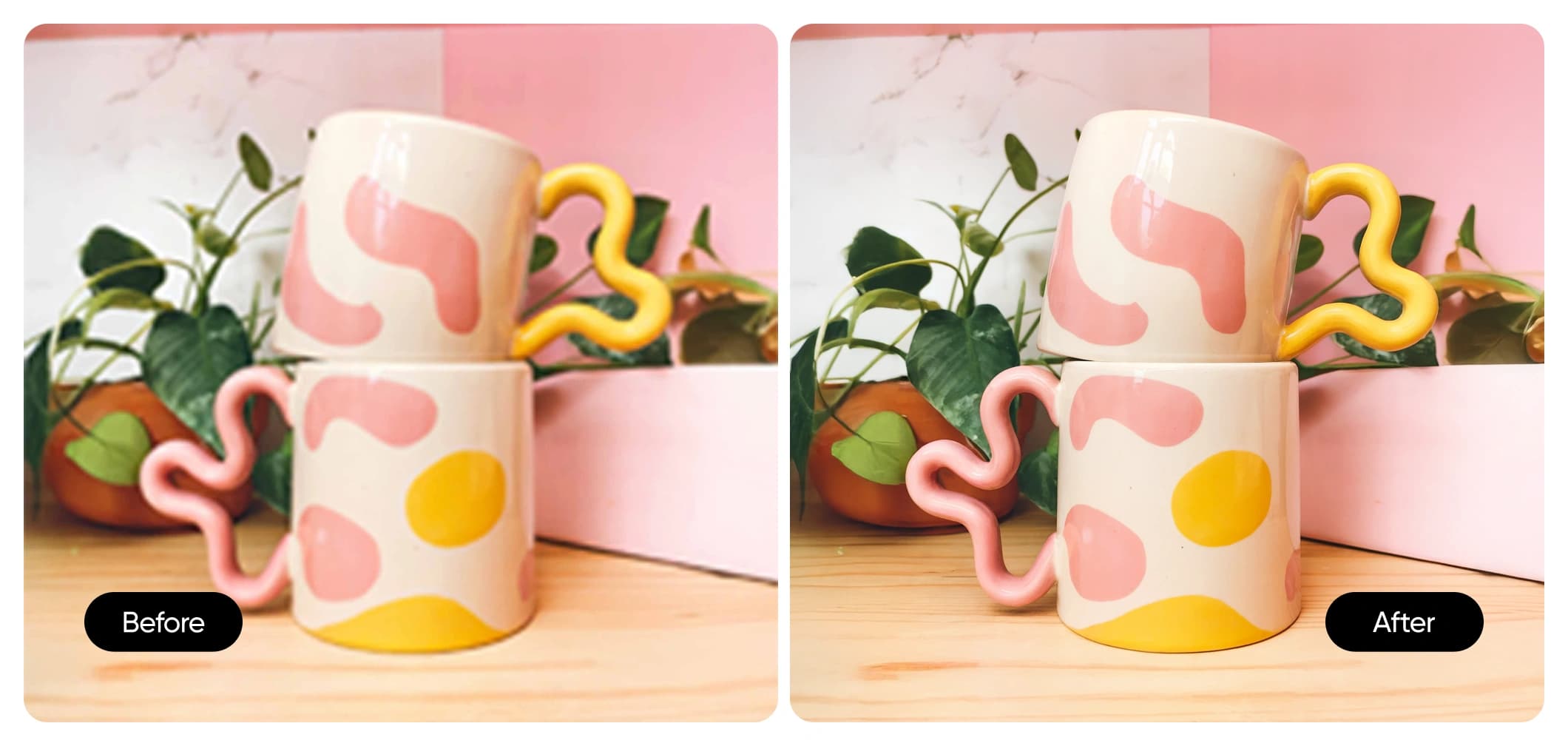
Fast and automatic Image Enlarger
Picsart’s AI Image Enlarger lets you enlarge images online with just one click. This smart, automatic tool uses AI to make images bigger instantly while preserving sharpness and quality. No editing skills or manual adjustments needed - simply upload, enlarge, and download your high-quality image in seconds.
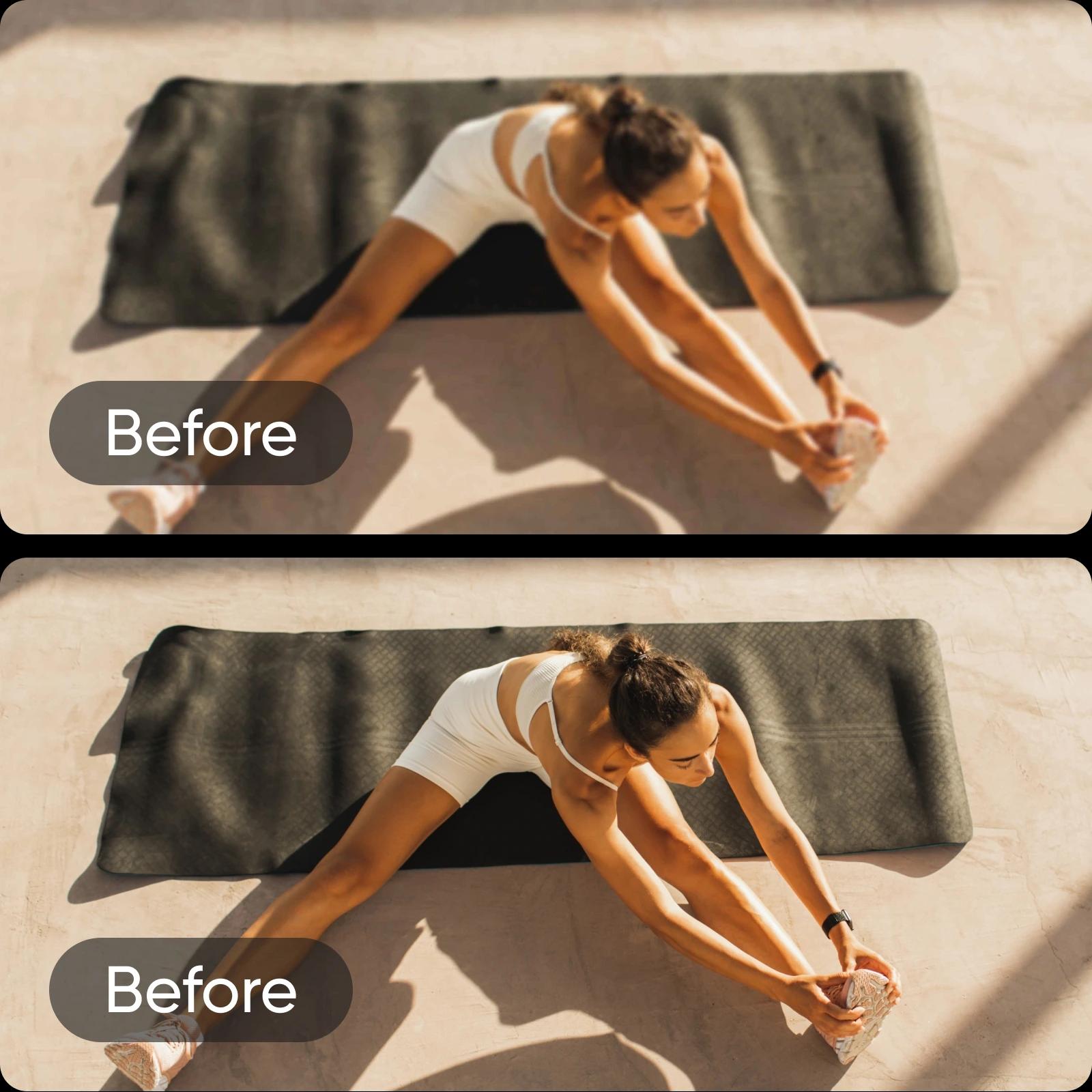
High-quality photo enlarger without losing detail
Easily enlarge images and make them bigger while keeping sharpness, texture, and color perfectly balanced. Picsart’s photo enlarger prevents pixelation and blur, so every enlarged photo looks crisp and clean. The AI maintains clarity throughout, delivering flawless results ideal for printing, sharing, or designing professional visuals.
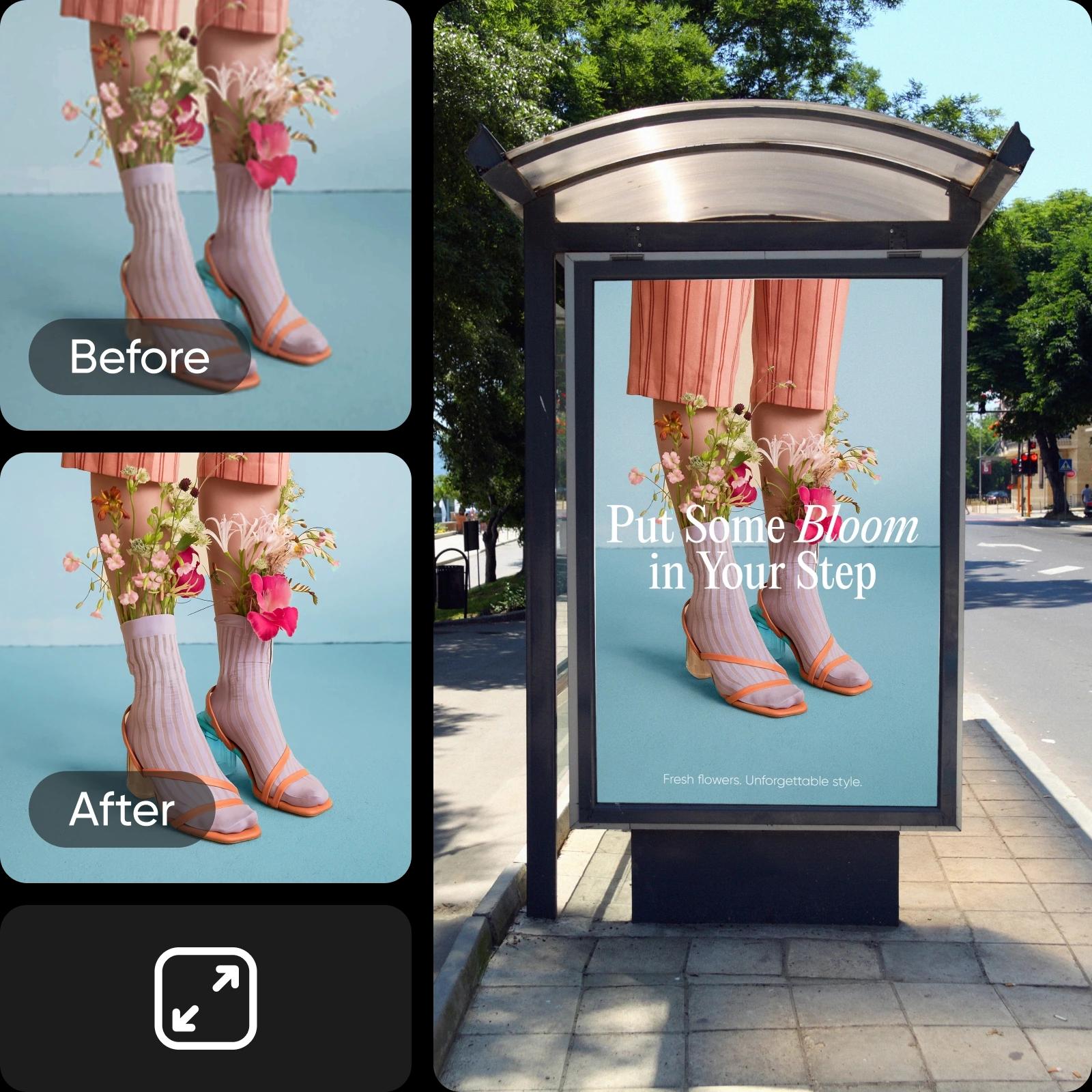
Advanced AI photo enlarger for sharper results
The AI photo enlarger doesn’t just increase image size - it reconstructs lost detail for professional-quality results. Perfect for e-commerce photos, social media visuals, or creative projects, it ensures every enlarged photo stays sharp and accurate. For even finer detail, use AI Sharpen Image to refine edges and textures.
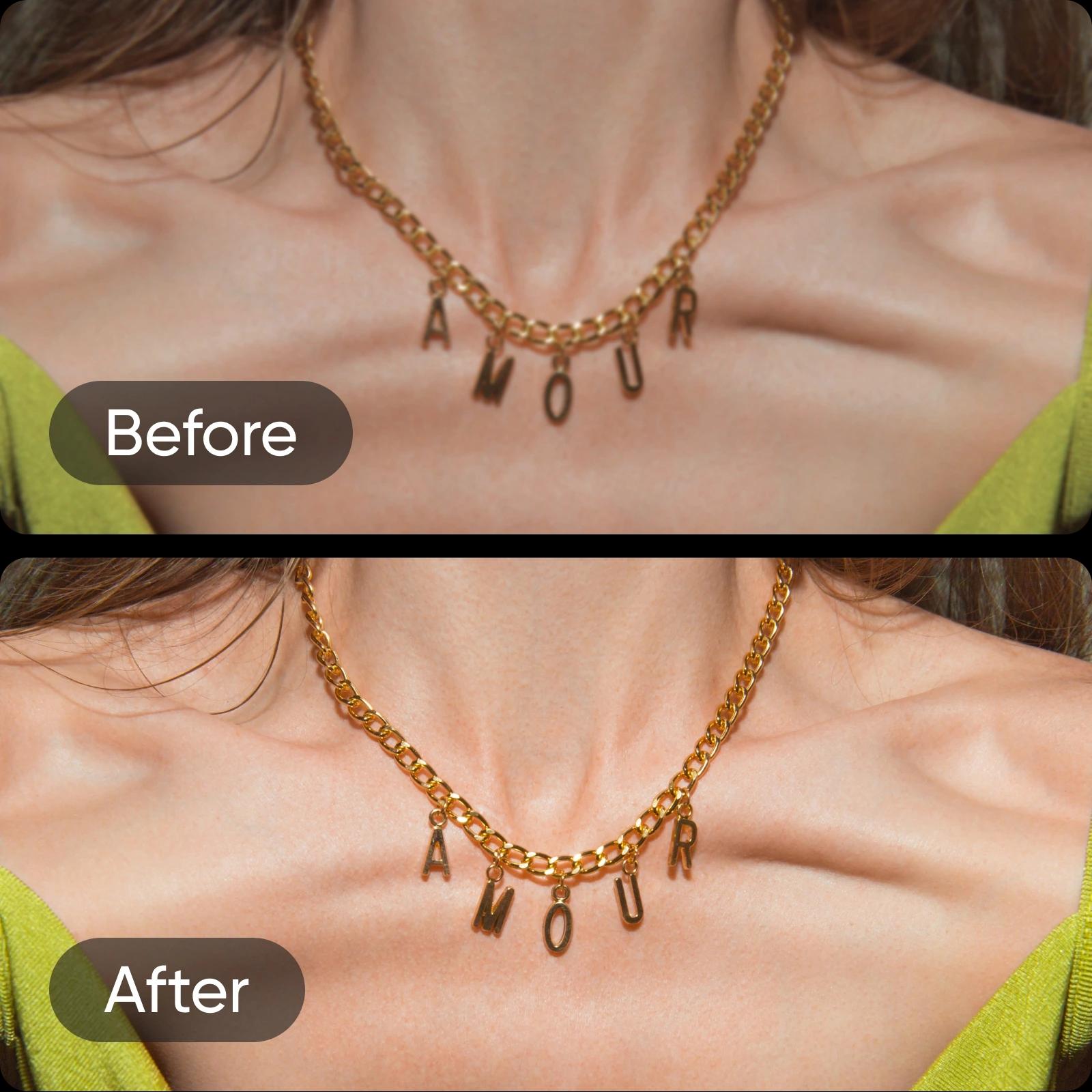
Enlarge the image to enhance every detail
Use Picsart’s AI technology to enlarge images while sharpening fine details like edges, contrast, and texture. The tool doesn’t just enlarge pictures - it enhances image detail for a clearer, more refined look. For extra precision, fix any remaining blur with AI Unblur before continuing edits in the AI Photo Editor.
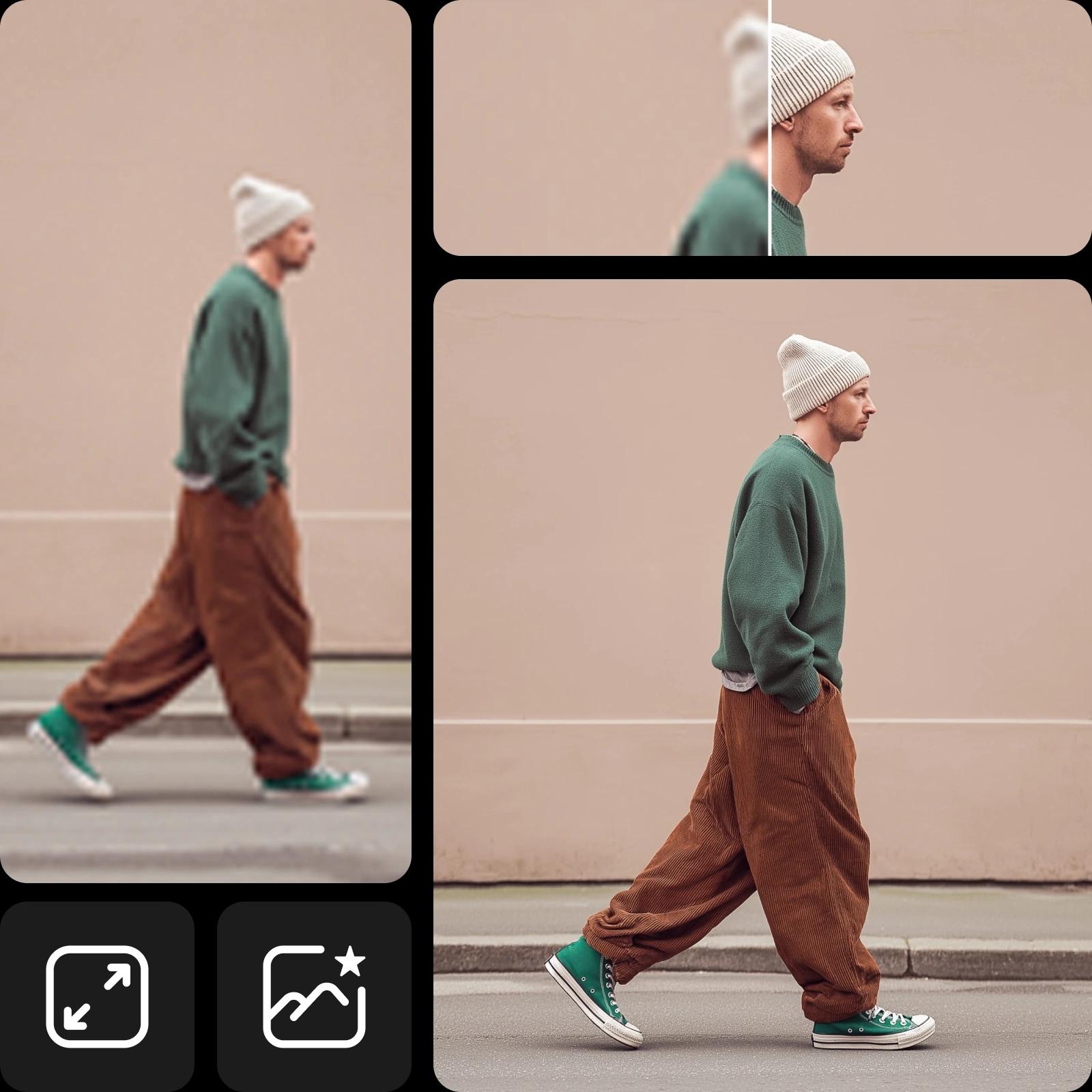
Further tweaks with the AI Photo Editor after enlarging
After you enlarge photos, refine them in the AI Photo Editor - adjust brightness, fix colors, or add creative effects. For a complete workflow, explore tools like Resize Image, Background Remover, and AI Image Extender for seamless, professional-quality edits.
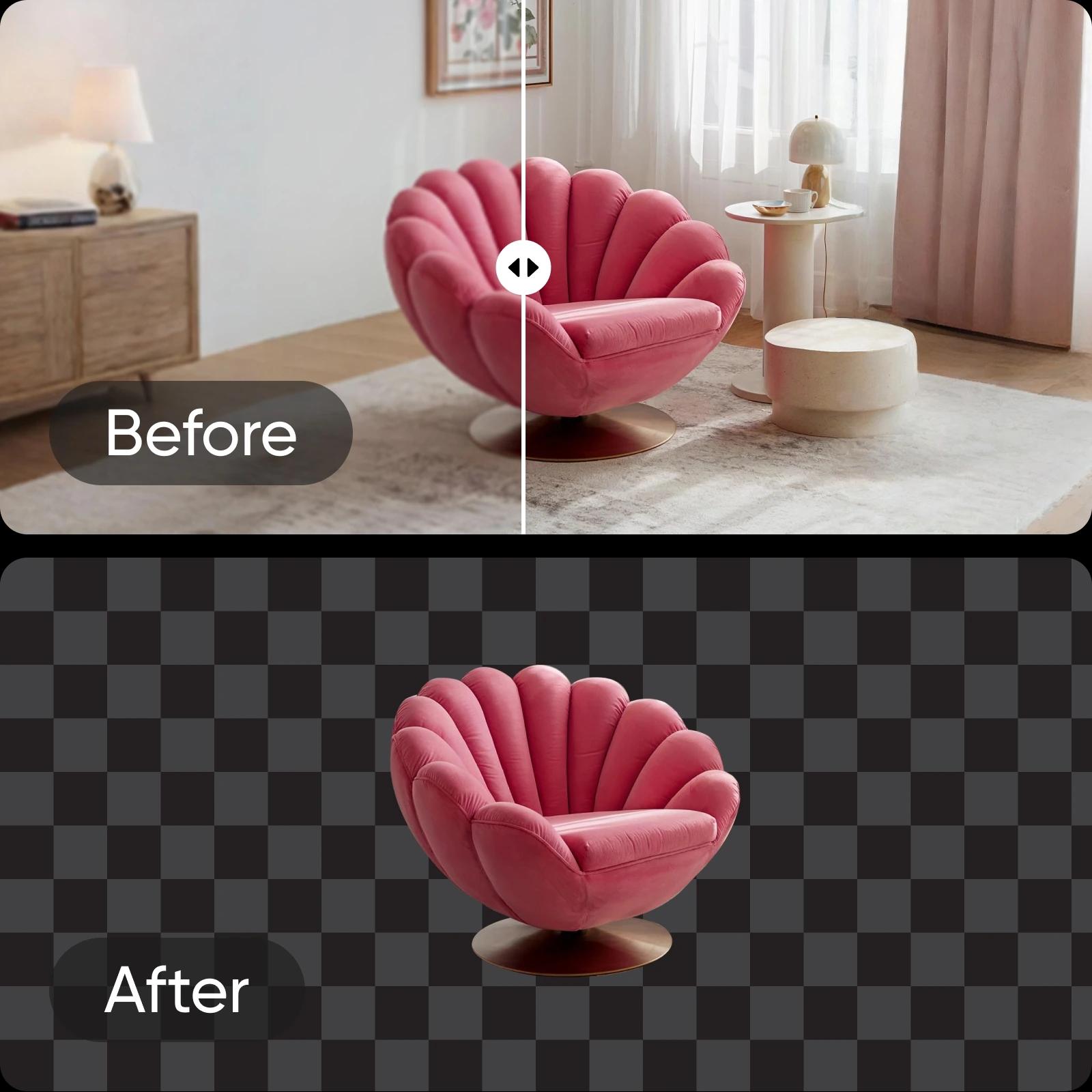
Image Enlarger FAQ
Picsart’s Image Enlarger is an AI-powered tool that increases image size online without losing quality, sharpness, or color detail. It’s perfect for anyone who wants bigger, clearer photos in seconds.
More tools to love
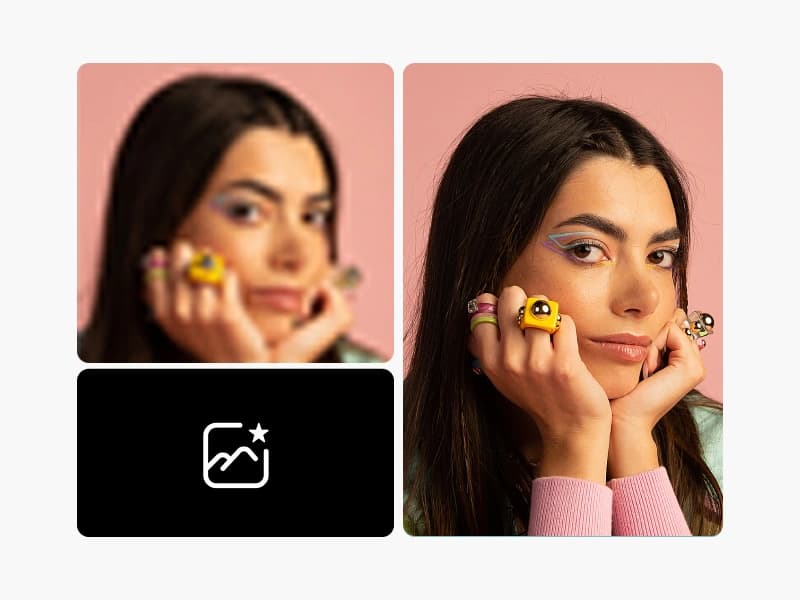
AI Image Enhancer
Upscale the resolution of one or multiple images with AI in one go.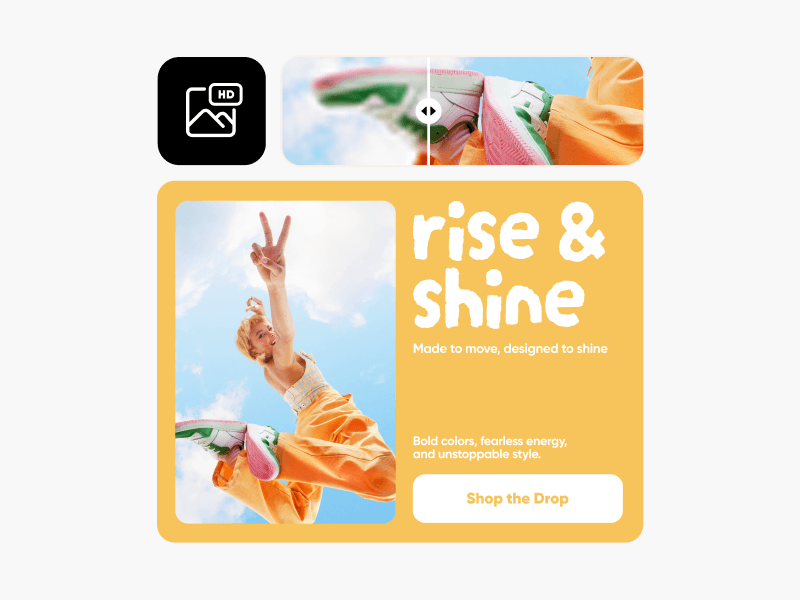
HD Photo Converter
Convert any image to HD quality instantly with Picsart’s AI tool.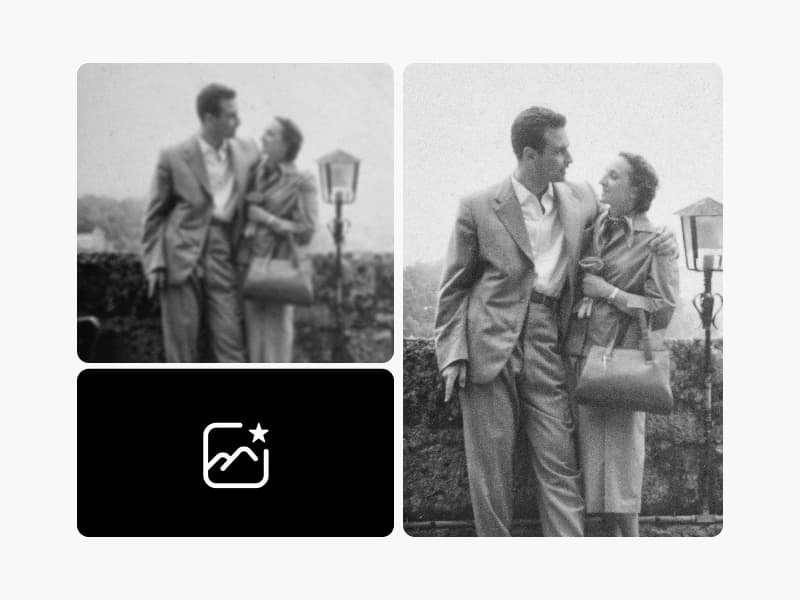
Photo Restoration
Enhance your photo resolution quickly with AI to relive your favorite memories.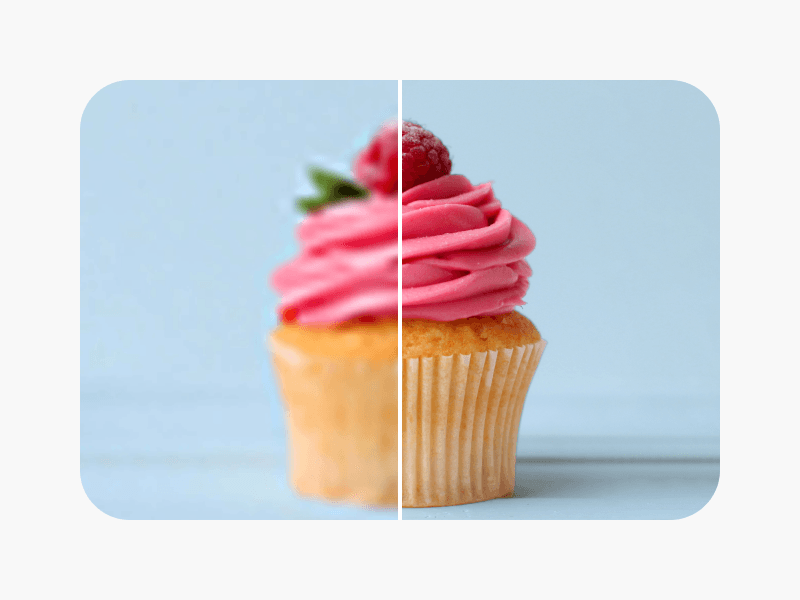
AI Sharpen
Bump up the image quality in seconds with the help of AI.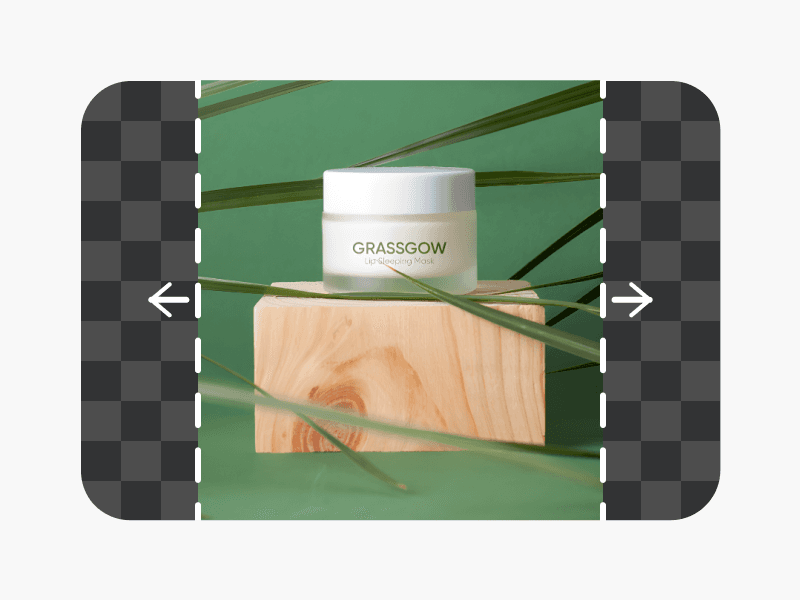
AI Image Extender
Capture what was left out of the lens with generative AI.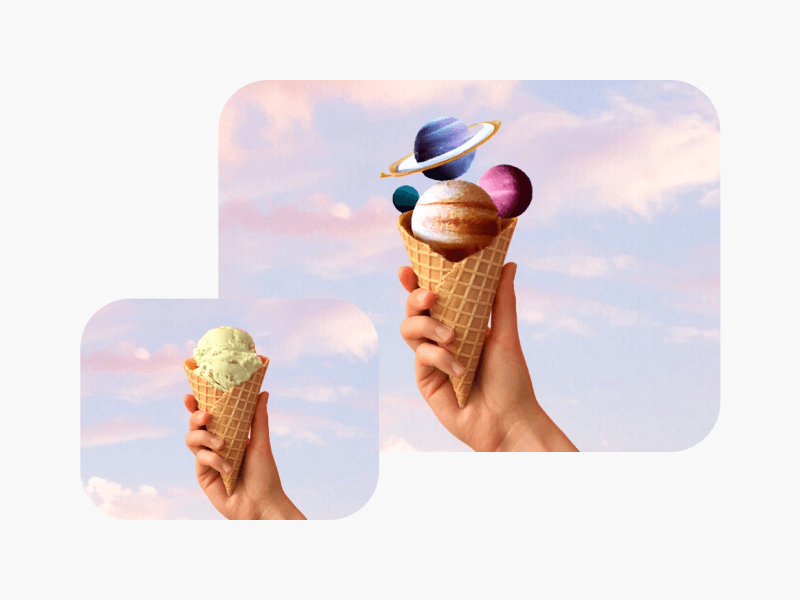
Unblur Images
Bid farewell to blurry photos with AI blur removal.
Denoise Images
Instantly get rid of grain and blur with Picsart’s AI denoiser.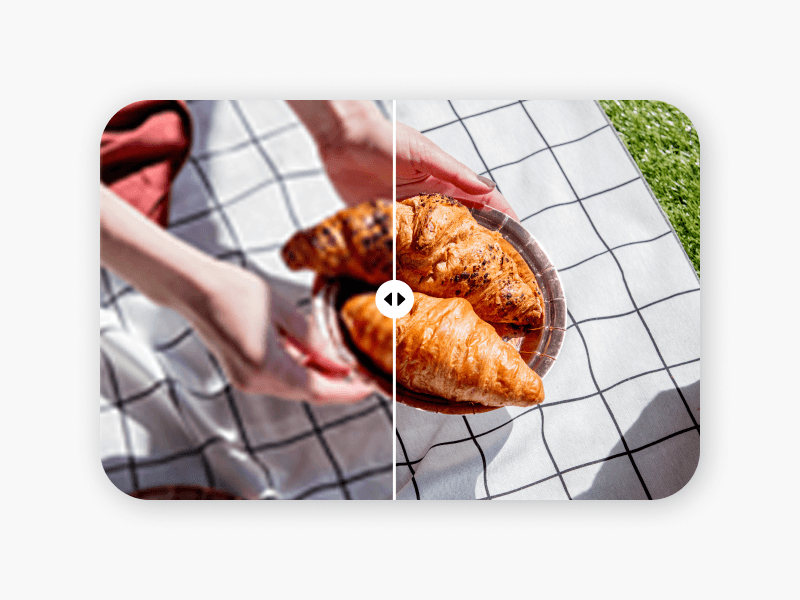
Unpixelate Images
Clear up images using Picsart’s AI-powered image enhancer.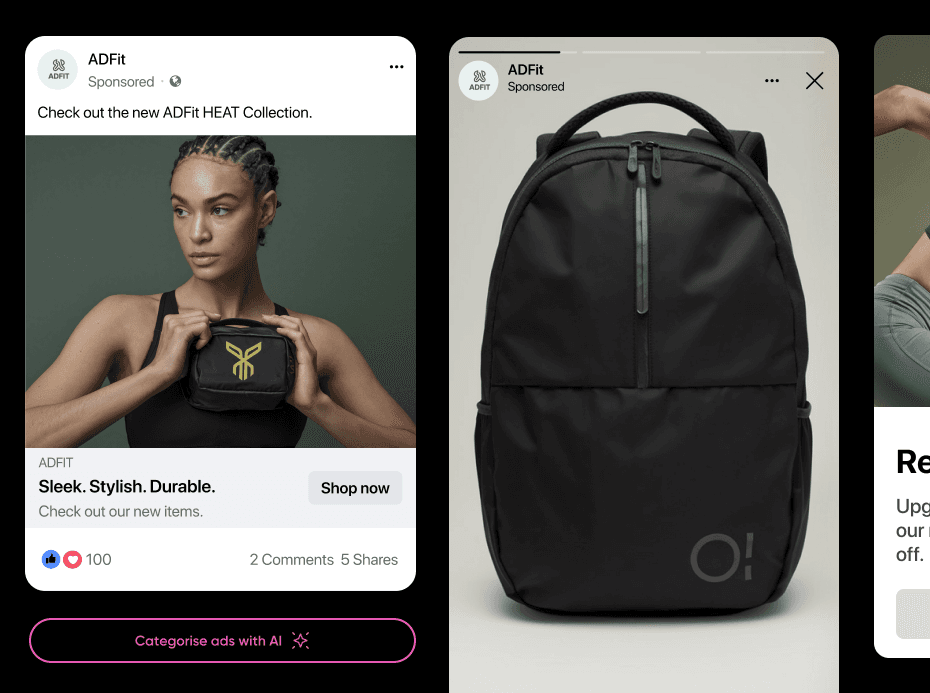
Picsart Flows
Design workflows and connect AI models in one canvas using a no-code AI workflow tool built for creative freedom.
Prepare larger visuals for every creator project
Pro
Most popularAI tools for everyday creative work.
Ultra
Most powerfulHeavy AI usage for creators & teams.