PSD to JPG: convert Photoshop files to images online
Open PSD files, preview and adjust layers, then export clean JPG images in seconds. This PSD to JPG Converter works fully online, so you can edit PSD files, flatten layers, and export without Photoshop - fast, flexible, and ready for sharing.
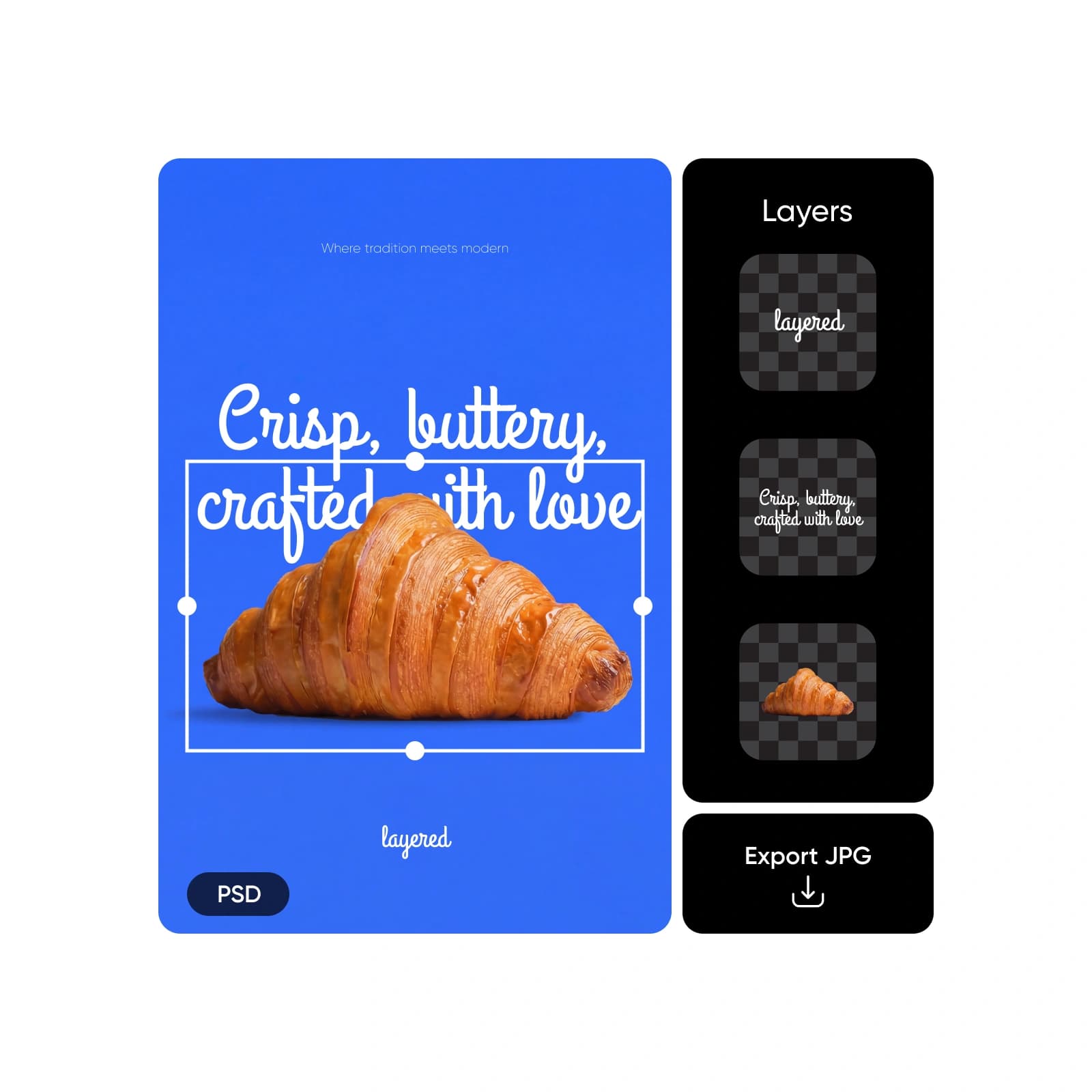
How to convert PSD to JPG
What is PSD to JPG conversion?
PSD files store layered designs made for editing, while JPG files are built for sharing, publishing, and broad compatibility. The challenge is that PSDs usually require Photoshop to open or export. Picsart removes that friction by letting you open PSD files online, make quick edits if needed, and convert PSD to JPG instantly - right in your browser.
Why convert PSD to JPG?
JPG is the go-to format for publishing. It works across email, websites, CMS platforms, social media, and ads, while PSD files are large, layered, and tied to editing software. Exporting a PSD as JPG turns your design into a lightweight image that’s easy to share and load. When needed, you can also export designs to PSD to PNG and more formats for different use cases.
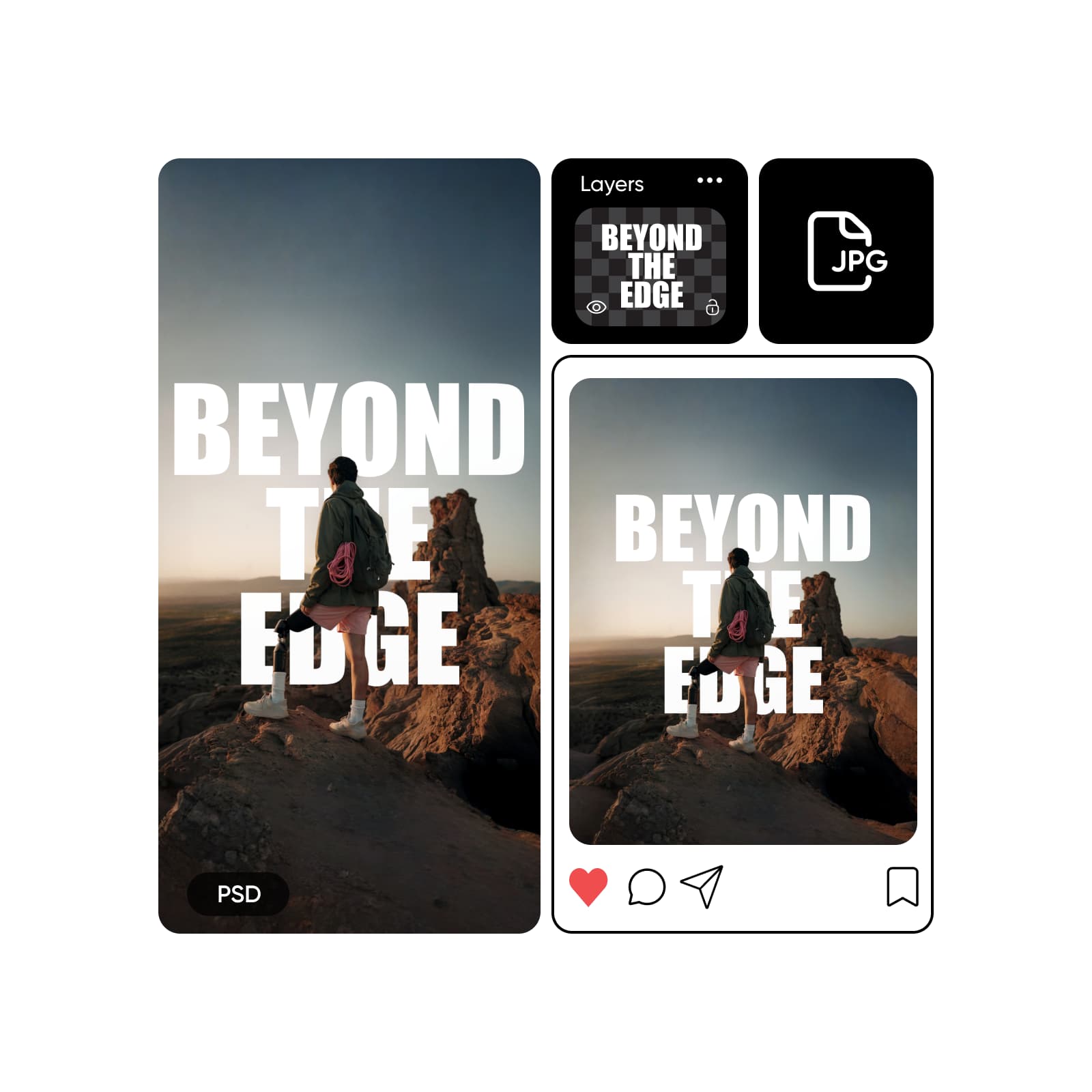
Take control of your PSD before export
Unlike basic converters, Picsart lets you open layered PSD files and make changes before exporting. Adjust text, images, and colors, hide or remove layers, then Resize Images or crop designs using the built-in Text Editor and color tools. This flexibility supports design-to-HTML workflows and lets you export HTML online when needed - then finish by exporting a polished JPG.
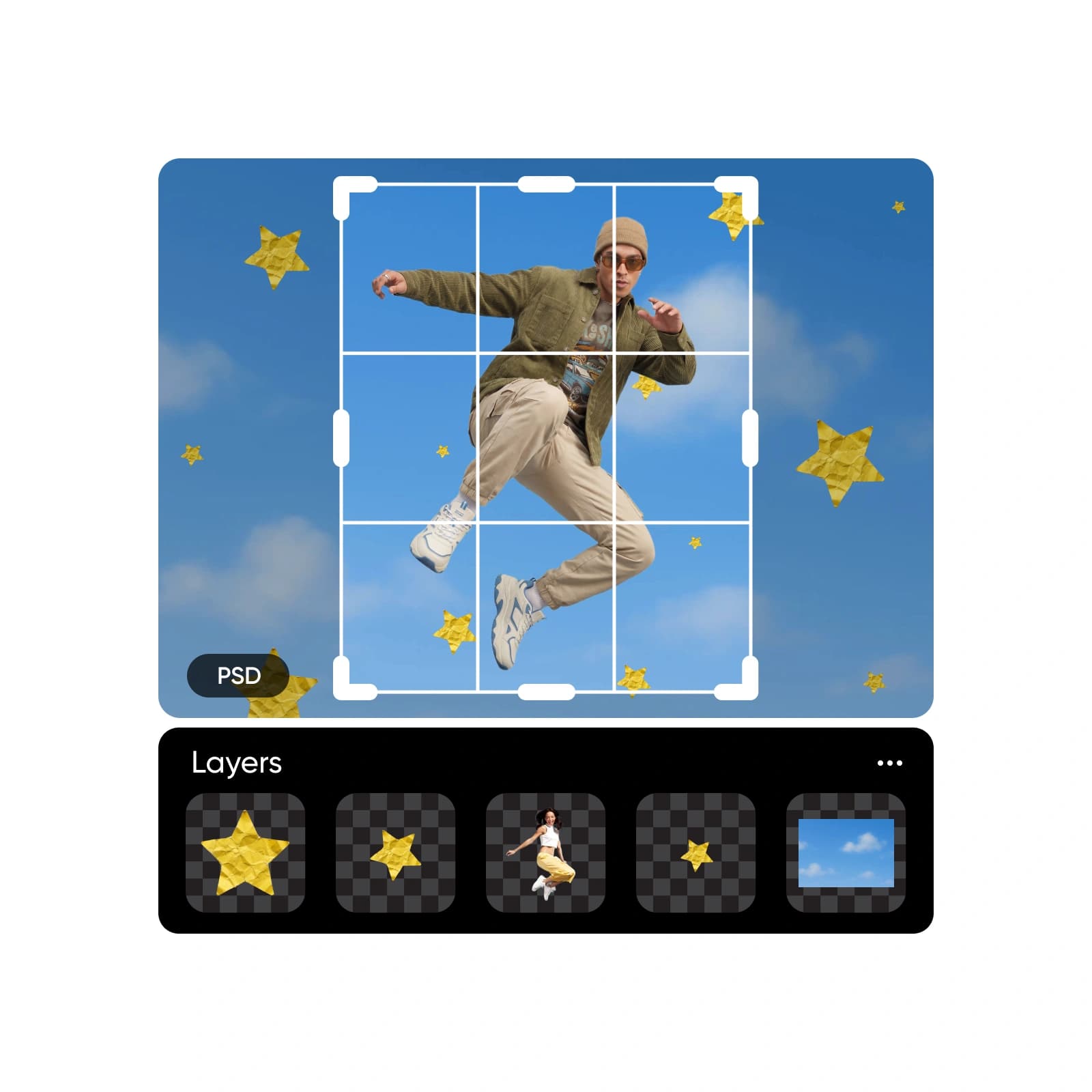
Convert PSD to JPG for every workflow
Hand off design assets
Convert PSD to JPG to deliver finalized visuals that are easy to review, share, and implement across teams.
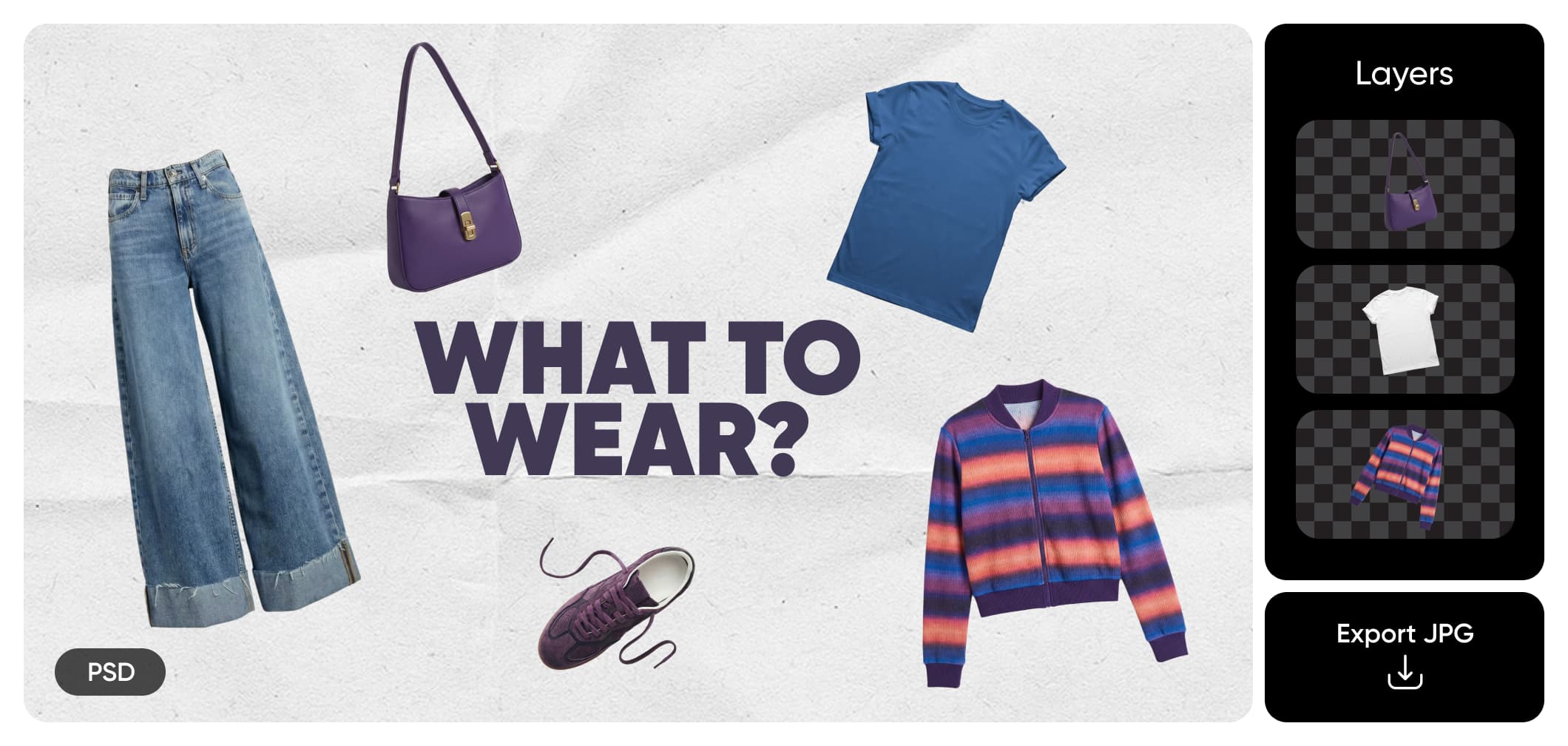
Powerful features for converting PSD to JPG
Everything you need to open, edit, and export PSD files as high-quality JPG images - online, fast, and without Photoshop.
PSD to JPG FAQ
A PSD file is a layered Photoshop document used for editing designs. It preserves text, images, effects, and layers, making it ideal for design work but less suitable for sharing or publishing.
Turn PSD files into ready-to-share images
Pro
Most popularAI tools for everyday creative work.
Ultra
Most powerfulHeavy AI usage for creators & teams.
Enterprise
Custom AI solutions for large organizations.
- Volume discounts on credit rate
- On-demand top-ups


