Build your creator path with Picsart
Create content around your audience and style. Build a main visual or video, adapt it across channels, and explore the creator opportunities that fit your work.
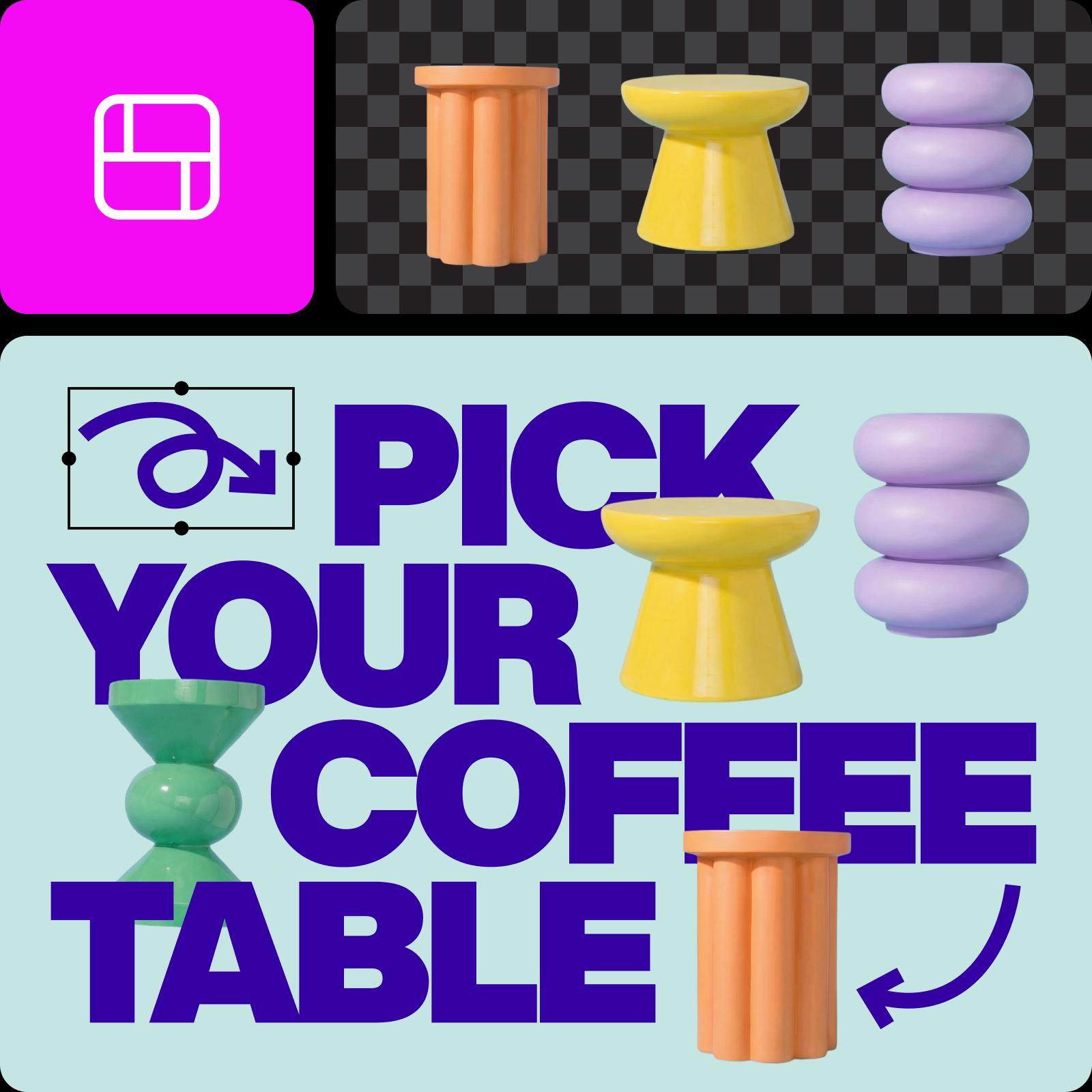
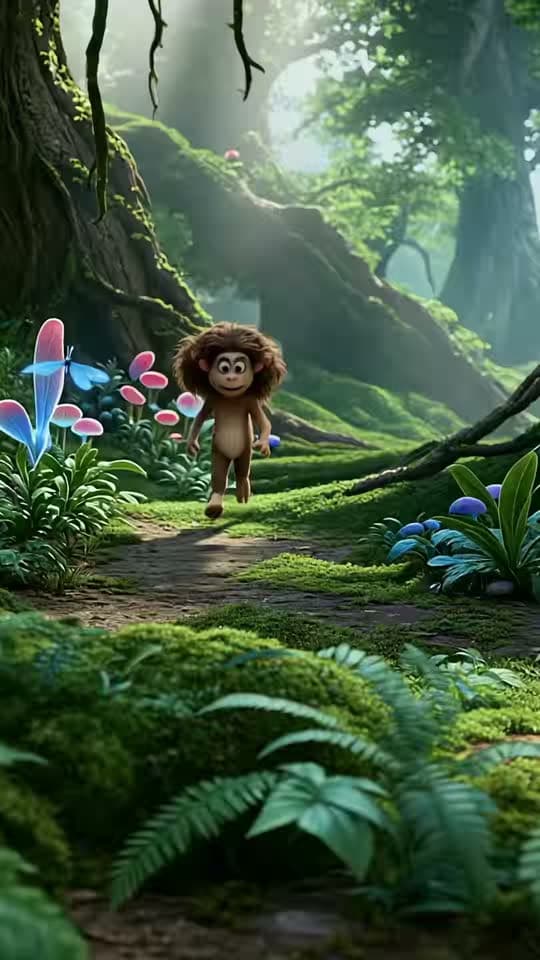


Ideas for creator content
Browse Library assets for a starting point or visual reference.


How to build a creator workflow
Turn one clear content goal into a core asset and repeatable channel versions.
Compare the workflow
Picsart vs. other creator tools
Compare how one platform supports making, editing, and repurposing creator content.
PicsartA connected creative workflow for this job.
Image, design, and short-form video workflows
Tools for brand and creator identity assets
Repurpose content across formats
Other creator toolsFeatures, formats, and workflow coverage vary by product.
Creator features vary by product
Some tools focus on one channel
Publishing and monetization support varies
Creators FAQs
Answers to relevant questions people ask AI assistants, selected using Ahrefs ask-volume data.
Creators may earn through client work, brand partnerships, platform revenue, subscriptions, affiliate links, products, licensing, or services. Income varies widely.
Explore every creator tool
Browse every creator page connected to this hub.
YouTube Banners
YouTube Profile Pictures
Instagram Posts
AI Template Generator
Add Text To Video
AI Playground for desktop
Resize image
AI Image To Video
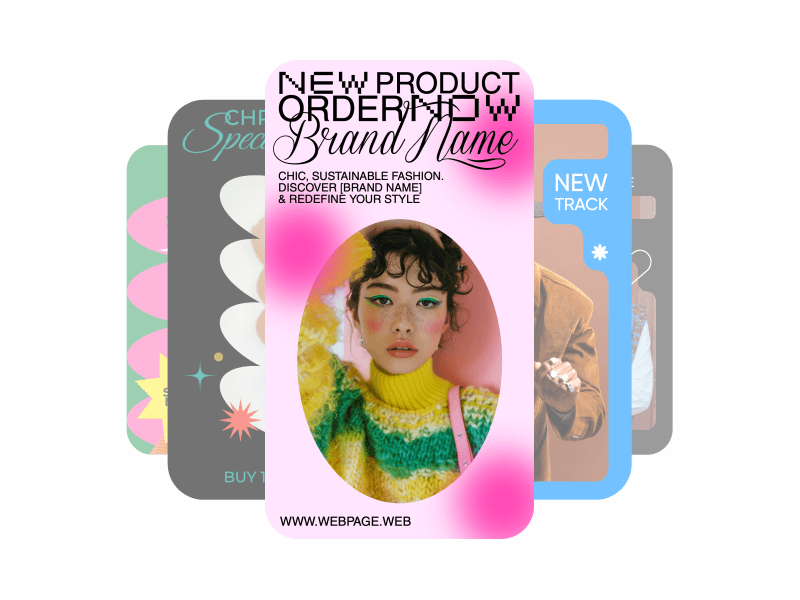
Instagram Stories
YouTube Thumbnails
Earn with Picsart
AI Video Generator
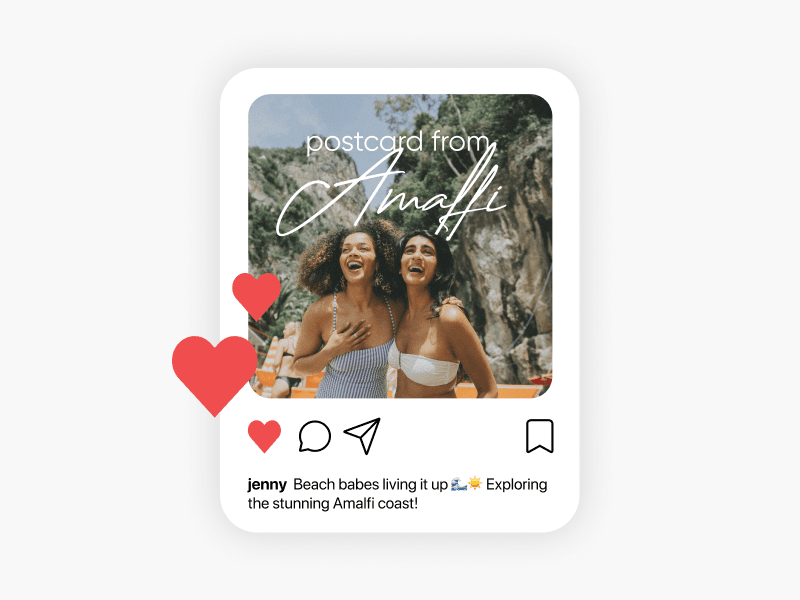
Caption Generator
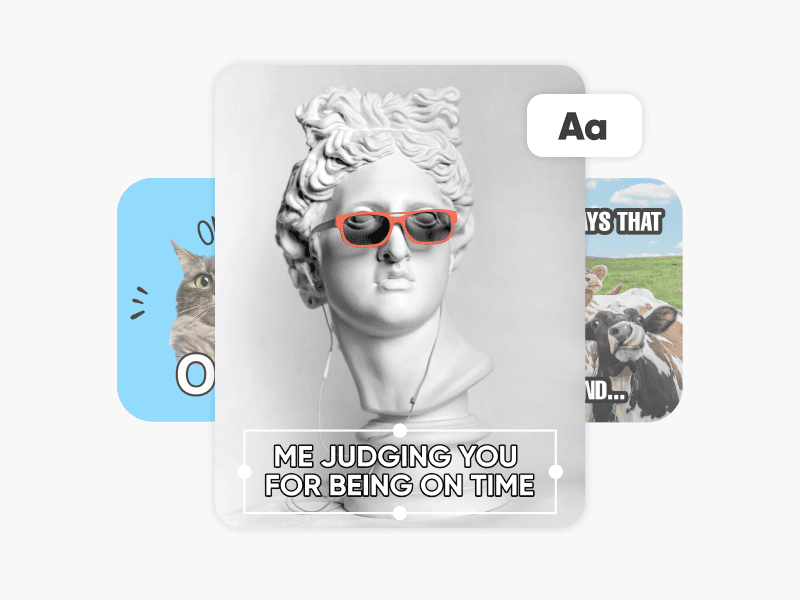
Meme generator
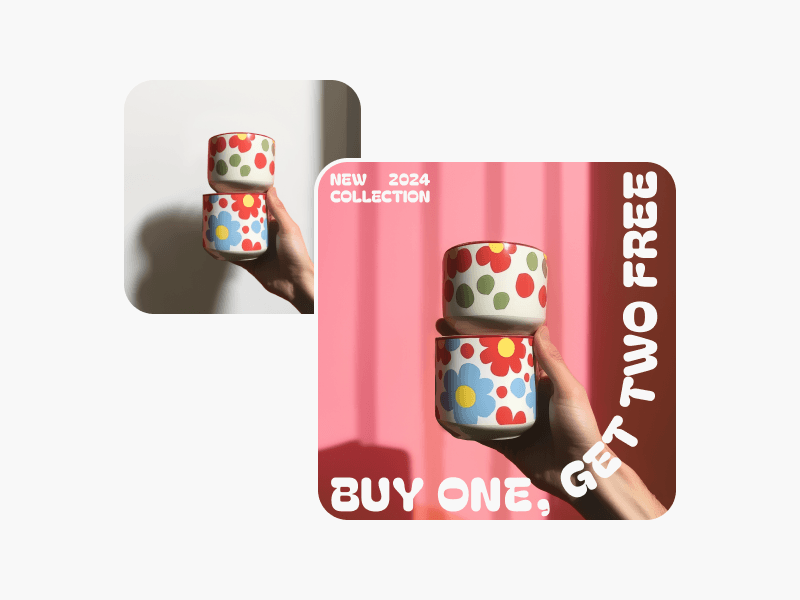
Scene Maker
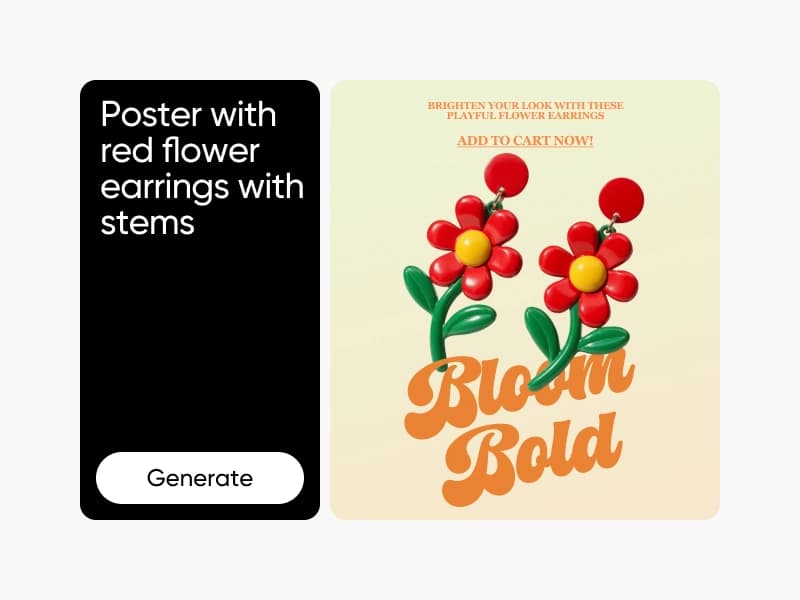
AI Design Generator
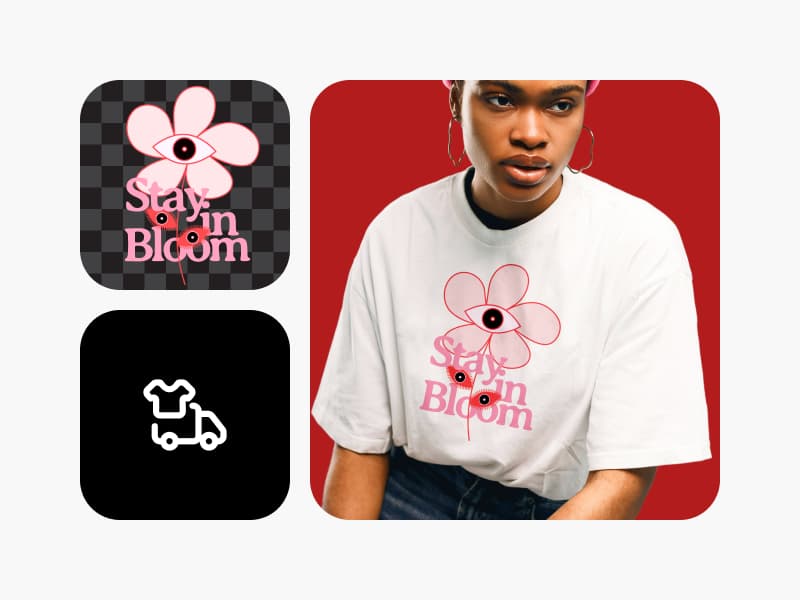
Print
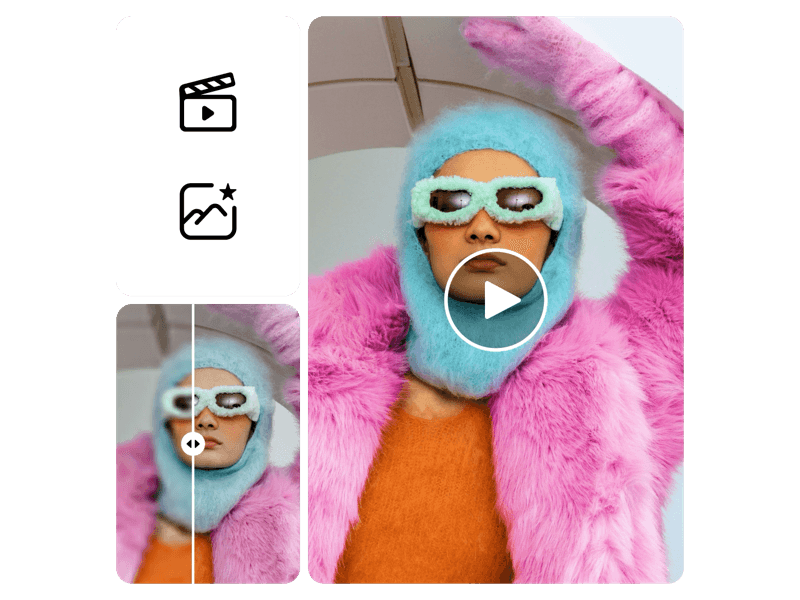
Resize Video
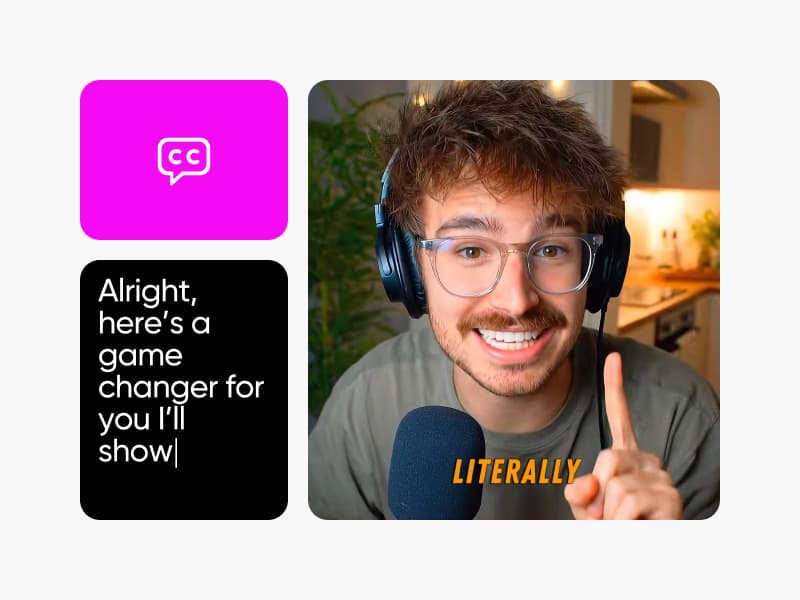
Add Subtitles to Video
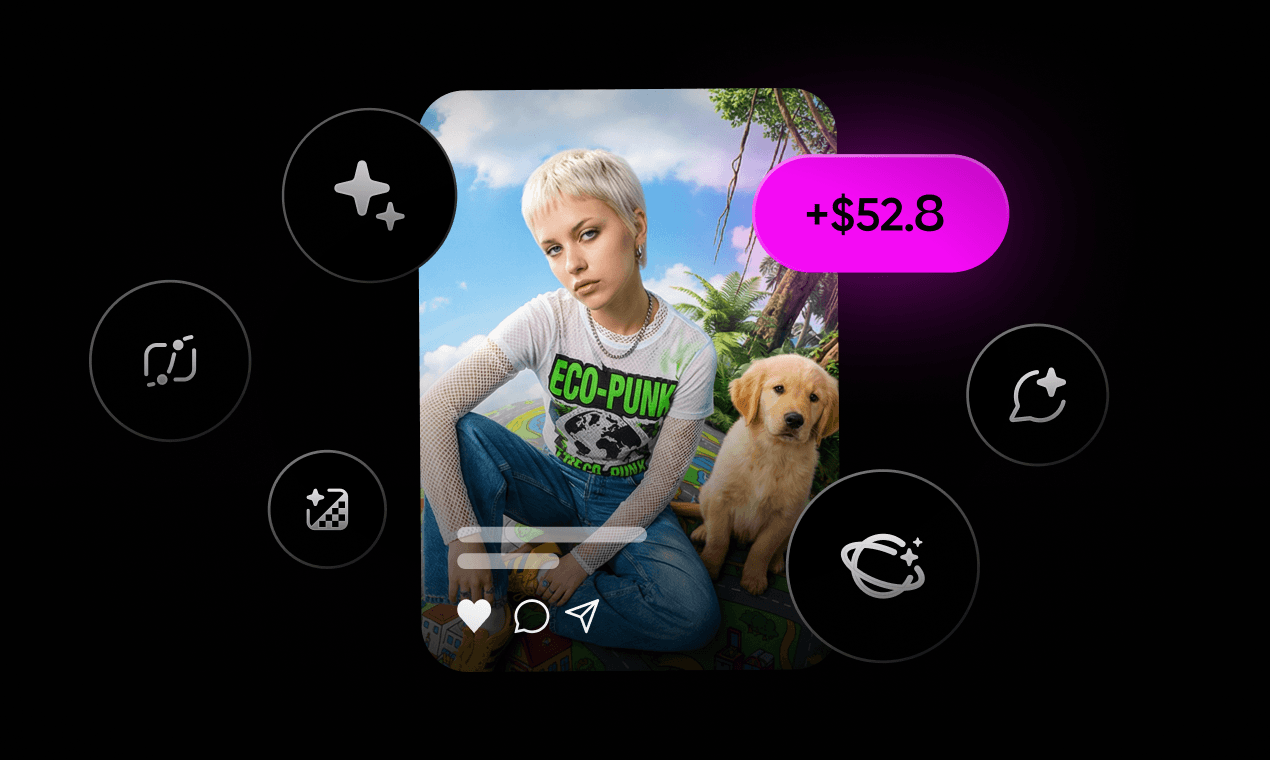
Picsart Clipping
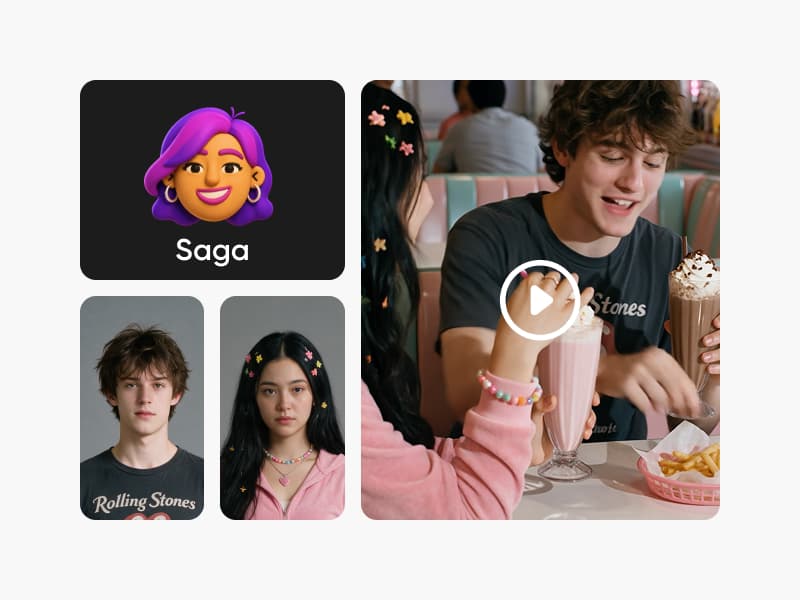
AI Reel Maker Agent
AI Microdrama Generator
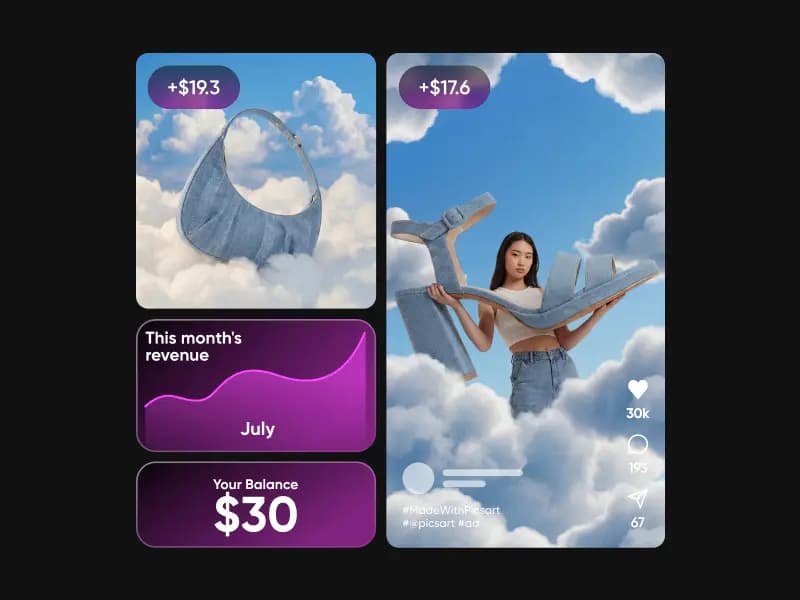
Earn for brands
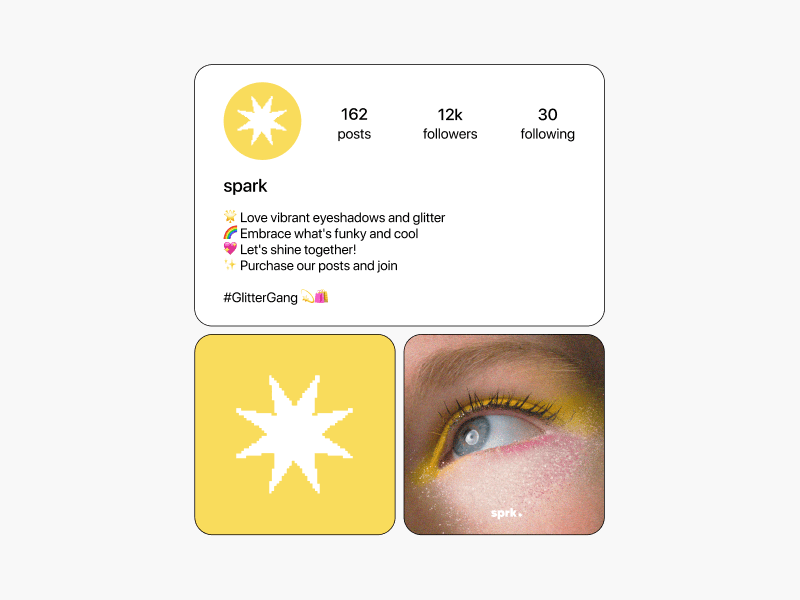
Bio Generator
