
Image
Video
Library
Creators
Solutions
Community
MCP & CLI
Pricing

AI Playground - Now on desktop

All 150+ AI models, at native desktop speed

AI Playground is now a desktop app. Get all 150+ AI models in a fast, focused space — faster than the browser, with AI that runs on your machine, video editing built right in, and instant drag-and-drop between your drive and the cloud. Available for Mac and Windows.


Desktop vs. web: what changes

FEATURE
150+ AI models
Performance
AI that runs on your machine
Video editing
Drag and drop
OS folder integration
Built-in screen recorder
Always-on
DESKTOP APP
Native speed — faster than the browser
Local LLM — on-device processing
Basic editing tools, right in place
Move files freely between local drive and cloud
Deep integration with Mac & Windows folders
Ready the moment you need it
WEB
Capped by the browser tab
Cloud only
Limited
Browser upload only
Browser sandbox
Open a tab, sometimes re-login

Set up your desktop studio in four steps

From install to your first export, everything happens right inside the app.

1

Download the app

Grab AI Playground for Mac or Windows and install it in a couple of clicks.

2

Sign in

Open the app and sign in with your Picsart account — your projects and plan come with you.

3

Create with 150+ models

Generate images, video, and more with the full model catalog, now at native desktop speed.

4

Edit and export in place

Use the built-in video editing tools and screen recorder to finish your work, then drag it straight to your local folders.


FASTER, AND CLOSER TO HOME

 Native speed, powered partly on your machine

The desktop app runs as a real app — noticeably faster than the browser — and brings AI processing on-device with a local LLM. Less waiting on round-trips, more of your work staying on your own machine.

ai pg in desktop

CREATE AND FINISH IN ONE PLACE

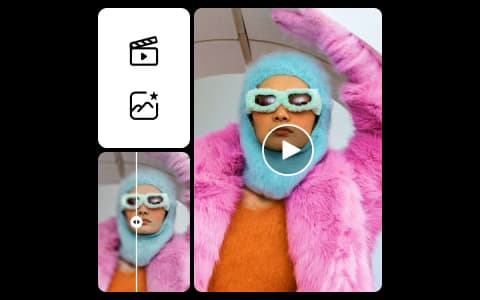
Video editing and screen recording, built in

Go from generation to finished clip without leaving Playground. Basic video editing tools and a built-in screen recorder let you trim, adjust, and capture right where you're already working.

Video editing and screen recording, built in

YOUR FILES, NO FRICTION

Drag-and-drop between your drive and the cloud

Move assets straight between your local Mac and Windows folders and the cloud with simple drag-and-drop. Deep OS folder integration keeps everything exactly where you expect it — and the app is always on, ready the moment you need it.

Drag-and-drop between your drive and the cloud


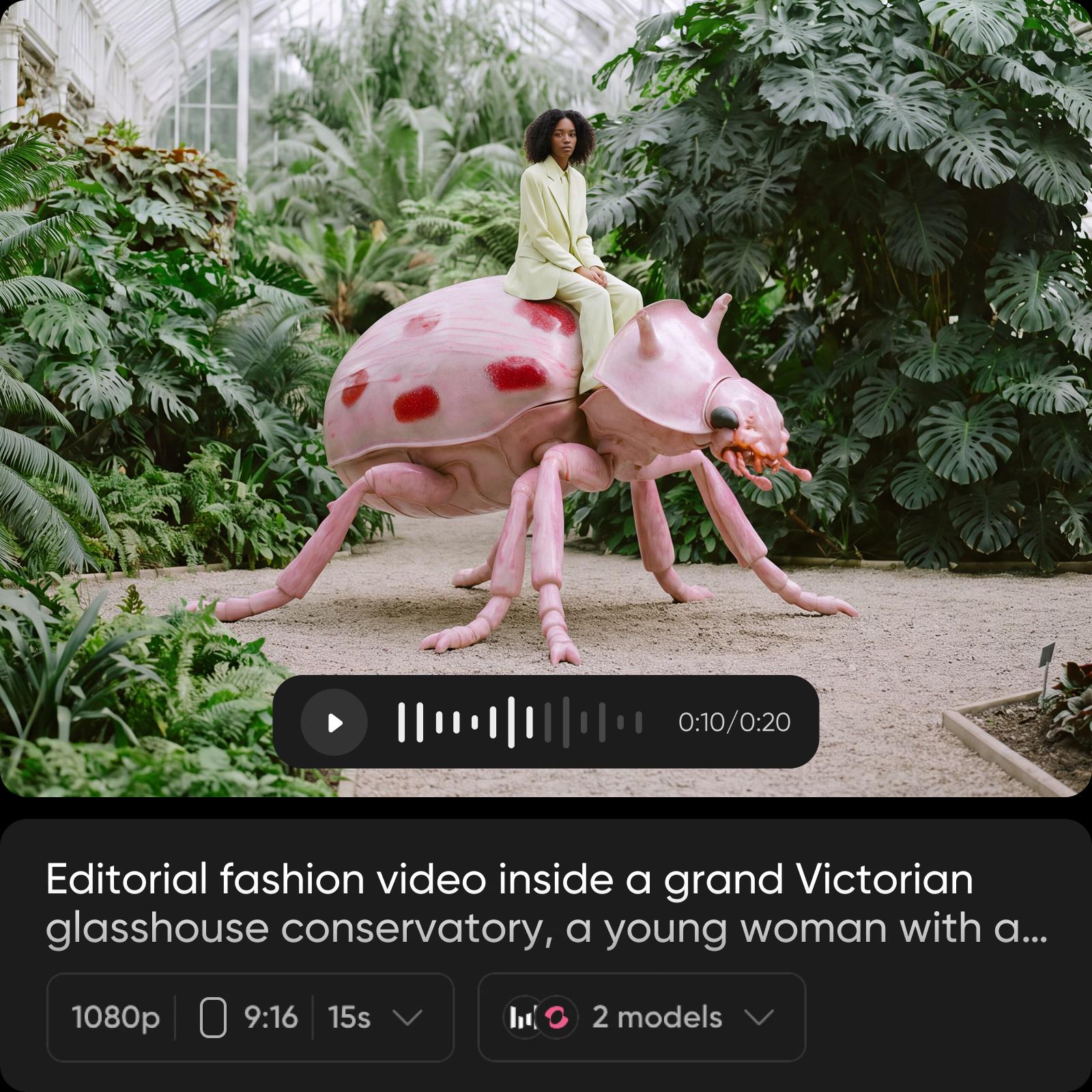
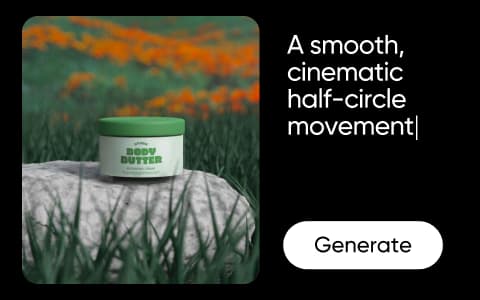
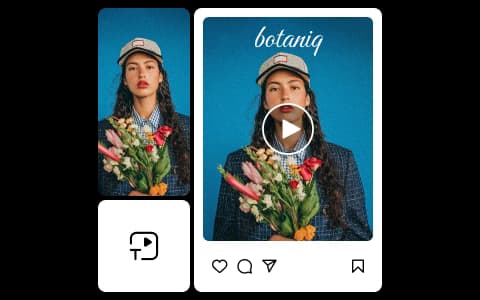
Discover AI models on Playground

Seedance 2.5 preview

Seedance 2.5

Hailuo 3 preview

Hailuo 3

Topaz video upscale preview

Topaz video upscale

Browse more

Use Picsart anywhere

Install the app, or bring Picsart into the AI workspaces your team already uses.

Use Picsart with

  • ChatGPT / Codex
  • Claude
  • Terminal
  • Cursor
  • OpenClaw
  • Hermes

Download the app

Download on the App StoreGET IT ON Google PlayGet it from Microsoft

Follow Picsart

Pinterest
AICPA SOC

Create

  • AI Image Generator
  • AI Video Generator
  • AI Playground
  • Flow
  • AI Photo Editor
  • AI Video Editor
  • AI Agents
  • Content Library
  • AI Models

Creators

  • Earn with Picsart
  • Clipping
  • For Brands
  • Video Studio
  • Tutorials
  • Challenges

Connect

  • ChatGPT / Codex
  • MCP setup
  • Command line
  • Developers
  • Google Drive

Business

  • Pricing
  • Enterprise
  • Industries
  • Quicktools

Company

  • Support
  • Careers
  • About us
  • Blog
  • Press Center
Terms of UsePrivacy PolicyDo Not SellInternet-Based AdvertisingCommunity GuidelinesDMCASecurity PolicyAccessibility
© 2026 PicsArt, Inc.