Describe the image you want to make...
Create ads around your product and message
Explore a campaign concept, create product imagery, and refine the message. Adapt your strongest creative for the placements you plan to use.
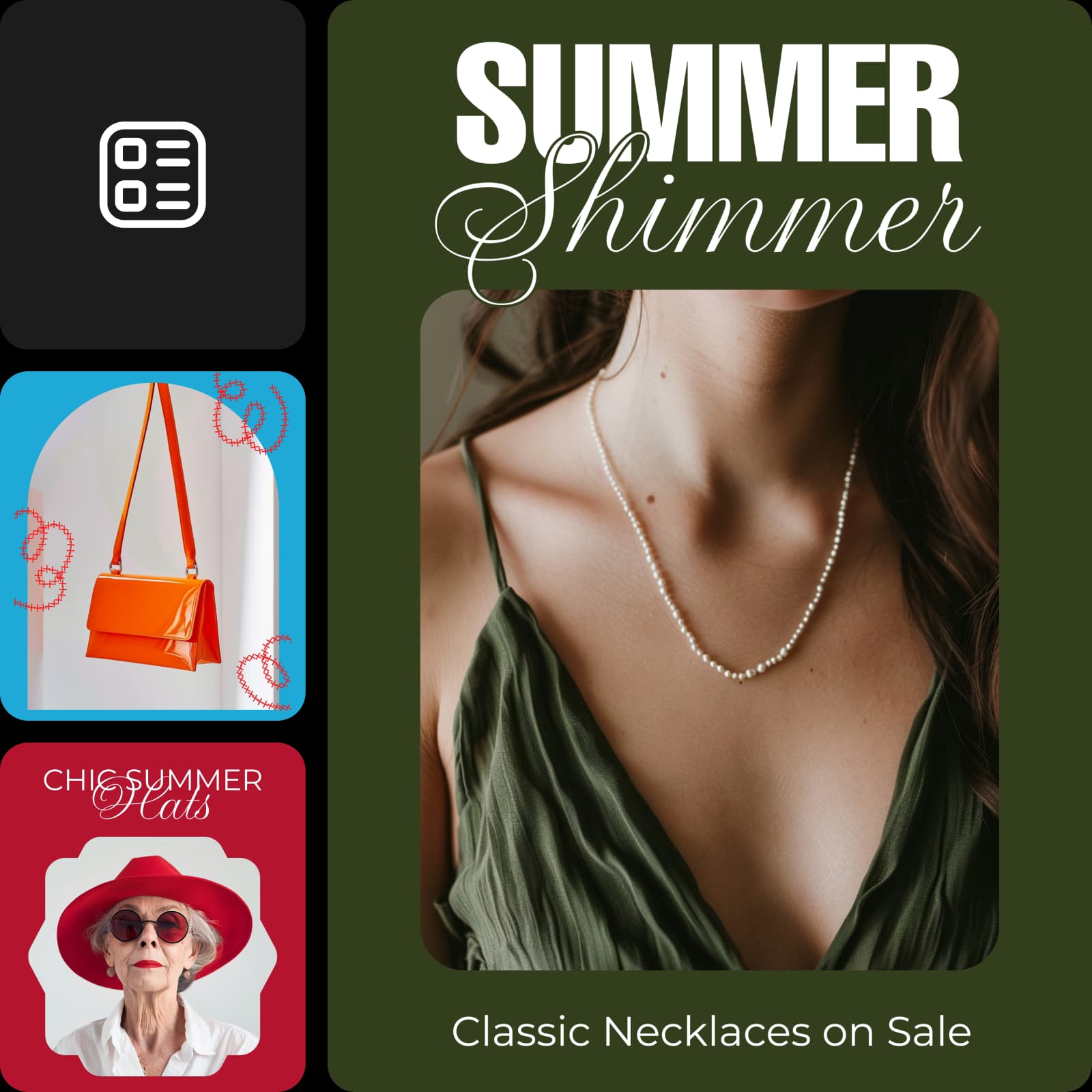


Explore ad tools by campaign job
Choose a category, then find the page that fits your next step.


Campaign layout inspiration
Browse Library assets for a starting point or visual reference.


How to create an ad with Picsart
Work from the campaign goal to channel-ready creative while keeping the message consistent.
Compare the workflow
Picsart vs. other ad tools
Compare how ad creation, variation, and editing fit into one campaign workflow.
PicsartA connected creative workflow for this job.
Product, social, and video ad workflows
Resize and adapt creative for channels
Edit generated assets before export
Other ad toolsFeatures, formats, and workflow coverage vary by product.
Ad formats vary by product
Variation workflows may be separate
Scoring and export features vary
Ad Tools FAQs
Answers to relevant questions people ask AI assistants, selected using Ahrefs ask-volume data.
The best marketing tools support the assets your campaign needs—such as product images, ads, social posts, video, and variations—and fit your brand-review process.
Explore every ad tool
Browse every ad tool page connected to this hub.
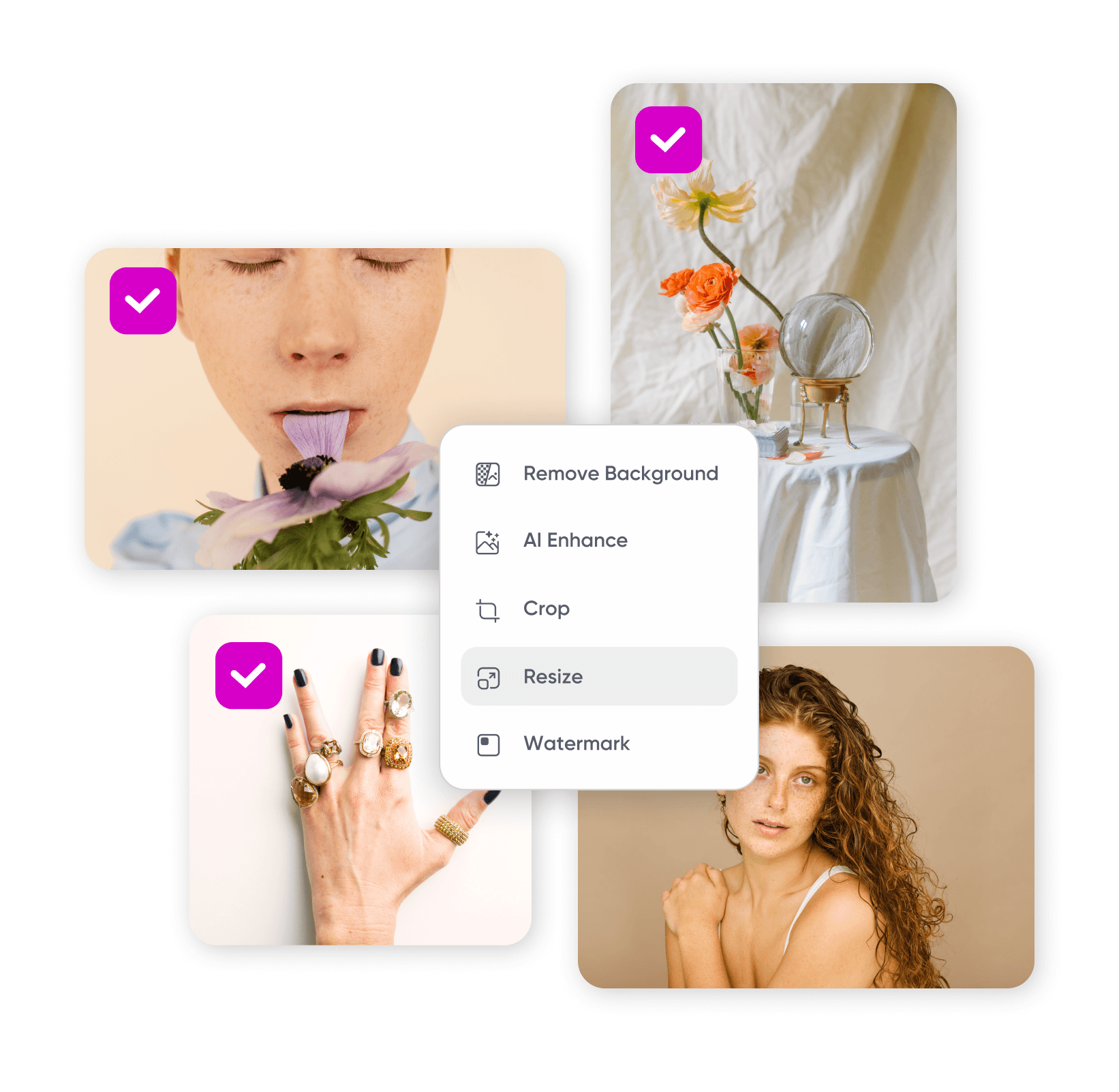
Batch Resizer
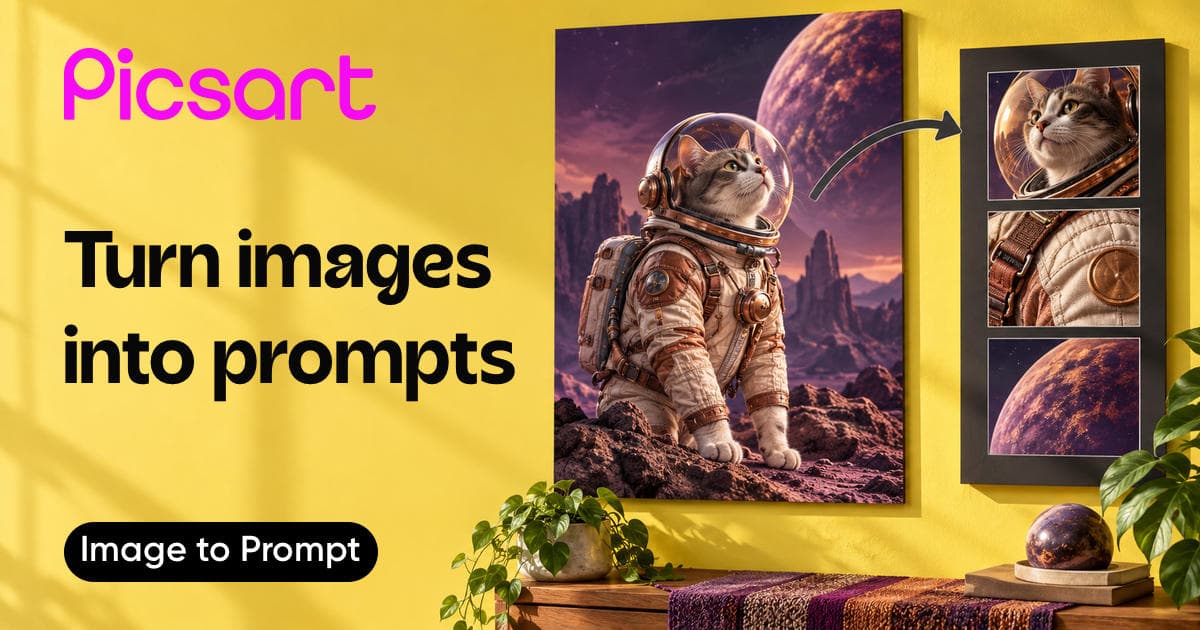
Image to Prompt Generator
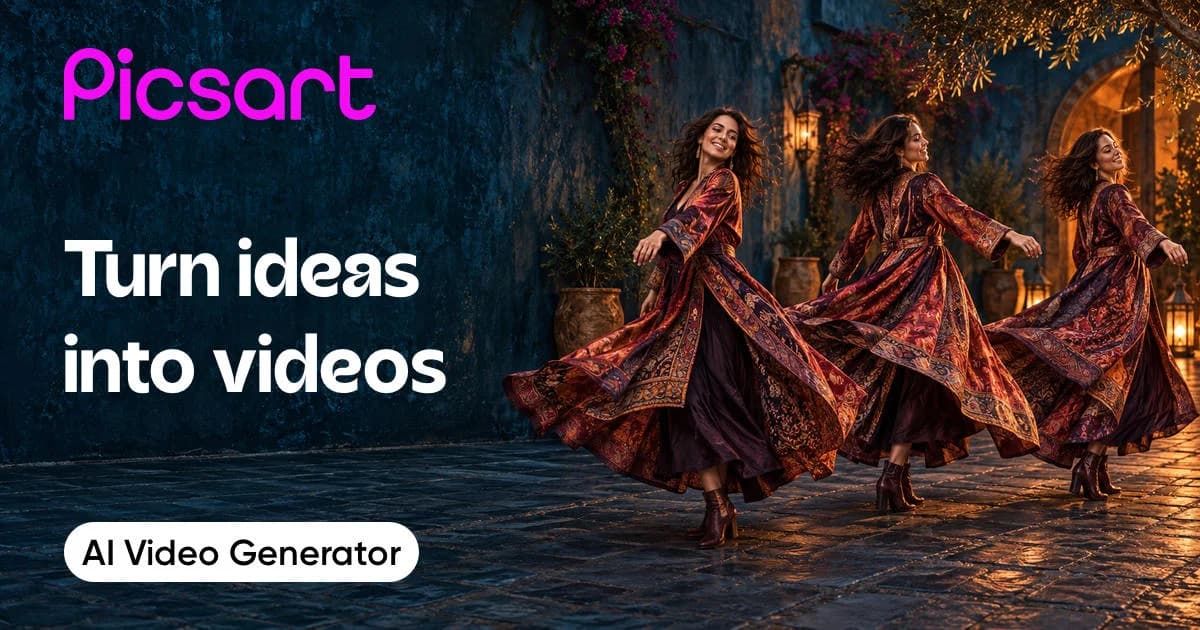
AI Video Generator
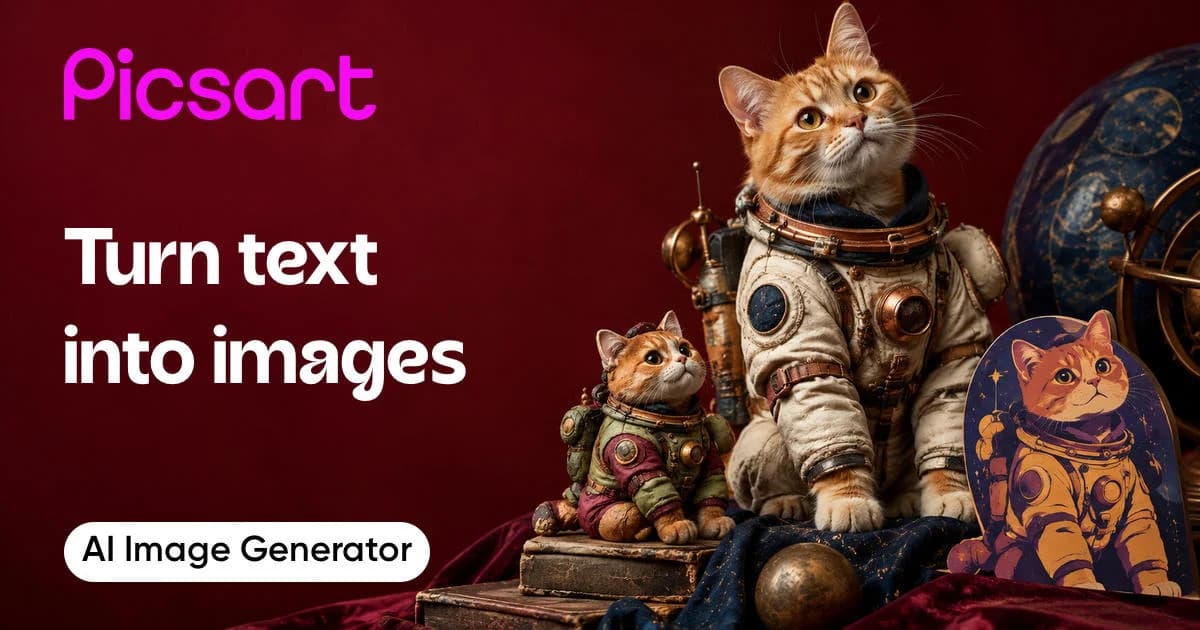
AI Image Generator
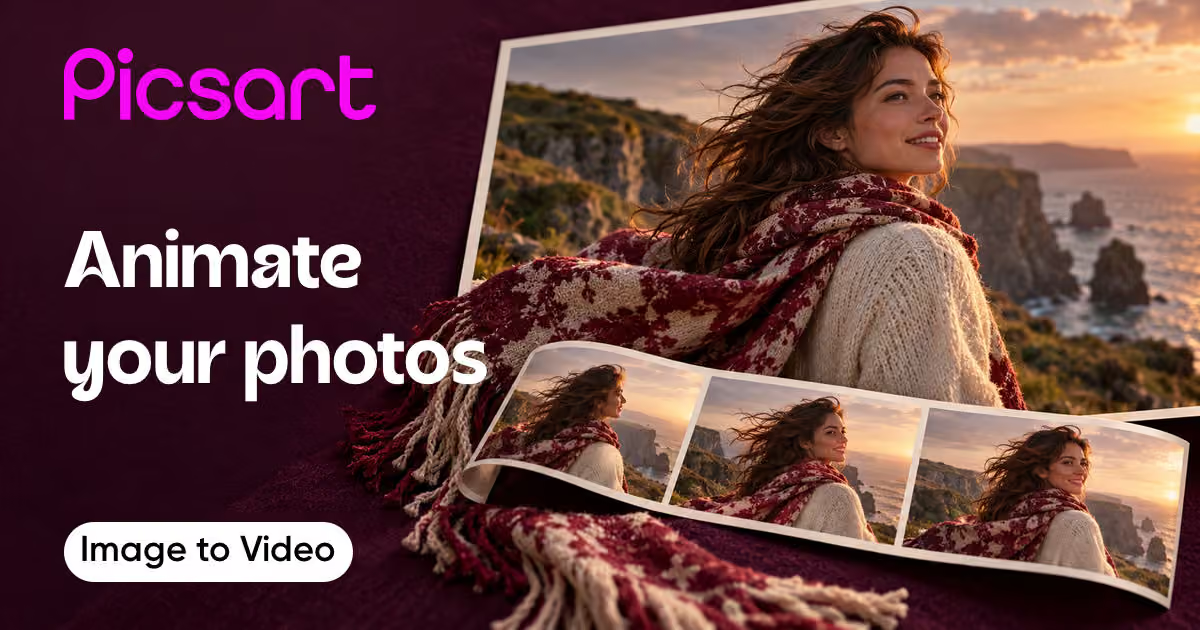
AI Image To Video

Video ad maker
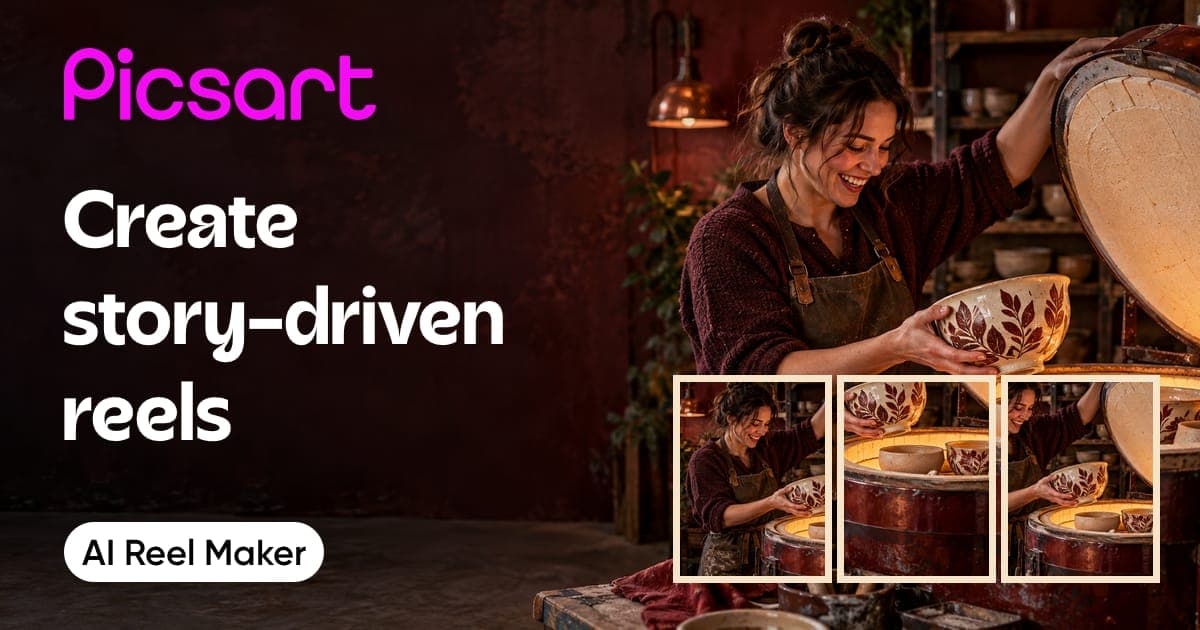
AI Reel Maker Agent
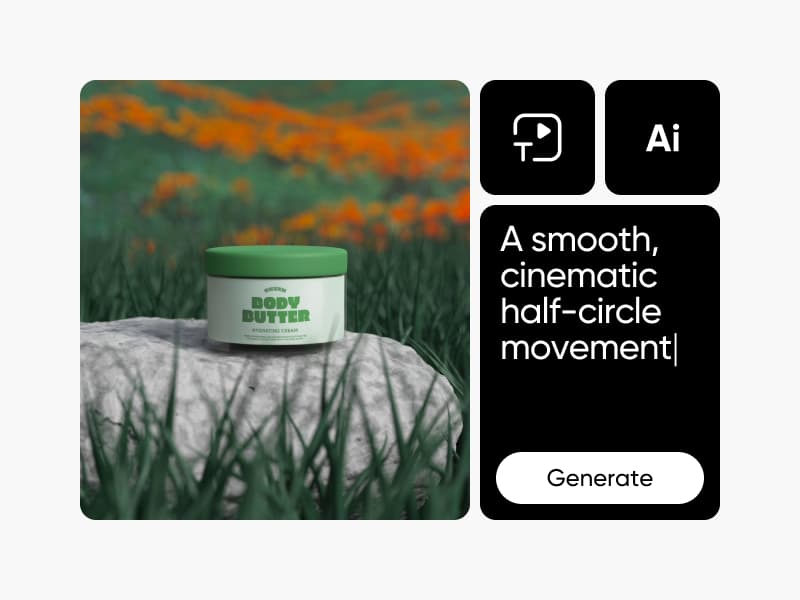
Kids Cartoon
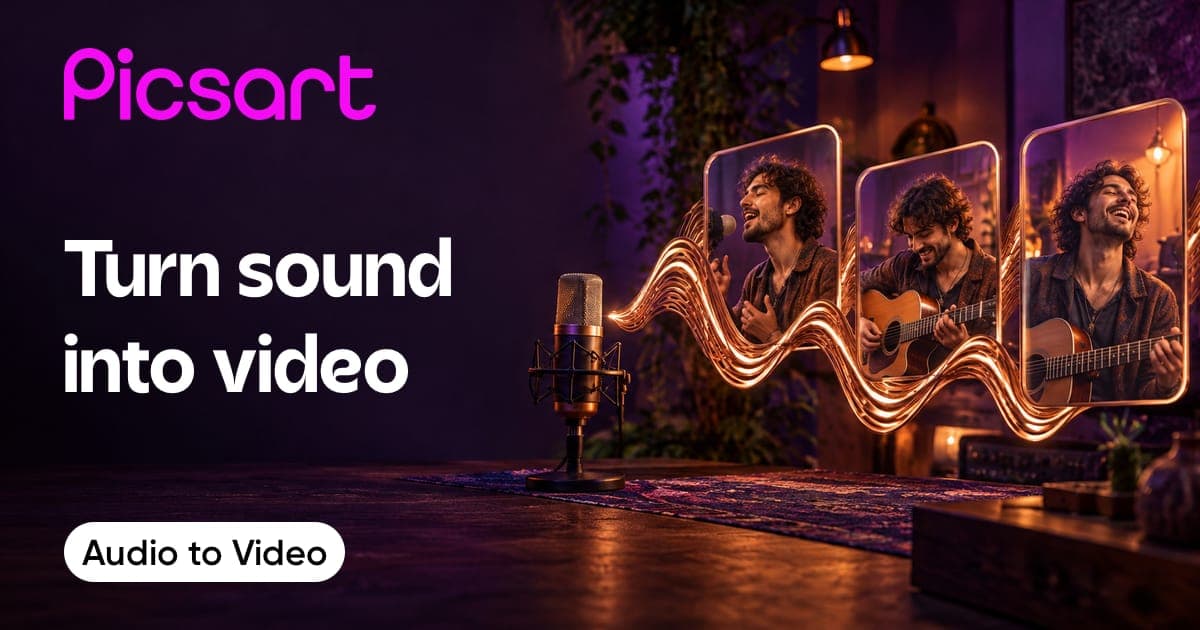
Audio to Video
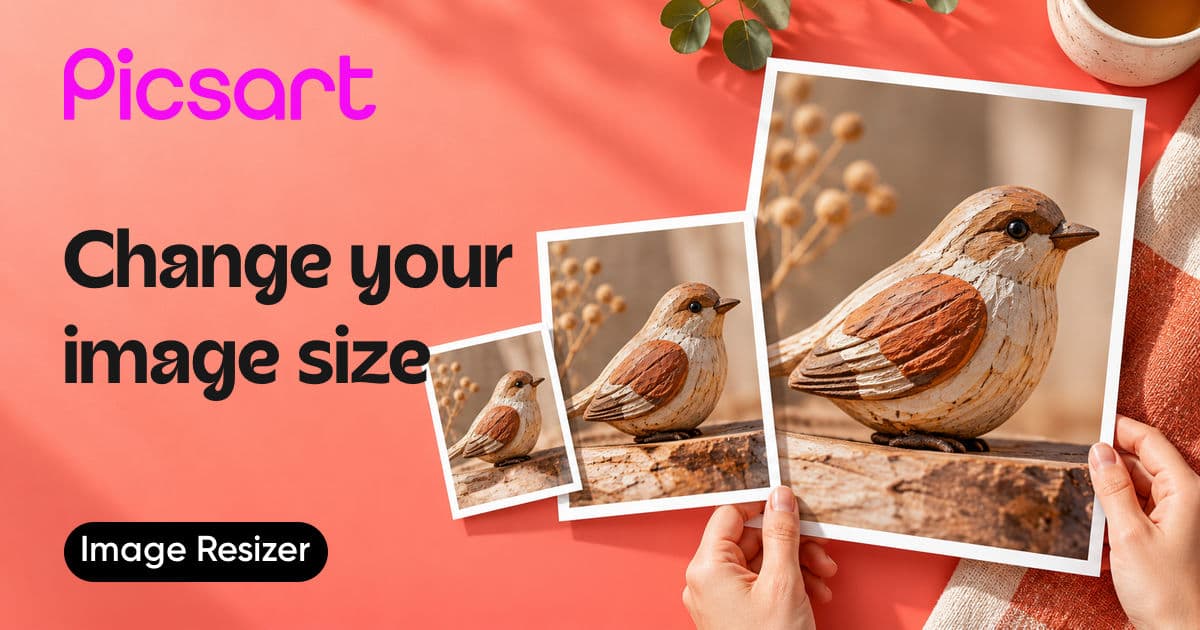
Resize image
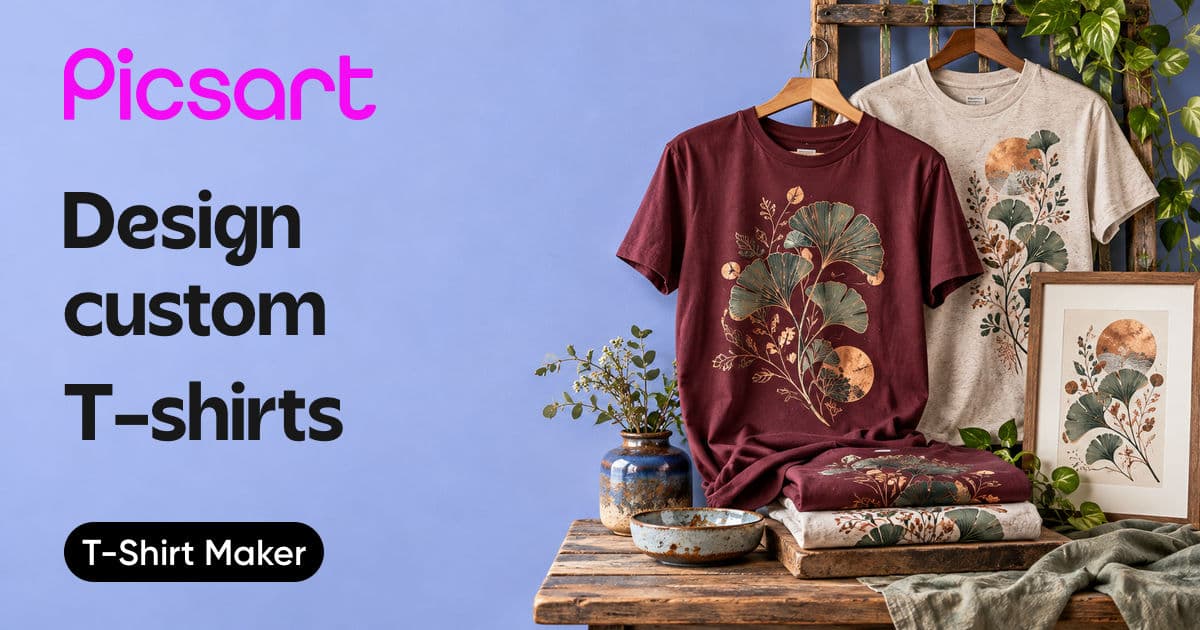
T-Shirts
AI Microdrama Generator
Video Upscale
Logo Generator
Batch Editor
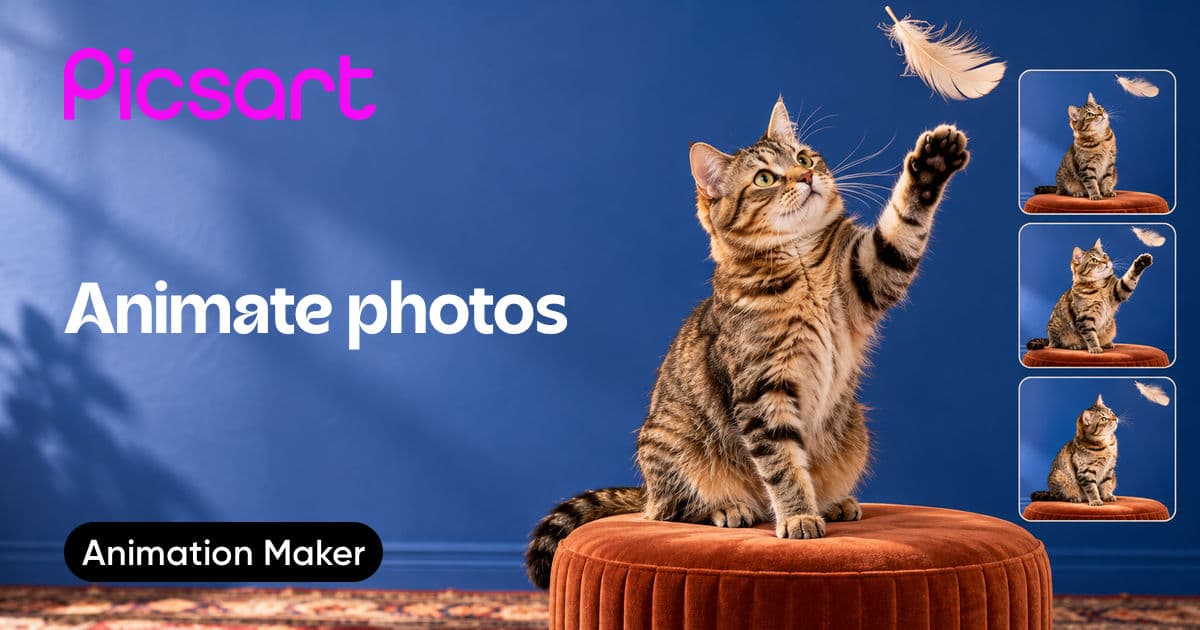
Animation Maker
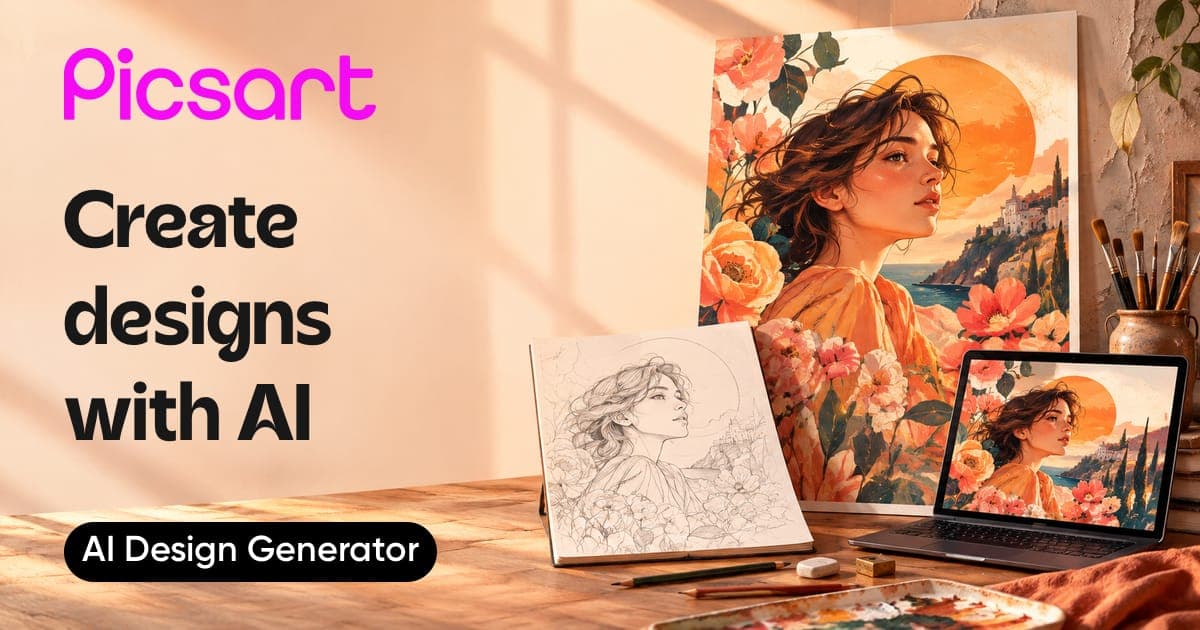
AI Design Generator
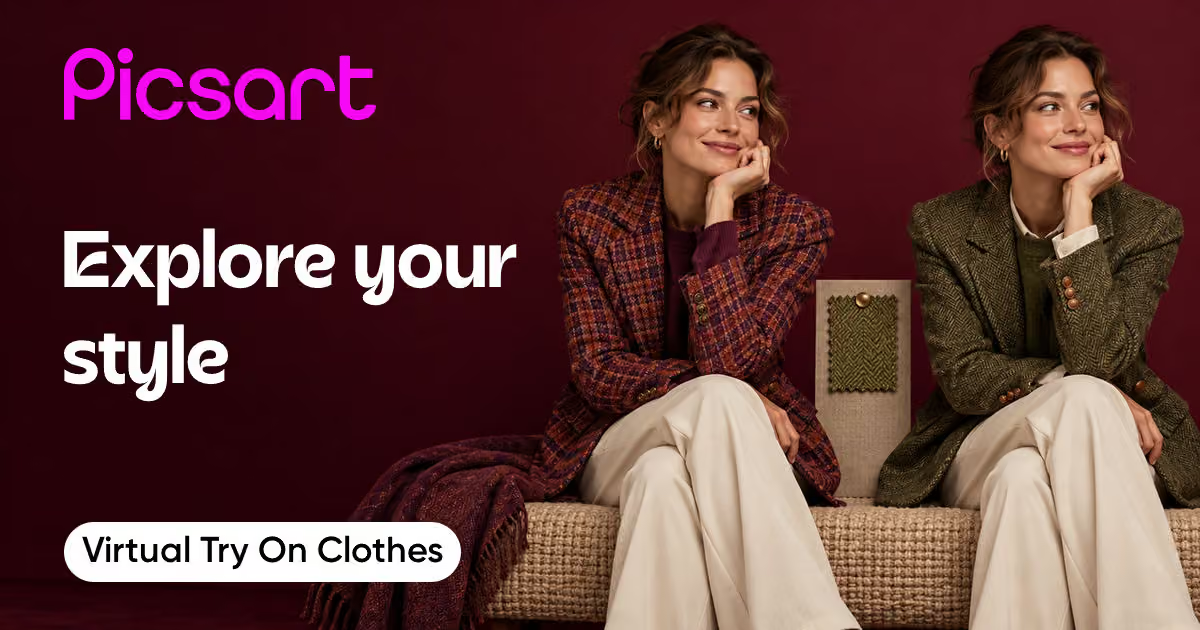
Virtual try on clothes
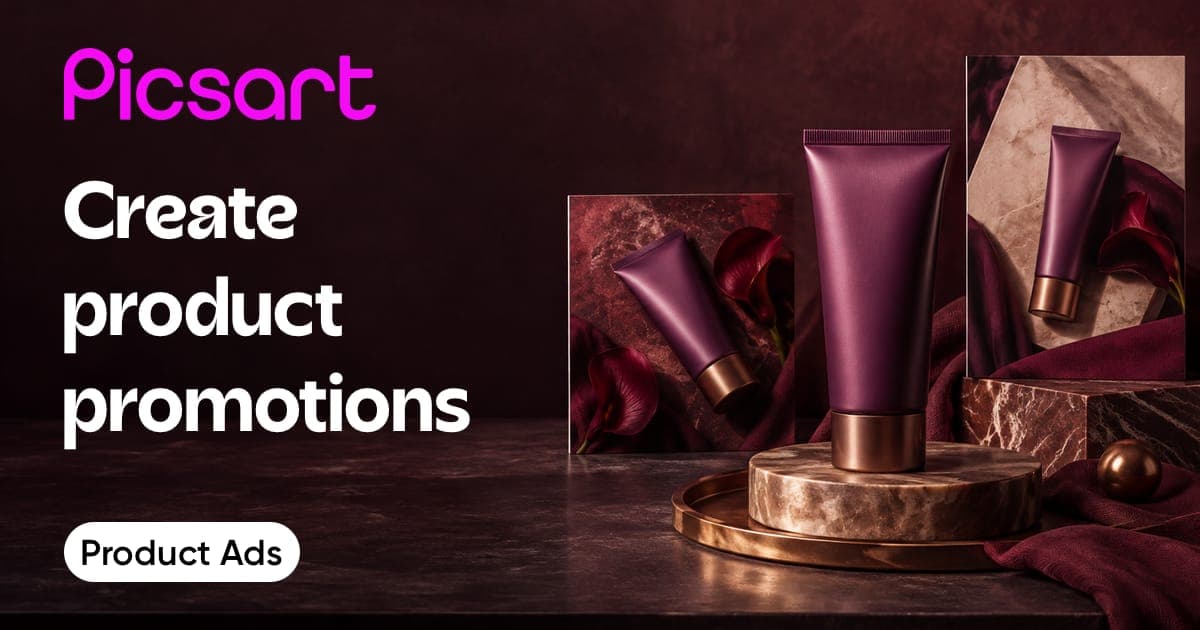
Product ads and listings
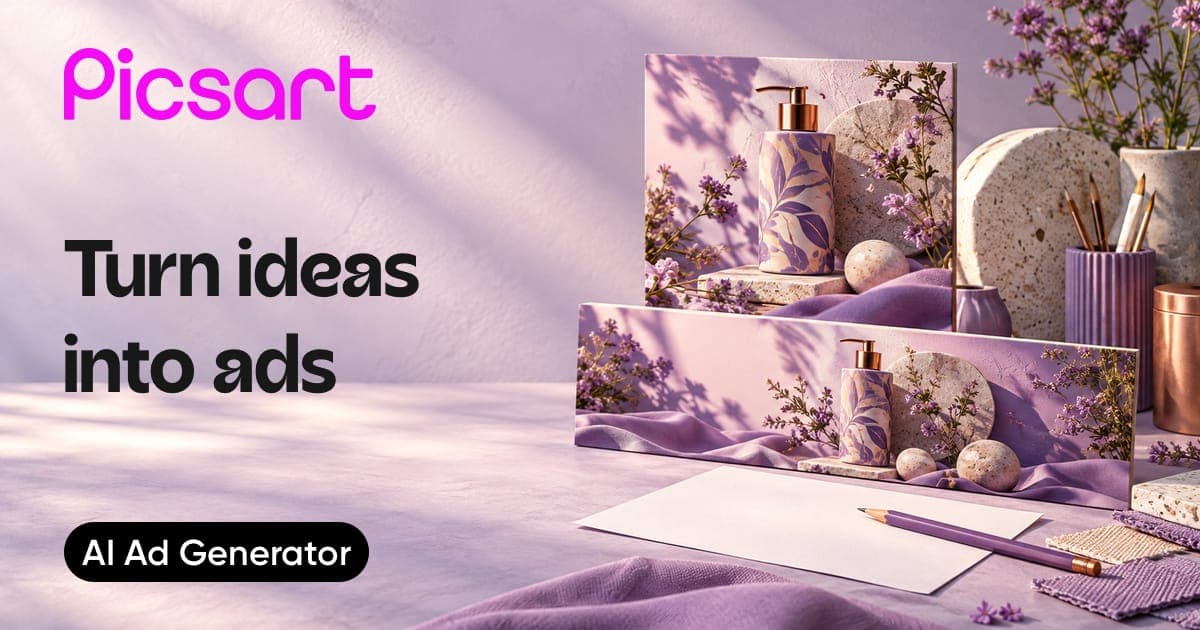
Ad Generator
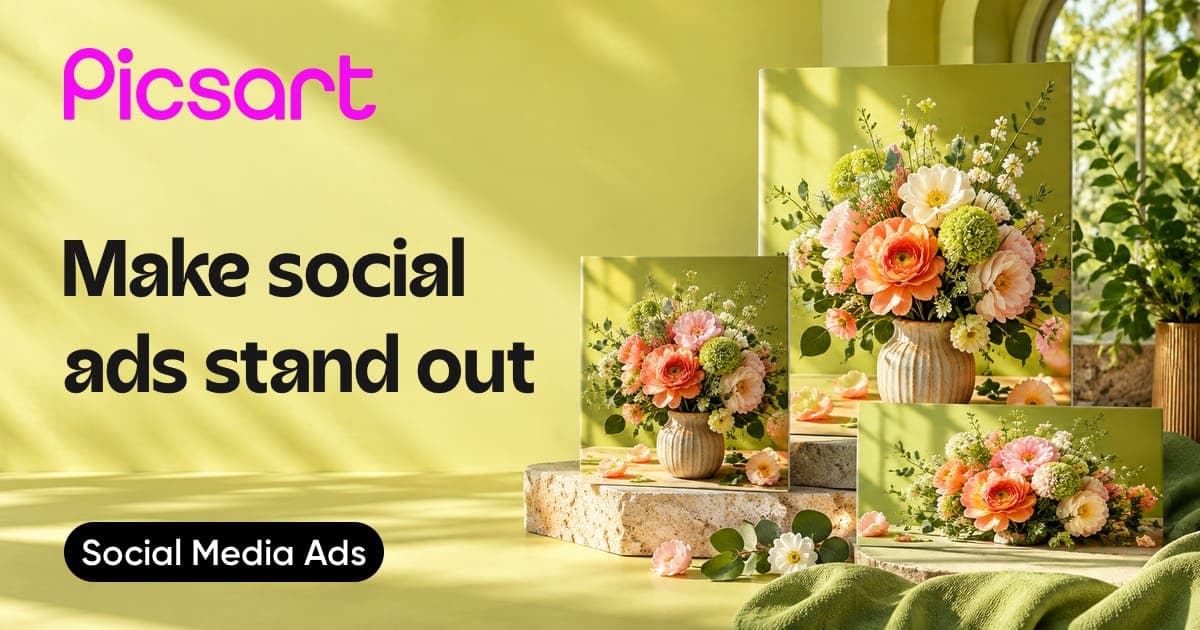
Social media ads
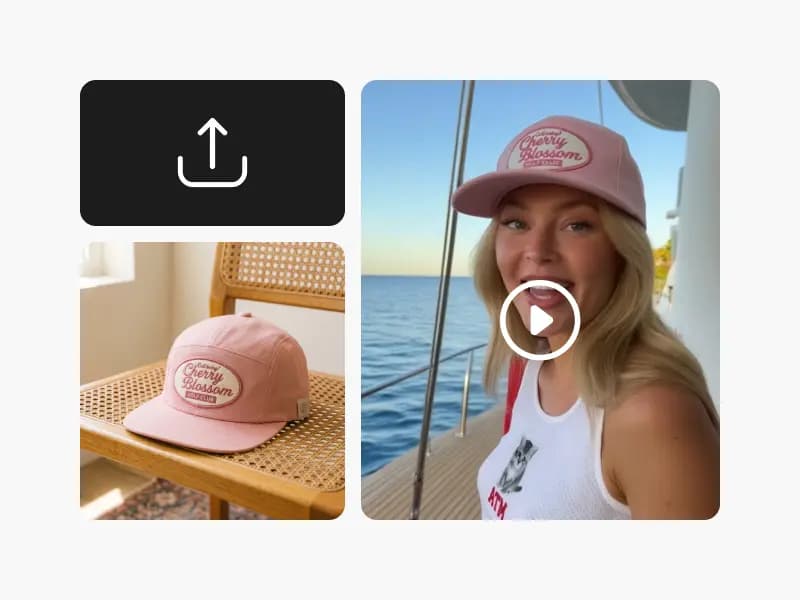
UGC Ads
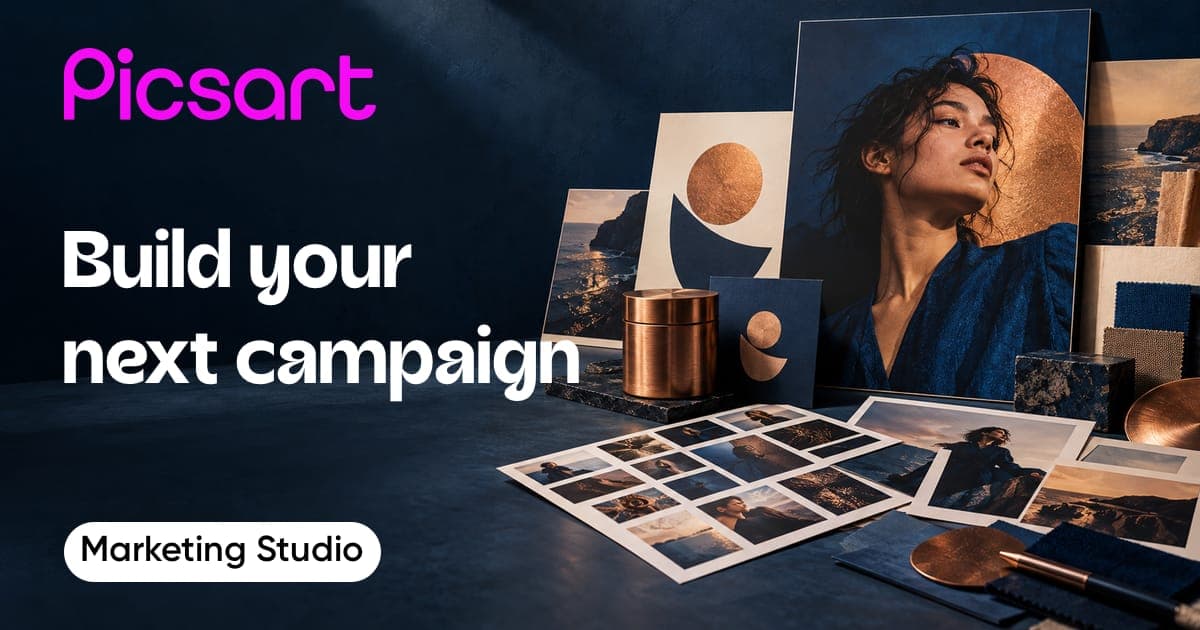
AI Marketing Studio
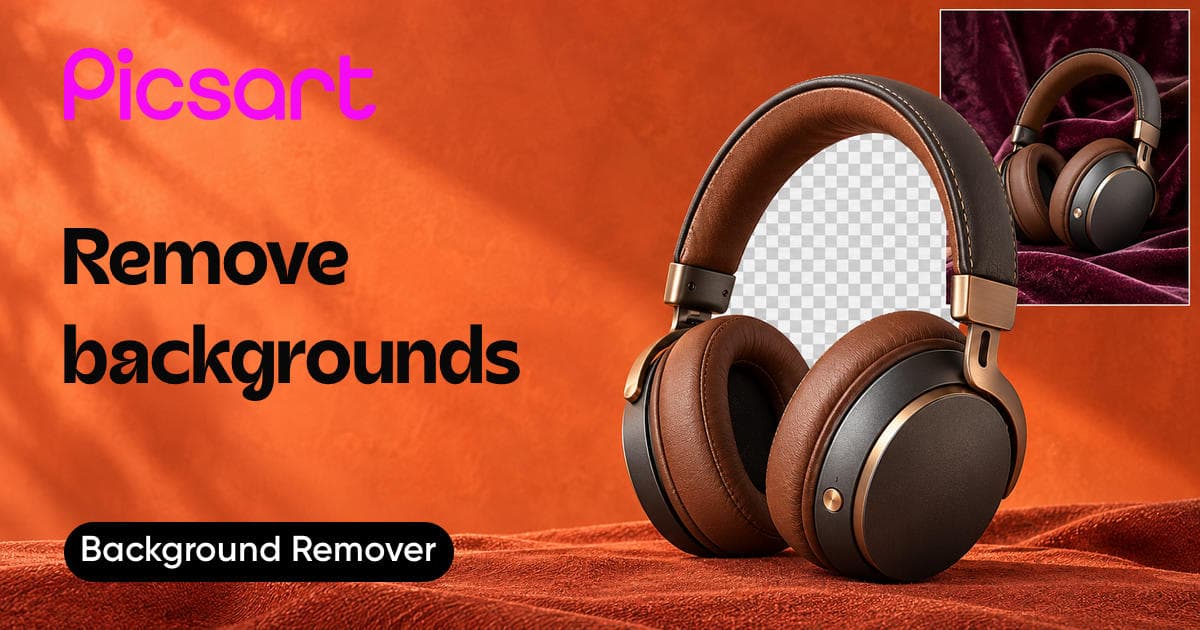
Background Remover
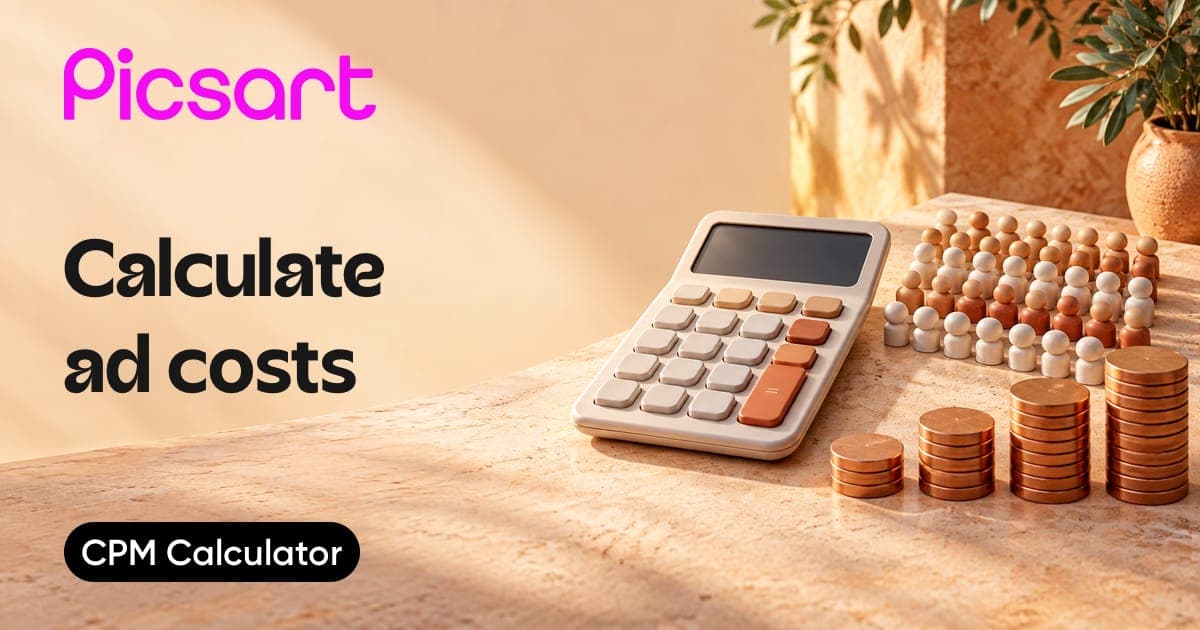
CPM Calculator
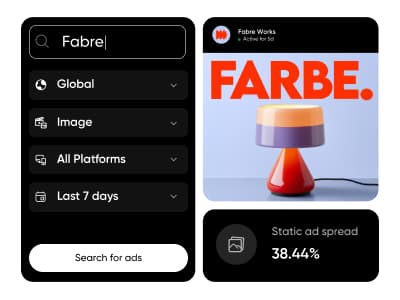
Competitor Ads
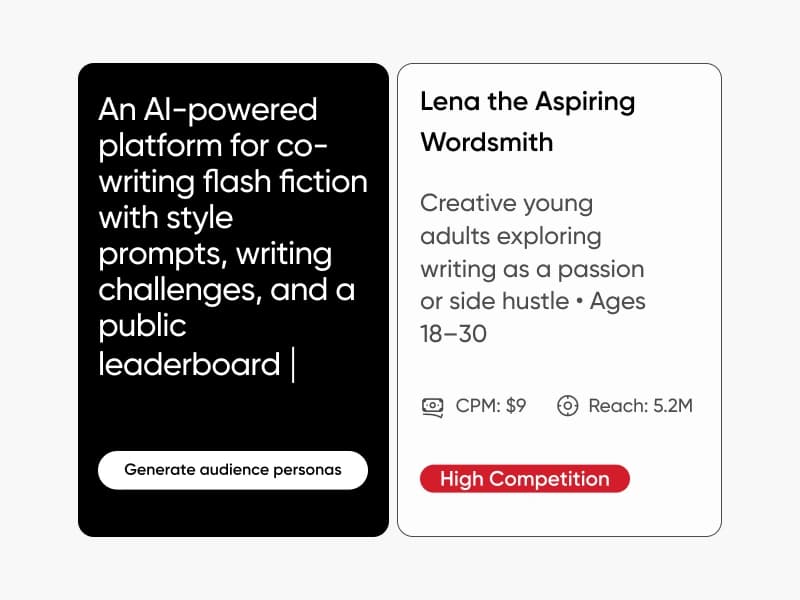
Audience Generator
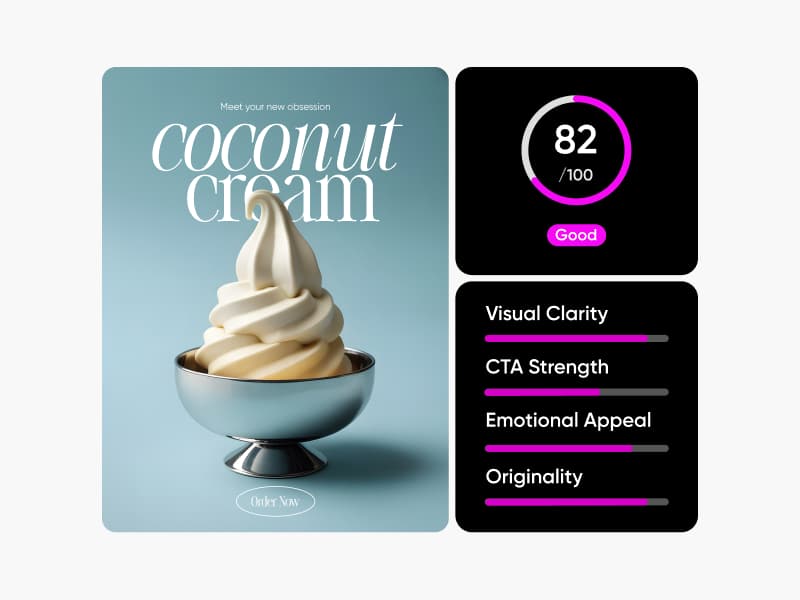
Creative Scorer
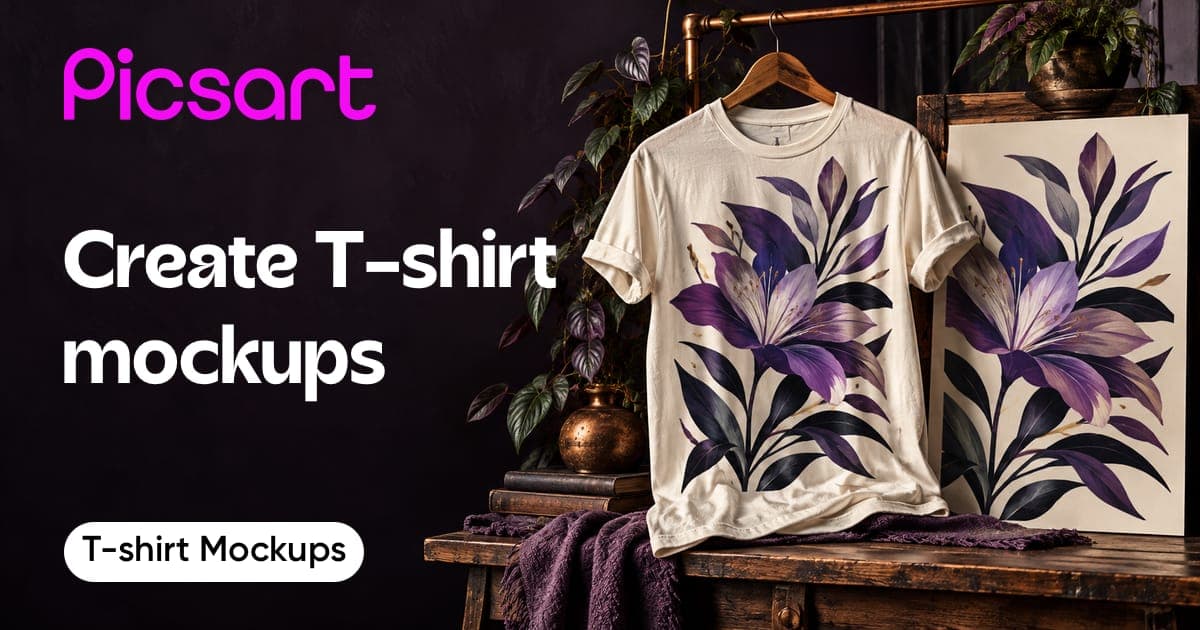
T-shirt Mockup Generator
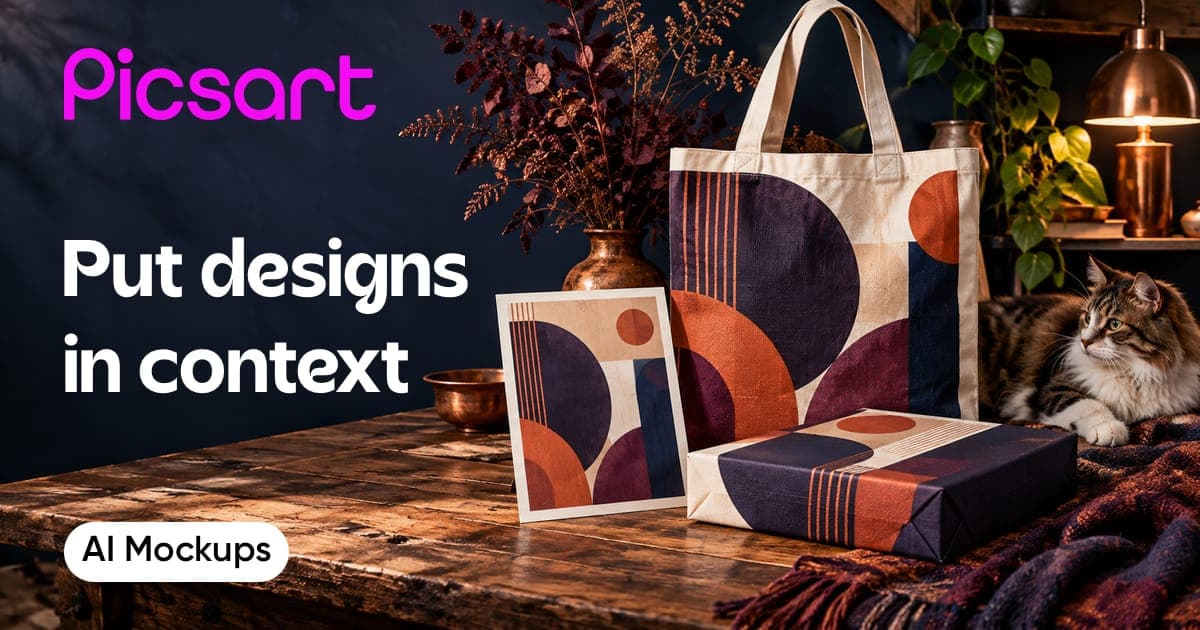
AI Mockup Generator
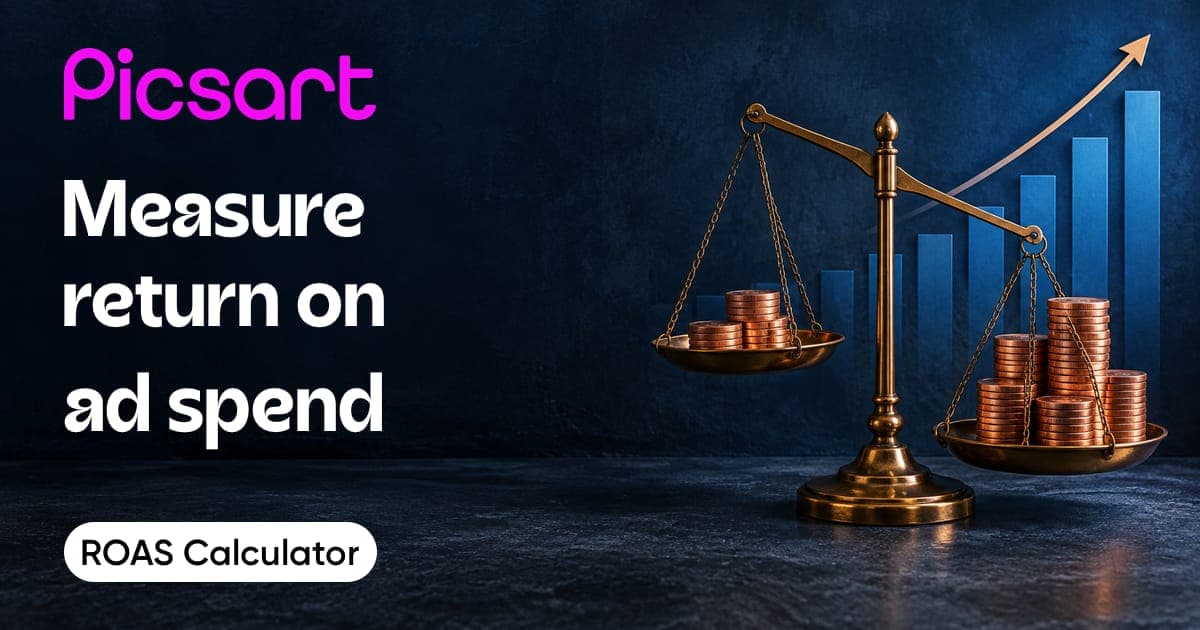
ROAS Calculator
GPT Image Generator
