Infinite Canvas: design without limits
Design freely with Picsart’s Infinite Frame. This free online canvas gives you endless room to create, organize, and experiment. Build mood boards, storyboards, or drafts side by side - all in one flexible visual workspace.
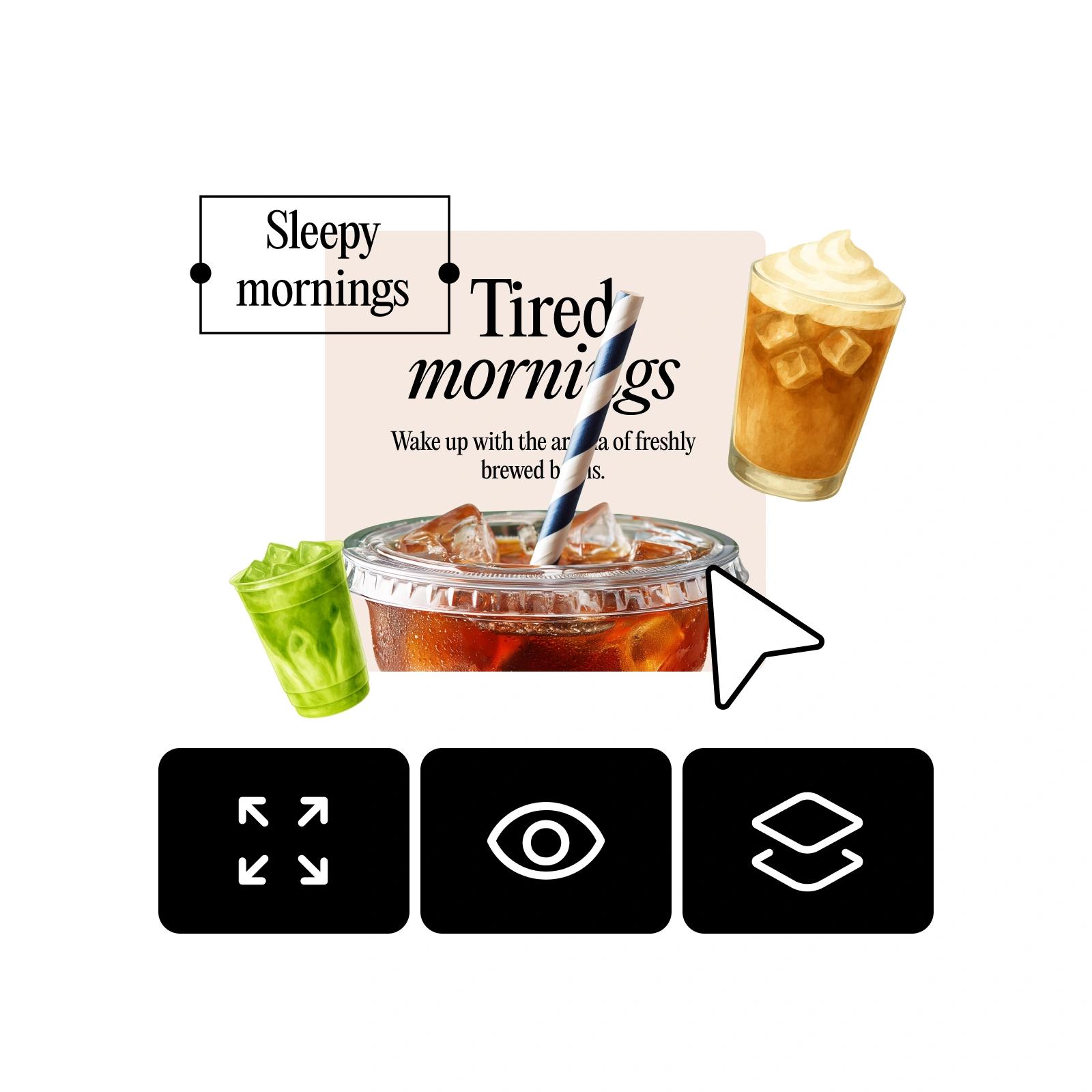
How to use Infinite Canvas
How to
Open your design
Start by opening any project in the Picsart Editor.
What is Infinite Frame
Picsart’s Infinite Frame tool is a visual sandbox where you can design without limits. By toggling beyond the standard frame, you unlock an infinite playground to explore, plan, and experiment. This visual workspace keeps ideas flowing and makes it easy to expand your creativity in any direction.
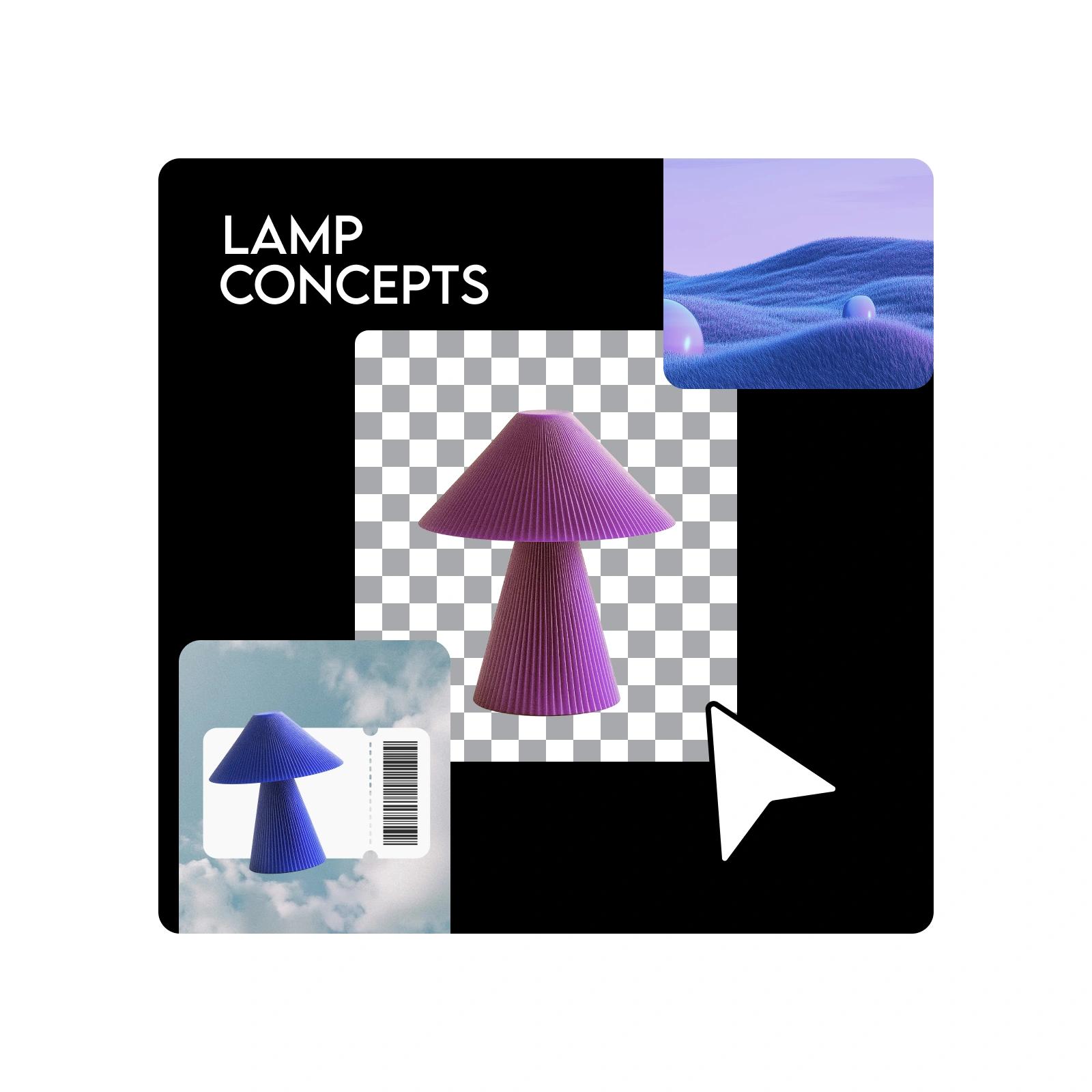
Creative freedom with Infinite Canvas
Unlike the limits of a finite canvas, Infinite Frame offers design without limits. You can organize design assets, save drafts in one place, and collaborate on canvas in real time. Its scalable creative workflows adapt to any project, from personal experiments to professional campaigns, making it the all-in-one solution for efficient, inspired design.
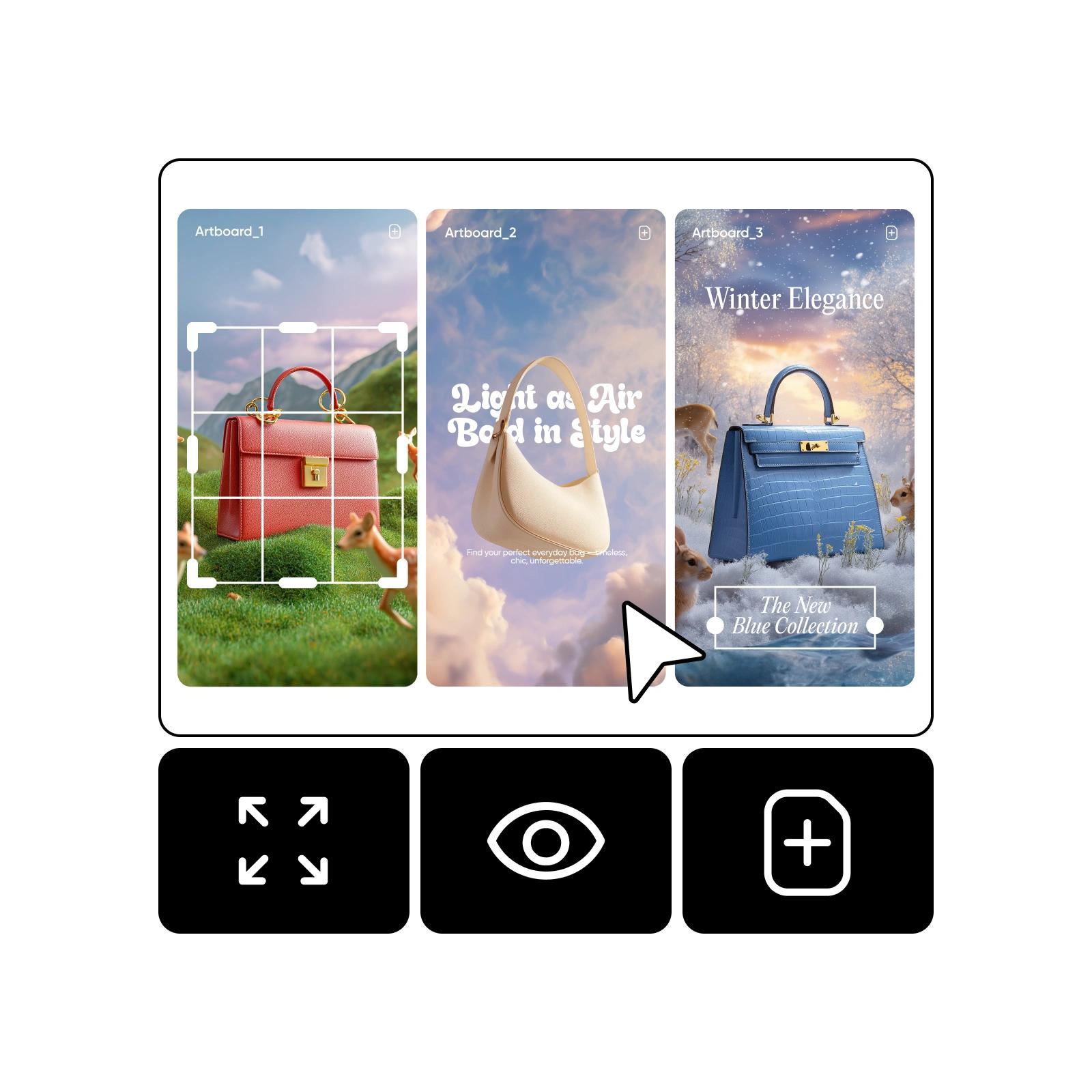
Turn your Infinite Canvas into a creative playground
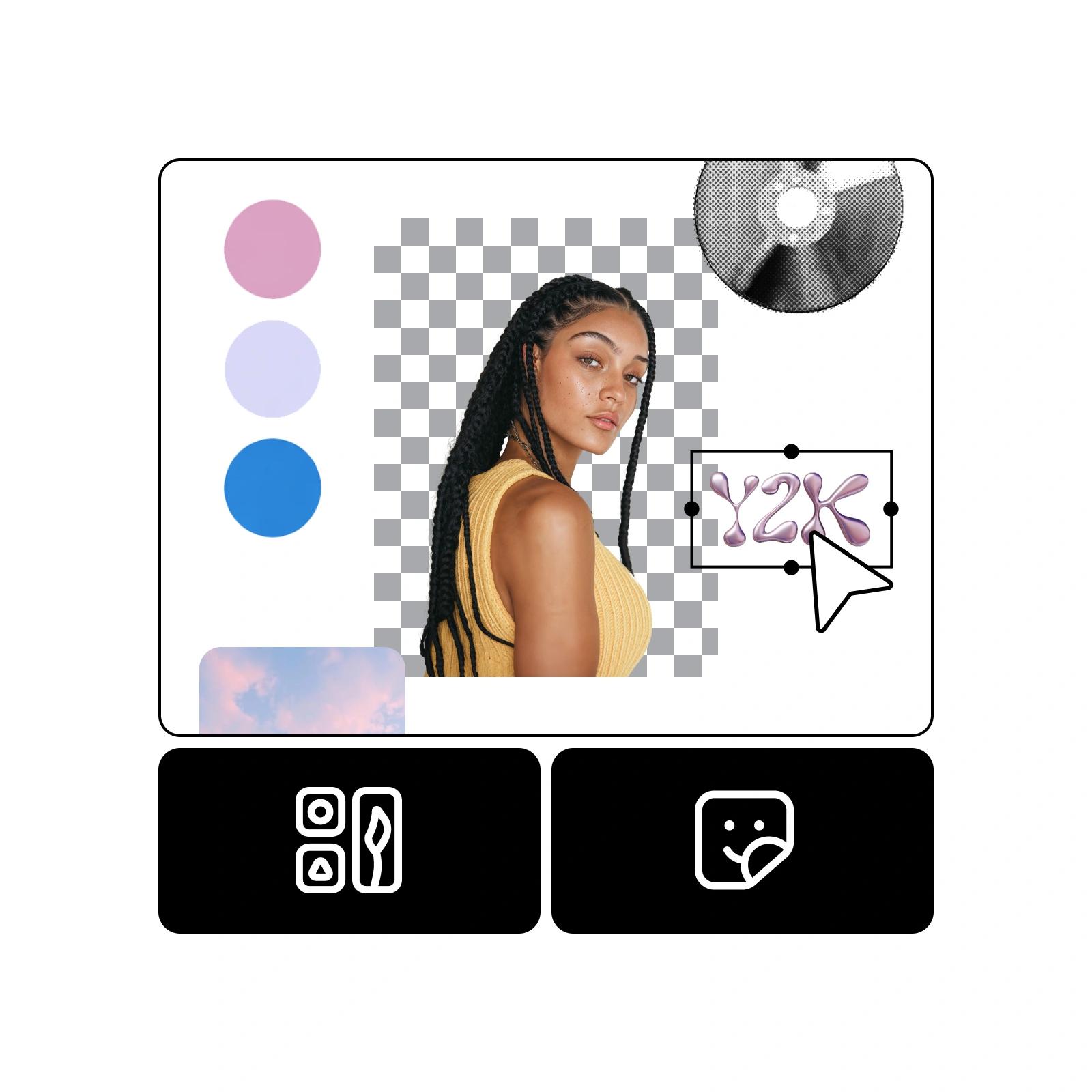
Use Infinite Frame as a design playground where you can experiment with fonts, layouts, and colors. Build a mood board canvas or visual inspiration board by pulling together images, typography, and palettes in one place. Try exploring ideas while making collages with Picsart Collage Maker.
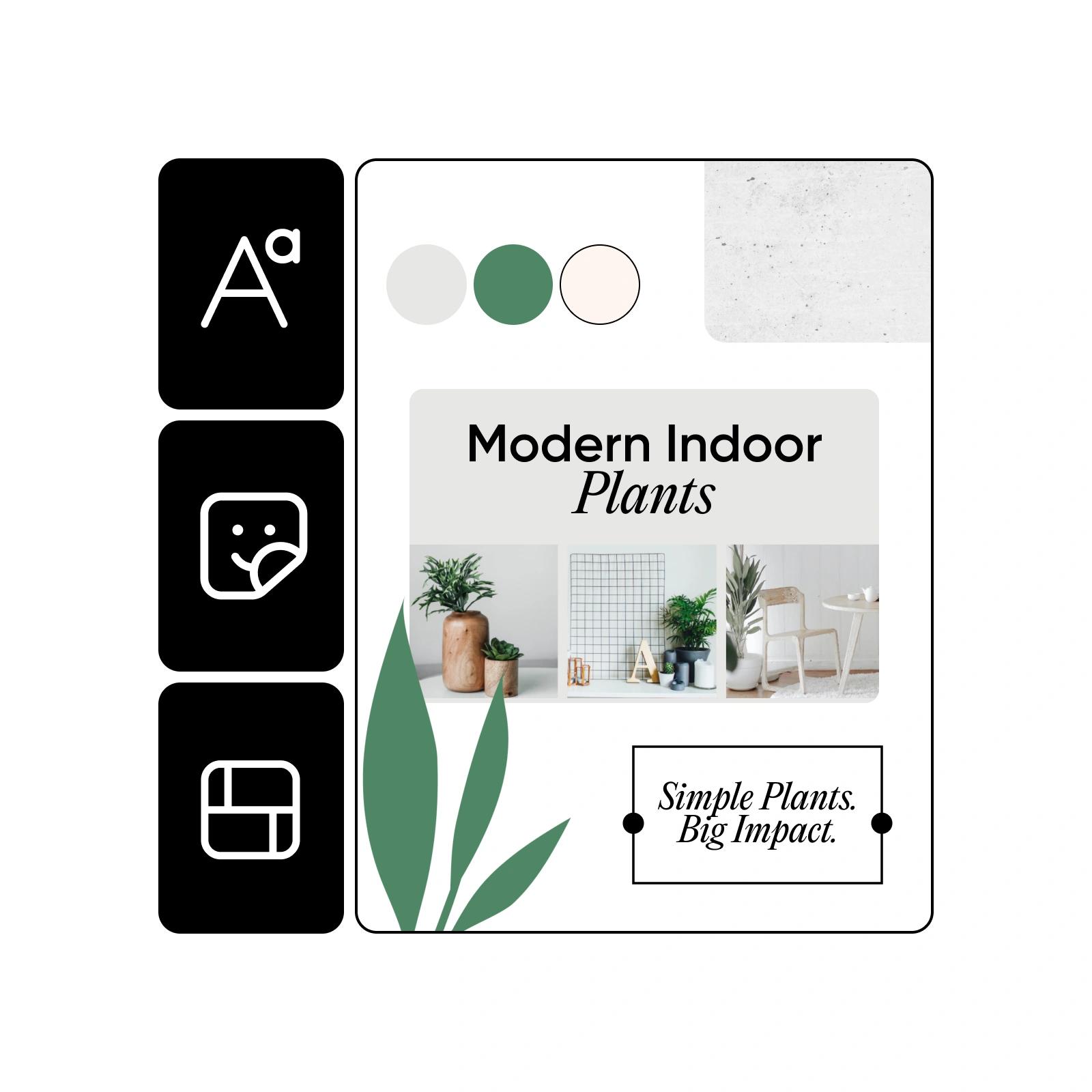
Enhance your workflow with an Infinite Canvas for social media
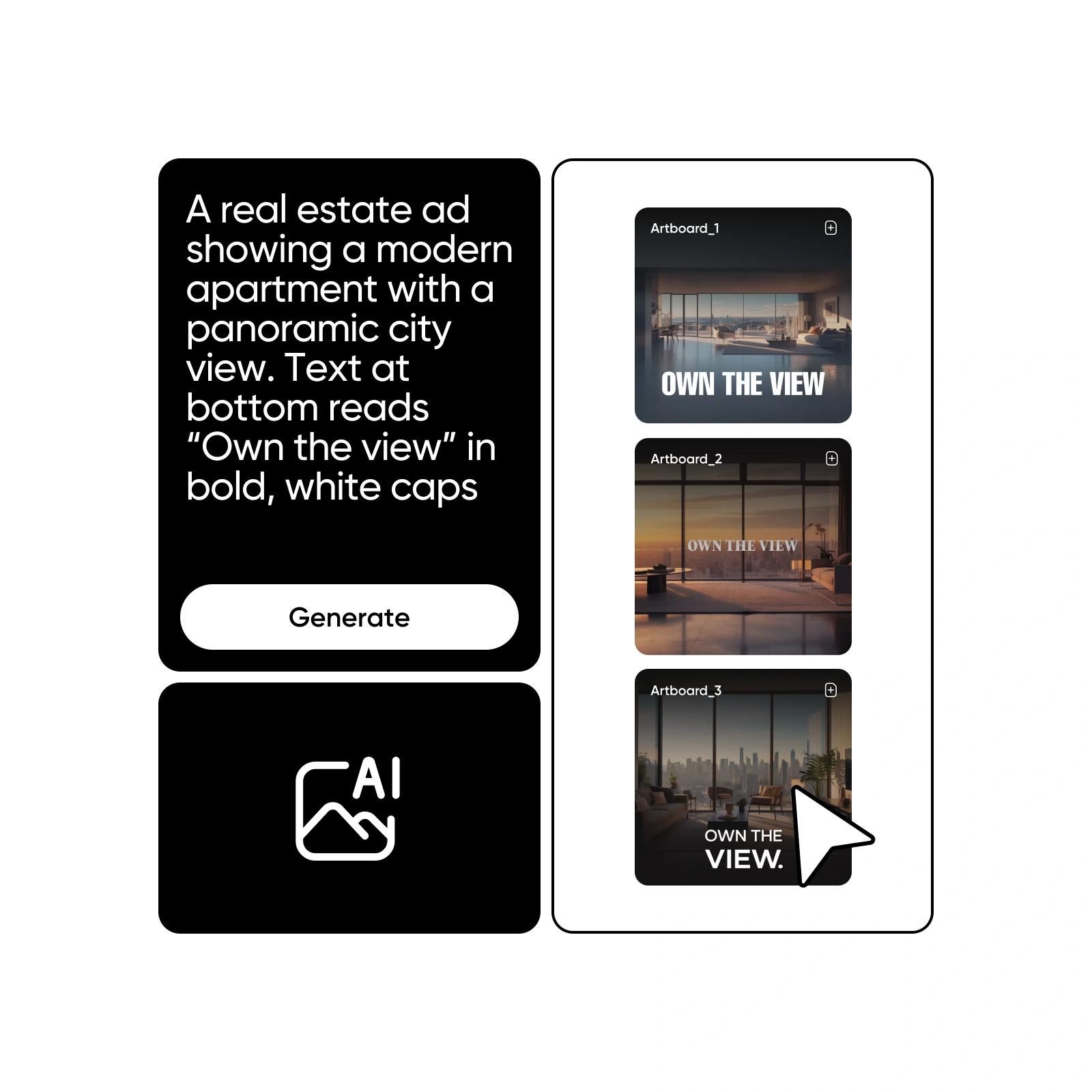
Create multiple social media templates for Instagram, TikTok, and Pinterest, all in one file. Use Infinite Frame as a storyboarding tool to plan sequences or draft multiple versions side by side. This Infinite Frame for social media helps you save drafts in one file and streamline campaigns. You can also try building ads with Picsart Ad Maker.
Maximize efficiency for your design workspace
Use the Infinite Frame tool to stay organized and consistent across projects. Build multiple drafts in one file, store reusable assets like logos and stickers for brand consistency, and plan content flows for multi-channel publishing. These simple practices help you work faster while keeping creativity under control.
Infinite Canvas FAQ
Infinite Frame, also called Infinite Canvas, is a freeform design workspace in Picsart. It lets you move beyond the standard frame, place assets anywhere, and organize ideas in a flexible way. Think of it as your visual sandbox for design without limits.
Build bigger ideas on an infinite creative canvas
Pro
Most popularAI tools for everyday creative work.
Ultra
Most powerfulHeavy AI usage for creators & teams.
Enterprise
Custom AI solutions for large organizations.
- Volume discounts on credit rate
- On-demand top-ups


