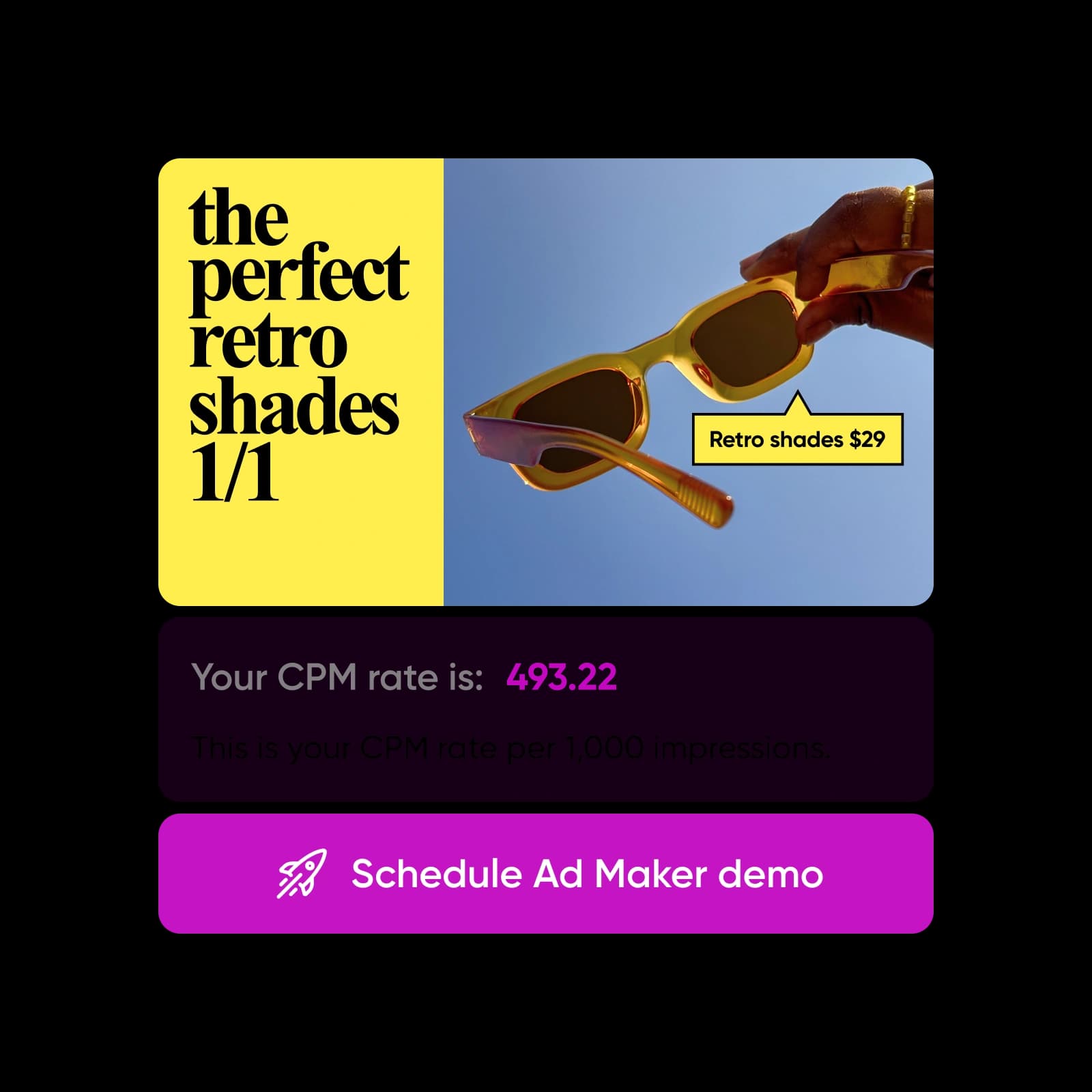
Calculate CPM in seconds
Get instant CPM and cost-per-impression results so you can review ad efficiency fast.

Plan campaign budgets easily
Adjust the budget or impressions to see updated CPM and forecast advertising costs with clarity.

Optimize ad performance
Compare CPM across channels to identify cost-efficient placements and strengthen digital advertising decisions.
How to use the CPM Calculator
Enter your total cost, CPM, or impressions
Start by filling in any two fields. You can choose total cost, CPM rate, or ad impressions.
Let the calculator find the missing value
Review your CPM result instantly
Adjust numbers to compare scenarios
All the essentials for smarter CPM calculations
Get your CPM value in seconds, no manual math required.
See the exact cost of a single ad view to understand true efficiency.
Estimate how many impressions your budget can deliver across campaigns.
Plug in your goals to instantly predict total spend.
Switch between CPM → Impressions, Budget → CPM, or Impressions → CPM for flexible planning.
Rely on precise, built-in formulas designed for modern ad buying.
Experience a clean, intuitive interface that guides your calculations effortlessly.
Get clear metrics whether you're managing big campaigns or testing new ideas.
CPM Calculator FAQ
What is the CPM calculator?
How is CPM calculated?
CPM = (Total Cost ÷ Total Impressions) × 1000.
How do I calculate impressions from CPM?
Impressions = (Total Cost ÷ CPM) × 1000.
What is the cost per impression?
It’s the cost of a single ad view. The CPM Calculator provides this instantly.
What is CPM in advertising?
CPM (cost per thousand) is a standard metric that measures how much advertisers pay for 1,000 ad impressions.
Can this calculator help me estimate my ad budget?
Yes. Enter your desired impressions and CPM to estimate the total cost in seconds.
Why is CPM important in digital marketing?
It helps you compare channel costs, measure efficiency, and optimize media buying decisions.
Is this CPM Calculator free?
Yes, it’s completely free to use for budgeting, forecasting, and analyzing ad performance.
More tools to love
Plan ad budgets for campaigns across every channel
Pro
AI tools for everyday creative work.
- Access to all photo & video editing features
- Advanced background & object removal
- Parallel video generations with the world's most powerful AI video models
- Unlimited image generations with Flex.2 Klein
- 1-tap image enhancer
- Millions of stock photos & Getty video clips
- Selection of trendy fonts, text styles & stickers
- Thousands of premium templates
- Support for 3+ brand kits
- Bulk edit up to 50 images at once
- 100 GB of cloud storage
- 15+ creative AI agents that plan, execute, and deliver — across video, brand, localization, and more
- Auto-generate content from your terminal or agent with the Picsart CLI
- Use Picsart inside Claude Code, Cursor, and ChatGPT via MCP
Ultra
Heavy AI usage for creators & teams.
- 140+ leading AI video, image, and audio models (Kling 3.0, Nano Banana, Veo 3, Seedance 2.0 & more)
- Parallel video generations with the world's most powerful AI video models
- Early access to advanced AI features
- Unlimited image generations with Flex.2 Klein
- Option to buy add-on credits that never expire
- Up to 6.5 million Getty stock videos
- Bulk edit up to 100 images at once
- Support for 10+ brand kits
- Create ad variations & localize
- Track ads performance
- Add team seats
- 300 GB of cloud storage per seat
- 15+ creative AI agents that plan, execute, and deliver — across video, brand, localization, and more
- Auto-generate content from your terminal or agent with the Picsart CLI
- Use Picsart inside Claude Code, Cursor, and ChatGPT via MCP