ROAS Calculator: Quickly measure your return on ad spend

Easily calculate your ROAS using this free, online tool. Use the break-even ROAS Calculator, perform ROAS calculation, and analyze return on ad spend to see how much revenue is earned for every dollar spent on advertising.

Ad Spend

Do you know your revenue?

Ad Revenue

Your ROAS is:

0

Enter ad spend to calculate ROAS

Looking to boost your ROAS? Reach out to our digital marketing experts.

What is ROAS and why it matters

ROAS or Return on Ad Spend, measures how much revenue you earn for every dollar spent on advertising. The ROAS formula is simple: Revenue ÷ Ad Spend. Unlike ROI, ROAS focuses solely on ad performance. Knowing how ROAS is calculated helps optimize campaigns across platforms like Google Ads, Facebook Ads, e-commerce and creative tools like Picsart’s Ad Maker.


Roas calculation
  • Accurate ROAS calculation in seconds

    Quickly calculate ROAS using this free tool designed for fast, reliable return on ad spend calculation.

  • Built-in breakeven ROAS Calculator

    Find the minimum return needed with this break-even ROAS Calculator and improve your campaign profitability.

  • Easy-to-use ROAS formula tool

    Apply the ROAS formula with ease using the built-in calculator and understand how return on ad spend is calculated.

How to use the ROAS Calculator

How to

Enter your ad spend

Start by typing in the total amount of money you've spent or plan to spend on your advertising campaign.

Calculate ROAS for better performance and profit

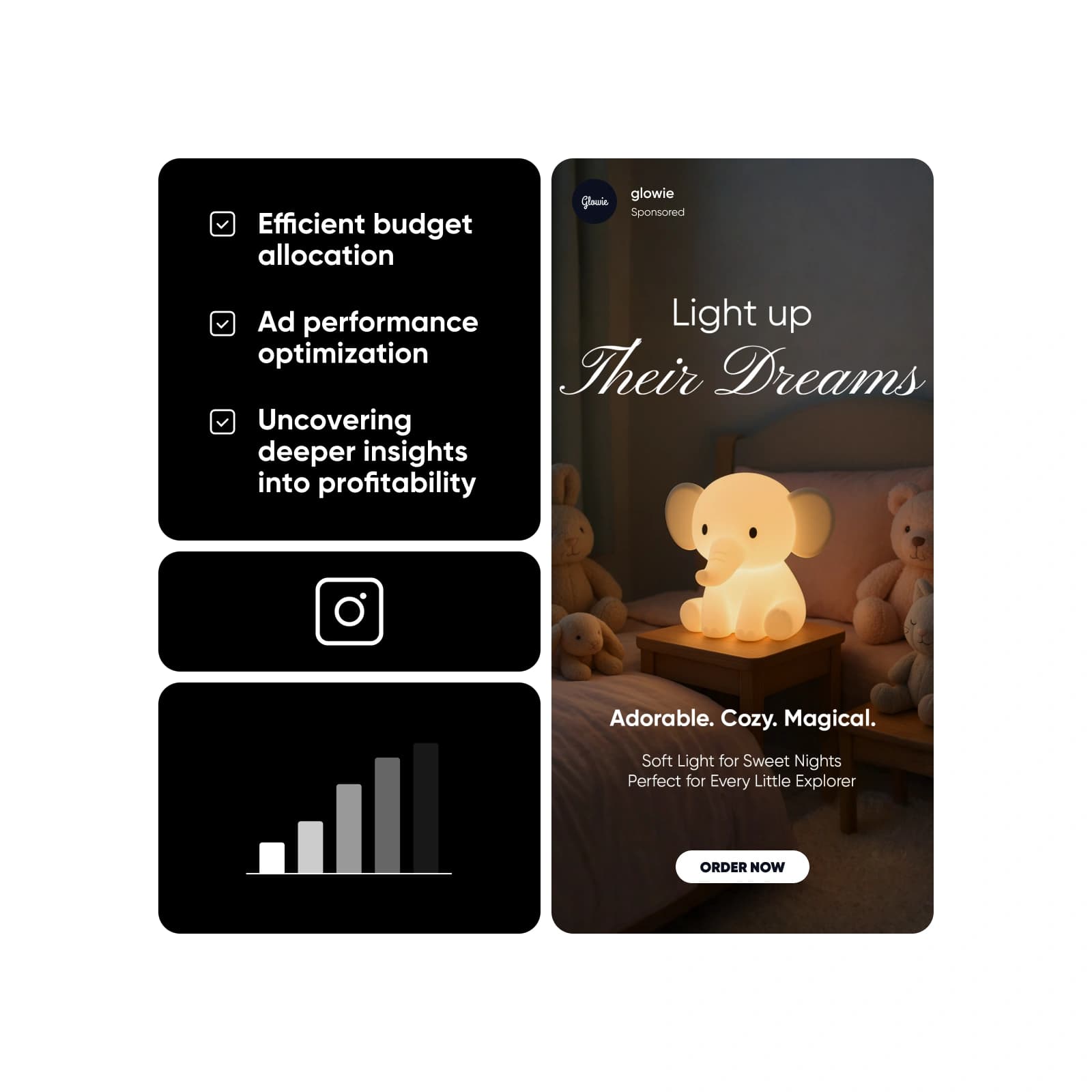
Understanding how to calculate ROAS gives you a powerful edge. It helps you allocate budgets efficiently, optimize ad performance in real time and uncover deeper profitability insights. By calculating ROAS, marketers can make data-driven decisions that scale success across ad platforms and campaign types.
Roas calculation benefits

How to calculate ROAS

To calculate ROAS, use the formula: (Revenue from advertising ÷ Cost of advertising) × 100. This tells you how much revenue you earn for every dollar spent. For example, if you spent $1,000 on Facebook ads and made $3,000 in revenue, your ROAS would be ($3,000 ÷ $1,000) × 100 = 300%. Understanding the ROAS calculation formula is key to evaluating ad performance. The built-in Picsart ROAS Calculator helps you get accurate results fast, so you can focus on campaign strategy without manual number crunching.

Roas calculation formula

Breakeven ROAS Calculator for smarter budgeting

Break-even ROAS is the return needed to cover your ad costs. It’s calculated with the formula: 1 ÷ Profit Margin. For example, with a 25% profit margin, your break-even ROAS is 1 ÷ 0.25 = 4.0. Picsart’s breakeven ROAS Calculator helps determine this threshold instantly, ensuring campaigns remain profitable from the start.

Breakeven roas calculator

Setting and tracking your target ROAS

A target ROAS is the goal you set to ensure campaigns remain profitable as you scale. Using a target ROAS Calculator helps you plan smarter budgets and calculate return on ad spend more effectively. Set realistic goals by referencing industry benchmarks and adjust based on performance to drive consistent, data-backed growth.

Setting and tracking roas

Roas Calculator FAQ

  • ROAS stands for Return on Ad Spend. It measures how much revenue you earn for every dollar spent on advertising.

Plan ad returns for campaigns across every channel

Pro

Most popular

AI tools for everyday creative work.

$15 $10.5/mo
Billed yearly
You save $54 with yearly
  • Access to all photo & video editing features
  • Advanced background & object removal
  • Parallel video generations with the world's most powerful AI video models
  • Unlimited image generations with Flex.2 Klein
  • 1-tap image enhancer
  • Millions of stock photos & Getty video clips
  • Selection of trendy fonts, text styles & stickers
  • Thousands of premium templates
  • Support for 3+ brand kits
  • Bulk edit up to 50 images at once
  • 100 GB of cloud storage
New features:
  • Auto-generate content from your terminal or agent with the Picsart CLI
  • Use Picsart inside Claude Code, Cursor, and ChatGPT via MCP — coming soon
  • AI agents for multi-step workflows and batch generation — coming soon

Ultra

Most powerful

Heavy AI usage for creators & teams.

$45 $24.5/mo
Billed yearly, per seat
You save $246 with yearly
  • Everything in Pro
  • Early access to advanced AI features
  • Leading AI models to design & automate workflows (Nano Banana, Veo 3, Seedance 2.0 & more)
  • Parallel video generations with the world's most powerful AI video models
  • Unlimited image generations with Flex.2 Klein
  • Support for 10+ brand kits
  • Add team seats
  • Create ad variations and localize
  • Track ads performance
  • 2000 credits for API services
  • Bulk edit up to 100 images at once
  • 300 GB of cloud storage per seat
New features:
  • Auto-generate content from your terminal or agent with the Picsart CLI
  • Use Picsart inside Claude Code, Cursor, and ChatGPT via MCP — coming soon
  • AI agents for multi-step workflows and batch generation — coming soon

Enterprise

Custom AI solutions for large organizations.

Custom credit volume
  • Volume discounts on credit rate
  • On-demand top-ups
Custom
Contact for pricing
  • Access to photo & video editor SDKs
  • Mobile web SDK support
  • Prepaid or pay-as-you-go creative APIs
  • Embed professional-grade editing into your product or workflow
  • Fully configurable editing experience
  • White-label to match your brand
  • Support for built-in marketing, e-commerce & printing use cases
  • Bring your own assets: images, templates & fonts
  • Enterprise-grade security, SLAs & support
  • Dedicated account manager

More tools to love

Logo MakerEffortlessly create logos without needing a design degree.
AI Logo GeneratorCreate a memorable brand identity with AI and minimal effort.
AI Ad MakerCreate ads, optimize performance, and scale campaigns using smart tools built to deliver results.