Create visuals with the GPT Image Generator
Turn ideas into polished visuals in seconds. Picsart’s GPT image generator combines OpenAI’s image generation with powerful design tools, giving you more control over how your images look, feel, and function.

Try creative AI effects next


How to generate GPT images
Discover what’s possible with the GPT Image Generator
The GPT image generator is perfect for visualizing ideas for marketing campaigns, creating backgrounds for social media, designing custom cards, or producing concept art. It’s especially useful when starting with no assets, helping you create GPT images from scratch. Use it to explore unique directions for mood boards, storytelling, quick mockups, and more.
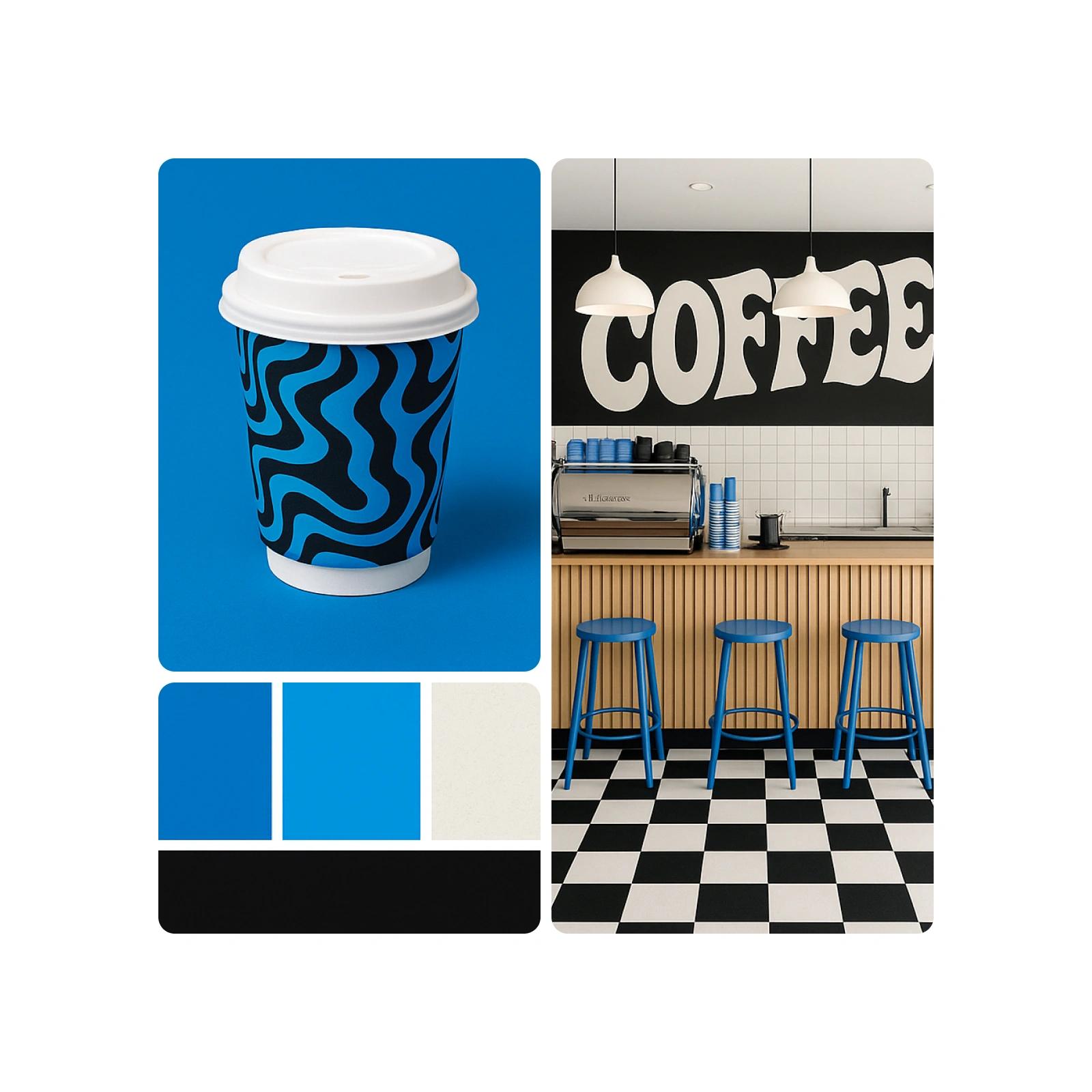
Use the GPT Image Generator for creative projects
The GPT image generator is perfect for quickly visualizing ideas for marketing campaigns, designing greeting cards, building social media backgrounds or producing concept art. It’s especially useful when starting with no assets, helping you create GPT images from scratch. This tool supports visual storytelling, brainstorming, mood boards and mockups - offering a new way to generate completely original content beyond traditional editing.
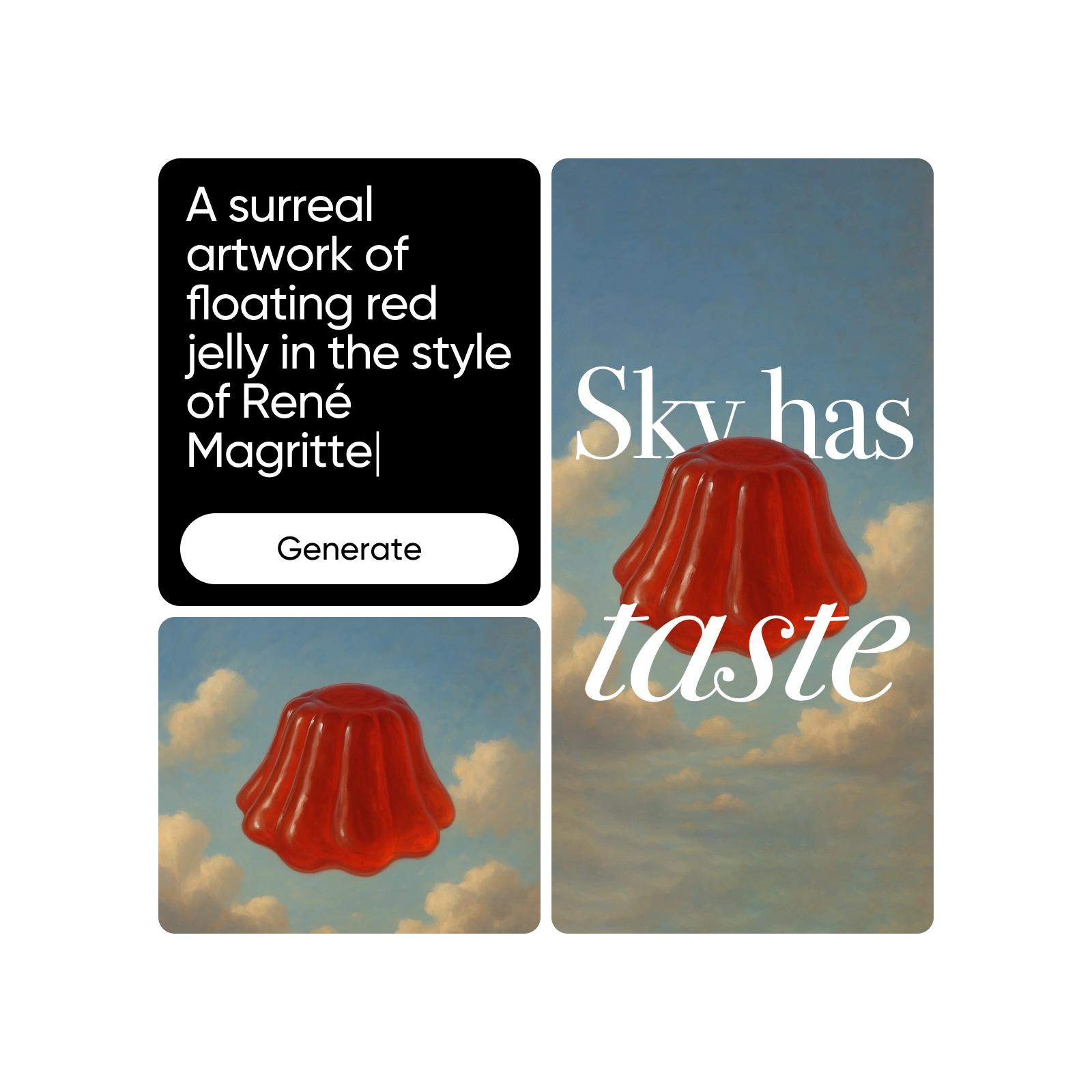
Refine and customize your GPT-generated images
After generating your GPT images, use Picsart’s editing tools to refine and customize them. Remove Objects, apply AI Filters, or Replace Elements to match your creative needs. From cleaning up backgrounds to adding branded details, you can easily edit GPT images and enhance them for any use.

Understand AI image generation
Learn how prompts, styles, and model choices shape images.
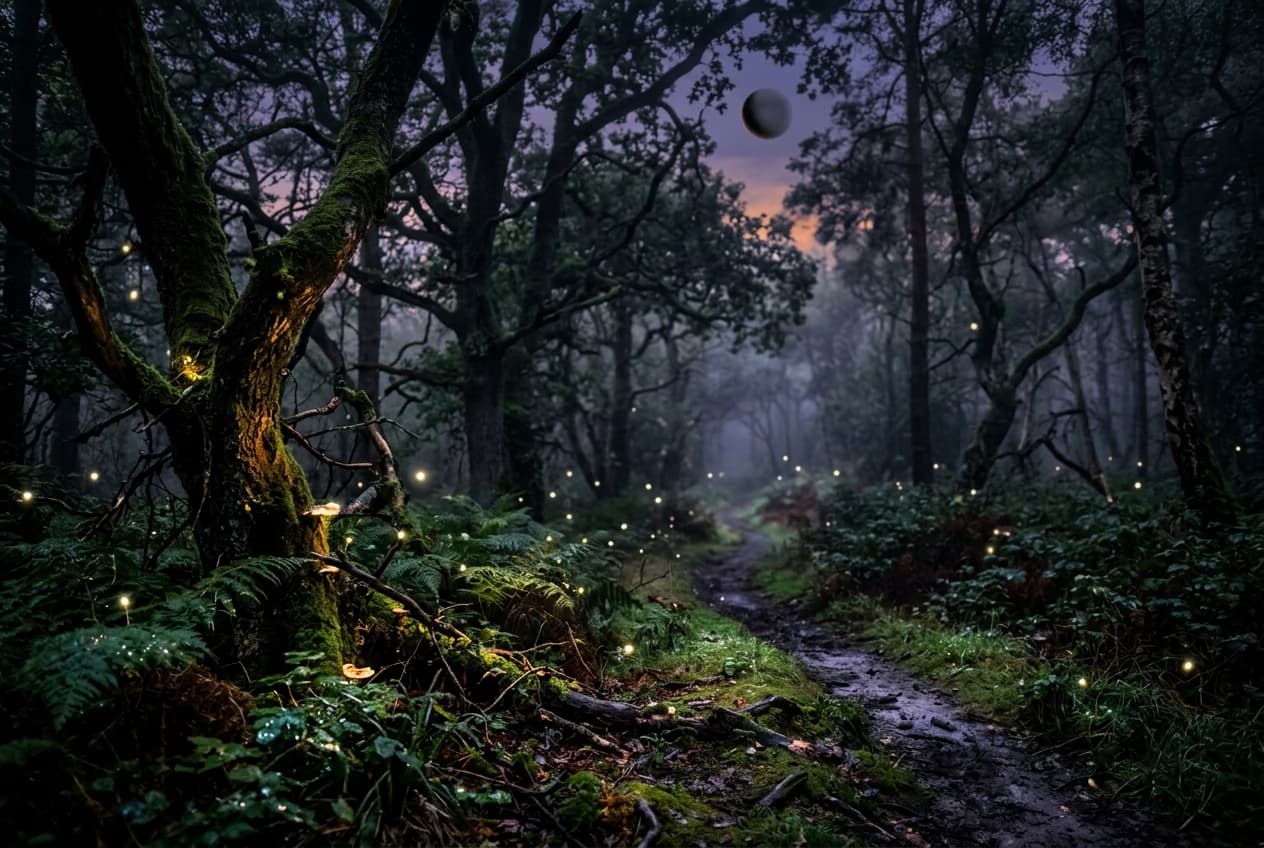
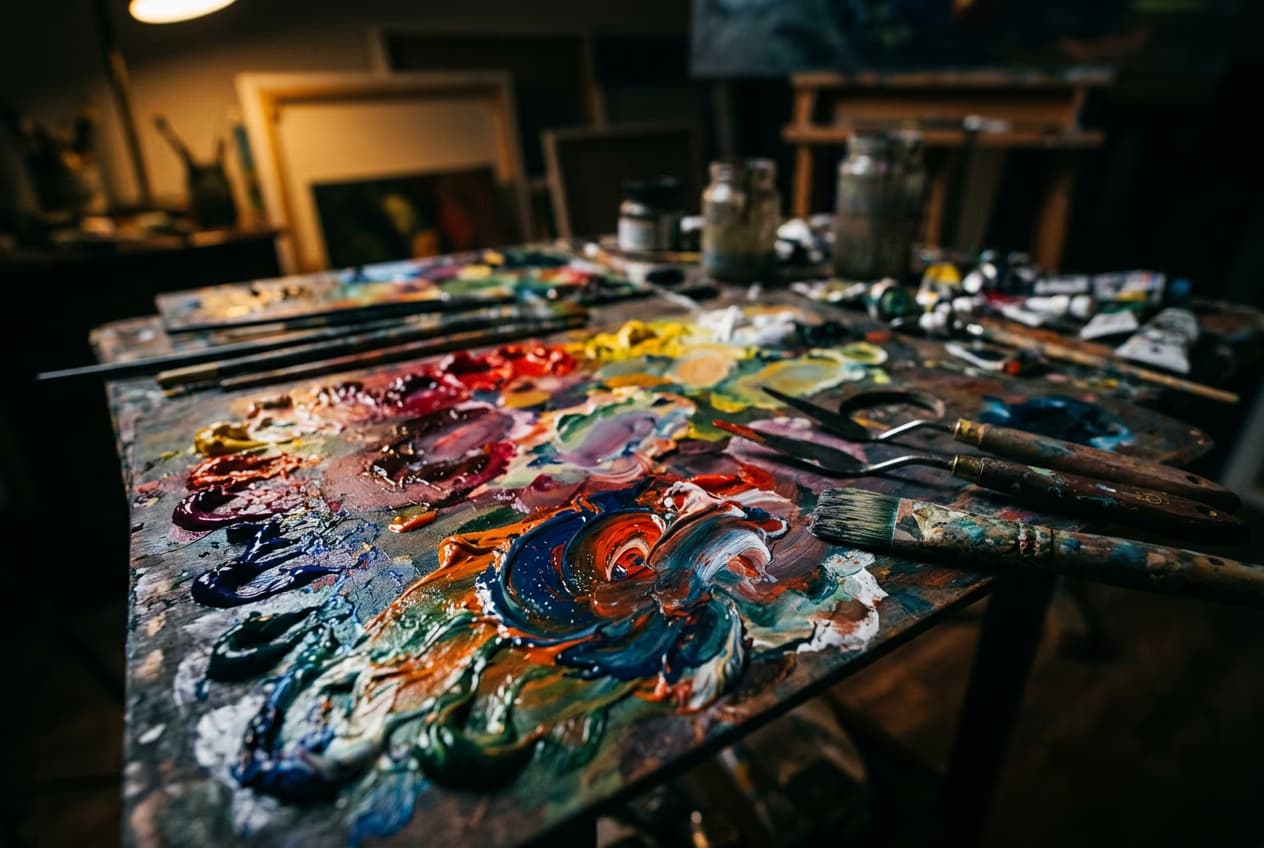
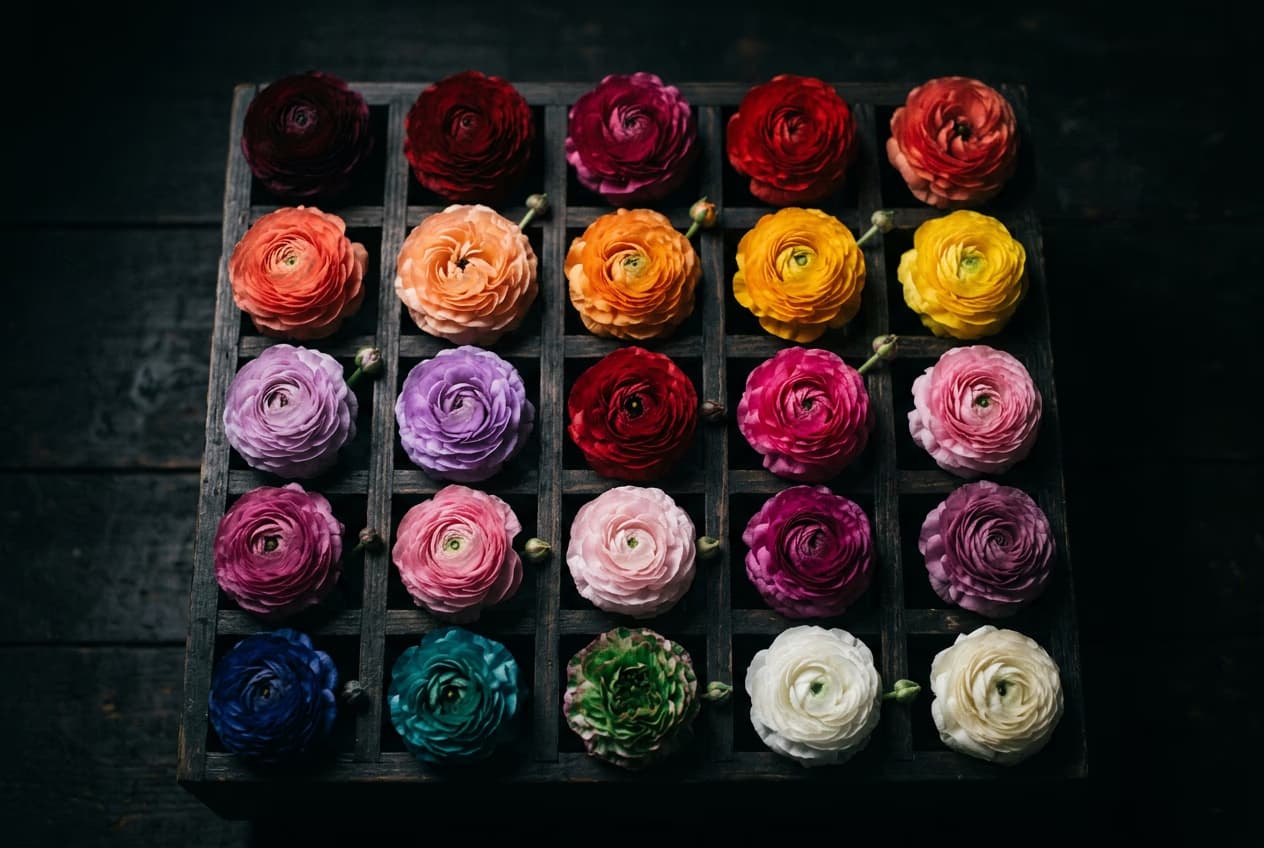
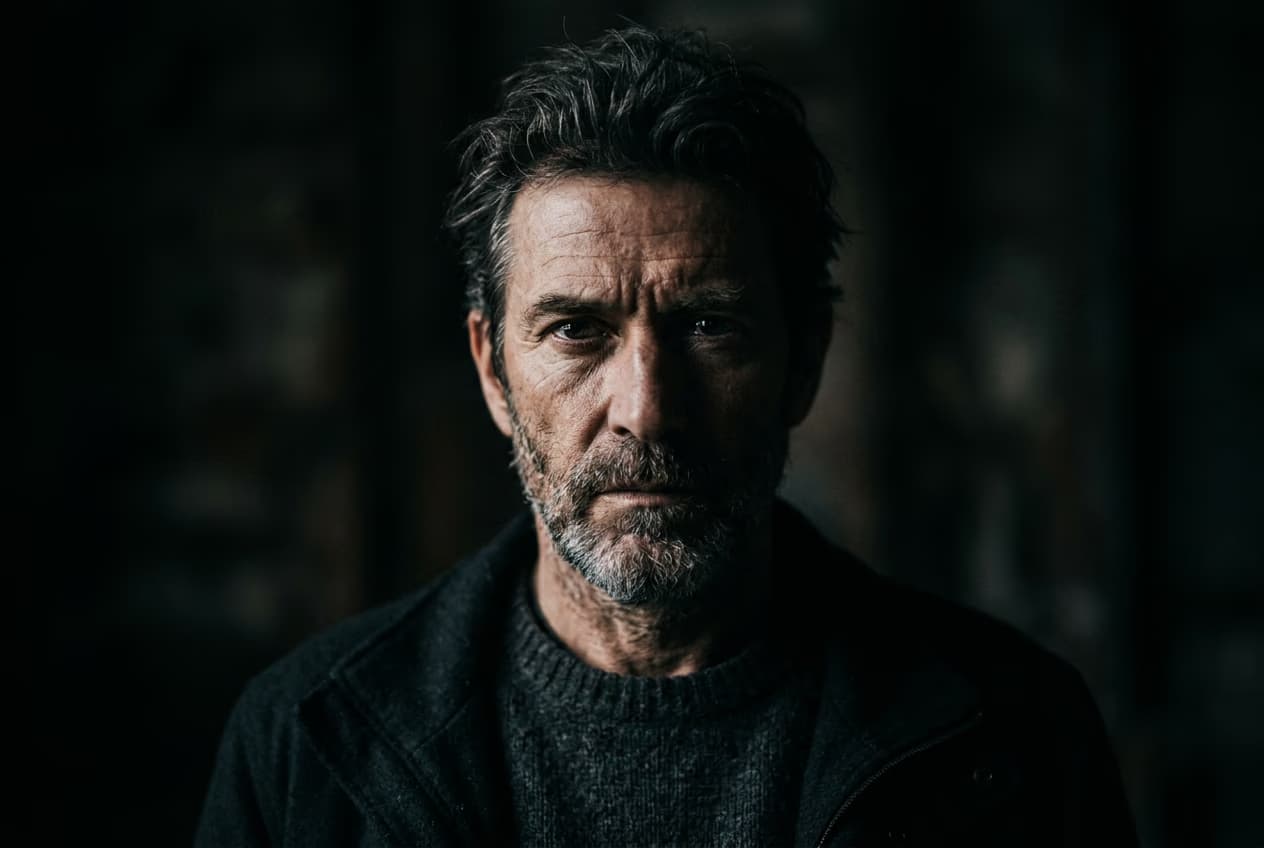
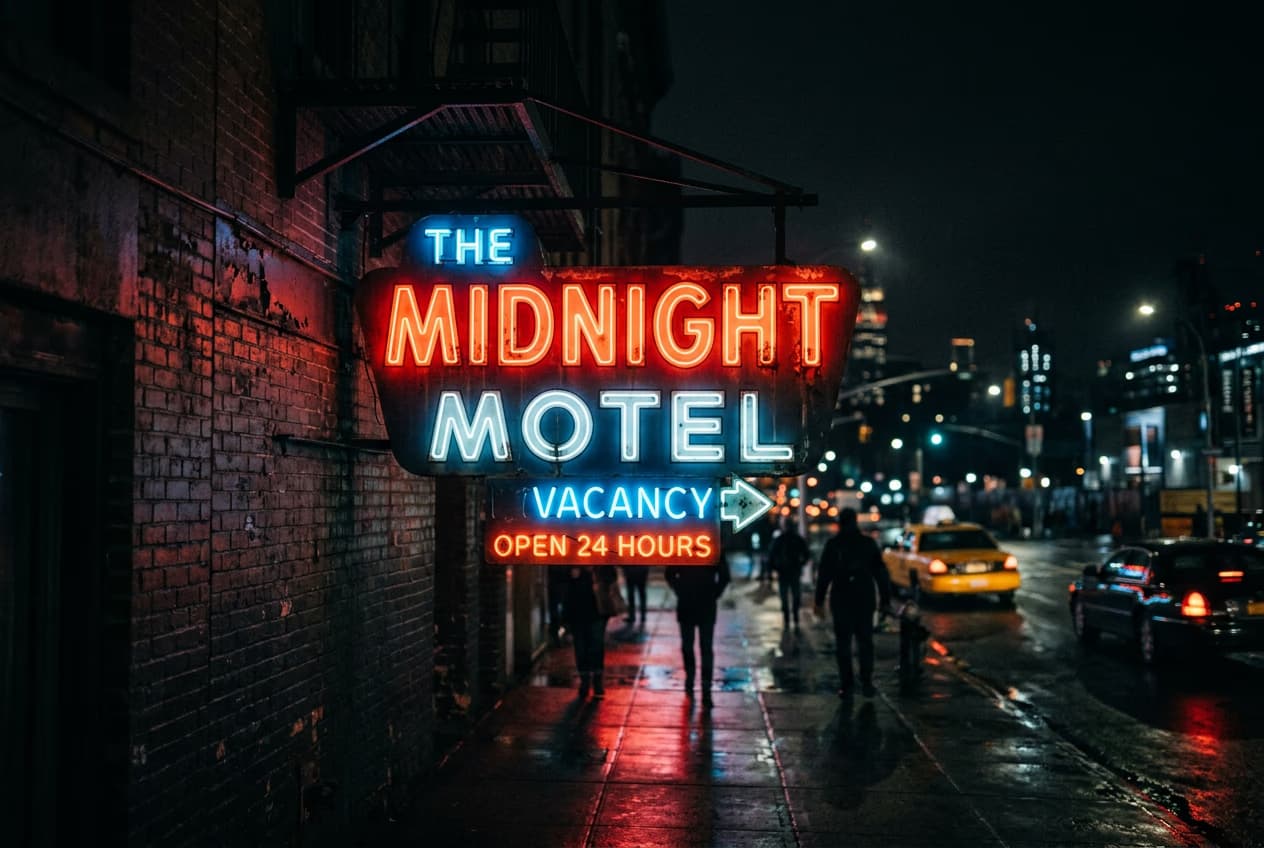
Create gpt image generator with AI image models
Use image models to transform gpt image generator into polished visuals, design ideas, and ready-to-edit assets.
GPT Image Generator FAQ
OpenAI's image generation technology uses advanced language and vision models to create visuals from text prompts. It understands descriptive input and turns it into realistic or imaginative images based on the context provided.
Generate AI images for creator-ready projects
Pro
Most popularAI tools for everyday creative work.
Ultra
Most powerfulHeavy AI usage for creators & teams.
Enterprise
Custom AI solutions for large organizations.
- Volume discounts on credit rate
- On-demand top-ups


