AI workflows for design and creative production
Bring in one reference - a product photo, a CAD view, a sketch, a floor plan - and run a single workflow for everything the project needs: renders in every finish, exterior and interior views, packaging mockups, concept boards and a presentation set that matches.
Remix workflow templates


How design and creative production workflows work
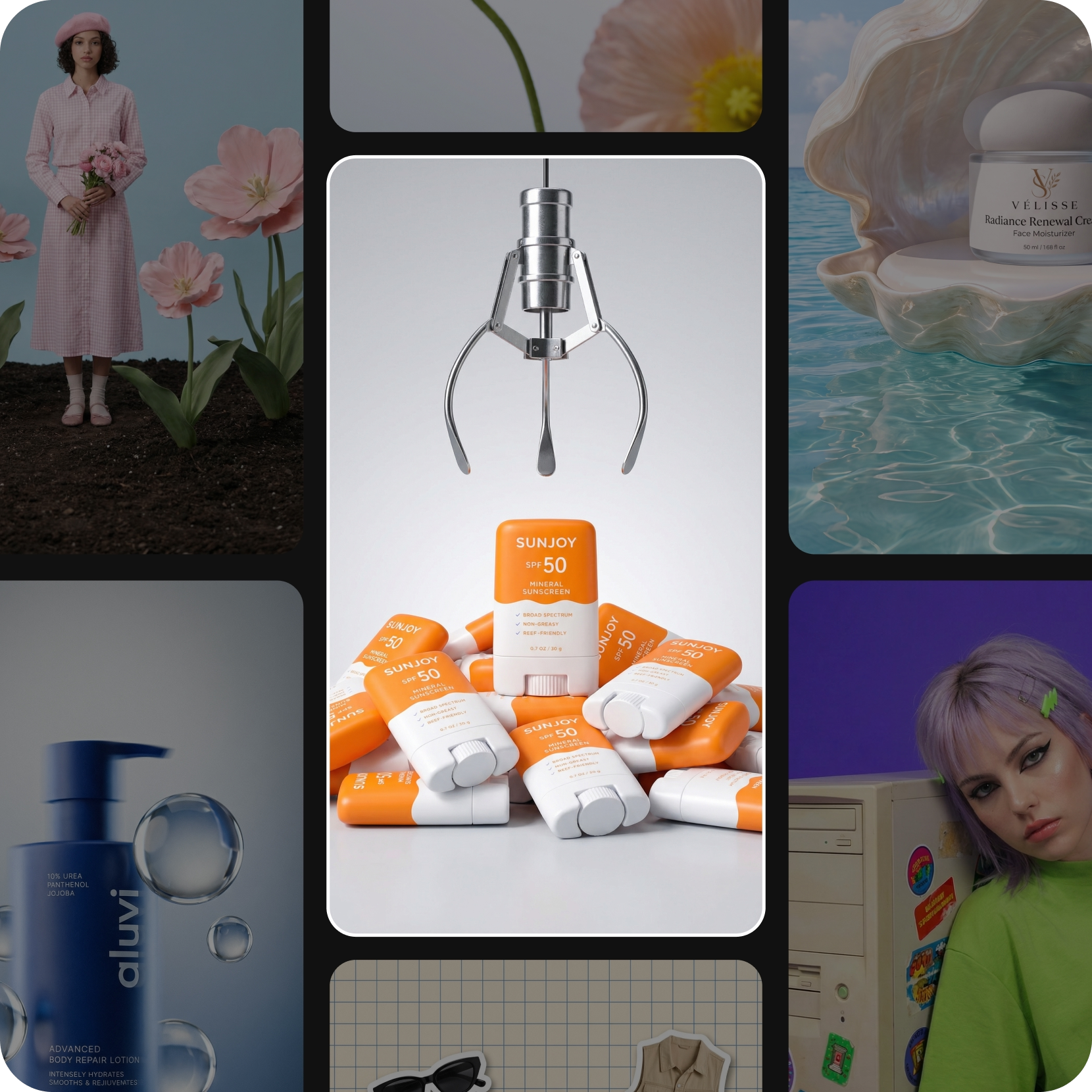
Create on-brand designs at scale
The hard part of graphic design is rarely the first artboard. It is the hundredth, months later, still looking like the first. Build the palette, the type and the treatment into the workflow once and every output carries them - packaging mockups, campaign layouts, presentation slides, social crops, the whole identity applied at once. If the identity itself still needs settling, the brand and logo workflow works through the directions first, and the result comes back here to be applied.
Create product renders without a 3D workflow
Product rendering has always meant a modeller, a licence and a week of turnaround before anyone sees a frame. Bring in a photo or a CAD view instead and the workflow returns the set: hero shot on white, three-quarter on a surface, exploded detail, the same piece in brushed steel and matte black. Jewelry behaves the same way - one ring, every metal and every stone, lit consistently across the collection.
Visualize buildings and rooms before they’re built
Buyers, tenants and planning committees decide on images long before there is anything to photograph. Turn an elevation, a massing model or a floor plan into visuals they can read - the facade in morning and evening light, the approach from the street, the same unit staged empty and furnished, three cladding options side by side. For room-level work and material boards, the architecture and interior design workflow goes deeper on the same references.
Help clients see the finished concept
Pitching from sketches asks the room to imagine the finished thing, and rooms are bad at that. Turn the idea into something they can look at instead - the prototype in context, three directions side by side, the whole concept laid out as a board that reads in one pass. Feedback arrives on the work rather than on the explanation, and the next version is another run rather than another week.
Frequently asked questions
Graphic design and brand assets, product and jewelry visualization, architecture, interior and exterior views, real estate imagery, prototypes and concept presentations. One workflow can cover several of them on the same project.
Generate videos for every creative idea
Pro
Most popularAI tools for everyday creative work.
Ultra
Most powerfulHeavy AI usage for creators & teams.
Enterprise
Custom AI solutions for large organizations.
- Volume discounts on credit rate
- On-demand top-ups