AI Image
AI Video
Library
Solutions
Community
MCP & CLI
Pricing
  1. Home
  2. AI Tools
  3. UGC Ads

Create UGC ads with AI

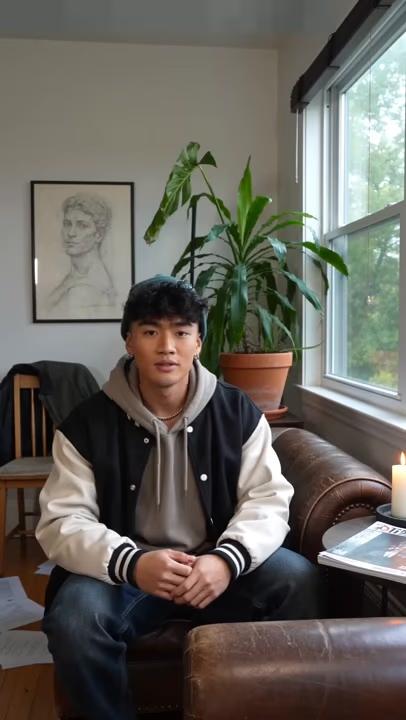
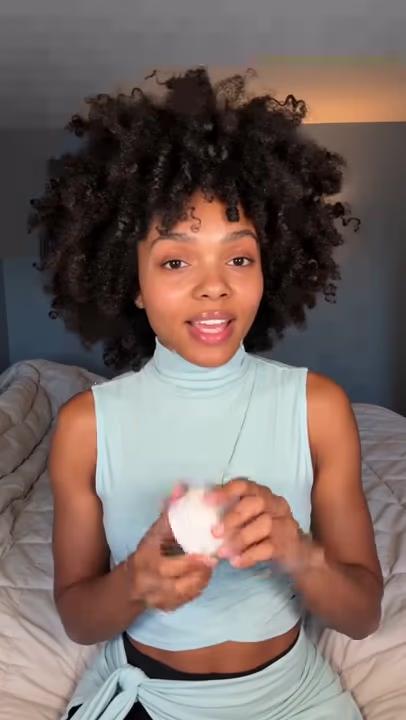
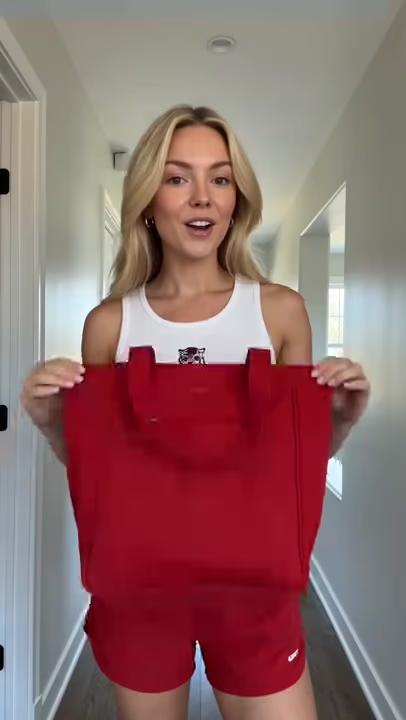
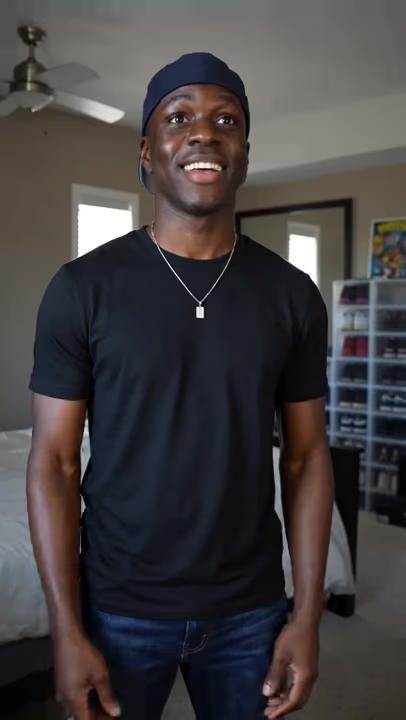
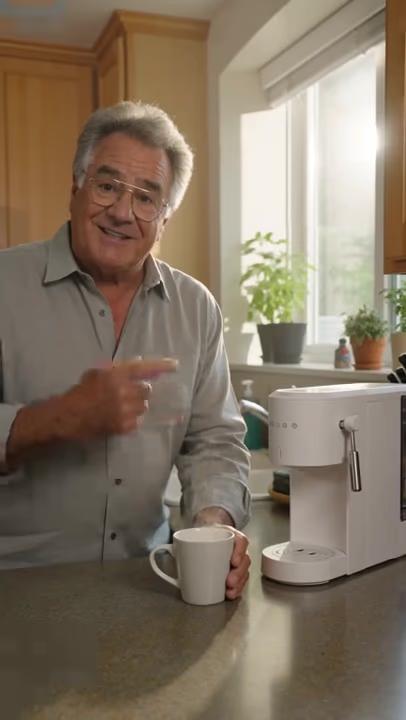
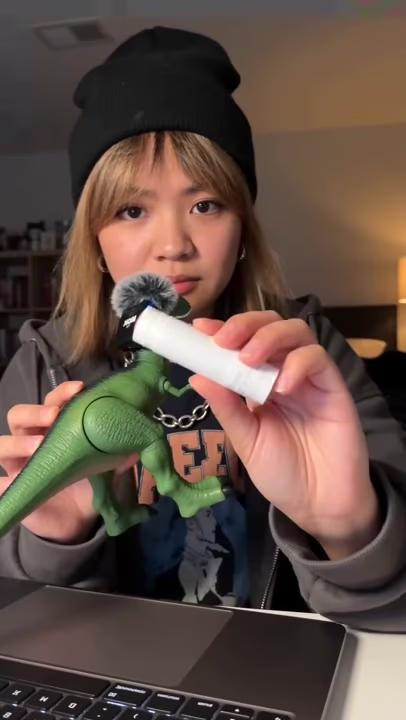
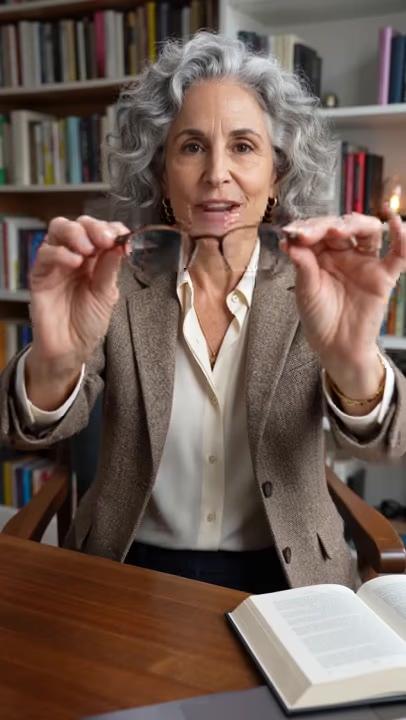
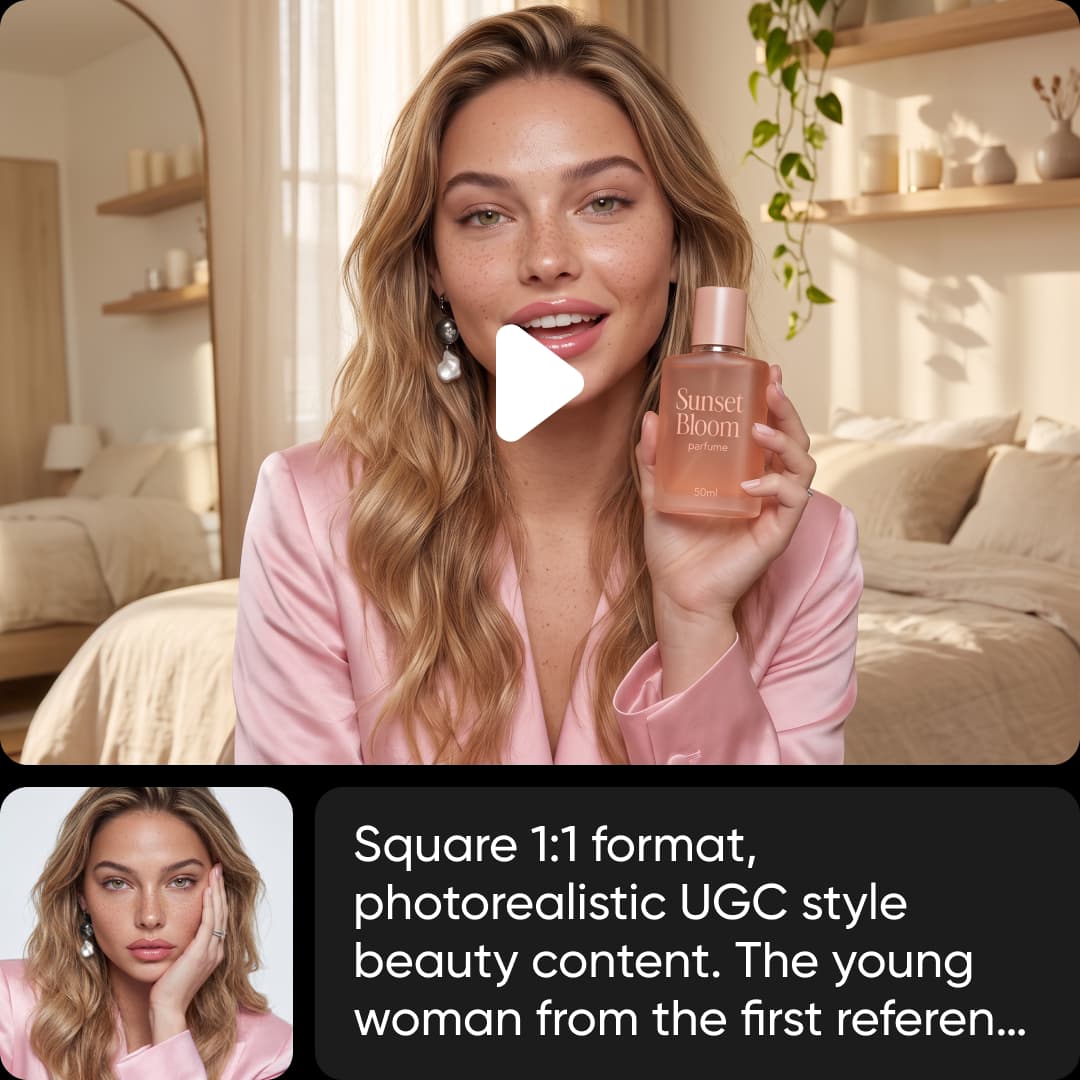
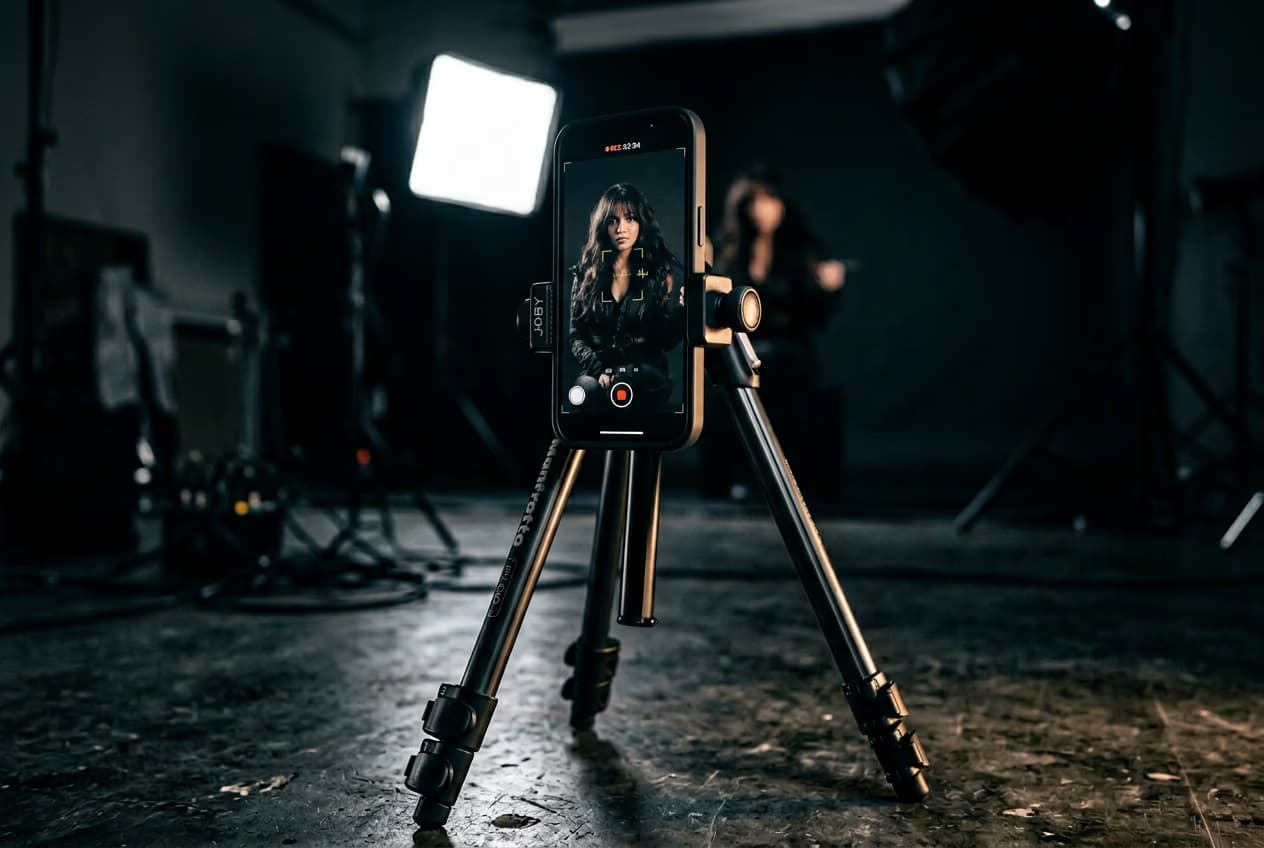
Turn a product into authentic AI UGC videos in minutes. Paste a product link or start from an example, choose an avatar, and the UGC ads creator makes creator-style UGC video ads with scripts, lip-synced dialogue, and your product already in the scene. No creators, filming, or editing required.

Get started
ugc ads creator

One product, every UGC ad style

ugc ad made with picsart 1
ugc ad made with picsart 2
ugc ad made with picsart 3
ugc ad made with picsart 4
ugc ad made with picsart 5
ugc ad made with picsart 6
ugc ad made with picsart 7

Drop in your product

Add your product

Upload a product image, paste a product link, or describe your product in the prompt box to start creating your UGC ad.

Get started
Add your product

Make UGC ads that feel real

Great user-generated content ads blend into social feeds because they feel natural, personal, and believable. Pick an avatar that matches your audience, generate realistic dialogue with natural lip sync, and create UGC videos that capture the look and feel of genuine customer recommendations without sacrificing brand consistency or creative control.

Try now

Turn any product into a UGC video

Paste a product link or upload an image, and the AI UGC video creator handles the rest. It imports your product, removes the background, writes the script, stages the scene, and synchronizes voice and visuals automatically. What once required creators, production, and editing becomes a finished UGC video in just minutes.

Start creating

UGC video ads for TikTok, Reels & Shorts

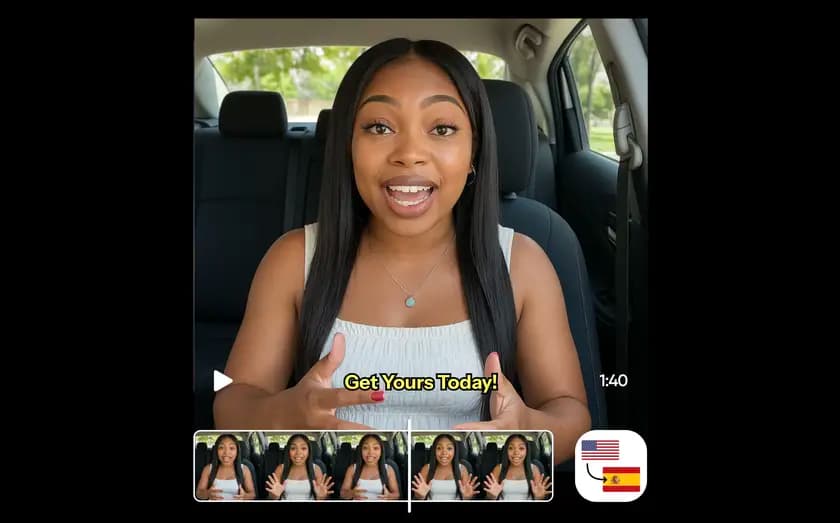
Every UGC video is optimized for TikTok, Instagram Reels, YouTube Shorts, and other vertical-first platforms. Quickly generate variations with different avatars, messaging, and hooks to test creative ideas across channels. Produce fresh UGC video ads consistently while keeping your campaigns relevant, engaging, and ready to publish.

Create product demos

Scale UGC video creation in one workflow

Script writing, avatars, product staging, captions, music, and editing all happen in one place. Instead of switching between multiple UGC video creation tools, create, edit, refine, and publish from a single workflow. As part of Picsart's AI Marketing Studio, you can produce AI UGC videos as fast as your campaigns demand.

Get started

Your AI marketing toolkit, in one place

AI Marketing Studio is more than a generator - it is your marketing toolkit in one place. Go from idea to finished ad to results without switching tools: generate the ad, spin up variations to test hooks and avatars, and see what is working, all inside Picsart. One place to create, launch, and improve your product videos and UGC ads.

Try now

Every ad style, one studio

UGC

Creator-style, face-to-camera ads that feel authentic and natural. Build trust with videos that blend seamlessly into social feeds.

Get started

Everything you need to make an ad

Avatars

Choose a ready-made avatar or upload your own to match your brand.

Auto-write a scene

Let AI write your video scene in seconds or create your own from scratch.

Ad style, hook & scene

Choose your ad style, opening hook, and scene in just a few simple clicks.

Smart backgrounds

AI removes the background and places your product into a new scene.

Easy import

Import from a product URL or upload a PNG or JPG image to get started.

Made for TikTok, Reels & Shorts

Create videos optimized for TikTok, Instagram Reels, and YouTube Shorts.

Variations

Generate multiple ad versions with different hooks and creative angles.

Analytics

Track performance and discover which ads connect with your audience.


More on AI video generation

How to make AI video ads from a product photo preview

How to make AI video ads from a product photo

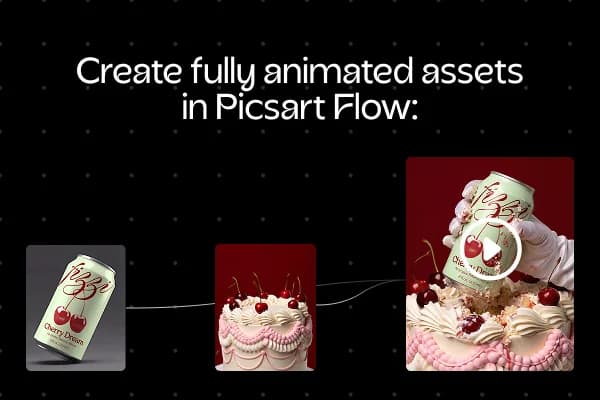
How to create epic UGC videos with AI avatars (no camera needed) preview

How to create epic UGC videos with AI avatars (no camera needed)

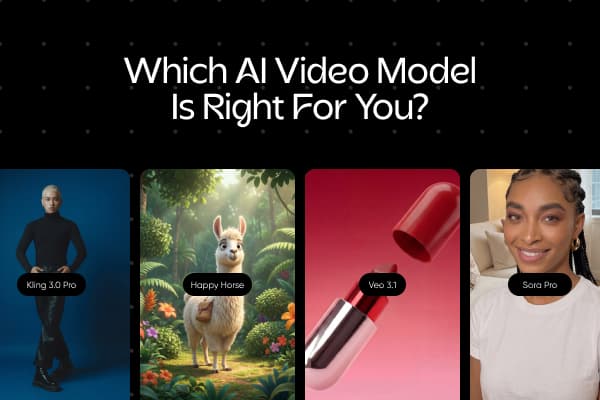
Best AI video models compared: features, quality & use cases preview

Best AI video models compared: features, quality & use cases

Read more

Frequently asked questions

01

What is AI Marketing Studio?

Picsart's AI Marketing Studio turns a product into a ready-to-post video ad. Paste a product link or upload an image, pick an avatar, and it generates the ad for you - background removed, product in scene, dialogue and audio in sync.
02

How do I make a video ad from a product?

Add a product link or image, choose an avatar and scene, and generate. The studio handles the background, staging, and audio, and gives you a finished video.
03

Can I make UGC ads?

Yes. Pick an avatar to present your product creator-style, with a natural hook and lip-synced dialogue, ready for social.
04

Can I make a product demo video?

Yes. The studio stages your product in a clean demo shot with an avatar, so you get a product demo video without a shoot.
05

Can I use my own avatar?

Yes. Choose from the avatar library, or upload your own.

Generate images for every creative project

Discover more from Picsart
AI BackgroundAI ReplaceUnpixelate ImageUnblur PhotosAI Image EnhancerAI Photo EditorAI Anime GeneratorAI Art GeneratorAI Logo GeneratorVideo ad makerProduct ads and listingsSocial media adsAI Video GeneratorMotivation Poster MakerMovie Poster MakerWanted Poster MakerCaption GeneratorIdea GeneratorMeme Text GeneratorSeedream 4.5

Use Picsart anywhere

Install the app, or bring Picsart into the AI workspaces your team already uses.

Use Picsart with

  • ChatGPT / Codex
  • Claude
  • Terminal
  • Cursor
  • OpenClaw
  • Hermes

Download the app

Download on the App StoreGET IT ON Google PlayGet it from Microsoft

Follow Picsart

Pinterest
AICPA SOC

Create

  • AI Image Generator
  • AI Video Generator
  • AI Playground
  • Flow
  • AI Photo Editor
  • AI Video Editor
  • AI Agents
  • Content Library
  • AI Models

Creators

  • Earn with Picsart
  • Clipping
  • For Brands
  • Video Studio
  • Tutorials
  • Challenges

Connect

  • ChatGPT / Codex
  • MCP setup
  • Command line
  • Developers
  • Google Drive

Business

  • Pricing
  • Enterprise
  • Industries
  • Quicktools

Company

  • Support
  • Careers
  • About us
  • Blog
  • Press Center
Terms of UsePrivacy PolicyDo Not SellInternet-Based AdvertisingCommunity GuidelinesDMCASecurity PolicyAccessibility
© 2026 PicsArt, Inc.

Understand AI video generation

Learn how prompts, styles, and model choices shape videos.
How to generate your first AI image from text prompts preview
Image generation

How to generate your first AI image from text prompts

3 minBeginner
How to create AI art in any style with model selection preview
Image generation

How to create AI art in any style with model selection

4 minIntermediate
How to generate multiple variations of one AI image idea preview
Image generation

How to generate multiple variations of one AI image idea

5 minAdvanced
How to create consistent AI characters across multiple images preview
Image generation

How to create consistent AI characters across multiple images

5 minAdvanced
How to generate AI images with readable text and logos preview
Image generation

How to generate AI images with readable text and logos

4 minIntermediate
Image generation

How to turn a sketch into a 3D design with Picsart Flow

4 minIntermediate
See all tutorials